截图
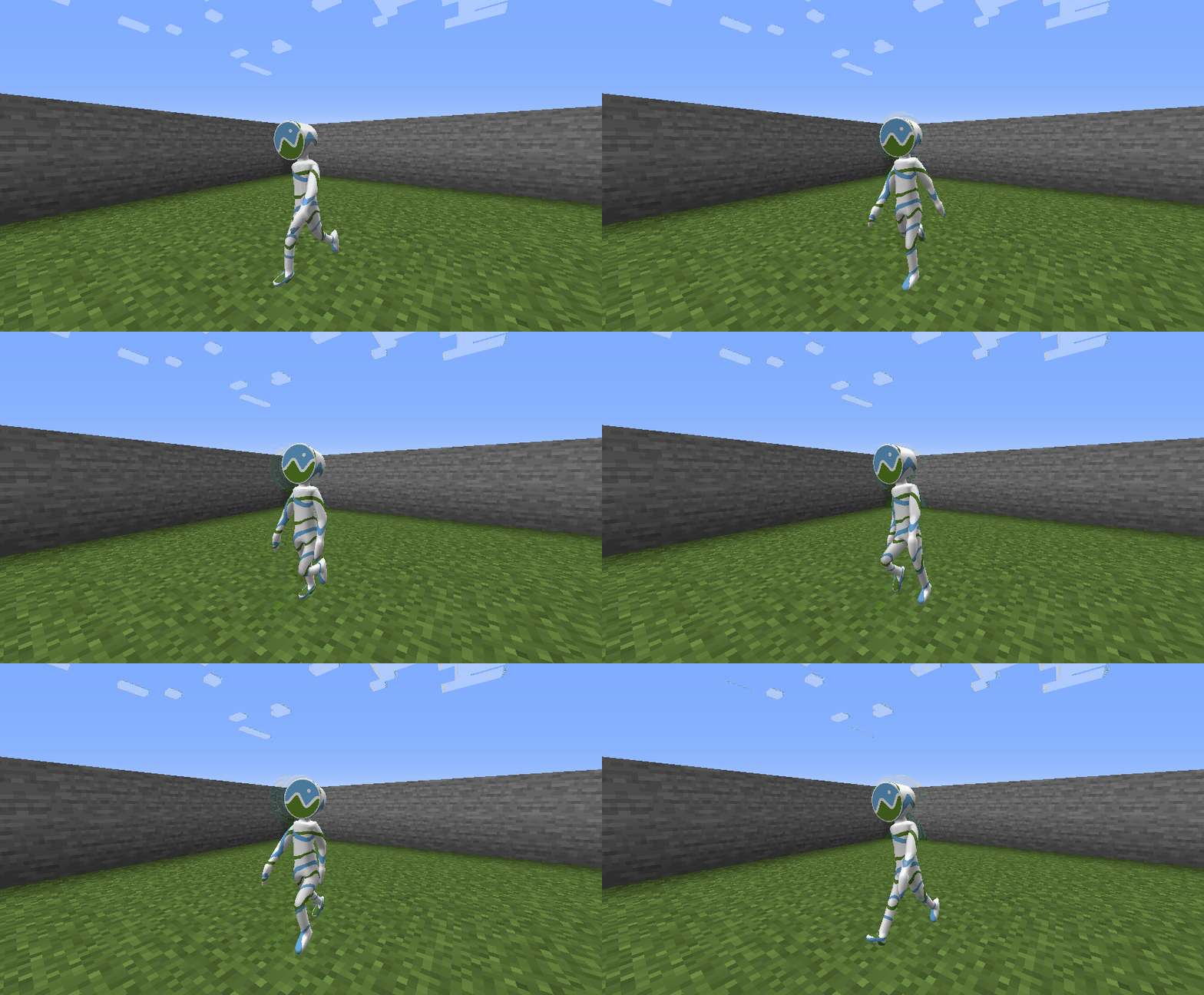
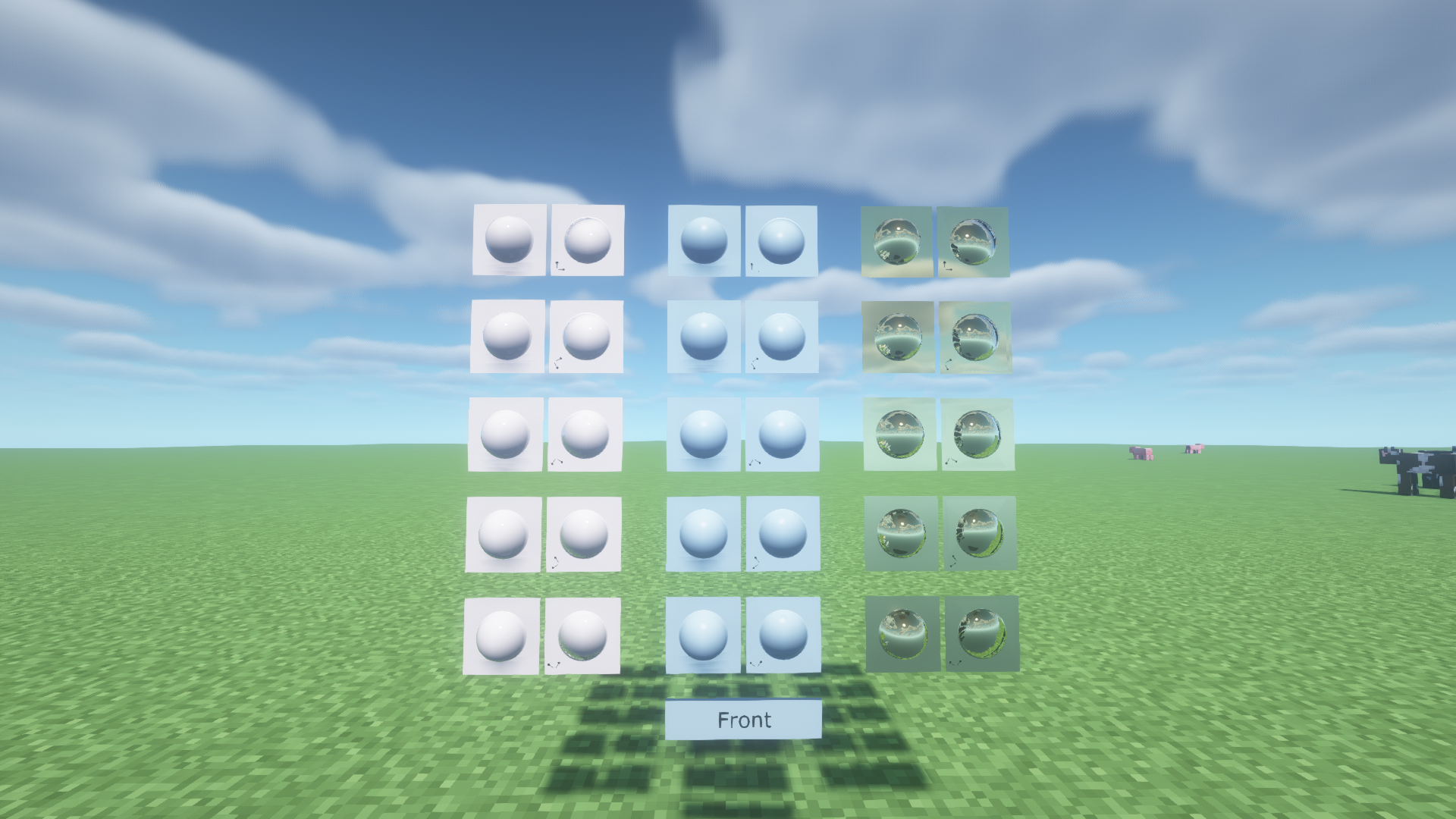
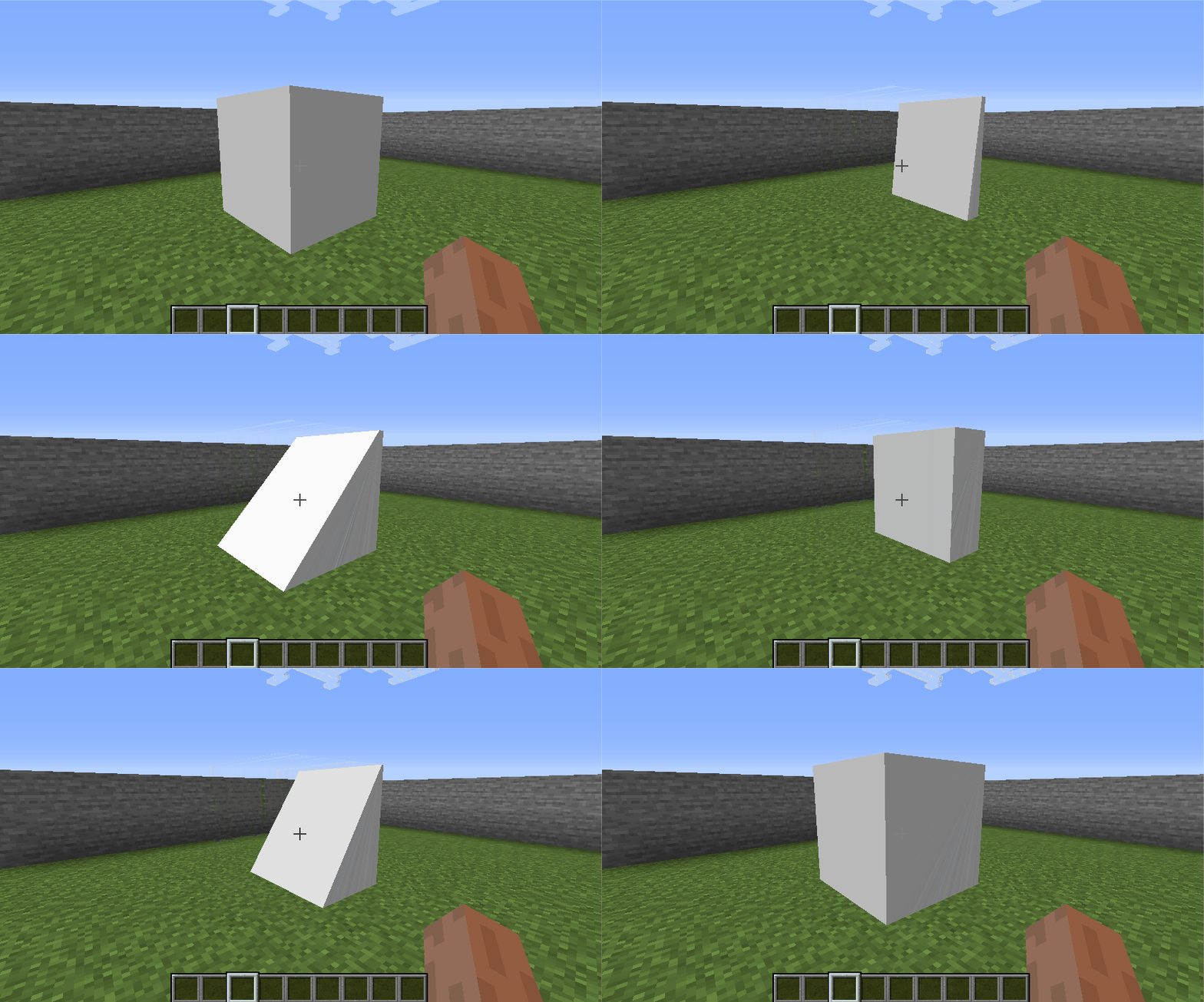
介绍
MCglTF is a 3D model loader library which load glTF format file and prepare the required techniques to render the model for Minecraft Modding enviroment.
Various features from glTF spec are available, but still remain a good compatibility and performance.
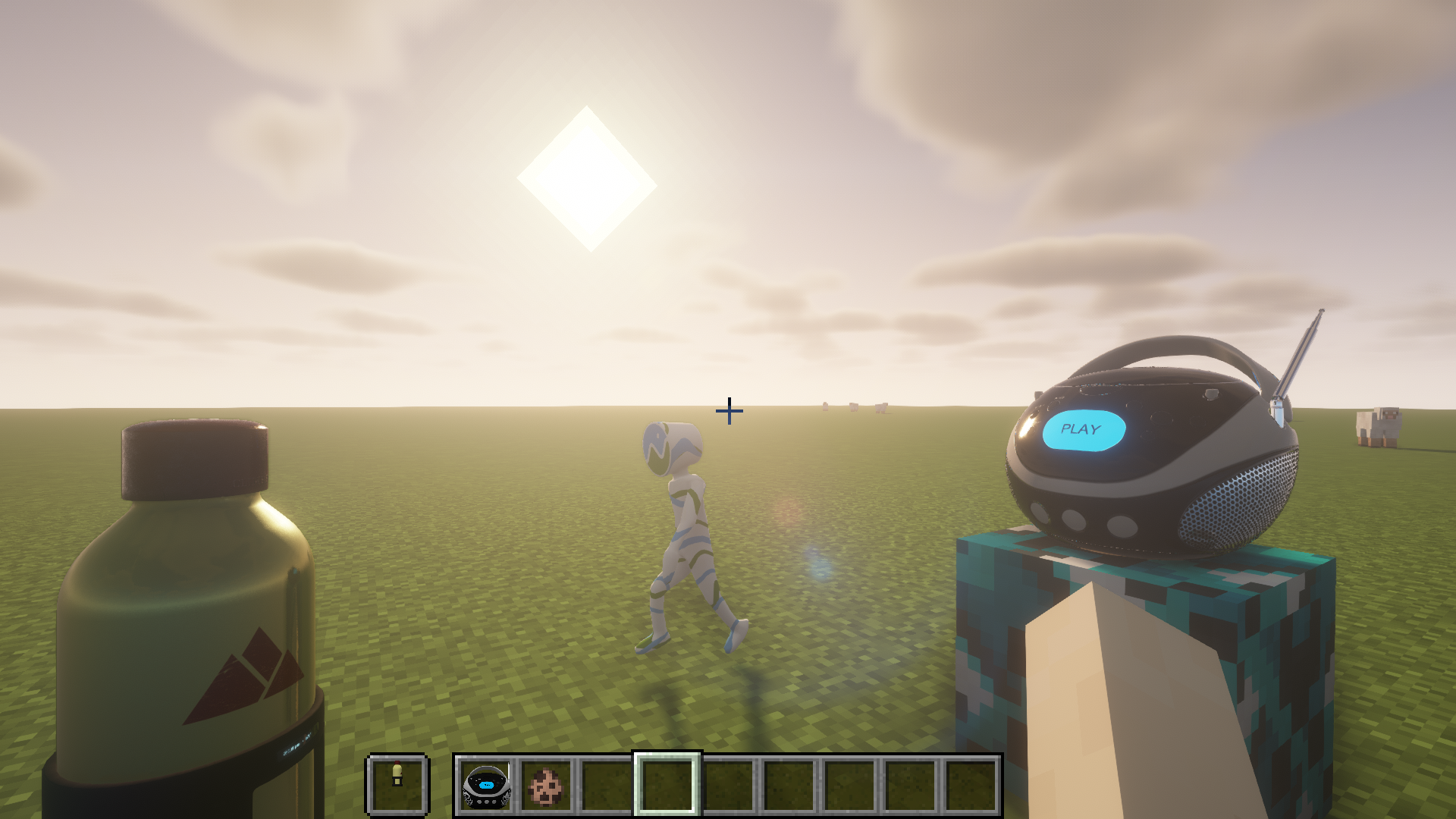
Usages
The example codes for rendering Block, Item, and Entity
Features
- ✅ GLTF format (Embedded resources or via ResourceLocation)
- ✅ GLB format
- ✅ UVs
- ✅ Normals
- ✅ Tangents
- ✅ Vertex colors
- ✅ Materials (Require OptiFine or Iris Shaders and supported ShaderPack for PBR and Normal map)
- ✅ Textures
- ❎ Mutiple texture coordinates (For compatibility reason with Vanilla)
- ✅ Rig
- ✅ Animations (multiple)
- ✅ Morph targets
- ✅ Zero-scale node culling (https://github.com/KhronosGroup/glTF/pull/2059)
Frequently Asked Question
Q. Why my texture for my model does not show up?
A. You need to defined material inside “extras” of “materials” to link your texture. For more details please visit wiki page.
Q. Why two animations cannot control translation/rotation/scale/weight in same node at the same time and cause one of the animation not playing?
A. There is no animation blending technique defined in glTF specification, so the animations created by GltfAnimationCreator does not support animation blending too. You need to create your own animation processor based on your scenario.
Q. How to apply my custom processing to the model like custom material(e.g. apply player skin) or create special OpenGL commands for specified node?
A. For more advanced way to generate OpenGL commands for glTF model, you can override and return false to isReceiveSharedModel(GltfModel, GltfRenderDatas) in your IGltfModelReceiver. This allow you to create your custom RenderedGltfModel based on supplied GltfModel. (Beware to add your OpenGL objects like VBO, VAO, Texture, etc to GltfRenderDatas for deletion during refresh resource.)
Credit
- JglTF by javagl: https://github.com/javagl/JglTF
- Mikk Tangent Generator by jMonkeyEngine: https://github.com/jMonkeyEngine/jmonkeyengine
常见问题
MCglTF 支持哪些 Minecraft 版本?
MCglTF 支持 Minecraft Java 版 1.12.2–1.19.3,共 12 个版本,可用的加载器:Fabric / Forge。下载时注意选择和你游戏版本一致的文件。
MCglTF 怎么安装?
先用 PCL2 或 HMCL 启动器安装对应版本的 Fabric / Forge,再把下载的 .jar 文件放进游戏目录的 mods 文件夹,重新启动游戏即可。开启了版本隔离的,mods 文件夹在 versions/版本名 下面。运行环境:仅客户端。
Protoxy22 的其他作品
查看全部 →
ModularWarfare – Guns & more
A mod that adds configurable guns, models, attachements, sounds and animations. (Content-pack based)

ModularMovements
Add tactical movements in Minecraft

ModularWarfare
ModularWarfare is a 1.12.2 mod made for military stuff, it is content-pack based and allow you to create your guns, attachments, magazines, bullets, armors & backpacks.
评论
登录后评论和评分