InventoryManager
A client side mod for Minecraft featuring instant inventory sorting, chest sorting, slot locking, and advanced item search.
截图
介绍
Inventory Manager
A client-side mod that gives you full control over your Minecraft inventory. Works on any server without any server-side installation.
Features
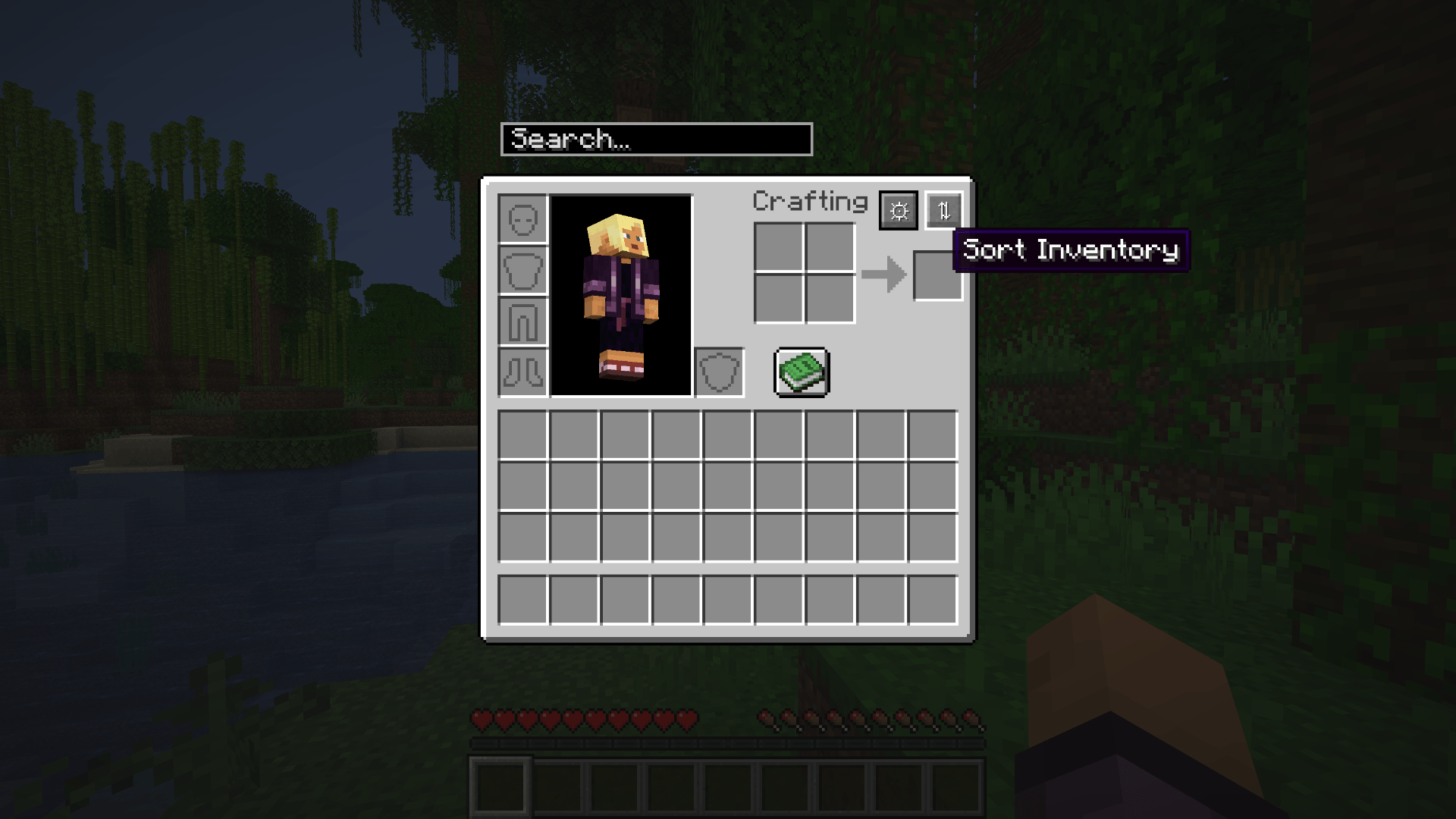
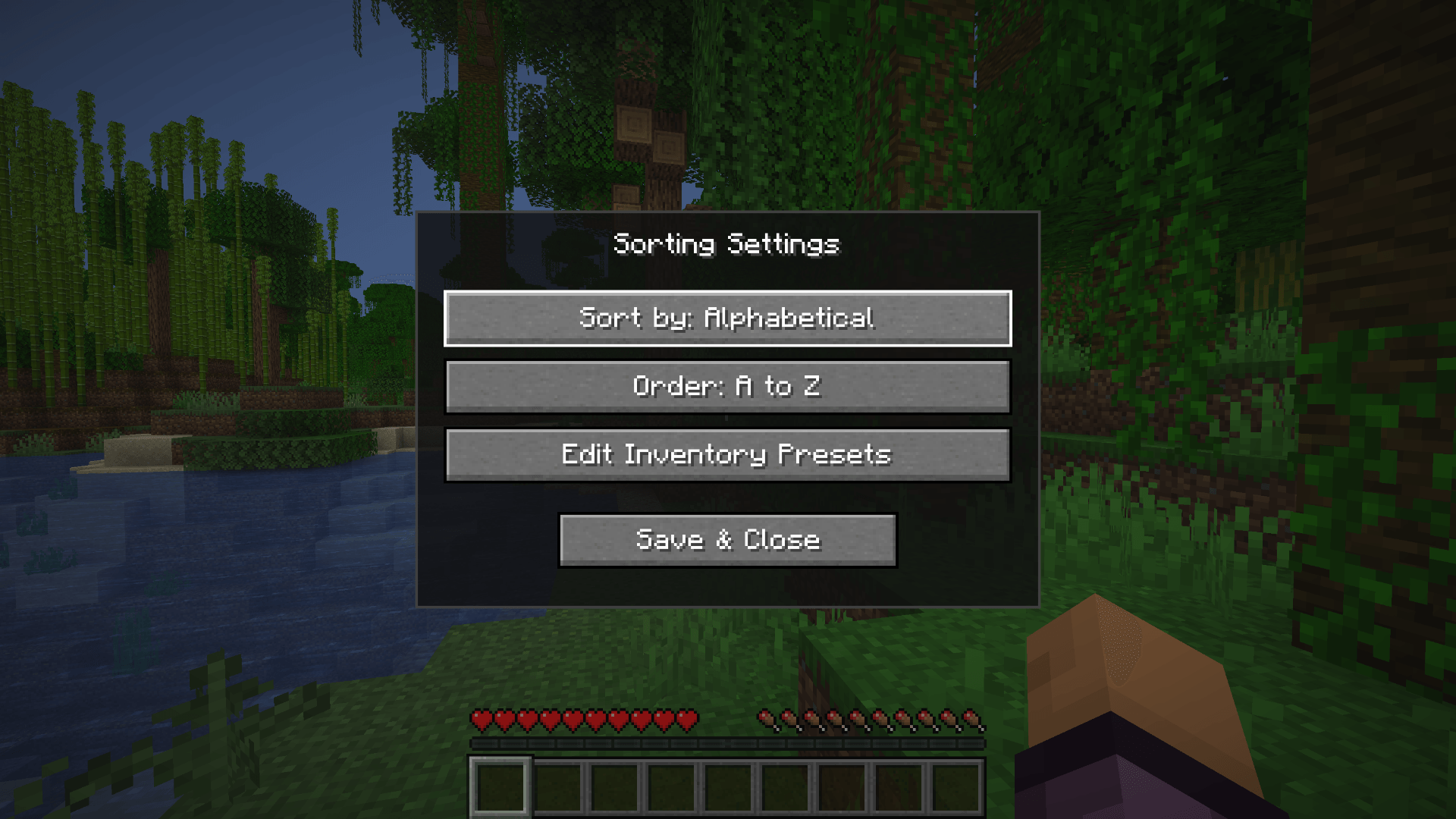
Sorting — Sort your inventory or any open container by item type, alphabetical order, or item count. Direction can be reversed. Stacks merge before sorting.
Slot Locking — Hold Alt or Ctrl and left-click a slot to lock it. Locked slots are skipped during sorting and transfers. Dropping a locked item requires pressing Q twice within 600 milliseconds to confirm. A padlock icon is shown on locked slots.
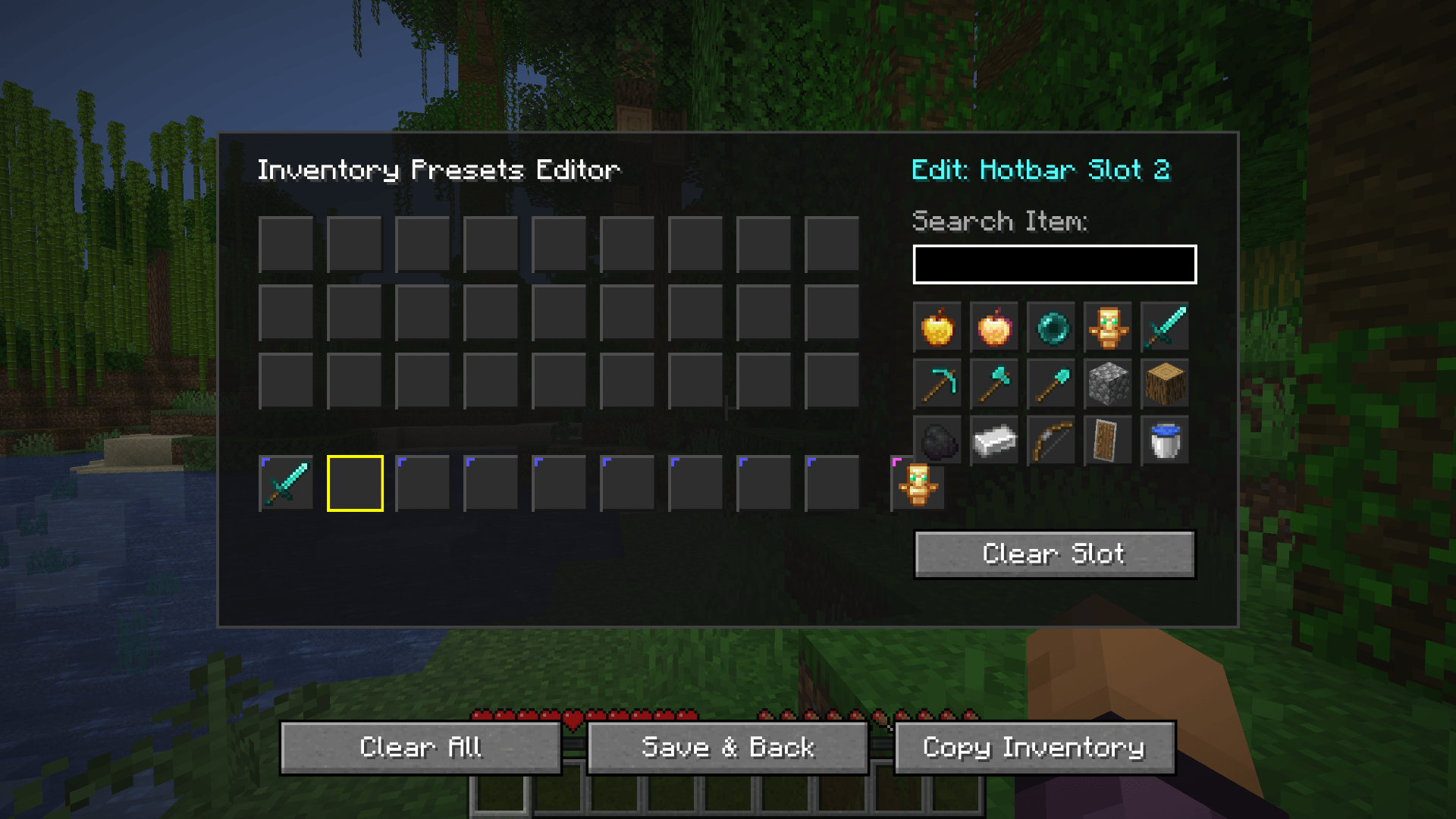
Slot Presets — Assign a specific item to a specific slot. The mod moves matching items into their preset slots automatically every game tick. Configure presets from the visual editor accessible via the settings screen.
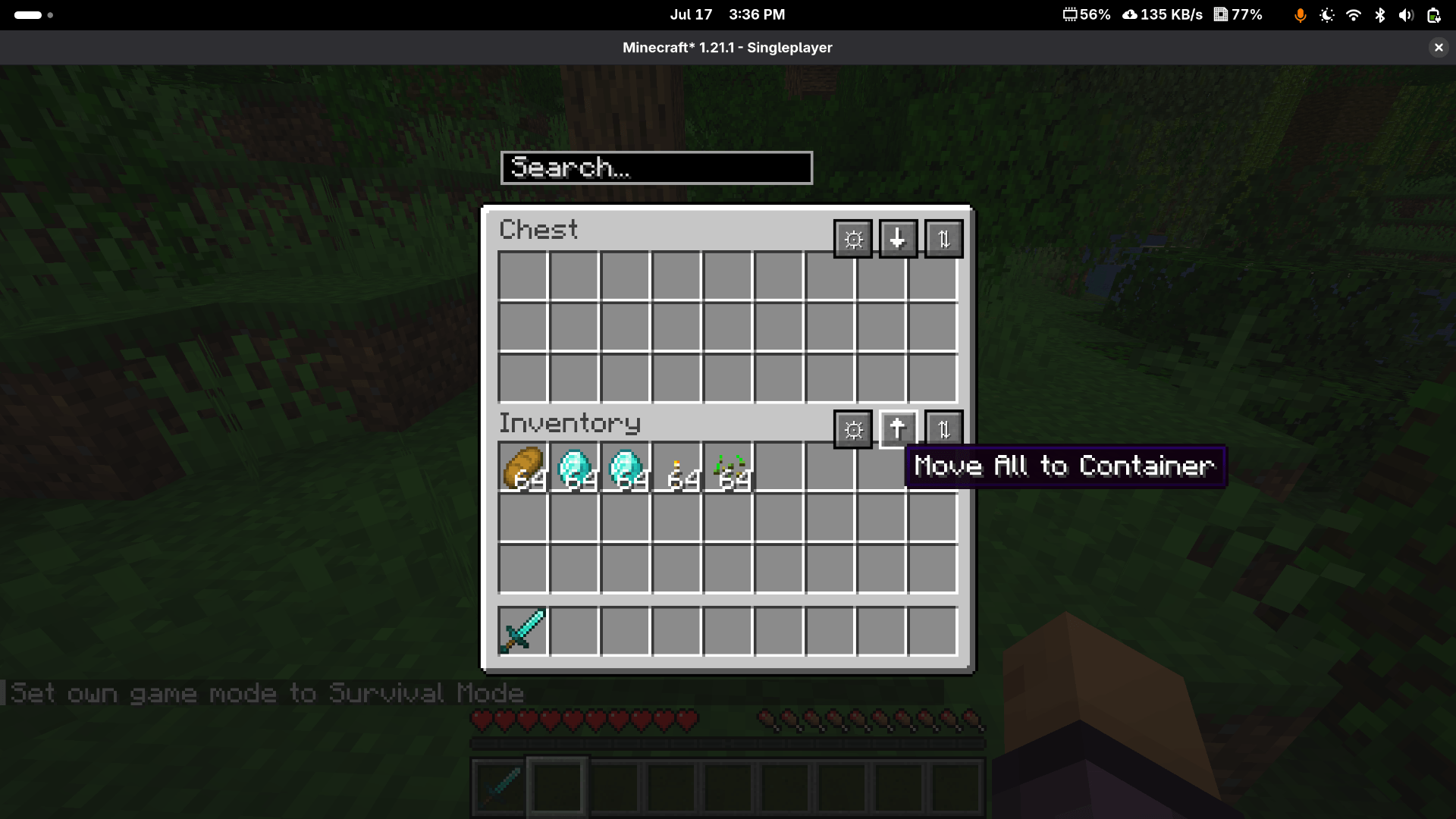
Container Transfers — When a storage container is open, buttons appear to sort the container, pull everything to your inventory, or push everything from your inventory into the container.
Item Search — A search bar appears on every inventory screen. Matching items are highlighted and non-matching items are dimmed. Supports plain text, #tag, t:type, @type, and a:letter syntax.
Mod Toggle — Press I to enable or disable the mod at any time. Toggling is blocked when a text field is focused. A visible label shows when the mod is off.
Keybinds
All keybinds can be changed under Options, Controls, Keybinds, Inventory Manager.
| Action | Default |
|---|---|
| Toggle mod | I |
| Open settings | K |
| Sort player inventory | unbound |
| Sort open container | unbound |
| Group hotbar stacks | unbound |
Dependency
Fabric API is required. Download it and place it in your mods folder alongside this mod.
常见问题
InventoryManager 支持哪些 Minecraft 版本?
InventoryManager 支持 Minecraft Java 版 1.21–26.3,共 17 个版本,可用的加载器:Fabric。下载时注意选择和你游戏版本一致的文件。
InventoryManager 怎么安装?
先用 PCL2 或 HMCL 启动器安装对应版本的 Fabric,再把下载的 .jar 文件放进游戏目录的 mods 文件夹,重新启动游戏即可。开启了版本隔离的,mods 文件夹在 versions/版本名 下面。

评论
登录后评论和评分