
截图
介绍

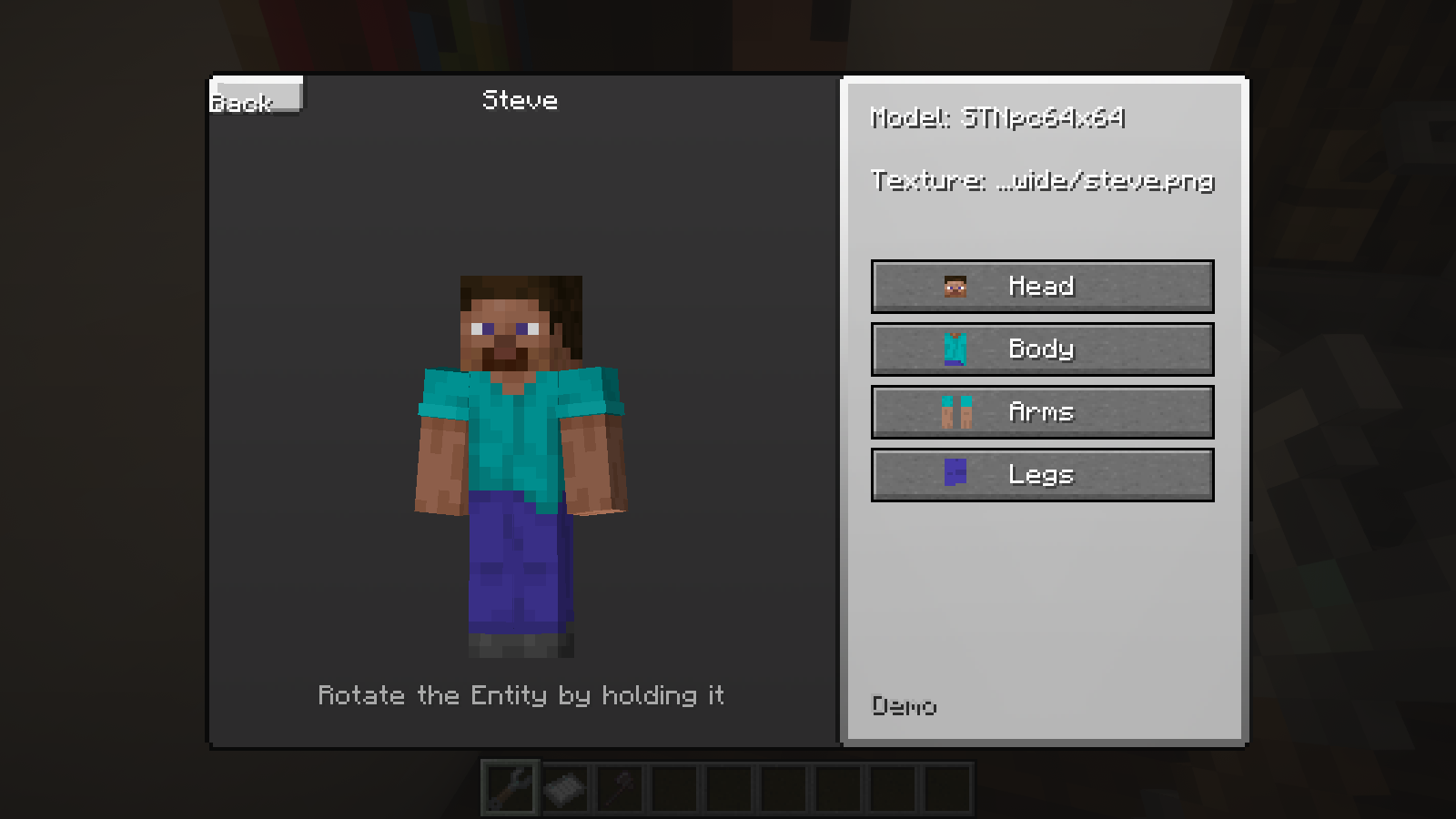
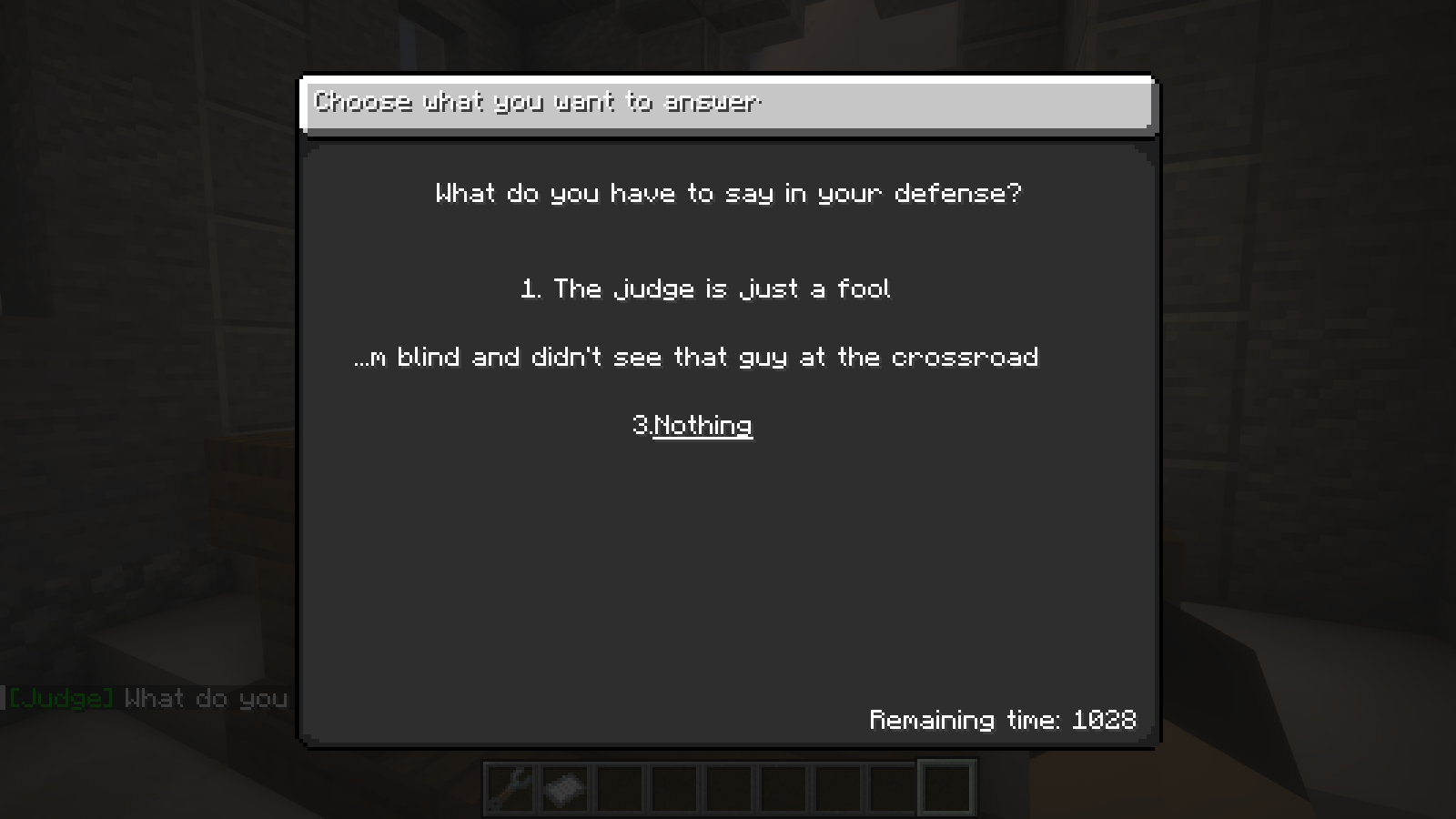
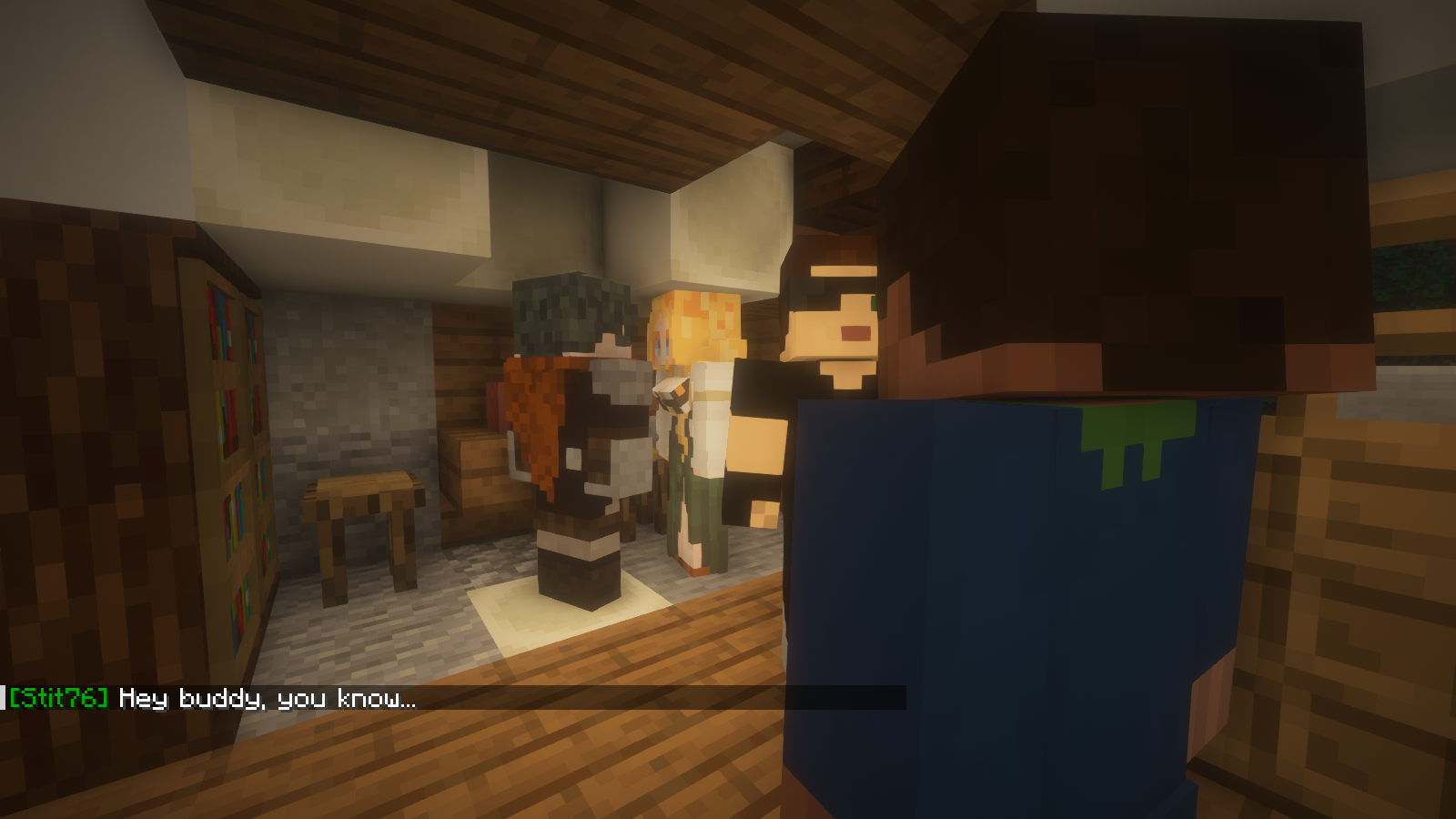
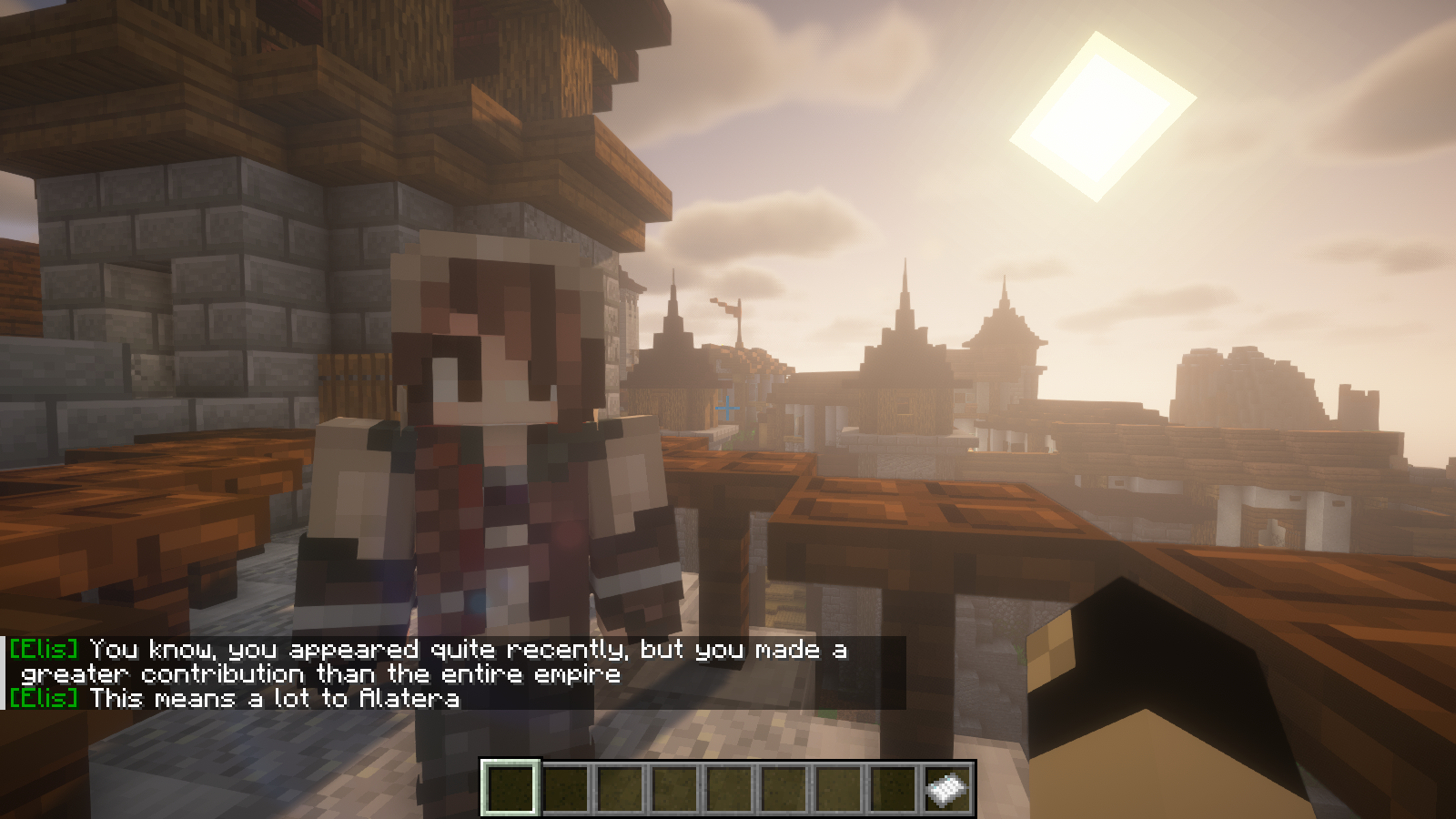
ST-Scenes is a mod built from the ground up and used to create custom scenes, custom NPCs, and more. Suitable for map makers,
creators of assemblies with mods, and just screenwriters at heart. In total, the mod adds an NPC creator and a scene customizer.
Currently in early beta.

Video
FAQ:
How to add your own NPC texture?
-To add your own NPC texture follow the steps below:
1)Open ST-Scenes mod with any archiver
2)Go to “assets/stscenes/textures/entity/player/”
and there either create your own folder and upload your texture file to it, or upload your texture to the slim/wide folder.
3) Save the files and run minecraft
What is a scene, triggers, action?
-Wow, this is going to take a while, in a nutshell:
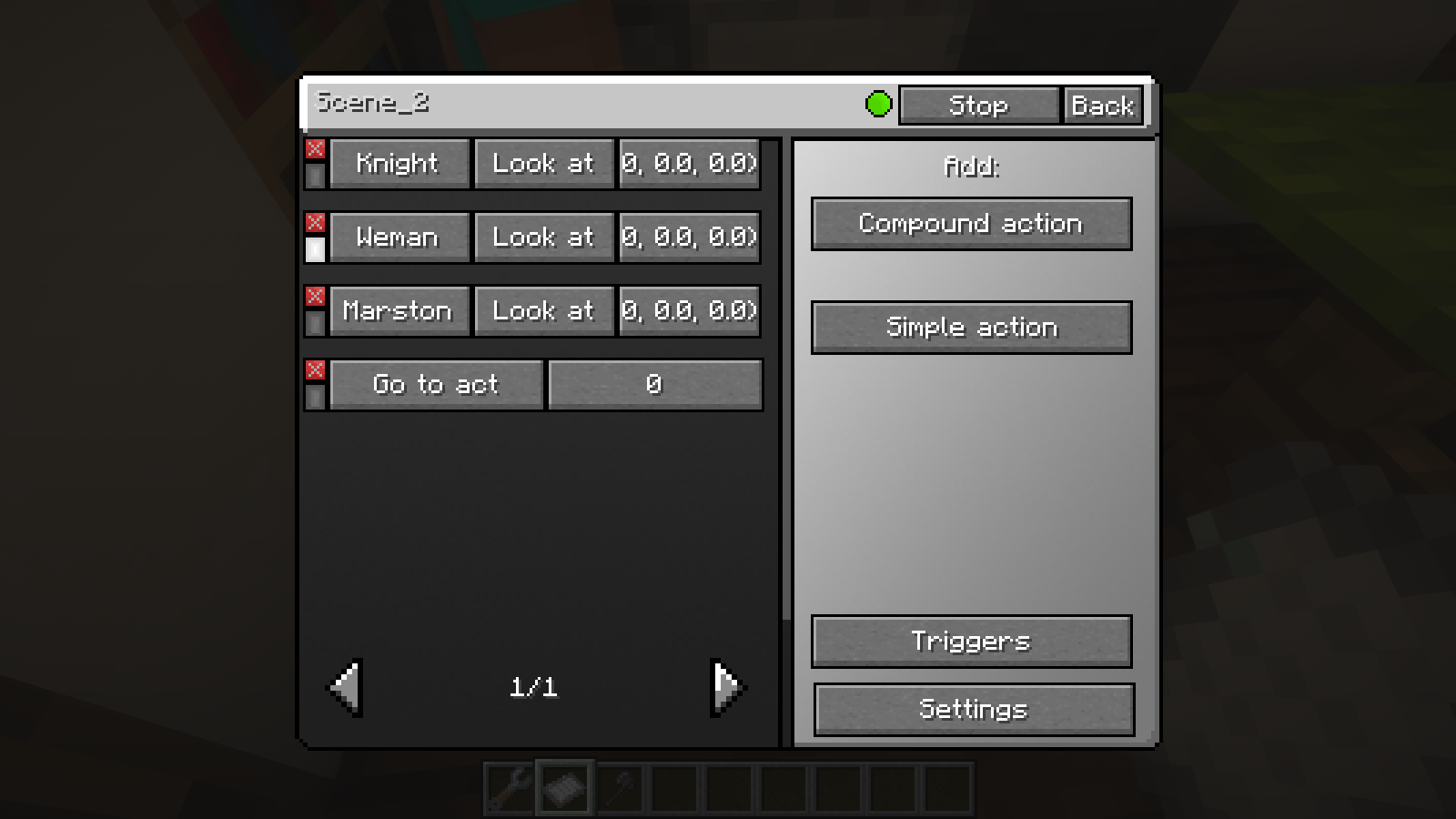
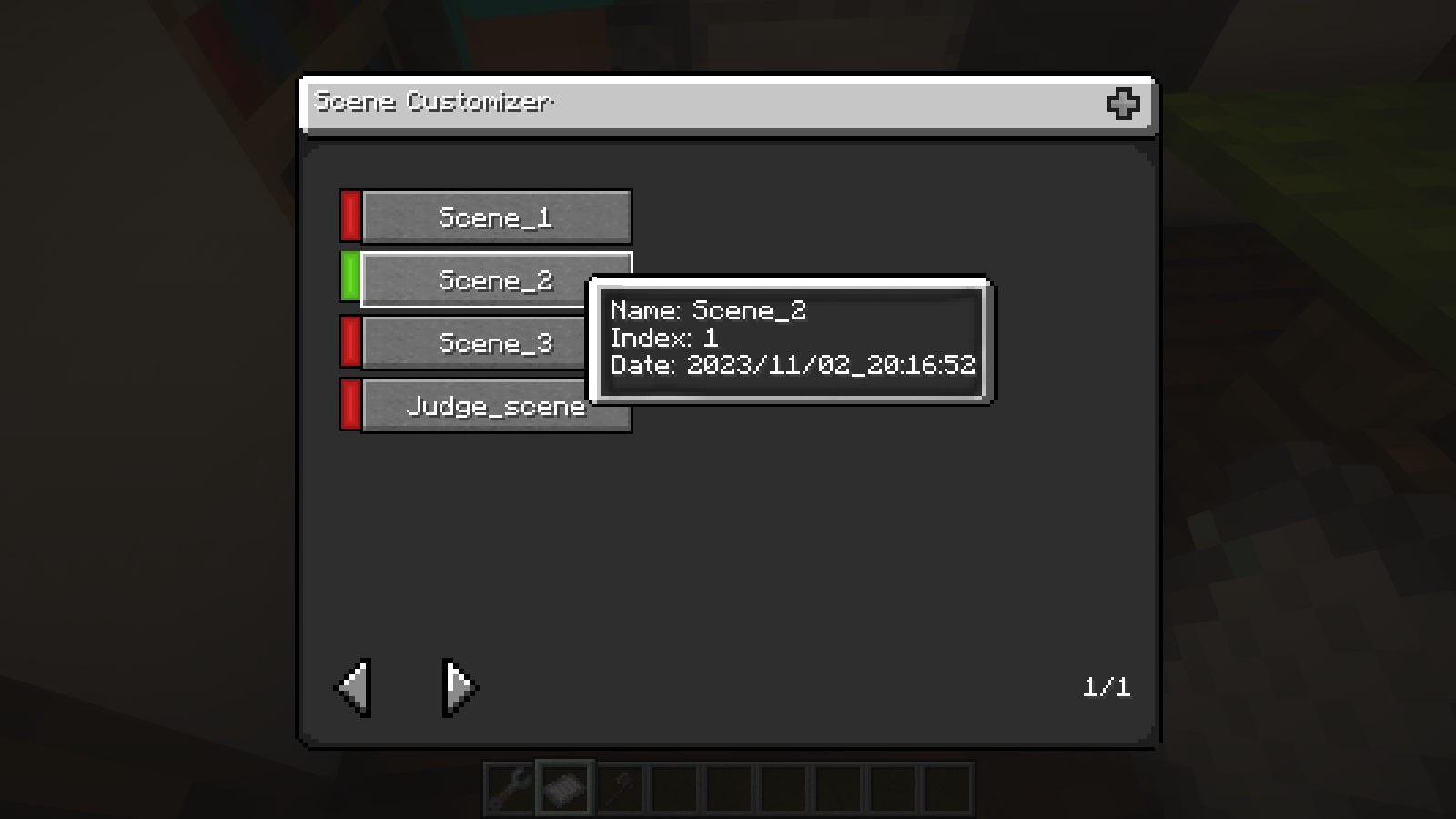
A scene is a program that is run either manually through a scene setting, or through a trigger,
which depending on its type reacts to something and starts the scene. Scene contains Actions,
they are divided into complex and simple.Complex actions are needed to tell the NPC to go to some point,
say something, teleport somewhere, etc.Simple actions are needed to for example execute a command,
turn on another scene, etc. When a scene is running, Actions are switched sequentially from top to bottom.
Note actions like “Go to”, “Follow” assign the state of the NPC, and this means that when you switch such an action NPC
does not stop going or following someone, and it stops either if you disable this state by another action,
or at the end of the scene.
常见问题
Strypel’s Scenes (ST-Scenes) 支持哪些 Minecraft 版本?
Strypel’s Scenes (ST-Scenes) 支持 Minecraft Java 版 1.19.4–1.20.1,共 2 个版本,可用的加载器:Forge。下载时注意选择和你游戏版本一致的文件。
Strypel’s Scenes (ST-Scenes) 怎么安装?
先用 PCL2 或 HMCL 启动器安装对应版本的 Forge,再把下载的 .jar 文件放进游戏目录的 mods 文件夹,重新启动游戏即可。开启了版本隔离的,mods 文件夹在 versions/版本名 下面。

评论
登录后评论和评分