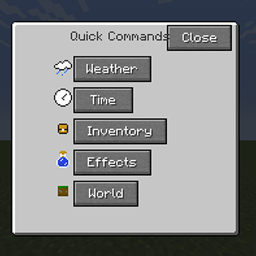
Quick Commands Menu
Quick Commands Menu adds a menu of quick commands, as well as hotkeys to some of them.
截图
介绍
Quick Commands Menu adds a menu of quick commands, as well as hotkeys to some of them.
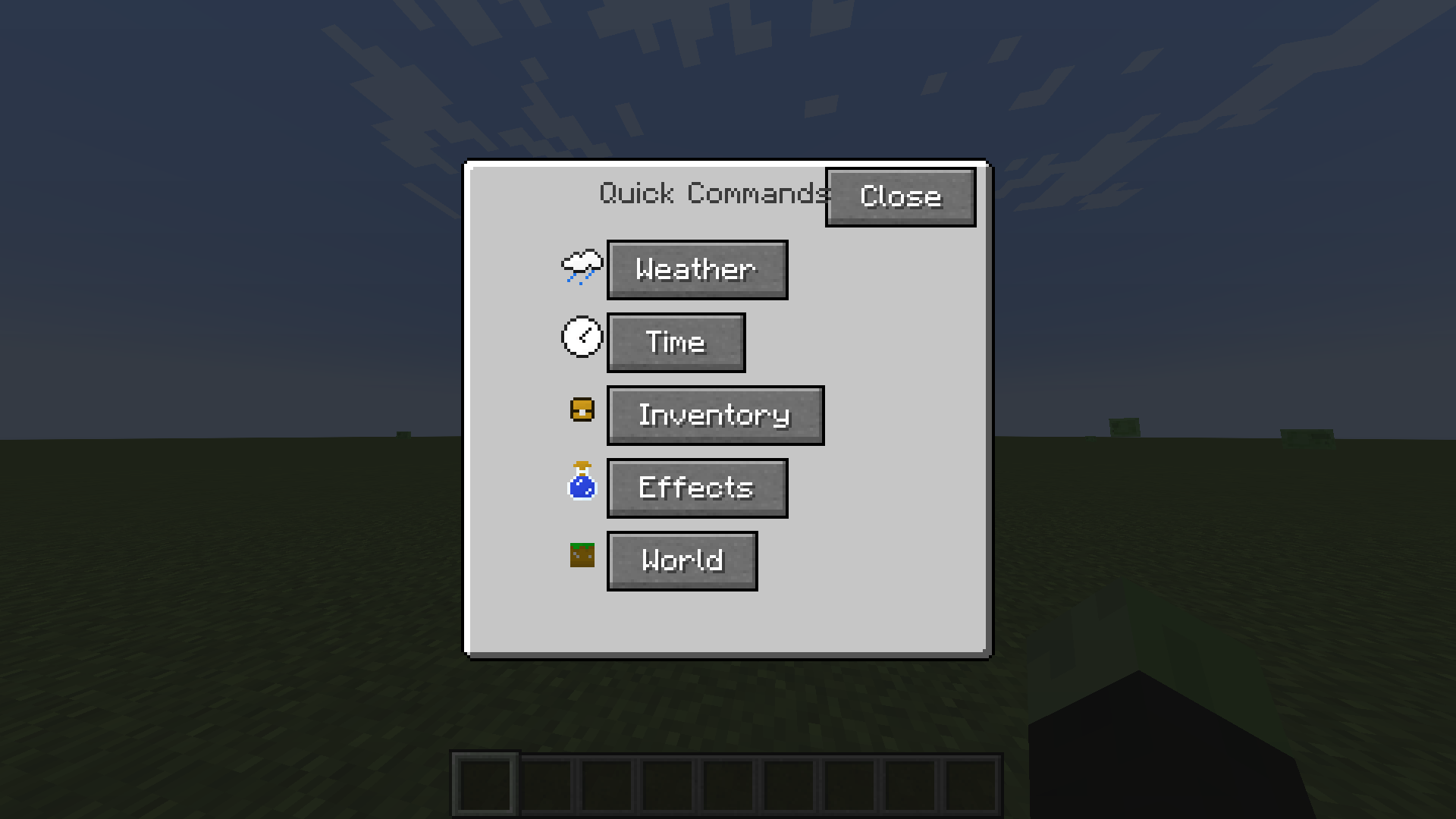
To access the menu, press v.
The interface will open in front of you, there will be 5 categories: weather, time, inventory, effects and the world.
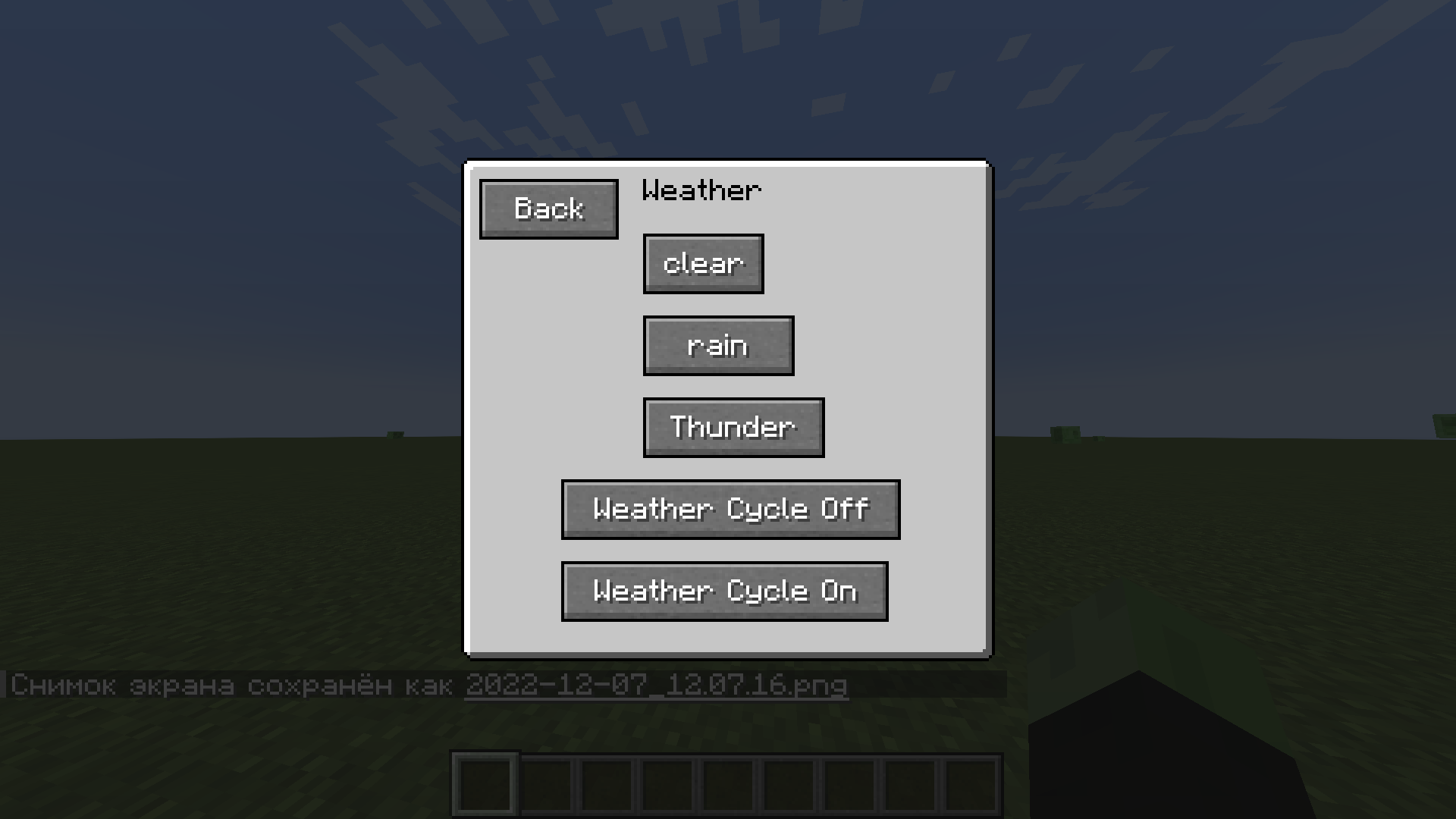
There will be 5 commands available in the weather category: clear, rain, thunderstorm, weather cycle off/on.
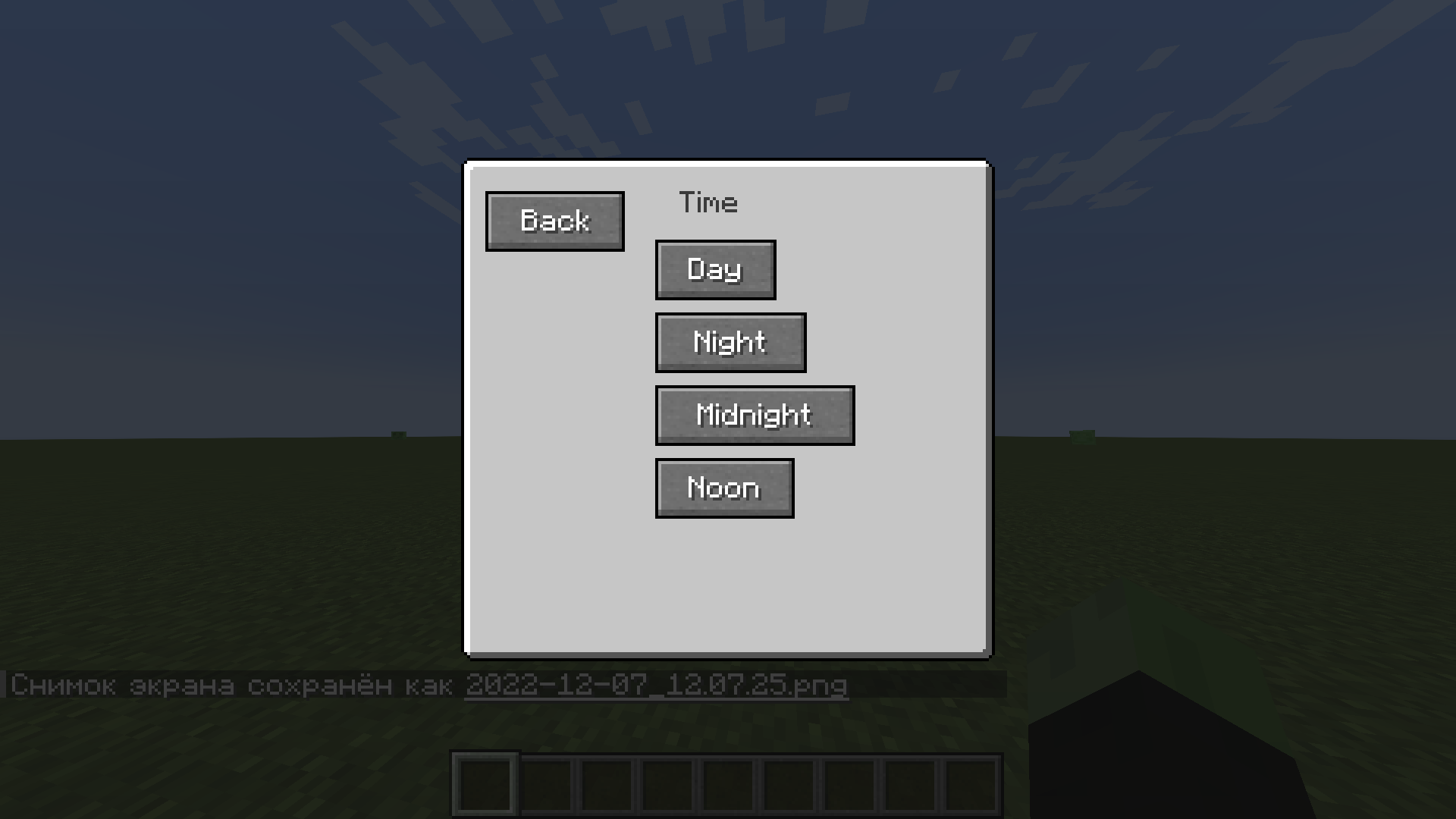
There will be 4 teams in the time category: day, night, midnight and noon.
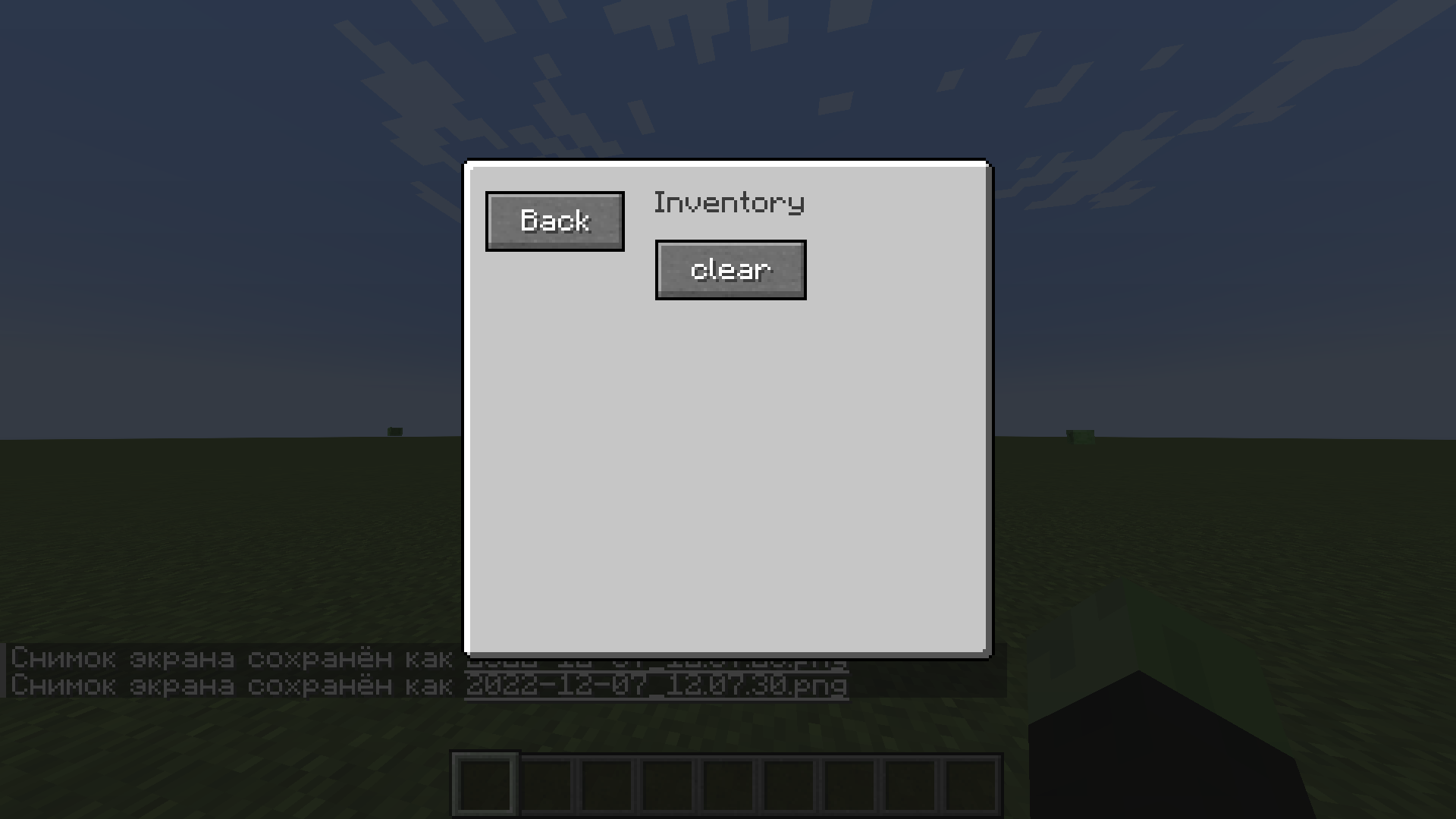
In the inventory category, there is only 1 command – clear.
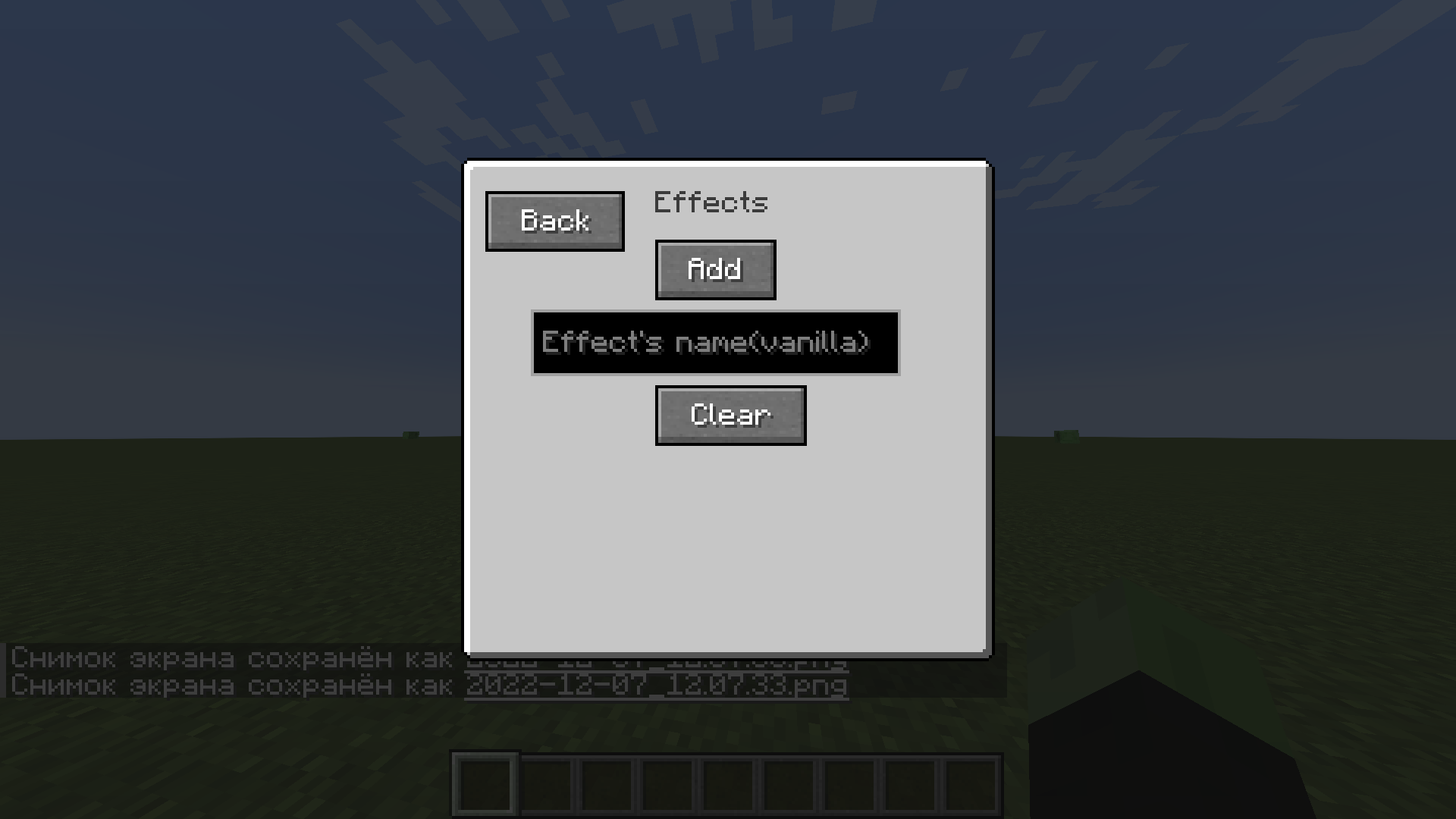
There are 2 commands in the effects category – add (only vanilla effects are available) and clear.
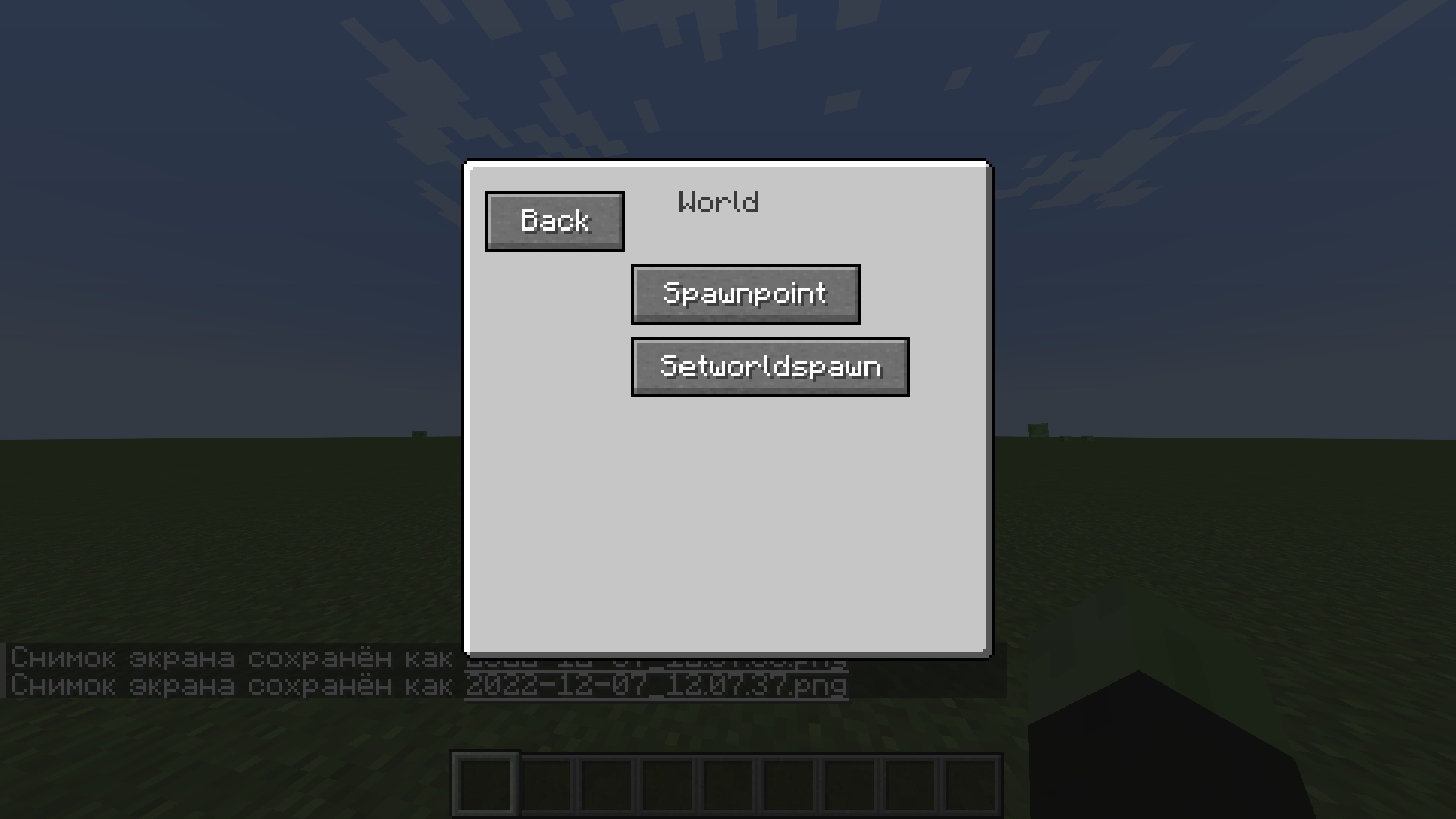
There are 2 teams in the world category – spawnpoint and worldspawn.
There are also hotkeys for some commands (NumLock): day – 1, night – 2, clear – 3, rain – 4, clear effects – 5 and spawnpoint – 6.
常见问题
Quick Commands Menu 支持哪些 Minecraft 版本?
Quick Commands Menu 支持 Minecraft Java 版 1.19.2,可用的加载器:Forge。下载时注意选择和你游戏版本一致的文件。
Quick Commands Menu 怎么安装?
先用 PCL2 或 HMCL 启动器安装对应版本的 Forge,再把下载的 .jar 文件放进游戏目录的 mods 文件夹,重新启动游戏即可。开启了版本隔离的,mods 文件夹在 versions/版本名 下面。
评论
登录后评论和评分