Paintable Signs & More!
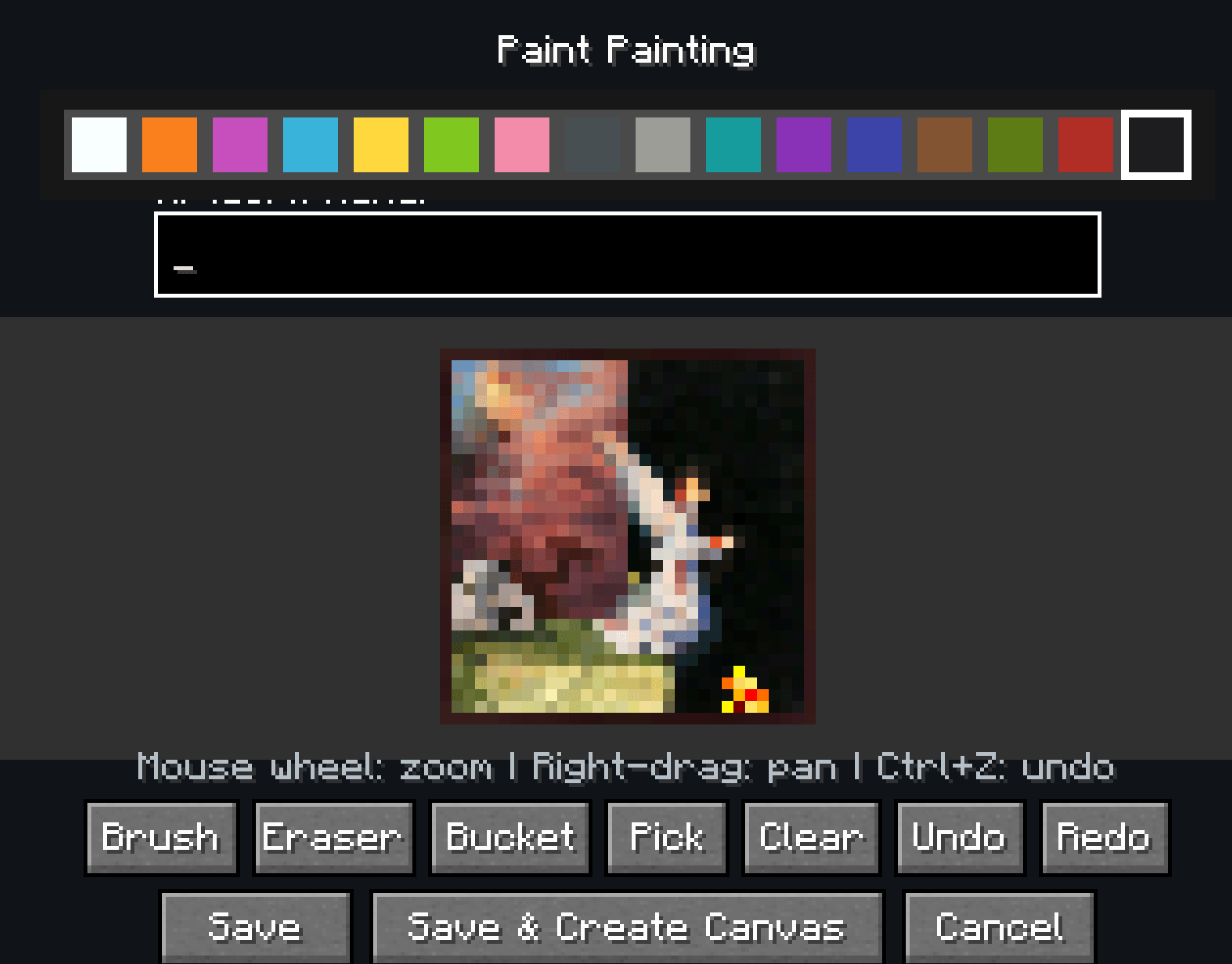
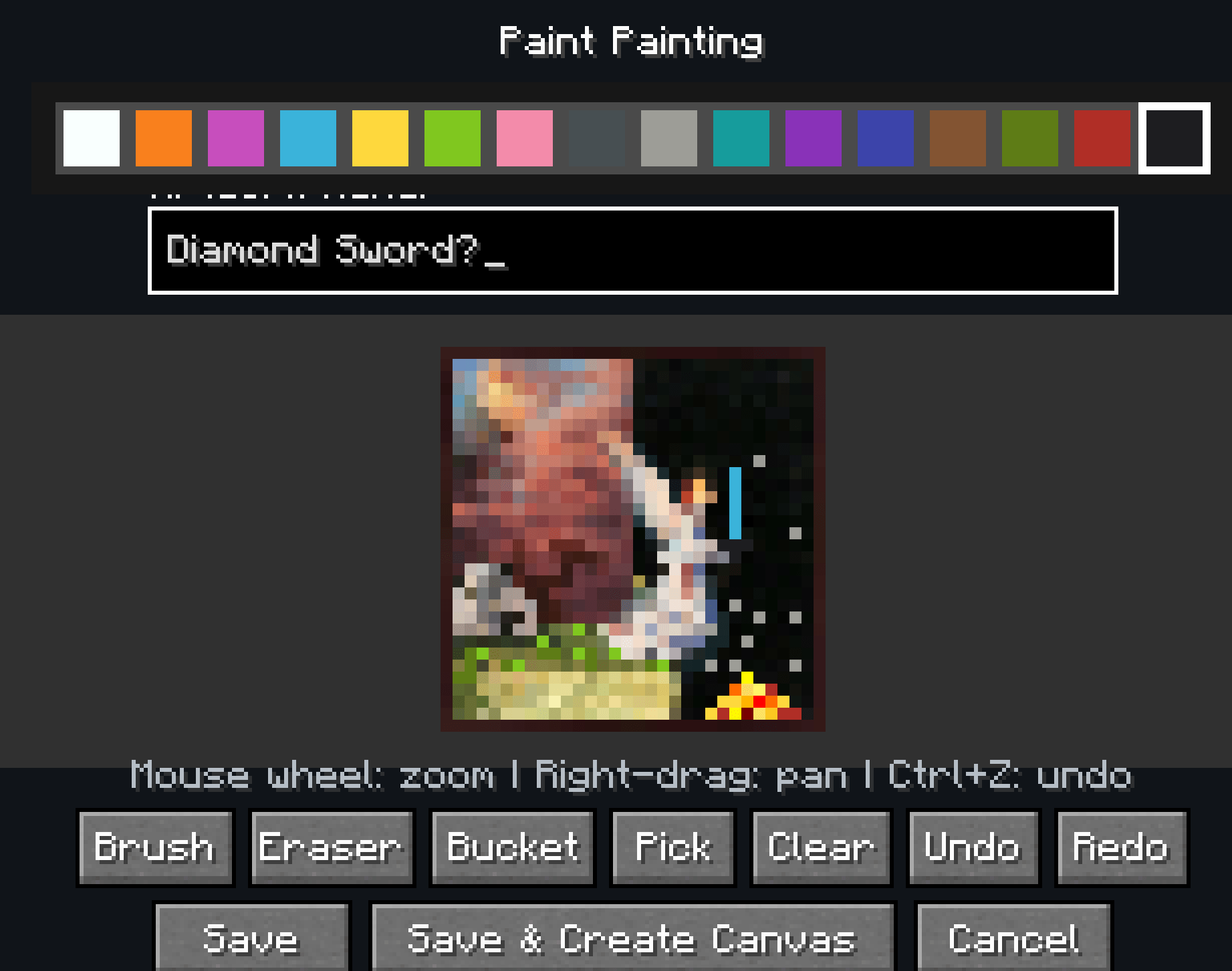
Point a Paintbrush at any vanilla sign and a pixel editor opens; draw whatever you want, hit Save, and it is there for everyone on the server. The same brush works on paintings, and blank canvases let you hang art of your own anywhere you like.
截图
介绍
Paintable Signs
Paint pixel art onto any sign or painting.
Paint on signs
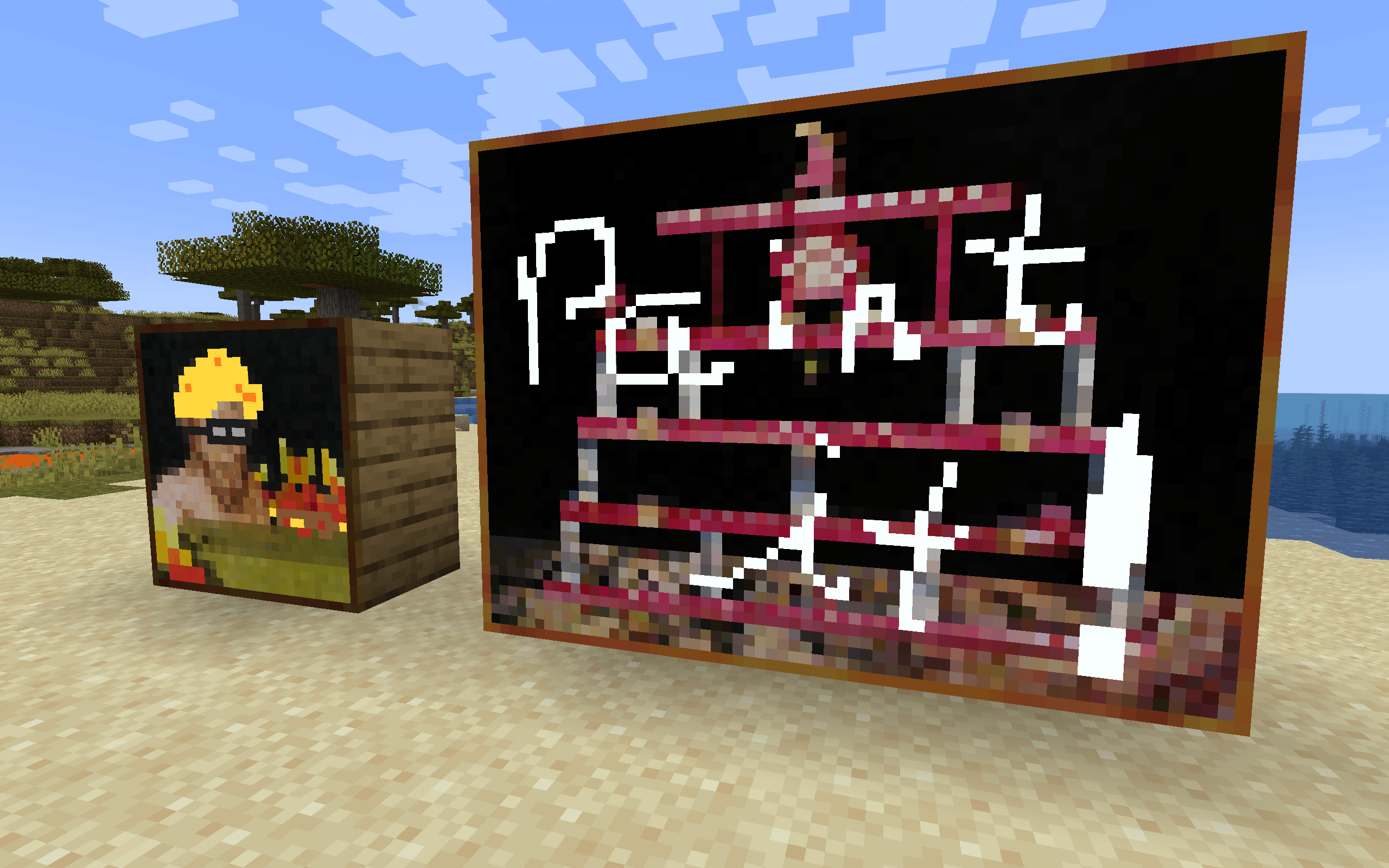
Shift right-click any vanilla sign with a Paintbrush and the editor opens for the face you clicked. Draw with the mouse, pick from a 16-color palette, and save. The sign’s text is untouched, so you can have a label and a picture.
- Works on standing signs, wall signs, and hanging signs
- Front and back are painted independently
- Everyone on the server sees the artwork, and it survives world reloads
Perfect for shop signs, directional arrows, guild banners, warning markers, or just decorating a base with something that isn’t text.
Paint on paintings
The brush works on vanilla paintings too. The canvas scales to the artwork’s real pixel size and your paint sits just in front of the original art, so the vanilla painting still shows through wherever you leave pixels transparent.
Hang your own canvases
Craft a Blank Canvas and place it on any wall. It automatically fits the largest blank painting the space allows, from 1×1 all the way up to 4×4. Then paint it like anything else.
Crafting
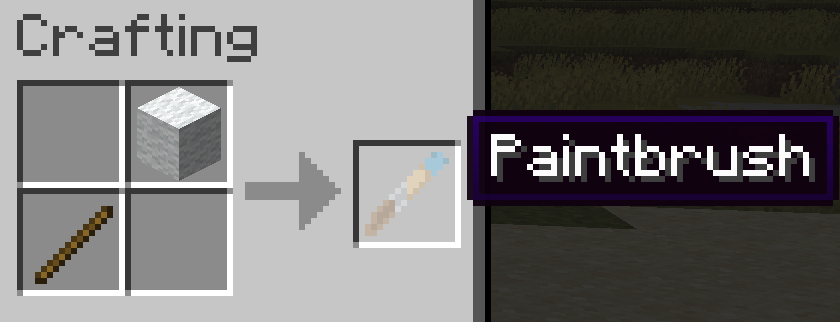
Both tools are cheap. A Paintbrush is a stick and a piece of white wool. A Blank Canvas is while wool framed by 4 sticks.
Playing on a server?
Painting a sign should obey build permissions: spawn protection, adventure mode, and the world border all apply, so nobody can redecorate your spawn
Availability
Available for NeoForge, Forge, and Fabric, on Minecraft 1.21.1 and 1.20.1.
License: MIT
Author: BulletPies
常见问题
Paintable Signs & More! 支持哪些 Minecraft 版本?
Paintable Signs & More! 支持 Minecraft Java 版 1.20.1–26.1,共 3 个版本,可用的加载器:Fabric / Forge / NeoForge。下载时注意选择和你游戏版本一致的文件。
Paintable Signs & More! 怎么安装?
先用 PCL2 或 HMCL 启动器安装对应版本的 Fabric / Forge / NeoForge,再把下载的 .jar 文件放进游戏目录的 mods 文件夹,重新启动游戏即可。开启了版本隔离的,mods 文件夹在 versions/版本名 下面。
bulletpies 的其他作品
查看全部 →
Bullets Boats
更大、更好、更快、更长的船

Sharp Sword Diplomacy
Use your swords to get villager discounts ;)

Creeper Hector
Replaces the Creeper with an explosive Hector Salamanca.
Networth
Throw a net at fish you can see. Whatever it touches is yours.
评论
登录后评论和评分