Dynamic FOV Offset
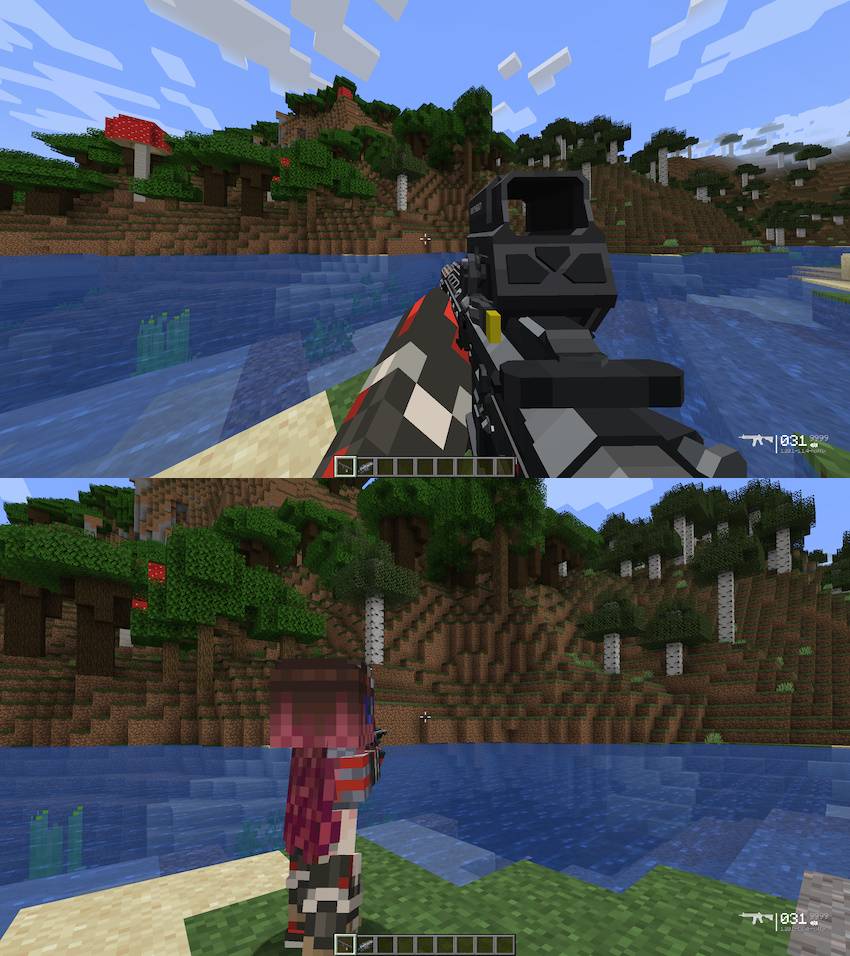
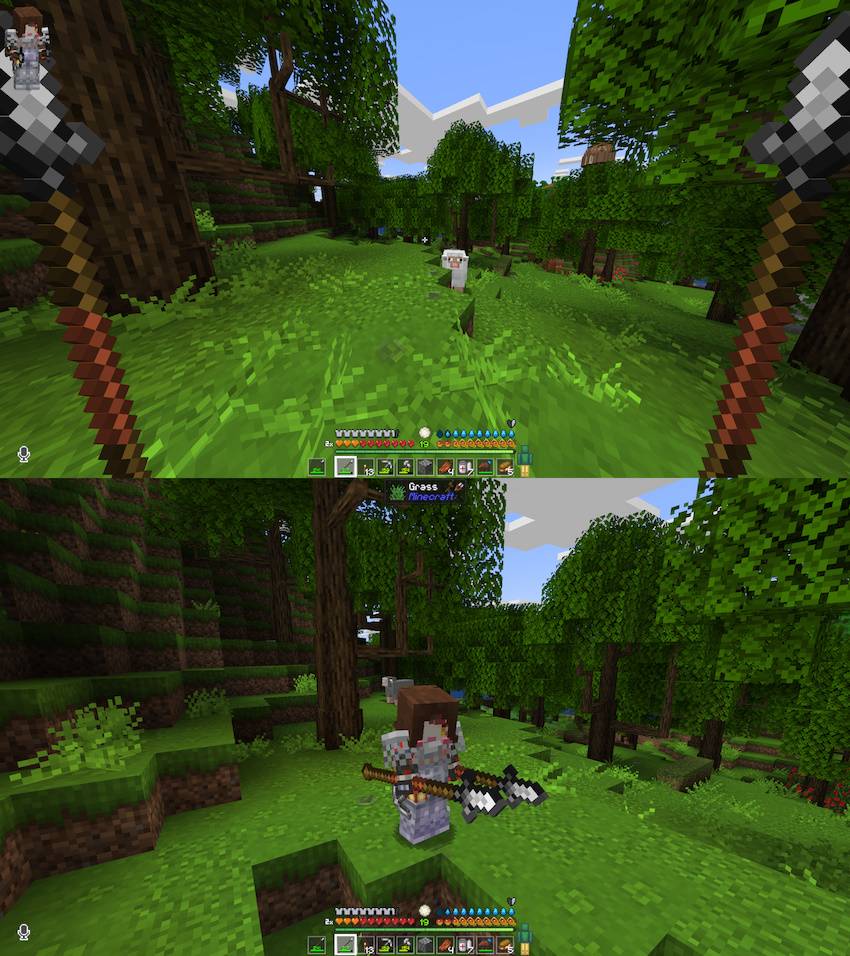
Allows you have a different FOV in first- and third-person by specifying an offset for each
截图
介绍
Baby’s first mod. I hate MCreator, and had to forcibly remove the junk class it kept adding in order for this to work. But it works.
I cannot believe that there are like 3 different mods for “better third person” but they all expect you to have a singular FOV setting for both views apparently. Hello? Ever play a third person shooter? They have radically lower FOVs that first person games allow for a reason. This mod should make it far more comfortable to switch between perspectives in gameplay.
<video controls="controls" width="300" height="150">
<source src="</video>” rel=”noopener nofollow” target=”_blank”>https://streamable.com/402xax"></video>
So, aside from me throwing some shade on them, this mod is best used with one of the following:
and if you use TACZ, one of the companion mods for your choice of the above:
Third Person Shooting: Zero for Shoulder Surfing
TaCZ: Leawind’s Third Person Compat for Leawind’s
常见问题
Dynamic FOV Offset 支持哪些 Minecraft 版本?
Dynamic FOV Offset 支持 Minecraft Java 版 1.20.1,可用的加载器:Forge。下载时注意选择和你游戏版本一致的文件。
Dynamic FOV Offset 怎么安装?
先用 PCL2 或 HMCL 启动器安装对应版本的 Forge,再把下载的 .jar 文件放进游戏目录的 mods 文件夹,重新启动游戏即可。开启了版本隔离的,mods 文件夹在 versions/版本名 下面。
评论
登录后评论和评分