Quacked SMP – Server Management Panel
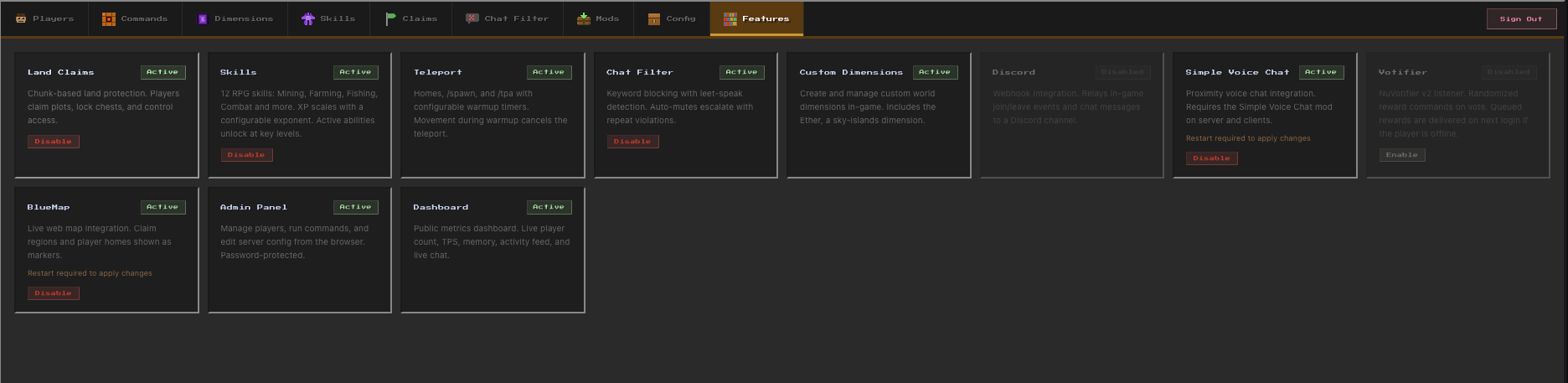
Browser-based web panel for full server and player management. Modular features: Land claims, RPG skills & abilities, chat filter, anti-grief, custom dimension, edit mods and do backups. Optional integrations: Votifier, Discord, BlueMap, Simple Voice Chat.
截图

介绍


QuackedSMP
Server-side mod for Minecraft 26.2 (Fabric + NeoForge). Claims, skills, anti-grief, custom dims, shops, hardcore, and more. Optional browser admin panel for config, backups, players, and commands.
QuackedSMP install and setup tutorial on YouTube

Quick Start
- Put the Fabric or NeoForge JAR in
mods/and start the server. - As OP (password at least 8 characters):
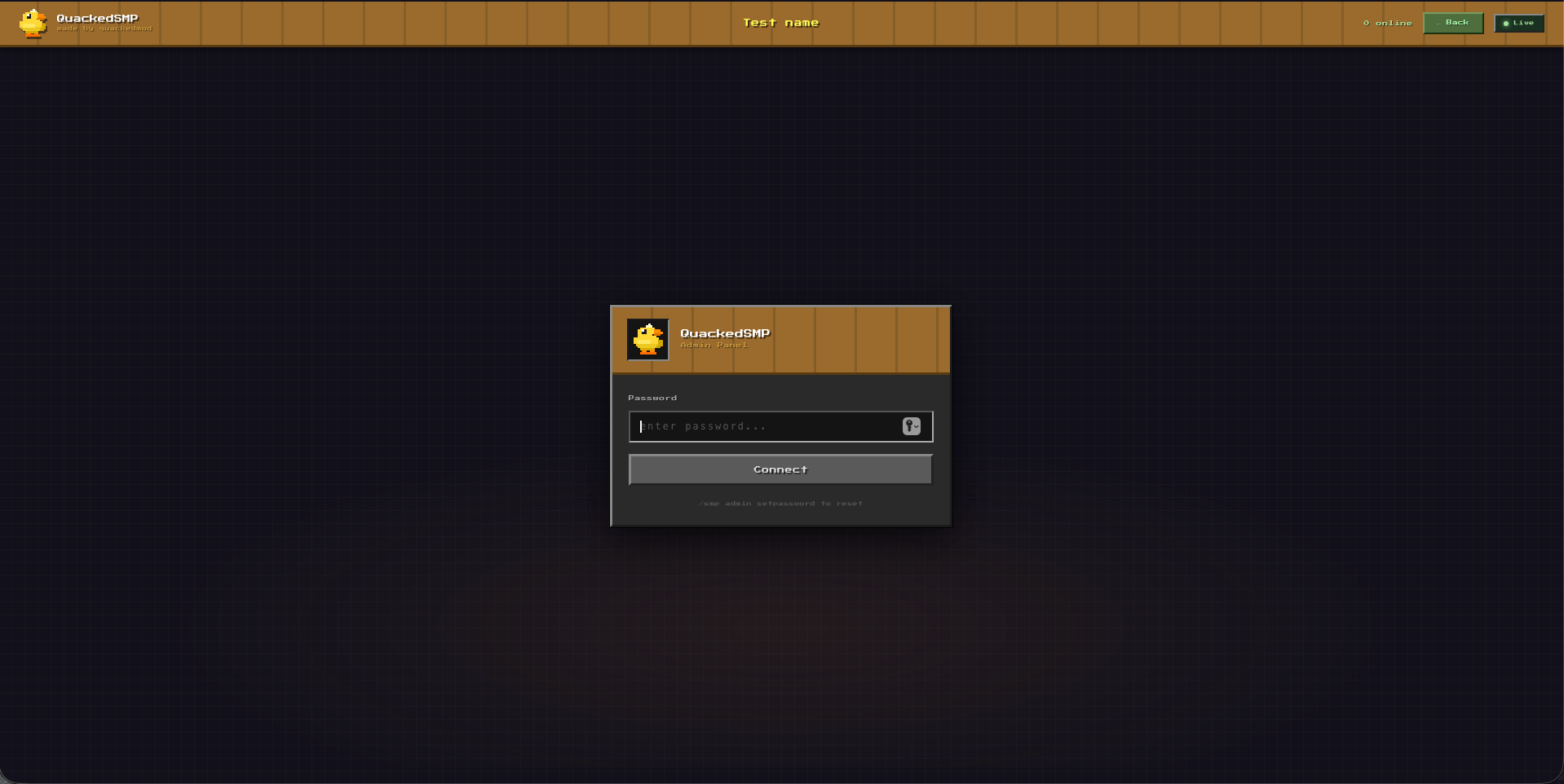
/smp admin setpassword <your-password>- Open in a browser:
- Same PC as the server:
http://localhost:8125(orhttp://127.0.0.1:8125) - Other device on your network:
http://<server-ip>:8125
- Same PC as the server:
Panel is optional. Game features work without it. Panel stays off until you set a password.
Security (short):
- Admin needs the password. Public metrics / chat feed / leaderboard do not.
- Panel is plain HTTP on port 8125. Fine on localhost or home LAN. Do not open 8125 to the whole internet without HTTPS (Caddy/Nginx reverse proxy) or a private tunnel (SSH / VPN).
- Never set
dashboard.enabled=truein config without a password unless you want open admin.
Features
- Land claims + anti-grief
- RPG skills and abilities
- Custom dimensions and portal frames
- Chat filter and auto-mutes
- VIP tiers and kits (
/vip set) - Anti-xray (on by default)
- Wilderness regen, player shops, hardcore sessions, world backups
- Optional: Discord, BlueMap, Votifier, Spark, Simple Voice Chat
Most systems can be toggled in the panel Config tab or config/quackedsmp.json.
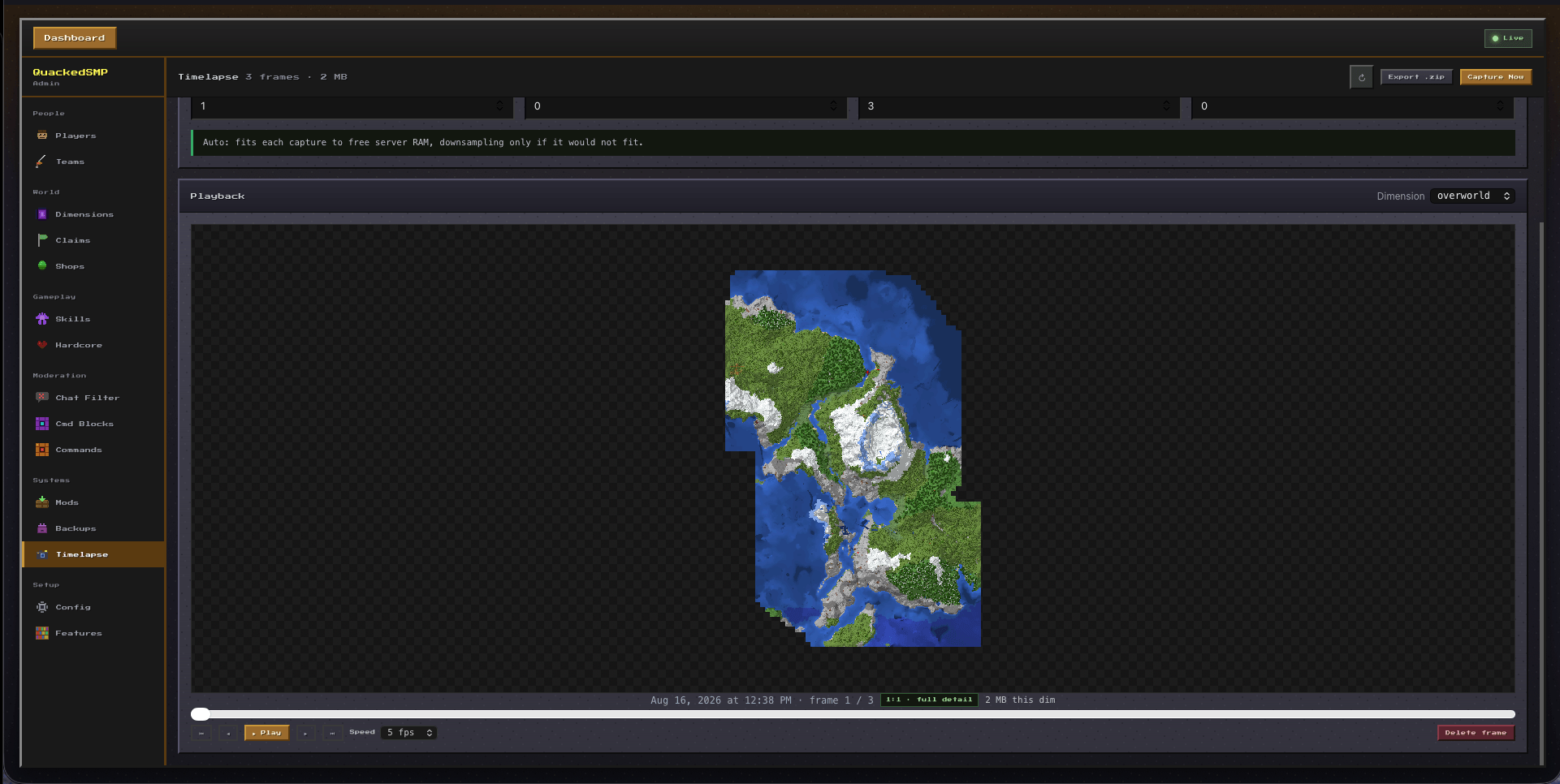
Admin Panel
| Tab | What you can do |
|---|---|
| Players | Online players, dimension, OP level. Grant/revoke OP, set VIP tier. |
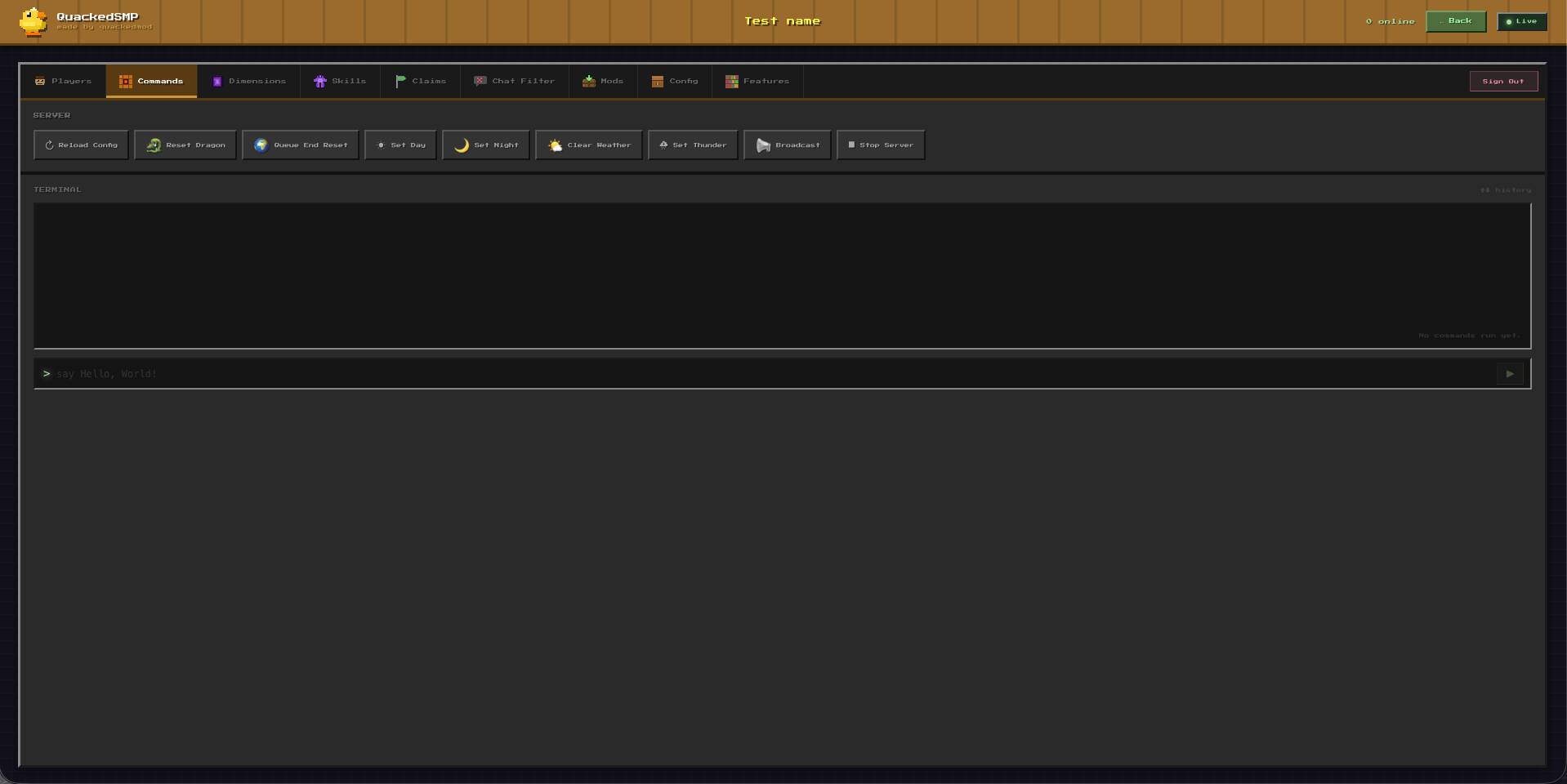
| Commands | Run server commands from the browser. Quick actions (weather, time, broadcast, end reset, wilderness regen, stop). |
| Dimensions | Create, delete, and configure custom dimensions. Wire portal frame blocks. |
| Skills | Browse skill levels. Set level / adjust XP per skill. |
| Claims | View claim counts. Force-unclaim all chunks for a player. |
| Chat Filter | Blocked words and whitelist. Active mutes, unmute. |
| Hardcore | Active sessions, force-end a session. |
| Teams | Scoreboard teams, members, dimension auto-assign. |
| Shops | List player shops, delete shops, view bank balances, toggle economy. |
| Cmd Blocks | List, edit, and delete command blocks in loaded chunks (requires command blocks enabled on the server). |
| Mods | Upload, replace, or remove JARs in mods/. |
| Backups | Create / list / download / delete world snapshots. Toggle public download and panel URL messaging. |
| Config | Edit configurable values live. Most settings need no restart. |
| Features | In-panel feature overview. |
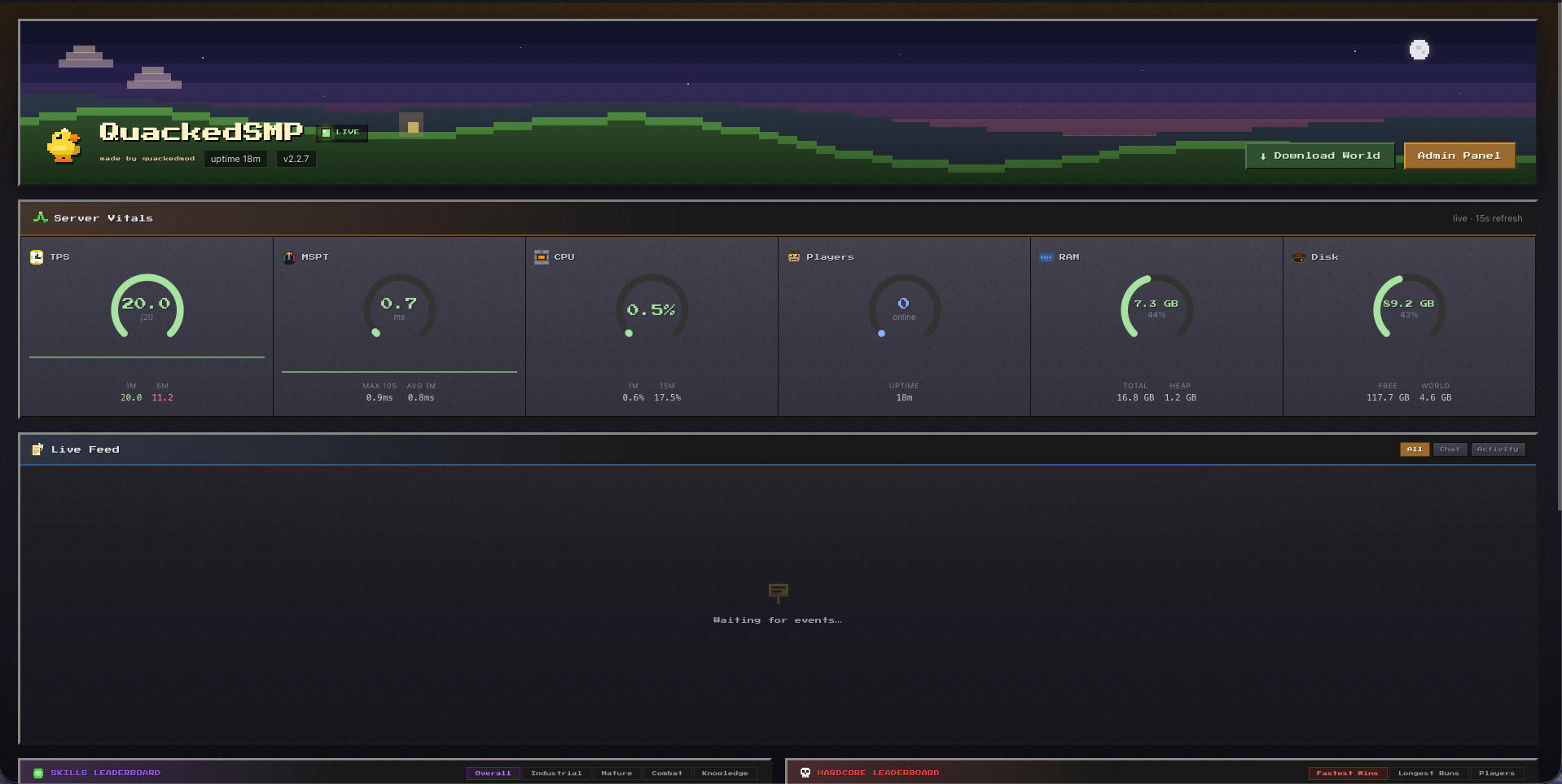
Public dashboard
Anyone who can reach the port (no login):
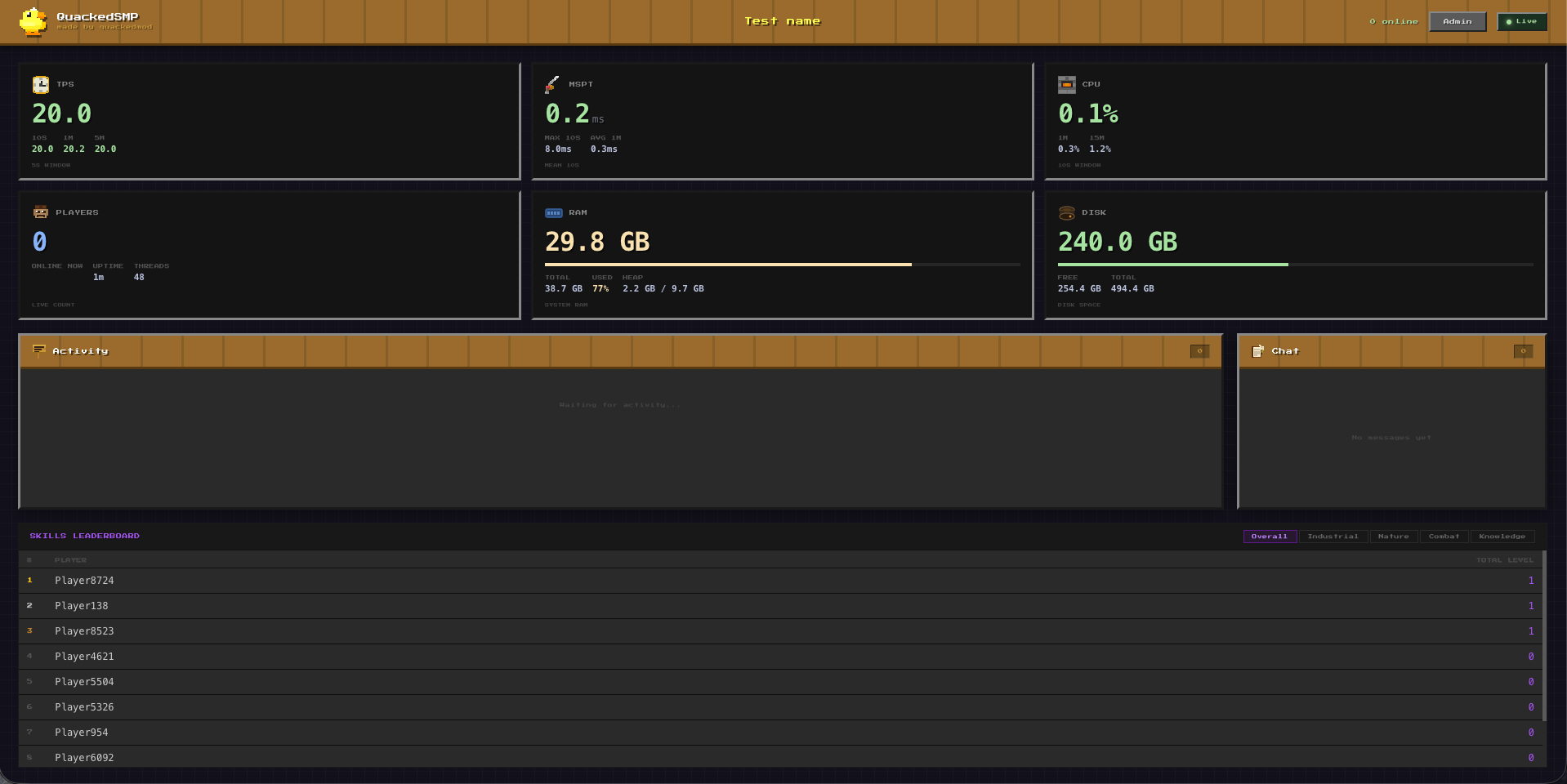
- Metrics: RAM, disk, uptime; TPS / CPU / MSPT if Spark is installed
- Player count
- Event feed: join / leave and chat over WebSocket
- Skills leaderboard
- World download (opt-in only): when
backup_public_downloadis true, a download button streams the latest snapshot
常见问题
Quacked SMP – Server Management Panel 支持哪些 Minecraft 版本?
Quacked SMP – Server Management Panel 支持 Minecraft Java 版 1.21.8–26.2,共 5 个版本,可用的加载器:Fabric / NeoForge。下载时注意选择和你游戏版本一致的文件。
Quacked SMP – Server Management Panel 怎么安装?
先用 PCL2 或 HMCL 启动器安装对应版本的 Fabric / NeoForge,再把下载的 .jar 文件放进游戏目录的 mods 文件夹,重新启动游戏即可。开启了版本隔离的,mods 文件夹在 versions/版本名 下面。
Monte_Carlo_Simulations 的其他作品
查看全部 →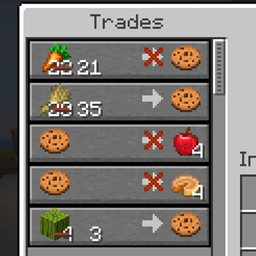
Better Villager Trades
Swap emeralds for any item in villager trades. Plugin with no client install required. Works in single-player too.

Better Villager Trades
Swap emeralds for any item in villager trades. Plugin with no client install required. Works in single-player too.
Better Villager Trades
Swap emeralds for any item in villager trades. Plugin with no client install required. Works in single-player too.

Ducky Quack Pack
Tameable Ducks that form follow‑the‑leader lines, migrate, quack, dab and bring new drops & recipes. Configure their size and speed.
评论
登录后评论和评分