Block Dithering
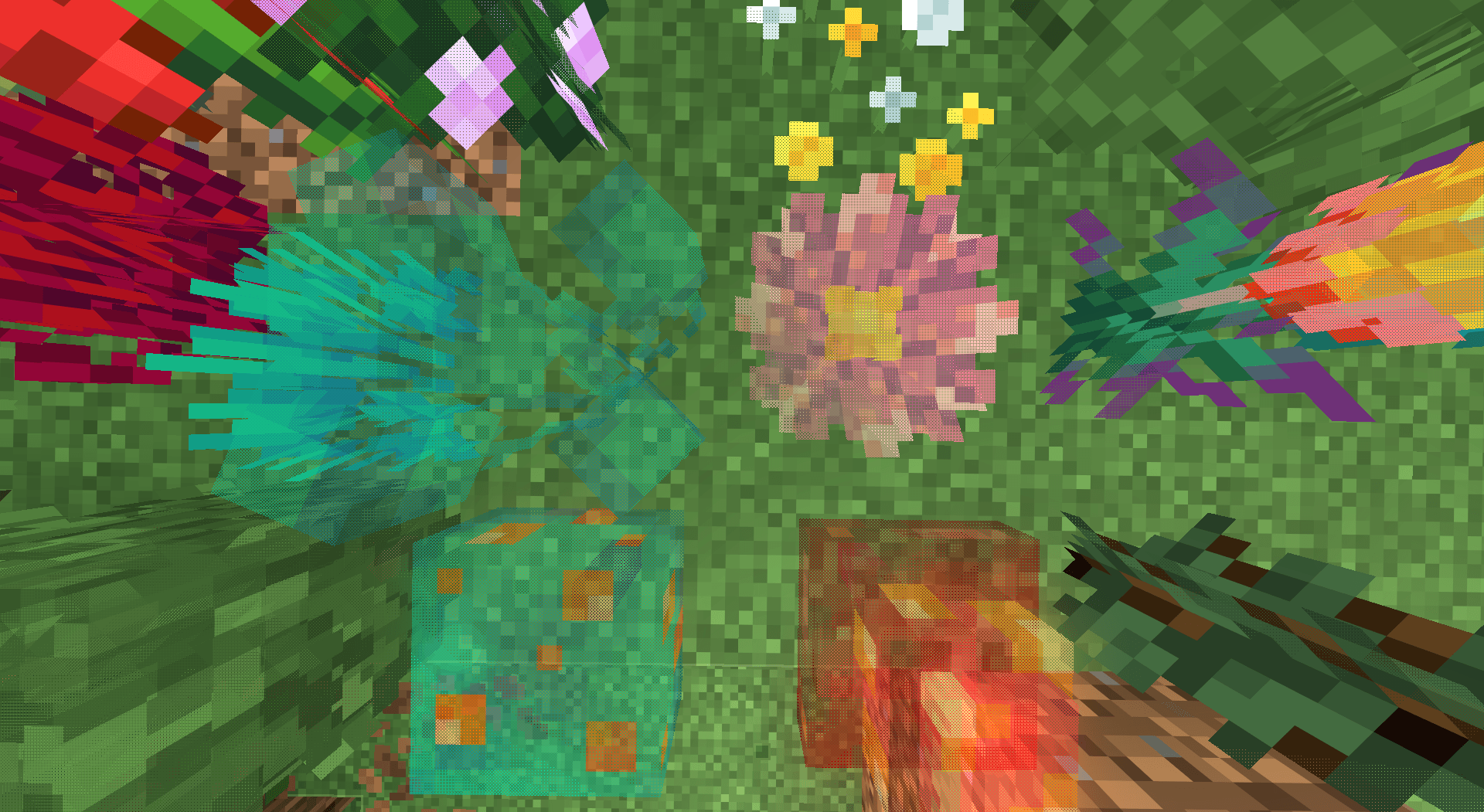
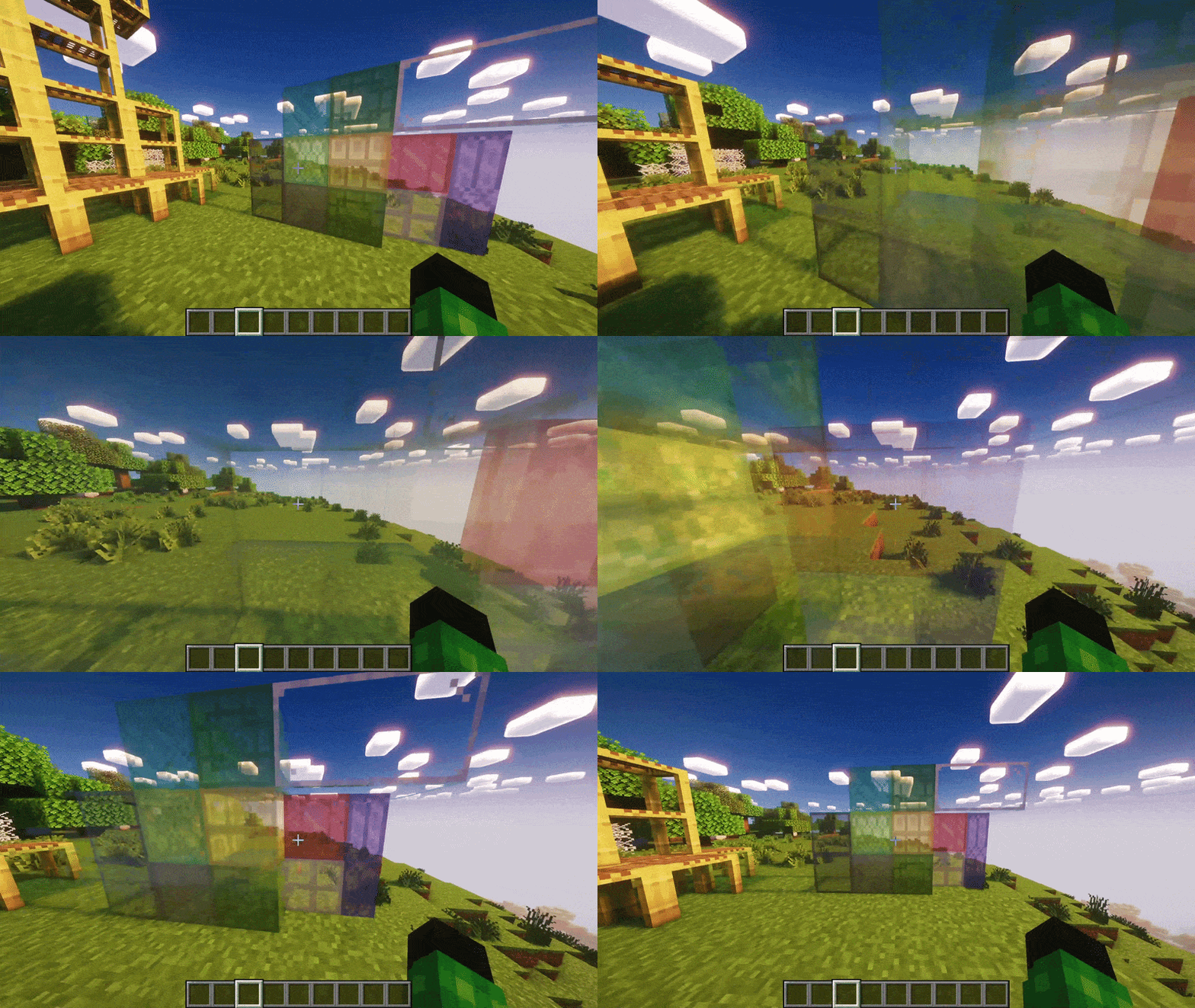
Adds dithered transparency effect to blocks. Compatible with any shaders and resource packs! ✨
截图
介绍

|
      |

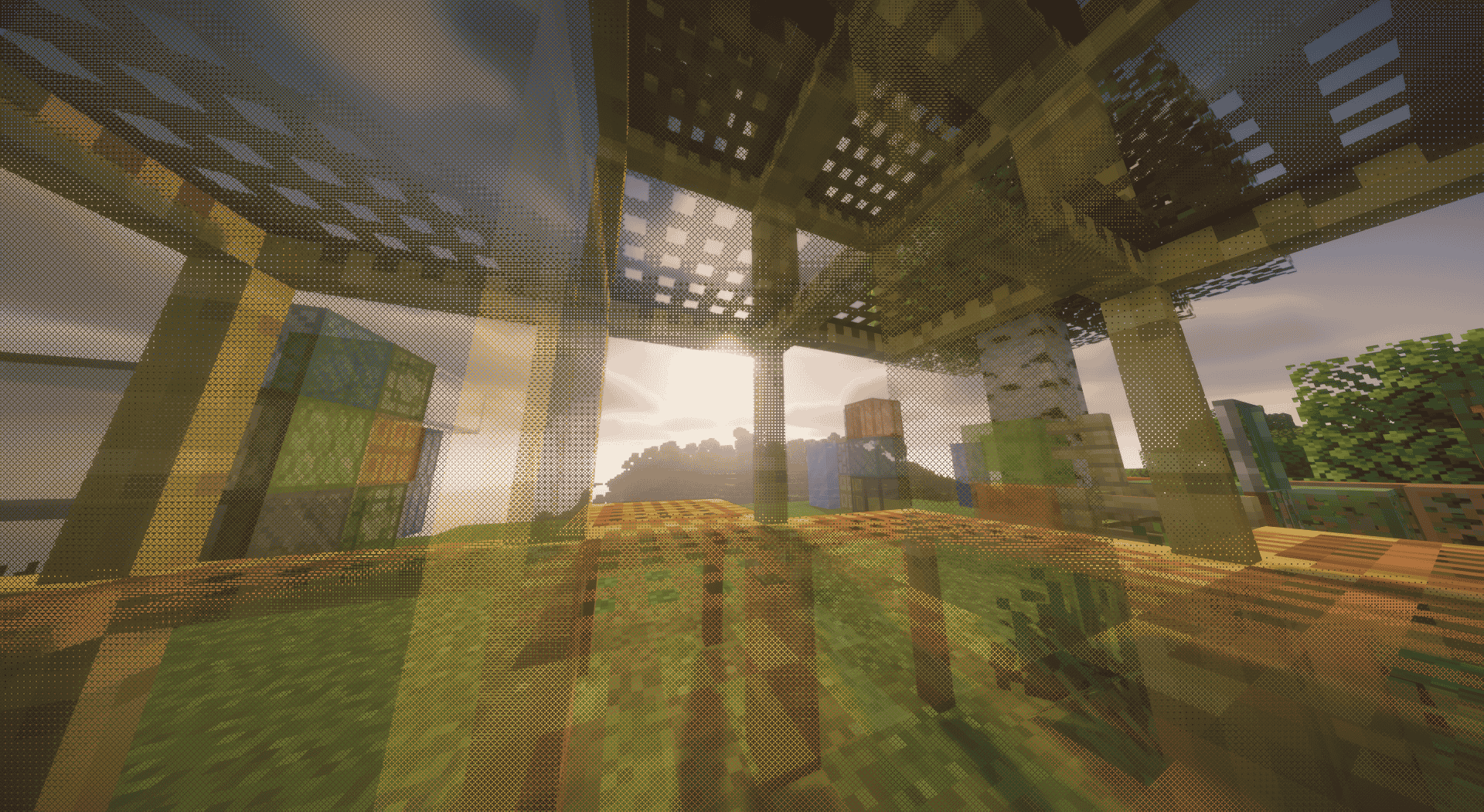
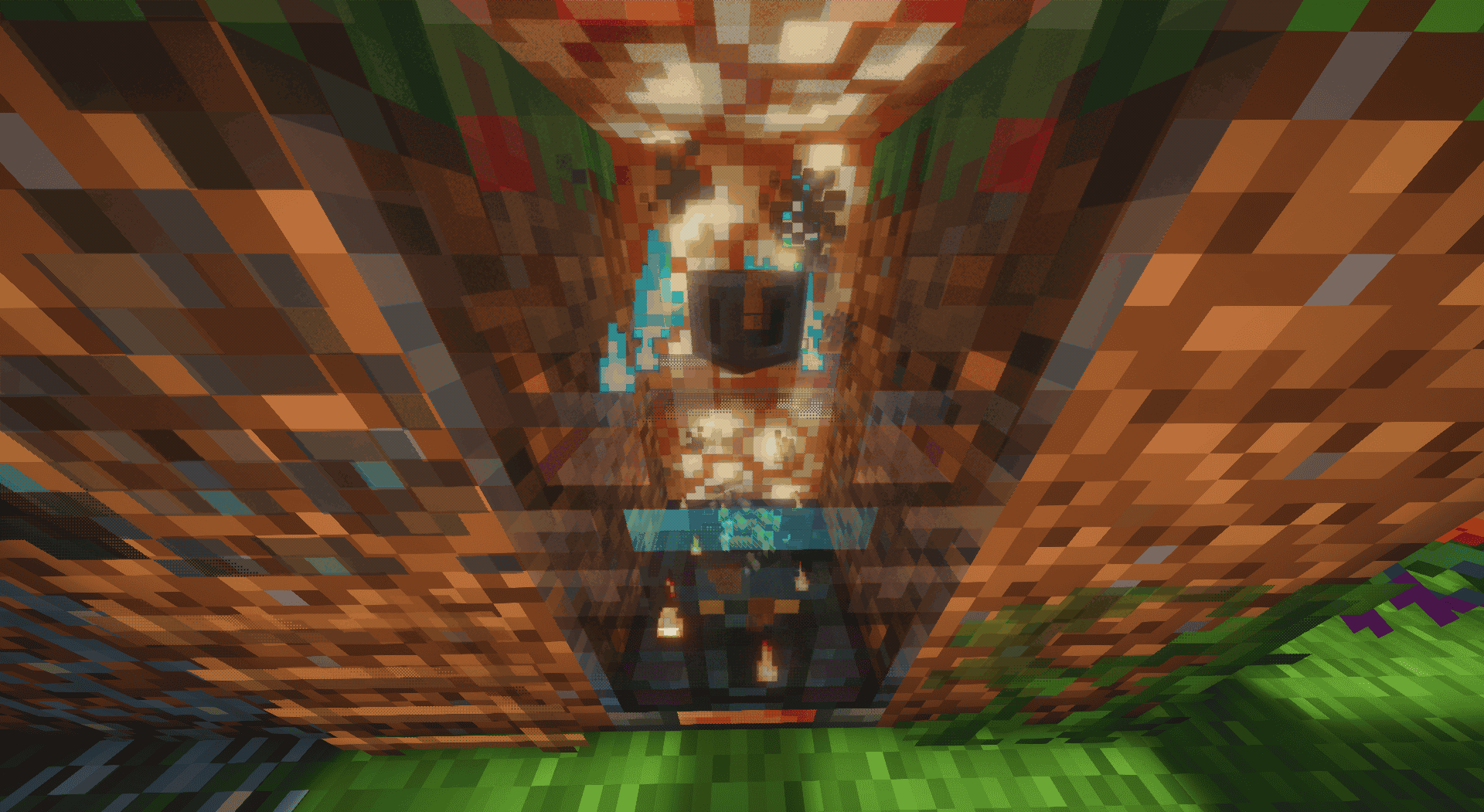
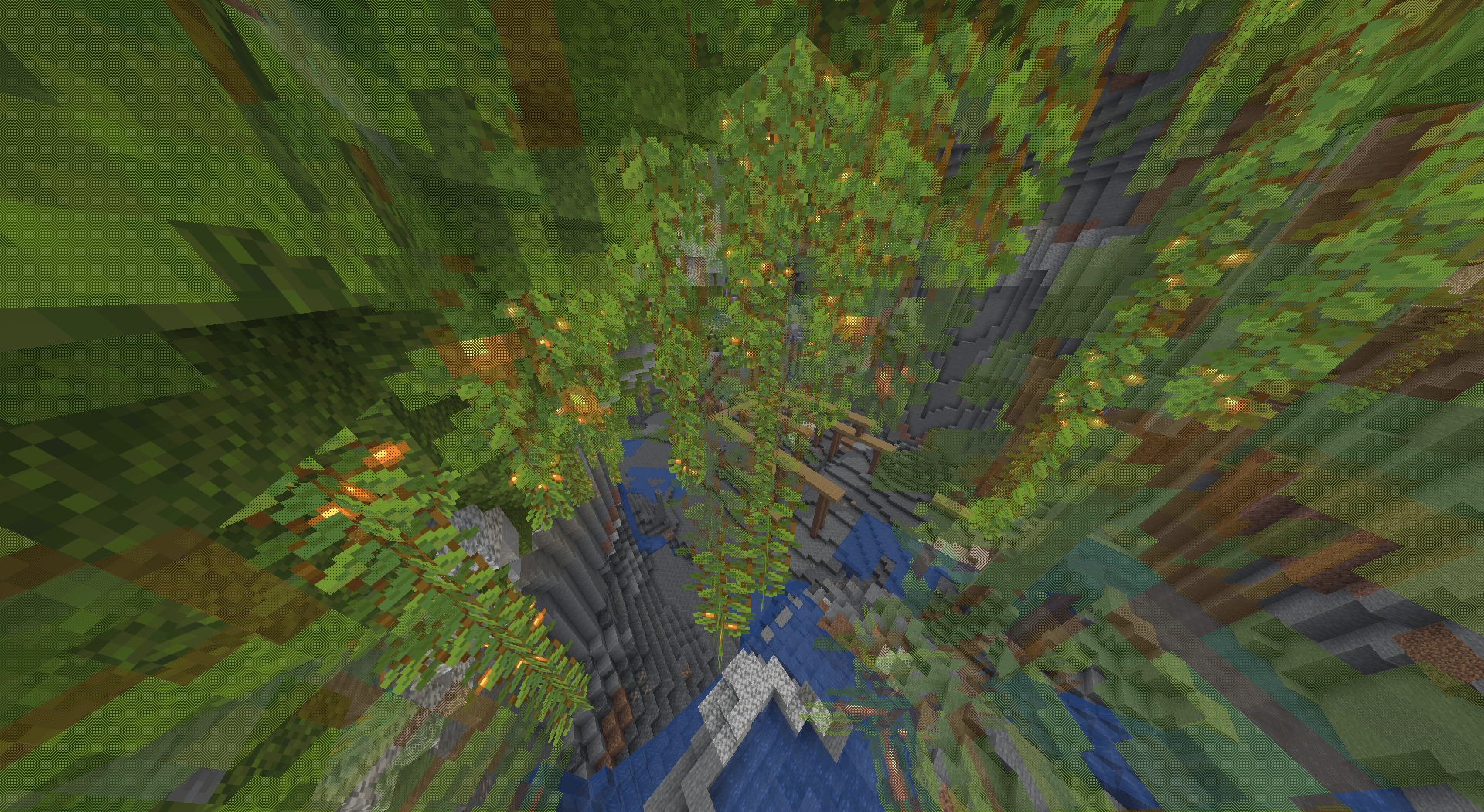
Block Dithering — adds a dithered transparency effect to blocks that get in your way, fading them out as you get close so they stop blocking your view, while still looking exactly like vanilla from a distance.
Compatible with any shaders and resource packs! ✨
Showcase


- Works in vanilla rendering and with Sodium & Iris
- Client-side only — multiplayer friendly, no server install required
🌟 Shaders Compatible
Don’t worry, this mod works with all shaders, including those from your resource packs or Iris shaders! You don’t need to do anything — just enable them, and it will work.


- Fully configurable block list: whitelist and blacklist by
id,#tagor*wildcard*- For example:
minecraft:glass,#minecraft:flowers,minecraft:*copper_grate*
- For example:
- In-game config screen (YACL) with sliders for fade distance, pixel size and minimum visibility
- Searchable block lists and instant apply — no reload or restart needed


Want to support mod and authors? Just tell everyone about this mod!
Yeah, you got it right. Just by advertising, you will support the mod and the creators well. The more people will know about this mod, the more downloads it will have, more downloads will give good motivation to authors and increase income from the site (literally free donation). Remember, advertising must not be intrusive and annoiyng!
What you can do?
- Make a video review / advertisement
- Share it on social media or Discord
- Tell your friends about this mod
- Add it to your modpack or just download and enjoy the game
Every mention matters — thank you for helping the community grow 🤍

The license terms for this project are defined in the LICENSE file in the source repository. That file always takes precedence over any license shown anywhere else.
View the source code
常见问题
Block Dithering 支持哪些 Minecraft 版本?
Block Dithering 支持 Minecraft Java 版 1.21.1–26.2,共 6 个版本,可用的加载器:Fabric / NeoForge。下载时注意选择和你游戏版本一致的文件。
Block Dithering 怎么安装?
先用 PCL2 或 HMCL 启动器安装对应版本的 Fabric / NeoForge,再把下载的 .jar 文件放进游戏目录的 mods 文件夹,重新启动游戏即可。开启了版本隔离的,mods 文件夹在 versions/版本名 下面。
ZipeStudio 的其他作品
查看全部 →
Talking Heads
为 Plasmo Voice 和 Simple Voice Chat 提供的客户端扩展包,可在玩家说话时缩放其头部。

Talking Heads
为 Plasmo Voice 和 Simple Voice Chat 制作的客户端附属模组,可在玩家说话时缩放其头部。
Bathymetry
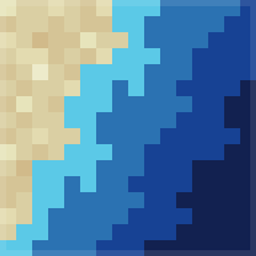
通过水体颜色直观显示水下地形深度。
Tools On My Back (TOMB)
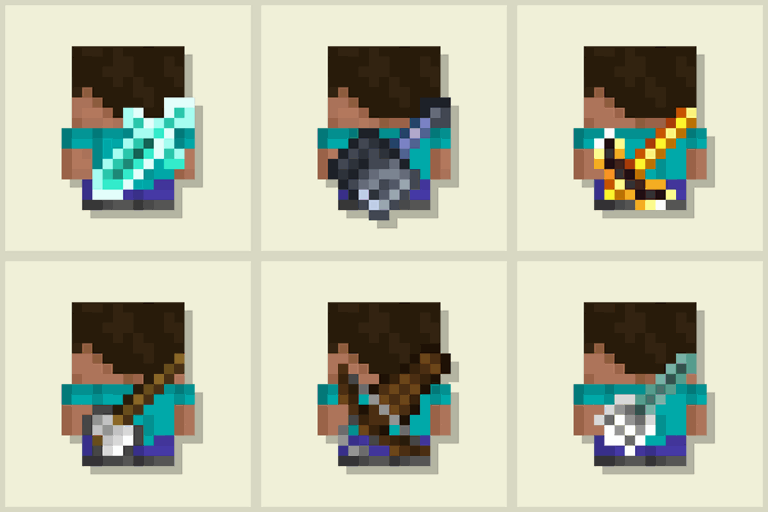
在玩家背上显示最后使用的工具。为你的冒险增添沉浸感!🪄 现已支持游戏内编辑器和配置分享!🪄
评论
登录后评论和评分