
Stitch
Resource pack shaders that keep working under shader packs: brings a pack's armour and model effects back under Iris and OptiFine.
介绍
Resource pack shaders that keep working under shader packs.
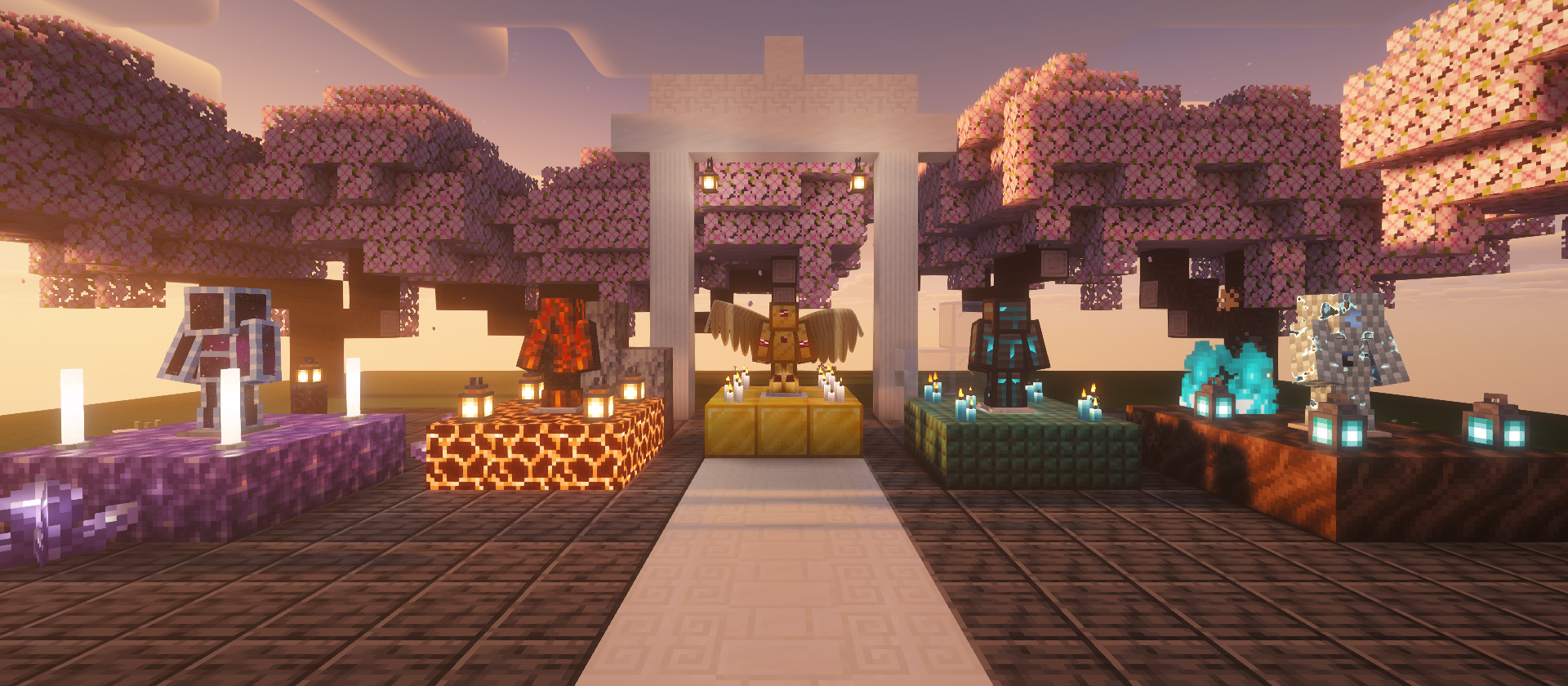
A resource pack can change how Minecraft draws things by shipping its own shaders: glowing armour,
animated textures, shapes that move. Turn on a shader pack and those effects disappear, because the
shader pack draws the world with its own programs.
Stitch brings them back. Packs that use Stitch describe each effect once, and this mod weaves it
into Iris’s or OptiFine’s shader pack programs as they load, shadows included. Install it, keep your
shader pack, and the pack’s effects stay.

Install
Put the jar in your mods folder, beside your shader mod:
| Loader | Shader mod | Minecraft |
|---|---|---|
| Fabric | Iris | 1.18.2 to 26.3 |
| Forge | OptiFine | 1.18.2 to 1.21.11, wherever OptiFine runs on Forge |
- One jar covers every loader and version above.
- It does nothing without a shader pack: in vanilla, or with shaders off, the pack works on its own.
- Client only. Servers don’t need it and don’t check for it.
- No other mods are needed (no Fabric API).
What you get
- Effects under shader packs: colour, glow and animation from the resource pack, inside the shader
pack’s own lighting. - Shapes too: packs can move or hide parts of a model (flared skirts, floating plates, wings made
from a chestplate), with shadows that match. - Safe to leave on: an effect a shader pack can’t take is skipped for that program alone, with a log
line saying why. The shader pack always loads.
For pack makers
Stitches are written once in GLSL against a fixed interface, and a GitHub Action builds them into the
pack for every release from 1.18.2. The specification, examples and the Action
are on GitHub.
Source · Issues ·
Licence: PolyForm Noncommercial 1.0.0
常见问题
Stitch 支持哪些 Minecraft 版本?
Stitch 支持 Minecraft Java 版 1.18.2–26.3,共 30 个版本,可用的加载器:Fabric / Forge。下载时注意选择和你游戏版本一致的文件。
Stitch 怎么安装?
先用 PCL2 或 HMCL 启动器安装对应版本的 Fabric / Forge,再把下载的 .jar 文件放进游戏目录的 mods 文件夹,重新启动游戏即可。开启了版本隔离的,mods 文件夹在 versions/版本名 下面。
评论
登录后评论和评分