Tensura: Teams
Persistent teams, temporary parties, shared quest progress and EP, private chat, party vitals, JourneyMap sharing and consensual nonlethal duels for Tensura.
截图
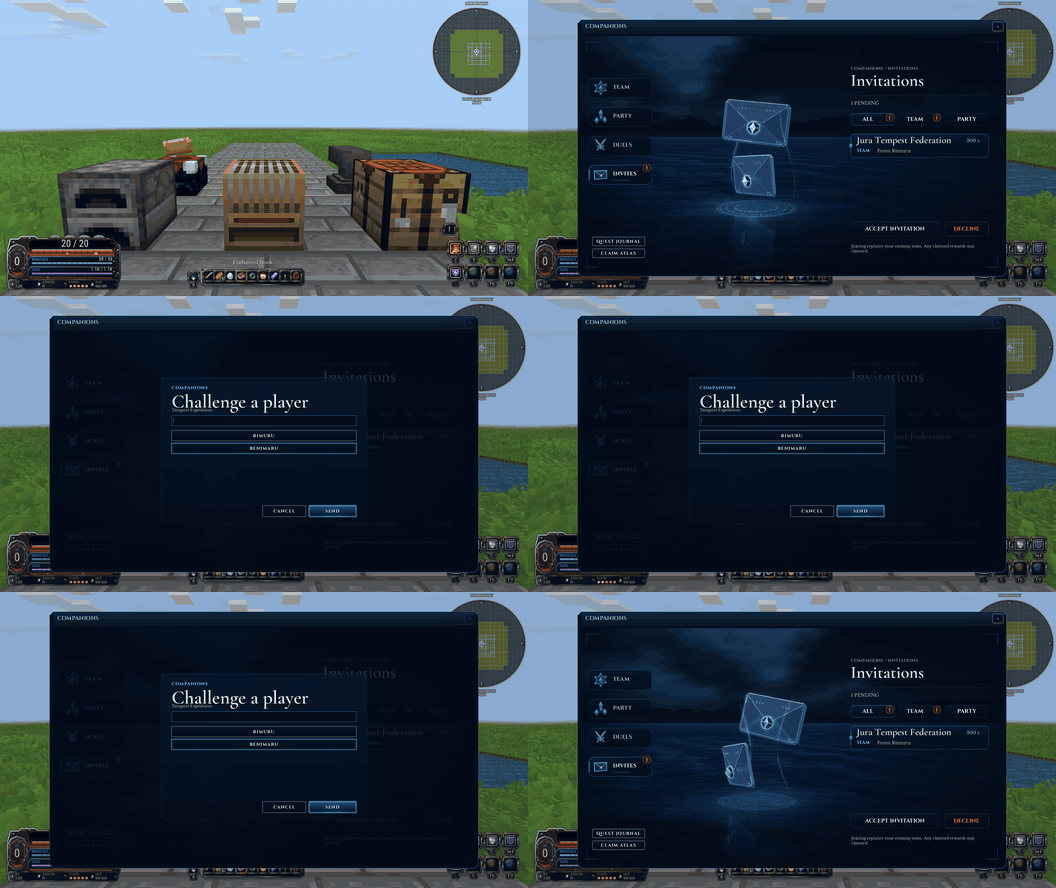
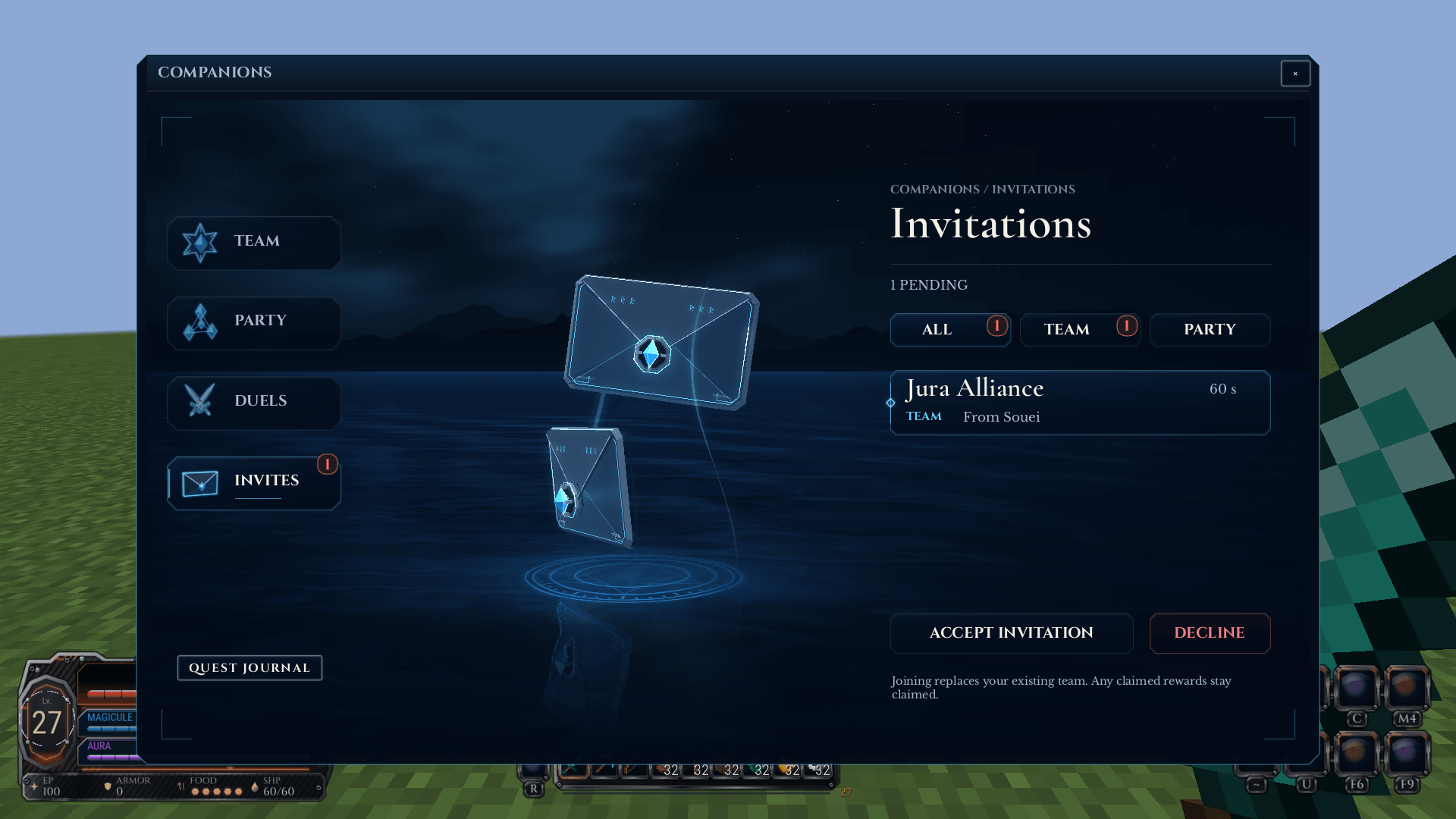
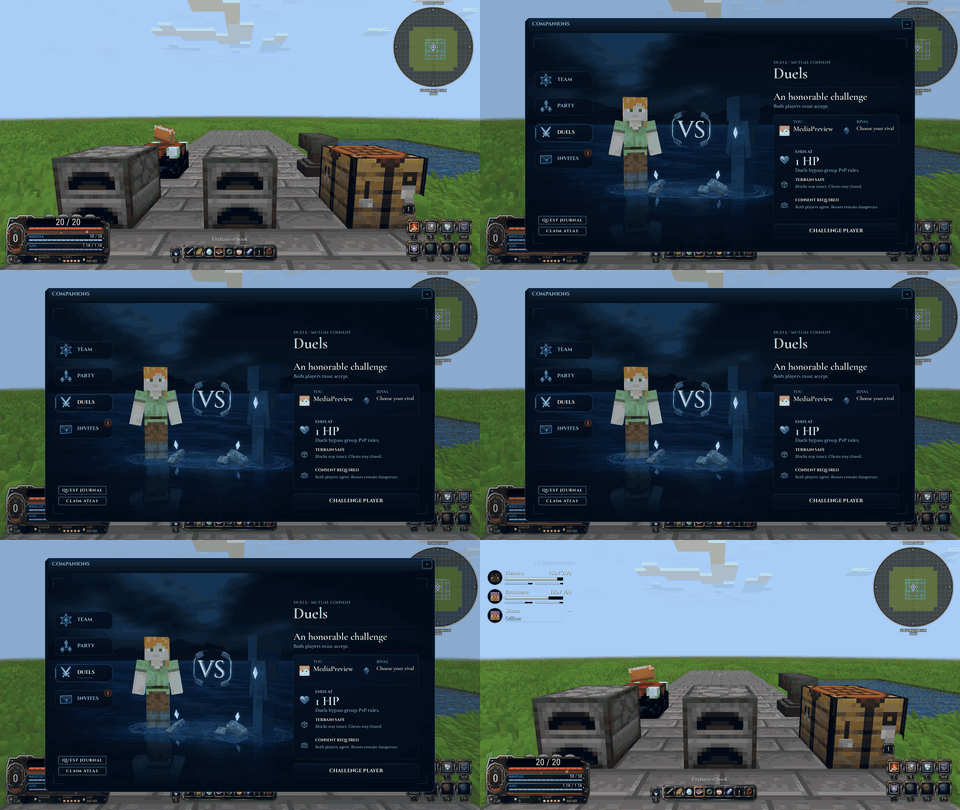
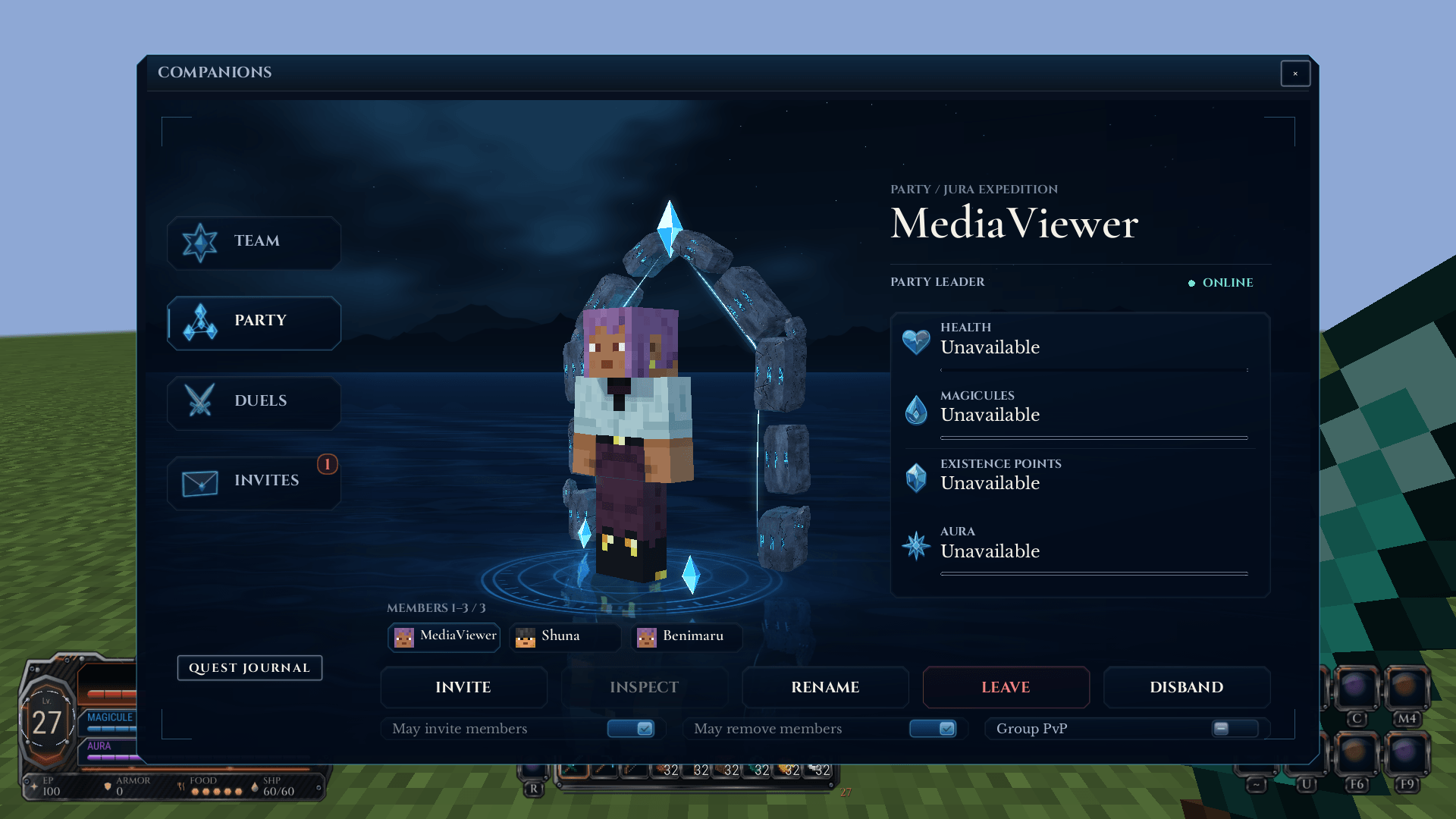
介绍
中文介绍正在准备中,下面暂时显示原文。
◆
TEAMS, PARTIES & DUELS
Tensura: Teams
Build your place among companions.
Form a lasting team, gather a temporary party and share the adventure through native Tensura group systems.
Groups
A team for home. A party for the road.
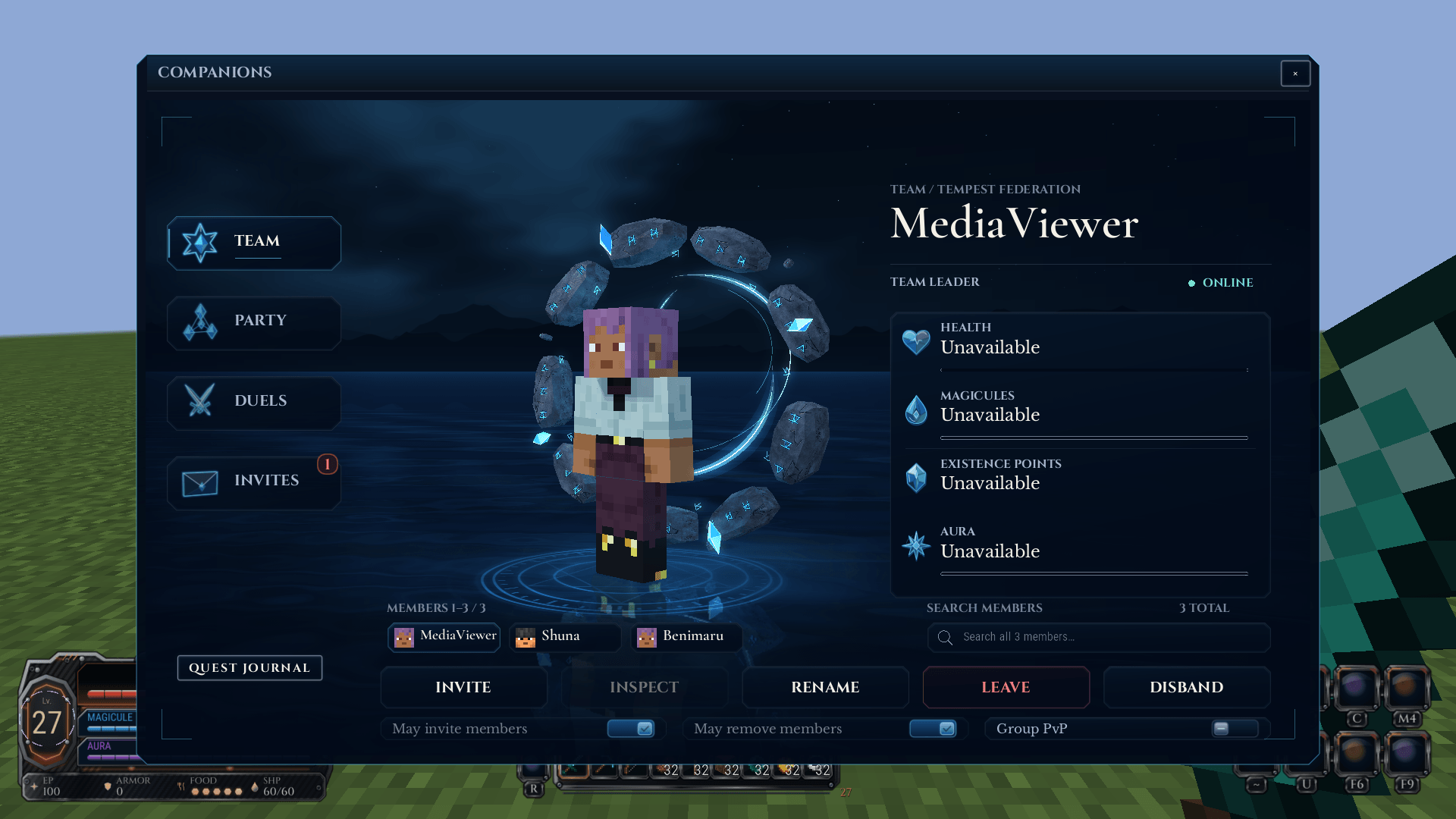
Open Companions with Right Shift,
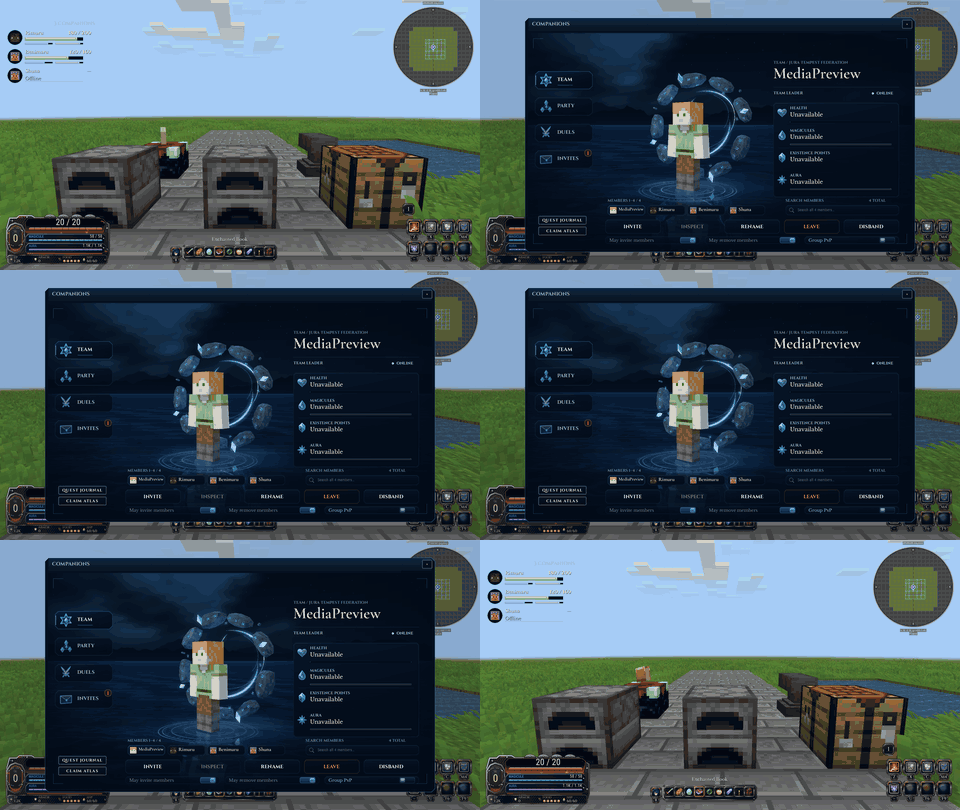
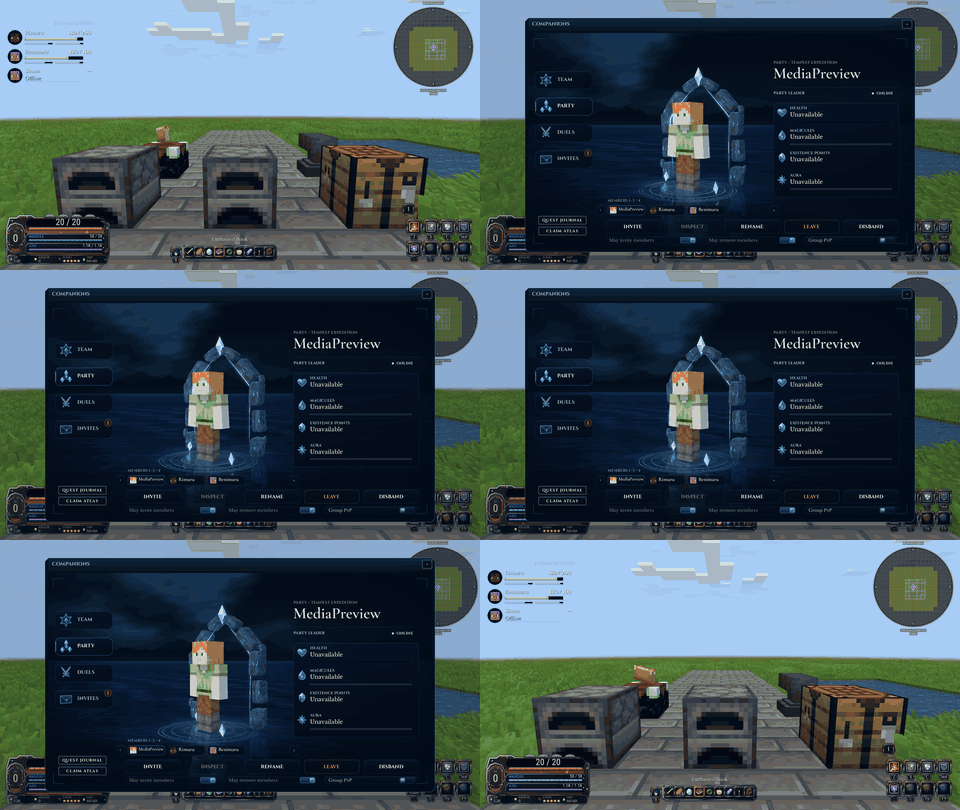
/tteam or /tparty. Create named groups, invite players, manage leadership and delegated permissions, review requests and choose group PvP.Teams persist through logout and restarts. Parties are temporary, removing members on logout and clearing on restart. Private team and party chat keep each conversation with the right group.
Shared adventure
Keep companions in view.
Share quest objectives and completions with Tensura: Quests while retaining individual reward claims by default. Group changes preserve the relevant personal history and payout receipts.
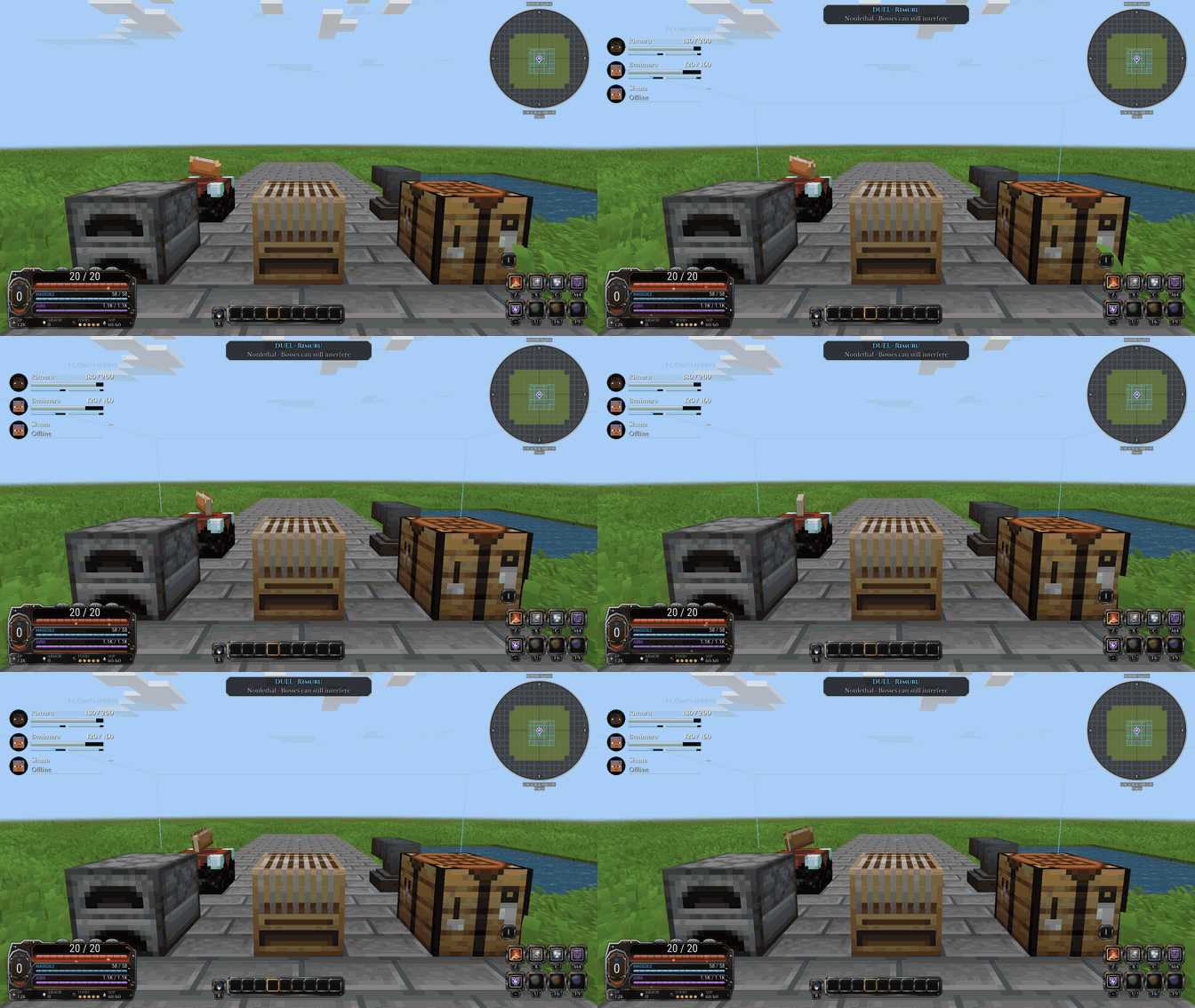
Party frames show online companions’ health, EP, Magicules and Aura. Normal kill EP can be shared with eligible nearby teammates or split among recipients; predation and other bonus skill rewards keep their own rules.
Combat & exploration
Travel together. Challenge each other.
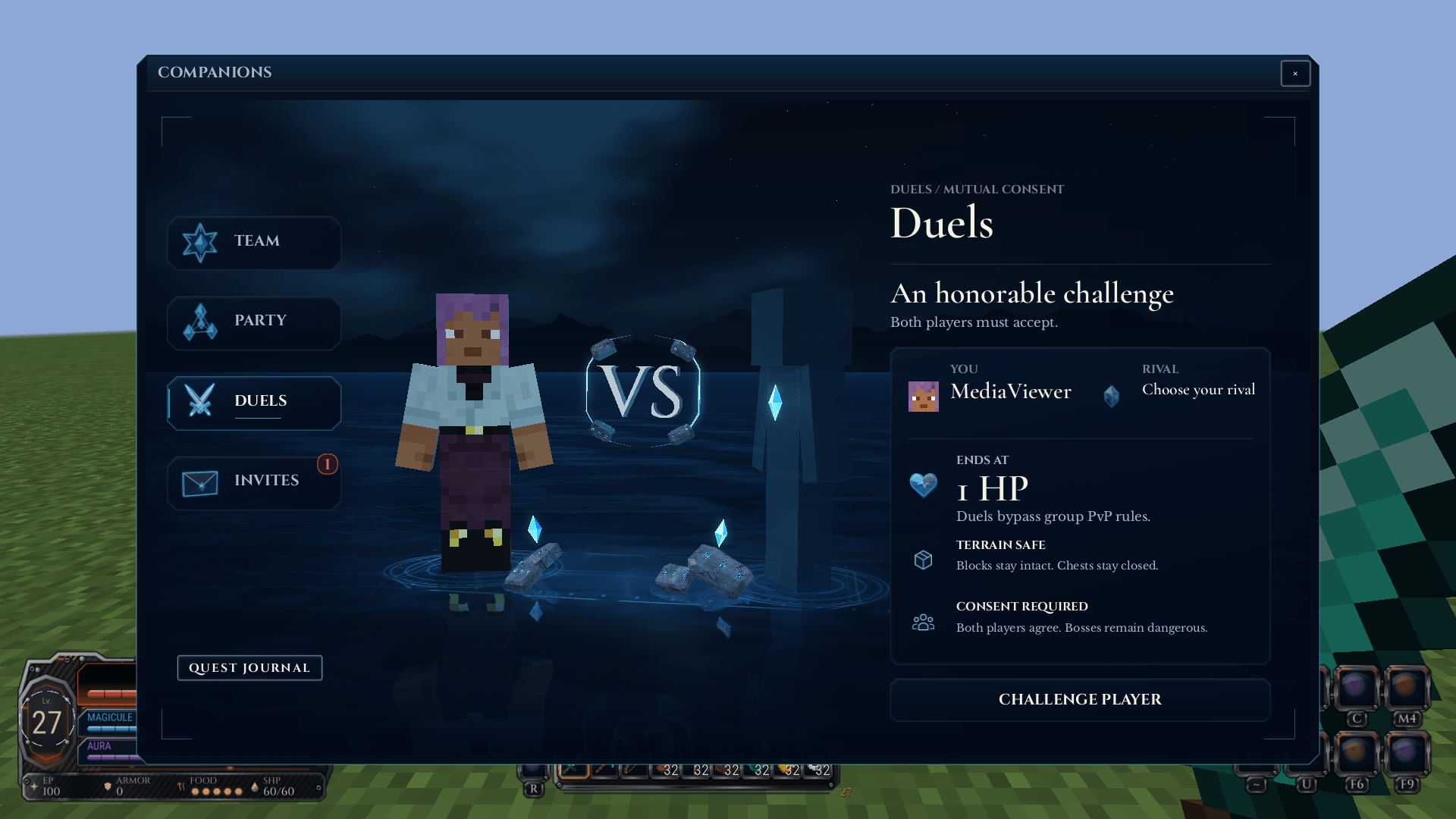
Group PvP settings protect allies. Accepted duels create a bounded contest that ends at 1 HP, with terrain and loot restrictions while real skill costs still apply.
Optional JourneyMap support adds related-player markers, pings and persistent-team exploration and waypoint sharing. Optional Tensura: Chunks adds personal and team territory; Tensura: Voice Chat adds voice communication.
Installation
Bring it to your world.
Minecraft 1.21.1 / NeoForge 21.1.250+ / Java 21.
Required: Tensura: Quests 1.2.12+; Tensura: Reincarnated 2.0.1.3+; Tensura: GUI 0.4.59+ (clients). Install each dependency’s own required libraries too.
Install on the server and every client. GUI is required on clients for Companions; dedicated servers do not need GUI. Group, combat and sharing settings are configured by the host.
常见问题
Tensura: Teams 支持哪些 Minecraft 版本?
Tensura: Teams 支持 Minecraft Java 版 1.21.1,可用的加载器:NeoForge。下载时注意选择和你游戏版本一致的文件。
Tensura: Teams 怎么安装?
先用 PCL2 或 HMCL 启动器安装对应版本的 NeoForge,再把下载的 .jar 文件放进游戏目录的 mods 文件夹,重新启动游戏即可。开启了版本隔离的,mods 文件夹在 versions/版本名 下面。
Hecrius 的其他作品
查看全部 →
Smooth Loading Screens
by Hecrius, SentiBuzz
减少启动时的卡顿,并让创建世界的加载界面保持流畅响应!
2万
9 天前
CurseForge
Tensura: Main Menu
by Hecrius, SentiBuzz
Tensura 主题电影感前端,包含动态镜湖、加载水晶、进入世界过渡效果、主题菜单、环形暂停菜单和可自定义字体。
4,018
6 天前
CurseForge

Custom FPS Crosshairs
by Hecrius, SentiBuzz
完全可自定义的 VALORANT 风格 Minecraft 准星,带实时编辑器、可分享代码、动态效果,最多 10 个配置档。
2,662
19 天前
CurseForge
Tensura: Death Screens
by Hecrius, SentiBuzz
受《转生史莱姆》启发的死亡动画,可选择配置并安全预览,重生后还有匹配的过渡动画回到世界。
2,619
2 天前
CurseForge
评论
登录后评论和评分