
截图



介绍
Welcome to Overlay API
This mod is specifically aimed at MCreator users.
The library will be used to allow anyone to have access to overlay animations/screen tints
The overlays can be grouped up, and removed together by using the same key!
Features
Built in
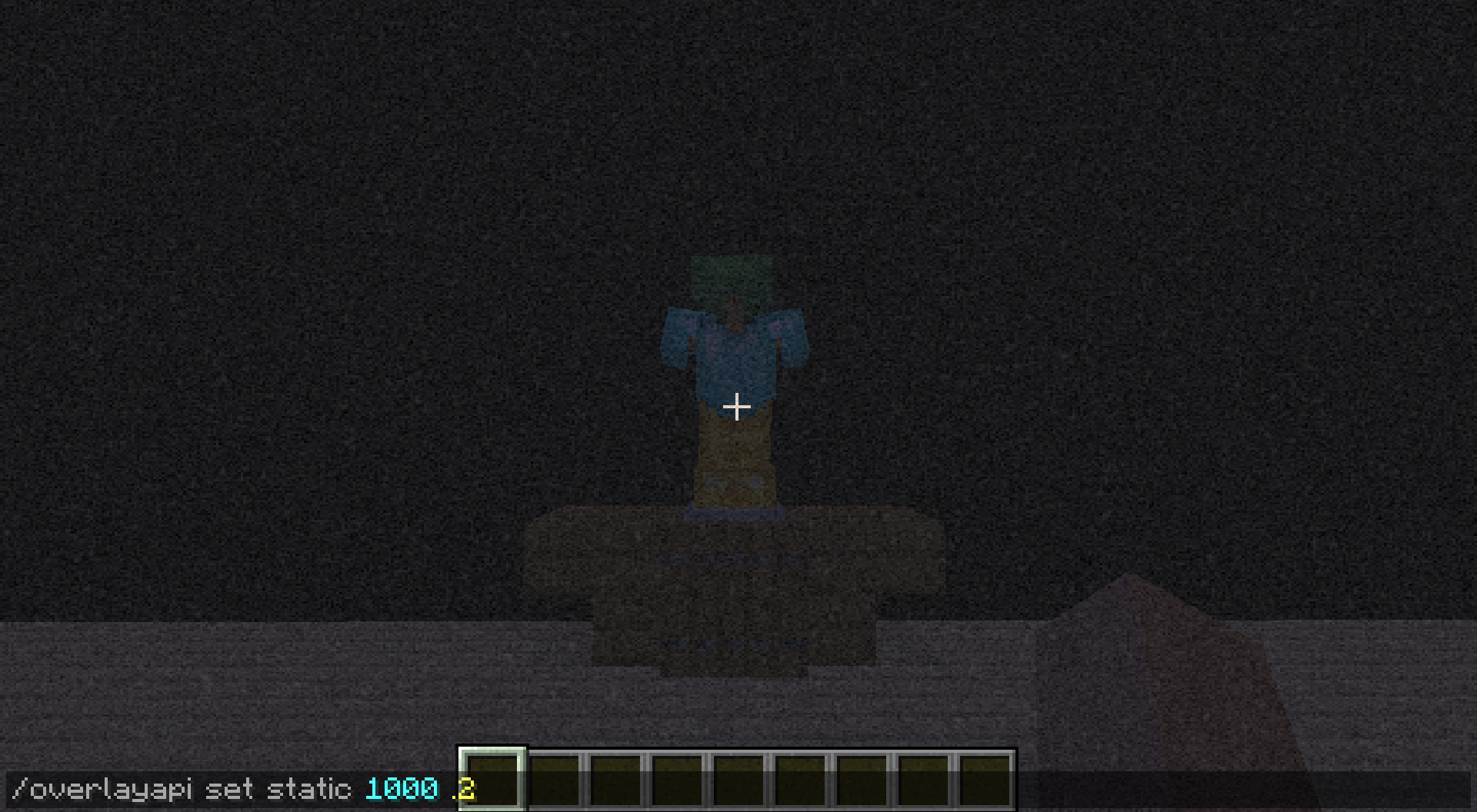
Static / Hypno / Screen Tint
Support for
Custom overlays/animations
How does it work
Animations/Overlays are controlled by a command to give users the most ease
Simply run a command in the name of an entity and you’re good
External Overlays/Animations (Your Mod)
/overlayapi external <keycode> <red> <green> <blue> <alpha> <maxFrames> <delay> <file_location>
Ex
” /overlayapi external blueFire .0 0 .4 1 32 1 minecraft:textures/block/fire_1.png “
Built in Overlays / Animations
/overlayapi internal static <keycode> <red> <green> <blue> <alpha> <delay>
/overlayapi internal tint <keycode> <red> <green> <blue> <alpha>
/overlayapi internal swirl <keycode> <background_red> <b_green> <b_blue> <foreground_red> <f_green> <f_blue> <alpha> <delay>
Minecraft Overlays/Animations
/overlayapi minecraft pumpkin <keycode> <alpha>
Removing Overlays/Animations
/overlayapi clear all
/overlayapi clear key <keycode>
Versions
The current goal is to support everything from 1.16.5 and up
However, that can change, and versions will not be supported equally
Can I Use this In a Modpack?
It’s meant to be a library, go for it
Can I be a contributor
If you would like to contribute animationstrips, or overlay textures
feel free to DM me on discord @spidrone
Official Discord Server?
Nadda, however feel free to join us at MCreative!
Ask any questions you need in one of the help channels
https://discord.gg/XHNSGzMsXa
常见问题
Overlay Animation API 支持哪些 Minecraft 版本?
Overlay Animation API 支持 Minecraft Java 版 1.16.5–1.19.4,共 4 个版本,可用的加载器:Forge。下载时注意选择和你游戏版本一致的文件。
Overlay Animation API 怎么安装?
先用 PCL2 或 HMCL 启动器安装对应版本的 Forge,再把下载的 .jar 文件放进游戏目录的 mods 文件夹,重新启动游戏即可。开启了版本隔离的,mods 文件夹在 versions/版本名 下面。
spidrone 的其他作品
查看全部 →
MCreative SMP
Official Modpack for MCreative SMP

Custom Cosmetics
Fully configurable per server cosmetics, with resource pack support

Disable Ender Chests
Disable Ender Chest Recipe/Interaction

Disable Ender Chests
Disable Enderchests Access
评论
登录后评论和评分