
截图
介绍
中文介绍正在准备中,下面暂时显示原文。
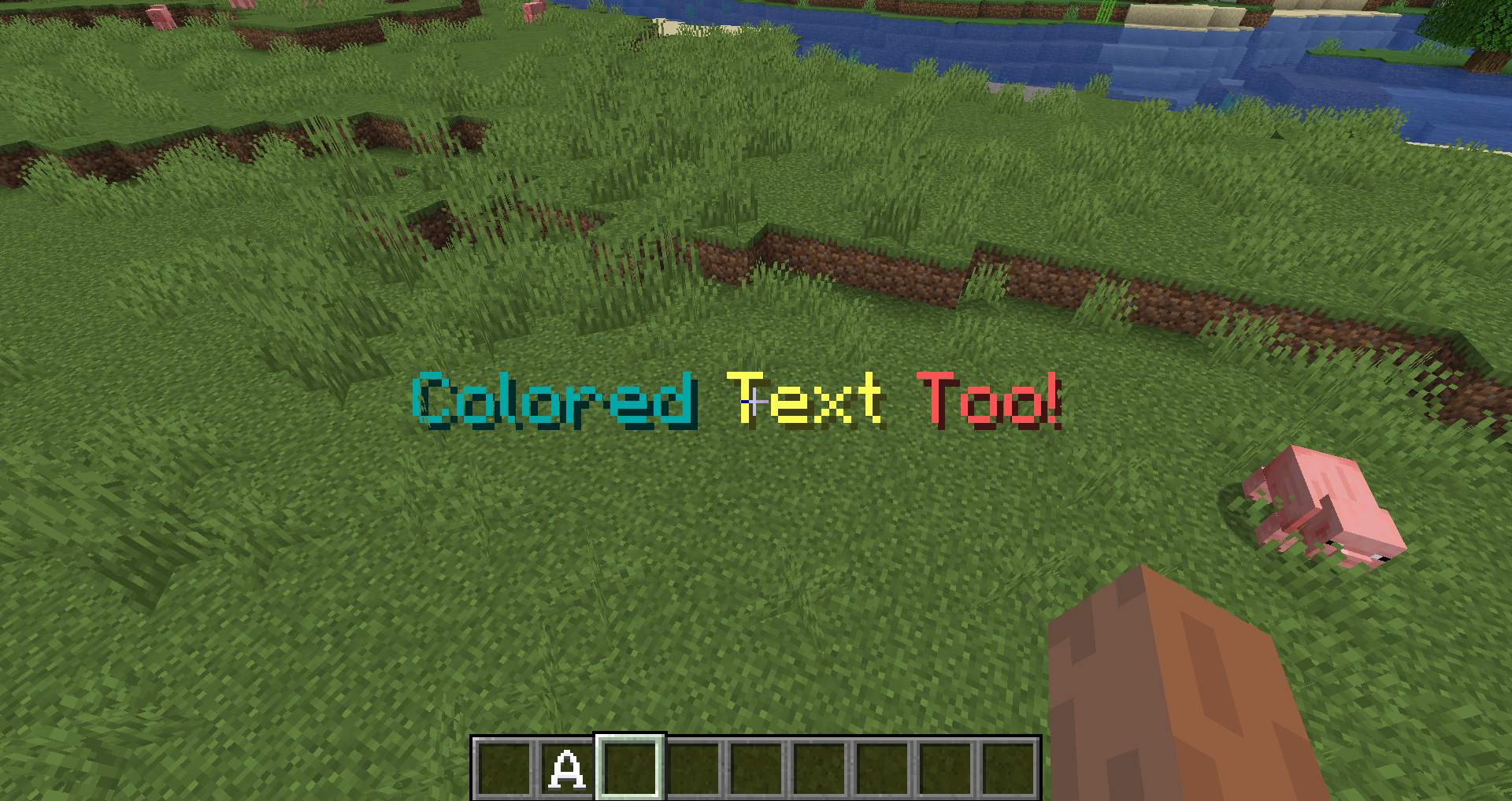
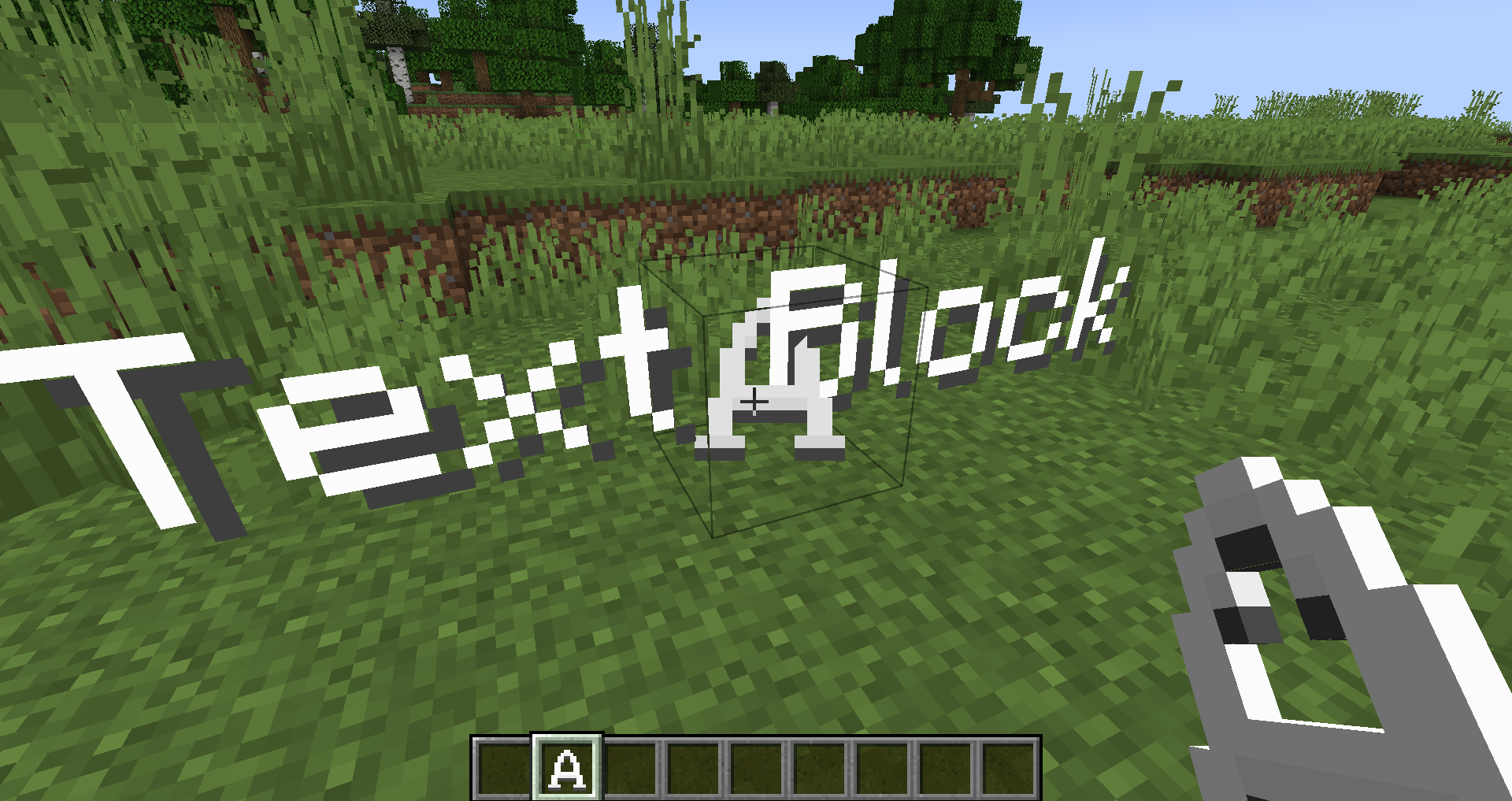
This mod will help you add any flavor of text to your Minecraft world! Whether you want to make a billboard sign or a big announcement in your world, this mod is for you!
Features
- A text block mod available in creative (can be made craftable in survival using data packs)
- Ability to customize its size, rotation, color, and various other properties
- Useful for displaying information to the player in a more concise and clean way
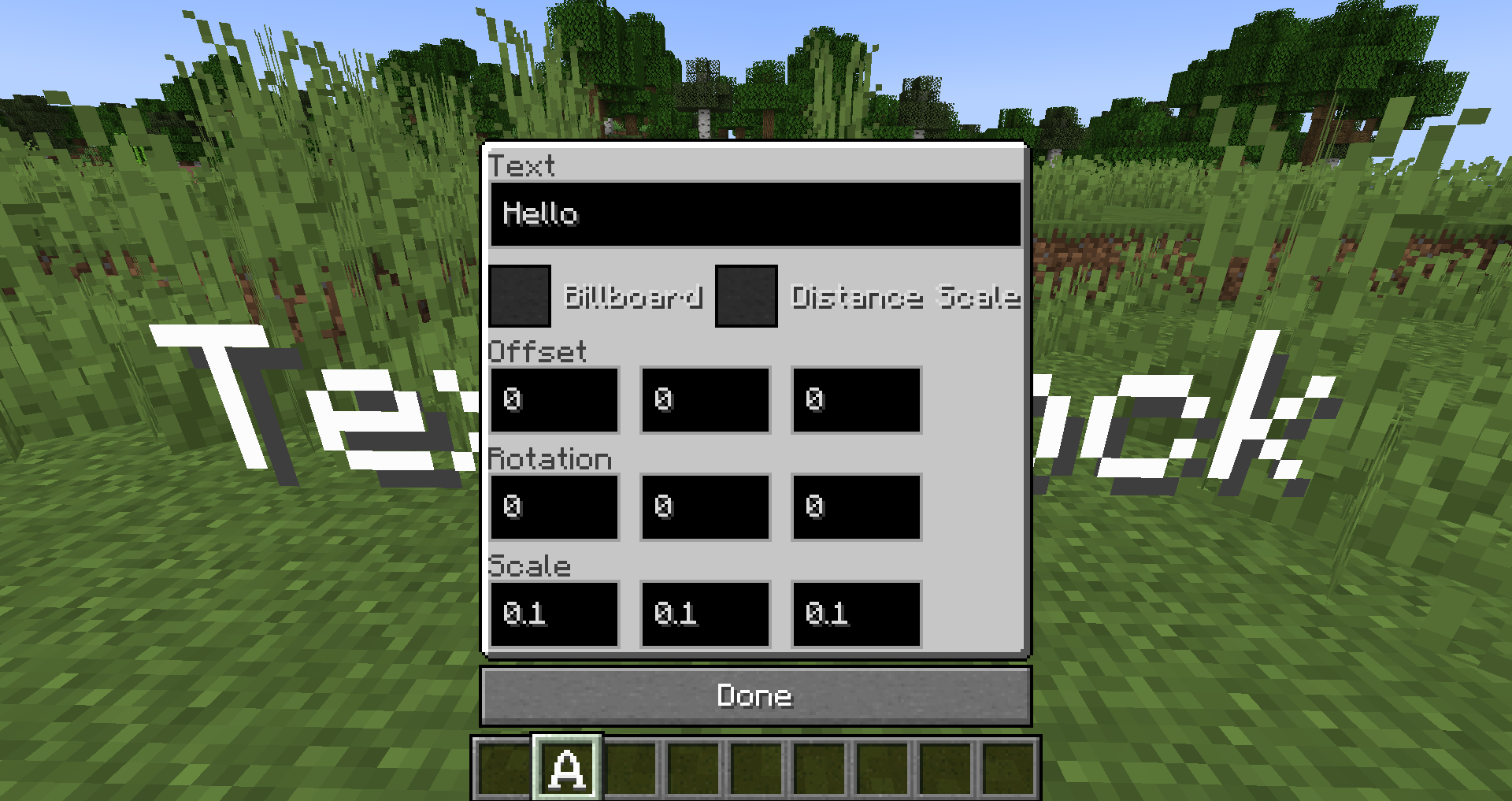
Text Block Options
- Text – this can be whatever you want, either raw text or a text component (just like in /tellraw, you can use any online tellraw generator to color it. This can also include translatable text)
- Billboard – will make the text always face you
- Distance Scale – the size of the text will depend on how far you are from the Text block
- Offset – how much the text is offset from the text block
- Rotation – the rotation of the text
- Scale – how big the text is, for X, Y, and Z axis
Issues & Feedback
Have an issue with the mod? Got some feedback? Or do you simply want to be updated on my mods? Join my Discord server!
常见问题
Text Block 支持哪些 Minecraft 版本?
Text Block 支持 Minecraft Java 版 1.19–1.20.2,共 4 个版本,可用的加载器:Fabric。下载时注意选择和你游戏版本一致的文件。
Text Block 怎么安装?
先用 PCL2 或 HMCL 启动器安装对应版本的 Fabric,再把下载的 .jar 文件放进游戏目录的 mods 文件夹,重新启动游戏即可。开启了版本隔离的,mods 文件夹在 versions/版本名 下面。
daniel___k 的其他作品
查看全部 →
Cushy Pillows
by daniel___k, AJ_131989
新增可自定义的互动枕头,可以抱着睡觉、用来装饰,还能扔向别人!
77.3万
9 个月前
CurseForge
Best Pick
by daniel___k
Best Pick 添加了一个按键绑定,可自动从背包中选取最适合当前所看方块的工具栏。它简化了游戏流程,省去了频繁切换工具的麻烦。
77.2万
2 年前
CurseForge

[Fabric] Feather Trampling
by daniel___k
穿着带有摔落保护的靴子时,防止玩家踩坏耕地。
2.8万
2 年前
CurseForge

[Fabric] BoatJump
by daniel___k
A small mod that allows you to go up uneven terrain in a boat
9,852
4 年前
CurseForge
评论
登录后评论和评分