
BlindEcho
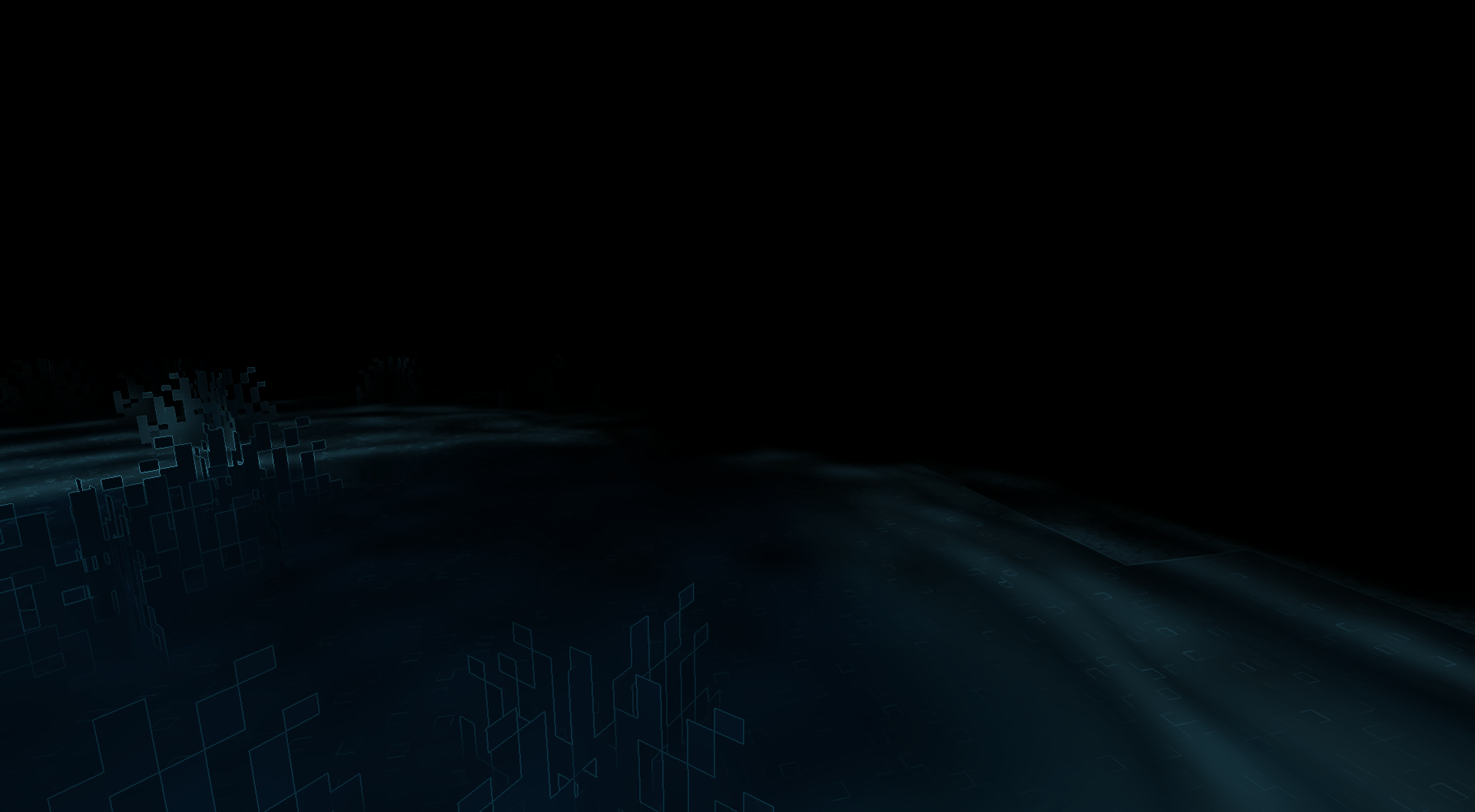
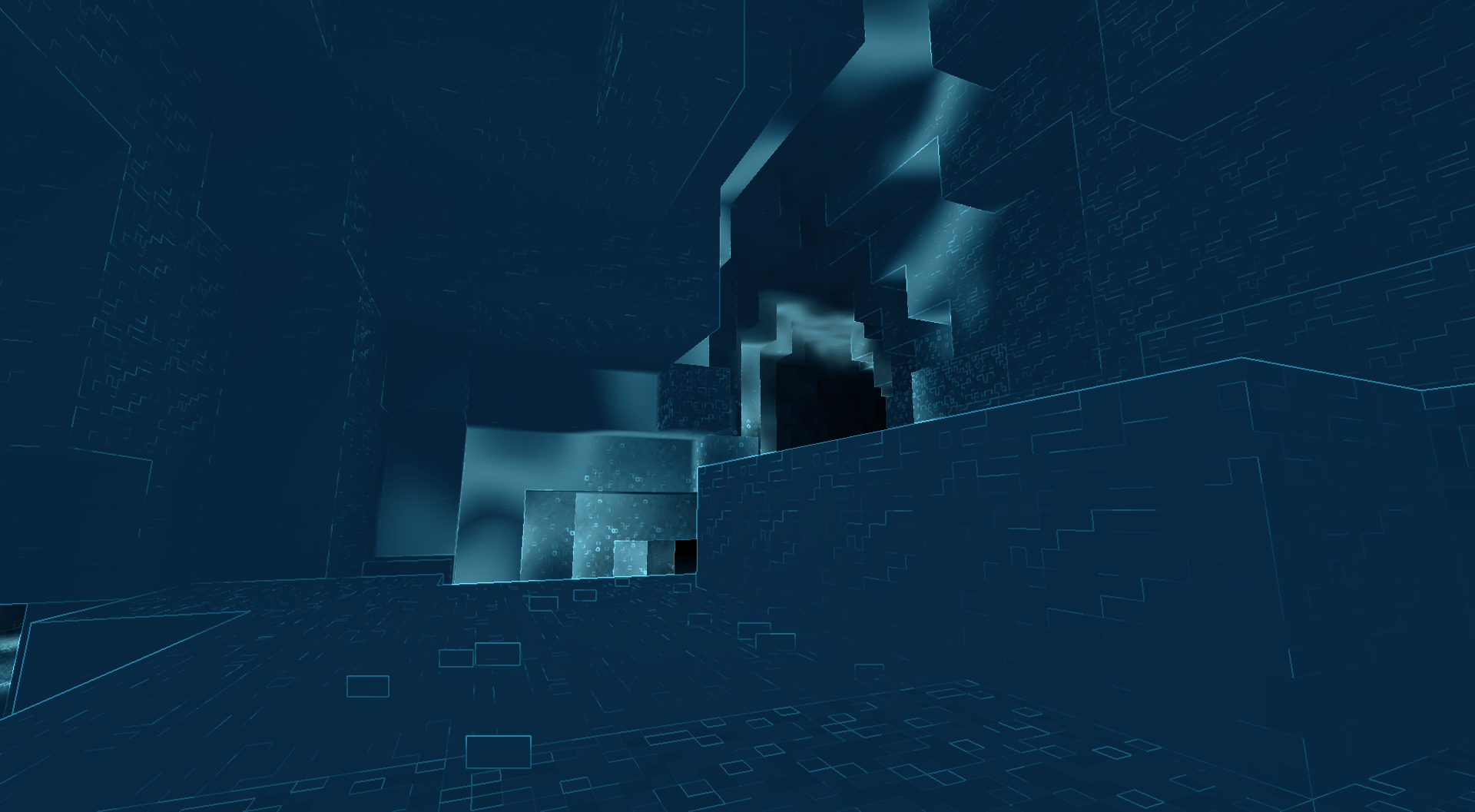
Every sound creates an expanding echo wave that briefly reveals nearby surfaces, making sound your only way to navigate the world.
截图

介绍
BlindEcho
BlindEcho transforms Minecraft into a horror survival experience where sound becomes your vision.
The world is almost completely hidden. Every sound creates an echolocation pulse that briefly reveals your surroundings.
Walk carefully, listen closely, and use sound to navigate caves, structures, and the darkness. Footsteps, mining, combat, and other noises become your primary way of seeing the world.
Features
- 🔊 Real-time echolocation — sounds briefly reveal the world around them.
- 🌑 Near-total darkness — explore primarily through hearing instead of normal vision.
- 👣 Dynamic sound pulses — footsteps, mining, combat, and other sounds generate echolocation.
- 🌊 Sound propagation — blocks, water, and lava interact differently with echolocation.
- 🎨 Customizable echo color — press
Kto open the color settings and choose a color using the palette or enter a custom HEX code. - 👁️ Immersive first-person survival — designed around tension, uncertainty, exploration, and sound.
Recommended Mods
For the most immersive BlindEcho experience, I recommend using it together with:
- FirstPerson — True first-person camera for greater immersion.
- ItemPhysic — Makes dropped items behave with realistic physics.
- Presence Footsteps — Adds detailed contextual footstep sounds for different surfaces.
- Sound Physics Remastered — Adds realistic sound propagation, echoes, and occlusion.
- Sound Physics Perfected — Alternative sound physics implementation with enhanced acoustics.
- Sounds — Expands Minecraft’s ambient and environmental soundscape.
- Simple Voice Chat — Adds positional voice chat for a more immersive multiplayer experience.
Mod created with AI
常见问题
BlindEcho 支持哪些 Minecraft 版本?
BlindEcho 支持 Minecraft Java 版 1.20.1–26.1.2,共 3 个版本,可用的加载器:Fabric。下载时注意选择和你游戏版本一致的文件。
BlindEcho 怎么安装?
先用 PCL2 或 HMCL 启动器安装对应版本的 Fabric,再把下载的 .jar 文件放进游戏目录的 mods 文件夹,重新启动游戏即可。开启了版本隔离的,mods 文件夹在 versions/版本名 下面。
评论
登录后评论和评分