
FactoriaCraft [Server Edition]
A Modpack with a balance of Factory, Adventure, Exploration and Vanilla Living.
截图
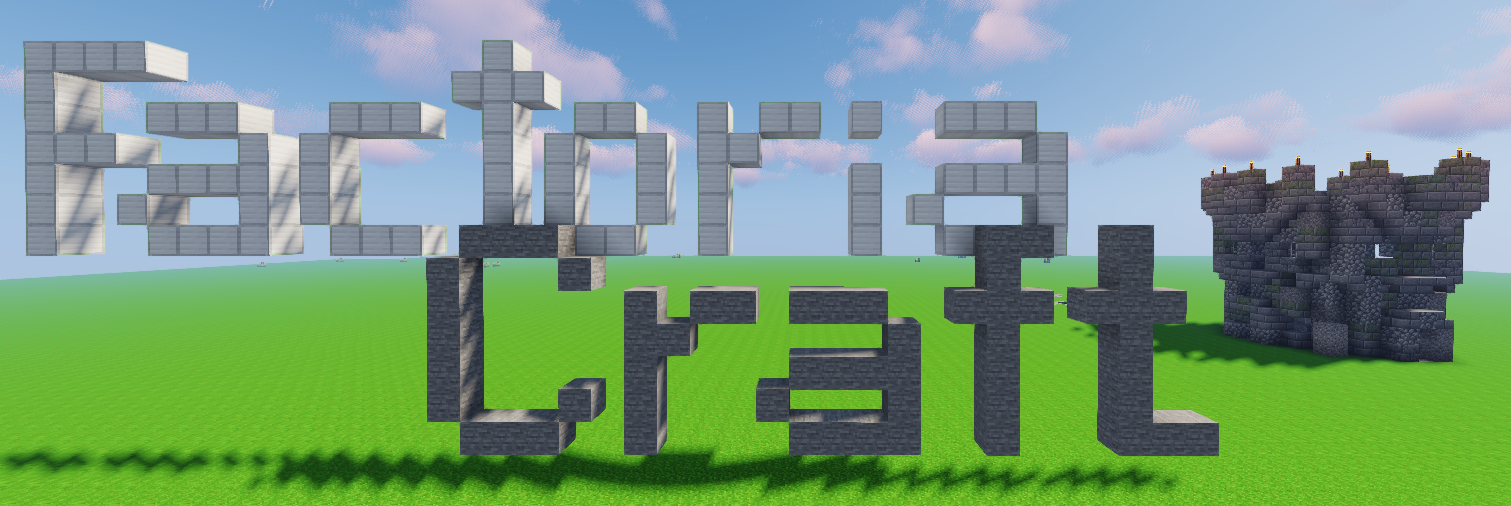
介绍
FactoriaCraft 2.0 Released!
All New Custom Recipes with More coming in time!
Features
> Factory/Tech focused with about 10 Tech mods (including Forestry, Buildcraft, Tinker’s Construct and IndustrialCraft)
> Tweaking mods to add what Minecraft should have
> More dimensions like The Twilight Forest, The Atum and The Betweenlands
> Better villages and added generated structures
> Added furniture to meet your decoration needs
> Enderdragon drops the Elytra (Where else would those wings go?)
> Shulkers drop 2 shells.
> Realistic Catwalks for Industrial builders
> Custom Recipes as of beta-1.1.0
> Dedicated FactoriaCraft Server (Coming Soon)
Final checks and Setup
FORGE: The forge version that is packaged in the mod pack at the time was/is the current latest version. However any 1.12.2 forge should work.
RAM Allocation: The default 1GB Minecraft allocation is insufficient to run FactoriaCraft, therefore it is needed to increase the allocation to at least 4GB. This can be done by going to Launch Options, enabling JVM Arguments, and changing “-Xmx1G” to “-Xmx4G”.
Shader Warning: If using a shaderpack 4GB is NOT ENOUGH, if you are going to use a shaderpack allocate more RAM in the JVM Arguments
OPTIONAL RECOMMENDATIONS: I recommend using Optifine to get the best visuals and performance from the modpack. You can get Optifine here. To get the best out of optifine I’d recommend using some sort of shaders (if your system can handle them) to bring out the best from the mods in this pack and Minecraft of course!
Recommendations for Optifine: If using shaders it is highly recommended to turn “Fast Render” off, with it on it can cause rendering issues. I also recommend using the “internal shaders” or any other shader option in shader settings.
THE FULL LIST OF ALL THE MODS CAN BE FOUND IN THE RELATIONS TAB
To see the mods click here
Donations For the Project
If you want to donate to the project, you can use the donations option (PayPal) or you can use the bitcoin address below.
Bitcoin address: 3BWamn8MHXFjRq12zu9mbo2JPvbH8oMtne
常见问题
FactoriaCraft [Server Edition] 支持哪些 Minecraft 版本?
FactoriaCraft [Server Edition] 基于 Minecraft Java 版 1.12.2,使用 Forge 加载器。
FactoriaCraft [Server Edition] 怎么安装?
点本页「前往下载」拿到整合包文件(Modrinth 的是 .mrpack,CurseForge 的是 .zip),在 PCL2 或 HMCL 启动器里选择「导入整合包」,启动器会自动装好 Minecraft、加载器和全部模组。建议在启动器里给游戏分配 4–6 GB 内存。
FactoriaCraft [Server Edition] 开服需要多大内存?
推荐服务器内存 12 GB。在线人数多、或者建了大量机器和区块加载器时,可以再加 2–4 GB。
怎么和朋友一起玩 FactoriaCraft [Server Edition]?
点本页的「一键开服」,选好配置后会自动安装 FactoriaCraft [Server Edition] 的服务端,几分钟就能开好。把服务器地址发给朋友,大家用同一个版本的整合包连进去就行。
评论
登录后评论和评分