
截图


介绍
Turn mathematical expressions into world generation.
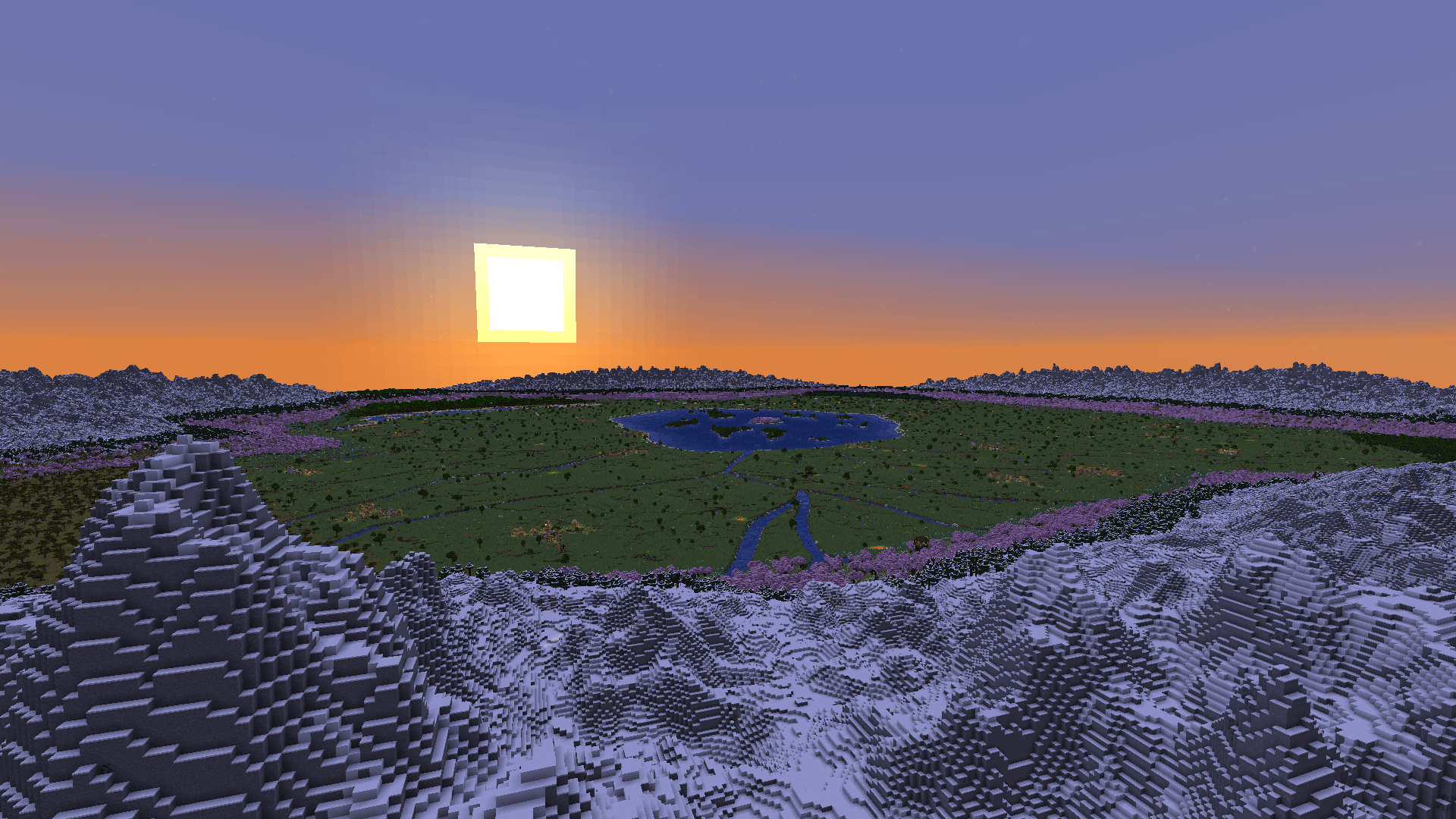
Oh My World is a mod that lets you define terrain with a powerful expression engine. Write formulas using arithmetic, trigonometry and 25+ built-in functions — and watch them become infinite custom landscapes.
What You Can Create
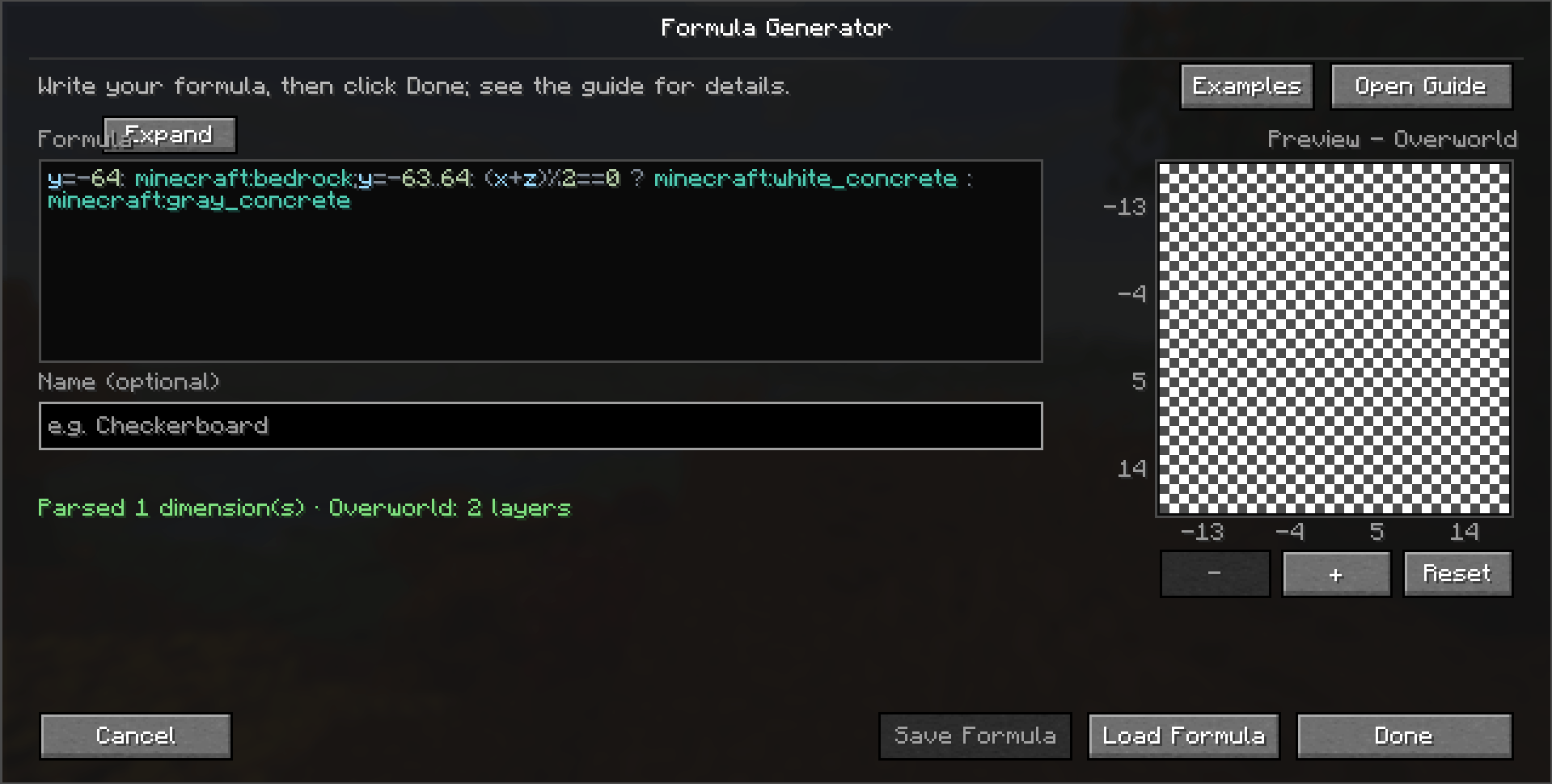
- Endless checkerboard patterns — alternating blocks in any grid size
- Mathematical function graphs — sine waves, circles, spirals rendered in blocks
- Layered 3D shapes — cyclic layers stacked with precision
- Randomised block pools — procedural variety with seeded determinism
- Anything you can express — one formula drives every block
More Than One World
- Every dimension is yours — give the Overworld, the Nether and the End their own formulas (or reuse one for another); dimensions you don’t write stay vanilla
- Optional world controls — per dimension, decide which structures generate, which biomes the world uses, and whether biome decoration appears
- Seed-driven — the same formula can produce a different world on every seed
How to Use
- Create a new world → World tab → World Type → select Formula Generator
- Click Customize to open the formula editor
- Enter your formula, save it, and create the world — every chunk follows your rules
A complete formula writing guide (English & Chinese) is created on first launch; the editor shows where to find it. The editor also gives live error feedback and lets you save or load formulas from your computer. Dedicated servers can apply a formula through a simple config file.
For complex formulas, pairing with C2ME is recommended for faster world generation.
Compatibility
- Minecraft 1.21.1 – 1.21.11 and 26.1 – 26.3, on NeoForge / Fabric
常见问题
Oh My World 支持哪些 Minecraft 版本?
Oh My World 支持 Minecraft Java 版 1.21.1–26.3,共 16 个版本,可用的加载器:Fabric / NeoForge。下载时注意选择和你游戏版本一致的文件。
Oh My World 怎么安装?
先用 PCL2 或 HMCL 启动器安装对应版本的 Fabric / NeoForge,再把下载的 .jar 文件放进游戏目录的 mods 文件夹,重新启动游戏即可。开启了版本隔离的,mods 文件夹在 versions/版本名 下面。
评论
登录后评论和评分