
截图

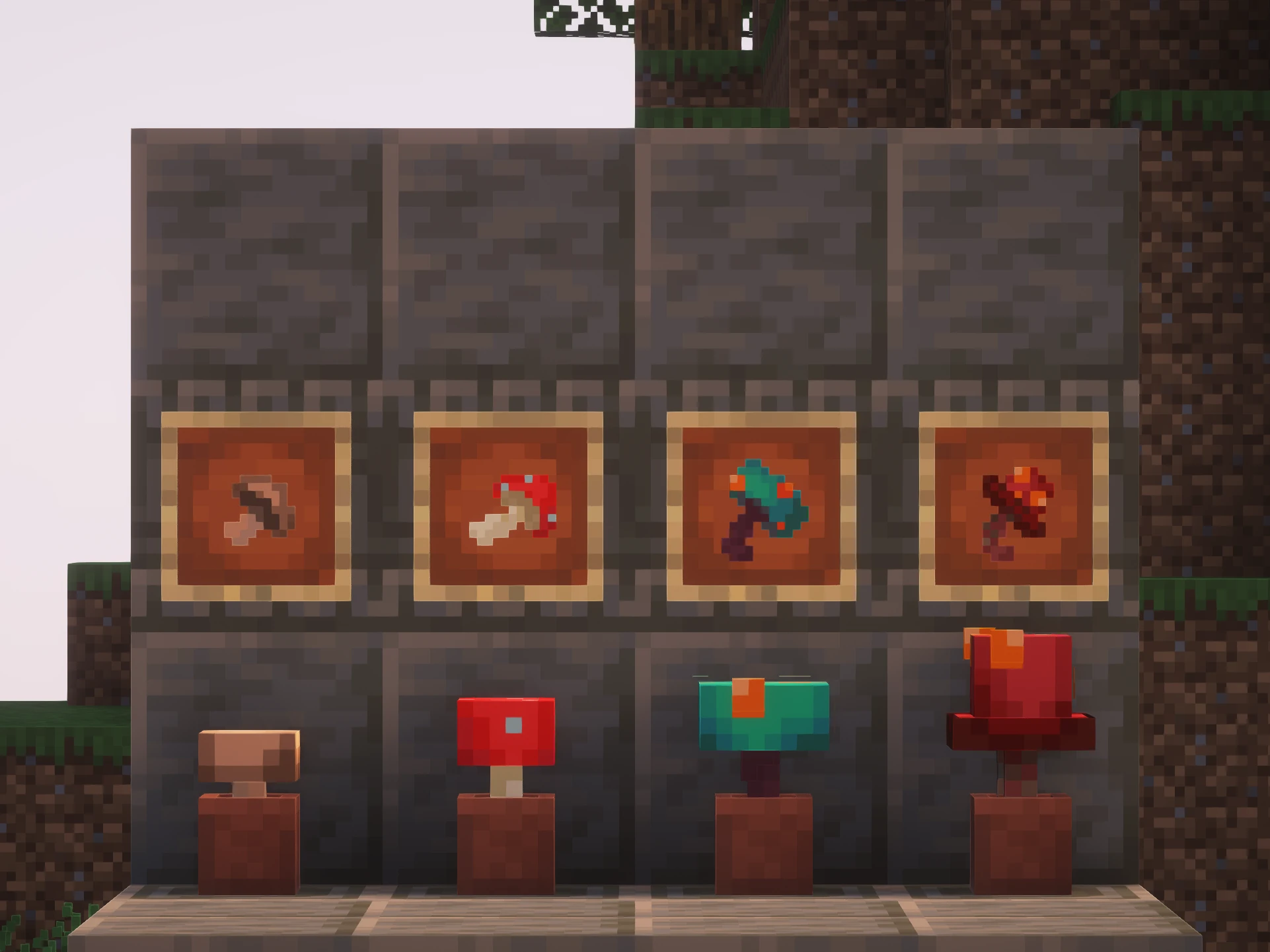


介绍
介绍由机器翻译自 Modrinth 原页面,仅供参考。
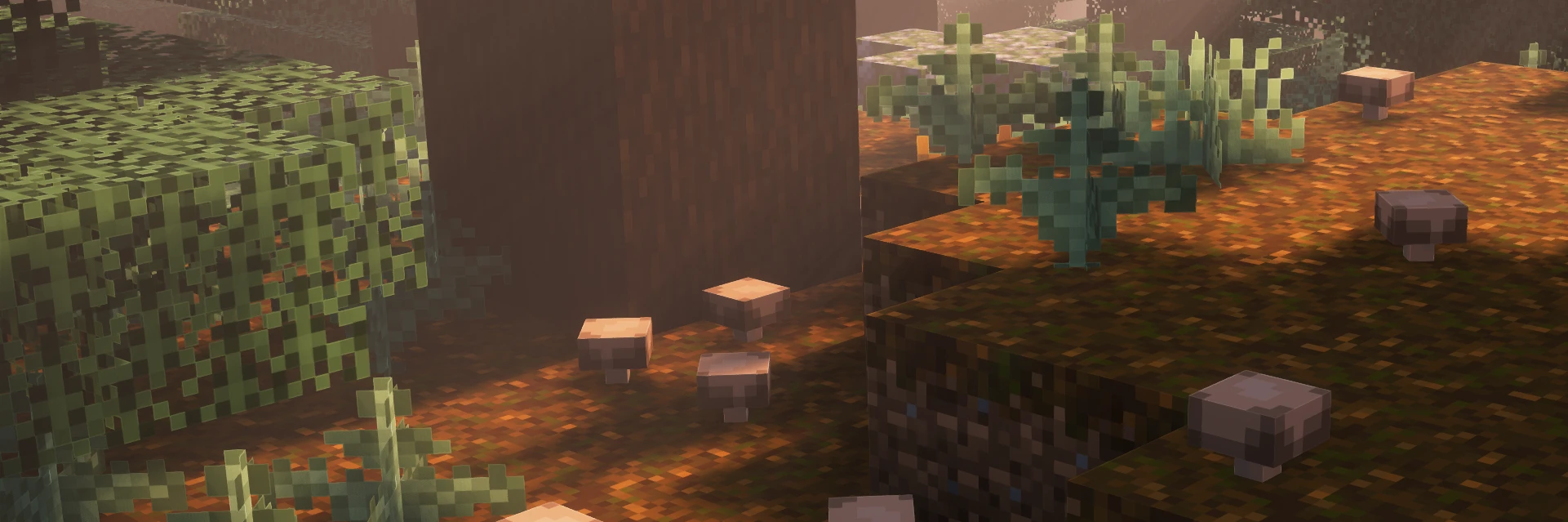
关于
我无聊时决定做一个相关的资源包。
这个资源包让蘑菇放置在方块上或花盆中时呈现三维立体效果。我想让它们放置后变成3D,因为我觉得这样更适合它们。我并不热衷于把_所有东西_都做成3D,但适度使用时,我认为它比十字纹理效果好得多。
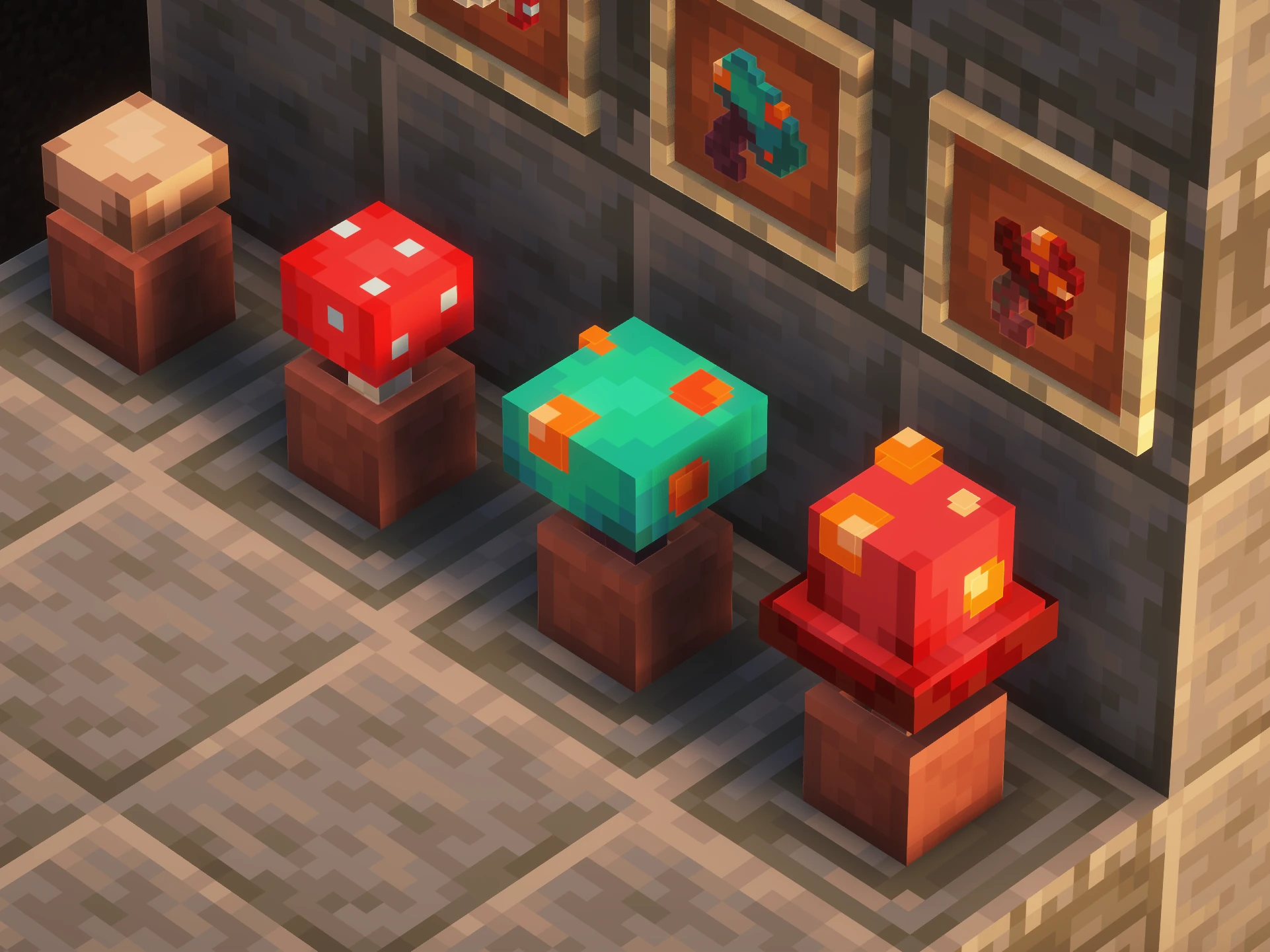
我还为物品栏纹理制作了图标。我有个不满之处:物品栏中大多数植物纹理只是放置时用于十字纹理的图标。我希望容器中物品的纹理是独特的,这样它们可以更有风格化,更好地传达物品是什么。我自己懒得去做那个。
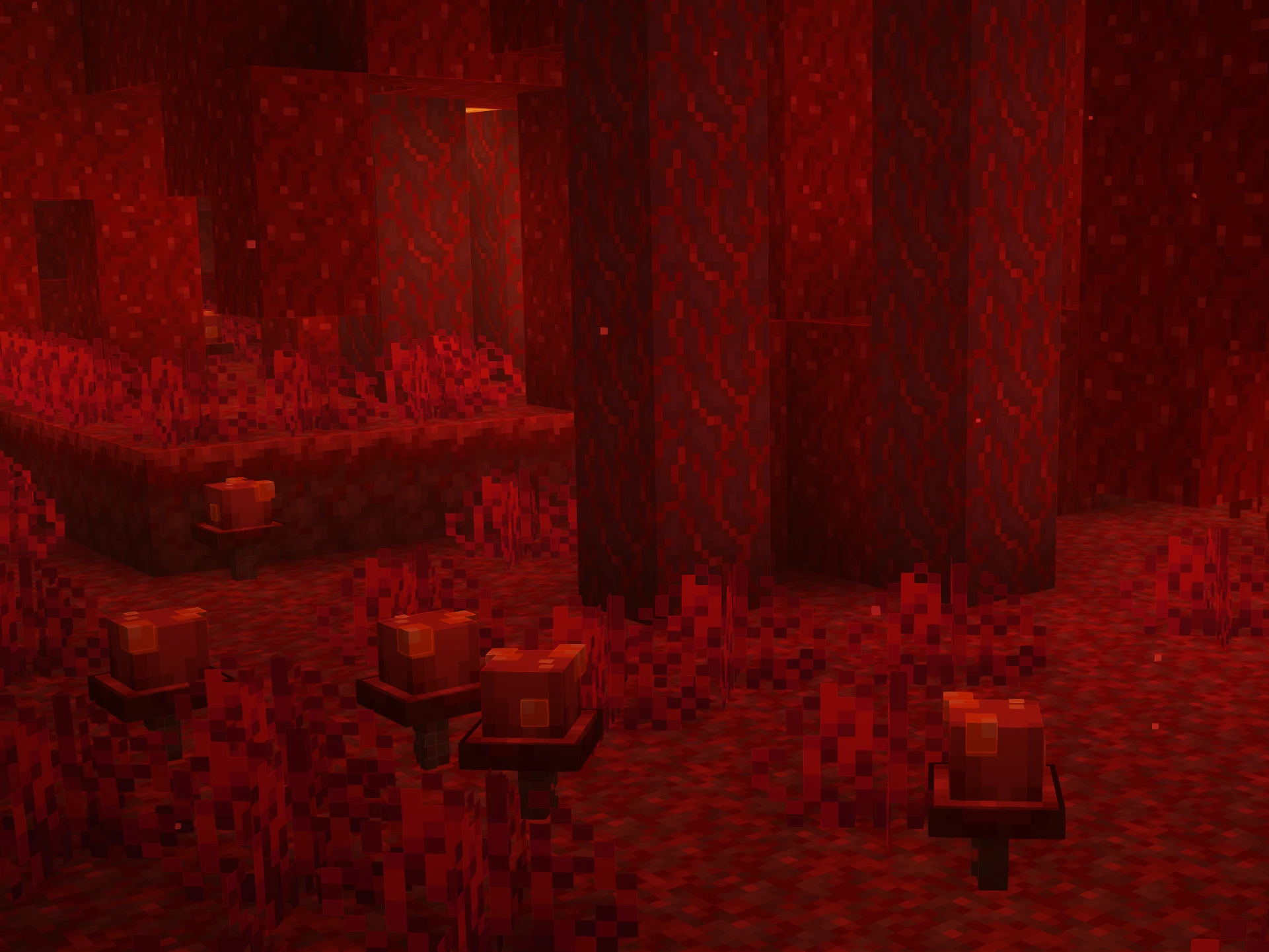
我在下界真菌上使用的一个小细节是类似皮肤那样的“外层”。我认为这些小层非常好,能给模型增加更多深度,又不像完整体素那样突兀。
截图中使用的光影:EminGT的 _Complementary Shaders – Reimagined(_链接_)_
_注意:低于1.20.2的游戏版本会因“supported_formats”属性直到那时才引入而将此包显示为不支持。实际上,该包可向下兼容至1.13版本。_
常见问题
Mikapika’s 3D Mushrooms 支持哪些 Minecraft 版本?
Mikapika’s 3D Mushrooms 支持 Minecraft Java 版 1.13–1.21.11,共 46 个版本。下载时注意选择和你游戏版本一致的文件。
Mikapika’s 3D Mushrooms 怎么安装?
把下载的 .zip 文件(不用解压)放进游戏目录的 resourcepacks 文件夹,进游戏后在「选项 → 资源包」里把它移到右边启用。
评论
登录后评论和评分