Animal Armor Displays
Display, protect and showcase animal armor with decorative stands, glass cases, and a dedicated craftwork station.
截图
介绍
Have you ever thought you needed armor stands for animals?
No? Neither did I.
Well, here they are anyway.
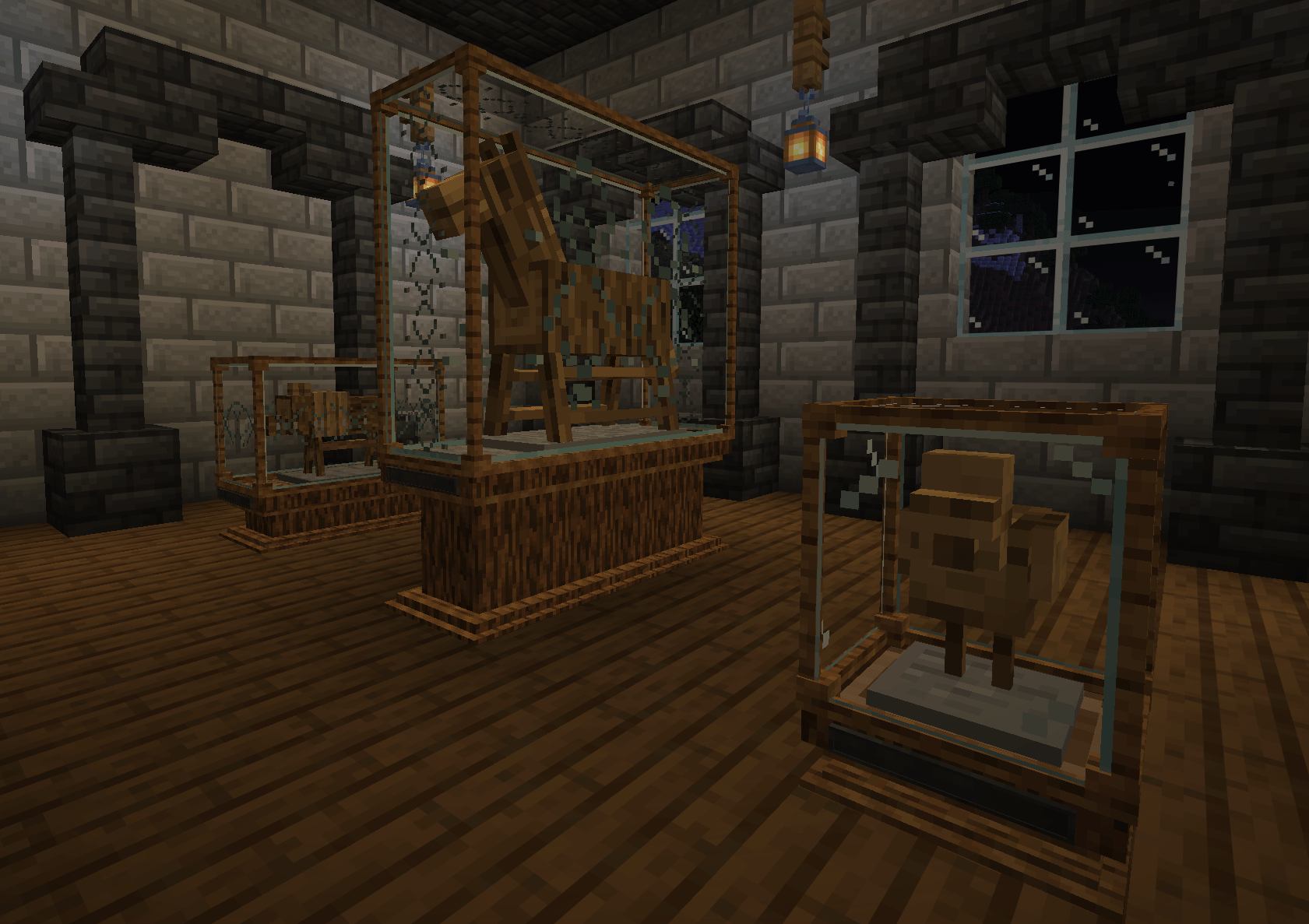
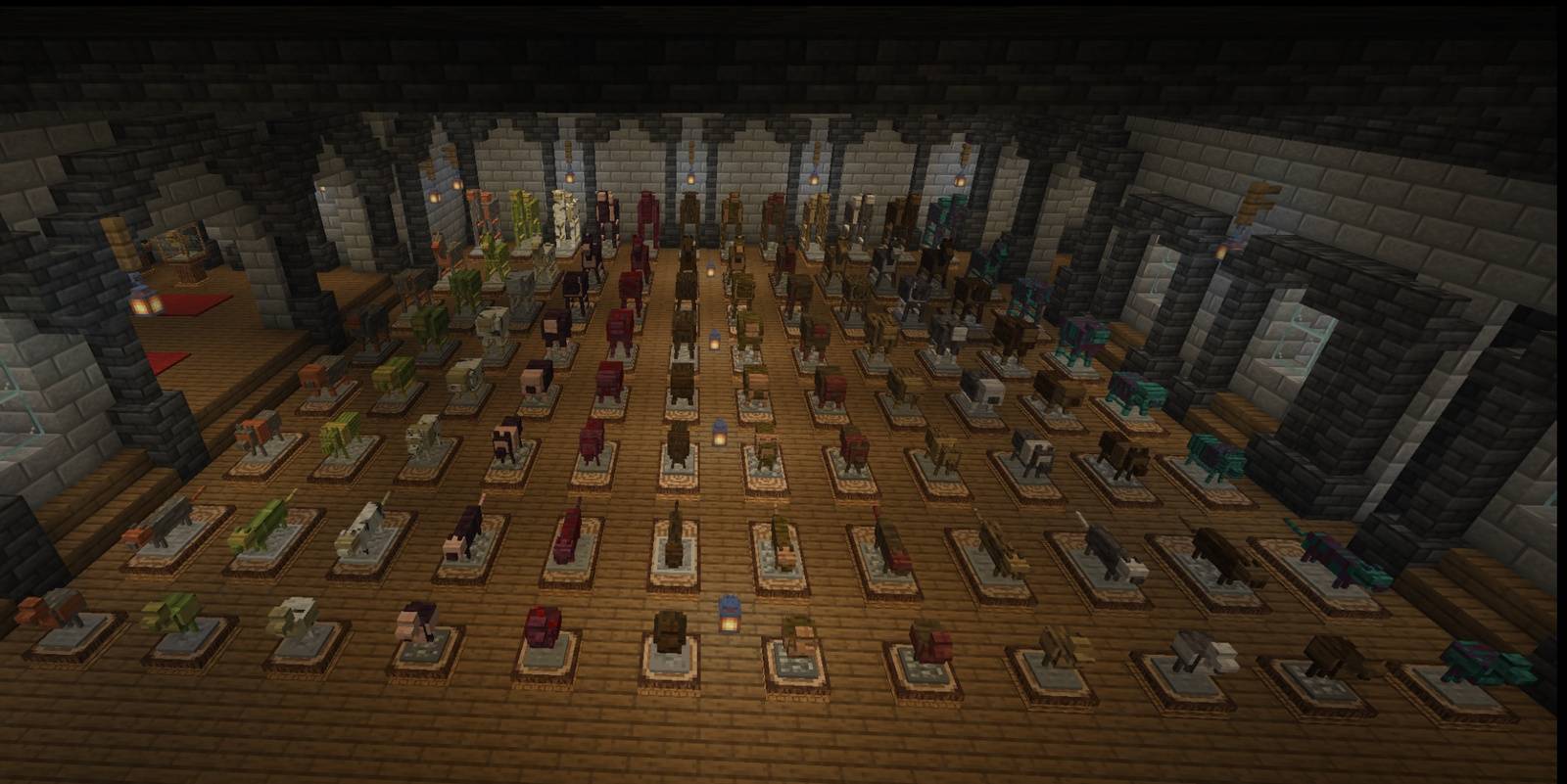
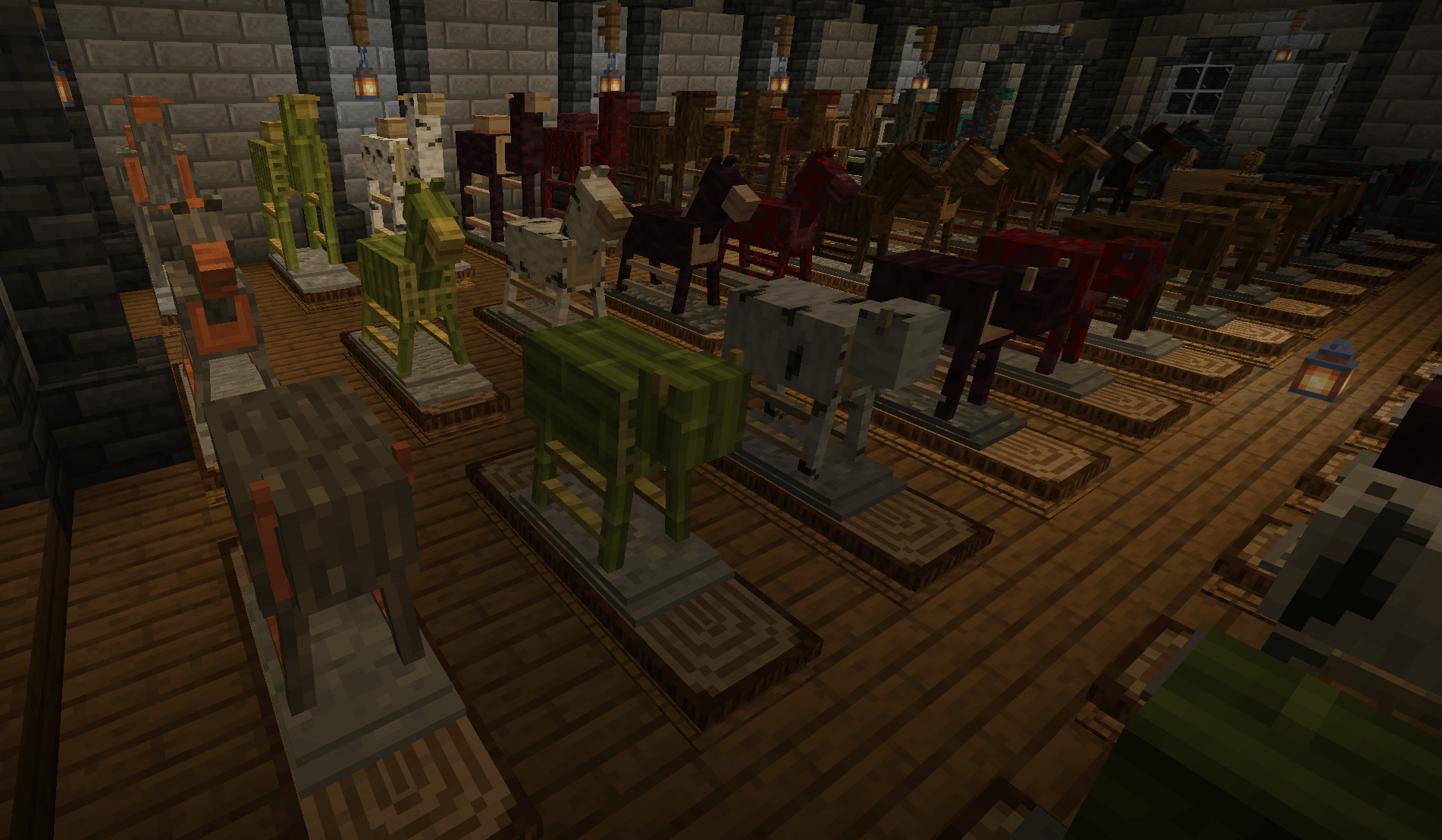
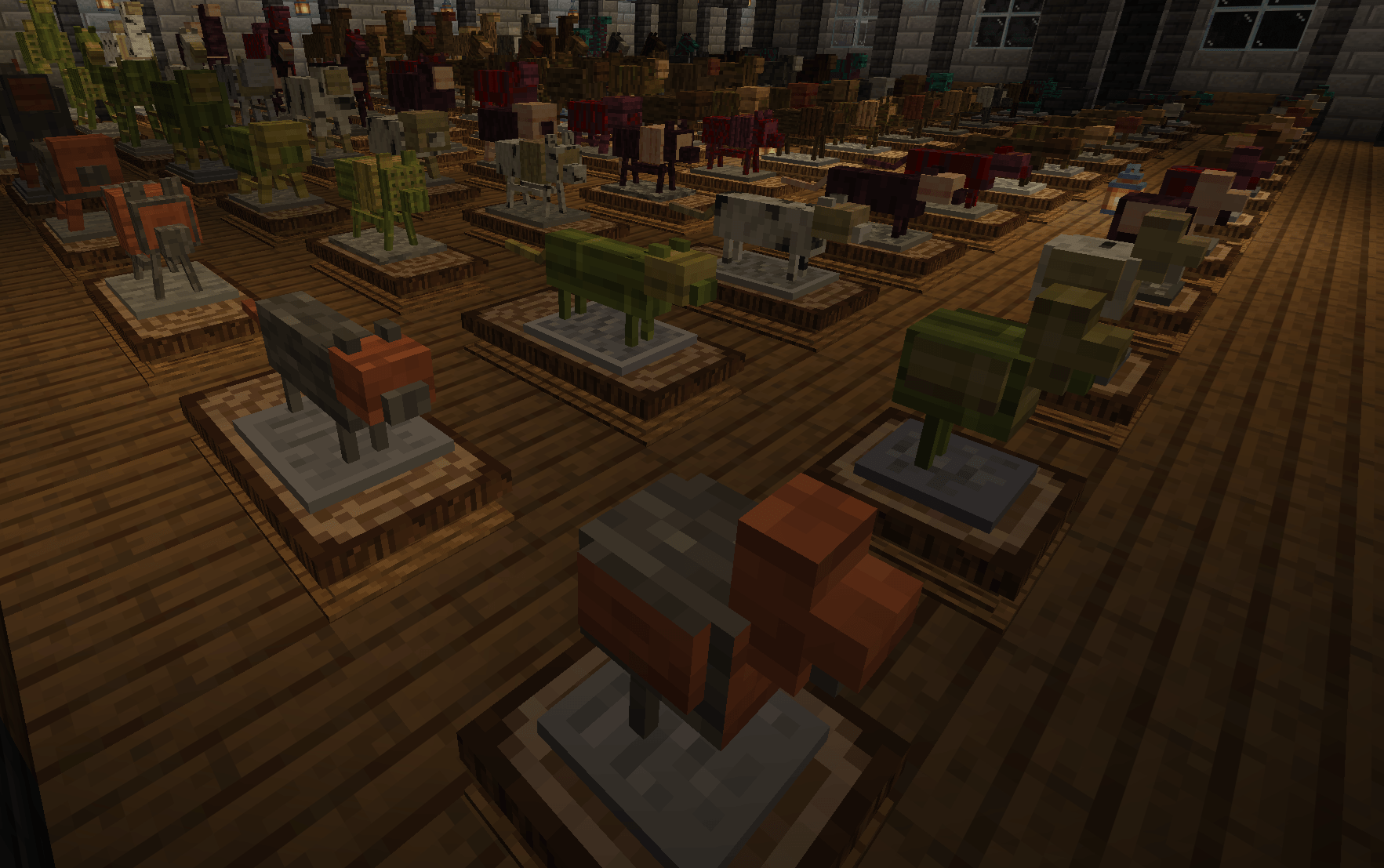
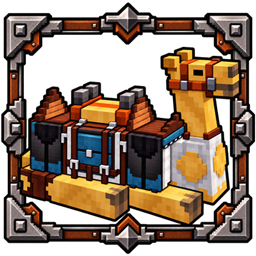
Animal Armor Displays adds a frankly unnecessary amount of dedicated animal armor displays for wolves, pigs, sheep, cats, chickens, cows, horses, and camels, available in a variety of wood types.
Use them to display animal armor and equipment instead of leaving everything buried in a chest like every other item you’ve sworn you’ll use again someday.
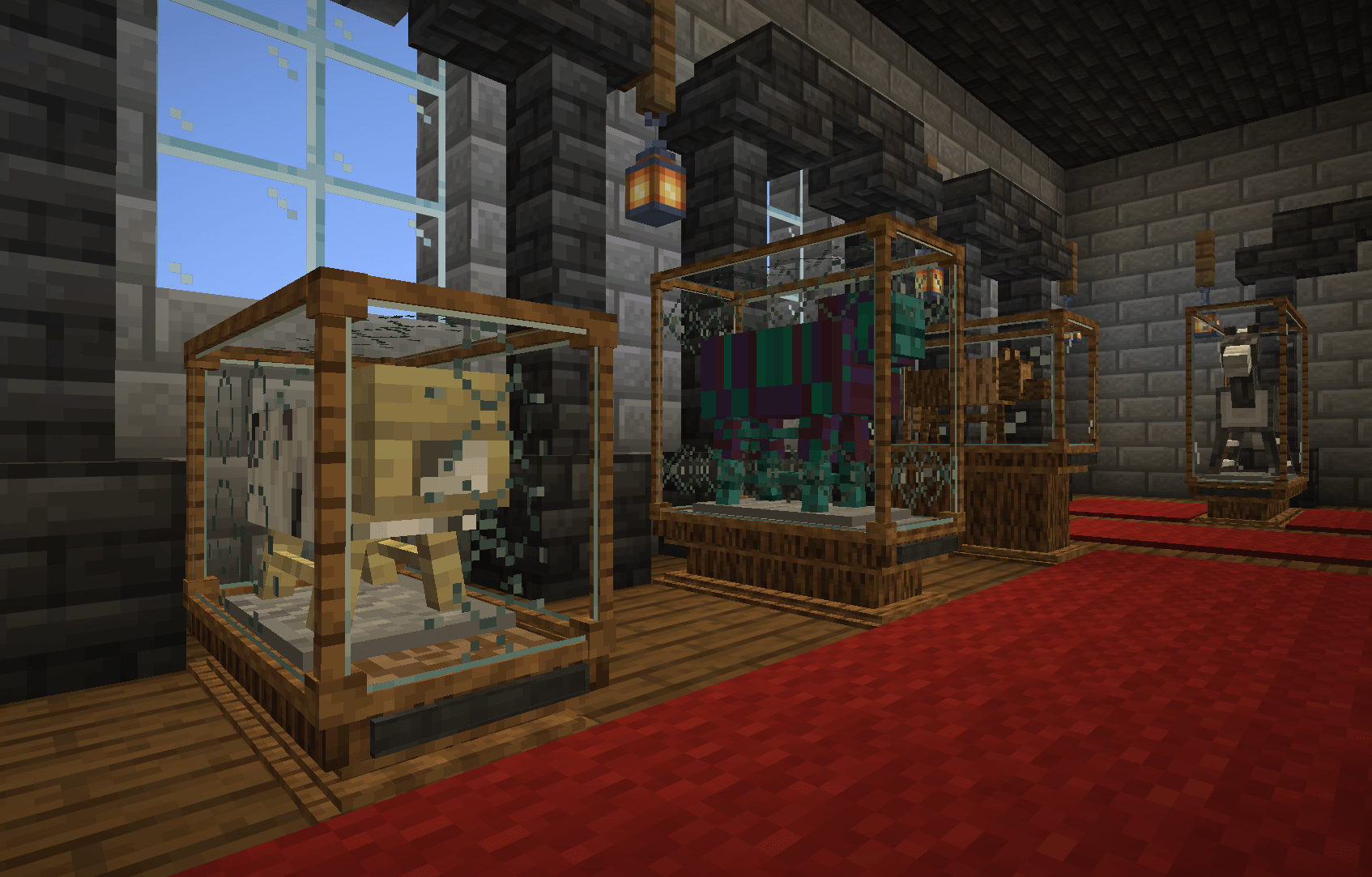
And because apparently putting armor on wooden animals wasn’t enough, the mod also includes glass display cases in multiple sizes, allowing you to turn your collection into a proper exhibition.
You can place your displays on pedestals of different heights, add plaques to name your exhibits, and combine the different display elements to build anything from a small showcase to a full exhibition.
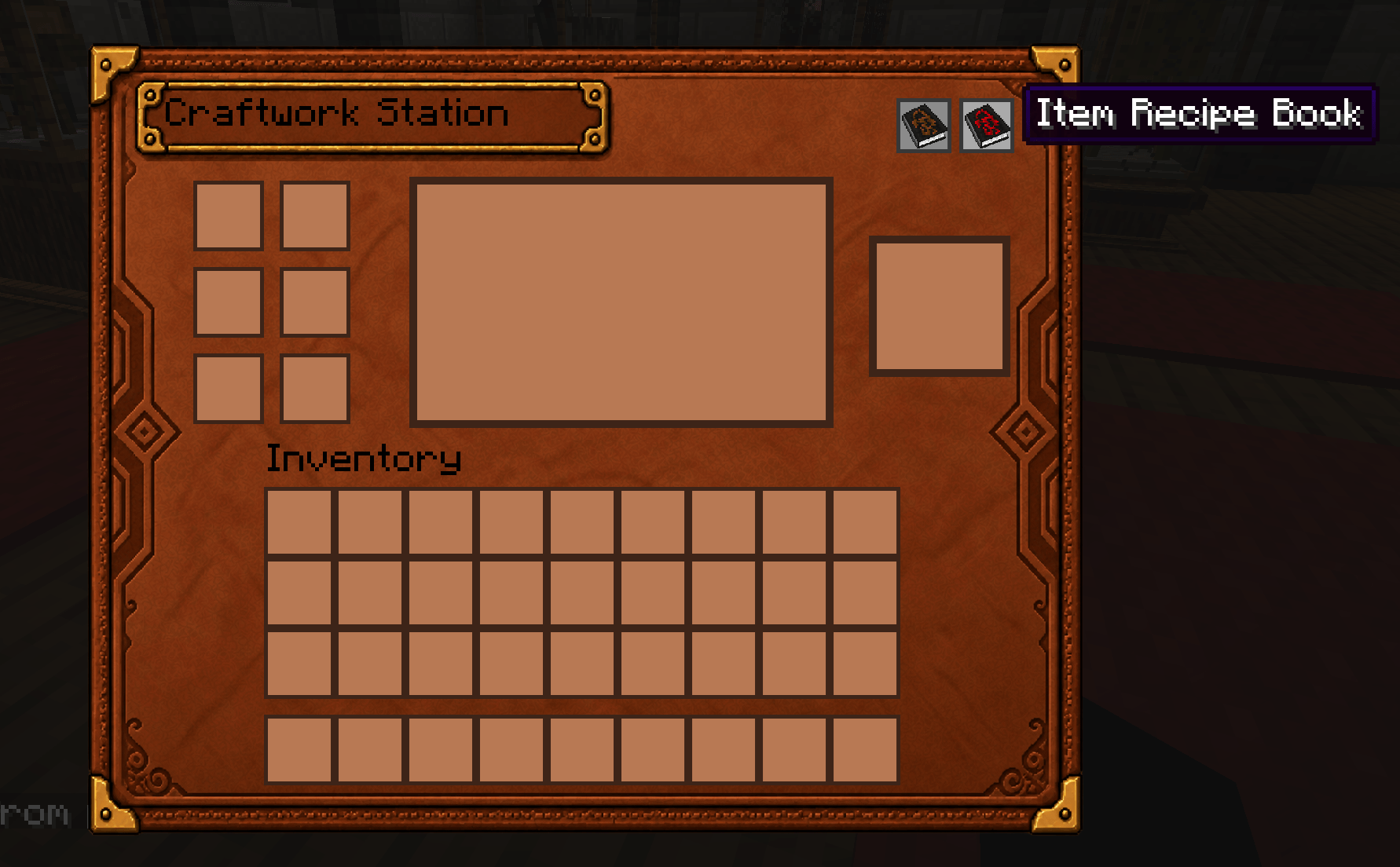
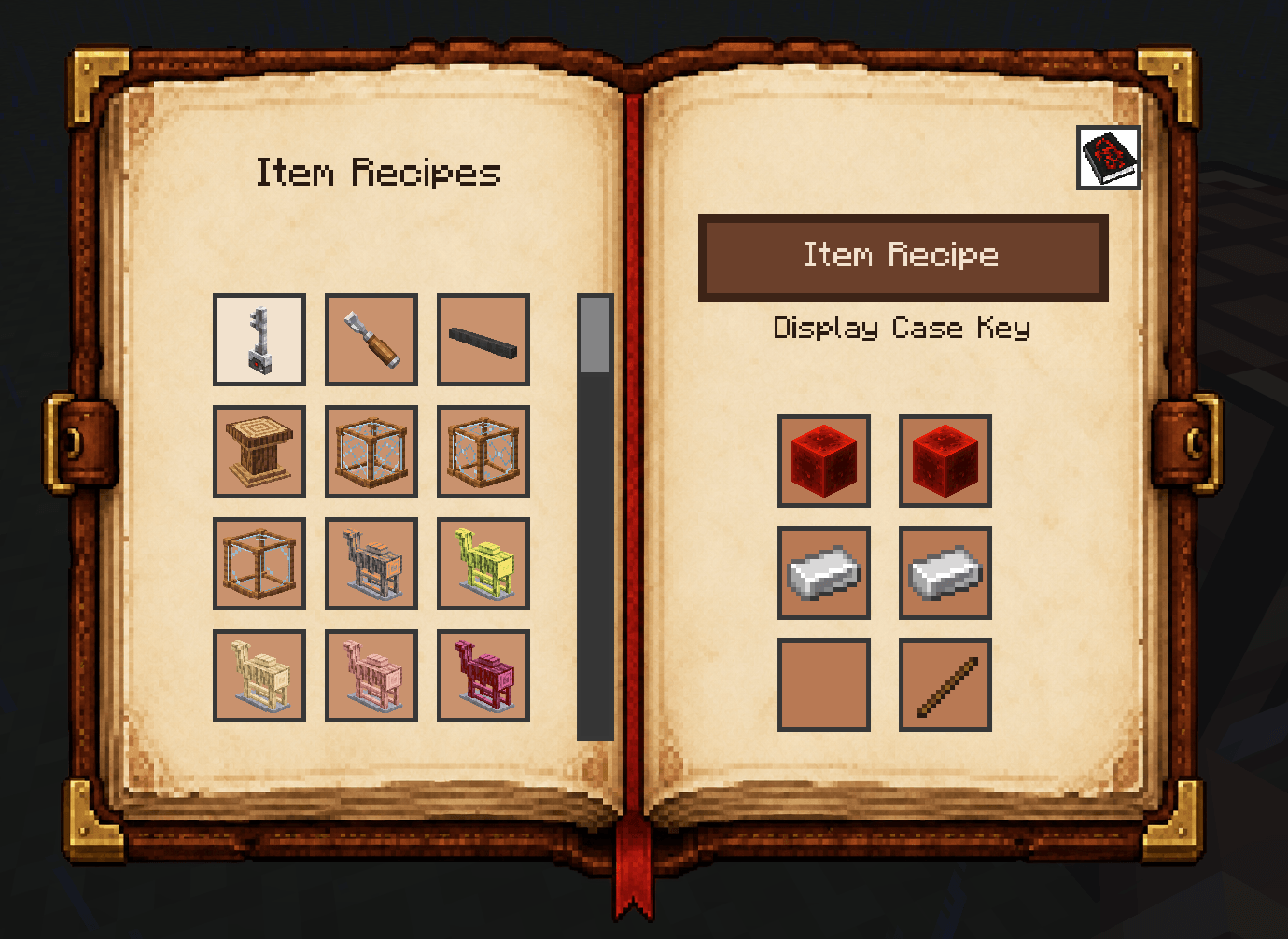
Everything comes together at the Craftwork Station, a dedicated crafting block with its own interface and integrated recipe book for the mod’s recipes.
What started as a few wooden animals for displaying armor has somehow turned into an entire exhibition system.
So here we are.
- Dedicated armor displays for wolves, pigs, sheep, cats, chickens, cows, horses, and camels.
- Armor displays available in all 12 vanilla wood variants
- Display compatible animal armor
- Three glass display case designs: Classic, Subtle, and Ornate
- Glass display cases automatically connect to create the appropriate size for different animal displays
- Glass display cases can also be used without an armor display, allowing you to create showcases for other items and decorations
- Pedestals in multiple widths and heights for building custom exhibits
- Pedestal height can be adjusted even after placing a display and glass case on top
- Plaques for naming your exhibits
- Chisel tool for adjusting and customizing placed display elements
- Display Case Key for opening and closing glass display cases
- Dedicated Craftwork Station
- Integrated recipe book for Animal Armor Displays recipes
- Compatible with vanilla horse and wolf armor
- Compatible with Critter Armory
Crafting
- The Craftwork Station can be crafted in a regular Crafting Table.
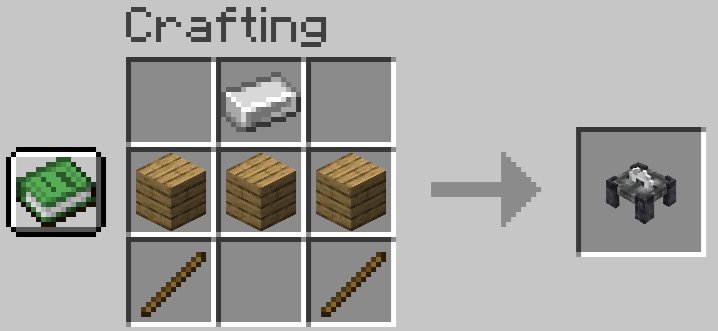
- Animal Armor Displays, Display Cases, Pedestals, Plaques, tools and other mod-specific items are crafted using the Craftwork Station.
- The integrated recipe book inside the Craftwork Station shows all available recipes.
Animal Armor Displays
- Right-click a display while holding compatible armor, equipment or a armor saddle to equip it. (Vanilla armor works too!)
- Interact with the display to remove equipped armor or equipment.
- Each display type is designed for its corresponding animal.
- Displays will always face your direction when placed.
Pedestals
- Animal Armor Displays and Display Cases can be placed on top of Pedestals to create raised exhibits.Left-click with the Chisel to switch between the available Pedestal heights.
- Right-click adjacent Pedestals to combine them into a larger Pedestal.
- Pedestal height can also be adjusted while an Animal Armor Display and Display Case are already placed on top.
Plaques
- Use a Plaque to name your exhibition.
- Sneak + Right-click a Plaque to remove it.
Display Cases
- Display Cases are available in three designs: Classic, Subtle and Ornate.
- Display Cases automatically connect to create the appropriate size for your exhibit.
- They can also be used without an Animal Armor Display to create showcases for other items and decorations.
- Use the Display Case Key to open or close a Display Case.
- The Chisel will not work while the Display Case is closed, protecting your finished exhibit from accidental changes.
Not sure how everything works? This short video shows you the basics.
Animal Armor Displays 1.1.0 is a major update that expands the mod’s exhibition system while separating animal armor into its own dedicated mod.
New
- Added Pedestals in multiple sizes and adjustable heights.
- Added Plaques for naming your exhibits.
- Added the Chisel for adjusting Pedestal heights and other display elements.
- Added three redesigned Display Case variants: Classic, Subtle and Ornate.
- Display Cases can now also be used without an Animal Armor Display.
Updated and reworked various icons and visual elements throughout the mod.
Changed
- Display Cases no longer need to be crafted separately for every animal display size. They now connect and adapt to the required exhibit size.
- The mod is now focused entirely on displaying and presenting animal armor and equipment.
Animal Armor Removed
- Animal armor for living animals has been removed from Animal Armor Displays.
- The armor system has been moved into its own dedicated mod: Pawrought, which expands the original system with 42 armor sets, multiple material tiers, animal inventories, durability, enchantments and additional equipment.
- The Minecraft 26.1.2 version of Animal Armor Displays will no longer receive new content updates.
Important: Existing animal armor from previous versions of Animal Armor Displays will disappear when loading the world with AAD 1.1.0, as those items no longer exist in the new version. If you want to keep using animal armor on your living animals, install Pawrought alongside Animal Armor Displays.
Supported Versions
- Fabric: Minecraft 26.2
- Fabric: Minecraft 26.3
- Forge: Minecraft 26.2
- Forge: Minecraft 26.3
- NeoForge: Minecraft 26.2
- NeoForge: Minecraft 26.3
Dependencies
- GeckoLib is required.
- The Fabric version additionally requires Fabric API.
常见问题
Animal Armor Displays 支持哪些 Minecraft 版本?
Animal Armor Displays 支持 Minecraft Java 版 26.2–26.3,共 2 个版本,可用的加载器:Fabric / Forge / NeoForge。下载时注意选择和你游戏版本一致的文件。
Animal Armor Displays 怎么安装?
先用 PCL2 或 HMCL 启动器安装对应版本的 Fabric / Forge / NeoForge,再把下载的 .jar 文件放进游戏目录的 mods 文件夹,重新启动游戏即可。开启了版本隔离的,mods 文件夹在 versions/版本名 下面。
评论
登录后评论和评分