
截图


介绍
 |
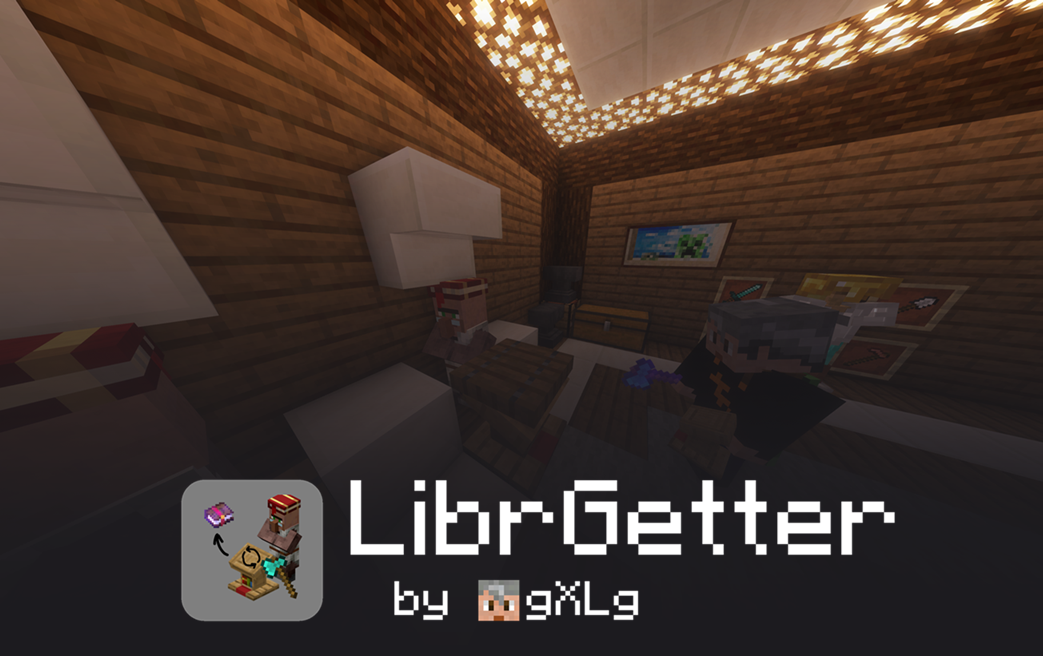
LibrGetterOver-Engineered Librarian Trade Finder for FabricA highly configurable fabric mod to automatically cycle a librarian villager for the desired enchantment by replacing his lectern
|
 |
||
 
|
 
|
  
|
||
- Use LibrGetter while playing in singleplayer, on LAN worlds, on vanilla or modded servers, and even in Realms
- Supports all Minecraft versions from
1.17up to26.3, use the same JAR file for all supported Minecraft versions - Join the community on Discord to get help, report bugs, request features and get development insights
- LibrGetter is actively maintained and updated with new features and bug fixes
- Support me by downloading from Modrinth or making a donation through PayPal or GitHub Sponsors
Features
- Fully automatic and highly efficient
- Compatible with many other client-side mods for librarian villagers
- Very customizable process with many configuration options
- Stable against multiple lag types
- Configurable through client-side commands and in-game GUIs
- Works with Trade Halls and can cycle multiple villagers in a row
- Supports enchantments tags up from
1.19.3
Installation
Download LibrGetter from the Modrinth page
and place the downloaded JAR file in your Minecraft mods folder.
Make sure, you also have the following dependencies installed:
- Fabric API – required for communication between the mod and the game
- Version't Library – required for supporting multiple Minecraft versions with a single JAR file
Quick Guide
- Add enchantments to the goals list using
/librget add <enchantment> [level] [price]or by opening the goals list GUI using , (comma) - Change configs to your liking using the config GUI, open it by pressing K, however usually the default configs are sufficient
- Stand close to the librarian and his lectern and press J to start the process
- Stop the process by pressing J again
- … or wait until the desired enchantment is found
- Enjoy your new enchantment!
Documentation
A more detailed explanation can be found in the documentation.
Localization
LibrGetter supports localization and currently implements the following languages:
- English 🇺🇸
- German 🇩🇪
- Russian 🇷🇺
- Vietnamese 🇻🇳 (thanks @ToanAnh312)
- Japanese 🇯🇵 (thanks @H1ggsK)
- Spanish 🇪🇸
- Turkish 🇹🇷 (thanks @EmirOven)
- Polish 🇵🇱 (thanks @Pulpasek)
- Hebrew 🇮🇱 (thanks @TheRealHSQ32)
You may request further languages or suggest improvements in the issues or
the Discord Community
About Me
I am a computer science student in Germany and have a part-time job at a tech company.
Apart from that, I enjoy my free time by spending it with friends, chatting online or gaming.
If you want to keep this project alive, found it helpful or just want to support and motivate me to go on,
you could consider making a small ☕ donation.
常见问题
LibrGetter 支持哪些 Minecraft 版本?
LibrGetter 支持 Minecraft Java 版 1.16.4–26.3,共 36 个版本,可用的加载器:Fabric。下载时注意选择和你游戏版本一致的文件。
LibrGetter 怎么安装?
先用 PCL2 或 HMCL 启动器安装对应版本的 Fabric,再把下载的 .jar 文件放进游戏目录的 mods 文件夹,重新启动游戏即可。开启了版本隔离的,mods 文件夹在 versions/版本名 下面。运行环境:仅客户端。
gXLg 的其他作品
查看全部 →
Version’t
A powerful java reflection layer and toolchain targeted at multi-version Minecraft Fabric modding

Auto Enchanter
Enchant items in the anvil automatically with minimal cost

Vault Manager
Simple vault manager for Trial Chambers
评论
登录后评论和评分