
截图
介绍
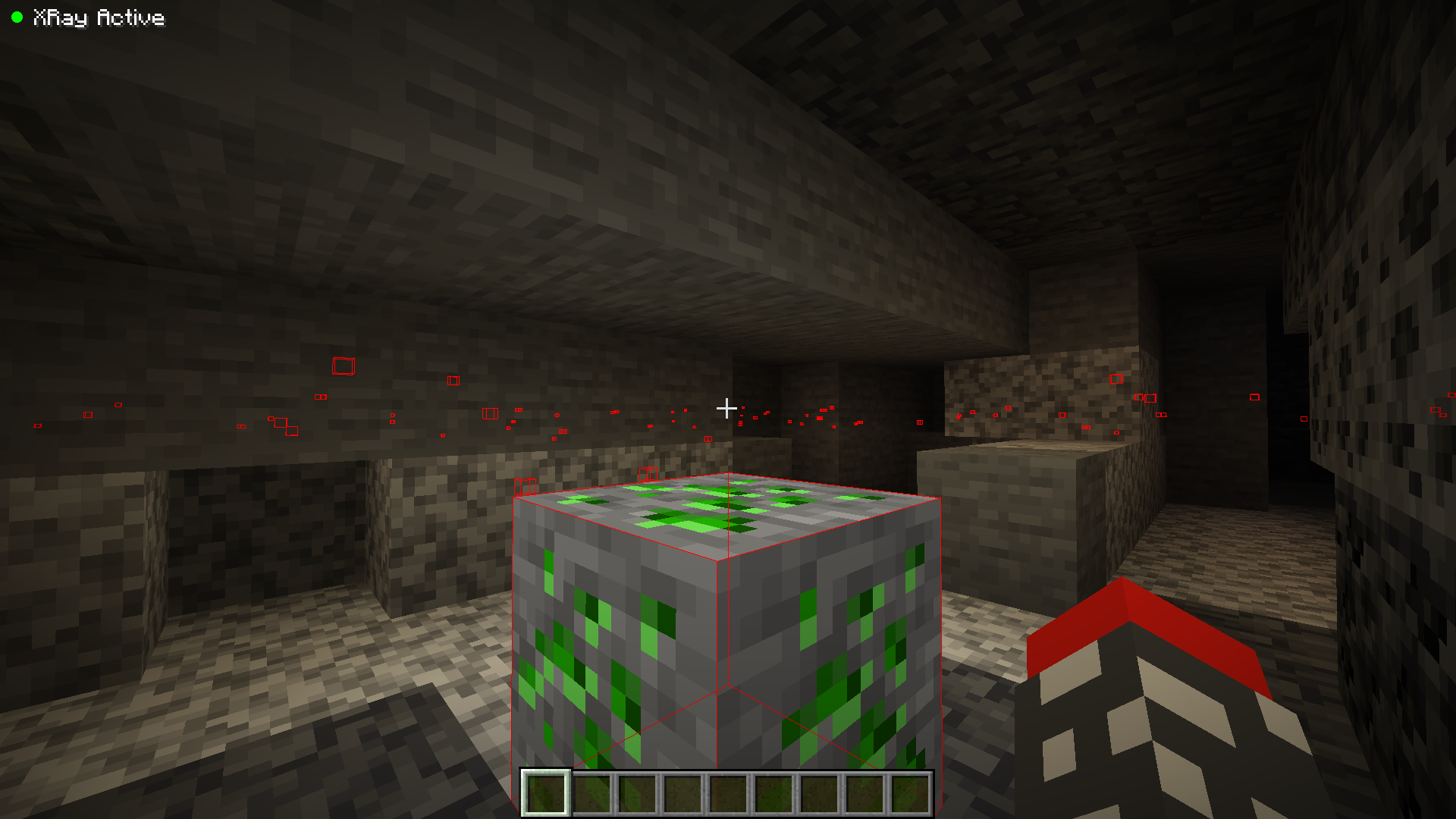
Have you ever wanted to mine some uranium on your Minecraft world, to have powerful weapons and armors?
If yes, this mod is for you.
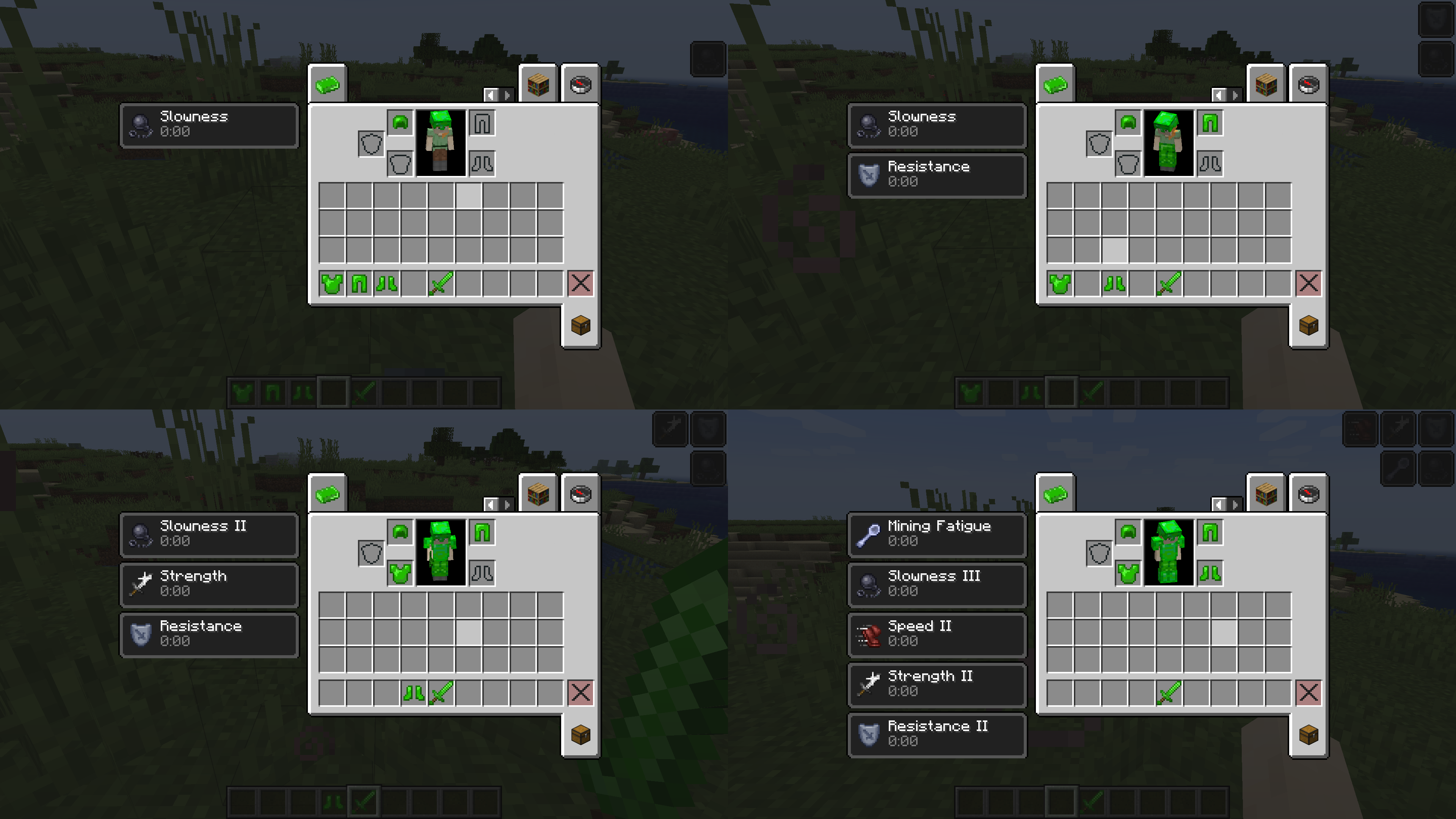
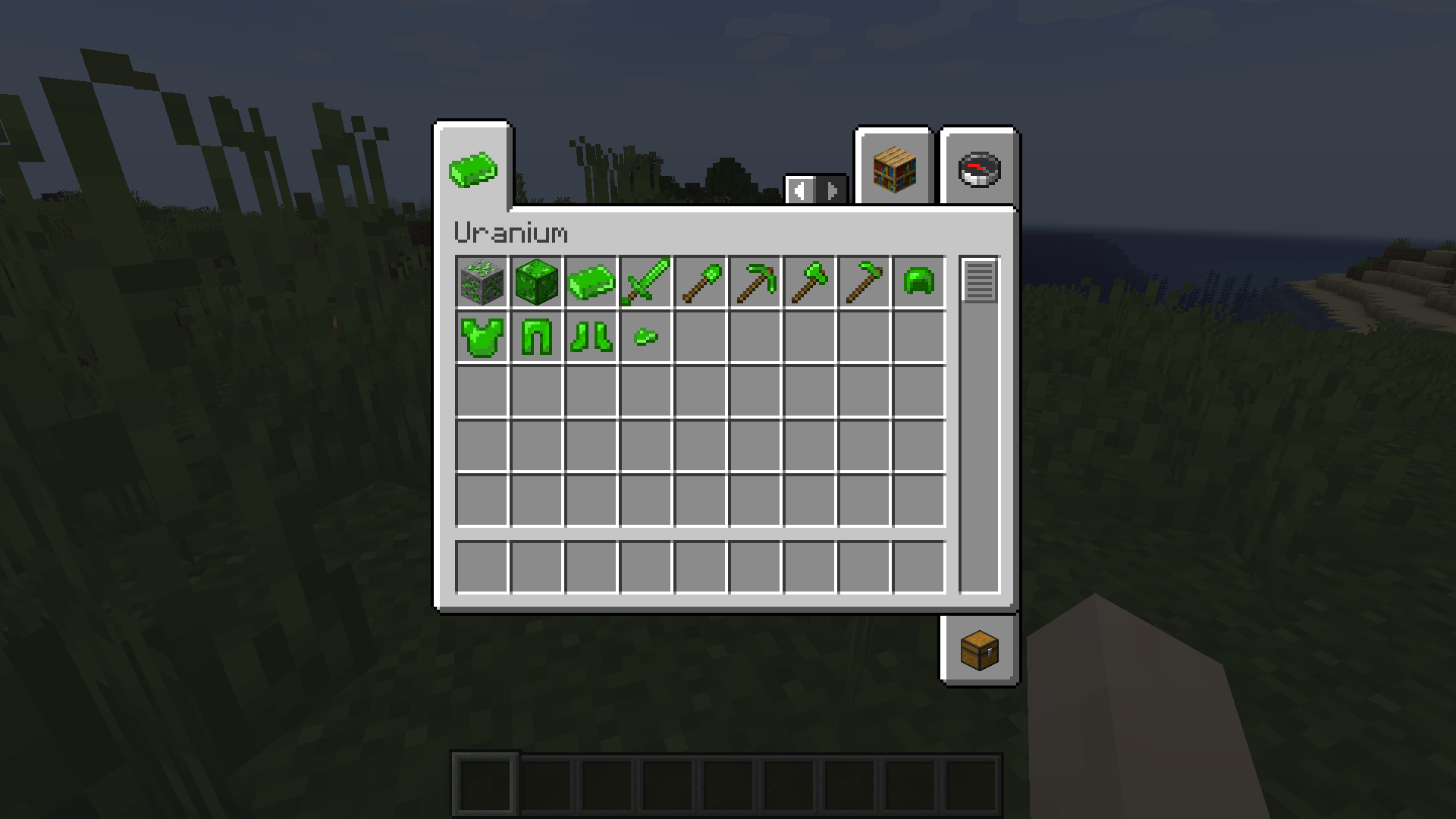
The Uranium mod adds powerful tools and armor to make you the most powerful on your Minecraft world. With enough mining, you will finally be able to build your extremely powerful Uranium armor, the armor will give many effects depending on how much parts you are wearing. However the more you wear armor parts the slower you will get. Even netherite can’t compete with Uranium.
Installation:
To install the mod, please Install Fabric API from https://fabricmc.net/ and put the uranium .jar file in the mods folder.
Also make sure to be in Minecraft 1.17.
Screenshots:
You can find screenshots HERE.
Languages:
Currently the mod supports English(U-S) , French(France), Russian(Russia), Ukrainian(Ukraine) and Polish(Poland).
Credit: @dendrite225 for Russian and Ukrainian, @mushekr for Polish
TO-DO:
- Add an uranium extractor
- Remove particles effect
Source Code:
Want to take a look at the code? Sure, https://github.com/Yot360/uranium-mod.
常见问题
Uranium Mod (Fabric) 支持哪些 Minecraft 版本?
Uranium Mod (Fabric) 支持 Minecraft Java 版 1.17–1.17.1,共 2 个版本,可用的加载器:Fabric。下载时注意选择和你游戏版本一致的文件。
Uranium Mod (Fabric) 怎么安装?
先用 PCL2 或 HMCL 启动器安装对应版本的 Fabric,再把下载的 .jar 文件放进游戏目录的 mods 文件夹,重新启动游戏即可。开启了版本隔离的,mods 文件夹在 versions/版本名 下面。
评论
登录后评论和评分