
截图
介绍
SOUNDS COOL
Add your own sounds to Minecraft through sound player blocks!

Ever wanted to have a custom greeting when you enter your base? Ever wanted to listen to your favorite music with your friends in Minecraft? This and much more is now possible with Sounds Cool! Sounds Cool is an easy-to-use, open-source and advanced Minecraft mod, which let‘s you upload your own .mp3, .wav or .ogg sound files to the server. When uploaded everyone can hear the sounds you uploaded when you play in-game!
How to use?
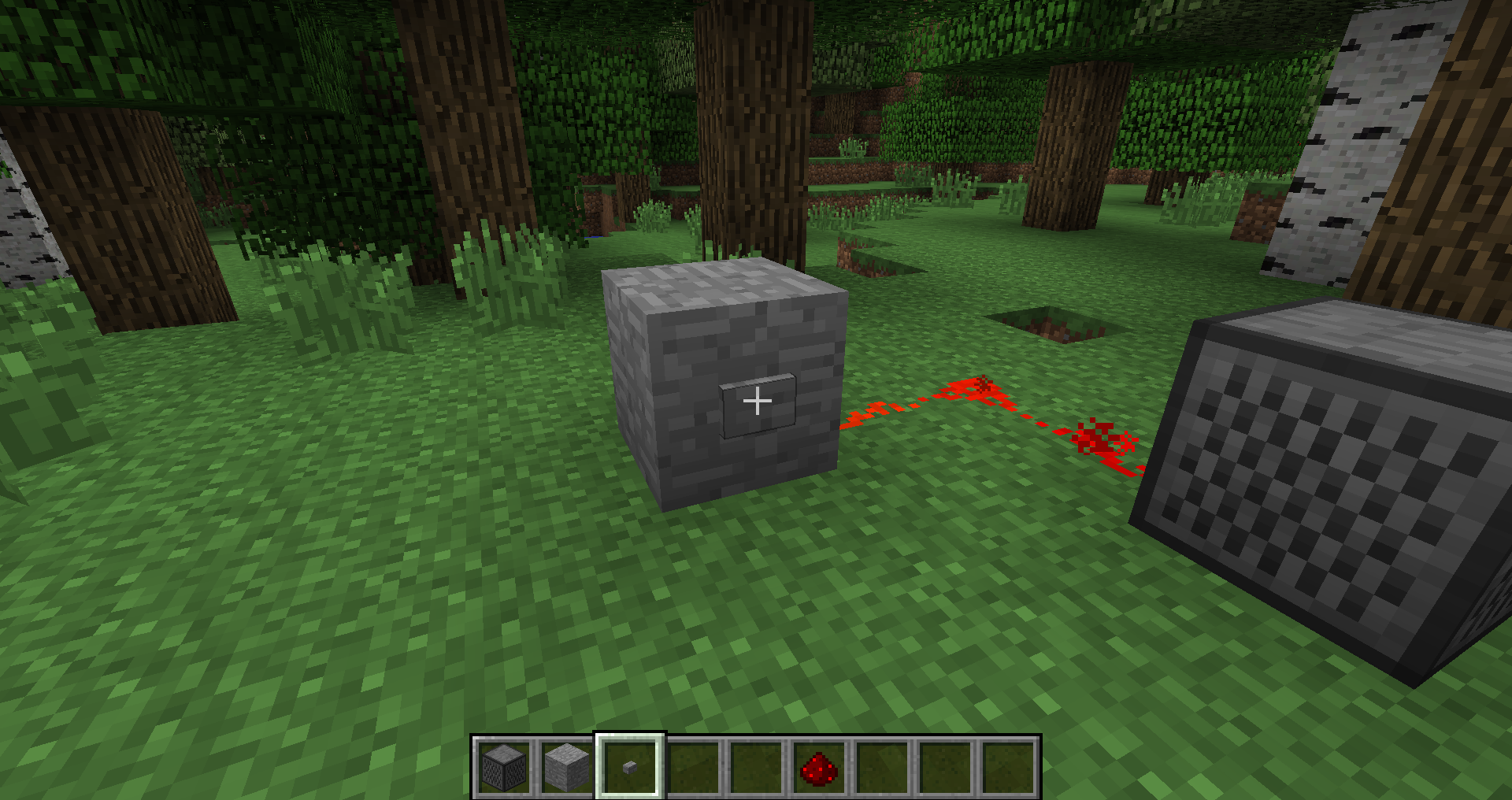
- Craft a Sound Player and place it in the world
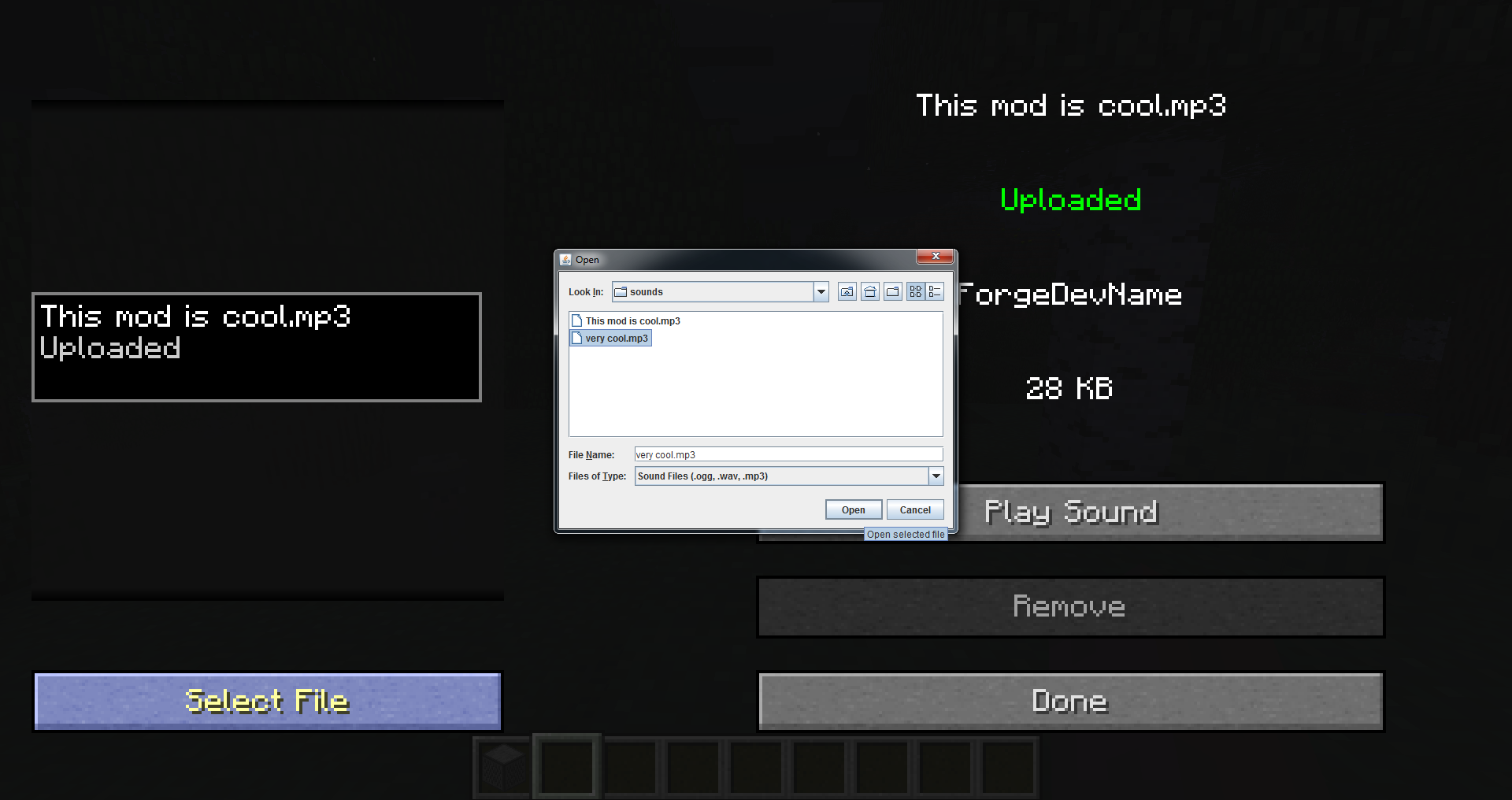
- Right-click it and click
Select File, this will open a file selector - Pick the sound that you want in the file selector (.mp3, .wav or .ogg)
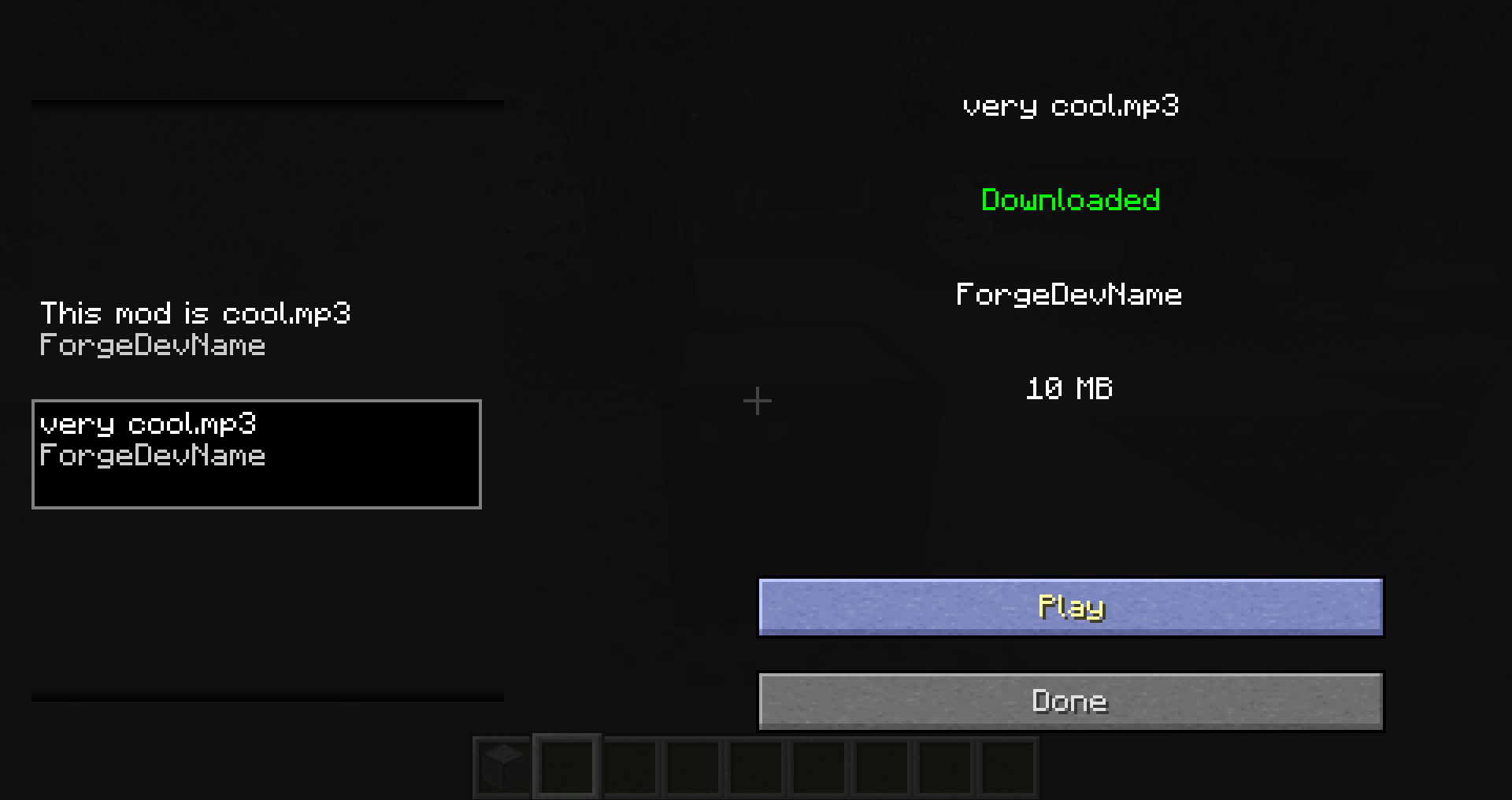
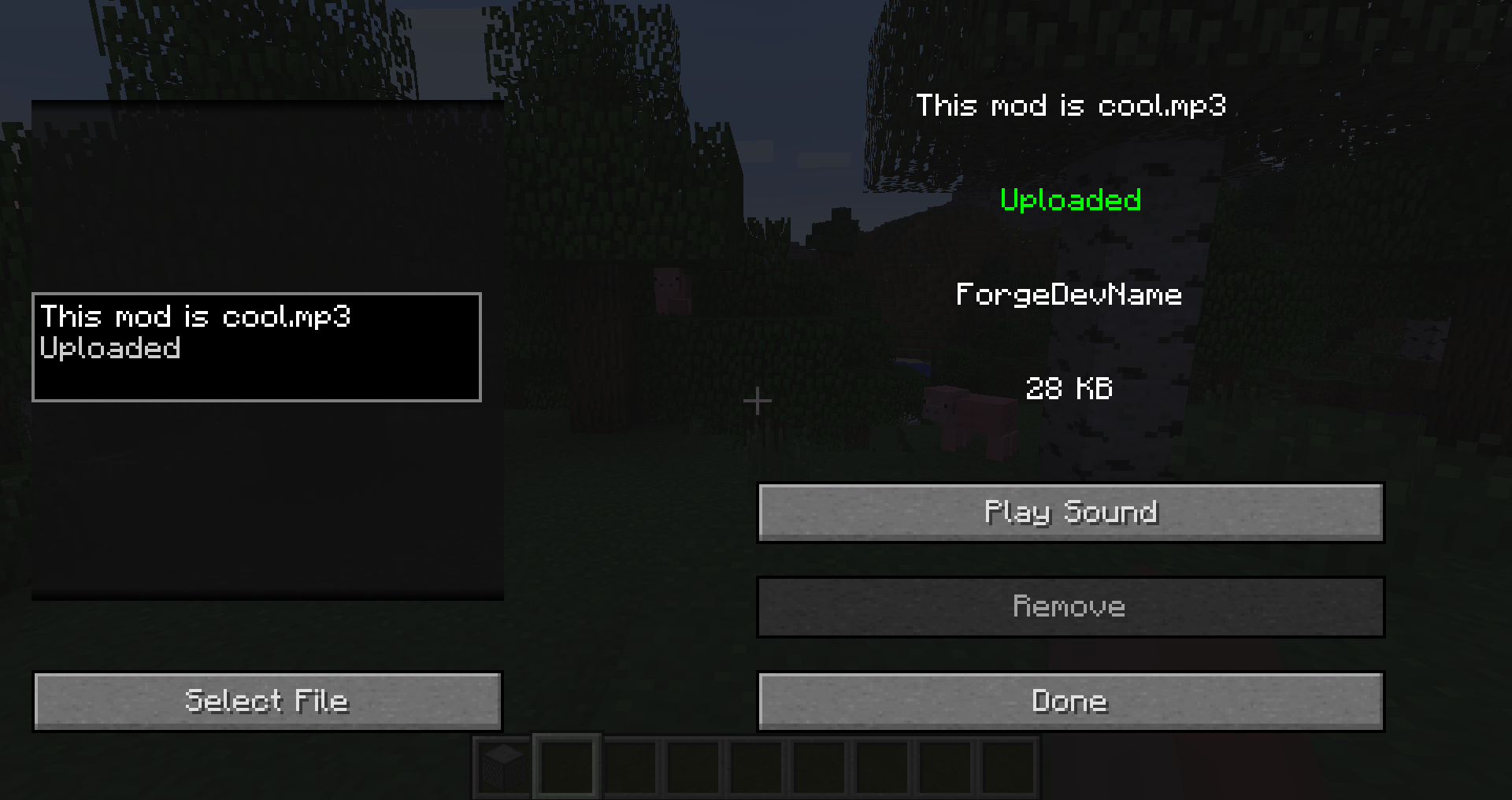
- Click
Play Soundto preview the sound - Click
Uploadto upload the sound to the server - Click
Playor apply a redstone pulse to play the sound in the game
Sound Player Recipe

—
NOTICE: This is a 1.12 port of the mod Sounds Cool, originally made by Dynious for 1.7 and updated by zoonie for 1.8.
常见问题
Sounds Cool 支持哪些 Minecraft 版本?
Sounds Cool 支持 Minecraft Java 版 1.12.2,可用的加载器:Forge。下载时注意选择和你游戏版本一致的文件。
Sounds Cool 怎么安装?
先用 PCL2 或 HMCL 启动器安装对应版本的 Forge,再把下载的 .jar 文件放进游戏目录的 mods 文件夹,重新启动游戏即可。开启了版本隔离的,mods 文件夹在 versions/版本名 下面。
ACGaming 的其他作品
查看全部 →
Universal Tweaks
一个社区项目,旨在将 Minecraft 1.12.2 的各类漏洞修复和优化整合到一个解决方案中。

File Director
用于安装和更新整合包配置的工具,支持远程操作。

Roughly Enough IDs
采用 1.13+ 格式,解除生物群系、物品和方块 ID 限制。

Battle Towers Fixes
Battle Towers 的最小侵入式修复
评论
登录后评论和评分