截图

介绍
Quickstore-Remake
快速贮藏-重制版===================================================================================================
Quickly put items into nearby chests.
快速存放物品到附近的箱子.
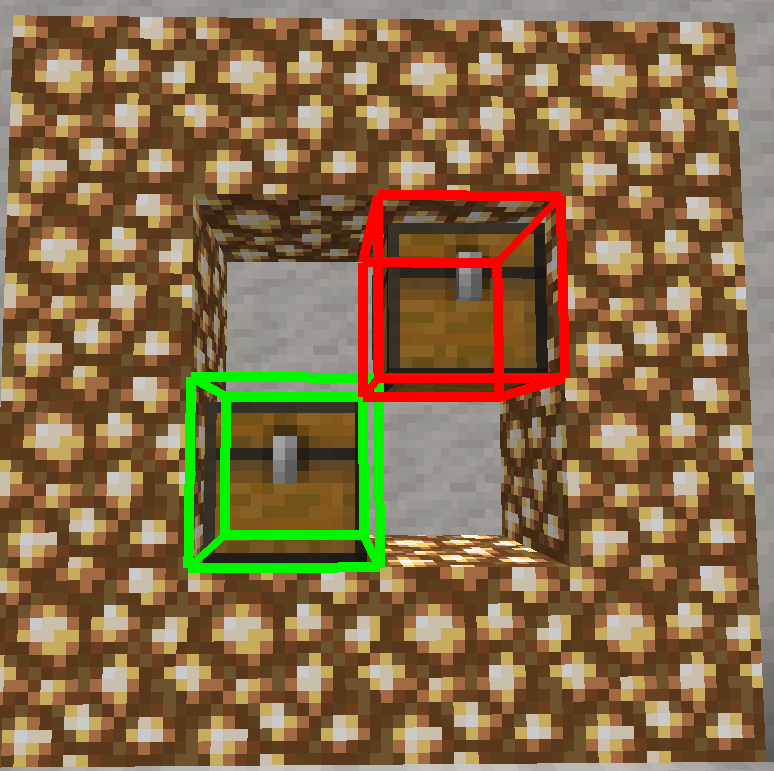
And show the chest where you items stored
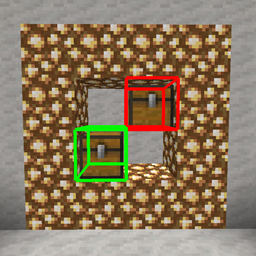
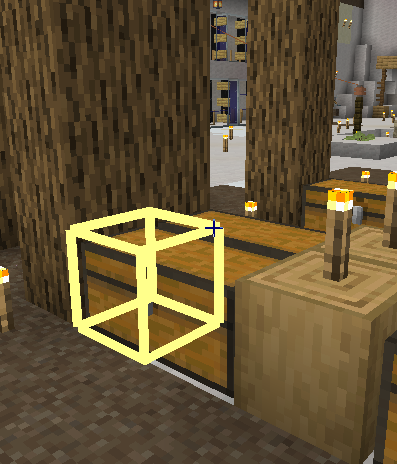
展示你的物品储存到了哪一个箱子(1.16.5,需要打开箱子视野)
绿色为你物品储存到的储存,红色为拥有同类物品的箱子
=================================================================================================
Support for:1.12.2 ,1.16.5
版本支持:1.12.2 ,1.16.5
Most function in 1.16.5
大部分功能支持:1.16.5
TODO:add search item function(ADDED in 2.0.1!!)
计划功能:物品搜索功能(已添加!!)
==========================================================================
Rendering UI can tell if chests with the same items are full.
渲染 UI 可以判断具有相同物品的箱子是否已满。
On the rendering interface, you can see which chest the current item is stored in.
在渲染界面上可以看到当前物品存放在哪个箱子里。
=================================================================================================
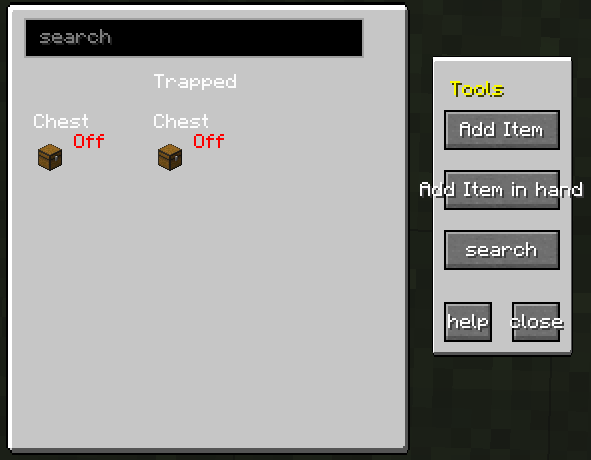
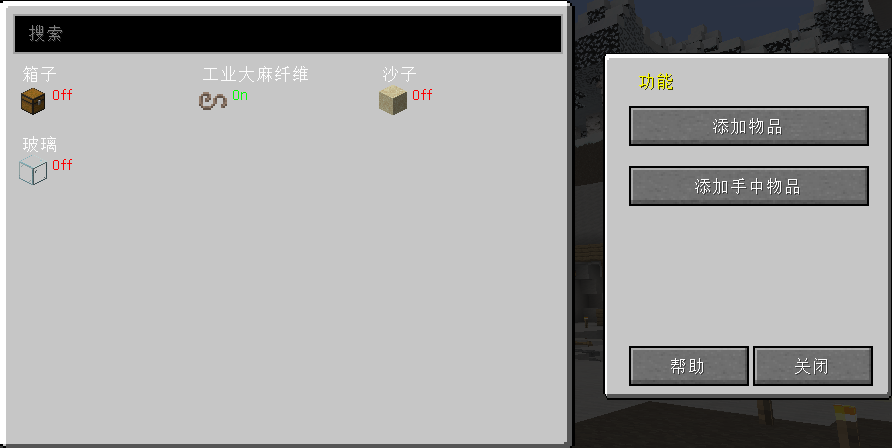
How to search items in nearby chests?
- Use CTRL+G to open search Gui.
- Add an item you want to search
- Make sure the item status is On!(Very important)
- Close Gui
- Use CTRL+V to open quicksee
- Use G to search.
- enjoy it!
Support some chest mods (such as ironchest, etc. (but I don’t necessarily guarantee other mods, because I only tested a few crates of other mods))
支持一些箱子模组(如ironchest等(但我不一定保证其他模组,因为我只测试了几个其它模组))
常见问题
quickStore-Remake 支持哪些 Minecraft 版本?
quickStore-Remake 支持 Minecraft Java 版 1.12.2–1.16.5,共 2 个版本,可用的加载器:Forge。下载时注意选择和你游戏版本一致的文件。
quickStore-Remake 怎么安装?
先用 PCL2 或 HMCL 启动器安装对应版本的 Forge,再把下载的 .jar 文件放进游戏目录的 mods 文件夹,重新启动游戏即可。开启了版本隔离的,mods 文件夹在 versions/版本名 下面。


评论
登录后评论和评分