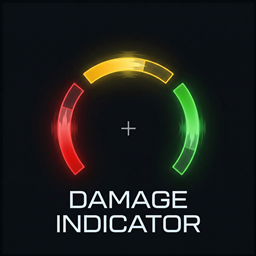
Damage Indicator – FPS-style directional indicators
A modern FPS-inspired HUD that provides real-time visual indicators for incoming damage and nearby environmental sounds.
截图
介绍
Damage Indicator
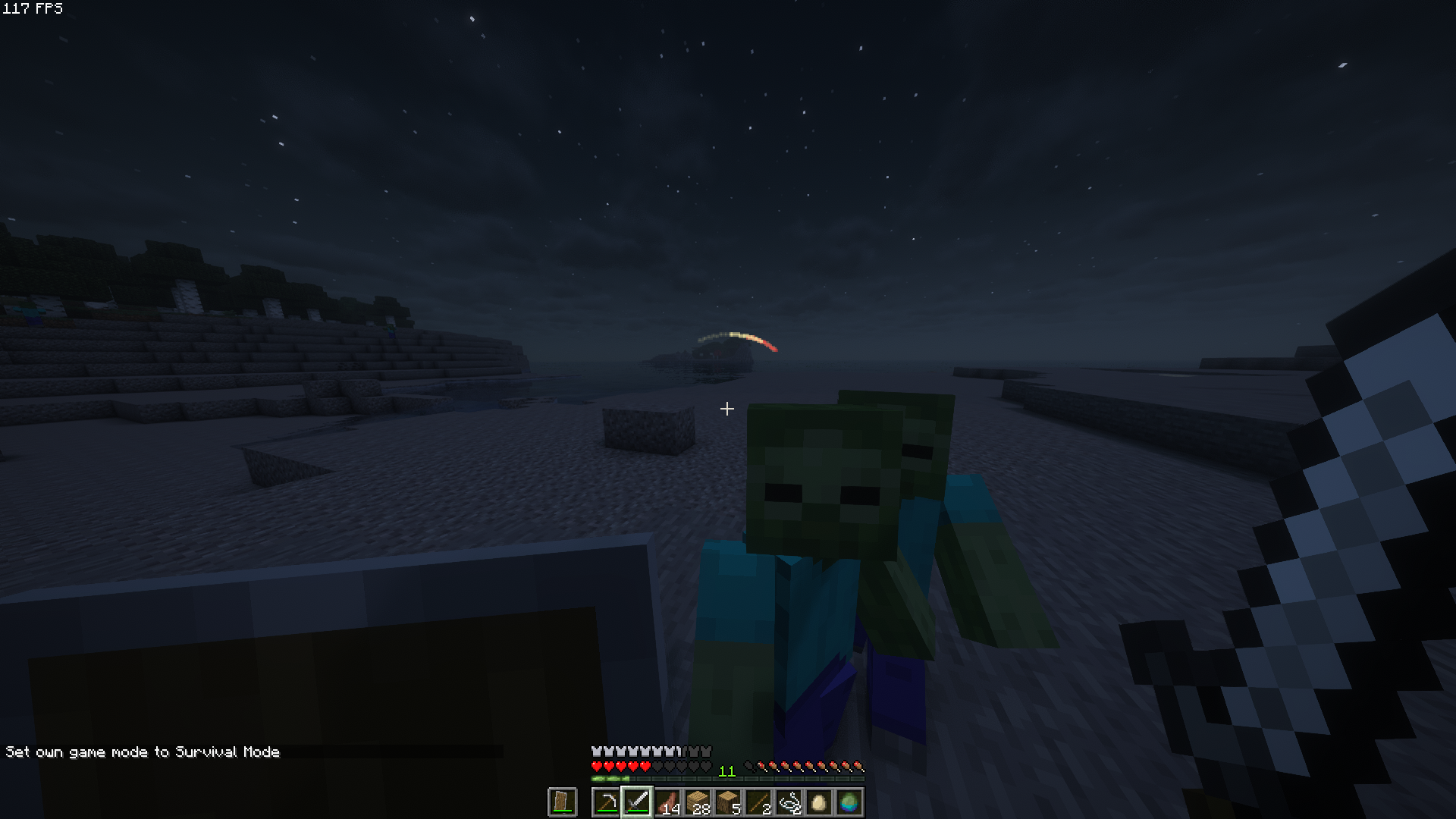
Damage Indicator shows where incoming damage (and optionally sound cues) comes from, without cluttering your screen.
Lightweight, clean, and fully customizable for both PvP and survival gameplay.
Features
- Directional hit arcs around your crosshair
- Separate colors for:
- damage hits
- hostile mob sound cues
- friendly mob sound cues
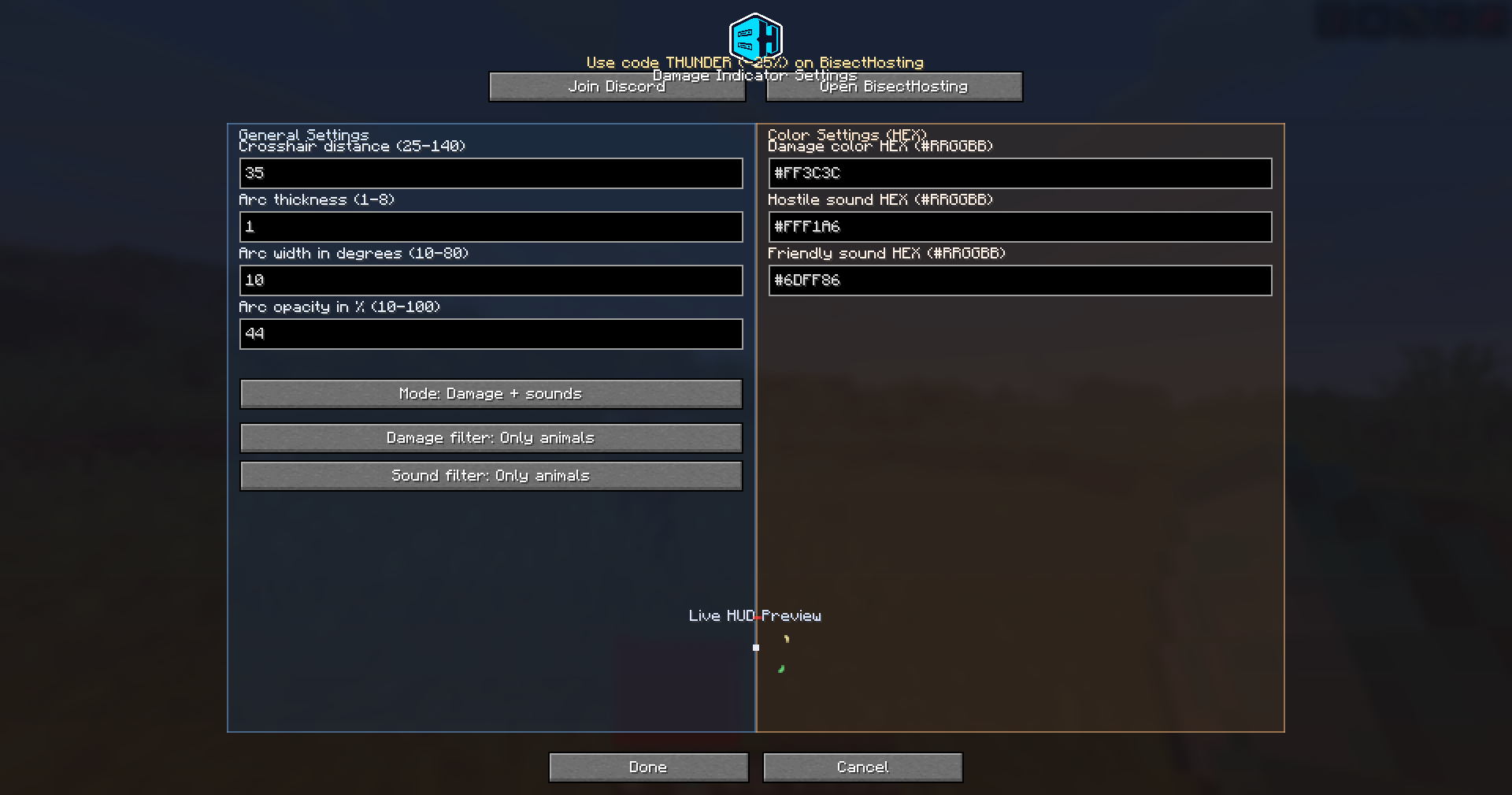
- Live HUD preview in the config screen
- Source filters:
- All
- Only players
- Only mobs
- Only hostile mobs
- Only animals
- Mode toggle:
- Damage + sounds
- Damage only
- Reset to defaults button for quick recovery if settings get messed up
Configuration
You can customize:
- Crosshair distance
- Arc thickness
- Arc width (span)
- Arc opacity
- HEX colors (
#RRGGBB) - Separate filters for damage and sound sources
Why use it
- Instant directional awareness in combat
- Minimal visual noise
- Simple setup with practical options
Requirements
- Fabric Loader
- Fabric API
- Minecraft versions supported by this project build
Installation
- Install Fabric Loader.
- Install Fabric API.
- Place the mod
.jarfile into yourmodsfolder. - Launch the game and configure it through Mod Menu / config screen.
Author
Project by ThunderTeam
常见问题
Damage Indicator – FPS-style directional indicators 支持哪些 Minecraft 版本?
Damage Indicator – FPS-style directional indicators 支持 Minecraft Java 版 1.21.11,可用的加载器:Fabric。下载时注意选择和你游戏版本一致的文件。
Damage Indicator – FPS-style directional indicators 怎么安装?
先用 PCL2 或 HMCL 启动器安装对应版本的 Fabric,再把下载的 .jar 文件放进游戏目录的 mods 文件夹,重新启动游戏即可。开启了版本隔离的,mods 文件夹在 versions/版本名 下面。
ThunderTeam 的其他作品
查看全部 →
NostalgiaCraft | Back to the original look of the game.
Back to 2010 graphics.

SmoothCraft: Fabric & Forge Edition – Boost FPS & Visuals with Lightweight Performance Tweaks for Any Mod Setup
The best Fabric & Forge FPS modpack – boost performance and discover many visual improvements!
VeracityCraft | Increasing the realism in the game.
Enhancements improving game's realism

TargetCraft | Add some cool crosshair to your game |
Unique sights for perfect aiming!
评论
登录后评论和评分