
Notes lite
Craft, format, and sign notes. Tear pages from books and leave messages on lecterns—perfect for letters, clues, and adventures.
截图

介绍
Small pages. Big stories.
Craft single-page notes for letters, clues, and village notices. Write, format, sign, and share your messages—or leave them on a lectern for others to discover.
Minecraft 1.20.1 · Forge · Singleplayer & Multiplayer
Features
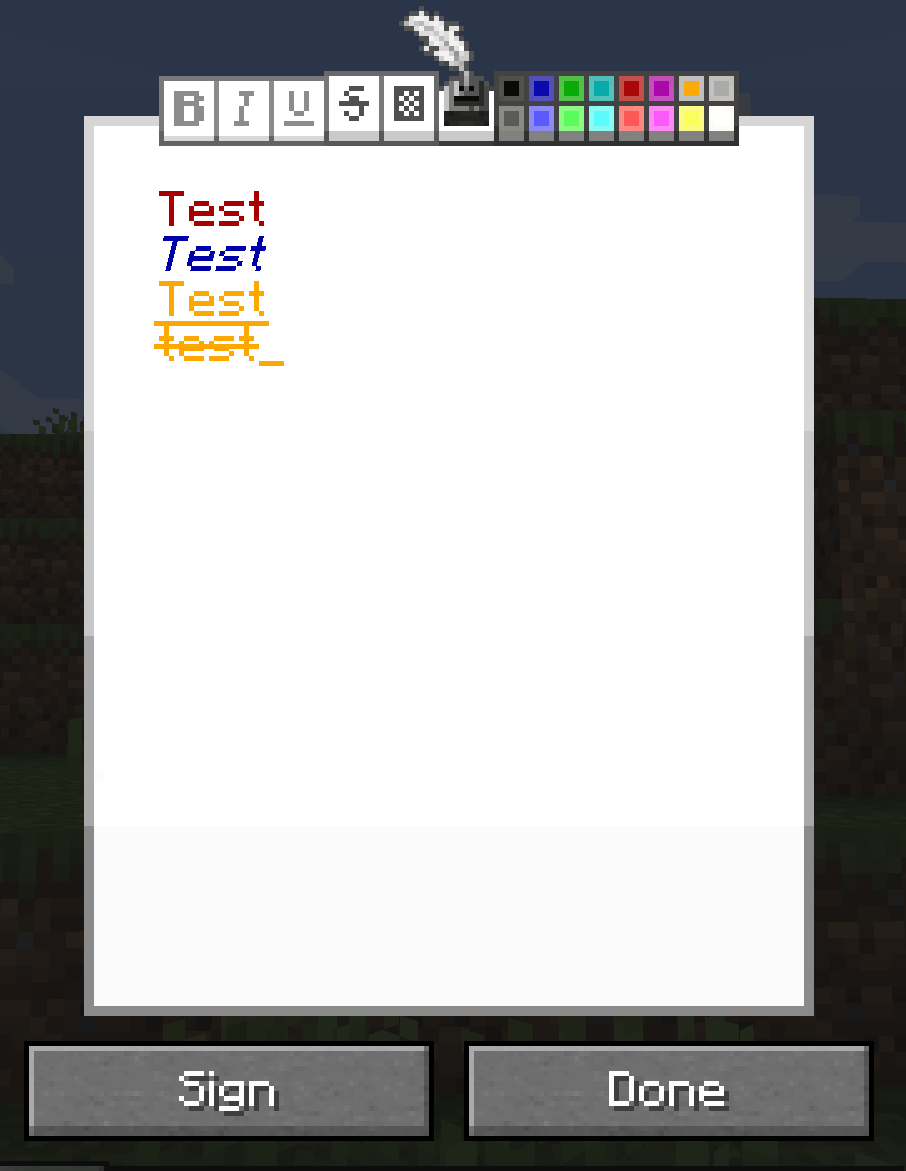
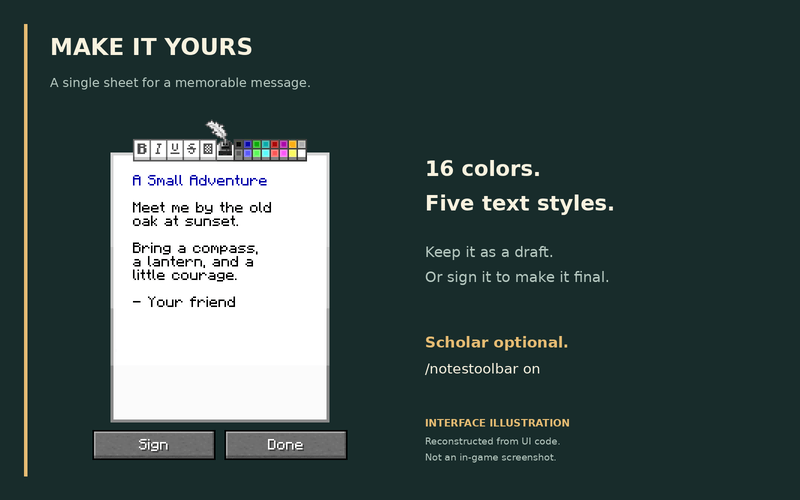
- Rich-text editor: 16 colors and five text styles.
- Sign your notes: add a title and author; signed notes become read-only.
- Tear book pages: sneak + right-click a Book and Quill or Written Book to turn its first stored page into a note.
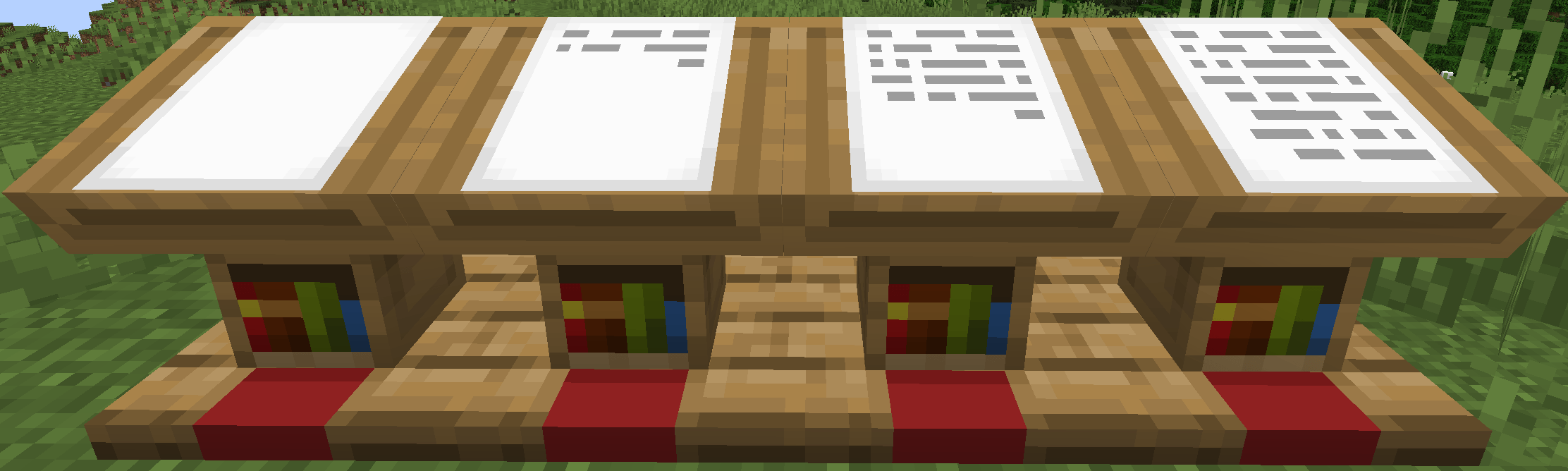
- Lectern support: display and read notes; sneak + right-click to retrieve them.
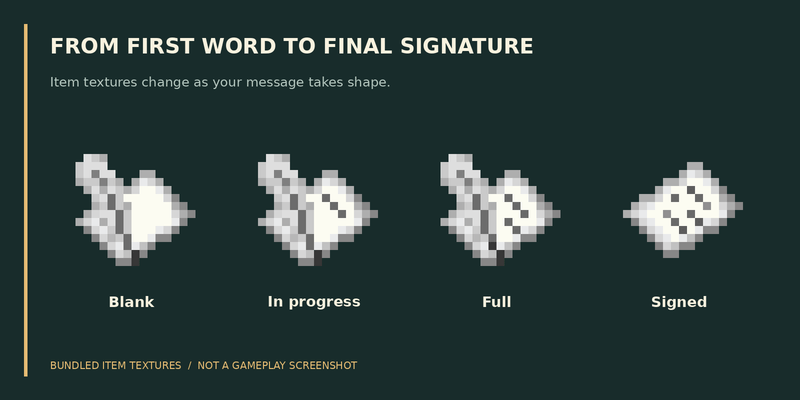
- Dynamic item textures: see whether a note is blank, filled, or signed.
Getting started
1 Paper + 1 Ink Sac → 1 Note — shapeless recipe.
Right-click a note to write. Choose Done to keep it editable, or Sign to finalize it. Right-click an empty lectern with a note to display it.
Formatting toolbar
Scholar is optional. In automatic mode, the toolbar appears when Scholar is installed.
| Command | Action |
|---|---|
/notestoolbar on |
Show the toolbar, even without Scholar. |
/notestoolbar off |
Hide it for yourself. |
/notestoolbar auto |
Follow Scholar availability (default). |
/notesmod toolbar all on |
Admin: force it on for everyone. |
/notesmod toolbar all off |
Admin: restore personal settings. |
Settings are saved. The server override takes priority over personal preferences. The toolbar is available only while editing unsigned notes.
Editor adapted from Scholar by mortuusars.
常见问题
Notes lite 支持哪些 Minecraft 版本?
Notes lite 支持 Minecraft Java 版 1.20.1–1.21.1,共 2 个版本,可用的加载器:Forge / NeoForge。下载时注意选择和你游戏版本一致的文件。
Notes lite 怎么安装?
先用 PCL2 或 HMCL 启动器安装对应版本的 Forge / NeoForge,再把下载的 .jar 文件放进游戏目录的 mods 文件夹,重新启动游戏即可。开启了版本隔离的,mods 文件夹在 versions/版本名 下面。

评论
登录后评论和评分