
Minimal HUD
作者:Crashfty
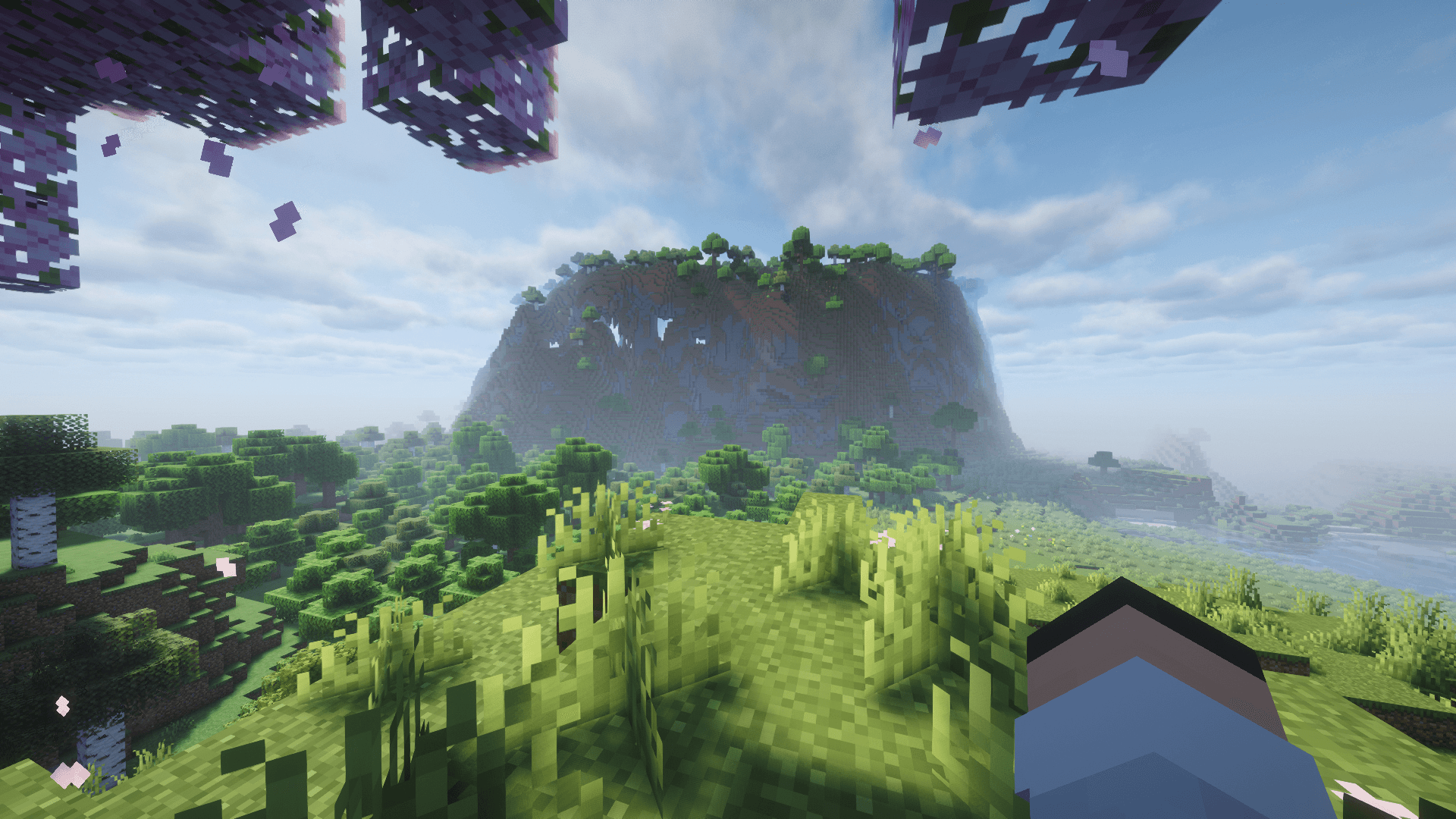
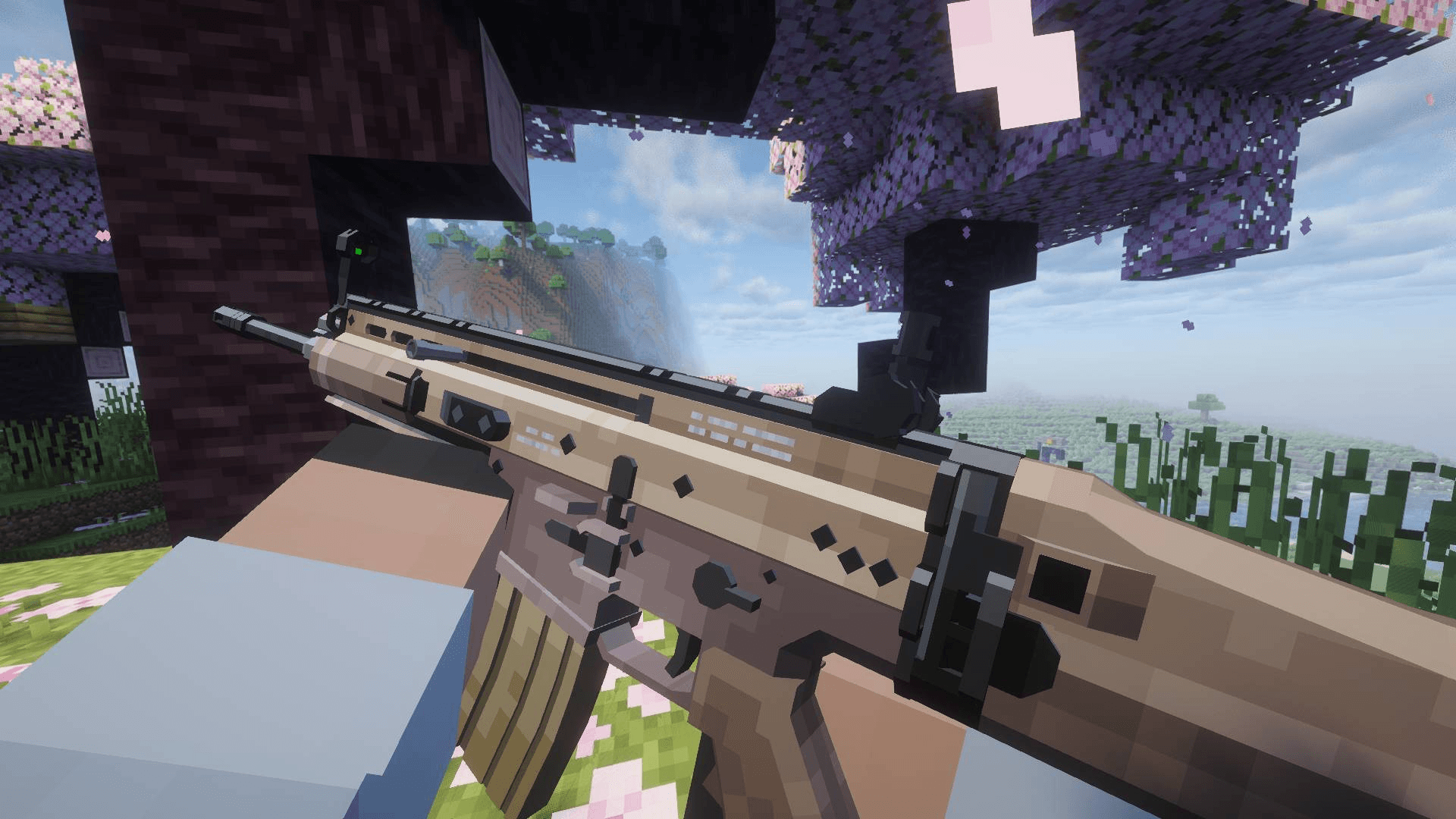
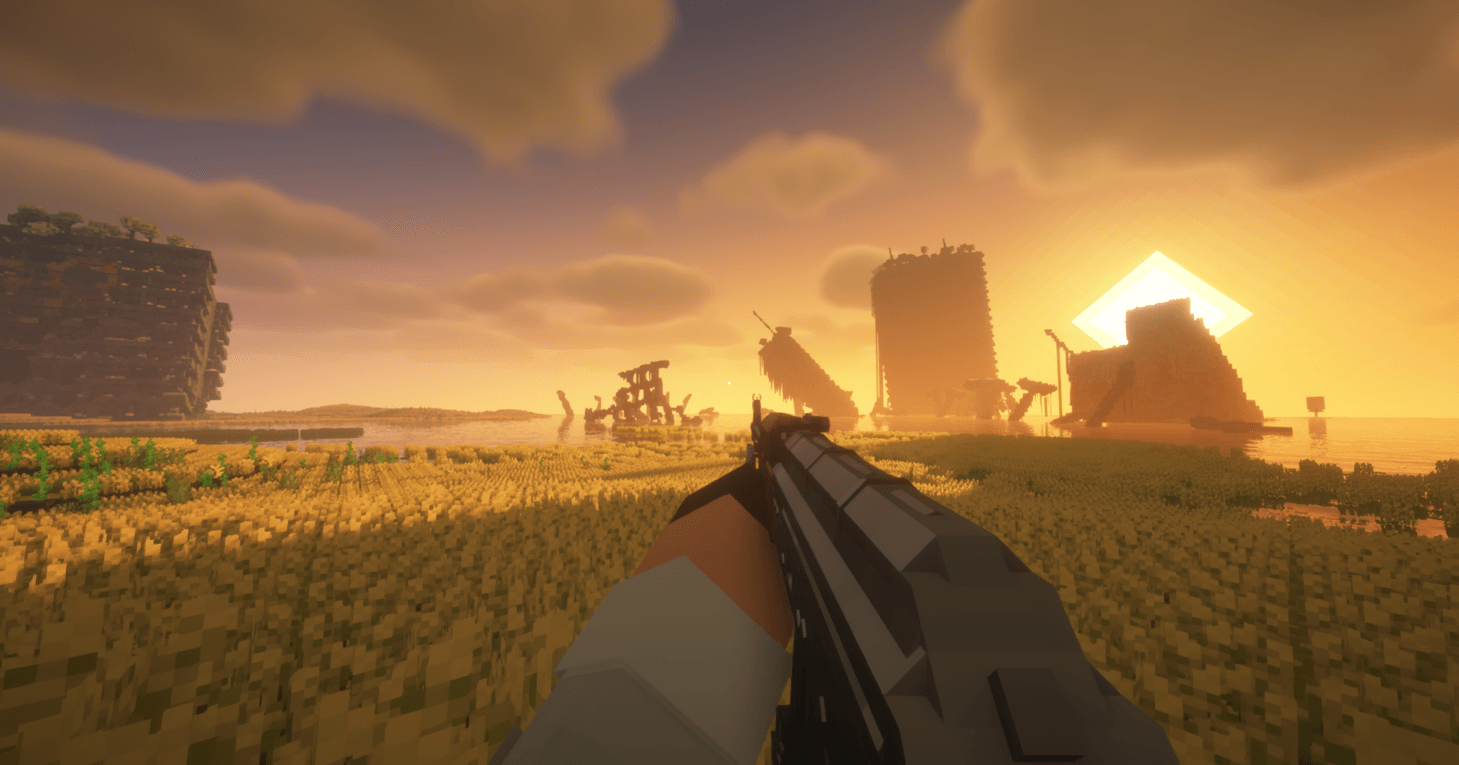
Removes the entire HUD while keeping the player's hand visible for a clean and immersive Minecraft experience
截图
介绍
中文介绍正在准备中,下面暂时显示原文。
Minimal HUD – Clean View, Full Immersion
A better alternative to F1.
Minimal HUD removes the entire in-game interface while keeping your hand and held items visible. Enjoy a clean, distraction-free screen without losing immersion.
✨ Features
- Removes all HUD elements
- Keeps your hand and held items visible
- Perfect for screenshots and cinematics
- Simple and lightweight
🎮 Why use this mod?
The default F1 key hides everything—including your hand. Minimal HUD gives you a cleaner option, so you can stay immersed while still feeling connected to the game.
⚙️ Usage
- Press the assigned key (configurable) to toggle Minimal HUD
- Works as a replacement for F1
📸 Perfect for:
- Content creators
- Cinematic recordings
- Immersive gameplay
常见问题
Minimal HUD 支持哪些 Minecraft 版本?
Minimal HUD 支持 Minecraft Java 版 1.20–1.21.1,共 3 个版本,可用的加载器:Fabric / Forge / NeoForge。下载时注意选择和你游戏版本一致的文件。
Minimal HUD 怎么安装?
先用 PCL2 或 HMCL 启动器安装对应版本的 Fabric / Forge / NeoForge,再把下载的 .jar 文件放进游戏目录的 mods 文件夹,重新启动游戏即可。开启了版本隔离的,mods 文件夹在 versions/版本名 下面。
评论
登录后评论和评分