
FPS UP
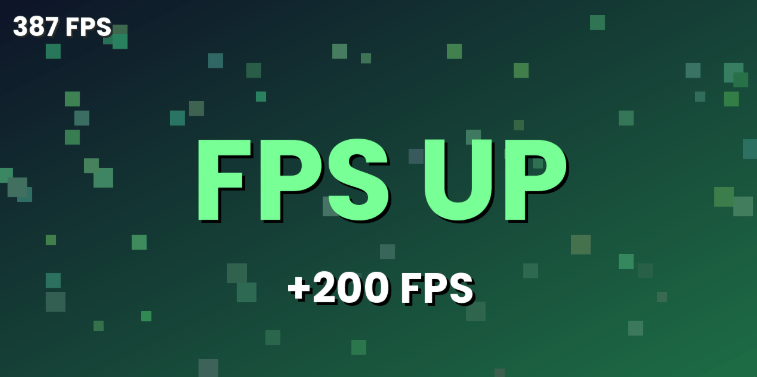
Adds +200 FPS to the top-left FPS counter. Purely visual, no real performance boost. FAKE
截图
介绍
FPS UP: the FPS counter that looks way better than your real performance
⚠️ Important: this mod is 100% fake. It does not make your game run faster. It only changes the number shown on your screen.
What is FPS UP?
FPS UP adds a small counter in the top left corner of your screen. It measures your real FPS, then adds +200 to the result before displaying it. If your game runs at 60 FPS, the counter shows 260 FPS.
Who is it for?
- Pranking your friends.
- Making funny videos or screenshots.
- Enjoying a big number at the top of your screen.
What the mod does
- Displays an FPS counter in the top left corner, in white text.
- Adds 200 to your real FPS number.
- Works as soon as the game starts, with no configuration.
What the mod does NOT do
- It does not improve real performance.
- It does not reduce lag.
- It does not change rendering or the game engine in any way.
If you are looking for a real performance boost, use a dedicated optimization mod. FPS UP is just here for fun.
常见问题
FPS UP 支持哪些 Minecraft 版本?
FPS UP 支持 Minecraft Java 版 1.17–26.3,共 33 个版本,可用的加载器:Fabric / Forge / NeoForge。下载时注意选择和你游戏版本一致的文件。
FPS UP 怎么安装?
先用 PCL2 或 HMCL 启动器安装对应版本的 Fabric / Forge / NeoForge,再把下载的 .jar 文件放进游戏目录的 mods 文件夹,重新启动游戏即可。开启了版本隔离的,mods 文件夹在 versions/版本名 下面。
评论
登录后评论和评分