
截图

介绍
中文介绍正在准备中,下面暂时显示原文。
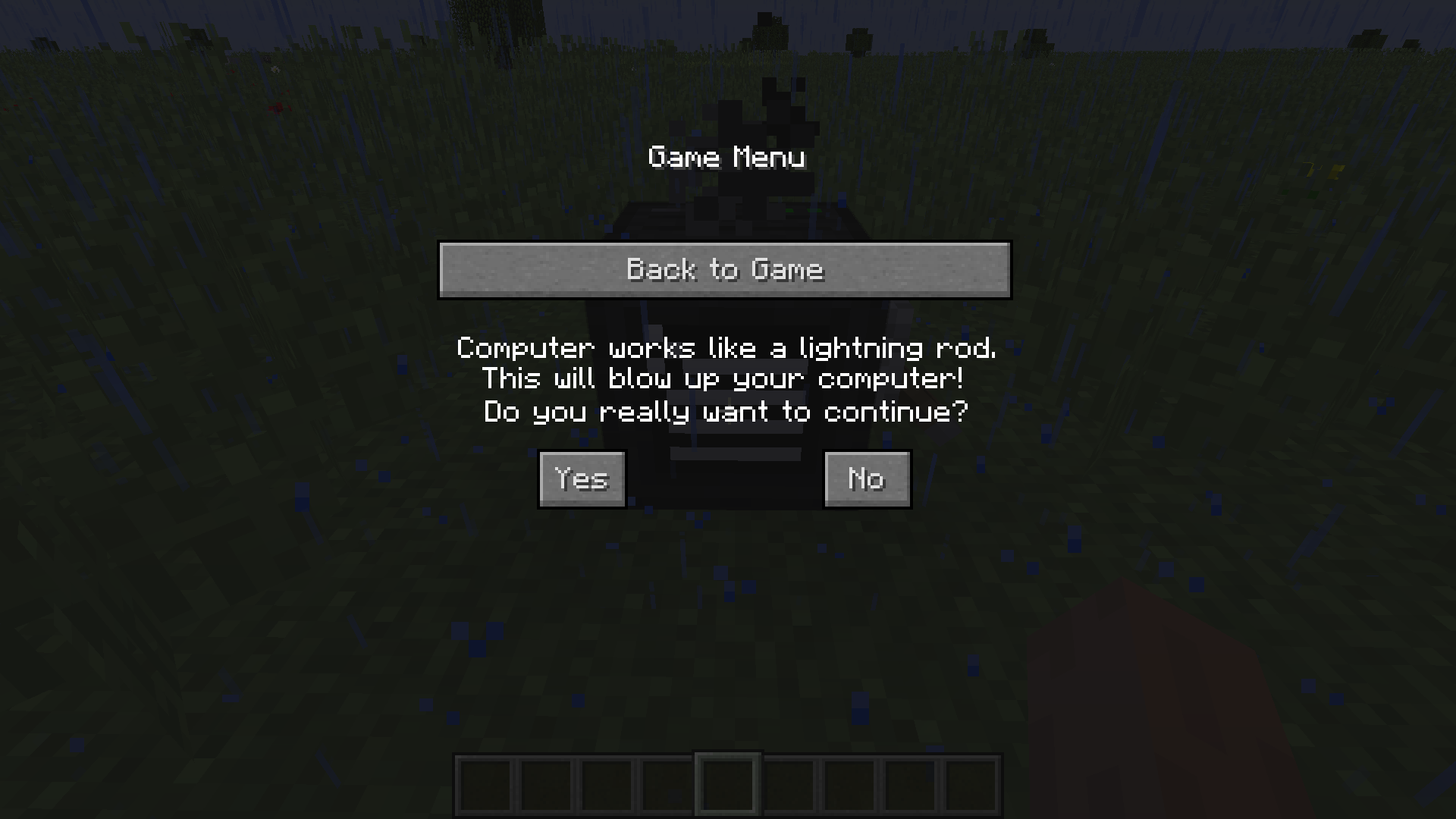
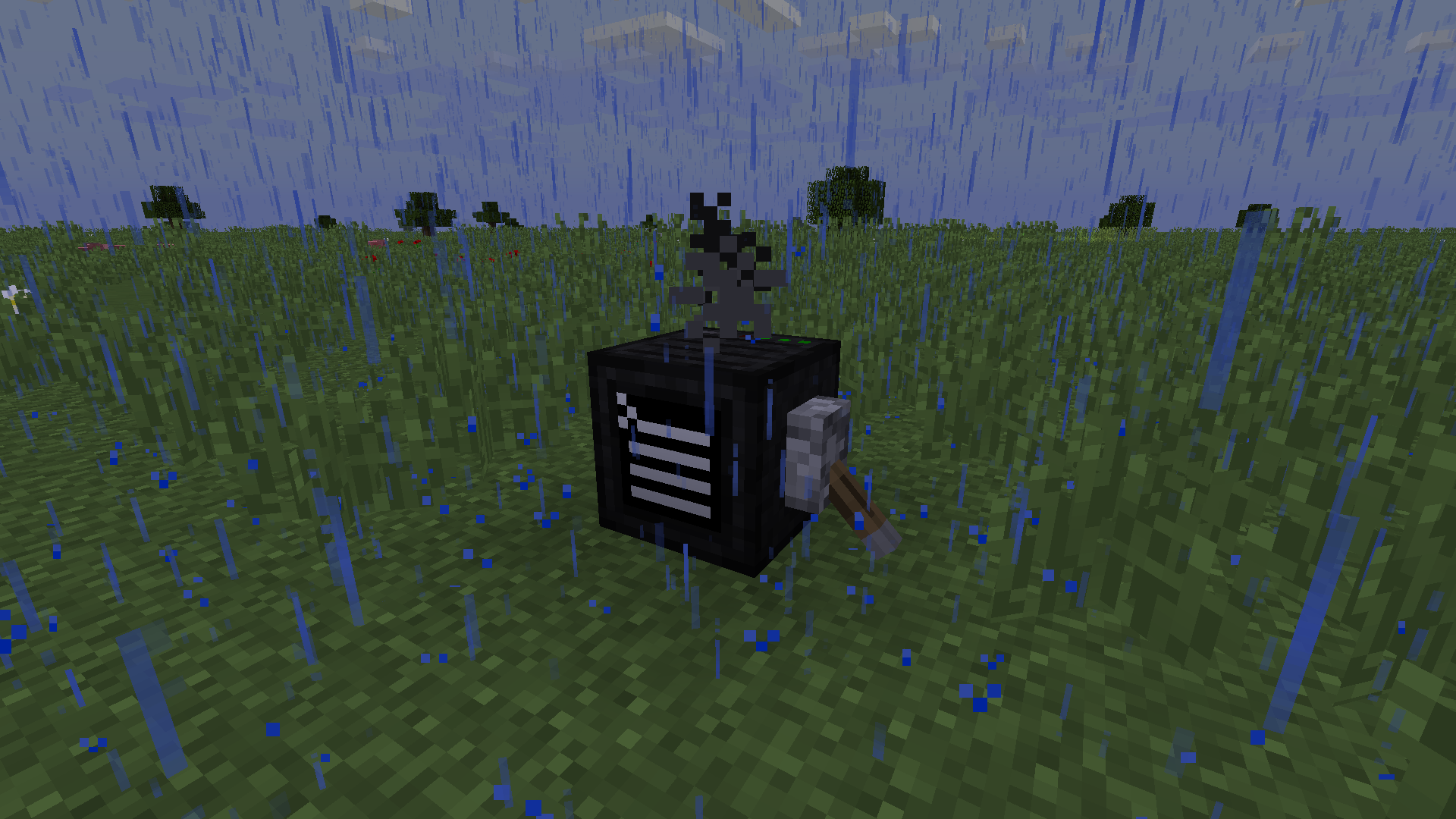
 <What? A computer?>
___________________________________________________
 <Whoops, now you can blow it up!>
___________________________________________________
Tired of entering commands manually?
___________________________________________________
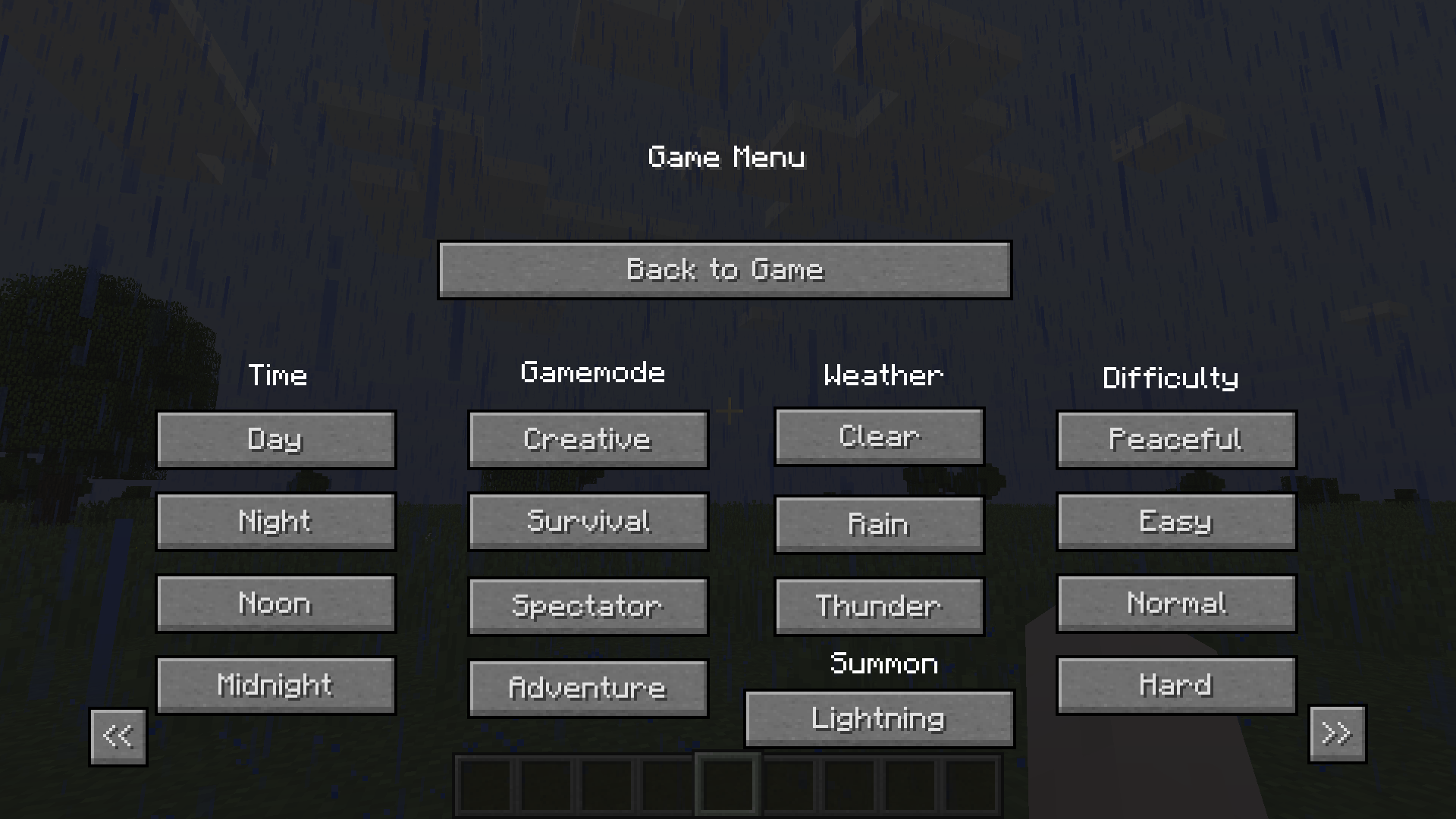
Yeah, I know, it’s very annoying to do every 2 minutes! Though suffer no more, ’cause this modification gives you ability to type in the most needed commands in a single click.
___________________________________________________
How to use:
- Press C or enter ‘/c’ in the chat to open the list of commands and click on the needed one.
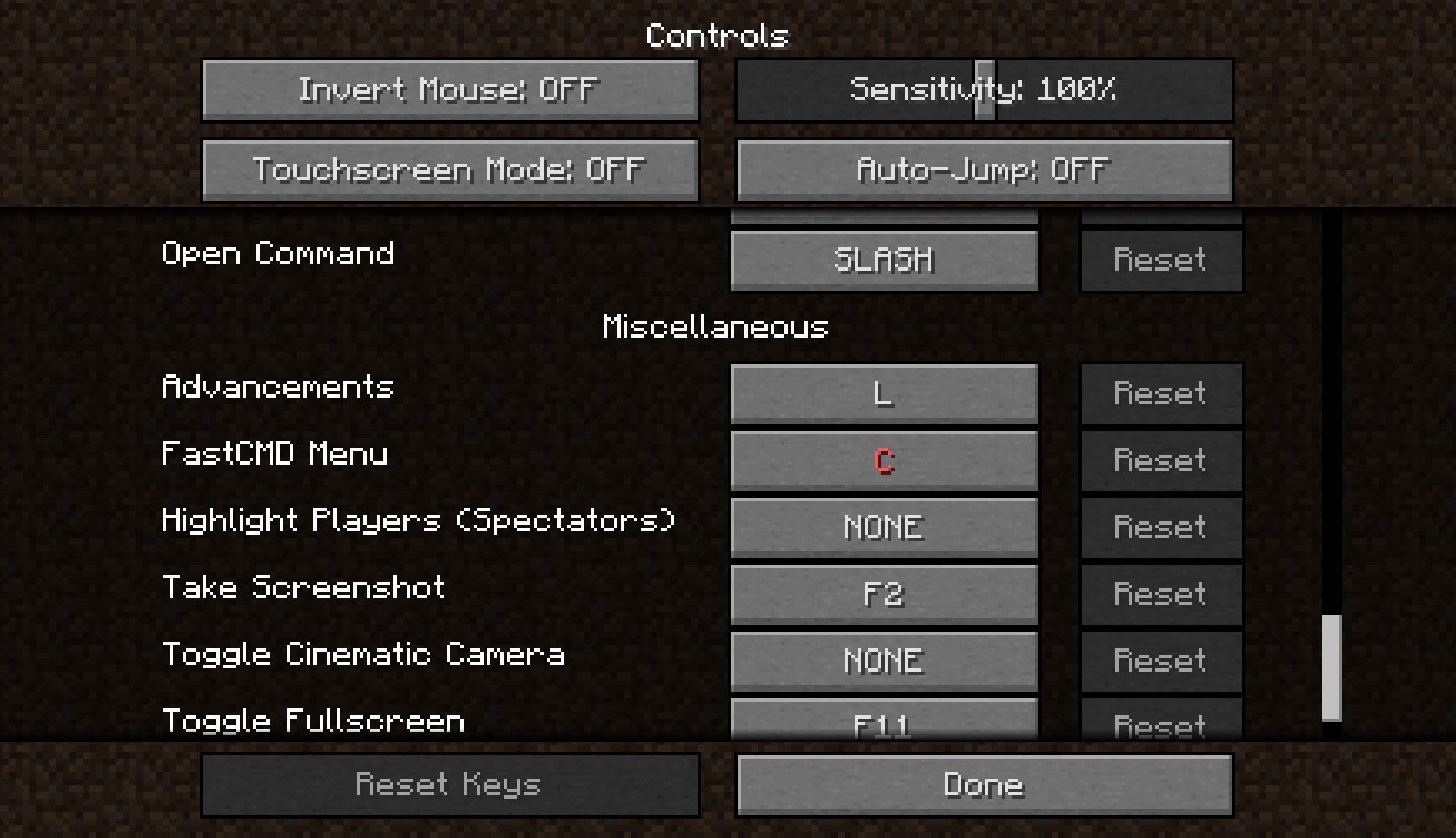
- You can change the key that will open the menu in the controls settings.
- You can open this menu only if you have enabled cheats!
___________________________________________________
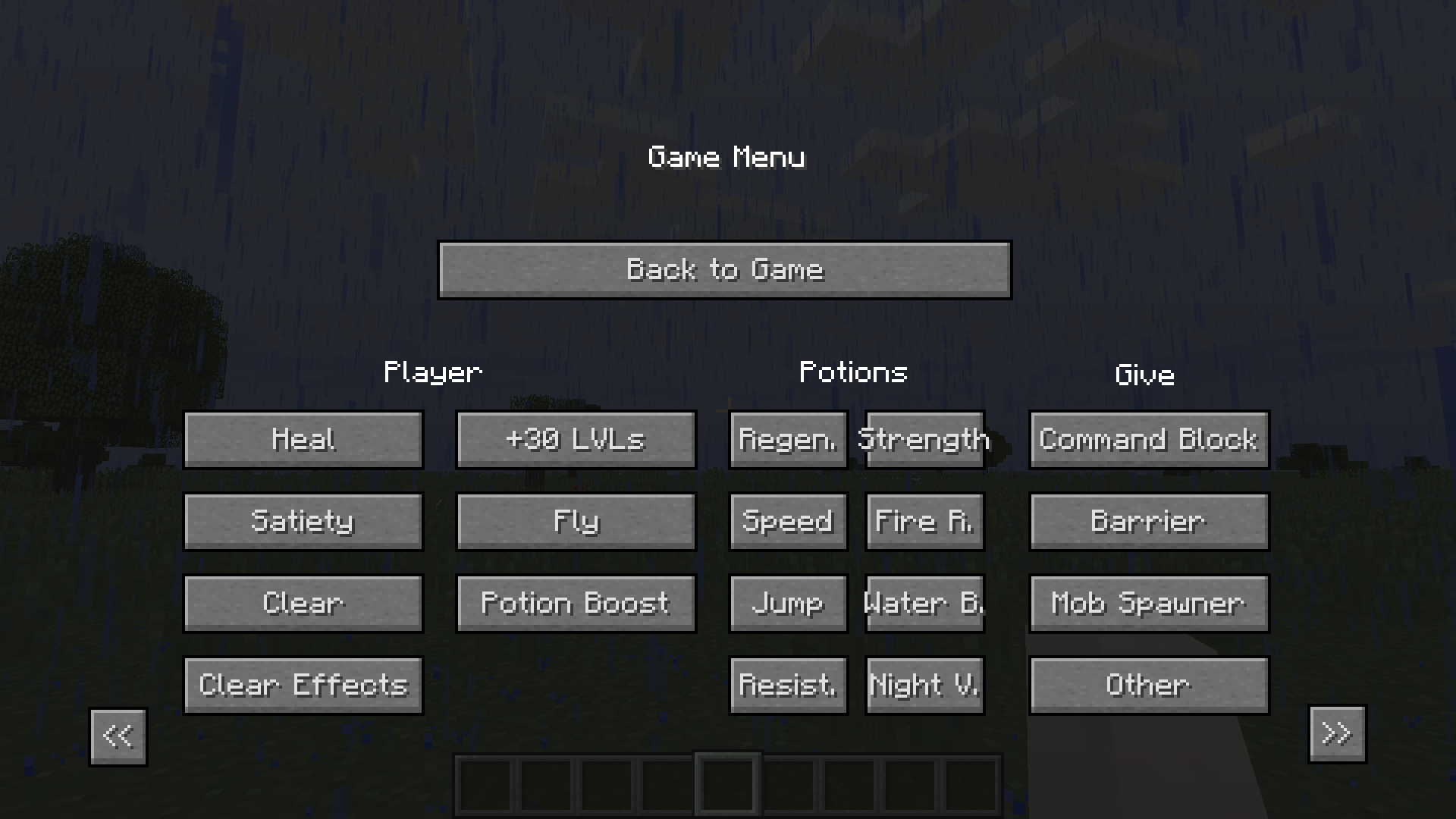
Available commands:
- Time change
- Gamemode change
- Weather change
- Difficulty change
- Summon a lightning
- Heal the player
- Saturate the player
- Clear the inventory
- Clear all effects
- Add 10 experience LVLs
- Enable flight in any mode
- Potion effects boost
- A lot of different potion effects separately
- Give command block, structure block, etc.
___________________________________________________
Screenshots:

<Page 1>
___________________________________________________

<Page 2>
___________________________________________________ <Controls settings>
_________________________________________________
q(≧▽≦q)
常见问题
FastCMD 支持哪些 Minecraft 版本?
FastCMD 支持 Minecraft Java 版 1.12.2,可用的加载器:Forge。下载时注意选择和你游戏版本一致的文件。
FastCMD 怎么安装?
先用 PCL2 或 HMCL 启动器安装对应版本的 Forge,再把下载的 .jar 文件放进游戏目录的 mods 文件夹,重新启动游戏即可。开启了版本隔离的,mods 文件夹在 versions/版本名 下面。
评论
登录后评论和评分