Astronomical Journey
Embark on a space conquest with this revamped modpack. Explore new planets, build automated factories and space stations, and customize your universe with immersive tech and decoration. Get ready for an epic journey beyond the stars!
截图




介绍
🚀 Astronomical Journey – V2:
Explore space like never before! Astronomical Journey V2 is a complete overhaul of the original modpack, rebuilt from scratch in **Minecraft 1.20.1 Forge** for maximum stability, insane performance, and a completely new progression line.
From steam-powered engineering on Earth to automated nuclear bases on Venus, follow a beautifully crafted expert questline and conquer the stars!
🌟 Key Features of V2:
- 🗺️ Brand New Progression: 4 fully custom quest chapters guiding you from Earth to the Moon, Mars, and the outer Solar System.
- ⚙️ Mechanical Beginnings: Harness kinetic energy with Create and its new automated structures to forge your first alloys.
- ⚡High-Tech Automation: Upgrade to electricity, metallurgy, and advanced space tech with Mekanism and Ad Astra.
- 🏛️ Alive Worlds: Discover rare space outposts and mechanical ruins abandoned across the planets.
- 🖥️ Digital Logistics: Manage millions of resources effortlessly using Applied Energistics 2 (AE2).
- 👥 Built-in Multiplayer: Invite your friends directly to your world with zero server setup, thanks to the Essential Mod.
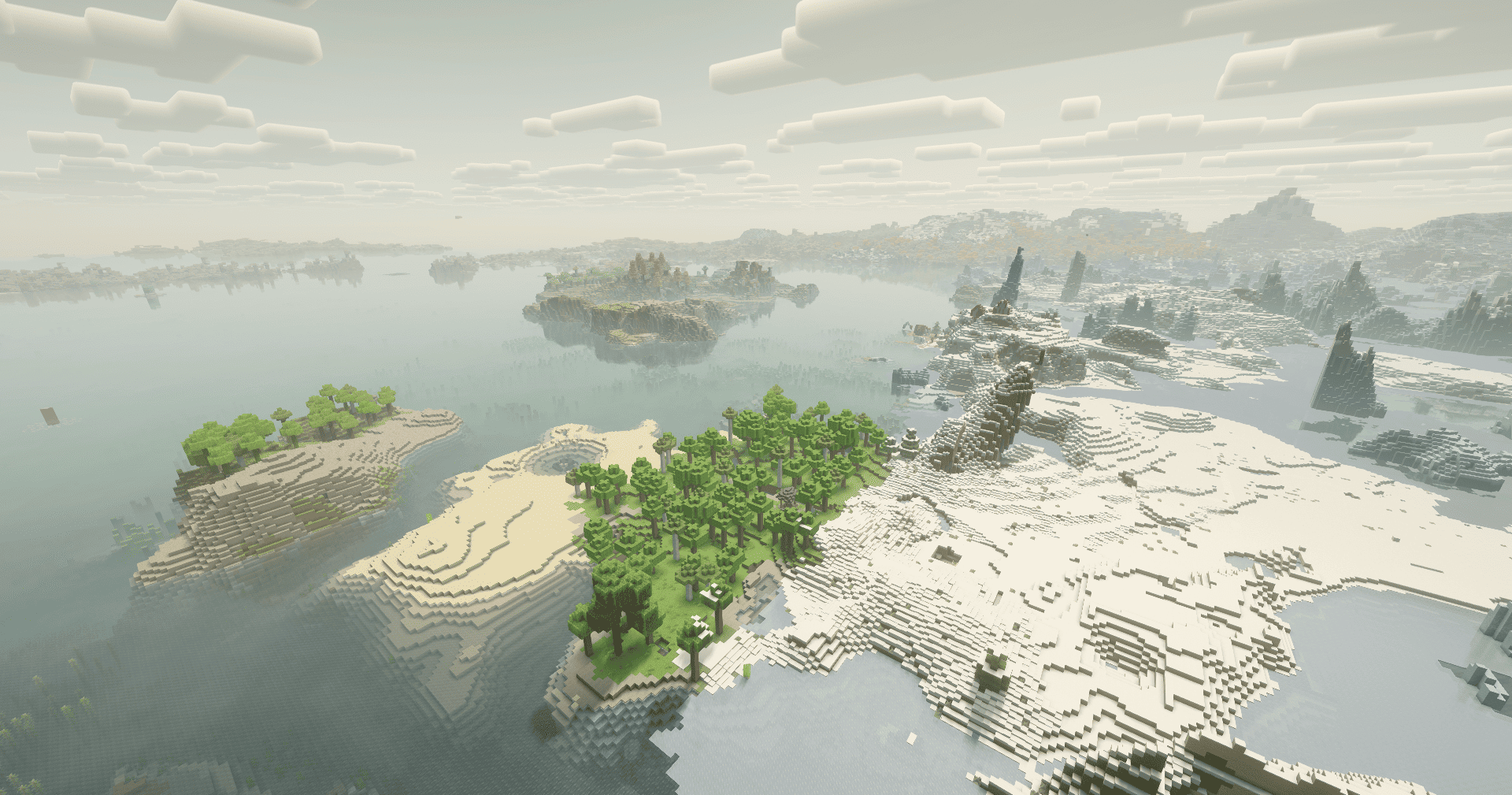
- 🪐 Breathtaking Universes: Experience stunning terrain generation with Terralith and custom planetary biomes.
- 🎨 Pro Main Menu: A fully customized space-themed main menu with random beautiful backgrounds every time you launch the game.
⚠️ SHADERS & PERFORMANCE INFORMATION (PLEASE READ)
V2 comes pre-optimized with Embeddium and Oculus.
To activate Shaders, simply go to your Video Settings -> Shader Packs in-game and enable the built-in Shaders (configured for the best FPS/Visual ratio).
*Note: Distant Horizons is included for insane render distance!
Thank You
XénonSpace
常见问题
Astronomical Journey 支持哪些 Minecraft 版本?
Astronomical Journey 基于 Minecraft Java 版 1.20.1、1.12.2,使用 Forge 加载器。
Astronomical Journey 怎么安装?
点本页「前往下载」拿到整合包文件(Modrinth 的是 .mrpack,CurseForge 的是 .zip),在 PCL2 或 HMCL 启动器里选择「导入整合包」,启动器会自动装好 Minecraft、加载器和全部模组。建议在启动器里给游戏分配 4–6 GB 内存。
Astronomical Journey 开服需要多大内存?
推荐服务器内存 12 GB。在线人数多、或者建了大量机器和区块加载器时,可以再加 2–4 GB。
怎么和朋友一起玩 Astronomical Journey?
点本页的「一键开服」,选好配置后会自动安装 Astronomical Journey 的服务端,几分钟就能开好。把服务器地址发给朋友,大家用同一个版本的整合包连进去就行。

评论
登录后评论和评分