
截图
介绍



Explore the game as an Artificer: Craft, tinker, and engineer historical-fantasy firearm builds!
Requires Neoforge, Requires Geckolib
Getting Started
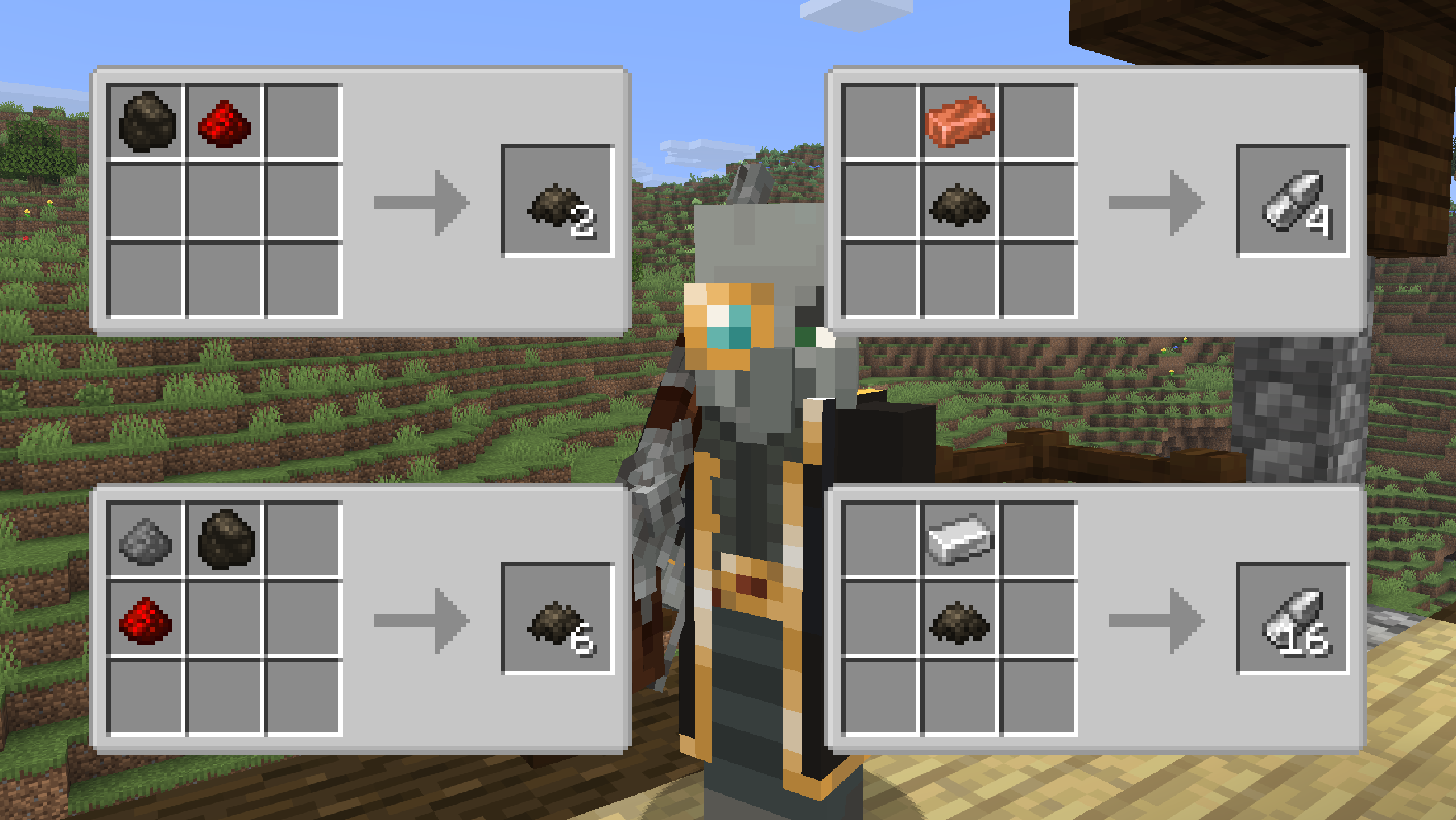
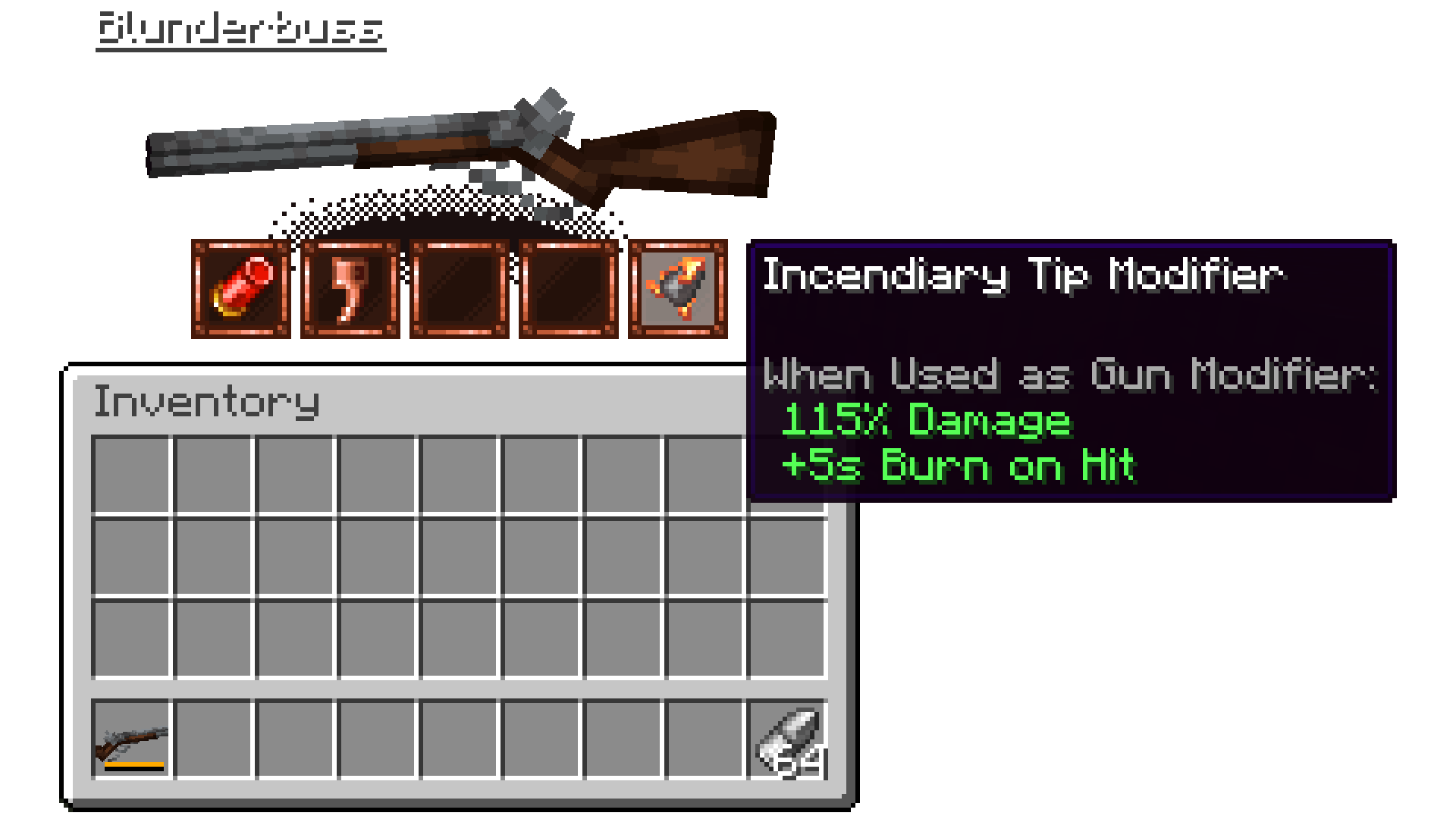
The simplest gun, the Flintlock pistol, simply requires a little wood, iron, and Blackpowder to craft! Blackpowder is a new crafting ingredient used for guns, modifiers, and bullets. Modify the gun by holding it and pressing the \[G\] key, opening its modifier slot menu. Use \[R\] to reload and add more bullets!
The first Gunslinging enemy, the Illificer, will drop the modifiers out of his gun when killed! Find him in later raid waves, or helming Illager patrols.
Progression
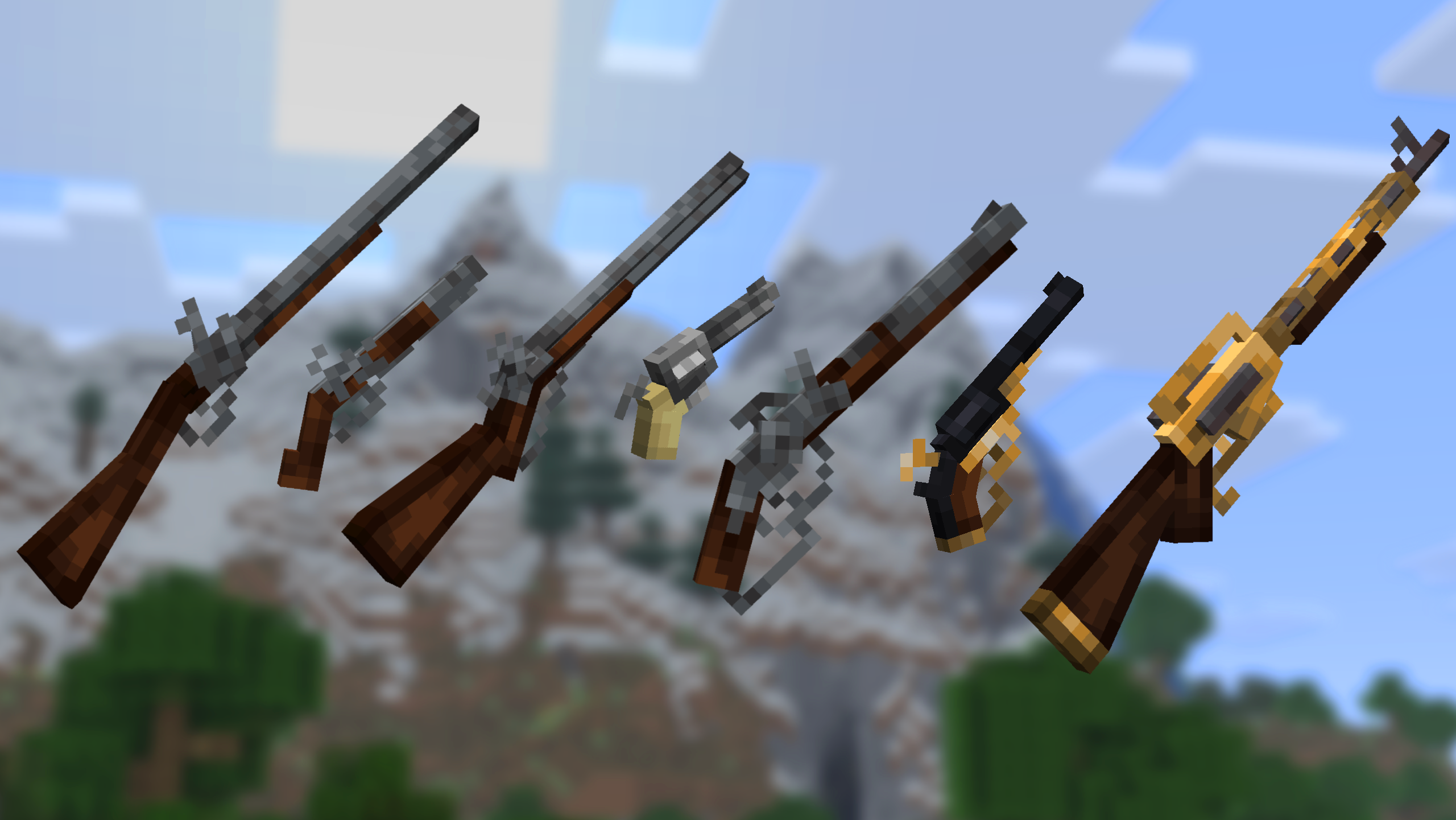
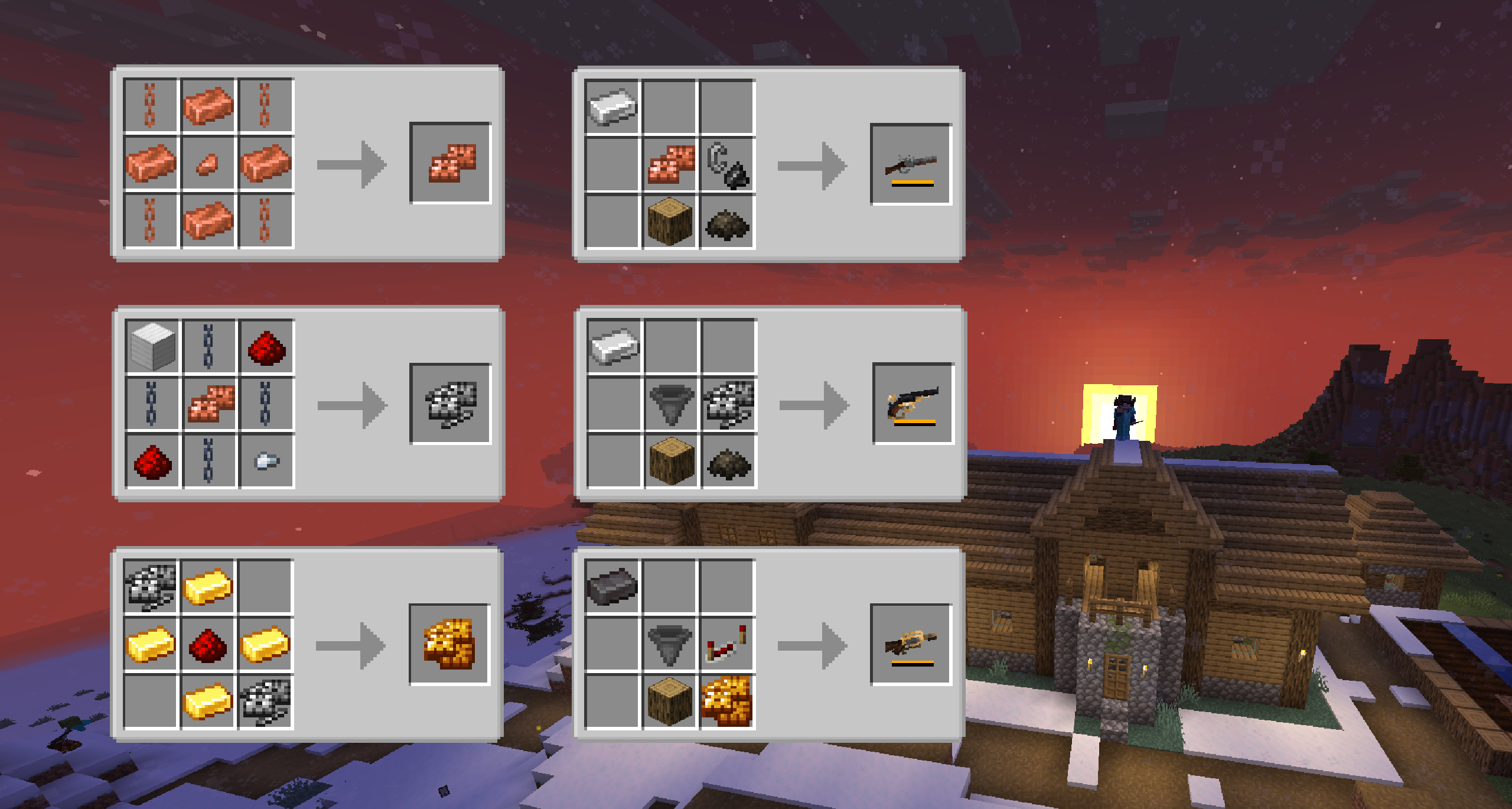
Craft a variety of Mechanical Components to forge other guns, too! Each gun carves out its own niche, and is viable at any stage of the game with the right build.
Modifiers can be crafted next with a variety of ingredients.
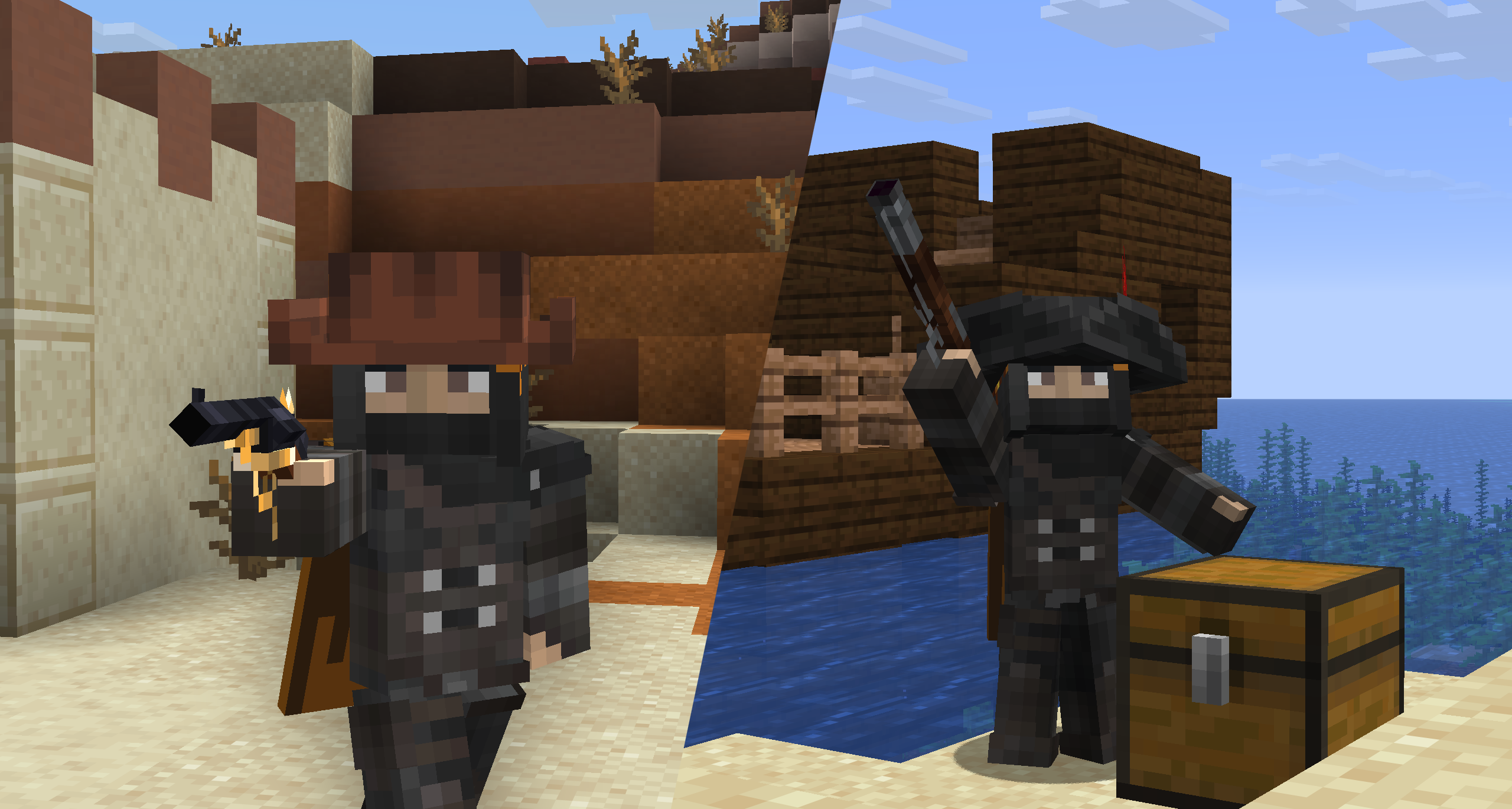
Make sure to visit the wardrobe and craft Armor to go with your Iron, too!
The Recipe Book contains all recipes, although Jei is recommended for learning.
And More!
Explore the open world for yourself to hone your skills in Artifice! Engineer builds, receive return fire from enemies, and step through history and fantasy at the same time!
Support:


常见问题
Iron’s Arms ‘n Artifice 支持哪些 Minecraft 版本?
Iron’s Arms ‘n Artifice 支持 Minecraft Java 版 1.20.1–26.1.2,共 3 个版本,可用的加载器:Forge / NeoForge。下载时注意选择和你游戏版本一致的文件。
Iron’s Arms ‘n Artifice 怎么安装?
先用 PCL2 或 HMCL 启动器安装对应版本的 Forge / NeoForge,再把下载的 .jar 文件放进游戏目录的 mods 文件夹,重新启动游戏即可。开启了版本隔离的,mods 文件夹在 versions/版本名 下面。运行环境:客户端和服务端都要装。
Iron431 的其他作品
查看全部 →
Iron’s Spells ‘n Spellbooks
一款重现经典 RPG 施法幻想的魔法模组。

Iron’s Gems ‘n Jewelry
全新模块化宝石工艺,带来各种宝石与珠宝!

All the Wizard Gear
ATM9 Compat for Iron's Spells 'n Spellbooks 后期护甲

Atlas API
数据驱动材质解决方案 | 运行时图集API
评论
登录后评论和评分