
Playlistify (custom soundtracks)
作者:NullSc4pe
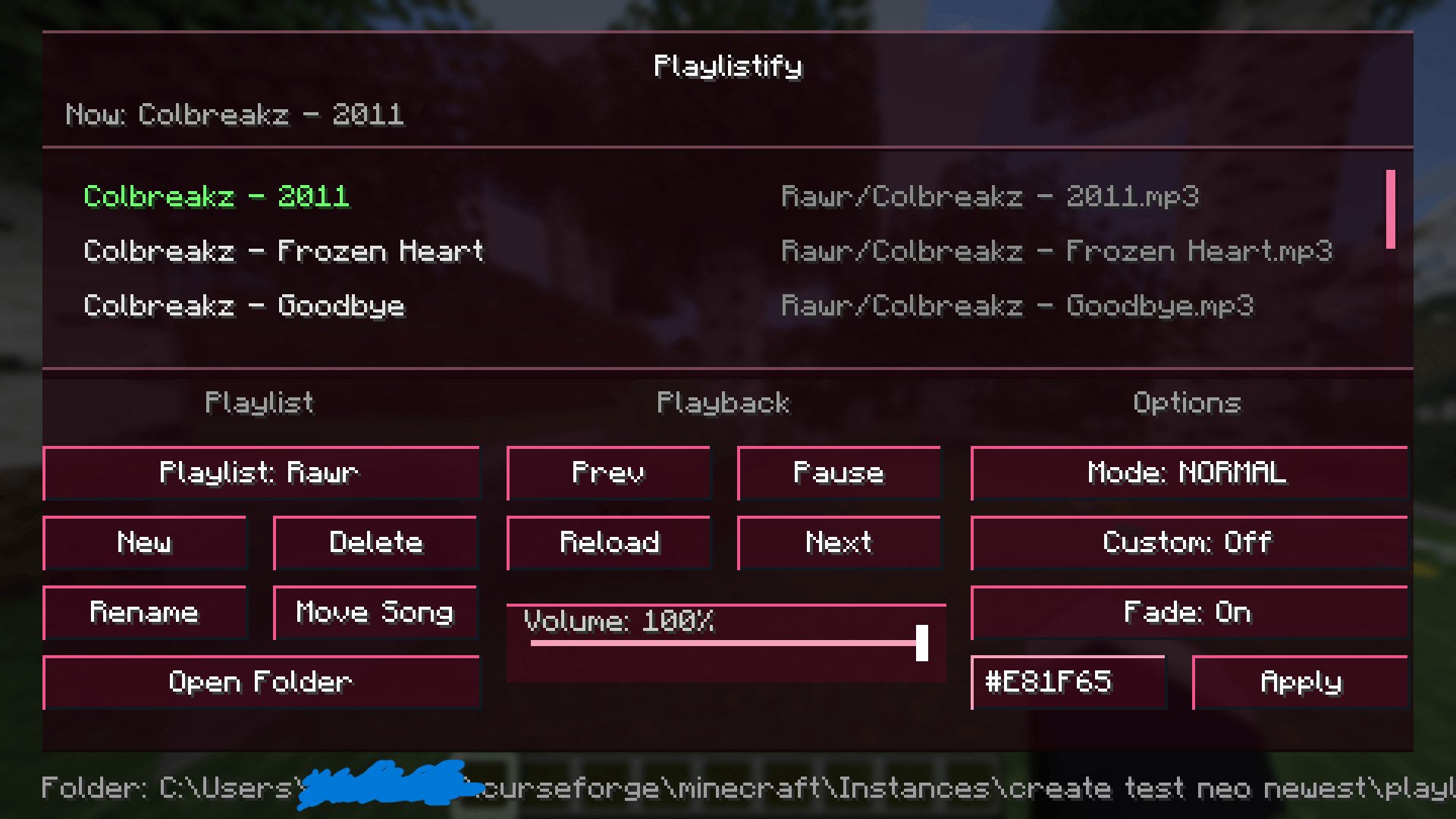
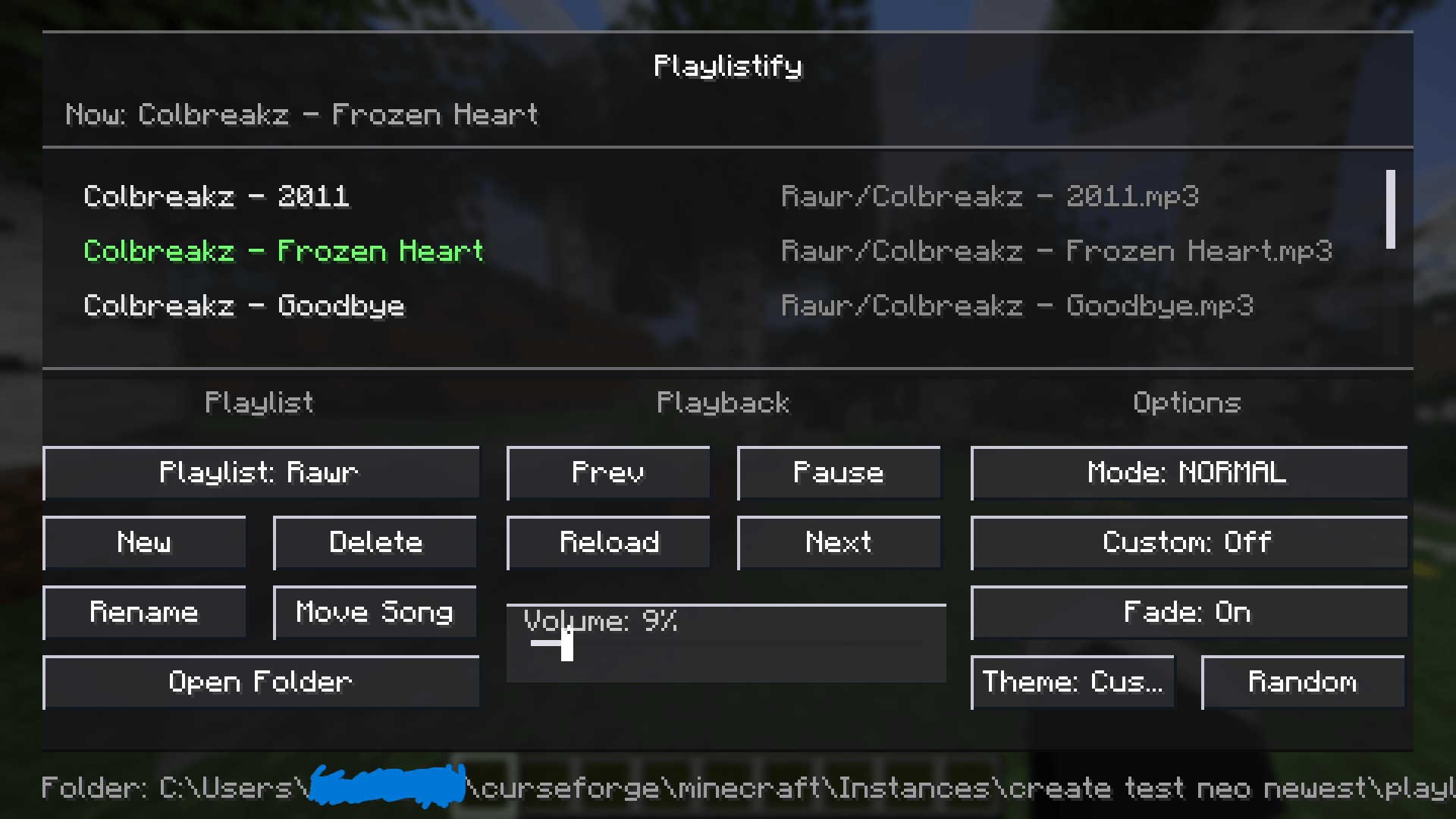
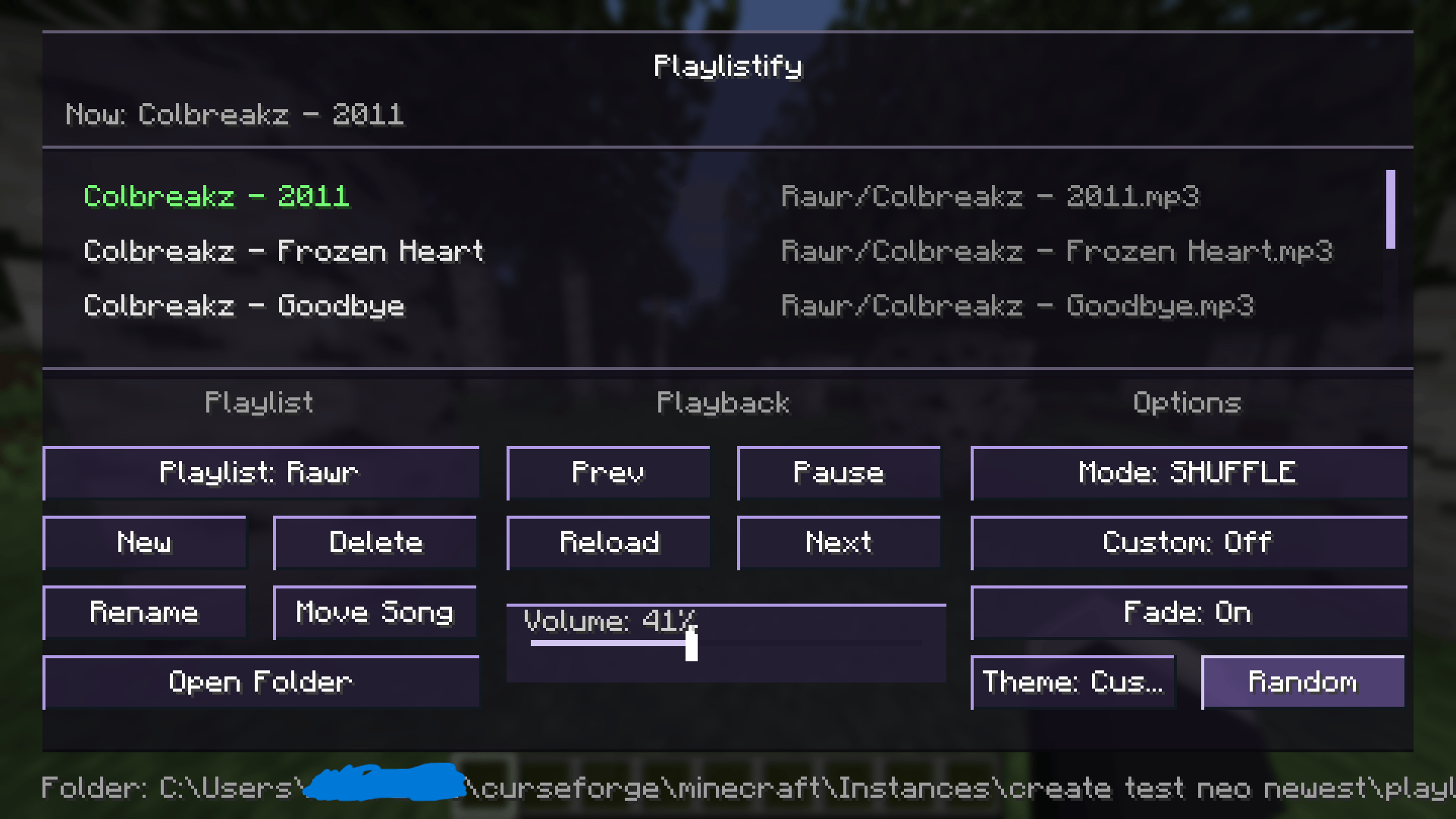
Playlistify is a client-side music menu mod that lets you control Minecraft’s background music and play your own custom soundtracks.
截图
介绍
中文介绍正在准备中,下面暂时显示原文。
Features:
- Adds an in-game music menu for controlling background music
- Create and manage custom playlists
- Add custom songs from folders
- Supports MP3, WAV, AIFF, AU, and SND files
- Play, pause, skip, previous, shuffle, and repeat controls
- Includes Minecraft’s built-in music in dedicated playlists
- Uses separate folders for each playlist
- Rename and delete playlists
- Move songs between playlists
- Open playlist folders directly from the menu
- Custom-only music mode
- Optional fade behavior
- Built-in volume slider
- Multiple and custom menu themes
- Custom hex color theme support
Supports NeoForge, Fabric, and Forge versions depending on the build.
TO ADD SONGS YOU NEED TO PUT THEM INTO THE PLAYLISTIFY FOLDER WHICH IS IN YOUR INSTANCES MAIN FOLDER
常见问题
Playlistify (custom soundtracks) 支持哪些 Minecraft 版本?
Playlistify (custom soundtracks) 支持 Minecraft Java 版 1.20.1–1.21.11,共 3 个版本,可用的加载器:Fabric / Forge / NeoForge。下载时注意选择和你游戏版本一致的文件。
Playlistify (custom soundtracks) 怎么安装?
先用 PCL2 或 HMCL 启动器安装对应版本的 Fabric / Forge / NeoForge,再把下载的 .jar 文件放进游戏目录的 mods 文件夹,重新启动游戏即可。开启了版本隔离的,mods 文件夹在 versions/版本名 下面。
NullSc4pe 的其他作品
查看全部 →
Jade / Farmers Delight | Compatibility
by NullSc4pe
为 Farmer’s Delight 的方块、作物、沃土、烹饪锅、砧板、炉灶和煎锅添加简洁清晰的 Jade 提示信息。
13万
2 个月前
CurseForge

Sophisticated Backpacks: Ars Compat | Sophisticated Backpacks Ars-Nouveau Compatibility
by NullSc4pe
为 Sophisticated Backpacks 添加 Ars Nouveau 的源质、源质链接、药水和修复升级。
7.3万
2 个月前
CurseForge

Sophisticated Storage: Ars Compat | Sophisticated Storage Ars-Nouveau Compatibility
by NullSc4pe
适配新生魔艺的精妙存储兼容升级。
3.9万
2 个月前
CurseForge

TaCZ Kill Feed (tacz)
by NullSc4pe
轻量级客户端 TaCZ 击杀信息栏,显示攻击者、被击杀者、武器、爆头情况和击杀距离。
3.3万
2 个月前
CurseForge
评论
登录后评论和评分