
截图
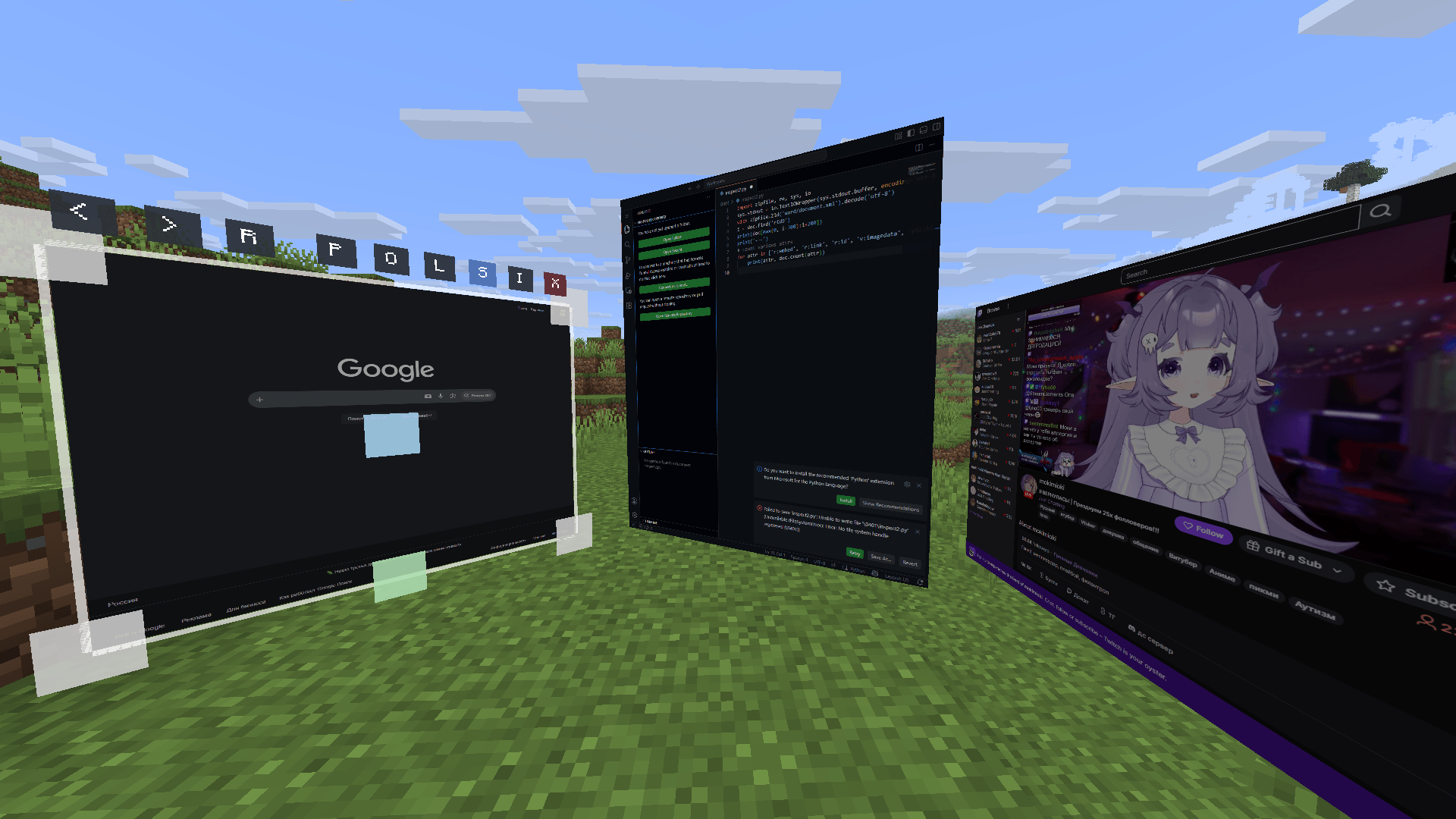
介绍
中文介绍正在准备中,下面暂时显示原文。
Client Web Displays
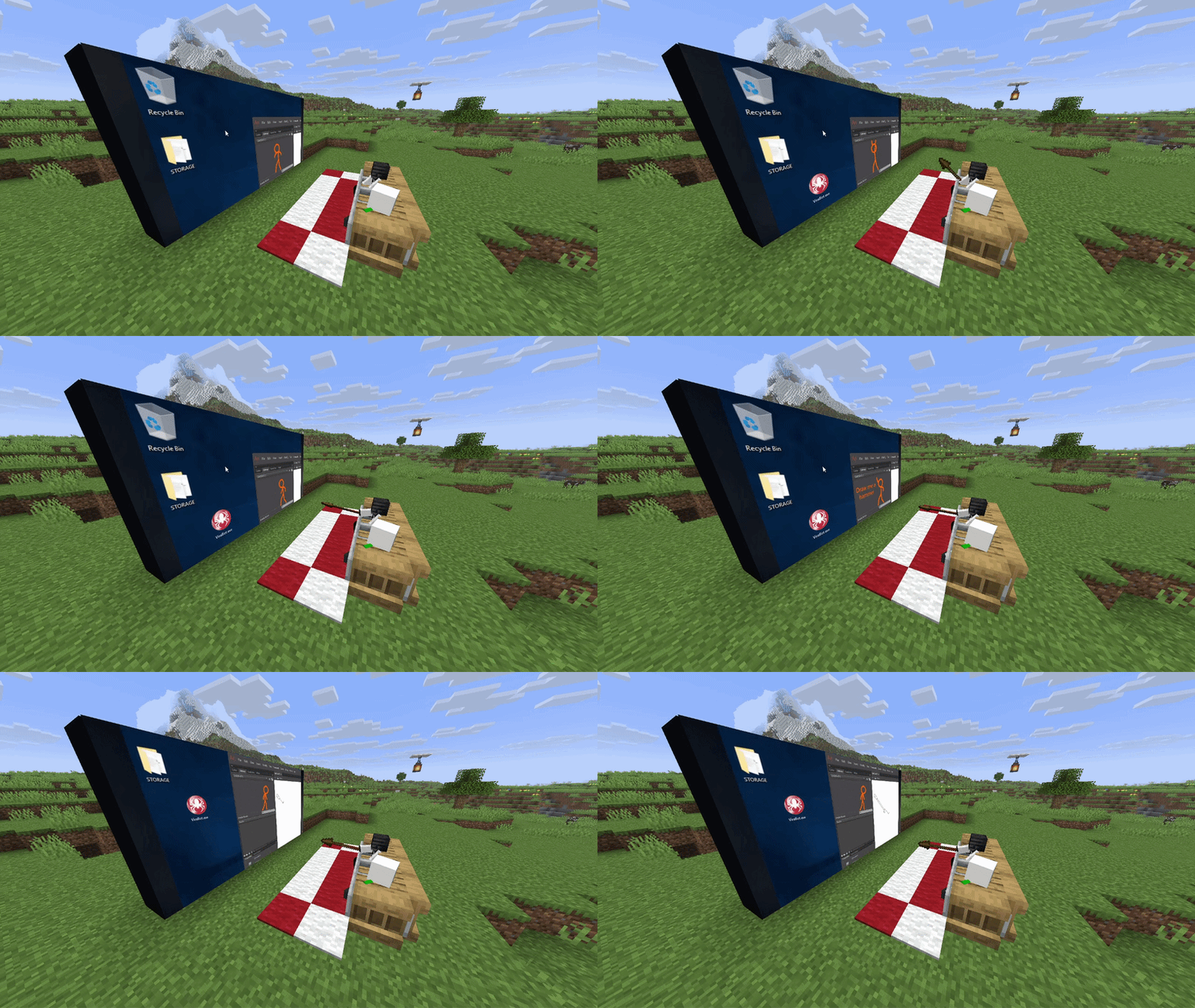
Features:
- Client-side: you can use it on any server!
- Rich window configuration
- Spatial audio
- Browser actions / YouTube media sync (if installed on host/server)
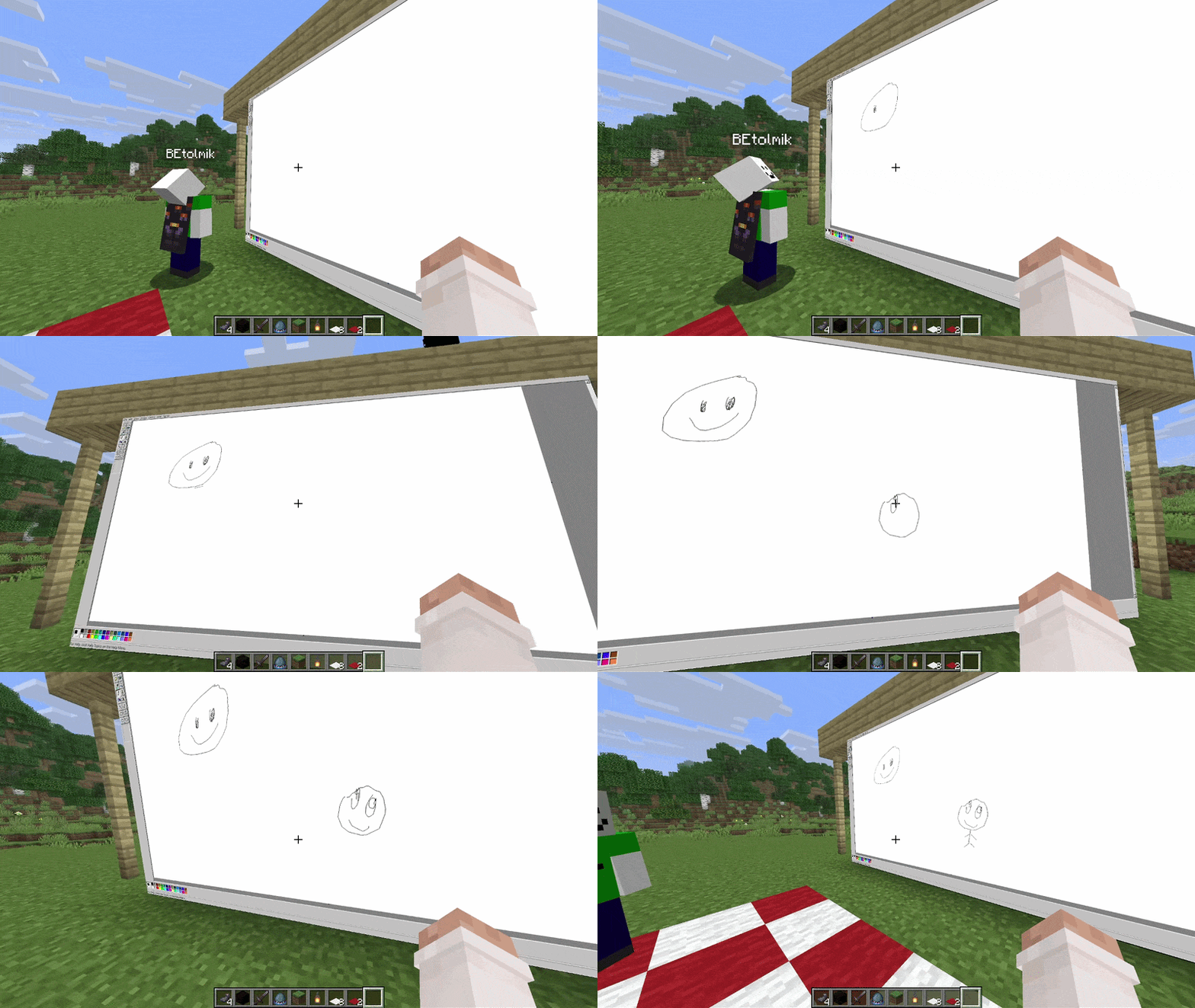
Usage
- to create window type
/cwd create <access>command - aim to window and press ALT (by default) to enter in edit window mode
- or press ENTER (by default) to enter in input mode to type something
Buttons in edit mode:
R– reload pageP– pin window to player positionO– render window on top of world and entitiesL– light window (ignore world’s light)S– spatial audio (by default its turn ON)I– lock input mode
Other usefull commands:
/cwd url <url>– change a URL of the display/cwd acces grant/revoke <target> <access-type>– give/take an acces to your display
Compatibility
render on-top of world and ignore light are not works with Iris shaders =(
常见问题
Client Web Displays 支持哪些 Minecraft 版本?
Client Web Displays 支持 Minecraft Java 版 26.1.2,可用的加载器:Fabric。下载时注意选择和你游戏版本一致的文件。
Client Web Displays 怎么安装?
先用 PCL2 或 HMCL 启动器安装对应版本的 Fabric,再把下载的 .jar 文件放进游戏目录的 mods 文件夹,重新启动游戏即可。开启了版本隔离的,mods 文件夹在 versions/版本名 下面。


评论
登录后评论和评分