
The 15th Century
Enter 1400, raise your army and conquer the realm! In this awsome 15th century experience!
截图
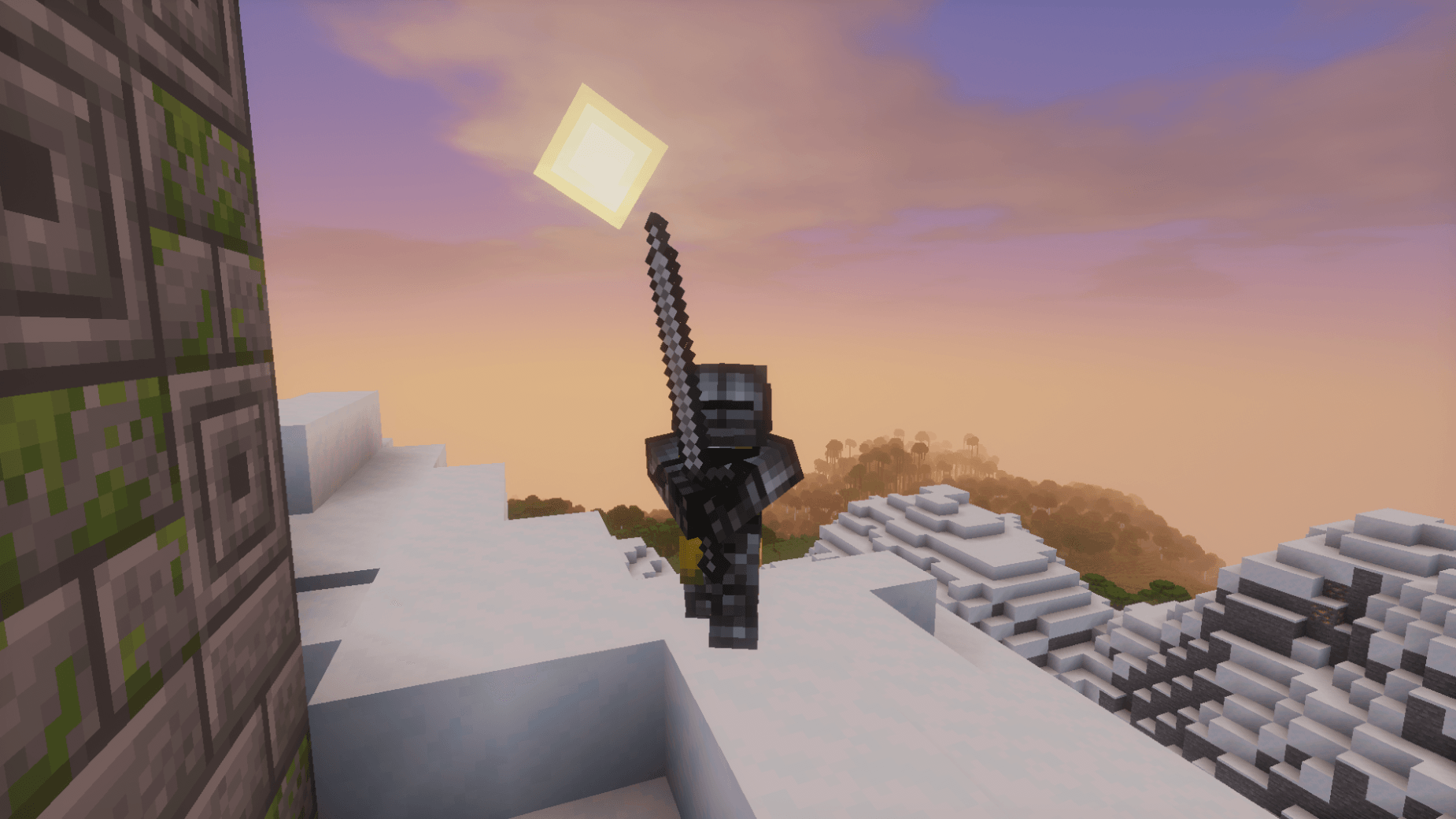
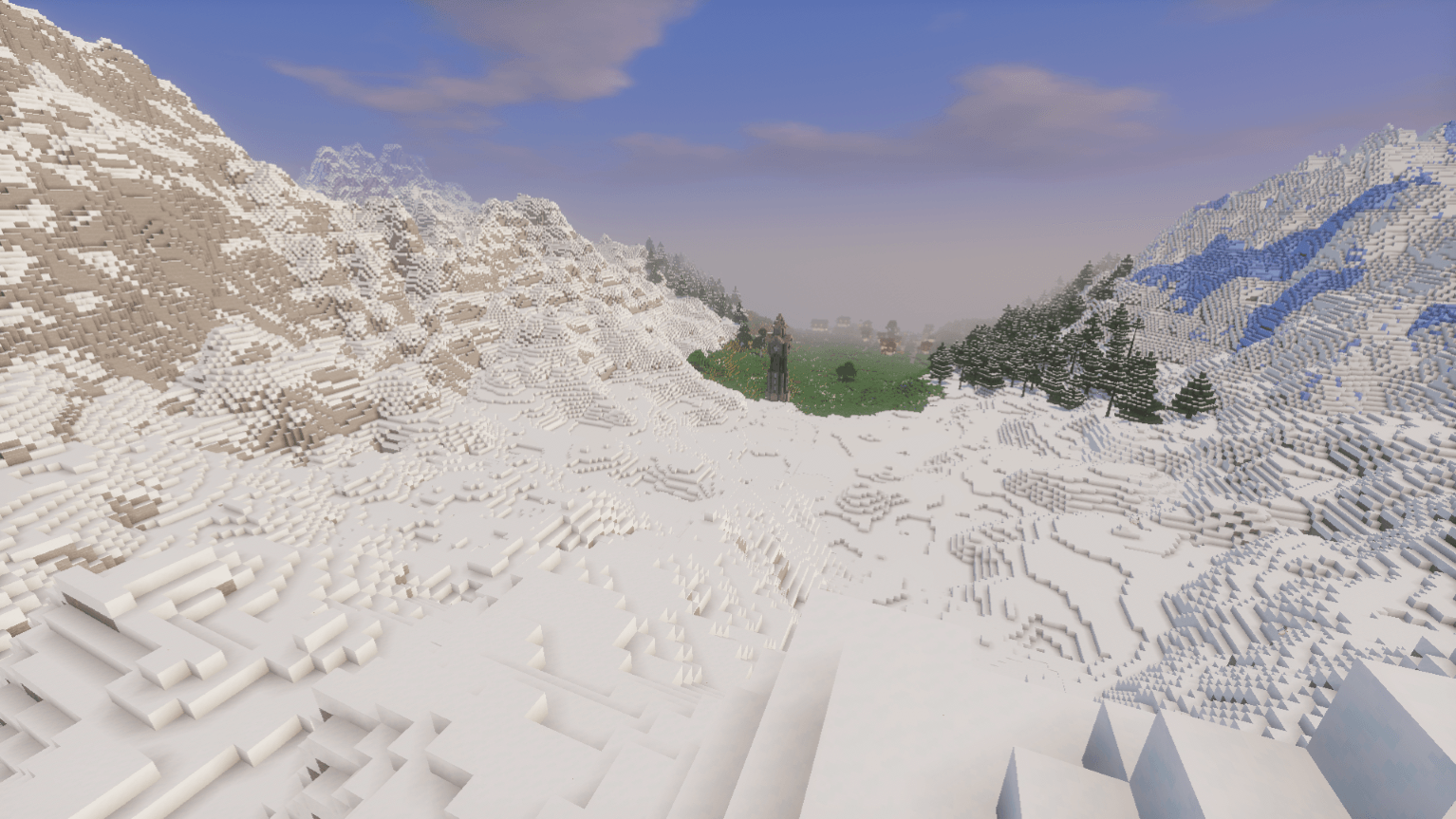
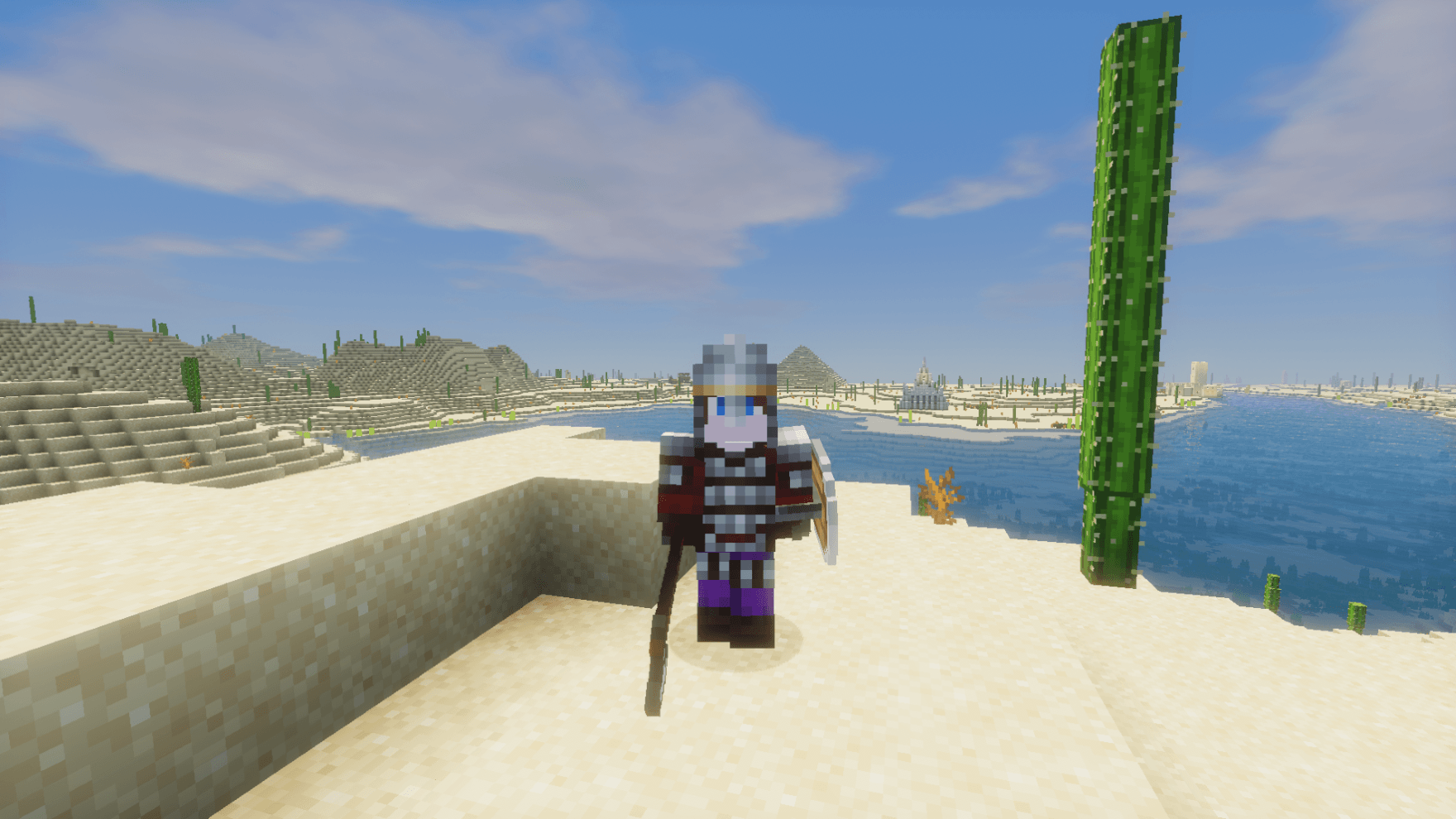
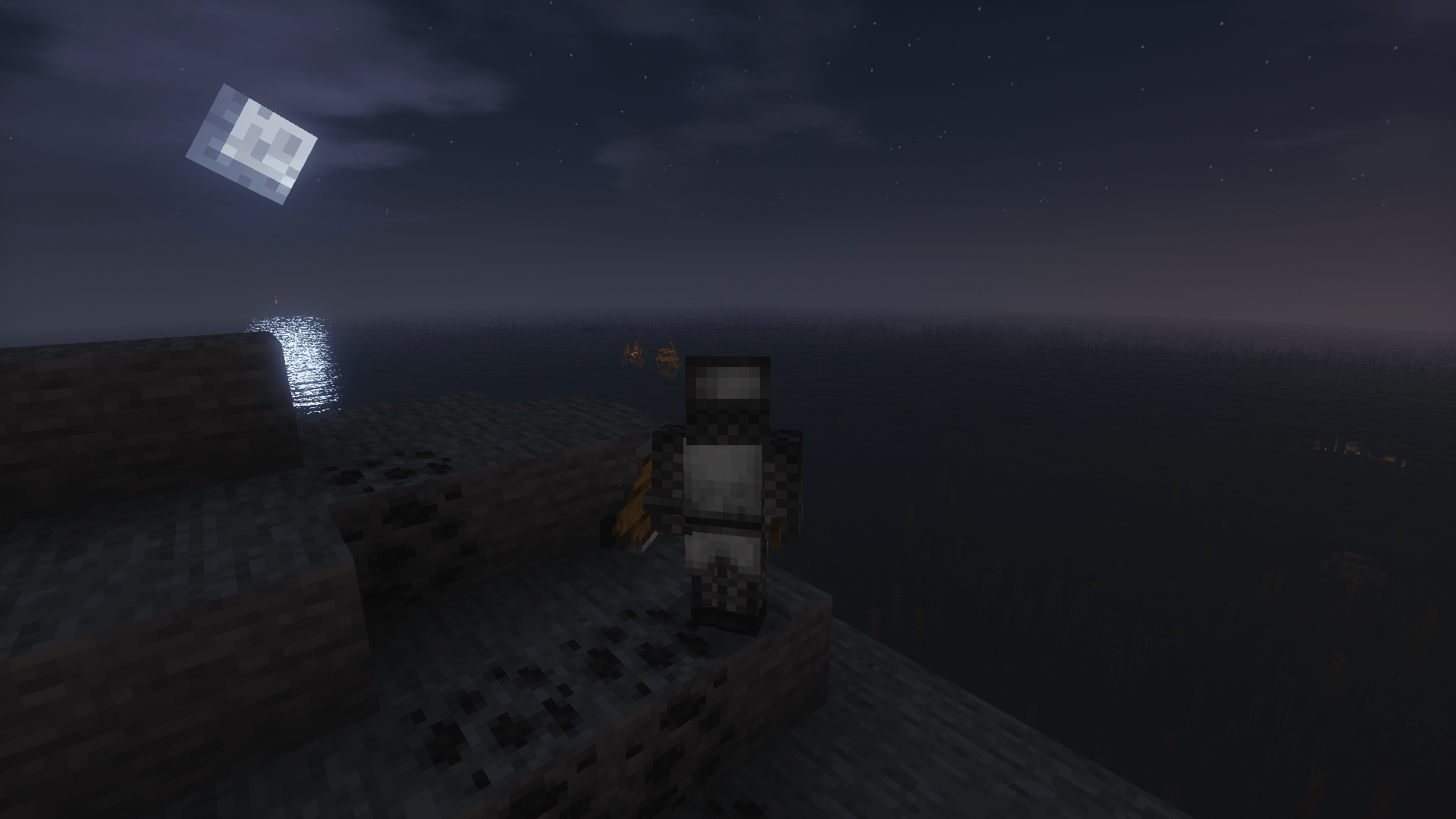


介绍
Introduction:
Do you want a medieval experience with big armys and without dragons? I tried to create a medieval pack without mitical creatures. By the use of Epicknights, Better combat and the Recruits mod. You can build your kingdome and declare wars on your friends. Or found your own round table and explore the fast castles and dungeons of the realm. But what if you have no friends. For money there are always swords for hire!
“Audentes Fortuna Ivat!”

Image: 15th Century German Knights. Made by Igor Dzis
Crafting Recipes
Most crafting recipes wont show from the start. JEI is in the pack but needs to be activated manuely. Because it conflicts with the recruits command screen. Here is a quick guide to how to do it:
1. Click with the right mouse button on the pack.
2. Go to profile options
3. Activate: Allow contant manichment
4. Go to the modlist and enable JEI!
Important Keybinds
1. The mousbuttons. I have programmed two functions on the mouse buttons. 1 Switching between combat mode. 2 Raising or lower sails.
2. R/N These are the command screens for the recruits mod.
3. Right ctrl, the claims map from the recruits mod
4. H, to open or close your Epic knights helm. If allowed by the helm.
Type of mods i am stilling looking to add:
1. A good firstperson cam, that is compatible with better combat
2. A good early firearms mod with 3d models.
3. A more historicly acurate combat mod. (More HEMA like and not anime: Epic fight).
常见问题
The 15th Century 支持哪些 Minecraft 版本?
The 15th Century 基于 Minecraft Java 版 1.20.1,使用 Forge 加载器。
The 15th Century 怎么安装?
点本页「前往下载」拿到整合包文件(Modrinth 的是 .mrpack,CurseForge 的是 .zip),在 PCL2 或 HMCL 启动器里选择「导入整合包」,启动器会自动装好 Minecraft、加载器和全部模组。建议在启动器里给游戏分配 4–6 GB 内存。
The 15th Century 开服需要多大内存?
推荐服务器内存 12 GB。在线人数多、或者建了大量机器和区块加载器时,可以再加 2–4 GB。
怎么和朋友一起玩 The 15th Century?
点本页的「一键开服」,选好配置后会自动安装 The 15th Century 的服务端,几分钟就能开好。把服务器地址发给朋友,大家用同一个版本的整合包连进去就行。
评论
登录后评论和评分