
Blockier
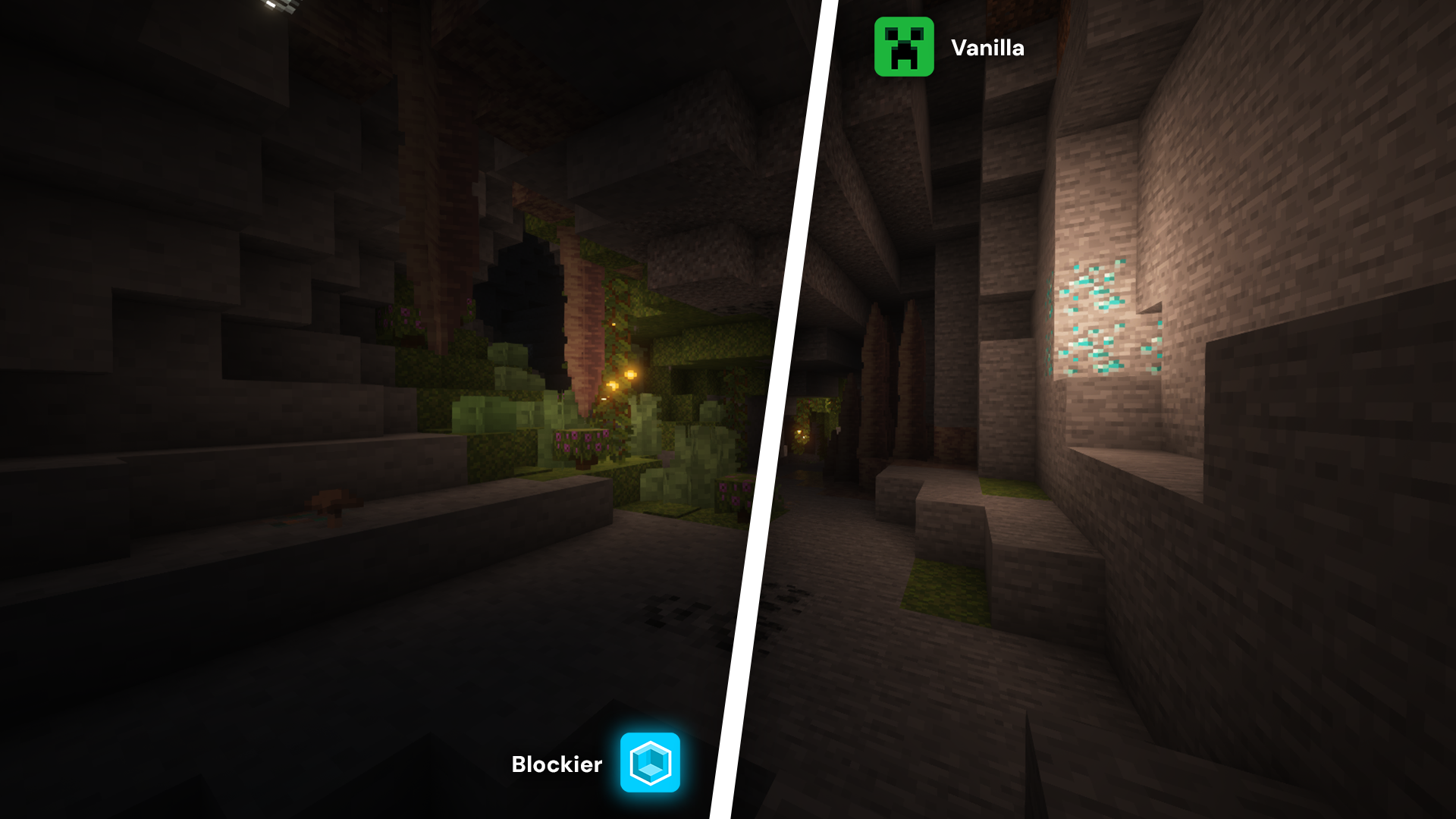
Blockier is a resource pack that keeps Minecraft’s default style, adds a modern GUI, and optimizes performance for smoother gameplay.
截图








介绍
This resource pack is the result of the passion of gamers like you.


Blockier is a powerful resource pack for the Minecraft client, which greatly improves frame rates and reduces micro-stutter, while keeping the game’s original textures unchanged.
Unlike other performance-focused resource packs, it maintains wide compatibility with the broader modding ecosystem. And it does so without altering the game’s iconic look, preserving that authentic blocky aesthetic.
🗒️ Description
Blockier revolutionizes Minecraft by bestowing the native visuals with a clean, modern GUI that is both fresh and familiar. Everything that was part of the interface has been reengineered for better clarity and usability so that navigation feels even more intuitive. Apart from the visual improvements, Blockier is also fully optimized to reduce resource consumption, eliminate lag, and improve overall performance. Regardless of whether you’re exploring expansive universes or creating intricate designs, this resource pack offers a smoother, faster gameplay experience without compromising on the classic Minecraft feel you adore.
📥 Installation Guide
| Download the resource pack ZIP file to your computer. |
| Do not extract or unzip the file. |
| Press Windows Key + R to open the Run dialog. |
Type %appdata%\.minecraft\resourcepacks and press Enter. |
| Move or copy the ZIP file into the resourcepacks folder. |
| Launch Minecraft and go to Options. |
| Click on Resource Packs. |
| Select the new resource pack from the list and click Done. |
| Wait for the pack to load and enjoy your new textures. |
Note: The level of performance improvement you experience while using the Blockier resource pack will depend on your hardware and software configuration. Unlike mods, resource packs have limited impact on engine optimization. For all performance comparisons mentioned here, we used a computer with integrated graphics to reflect what most casual players can expect.
常见问题
Blockier 支持哪些 Minecraft 版本?
Blockier 支持 Minecraft Java 版 1.16–1.21.10,共 32 个版本。下载时注意选择和你游戏版本一致的文件。
Blockier 怎么安装?
把下载的 .zip 文件(不用解压)放进游戏目录的 resourcepacks 文件夹,进游戏后在「选项 → 资源包」里把它移到右边启用。
MagieMC Team 的其他作品
查看全部 →
Hotbar Numbered
It's simple. It's a numbers. I present you a numbered hotbar.

DorrDPack
Official texture pack from the DorrD content creator. A collection of texture tweaks that enhance the player experience. Designed to be completed according to your own needs.
DorrDPack
Official texture pack from the DorrD content creator. A collection of texture tweaks that enhance the player experience. Designed to be completed according to your own needs.
评论
登录后评论和评分