Academy 101
Learn Minecraft from scratch with guided quests, beginner-friendly tutorials, helpful tools, and support for 18 languages!
截图
介绍
🎓 Minecraft Academy 101
Your Minecraft adventure starts here!
Minecraft Academy 101 is a beginner-friendly educational modpack designed to help new players learn Minecraft step by step through interactive quests, practical tutorials, and hands-on exploration.
Whether you are playing Minecraft for the first time or want to understand its mechanics better, Minecraft Academy 101 will guide you from your first wooden tools to advanced adventures.
Learn at your own pace, complete quests, discover new mechanics, and enjoy Minecraft without feeling overwhelmed!
📖 Learn Minecraft Step by Step
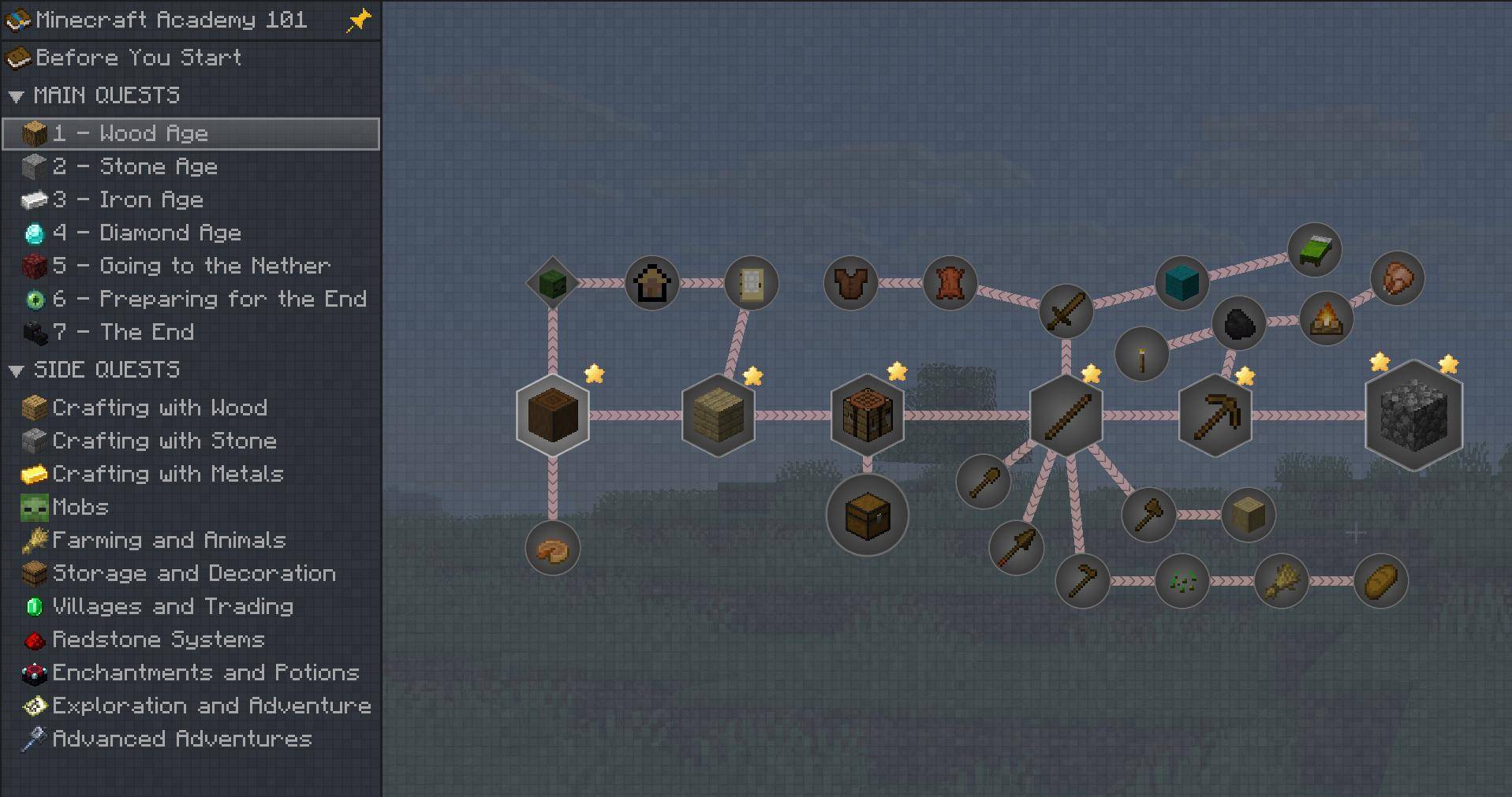
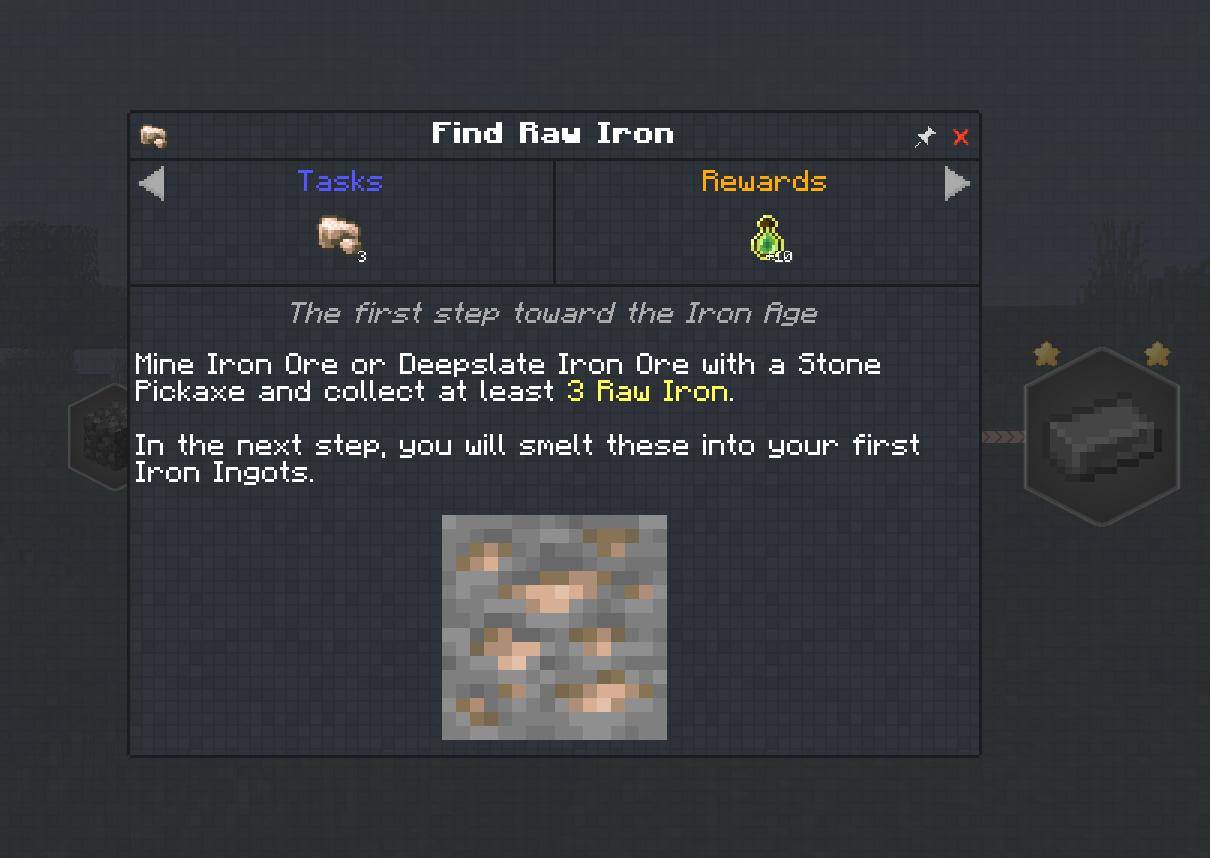
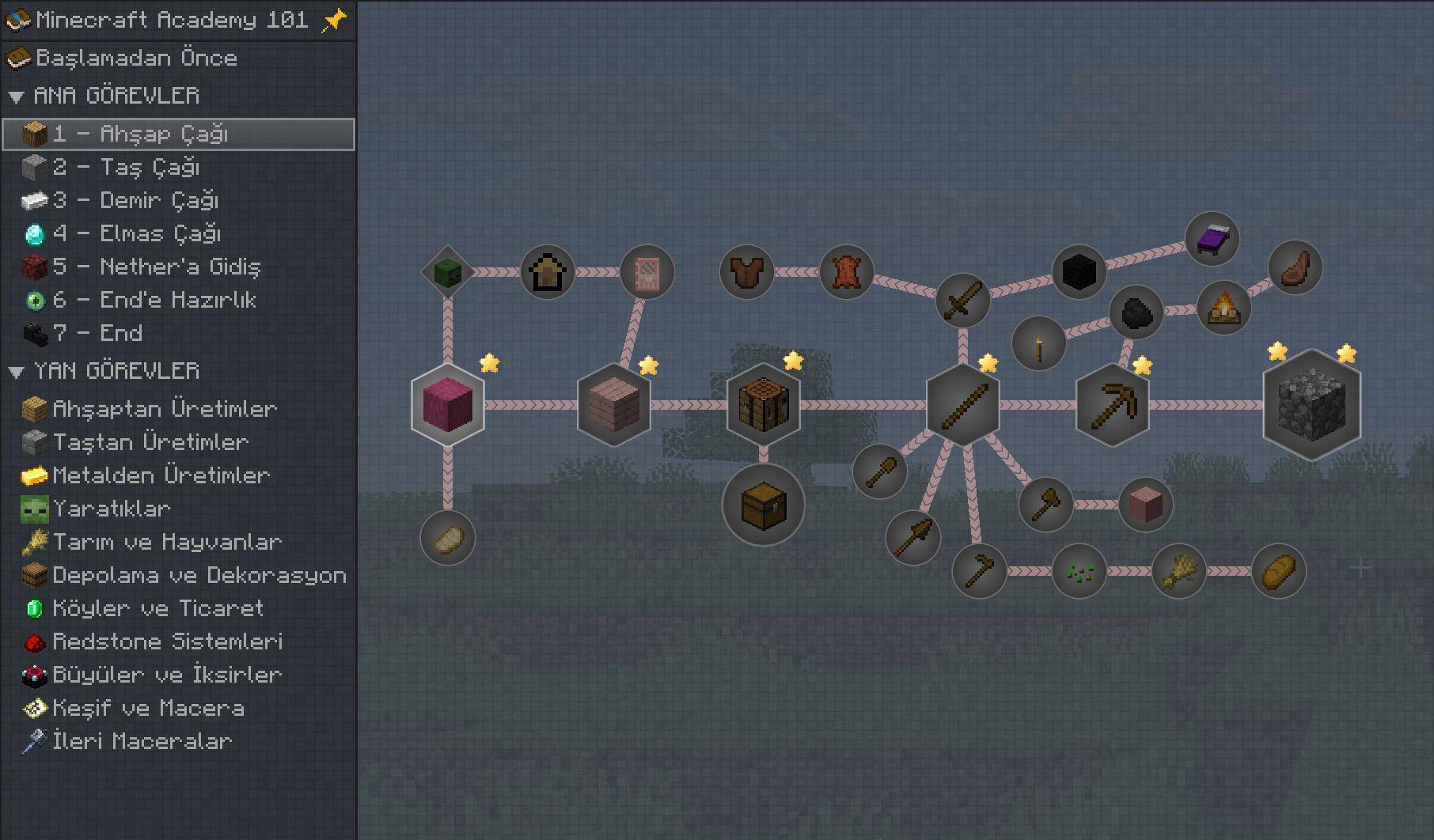
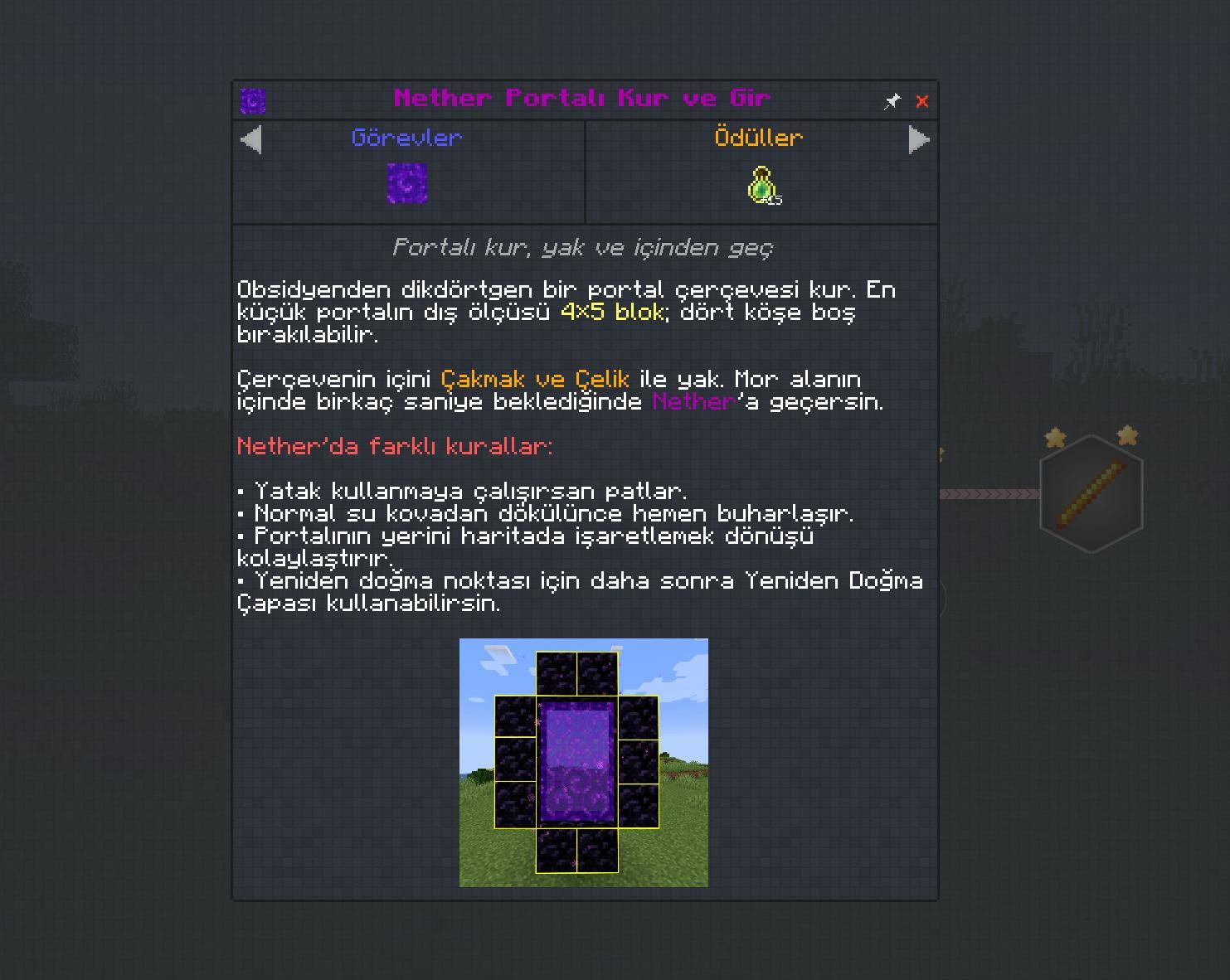
The interactive Quest Book guides you through different aspects of Minecraft with simple explanations, practical objectives, and helpful tips.
Explore topics such as:
- Getting Started: Controls, game modes, world settings, and essential gameplay mechanics.
- Your First Steps: Gathering resources, crafting tools, building shelters, and surviving your first adventures.
- Farming & Animals: Growing crops, breeding animals, taming pets, and exploring different food sources.
- Exploration & Adventure: Discovering biomes, structures, villages, oceans, and hidden treasures.
- Villages & Trading: Understanding villagers, professions, trading, and village mechanics.
- Redstone & Crafting: Learning how to use Redstone components, metals, and useful mechanisms.
- Enchanting & Potions: Improving your equipment, discovering enchantments, and brewing potions.
- Building & Storage: Organizing your resources, decorating your home, and experimenting with construction.
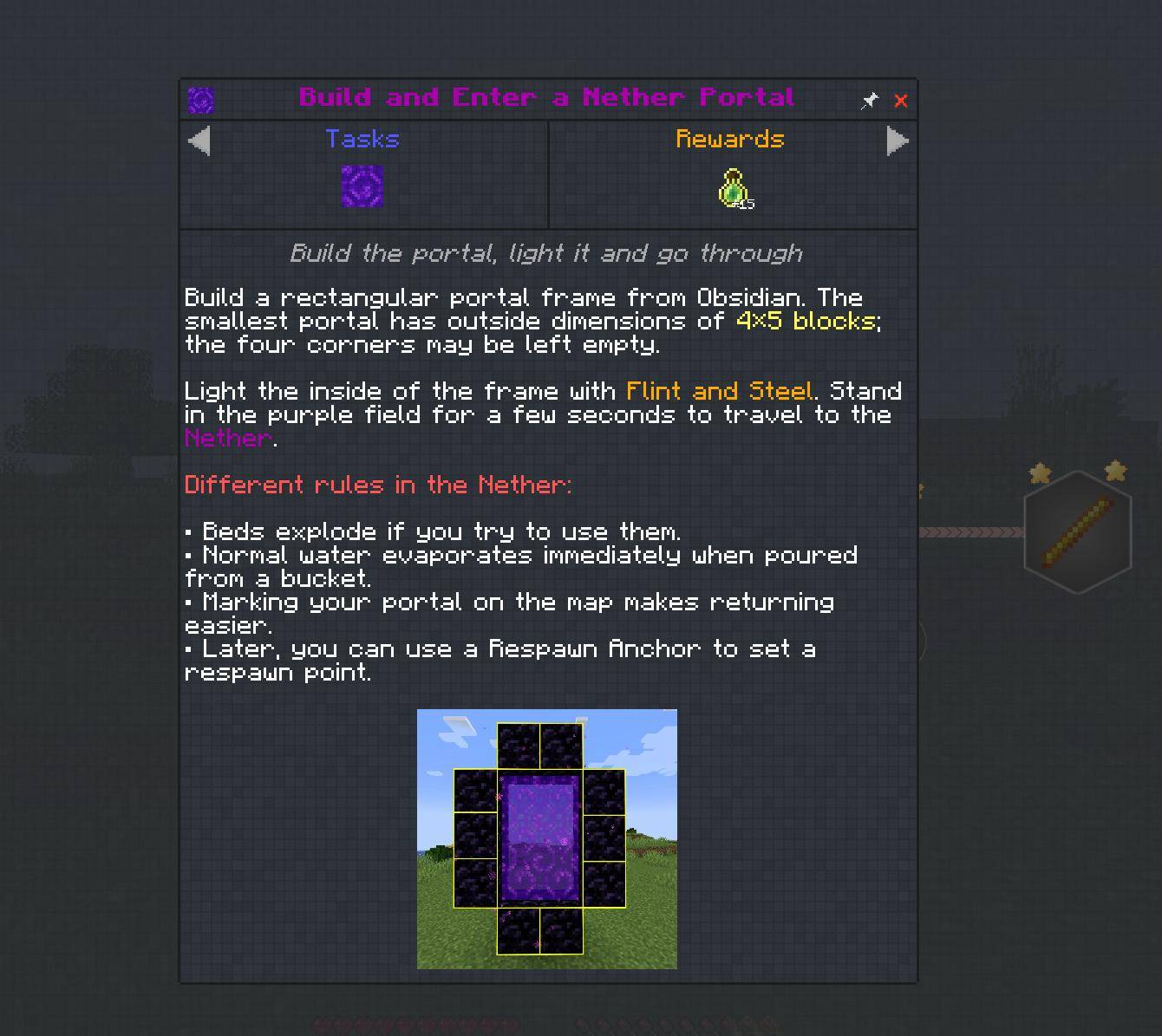
- Advanced Adventures: Exploring the Nether, preparing for greater challenges, and progressing toward the End.
Each chapter helps you discover Minecraft through practical activities rather than overwhelming you with complicated instructions.
🧭 Helpful Tools for Beginners
Minecraft Academy 101 includes carefully selected quality-of-life mods to make learning easier and more enjoyable.
Some of these tools include:
- Minimap & World Map: Explore your surroundings, find your way home, and mark important locations.
- JEI: Discover crafting recipes and learn how to obtain different items.
- Jade: Identify blocks, creatures, and other objects you encounter.
- AppleSkin: Better understand food, hunger, and saturation.
- Inventory Management: Organize your items more conveniently.
- Enchantment & Effect Insights: Explains enchantments, potions and status effects.
- BetterF3: Makes the F3 screen cleaner and easier to read.
- Durability Tooltip: Shows remaining item durability.
These tools are included to help beginners understand Minecraft without unnecessarily changing its core gameplay.
The Quest Book explains which features belong to vanilla Minecraft and which are provided by additional mods.
🛡️ A Beginner-Friendly Experience
Minecraft Academy 101 is designed to make the learning process more comfortable.
Keep Inventory is enabled by default when creating a new world, allowing beginners to keep their items after death.
Players can change this setting if they prefer the traditional Minecraft experience.
The modpack also includes helpful explanations, accessible progression, and quality-of-life improvements to make your first Minecraft adventures easier to understand.
Learn the mechanics, explore the world, and play at your own pace!
🚀 Start Your Adventure!
Create a new world, open your Quest Book, and begin your journey through Minecraft Academy 101.
From your very first crafting table to your greatest adventures, every quest brings you one step closer to mastering Minecraft.
Have fun learning, building, and exploring!
🌍 Play in Your Language!
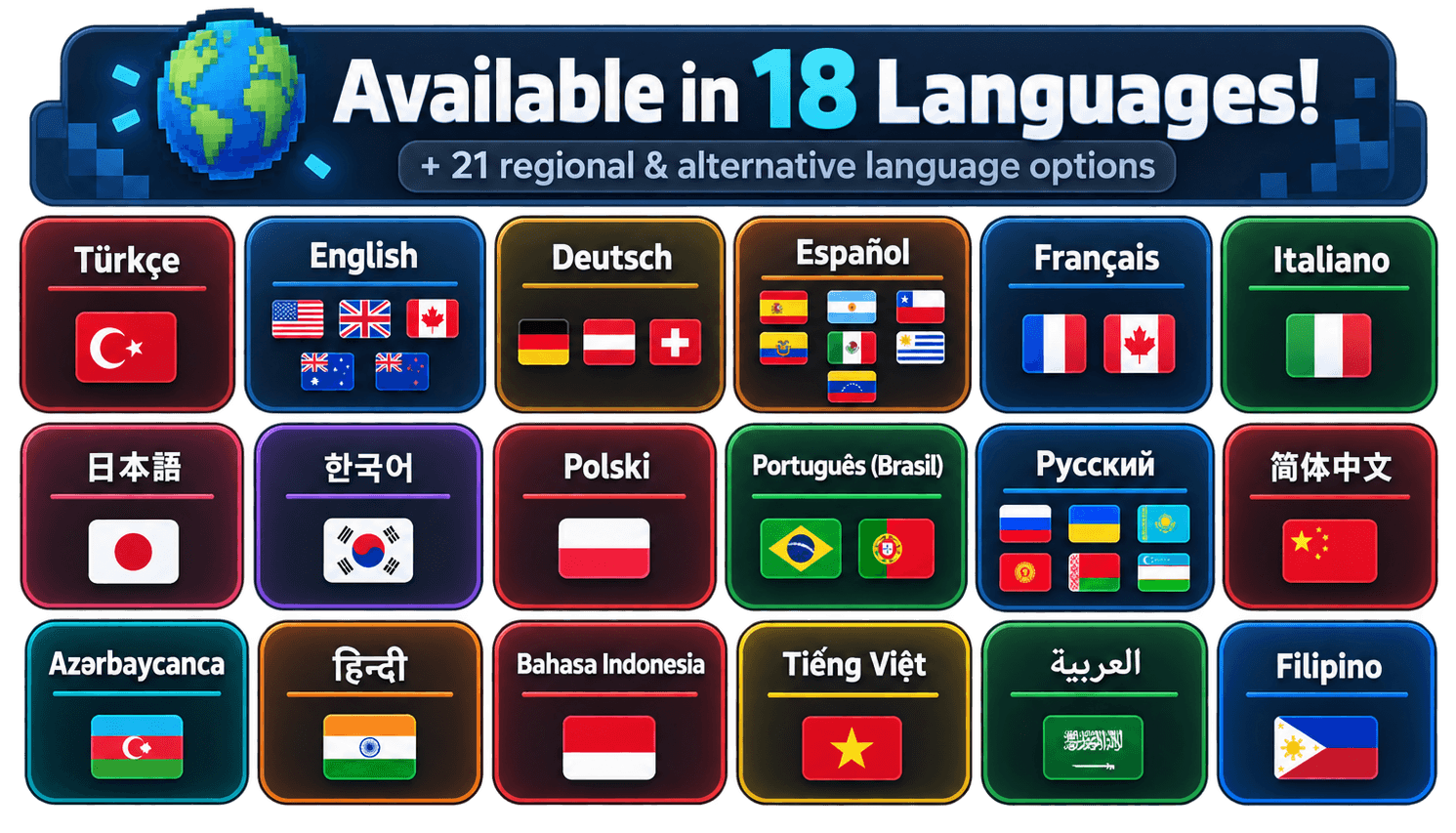
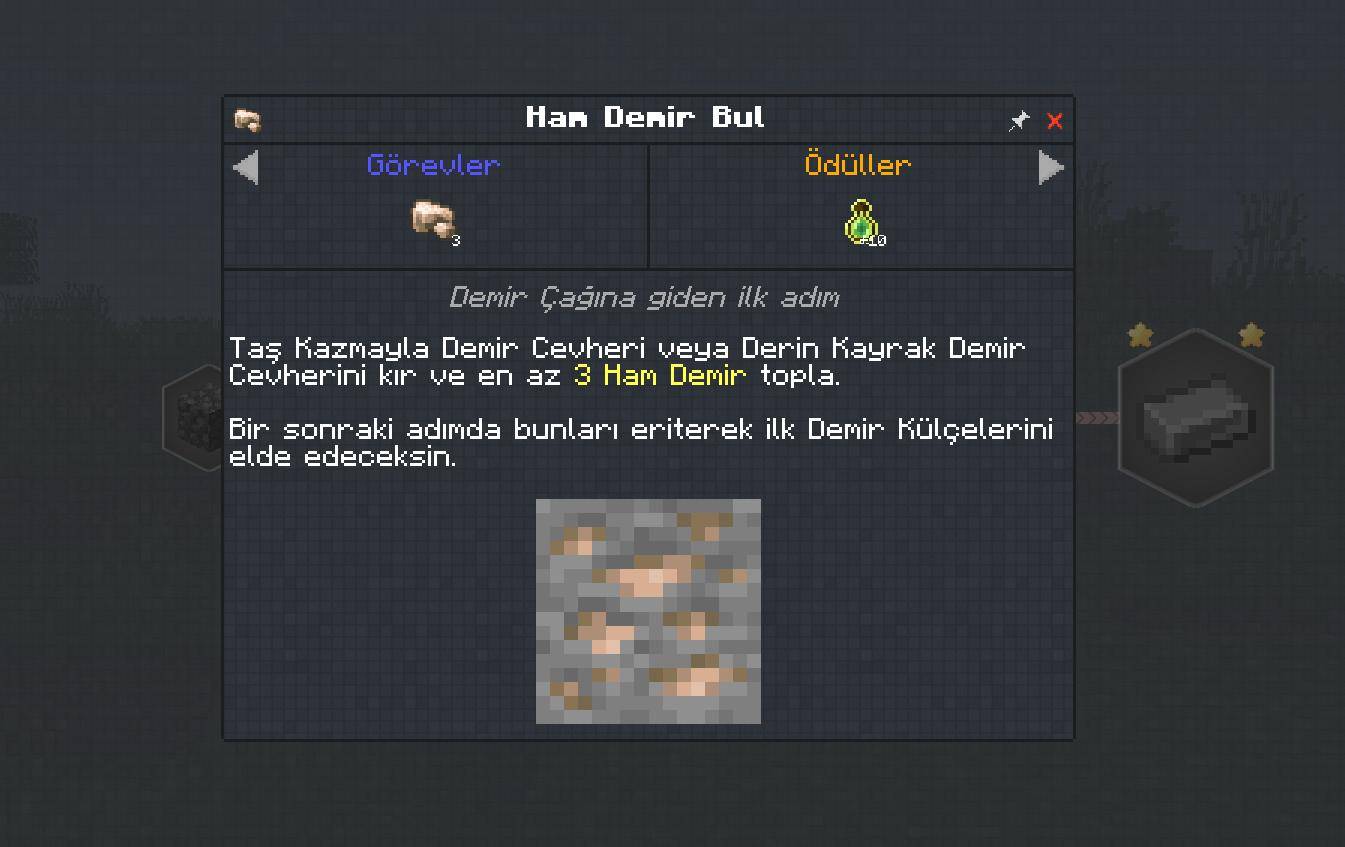
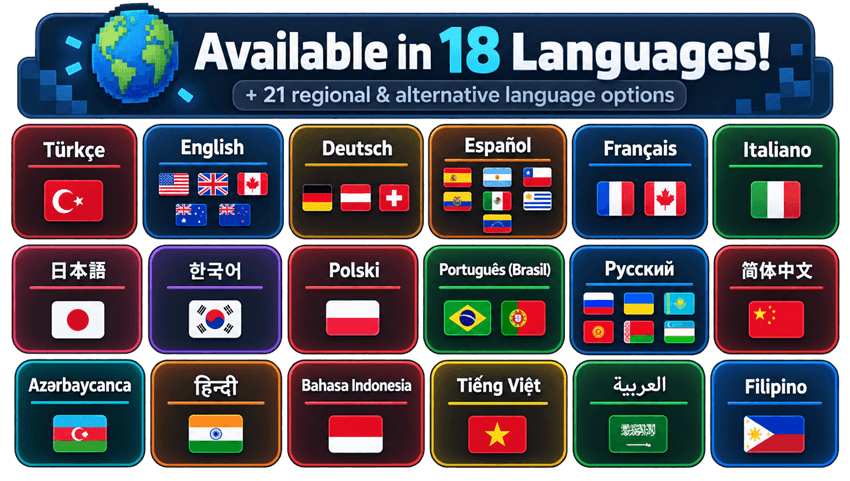
Minecraft Academy 101 supports 18 fully translated languages + 21 additional regional and alternative language options!
Supported Languages
Arabic (العربية) · Azerbaijani (Azərbaycanca) · Chinese (简体中文) · English · Filipino · French (Français) · German (Deutsch) · Hindi (हिन्दी) · Indonesian (Bahasa Indonesia) · Italian (Italiano) · Japanese (日本語) · Korean (한국어) · Polish (Polski) · Portuguese (Português do Brasil) · Russian (Русский) · Spanish (Español) · Turkish (Türkçe) · Vietnamese (Tiếng Việt)
🌐 Regional & Alternative Language Support
English (UK, Australia, Canada, New Zealand) → English · Spanish (Argentina, Chile, Ecuador, Mexico, Uruguay, Venezuela) → Spanish · French (Canada, Switzerland) → French · German (Austria, Switzerland) → German · Portuguese (Portugal) → Portuguese (Brazil) · Ukrainian, Kazakh, Kyrgyz, Belarusian, Uzbek → Russian · Tagalog → Filipino
Regional options reuse existing Quest Book translations without changing Minecraft’s original interface language. Unsupported languages fall back to English.
👥 The Academy 101 Team
Minecraft Academy 101 is created with the goal of making Minecraft easier to learn and more enjoyable for new players around the world.
Thank you for supporting the project and being part of our community!
常见问题
Academy 101 支持哪些 Minecraft 版本?
Academy 101 基于 Minecraft Java 版 26.1.2,使用 NeoForge 加载器。
Academy 101 怎么安装?
点本页「前往下载」拿到整合包文件(Modrinth 的是 .mrpack,CurseForge 的是 .zip),在 PCL2 或 HMCL 启动器里选择「导入整合包」,启动器会自动装好 Minecraft、加载器和全部模组。建议在启动器里给游戏分配 4–6 GB 内存。
Academy 101 开服需要多大内存?
推荐服务器内存 12 GB。在线人数多、或者建了大量机器和区块加载器时,可以再加 2–4 GB。
怎么和朋友一起玩 Academy 101?
点本页的「一键开服」,选好配置后会自动安装 Academy 101 的服务端,几分钟就能开好。把服务器地址发给朋友,大家用同一个版本的整合包连进去就行。
评论
登录后评论和评分