介绍
TexTweaks Mod for Minecraft Fabric
Utilities for tweaking textures and high resolution texture packs
Features
Upscale lower resolution textures to a higher resolution
– Required for higher mipmap levels
– Scaled textures will look identical to original textures
– Useful for using SEUS PTGI with different resource packs that have different resolutions
Note: will make loading take more time, can significantly increase RAM and VRAM usage at higher resolution
Set mipmap levels above vanilla’s maximum of 4
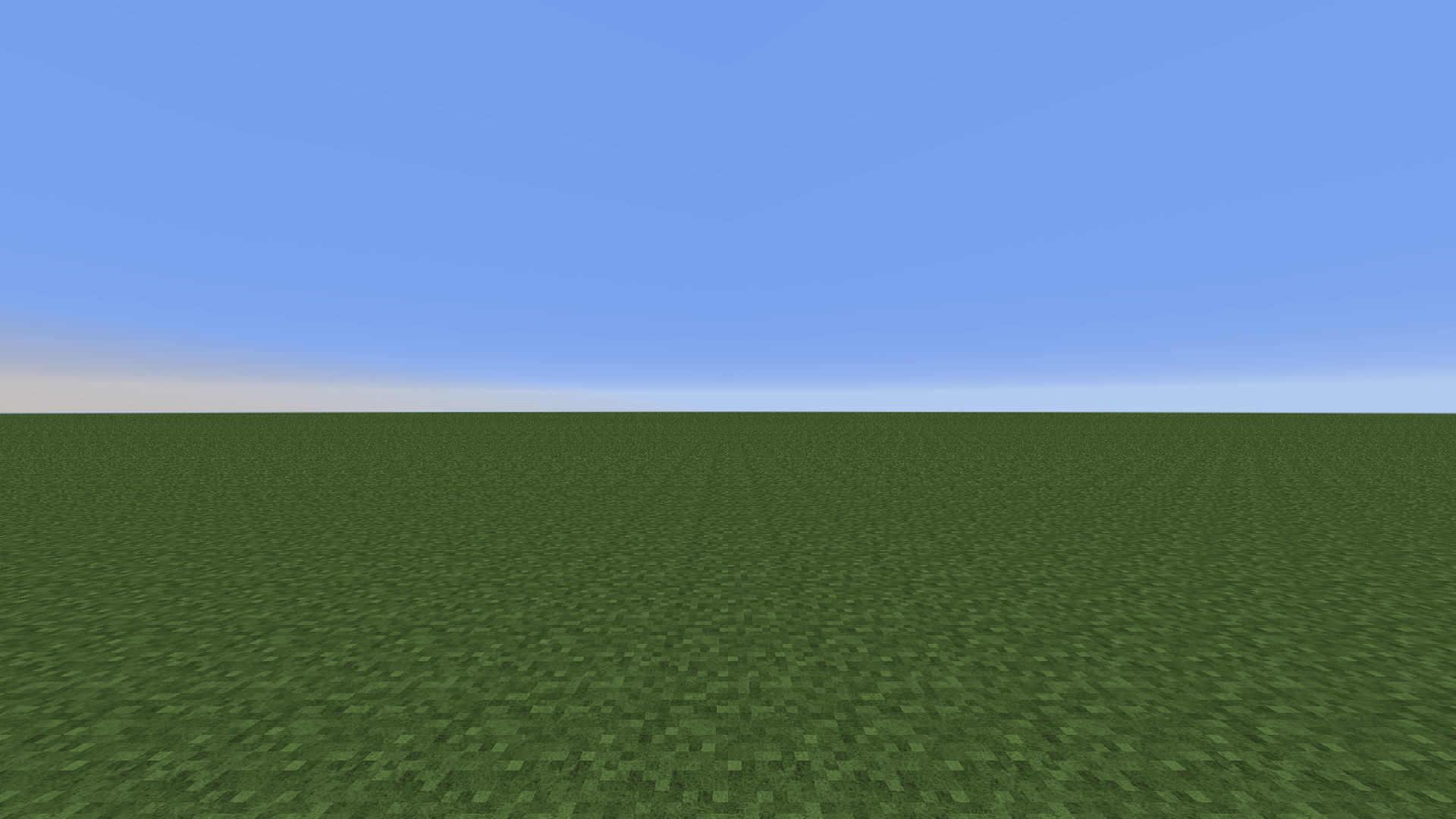
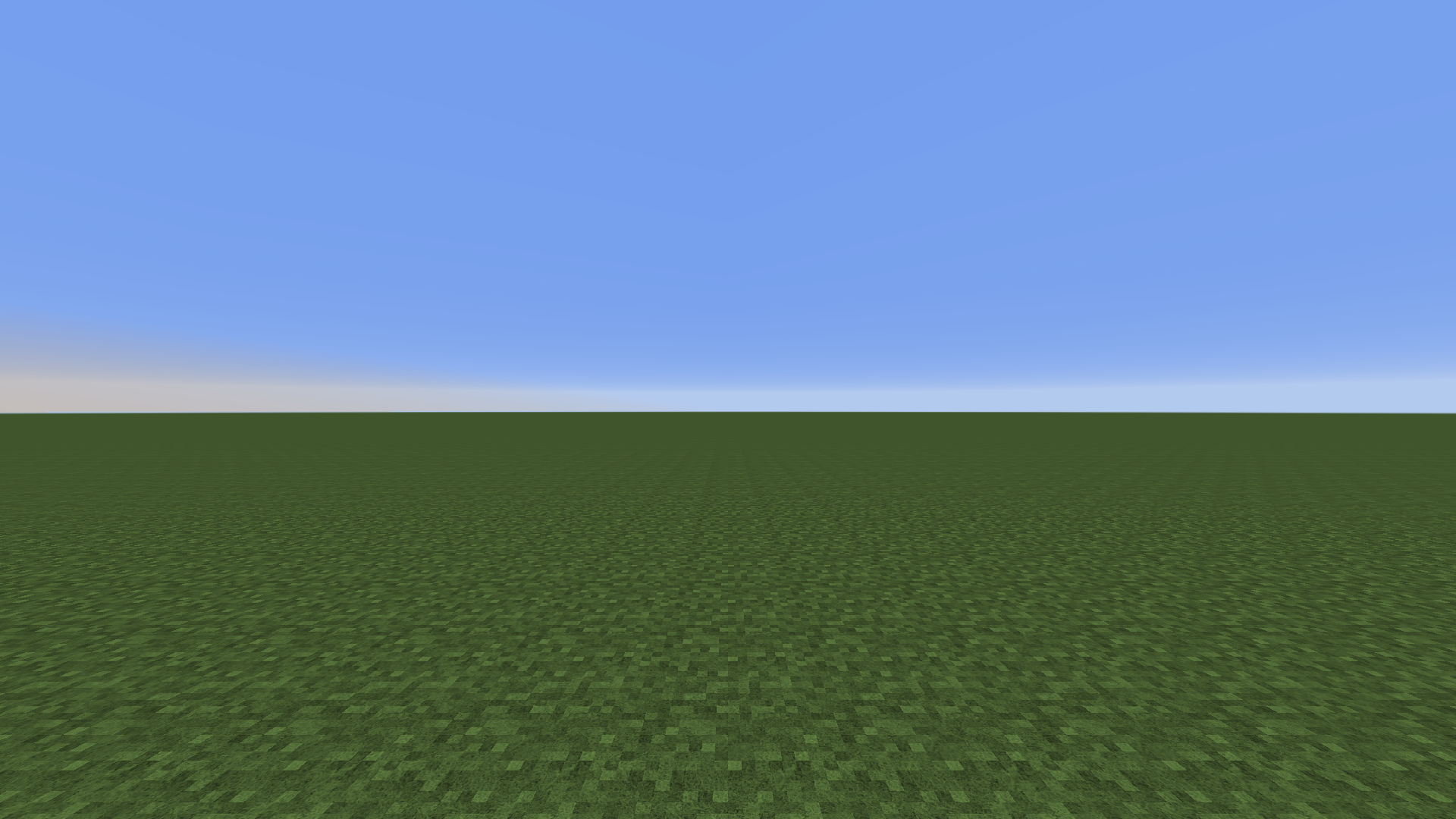
256x texture pack: 4x mipmapping vs. 8x mipmapping. View the image for more details. Note the aliasing in the first image which is removed by upping the mipmap
– Reduces distant aliasing when using higher resolution texture packs
Note: increases VRAM usage
Set mipmap LOD bias
– Fine-tune distant texture detail
– Works with shaders (previously forcing it in the graphics control panel makes the screen blurry when shaders are turned on)
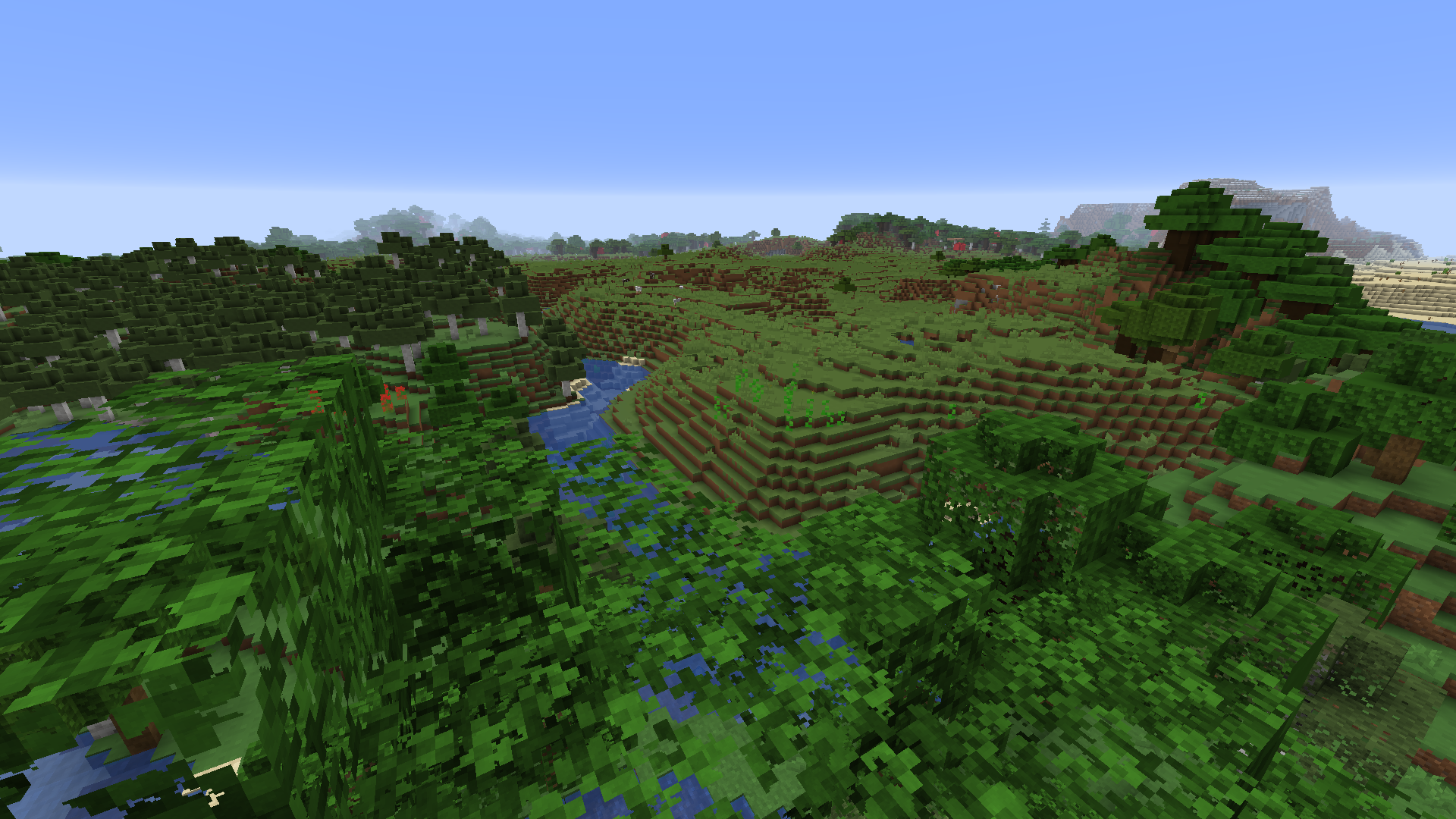
LOD bias at +3, distant textures have lower resolution. Optifine is needed for foliage to be mipmapped.
Basic Setup
1. Install mod
2. Open mod config through ModMenu
3. Set texture resolution to the highest resolution of all used resource packs. Unit is in powers of 2 (4 = 16x, 5 = 32x, 6 = 64x etc.)
4. After setting up the mod config, reload resources with F3+T
5. Done!
Compatibility
Compatible with Optifine
Should be compatible with Sodium
常见问题
TexTweaks 支持哪些 Minecraft 版本?
TexTweaks 支持 Minecraft Java 版 1.16–1.16.5,共 6 个版本,可用的加载器:Fabric。下载时注意选择和你游戏版本一致的文件。
TexTweaks 怎么安装?
先用 PCL2 或 HMCL 启动器安装对应版本的 Fabric,再把下载的 .jar 文件放进游戏目录的 mods 文件夹,重新启动游戏即可。开启了版本隔离的,mods 文件夹在 versions/版本名 下面。
UltimateBoomer 的其他作品
查看全部 →
Smooth Boot (Fabric)
改善Minecraft的CPU调度
Smooth Boot (Forge)
调整 Java 线程设置,防止 Minecraft 启动加载时拖慢电脑。

No Fade
移除 Minecraft 中的淡出动画

ResolutionControl+
允许你设置渲染分辨率并拍摄高分辨率截图。
评论
登录后评论和评分