Random World Blocks
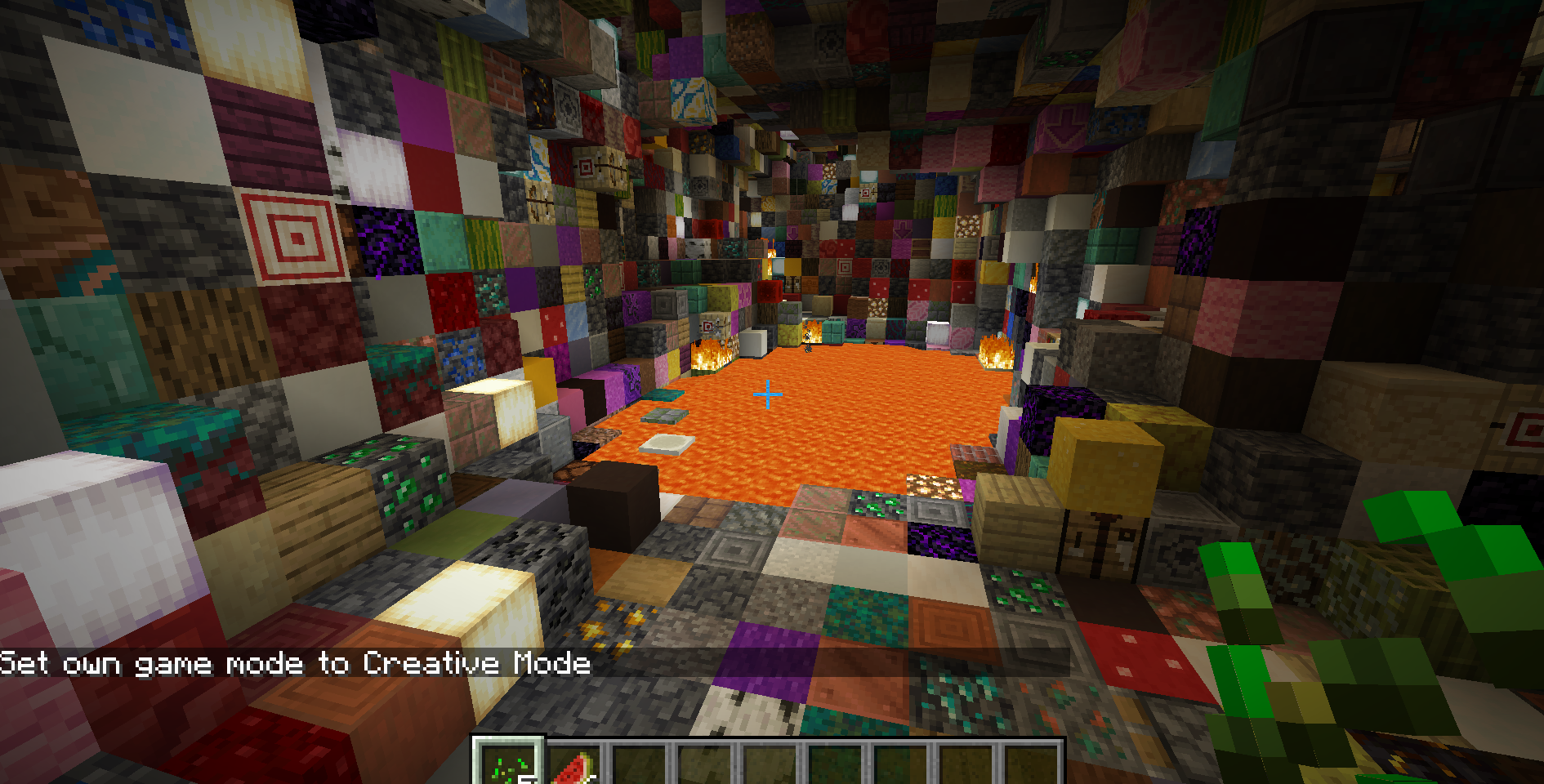
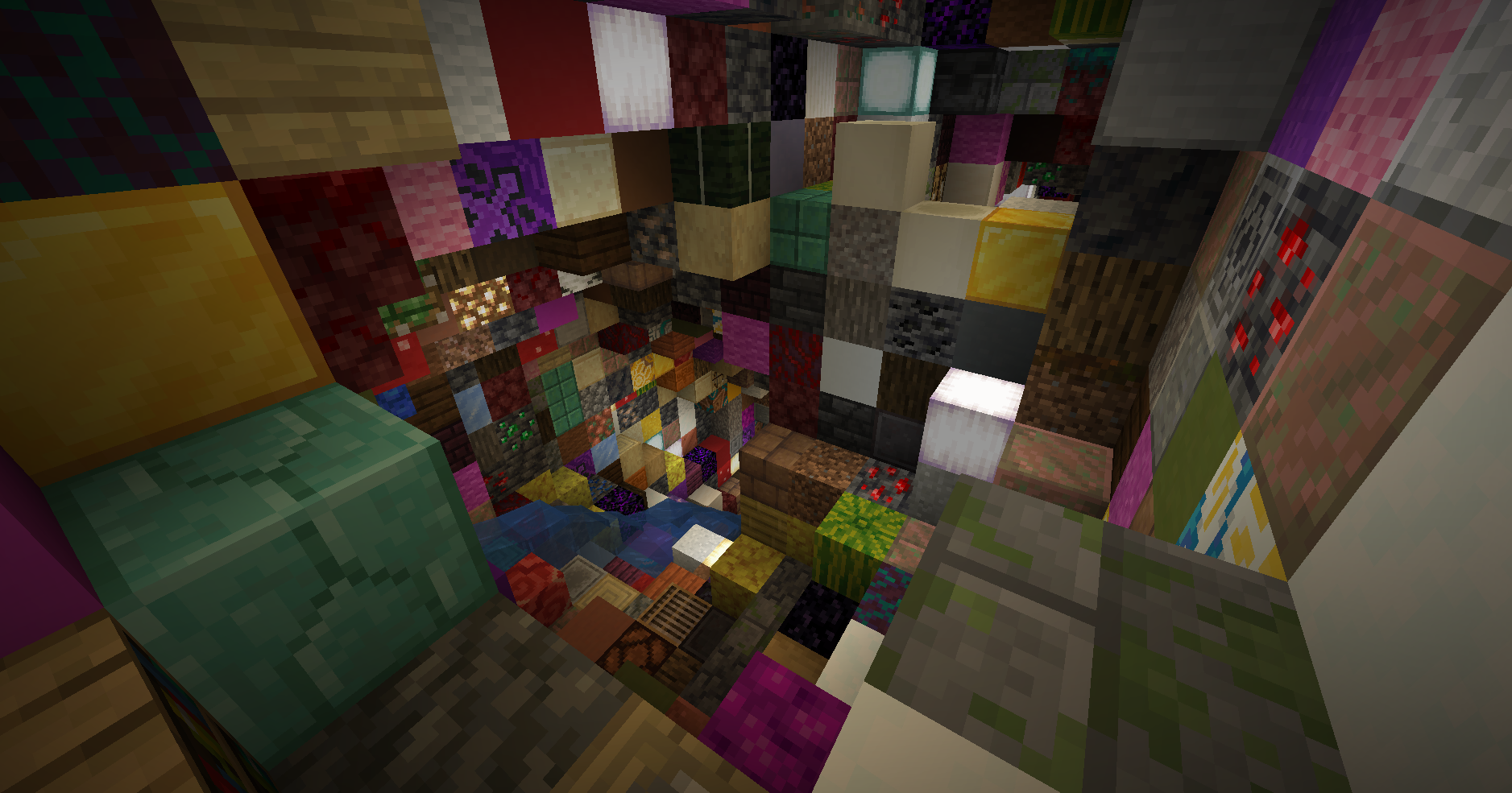
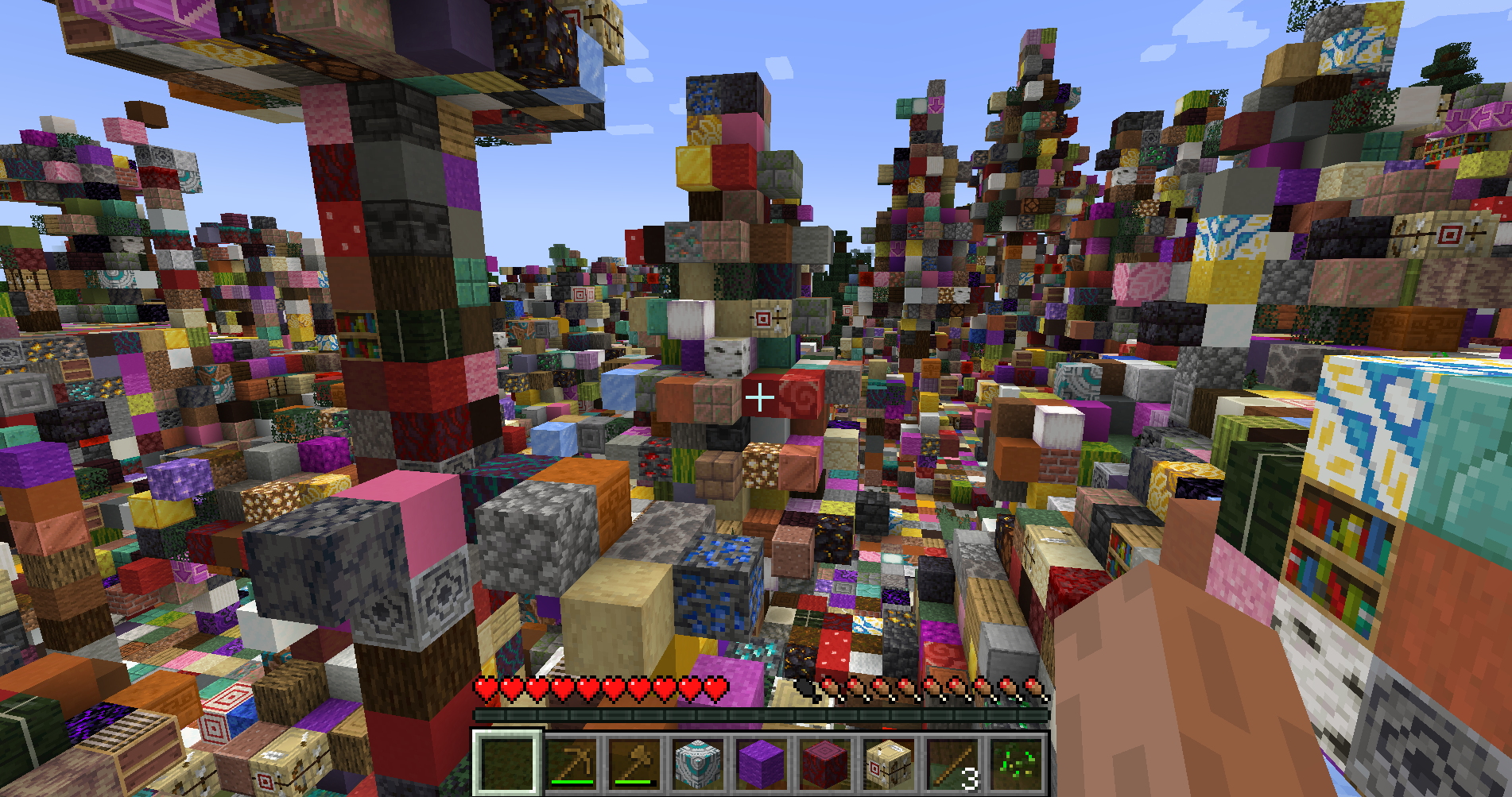
Random World Blocs is a chaotic Minecraft mod that replaces the terrain around you with completely random blocks as you explore. Every step transforms your world into a colorful mess of possibilities — from diamonds to dirt, obsidian to cake.
截图
介绍
Random World Blocs brings pure chaos and fun to Minecraft by randomly replacing blocks around you as you walk.
🔹 Dynamic Randomization – Every time you approach new chunks, the surrounding blocks are swapped with random ones from the game.
🔹 Performance-Friendly – Only nearby blocks are randomized to keep gameplay smooth.
🔹 Player-Friendly – Player-placed blocks remain untouched, so your builds stay safe.
🔹 Full Block Coverage – Almost every block type can appear, from rare ores to decorative blocks (even leaves and other unusual blocks!).
🔹 Custom Exclusions – Special blocks like end portal frames are protected from replacement.
Perfect for challenge runs, chaotic survival worlds, or just to see your favorite seed in a whole new light!
Installation:
-
Install Minecraft Forge (compatible version).
-
Download Random World Blocs and place it in your
modsfolder. -
Launch the game and prepare for chaos!
Note: This mod works with existing worlds — but be ready for surprises when you explore!

常见问题
Random World Blocks 支持哪些 Minecraft 版本?
Random World Blocks 支持 Minecraft Java 版 1.20.1,可用的加载器:Forge。下载时注意选择和你游戏版本一致的文件。
Random World Blocks 怎么安装?
先用 PCL2 或 HMCL 启动器安装对应版本的 Forge,再把下载的 .jar 文件放进游戏目录的 mods 文件夹,重新启动游戏即可。开启了版本隔离的,mods 文件夹在 versions/版本名 下面。
Hreggi5 的其他作品
查看全部 →
RandomDropMod
Makes every mob (and optionally blocks) drop a completely random item from the creative inventory.

RandomDropMod
Makes every mob (and optionally blocks) drop a completely random item from the creative inventory.

Everything Falls
Makes all blocks affected by gravity — dig, chop, or explode with caution! Bedrock is the only thing keeping the world together

Drought – Waterless Worldgen
Removes all naturally generated water from the Overworld. No oceans, rivers, lakes, or cave water. Some structures may still contain limited water for balance.
评论
登录后评论和评分