
截图
介绍
SoundBoard

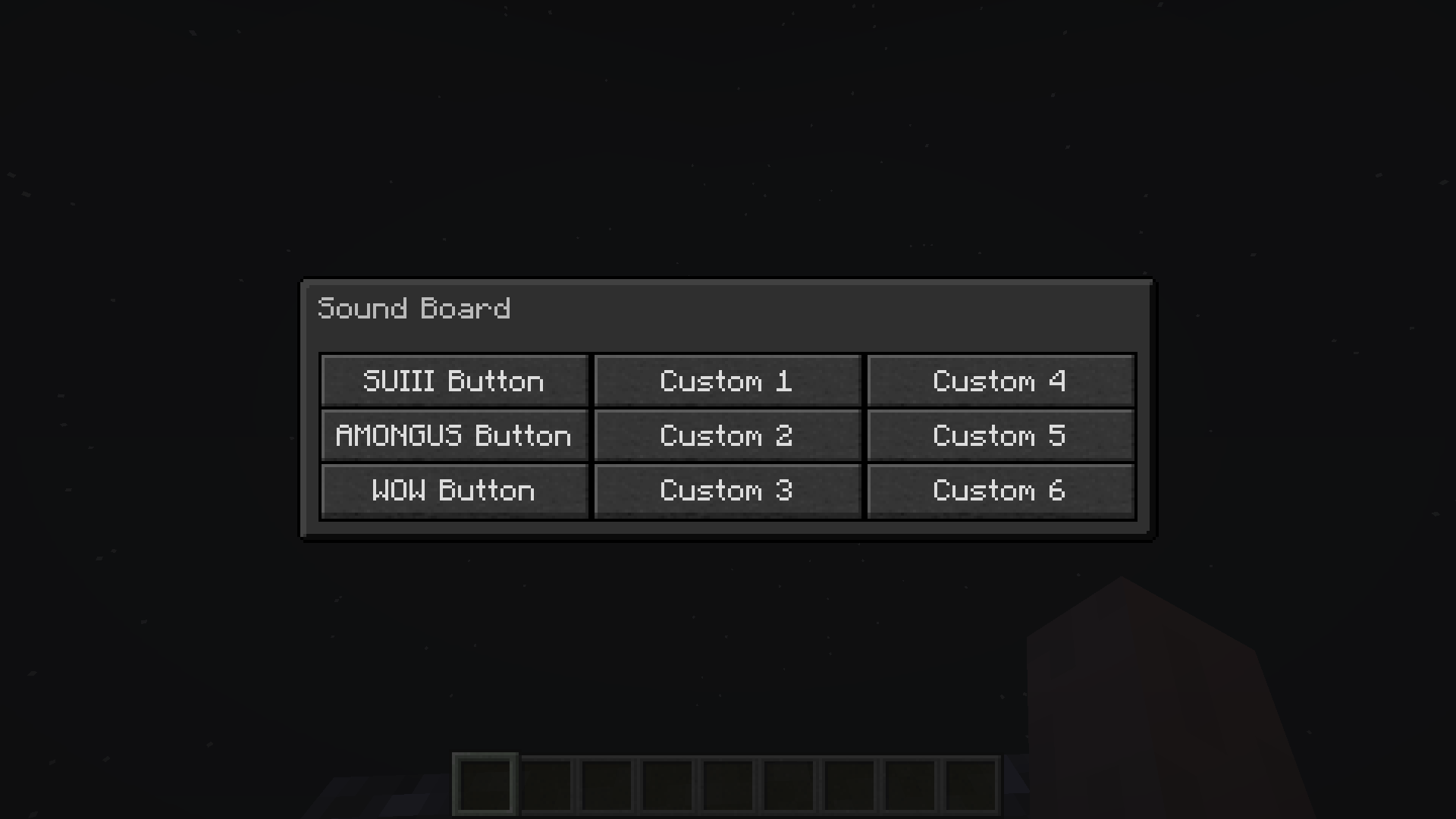
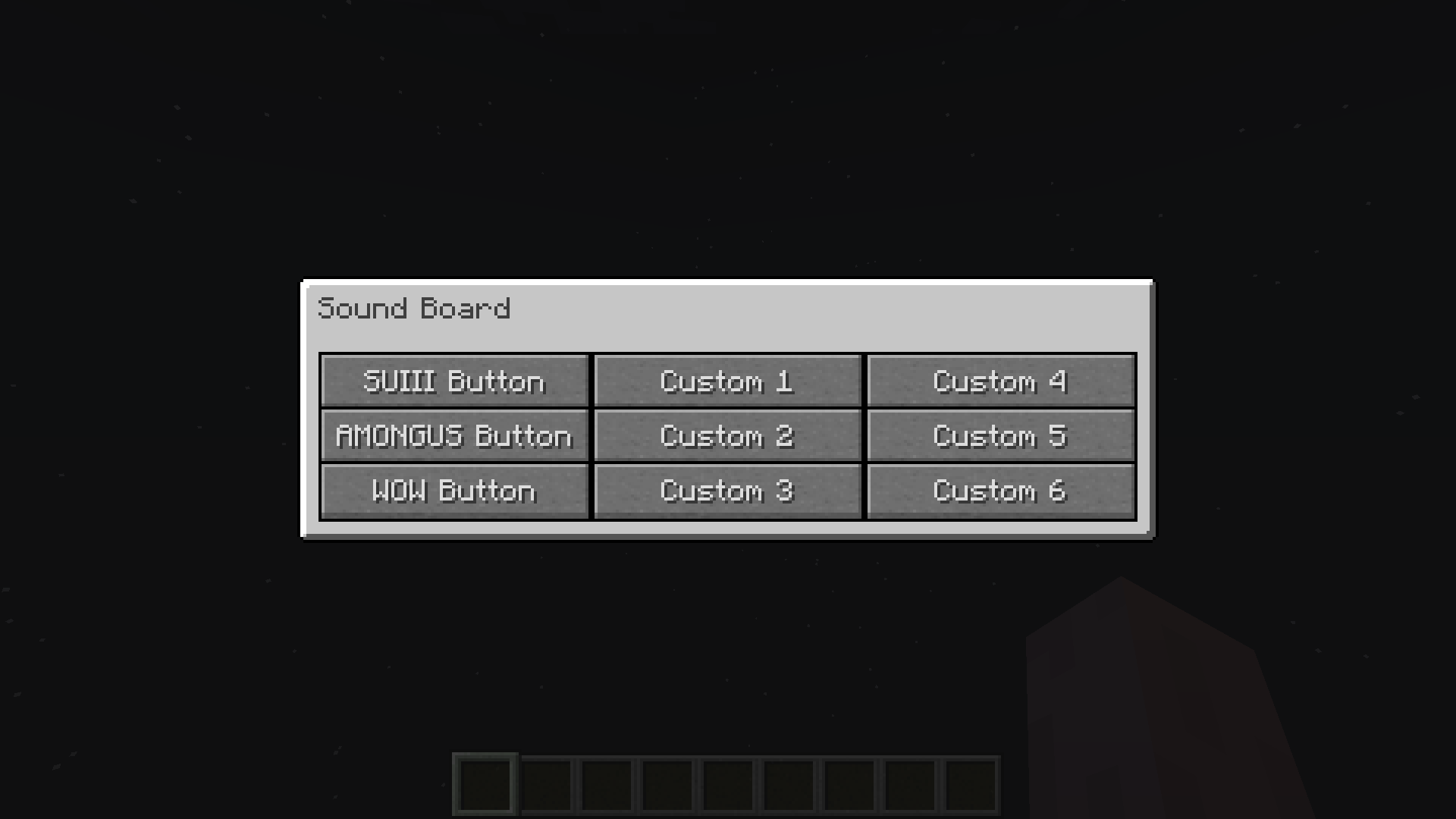
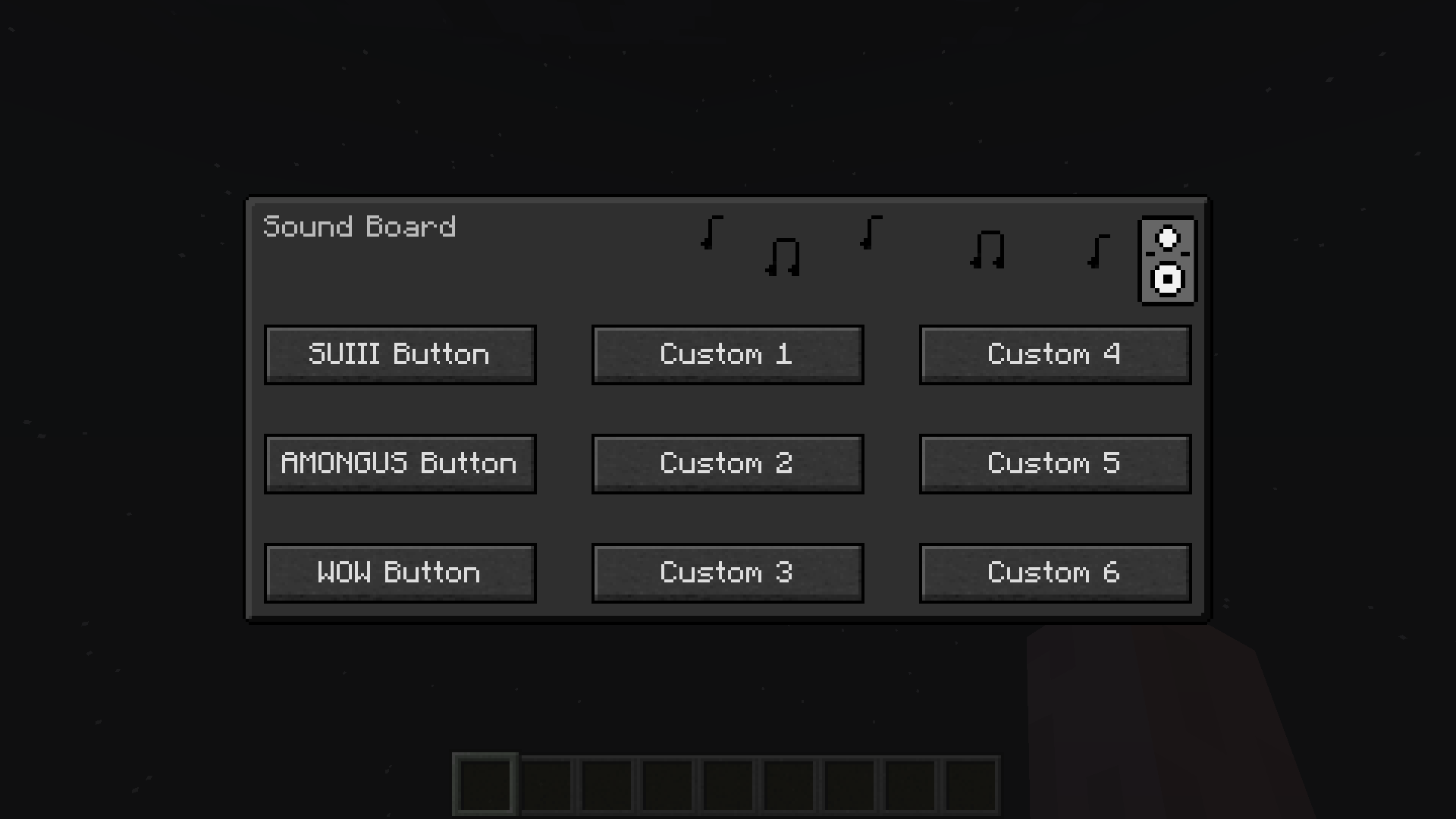
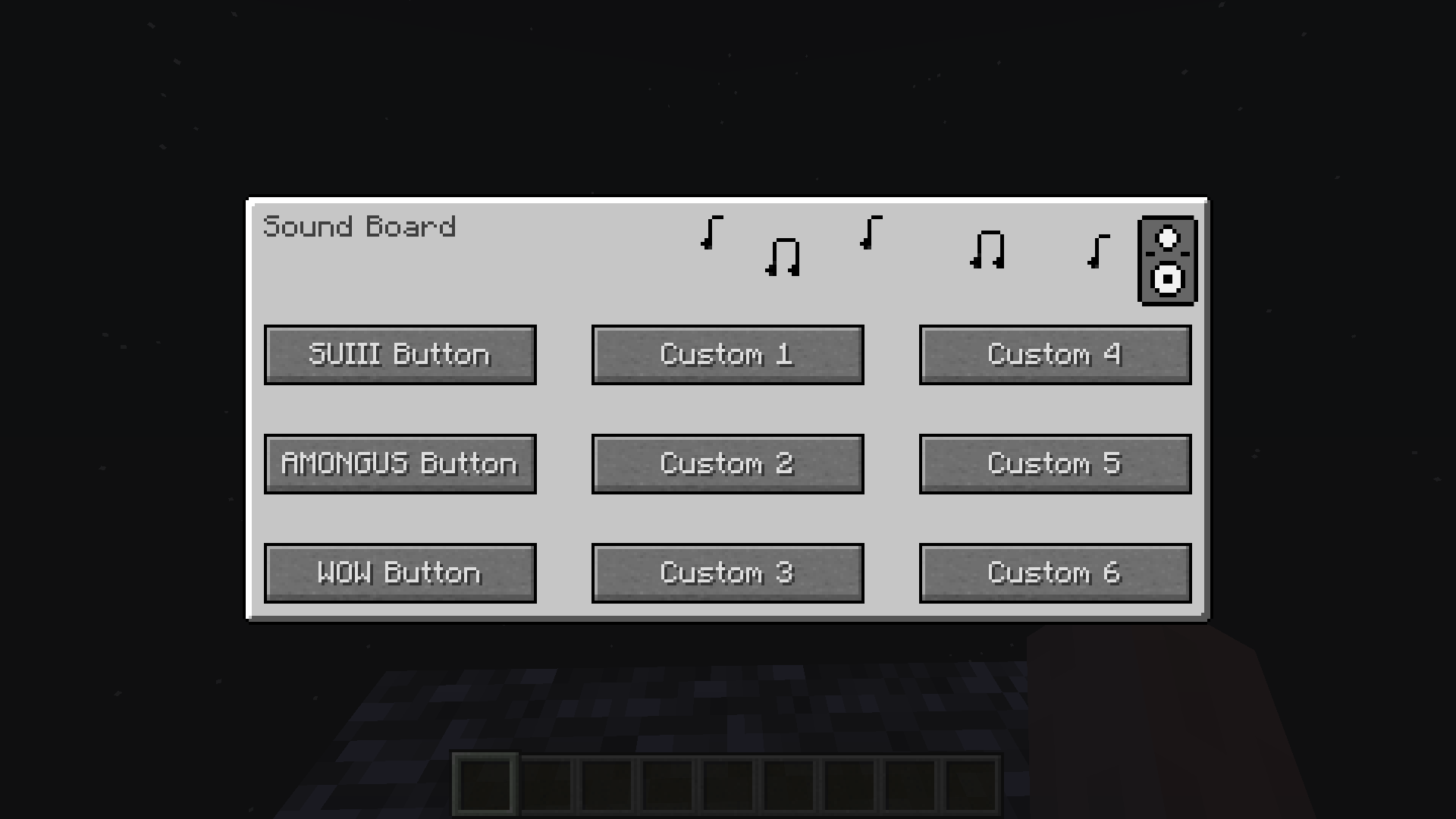
A Fabric mod that adds a client-side Sound Board
Use
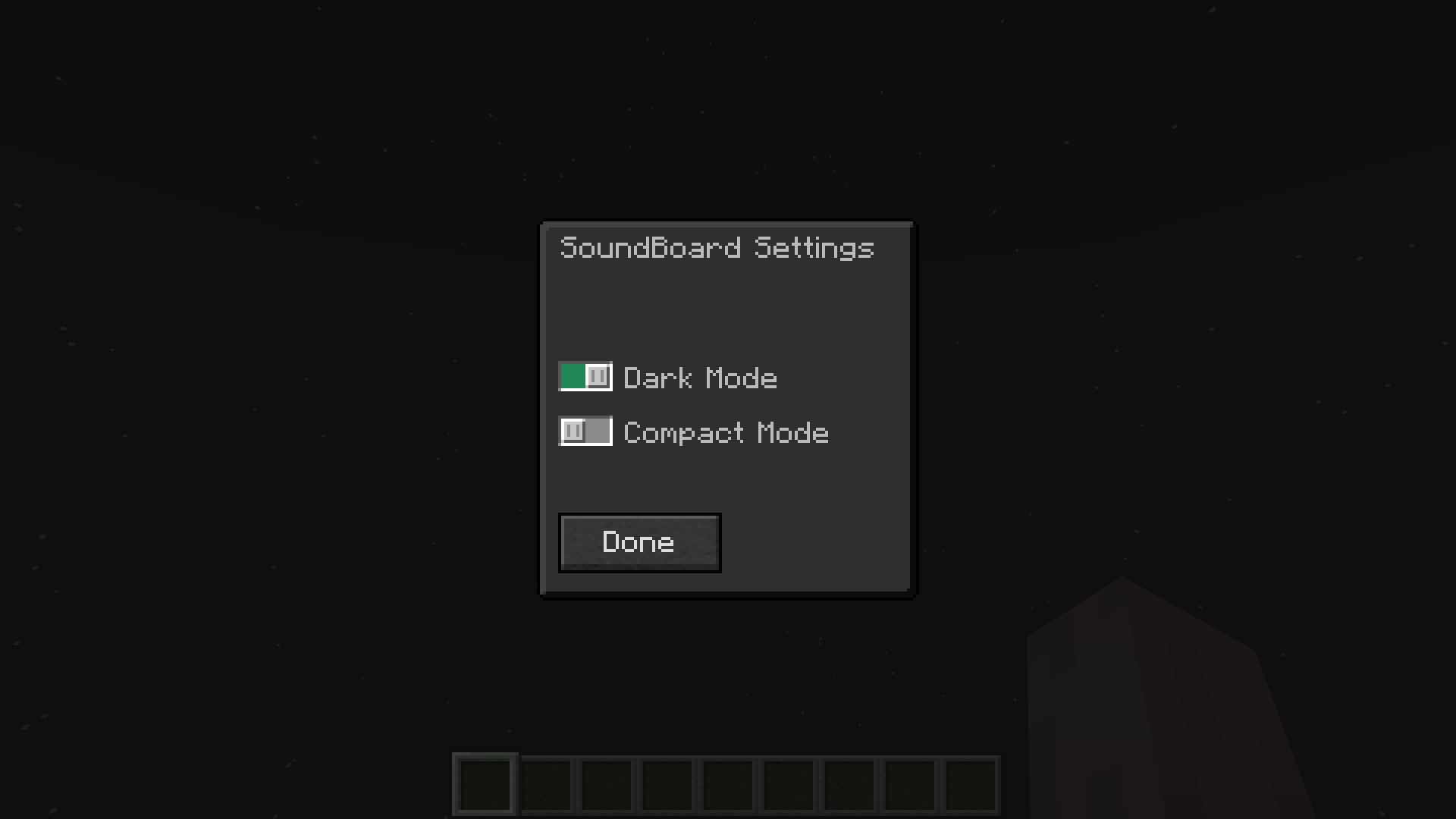
Press "O" in-game to open the GUI
You can change this in Keyboard Settings
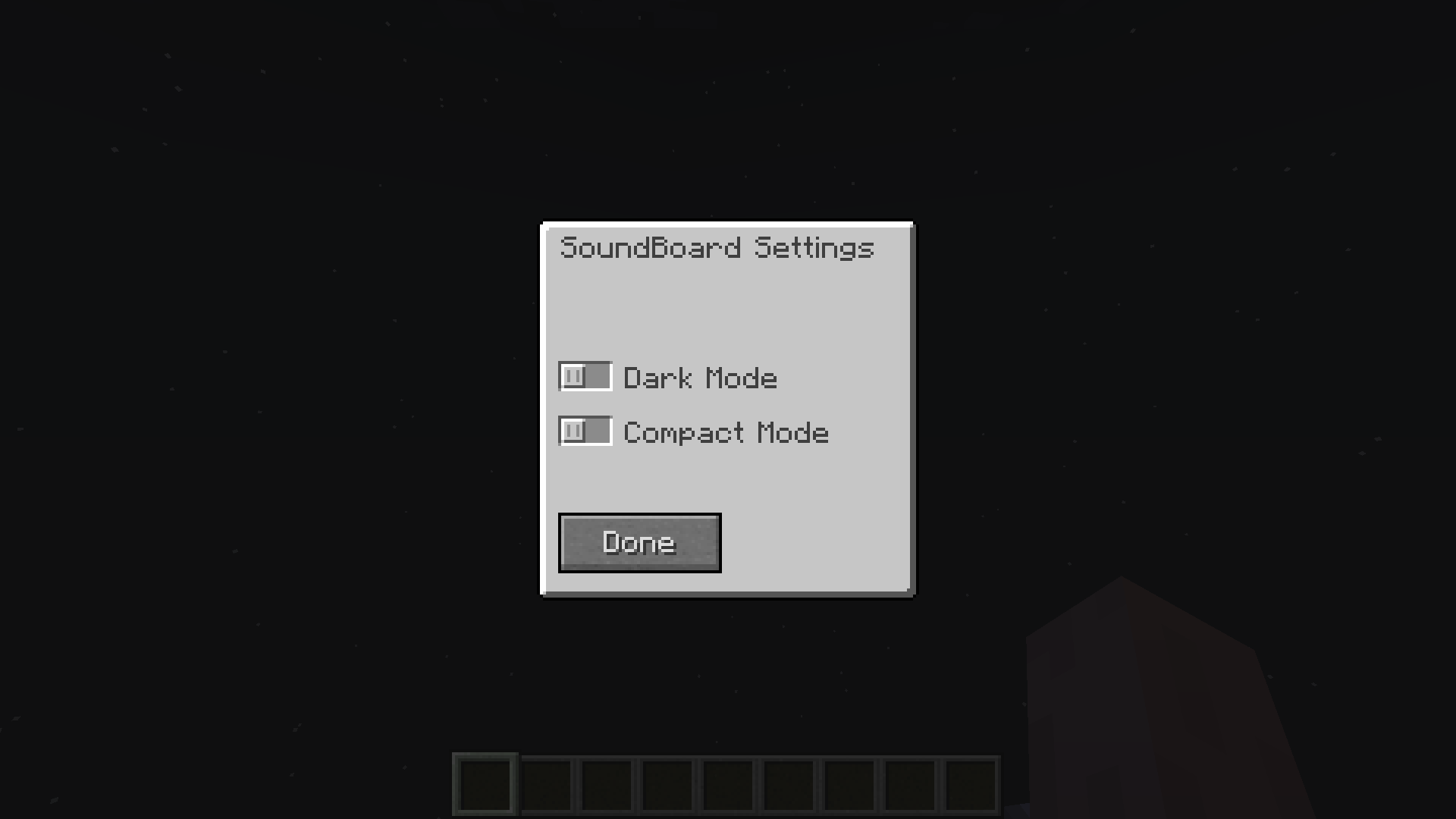
To enable Dark, Compact or Extended Mode install ModMenu and go to SoundBoard Config
Custom Sounds
Info
To add custom sounds you must use a resource pack
Template Resource Pack : GitHub Link
Guide
- Download the template resource pack and unzip it
- Download a .mp3 file
- Convert your .mp3 to .ogg
- Rename it custom1.ogg
- To add more just rename them custom2.ogg, custom3.ogg etc.
- Six sounds is the limit (8 in Extended Mode)
- Put it in the folder assets\soundboard\sounds
Optional
Subtitles
- Open assets\soundboard\lang\en_us.json
- Add subtitles or change button names
More Sounds
- You can also modify the sounds that come with the mod
- Just follow the guide for adding sounds but instead of naming the files custom1.ogg, …
- Name them among.ogg, smg.ogg, sui.ogg, wow.gg
常见问题
Sound Board 支持哪些 Minecraft 版本?
Sound Board 支持 Minecraft Java 版 1.19.2–1.20.1,共 3 个版本,可用的加载器:Fabric。下载时注意选择和你游戏版本一致的文件。
Sound Board 怎么安装?
先用 PCL2 或 HMCL 启动器安装对应版本的 Fabric,再把下载的 .jar 文件放进游戏目录的 mods 文件夹,重新启动游戏即可。开启了版本隔离的,mods 文件夹在 versions/版本名 下面。
TheOnlySD12 的其他作品
查看全部 →
SoundBoard
A Fabric mod that adds a client-side Sound Board

PassManager
PassManager is a Minecraft Fabric mod that allows you to securely store and manage passwords for different Minecraft servers.
PassManager
PassManager is a Minecraft Fabric mod that allows you to securely store and manage passwords for different Minecraft servers.
评论
登录后评论和评分