
Utility+
All in one utility texture pack. Removing pumpkin blur, blindness, optimizing shields and fire overlays, smaller totems, enchantment icons, fixes and more!
截图



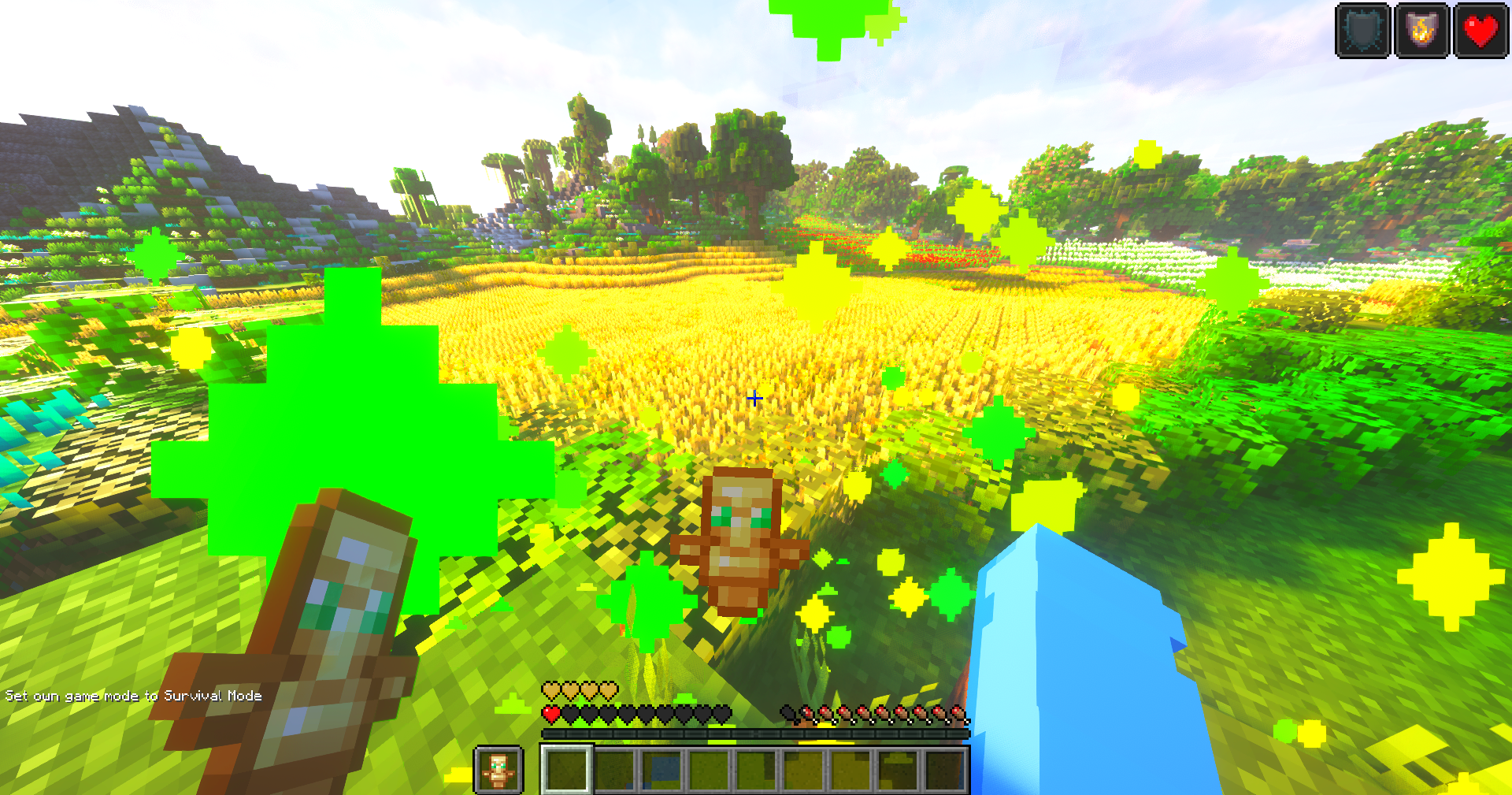

介绍
🔧 Utility+ – The All-In-One Texturepack
Utility+ is a comprehensive all-in-one Minecraft texture pack that fixes dozens of small annoyances in a single download. Instead of juggling 10 different packs to get the perfect experience, Utility+ bundles everything together. Cleaning up your visuals, removing distractions, and making Minecraft smoother and more enjoyable.
Whether you’re adventuring, building, or PvPing, Utility+ helps you see more, hear less of the annoying stuff, and focus on what matters most, playing the game.
✨ Features
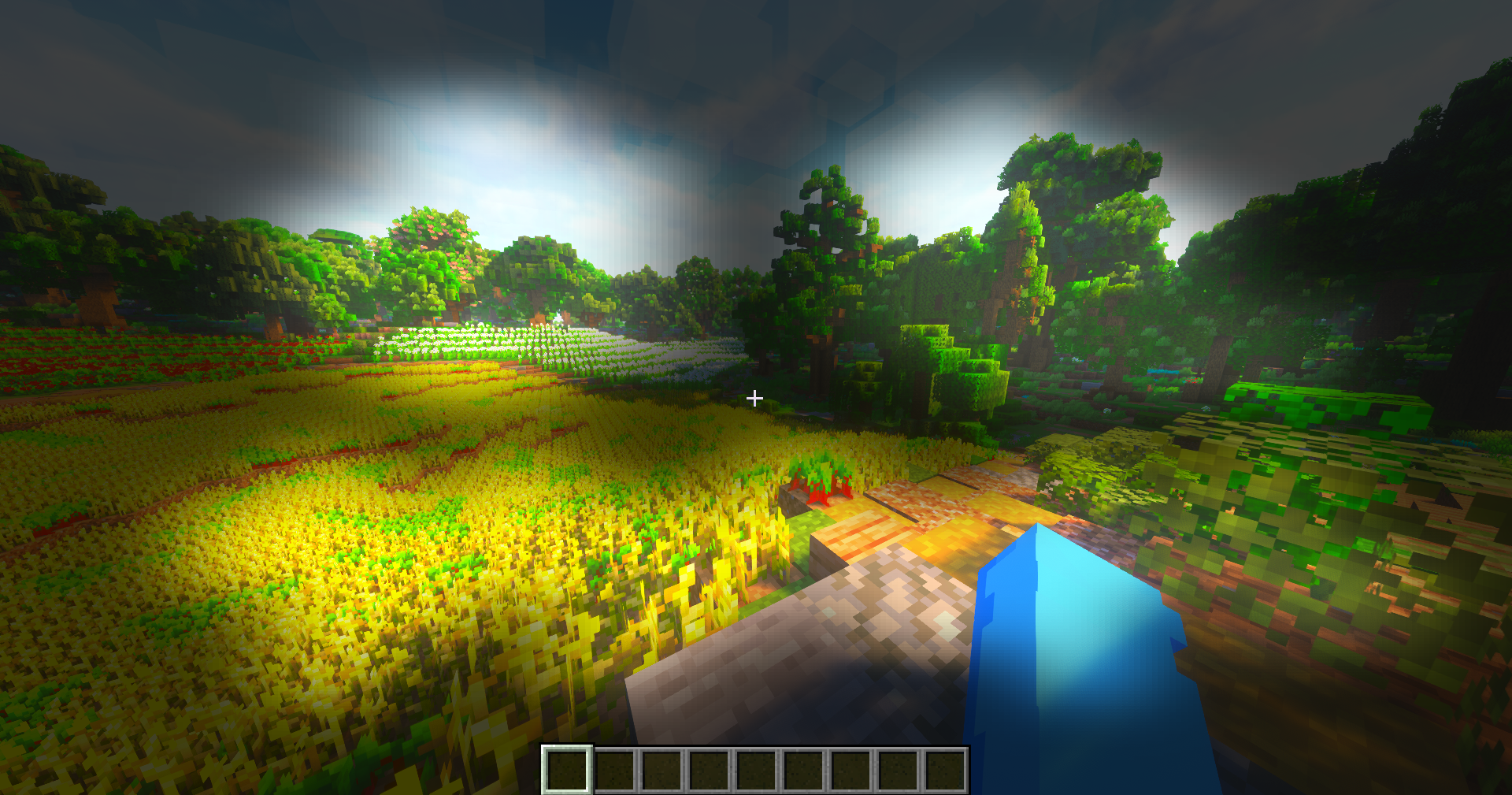
- 🎃 Better pumpkin blur for improved visibility
- 🔇 Removes annoying cave sounds
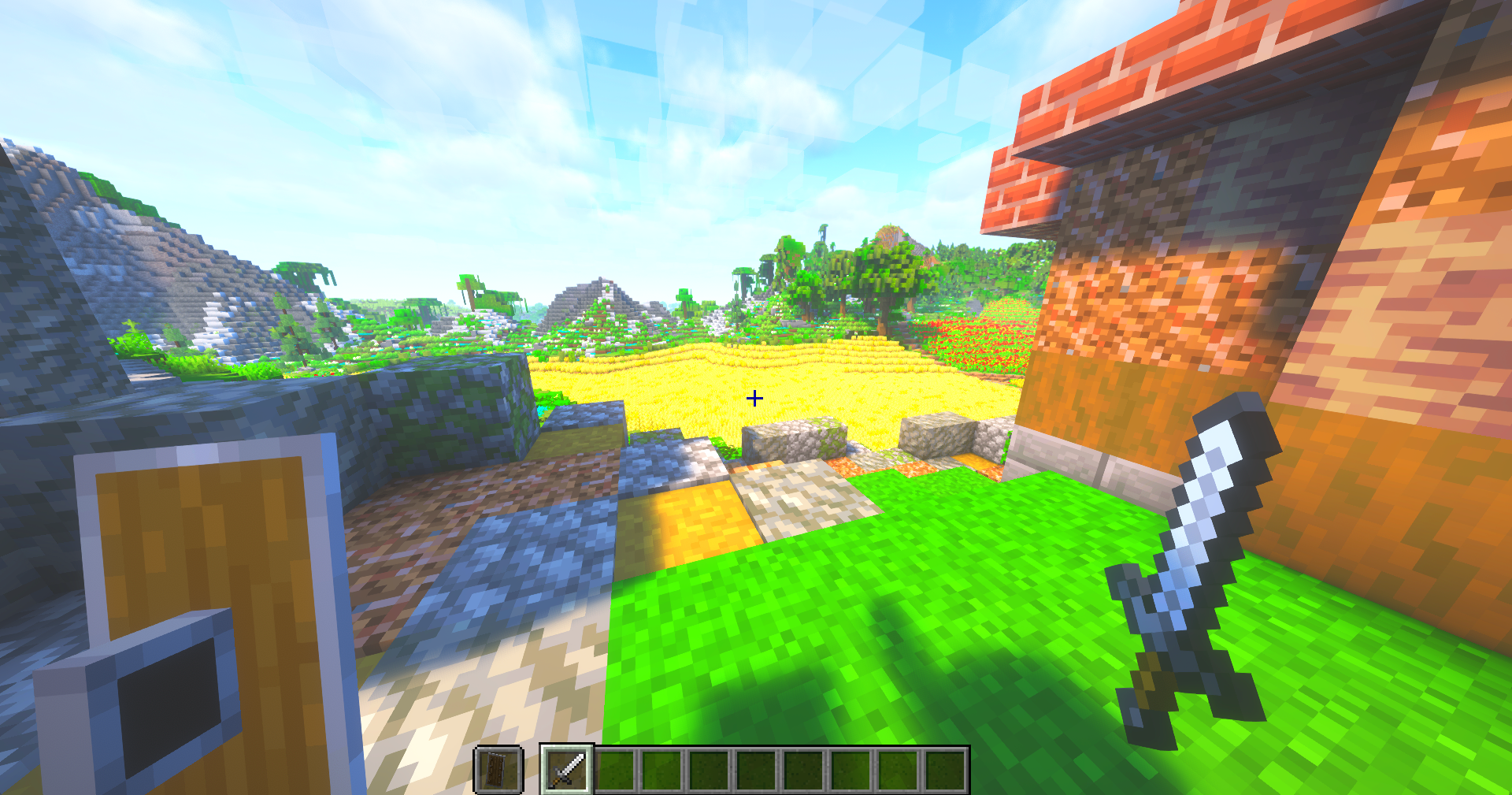
- 🛡️ Smaller, less intrusive shield
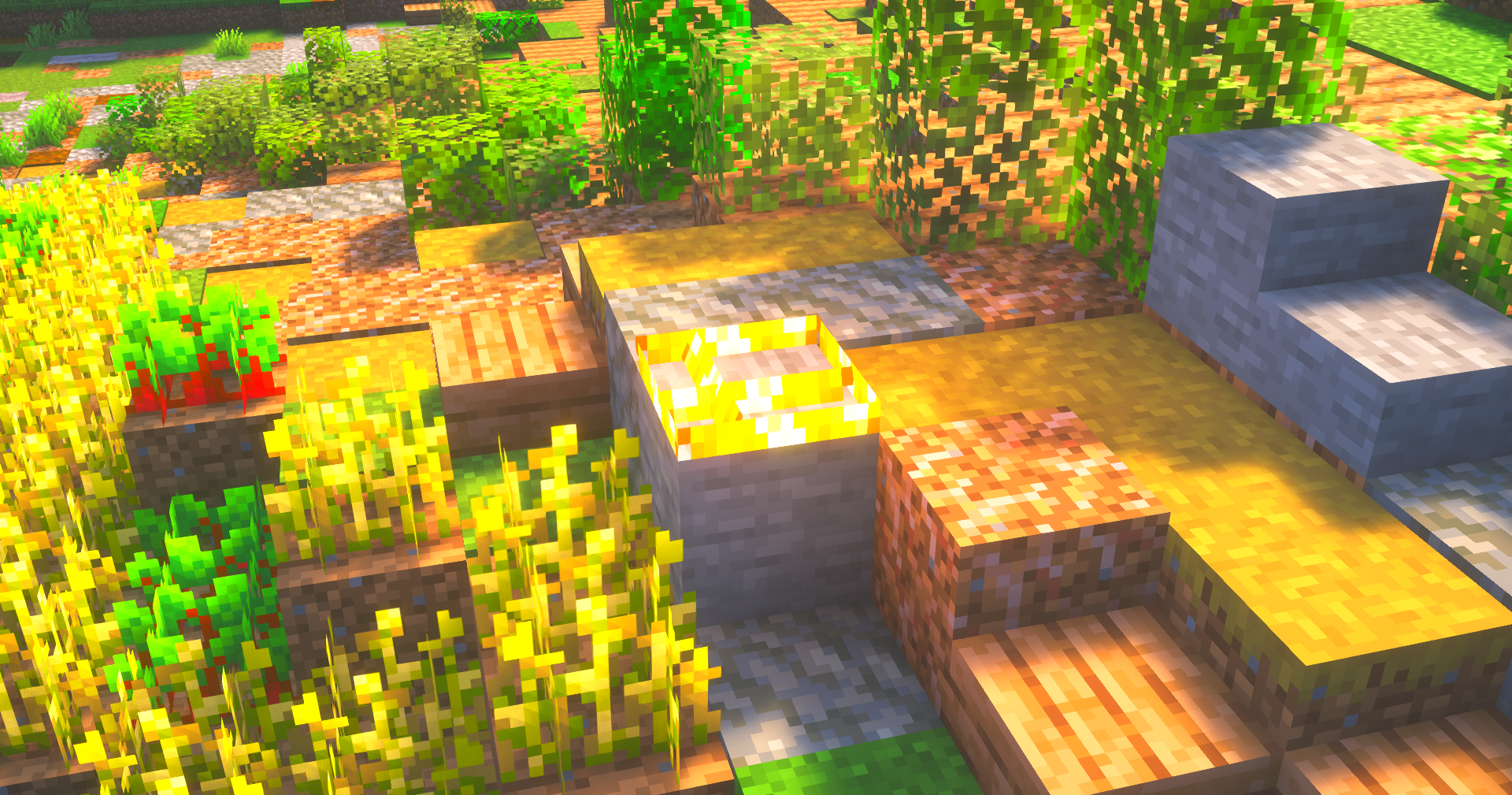
- 🔥 Low fire on the ground with a cleaner overlay
- 📦 More visible trapped chests
- 🪙 Smaller totem pop + smaller totem
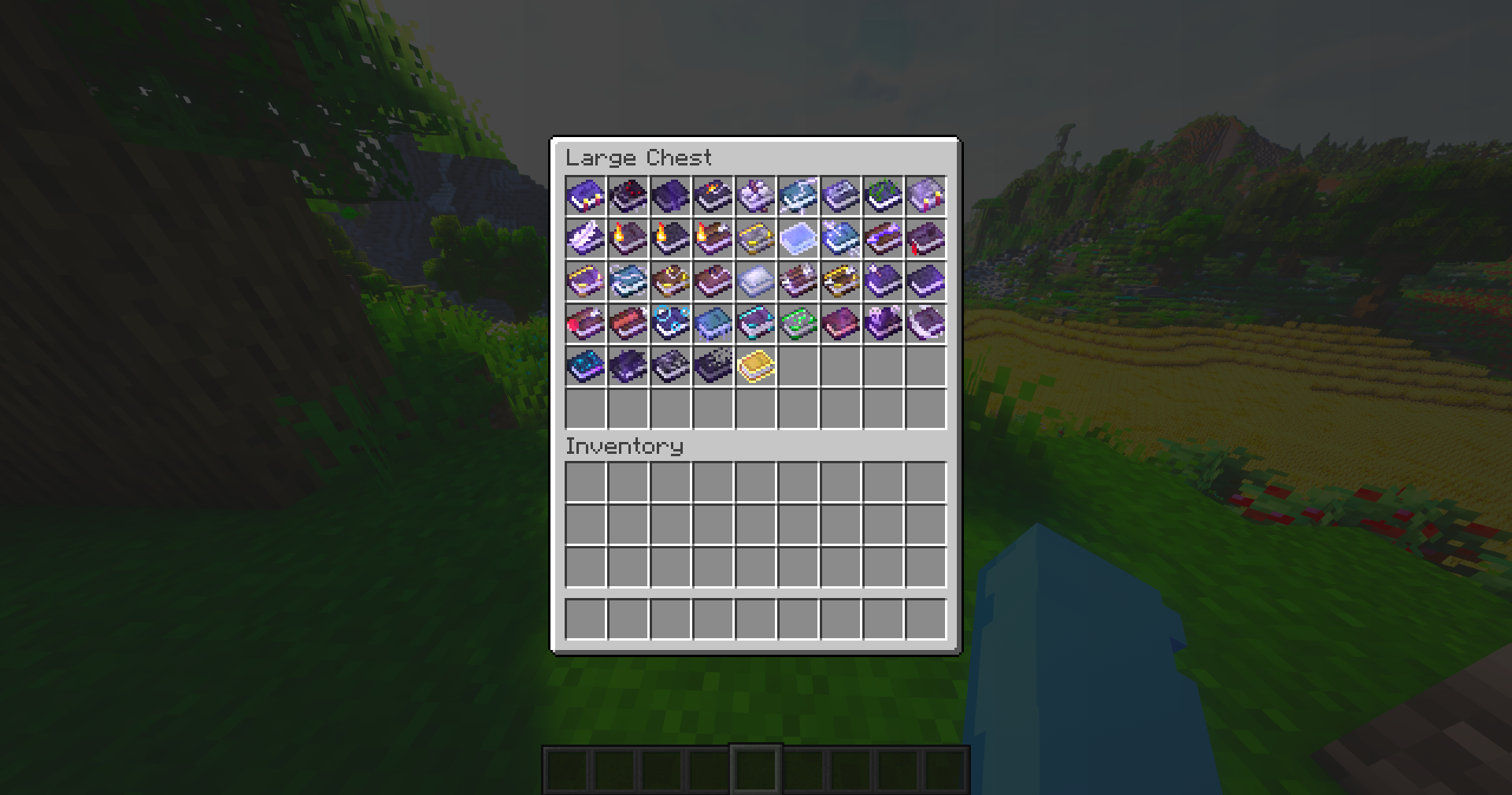
- 📖 Custom enchantment icons for clarity
- 💨 Particle fixes for a cleaner experience
- 🧱 Disables random rotation for naturally generated blocks
- 📶 Improved ping icons
- 📦 Smaller items in hand and inventory
- 🎯 Sleeker, smaller crosshair
- 📚 Custom enchanted book textures _(credits: mythitorium – License: Apache 2.0)_
- ➕ …and more!
Check the Gallery Tab for pictures
This project includes assets from Vanilla Tweaks, used in accordance with their Terms Of Use
This project also includes modified assets from Even Better Enchants, licensed under Apache-2.0.
⚙️ Compatibility
If you want the custom enchanted books to work:
- Minecraft 1.21.5 and above: ✅ No dependencies required!
- Minecraft 1.21.4 and below: 🔧 Requires CIT Resewn, Optifine, or EnchantedBookEnabler
Optifine or Sodium is recommended for the best experience
_Have more feature ideas or need help? Contact polar882 on Discord!_
常见问题
Utility+ 支持哪些 Minecraft 版本?
Utility+ 支持 Minecraft Java 版 1.8–26.1.2,共 73 个版本。下载时注意选择和你游戏版本一致的文件。
Utility+ 怎么安装?
把下载的 .zip 文件(不用解压)放进游戏目录的 resourcepacks 文件夹,进游戏后在「选项 → 资源包」里把它移到右边启用。
Polar 的其他作品
查看全部 →
Araxy Crystals
Reimagines the End Crystal with a minimalistic, clean and modern design. Perfect for both crystal pvp and casual vanilla.

Glinty Enchantments
This texture pack replaces Minecraft’s default enchantment glint with a simple and modern design. The result is a cleaner look that feels less distracting while still making your enchanted gear stand out.

Slashy Swords
This pack redesigns every sword with a modern, smooth, and clean style, making combat feel sharper, sleeker, and more satisfying.

Quap Gapple Counter
Track golden apples by transforming them into ducks changing color based on quantity, letting you spot how many apples other players are carrying in a fun and unique style.
评论
登录后评论和评分