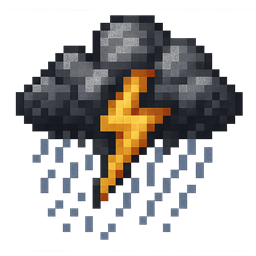
WeatherWidget
Displays current Minecraft weather on your HUD with clean, pixel-style icons. Fabric 1.21.11.
截图
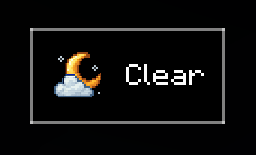
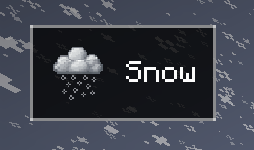
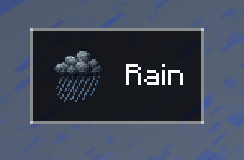
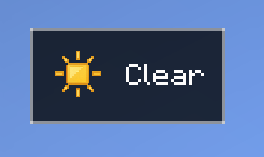
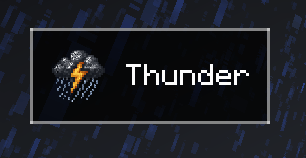
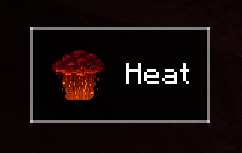
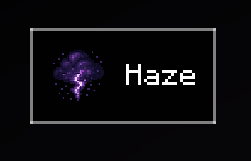
介绍

A clean, minimal weather display for your Minecraft HUD
WeatherWidget enhances your Minecraft experience by displaying real-time weather information directly on your screen. Designed to be sleek and non-intrusive, it blends naturally into your gameplay without distraction.
Features
Real-time Weather Display – Reflects in-game weather conditions instantly
Custom Weather Icons – Crisp, pixel-style icons for each condition
Client-Side Only – No server-side installation required
Seamless HUD Integration – Minimal overlay that doesn’t clutter the screen
Quick Start
-
Install the Fabric API
-
Download the WeatherWidget mod and place it in your
modsfolder -
Launch Minecraft and enjoy real-time weather updates!
Toggle visibility: Press F8 (customizable in the settings)
Supported Weather Conditions
Clear Sky – Bright, sunny or night sky conditions in the Overworld
Rain – Rainy weather detection
Thunder – Storm conditions with lightning
Snow – Snowy weather in cold biomes
Heat – Heat indicator for the Nether
Haze – Haze indicator for the End
Weather is updated every 5 seconds to reflect actual in-game conditions.
Why Choose WeatherWidget?
Lightweight – Minimal performance impact
Clean Design – Designed to be unobtrusive and readable
Server Compatible – Works in any singleplayer or multiplayer world
Ideal for streamers, content creators, and players who want immersive, real-time environmental awareness without breaking the flow of gameplay.
常见问题
WeatherWidget 支持哪些 Minecraft 版本?
WeatherWidget 支持 Minecraft Java 版 1.21.4–1.21.11,共 3 个版本,可用的加载器:Fabric。下载时注意选择和你游戏版本一致的文件。
WeatherWidget 怎么安装?
先用 PCL2 或 HMCL 启动器安装对应版本的 Fabric,再把下载的 .jar 文件放进游戏目录的 mods 文件夹,重新启动游戏即可。开启了版本隔离的,mods 文件夹在 versions/版本名 下面。
评论
登录后评论和评分