Traffic Engine
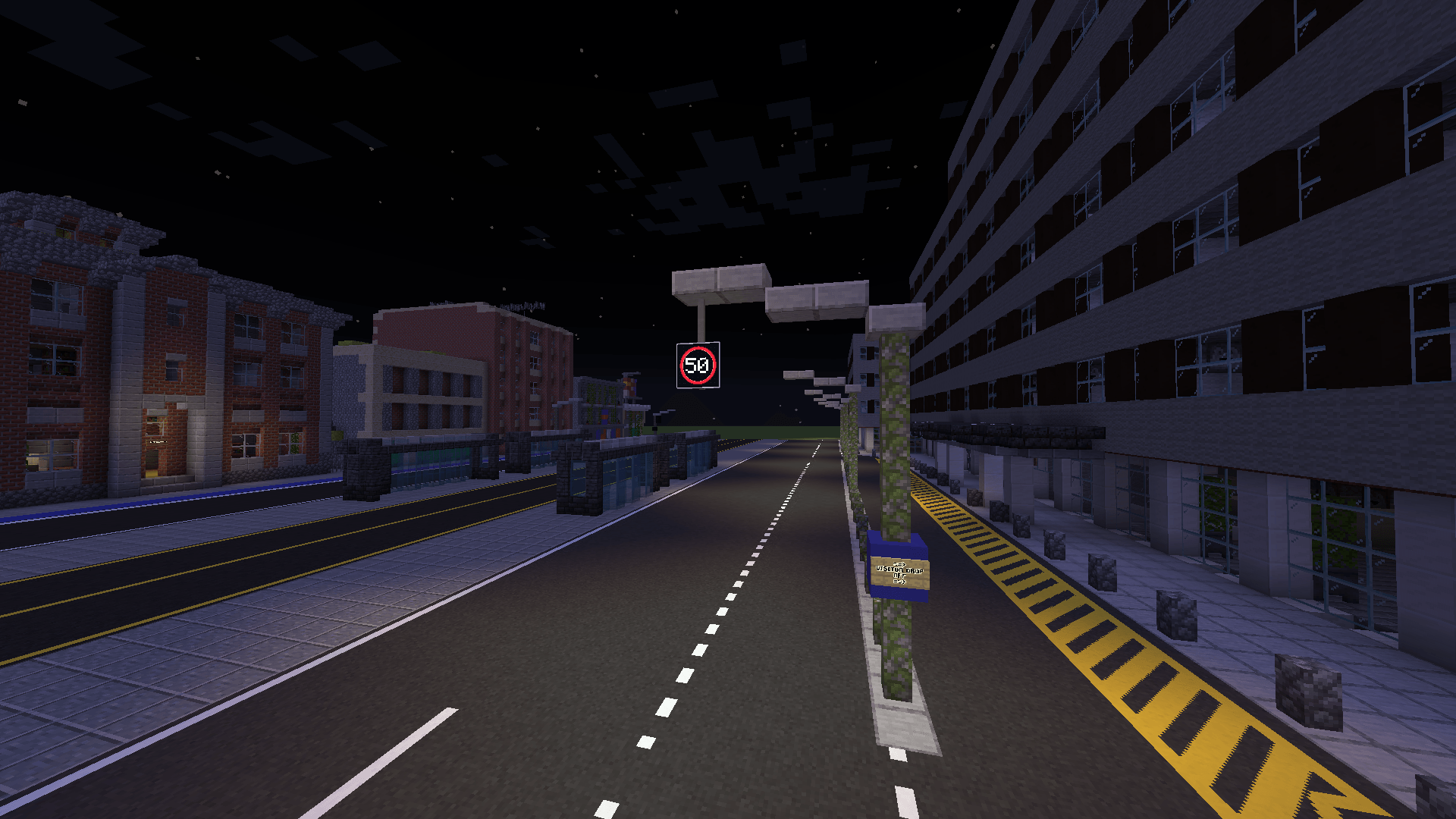
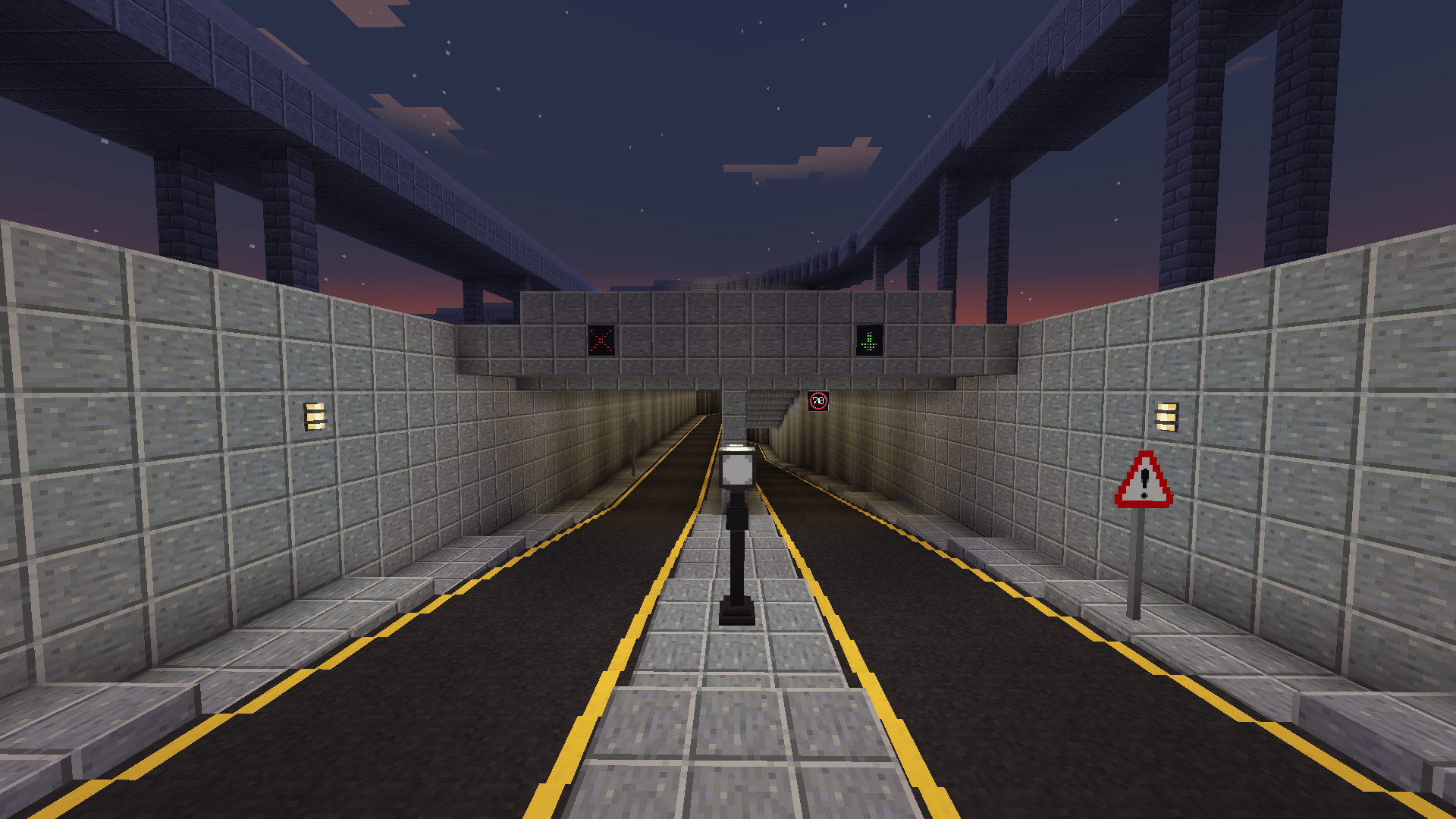
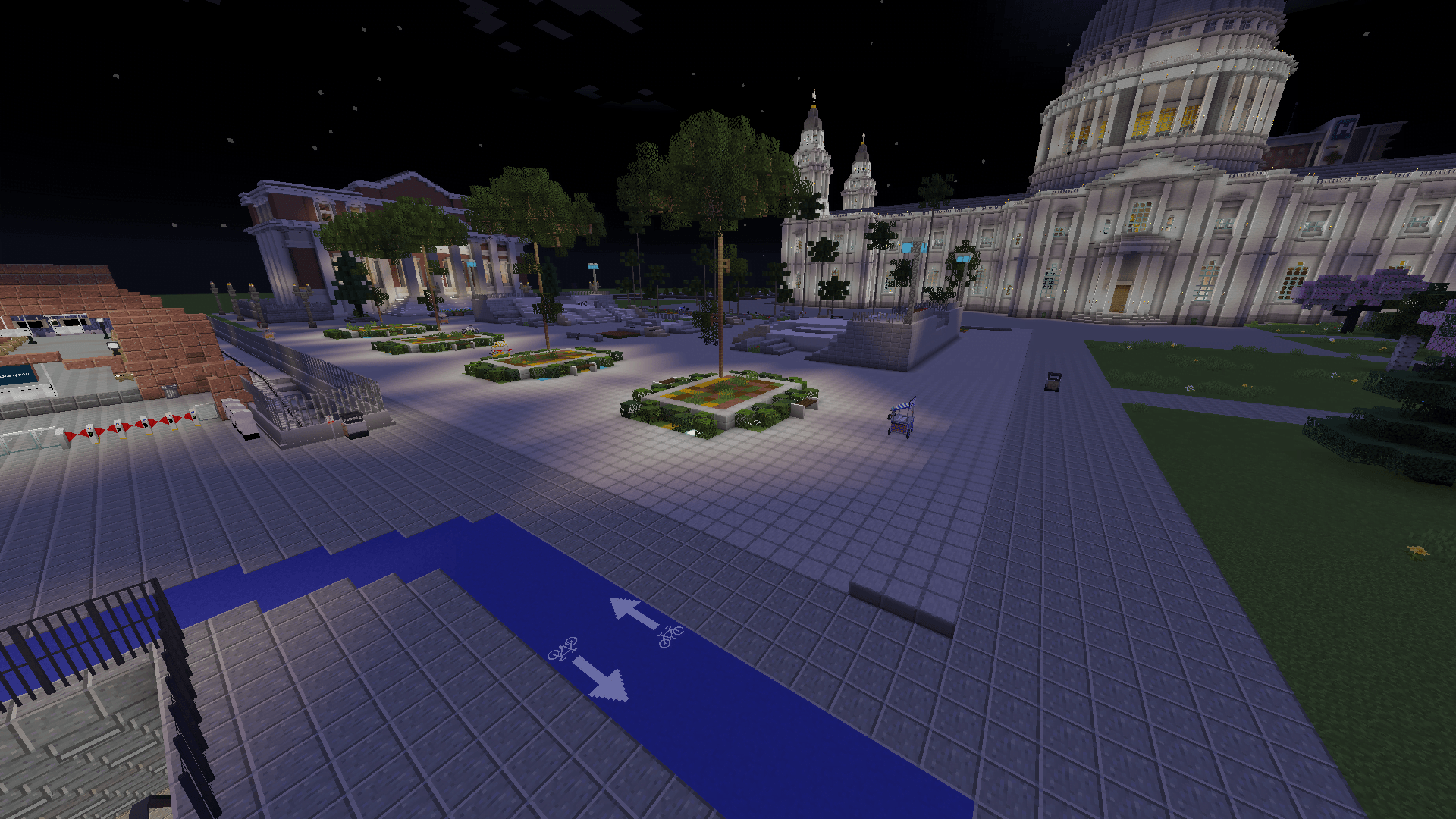
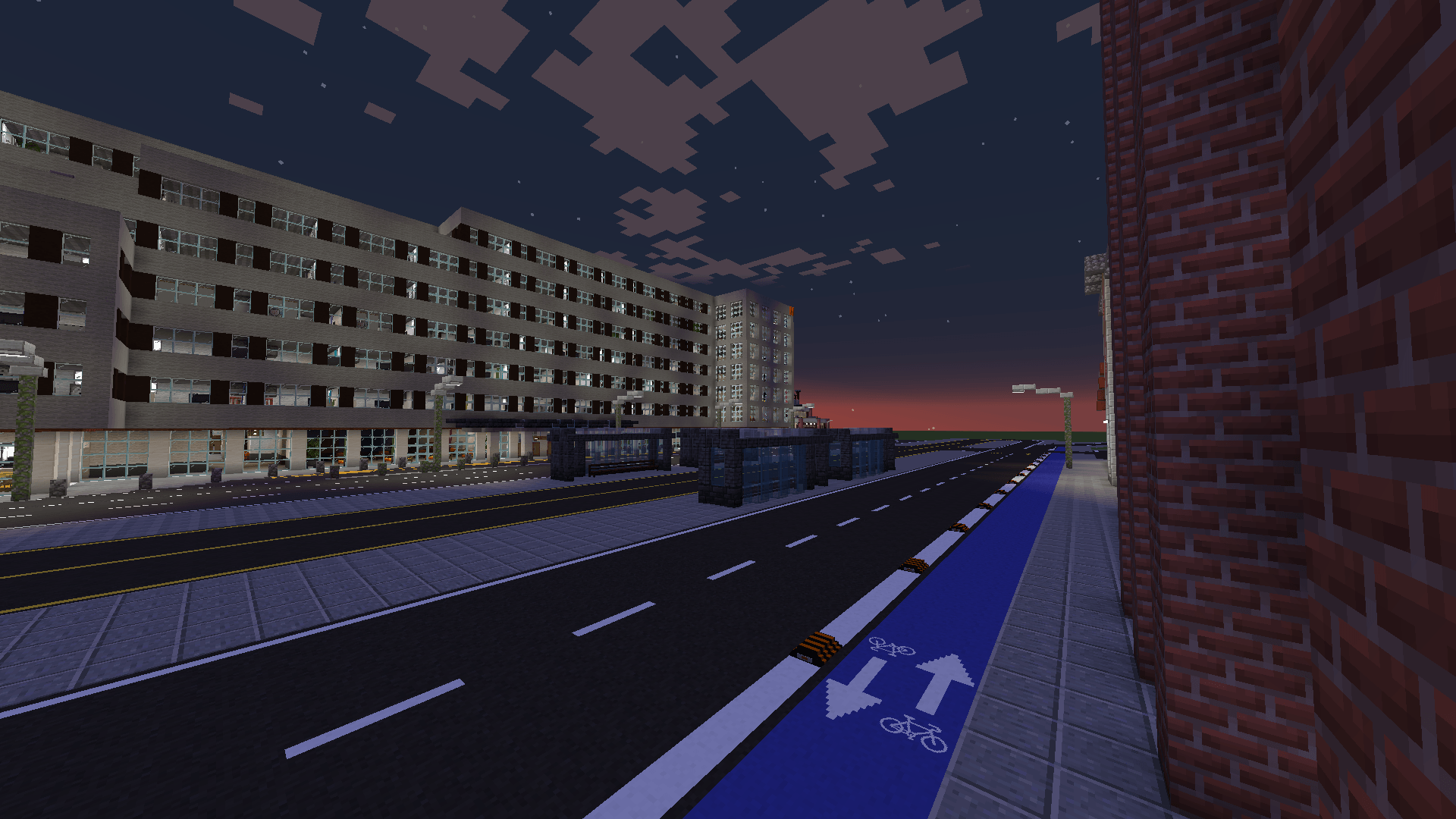
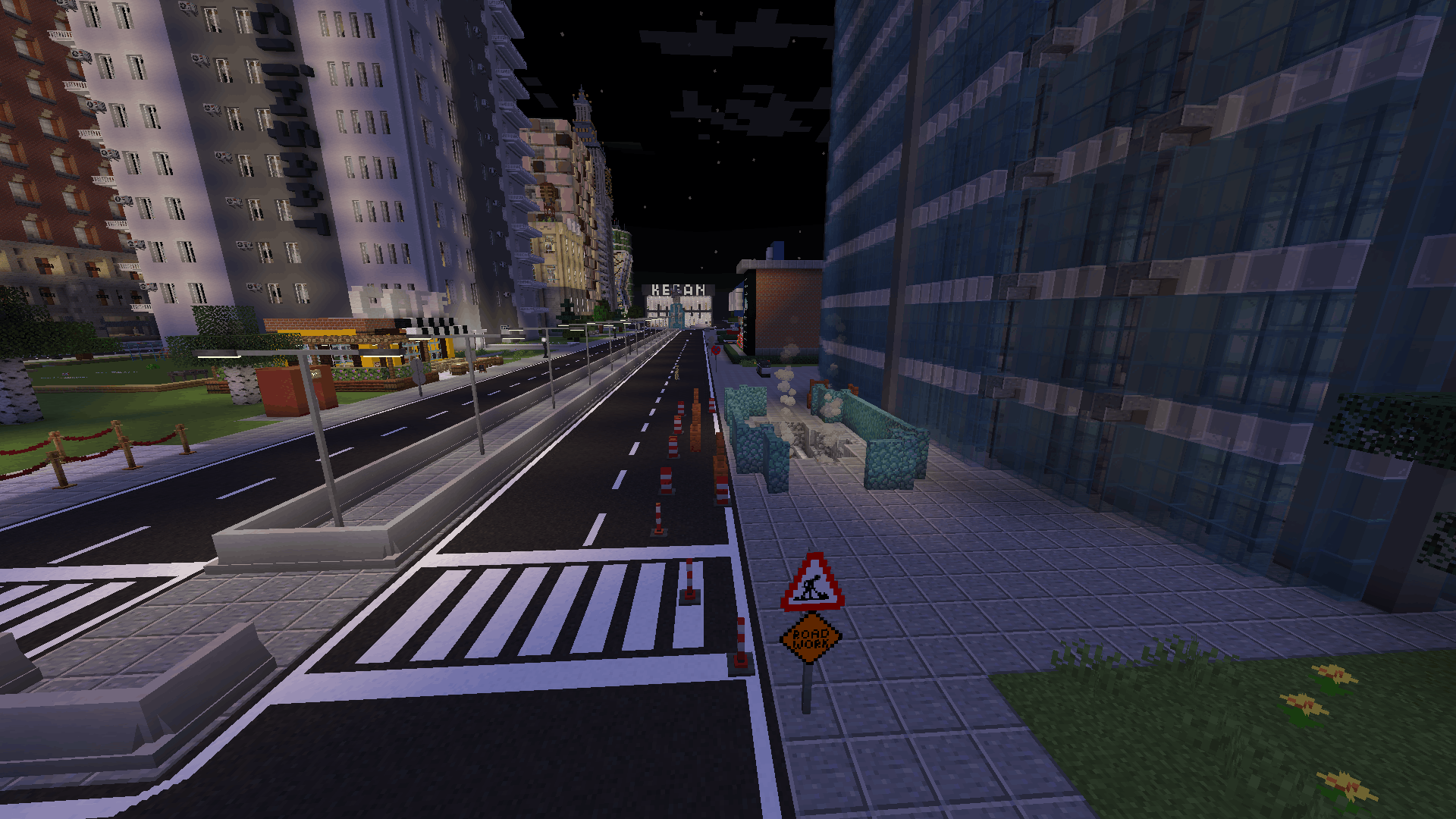
Traffic Engine adds roads, programmable traffic lights, custom signs, displays and city-building blocks to Minecraft.
截图
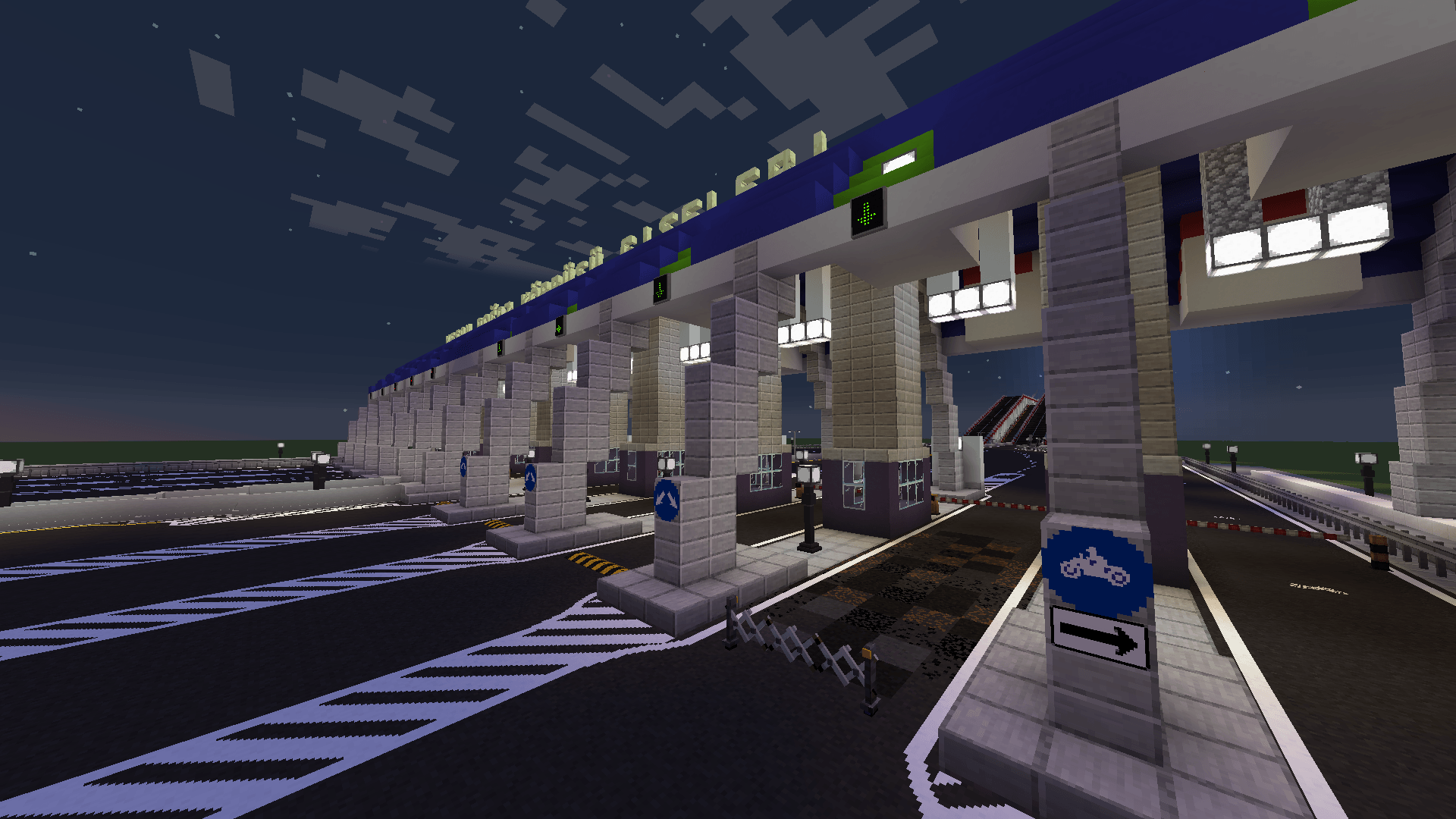
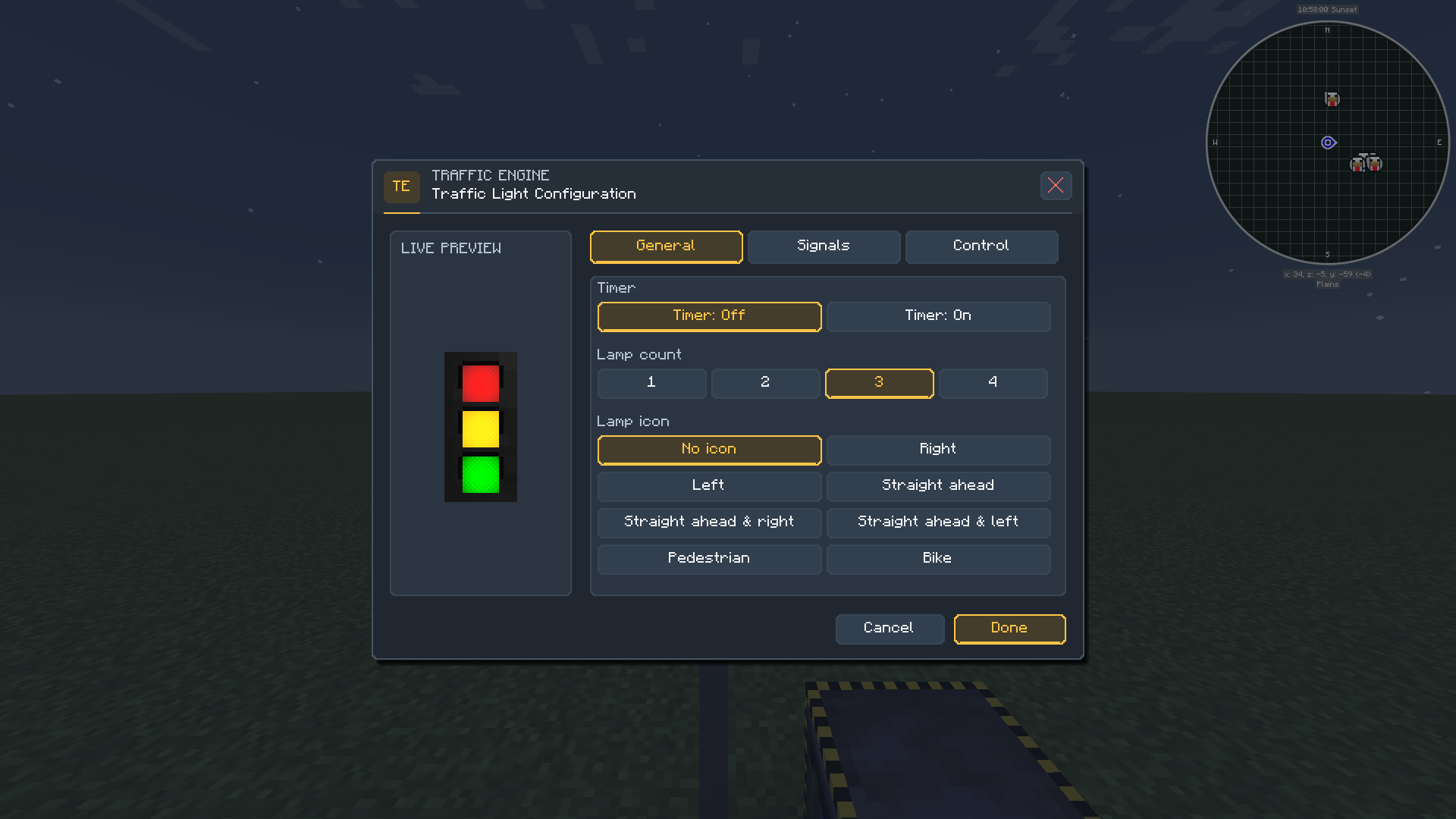
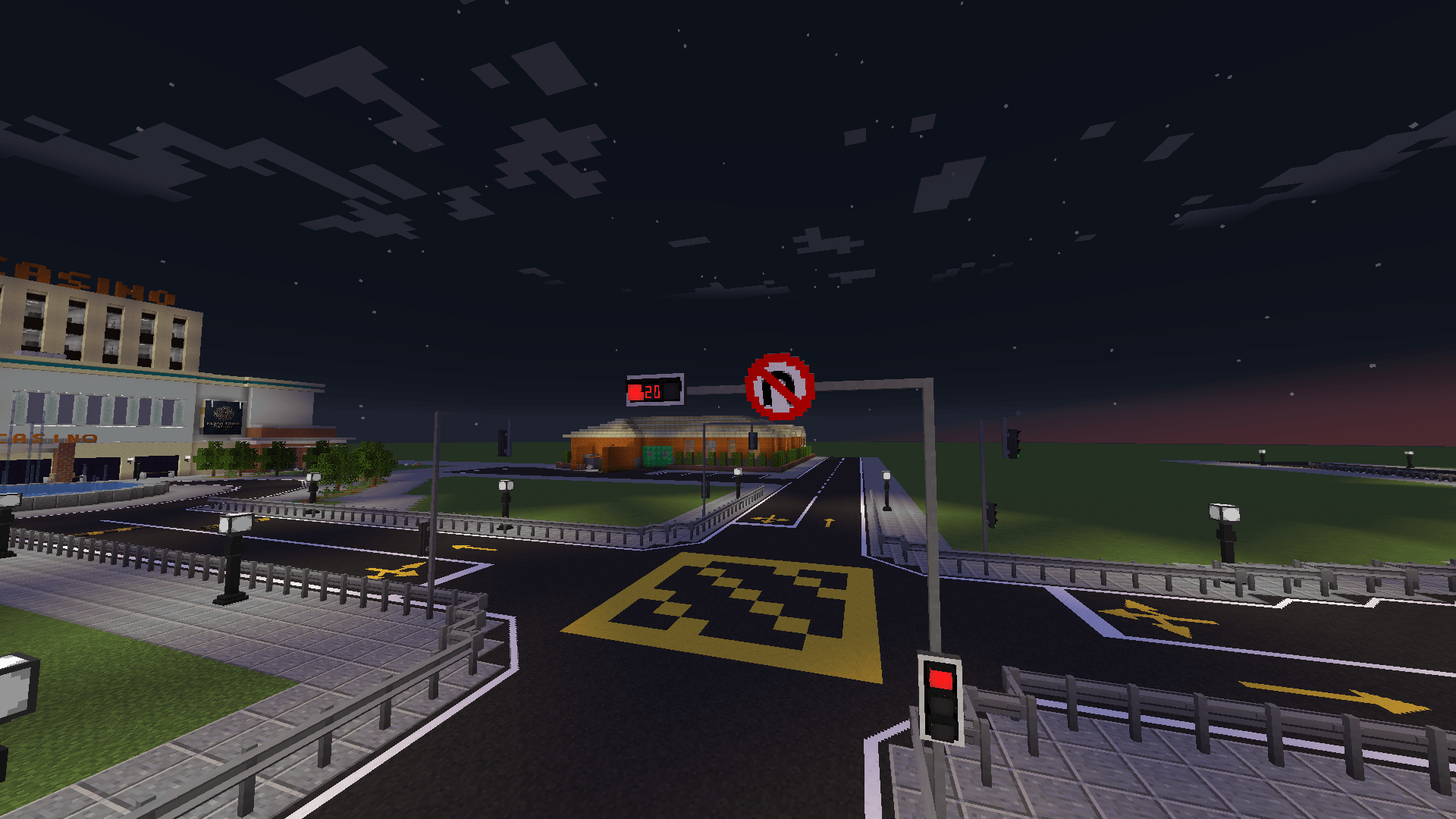
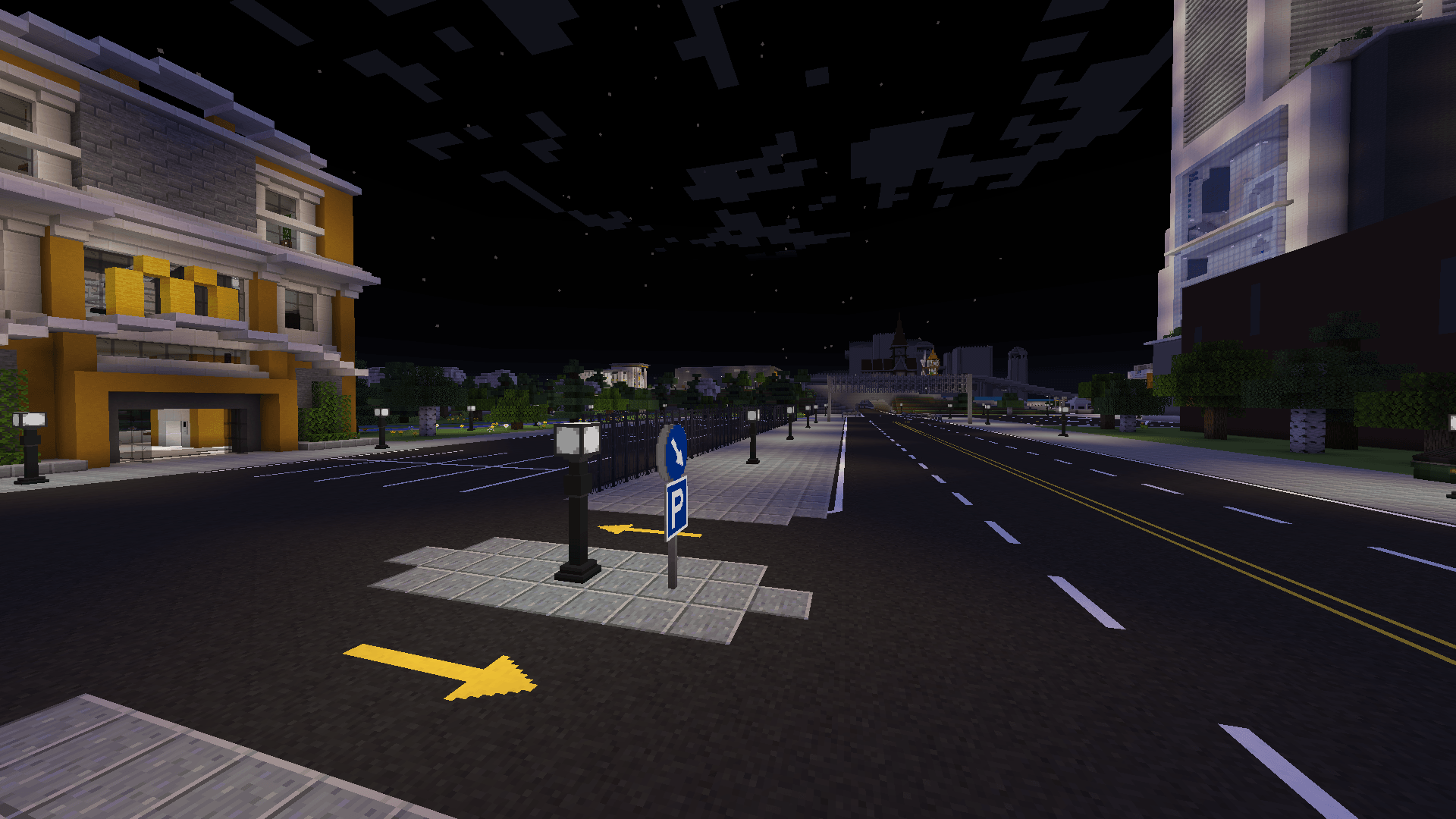
介绍
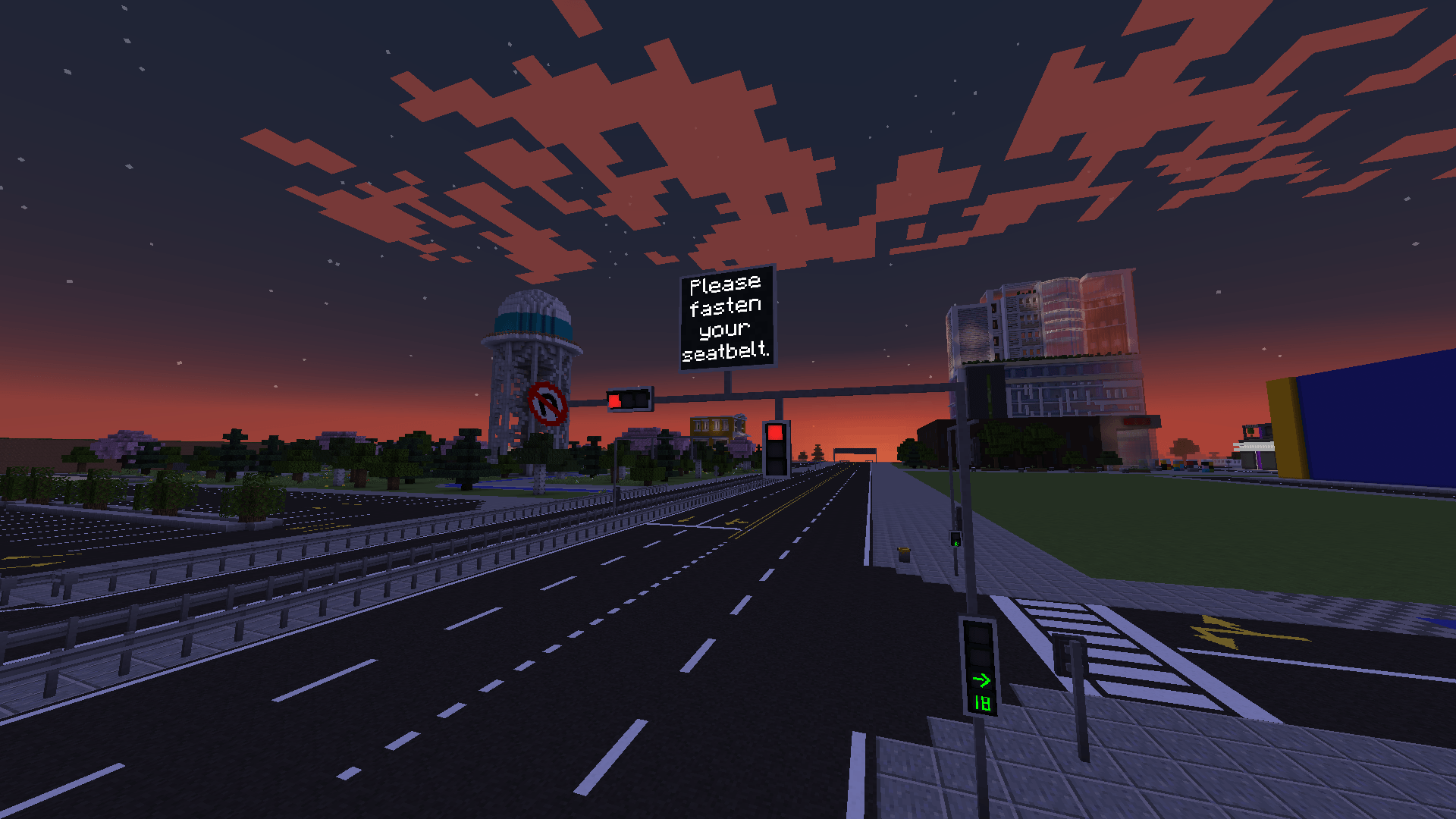
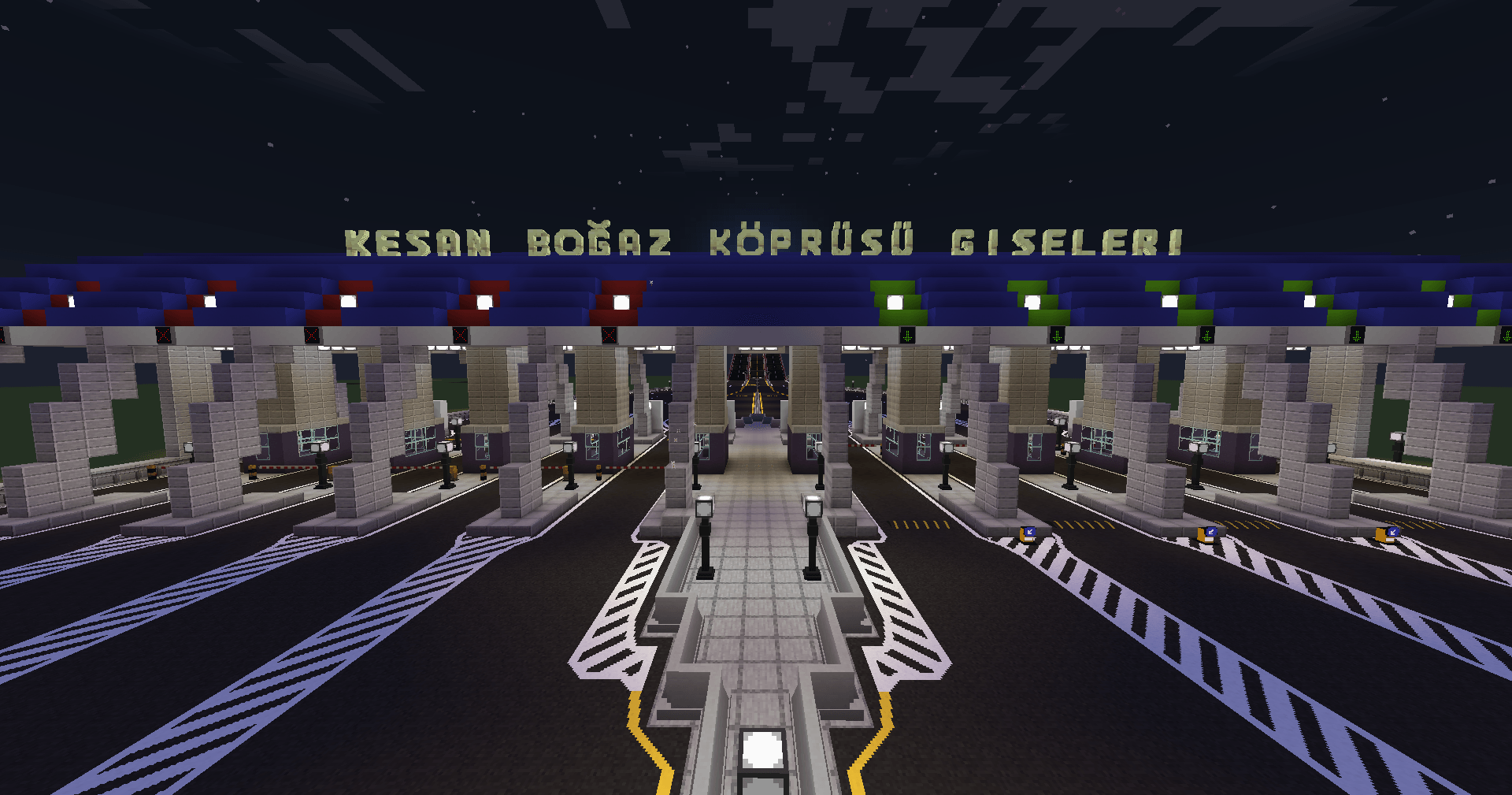
Traffic Engine brings customizable roads, working traffic lights, signs and modern street equipment to Minecraft.
Inspired by TrafficCraft, with expanded customization and new infrastructure.
🛣️ Roads & Markings
- Road Building: Six asphalt types, matching slopes, sidewalks, curbs and speed bumps.
- Road Painting: Create lane lines, arrows, crossings, smooth curves, roundabouts and connected markings across multiple blocks.
- Area Painting: Paint rectangular, triangular or custom quadrilateral areas with solid colors or hatching.
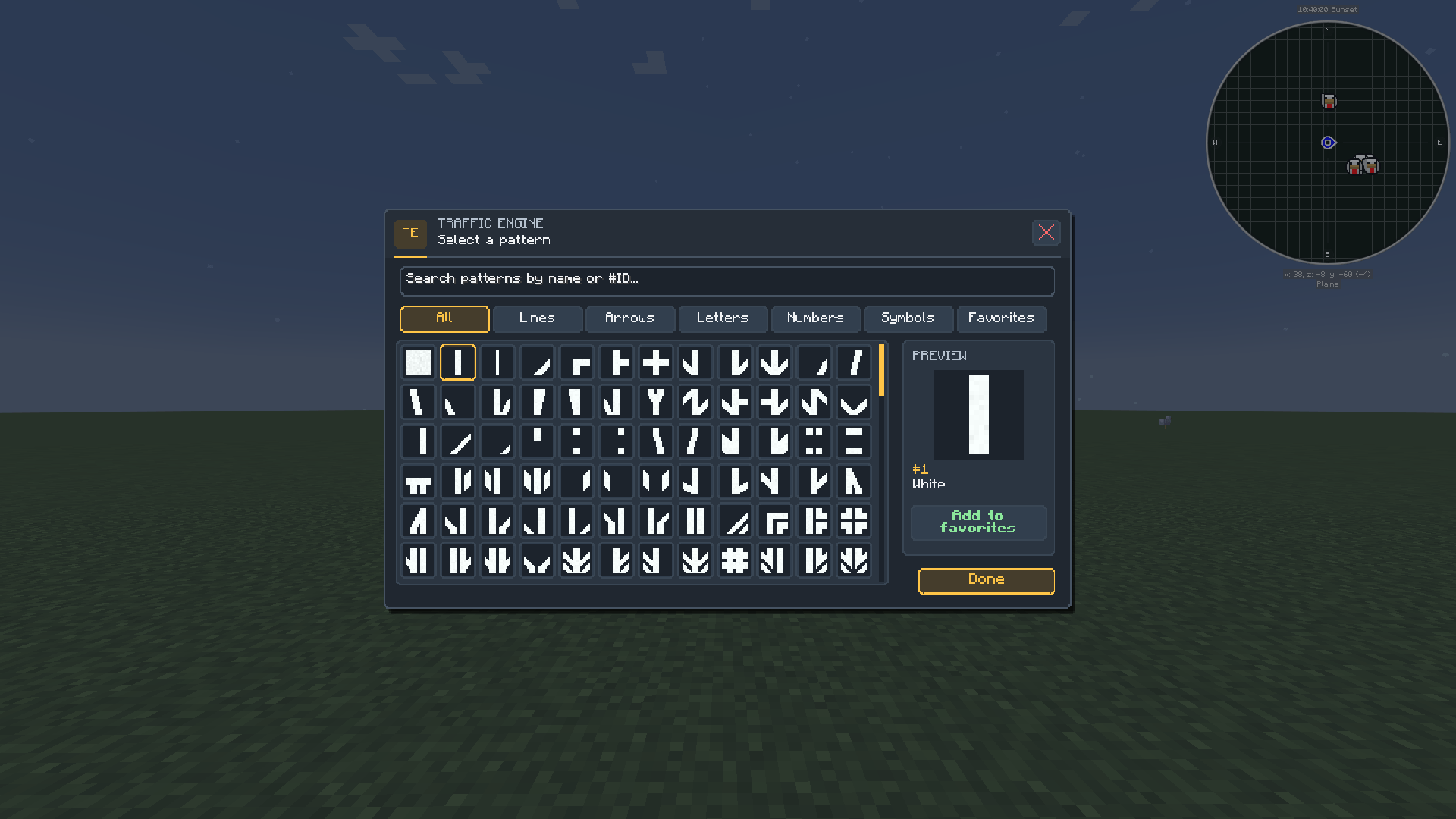
- Custom Patterns: Draw your own markings, import PNG images and save favorites.
🚦 Traffic Lights & Control
- Modern Traffic Lights: Circular lenses, realistic housings, vertical and horizontal layouts, adjustable lamps, symbols and countdowns.
- Double-Sided Lights: Independent settings and controller connections for each face.
- Custom Lamp Symbols: Use arrows, pedestrian and bicycle symbols, or individual custom drawings.
- Traffic Controllers: Build synchronized intersections with configurable timing and coordinated crossing signals.
- Warning Lights: Custom colors, single or dual lamps, adjustable layouts, flashing sequences and Redstone control.
🪧 Signs & Displays
- Traffic Signs: Flexible mounting, angled placement and double-sided designs.
- Road & Highway Signs: Multiple sizes with editable text, arrows, colors and layouts.
- Curve Direction Signs: Single or multiple arrows, selectable colors, diagonal placement and connecting wide panels.
- Custom Sign Workbench: Design and save your own traffic signs.
- Electronic Displays: Multicolor LED screens, scrolling information displays and configurable speed limits.
🚧 Roadside Equipment
- Poles & Lighting: Standard and curved traffic poles, flexible equipment mounting and customizable colored street lamps.
- Railings, Gates & Safety Barriers: Connecting pedestrian railings, sloped sections, matching gates and reflective wire mesh barriers.
- Bollards & Access Control: Retractable hydraulic bollards, parking barriers and foldable barriers with supported wrench or Redstone controls.
- Street Details: Guardrails, bicycle lane separators, illuminated traffic island bollards and pedestrian request buttons.
🎨 Tools & Optimization
- Modern Interfaces: Clean menus, intuitive controls and live previews.
- Drawing Tools: Pixel editors with adjustable pencil and eraser sizes, plus PNG import in supported editors.
- Survival Ready: Craft road materials and traffic equipment in Survival mode.
- Performance-Focused: Cached models, bounded caches and event-driven updates help reduce repeated work.
🔄 TrafficCraft Migration
Automatically converts supported TrafficCraft roads, signs, custom patterns, traffic lights and their settings.
💬 Feedback & Bug Reports
🌆 Join Our Discord — CityWorks Community!
Join CityWorks Community, the shared community hub for Traffic Engine, CraftDistrict and Sign Builder!
Connect with fellow Minecraft city builders, showcase your creations, get support, report bugs, suggest new features, and stay updated on the latest mod releases and development news.
Whether you’re designing custom signs, decorating detailed interiors or building realistic roads, there’s a place for you in our community!

Created by Destan
常见问题
Traffic Engine 支持哪些 Minecraft 版本?
Traffic Engine 支持 Minecraft Java 版 1.20.1–1.21.1,共 2 个版本,可用的加载器:Fabric / Forge / NeoForge。下载时注意选择和你游戏版本一致的文件。
Traffic Engine 怎么安装?
先用 PCL2 或 HMCL 启动器安装对应版本的 Fabric / Forge / NeoForge,再把下载的 .jar 文件放进游戏目录的 mods 文件夹,重新启动游戏即可。开启了版本隔离的,mods 文件夹在 versions/版本名 下面。
destann 的其他作品
查看全部 →
Sign Builder
Build, paint, and automate custom 3D letters, numbers, symbols, and backplates with 40 dynamic materials, multi-blocks, and interactive Redstone.

Sign Builder
Build, paint, and automate custom 3D letters, numbers, symbols, and backplates with 40 dynamic materials, multi-blocks, and interactive Redstone.
评论
登录后评论和评分