
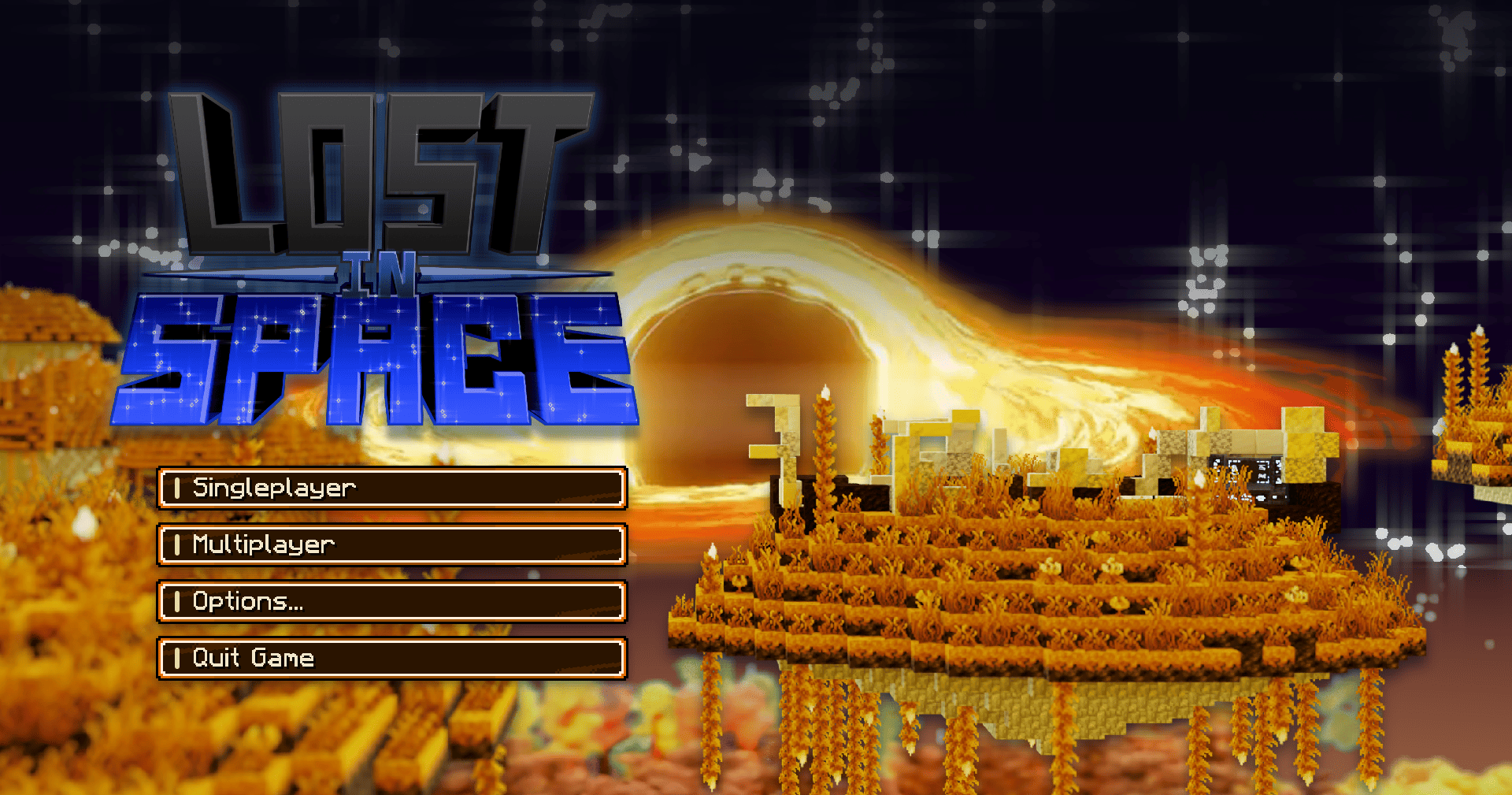
Lost in Space [LiS]
A story-driven tech and magic modpack set on a mysterious alien planet, where exploration, photography, industry, and ancient rituals intertwine with the mystery of your crash.
截图
介绍

Lost in Space
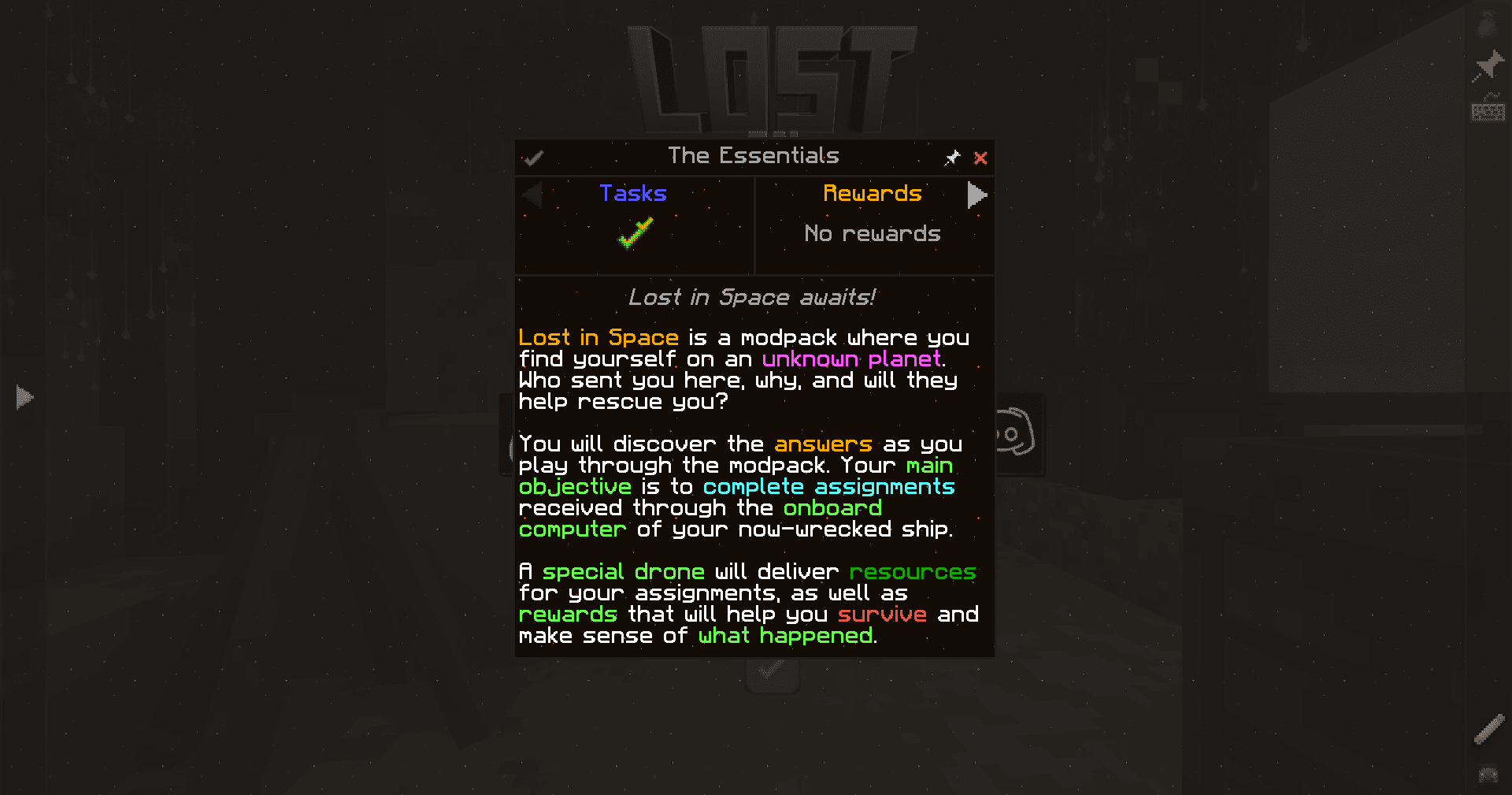
Your ship has crashed on an unknown planet. The onboard computer still works, unfamiliar voices are calling, and the first drone arrives carrying a camera.
Apparently, surviving a crash doesn’t get you out of work.
Lost in Space is a story-driven tech and magic modpack about making a home in an unfamiliar world and uncovering who’s sending orders through your surviving terminal. What begins with photographing alien wildlife gradually leads to industrial machinery, spirits, and rituals your contacts seem reluctant to explain.
An Unfamiliar Voice on the Line
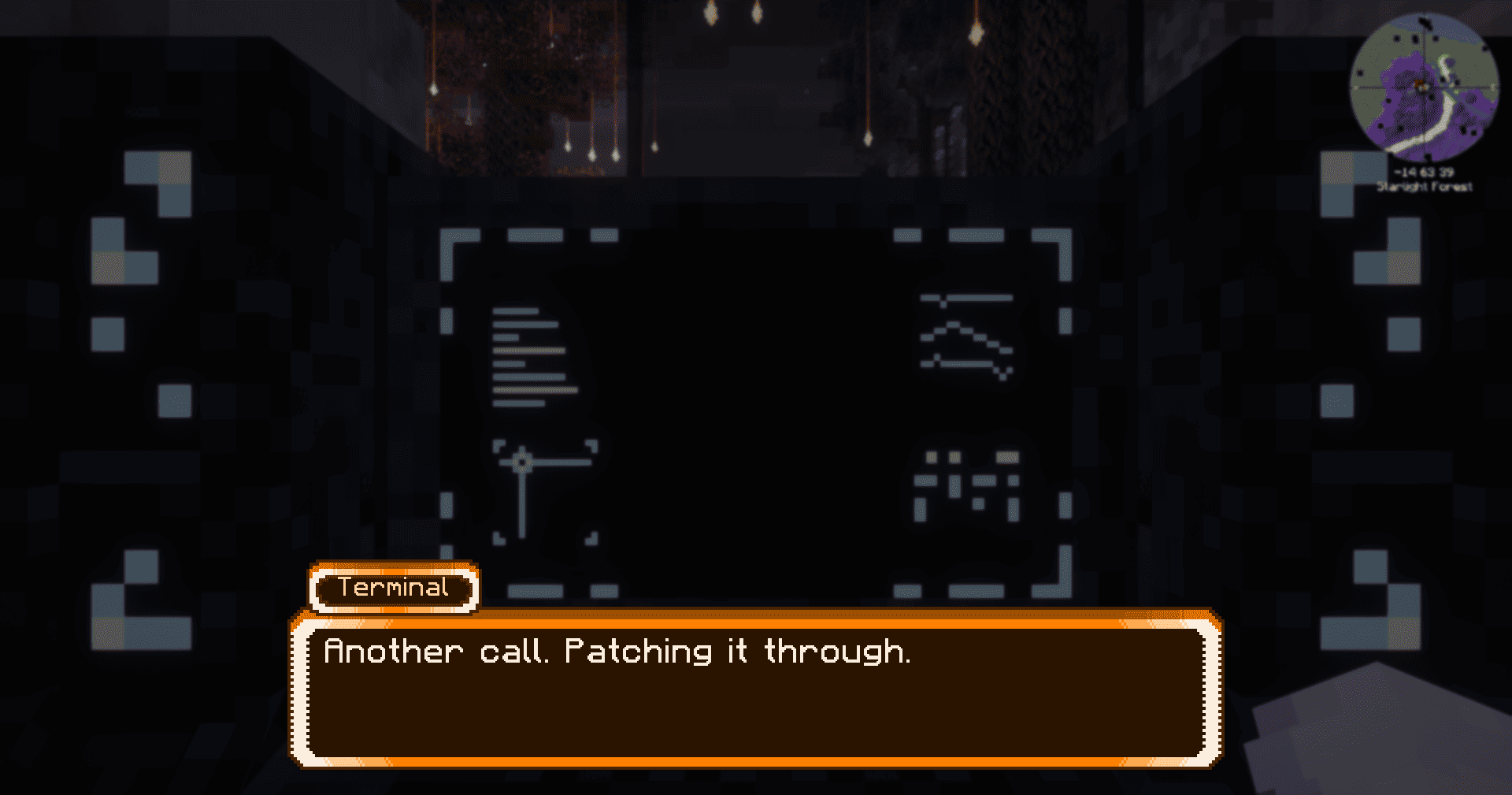
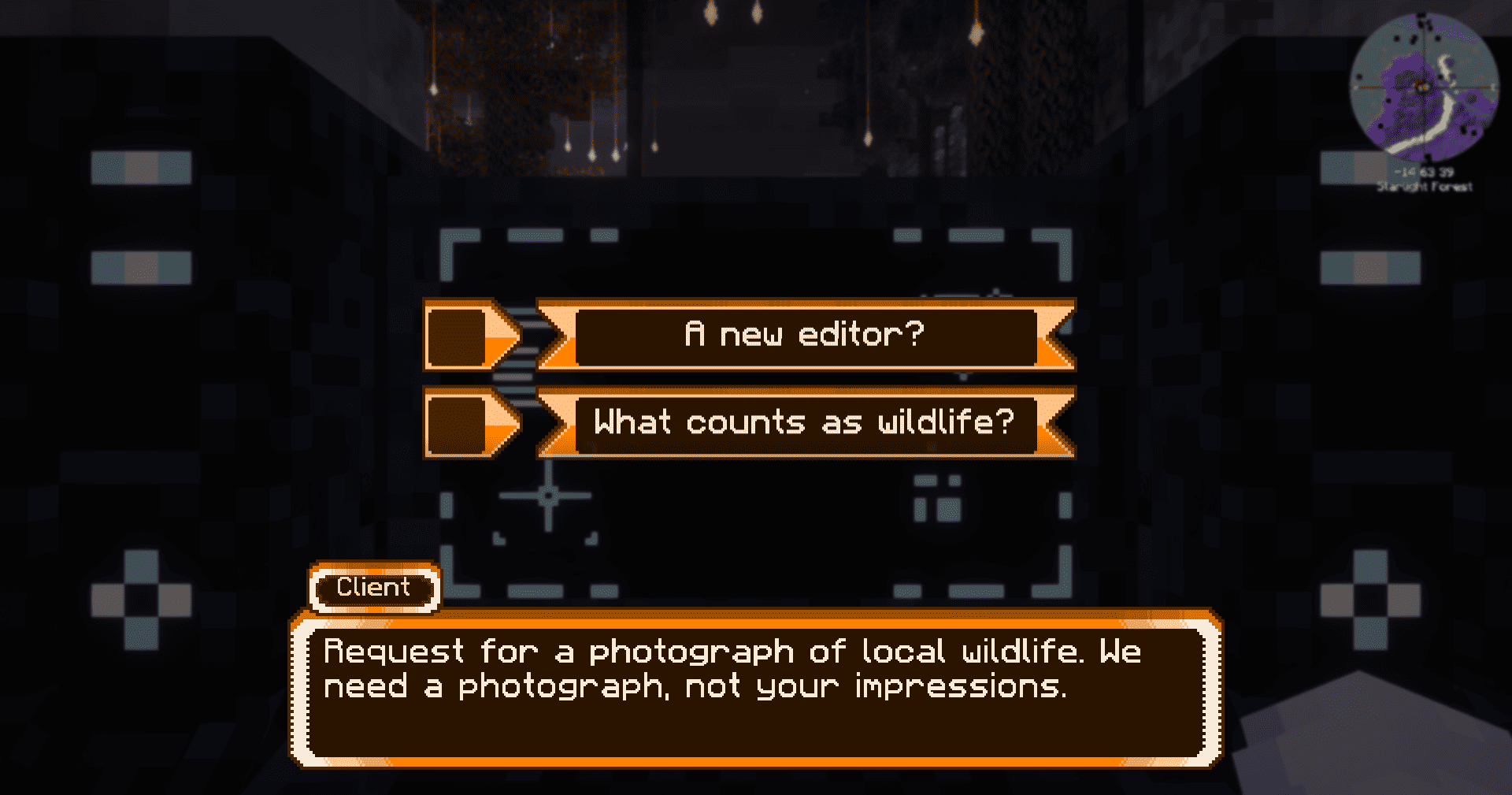
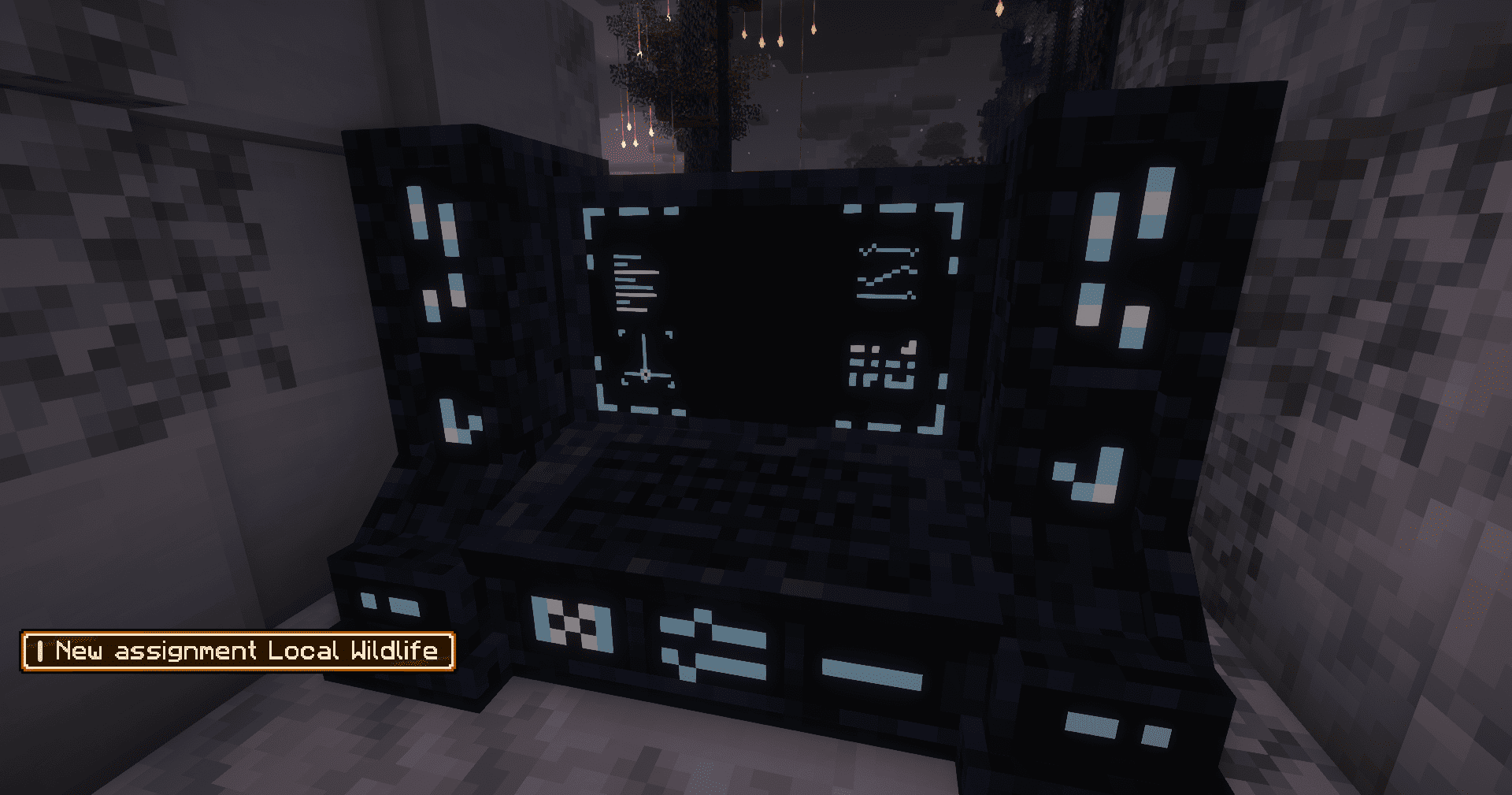
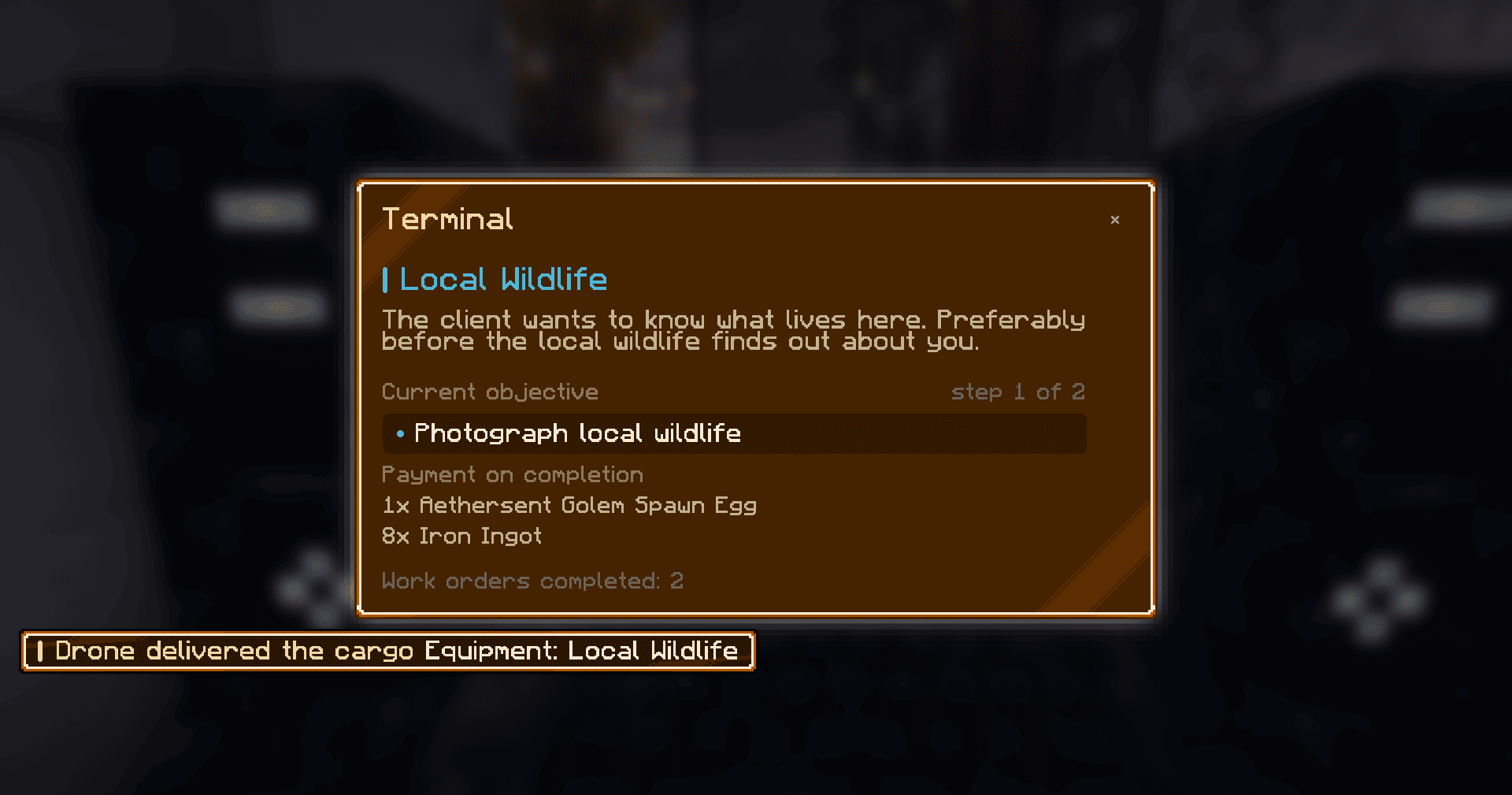
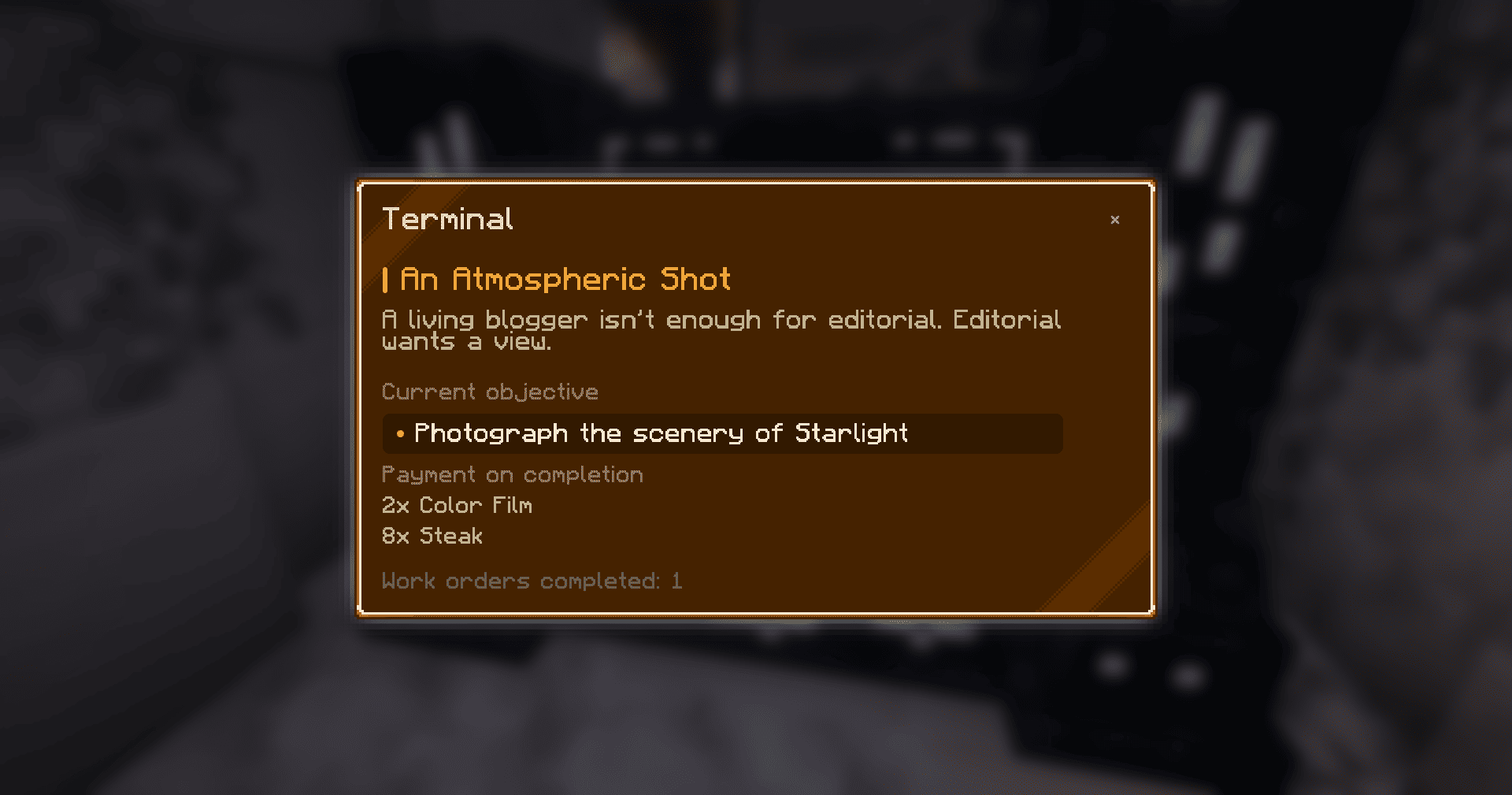
Your ship’s terminal is your connection to the outside world. Use it to receive assignments, talk to your contacts, and piece together what’s happening.
A delivery drone brings equipment and rewards, then collects the samples and photographs you’ve prepared. Each assignment helps you progress and gives you another reason to question the intentions of whoever is on the other end.
Explore, Photograph, Survive
Your new home is Eternal Starlight, a world filled with unusual biomes, alien creatures, ancient structures, and dangerous enemies.
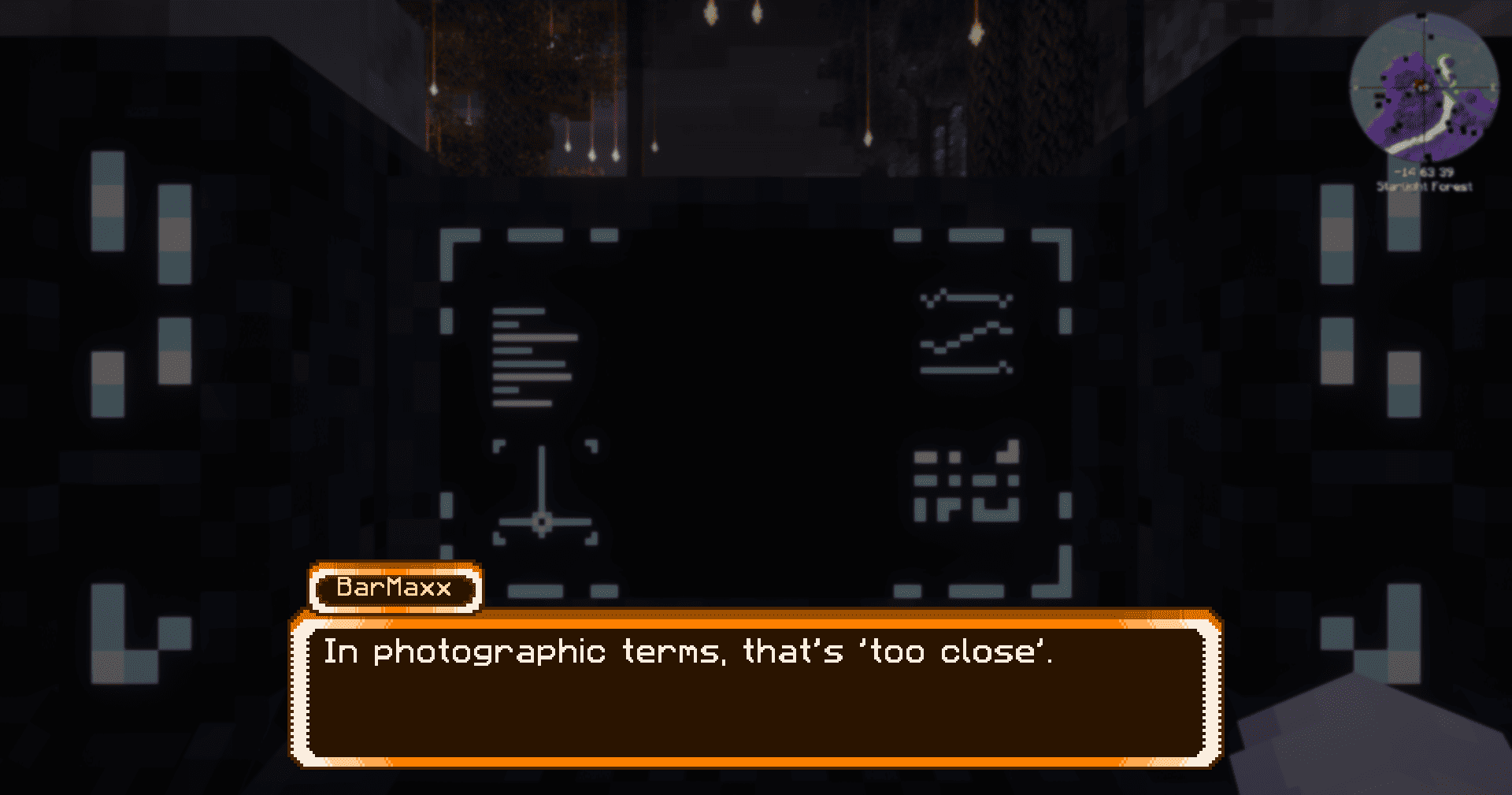
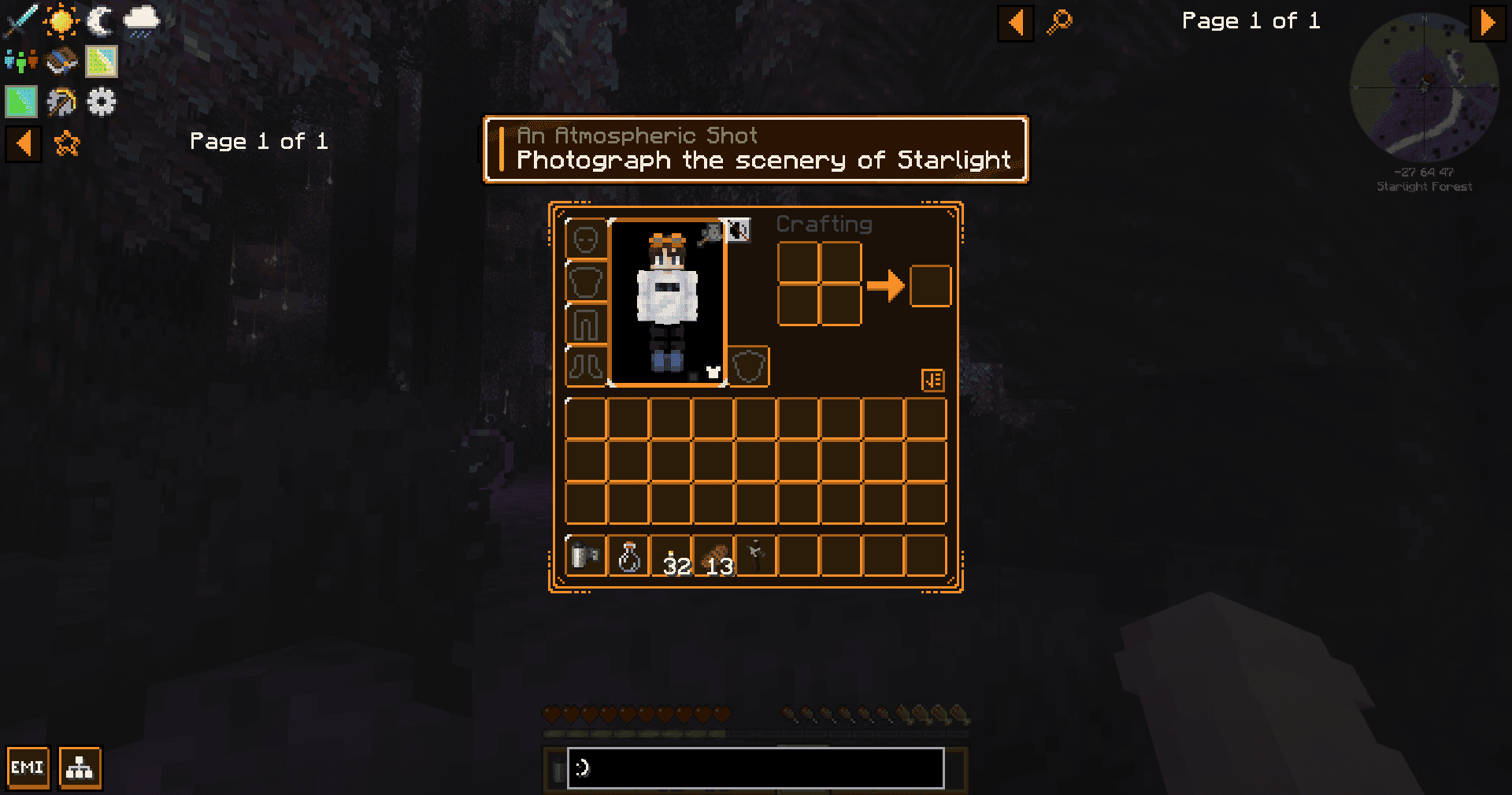
Your camera is part of your survival kit. Photograph landscapes, document local wildlife, venture into ruins, and try to return with a picture of something you probably shouldn’t have approached.
From Generators to Altars
New assignments will require you to explore several interconnected disciplines:
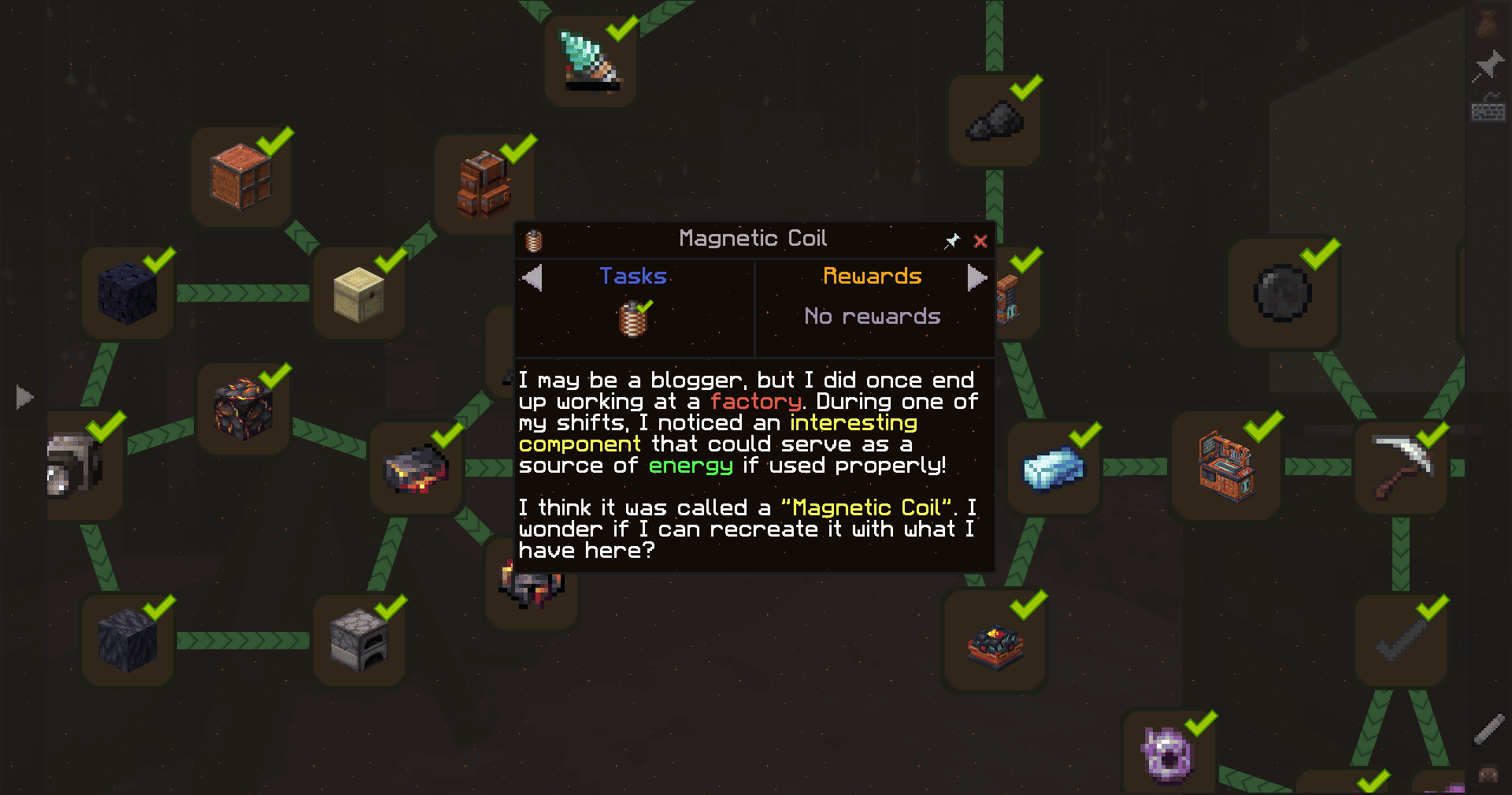
- Oritech and Ender IO – generate power, process resources, produce alloys, and build machines and electric tools.
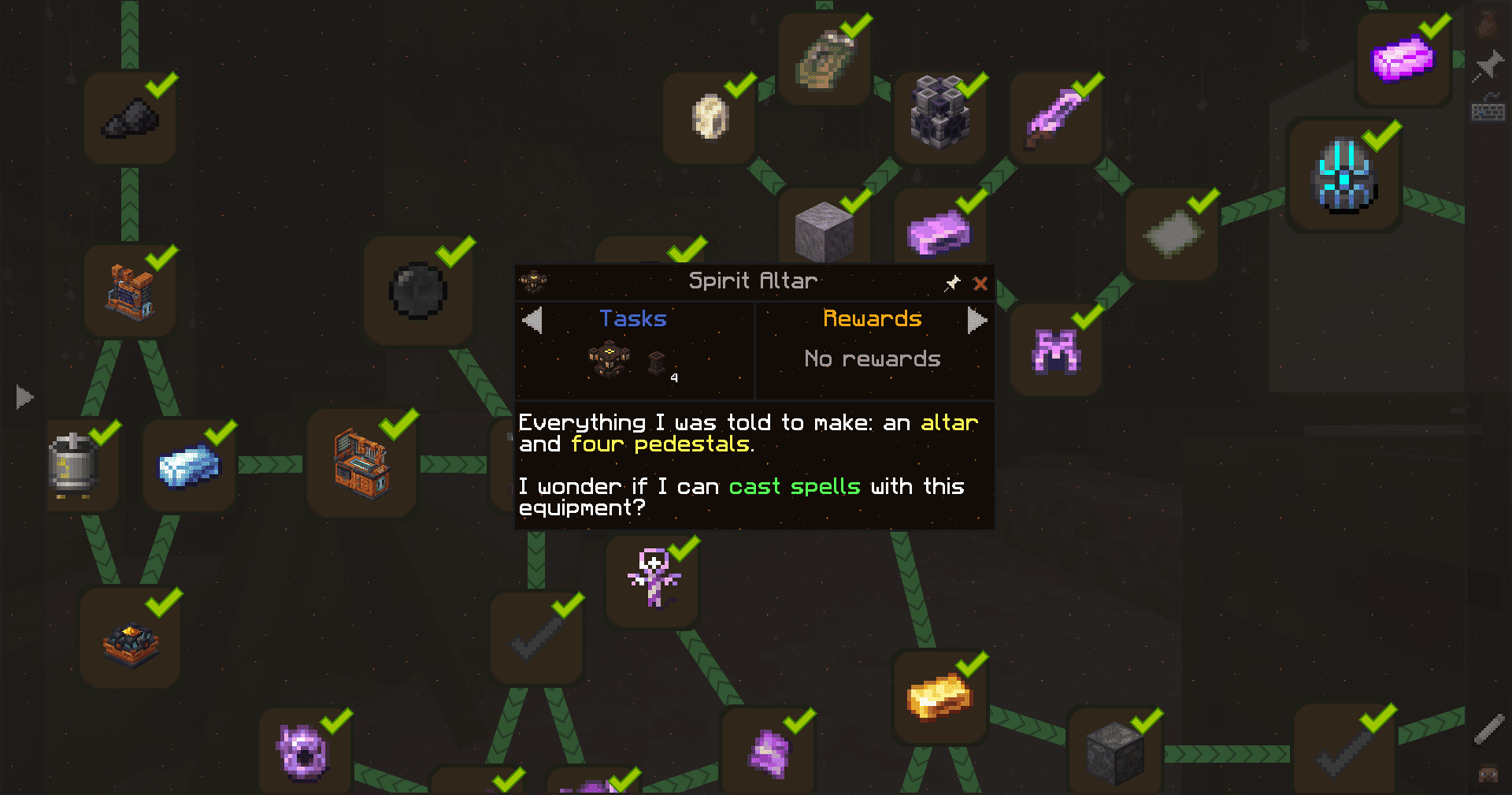
- Malum, Occultism, and NeoVitae – work with spirits, summon otherworldly beings, and experiment with altars and rituals fueled by life force.
- Better Combat and Gateways to Eternity – take on combat challenges with fluid melee attacks and summoned waves of enemies that put your equipment and preparation to the test.
- Eternal Starlight – explore unfamiliar terrain, gather unusual materials, and confront the world’s inhabitants.
- Exposure – shoot on film, develop photographs, and complete assignments that check what’s actually in the frame.
- Reanimated and Eating Animation – bring more movement and personality to creatures and everyday actions.
- AmbientSounds and Sound Physics Remastered – immerse yourself in environmental soundscapes, echoes, and sounds shaped by your surroundings.
- Particular, Subtle Effects, and Visuality – enrich the world with particles and small visual details that make exploration feel more alive.
Technology and magic are woven into the story’s progression. Today, you might need steel for new equipment. Tomorrow, you might be asked to build an altar beside a running machine.
Features
- Custom story dialogues with response options, humor, and a mystery that unfolds as you progress.
- A HollowEngine quest system featuring an interactive terminal, quest journal, and objective tracking.
- An animated drone that delivers supplies and collects outgoing shipments.
- A supplementary FTB Quests book to guide you through items and mechanics.
- Quests, story dialogues, and custom interfaces available in English and Russian.
Minecraft 1.21.1 · NeoForge
Created by BMProjects in seven days for ModPackJam, based on the theme “I do what I’m told.”
Connection established. Your next assignment is waiting.

常见问题
Lost in Space [LiS] 支持哪些 Minecraft 版本?
Lost in Space [LiS] 基于 Minecraft Java 版 1.21.1,使用 NeoForge 加载器。
Lost in Space [LiS] 怎么安装?
点本页「前往下载」拿到整合包文件(Modrinth 的是 .mrpack,CurseForge 的是 .zip),在 PCL2 或 HMCL 启动器里选择「导入整合包」,启动器会自动装好 Minecraft、加载器和全部模组。建议在启动器里给游戏分配 4–6 GB 内存。
Lost in Space [LiS] 开服需要多大内存?
推荐服务器内存 12 GB。在线人数多、或者建了大量机器和区块加载器时,可以再加 2–4 GB。
怎么和朋友一起玩 Lost in Space [LiS]?
点本页的「一键开服」,选好配置后会自动安装 Lost in Space [LiS] 的服务端,几分钟就能开好。把服务器地址发给朋友,大家用同一个版本的整合包连进去就行。
TheBarMaxx 的其他作品
查看全部 →
Endless Rise Remastered
1.16.5 Forge 整合包,主题是从原始时代进化到太空,包含 600+ 任务、1000+ 修改配方、自定义物品、自定义设计等更多内容!

Gloomy Rise
Expert TechoMagic & RPG Modpack for 1.16.5 Forge with 550+ Quests | 500+ Changed recipes | Custom Items | Custom Designs | and more!

SeasonHud Tweaks
Some tweaks and improvements for SeasonHud mod!

Endless Rise Tweaks
Some tweaks and improvements for Endless Rise: Remastered modpack!
评论
登录后评论和评分