介绍
Check also my other mods:
Direction Build (helps to build in one way while holding right mouse key)
Fast Builder (also FastDestroy)
ClearVision (NightVision + FullBrightness + FluidVision)
FreeCam
This allows to bind a macros for a specific key.
For example you may bind the command “/rtp” to key “R” at your keyboard.
Important: It’s also allows you to create a macros that will be opened in the new chat screen when you press a specific button. To force Command Binder to open a chat with a specific macros just add # symbol before your macros. For example: /cb add #! will open open chat with already typed ! every time when you press the specific binded key
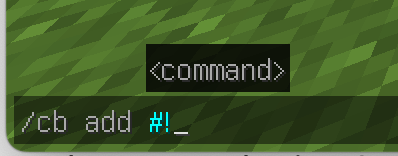

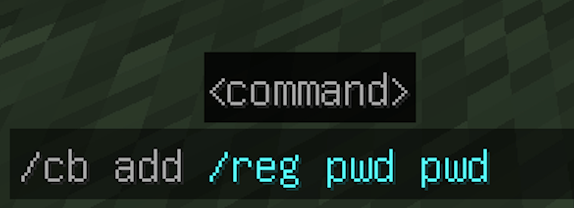
To ADD a new macros type “/cb add <your macros>” to the chat
To BIND a key for a macros just open Minecraft’s “Options” -> “Controld” -> “Key Binds” 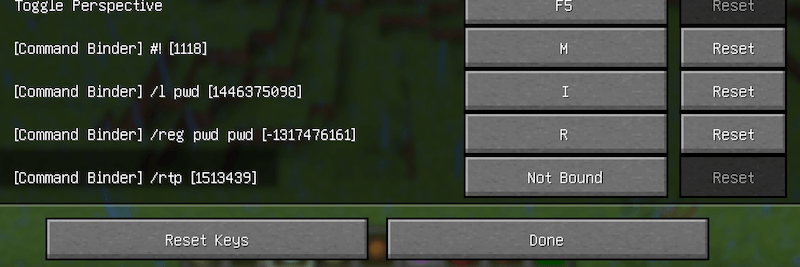
To SHOW ALL macroses type “/cb list” to the chat
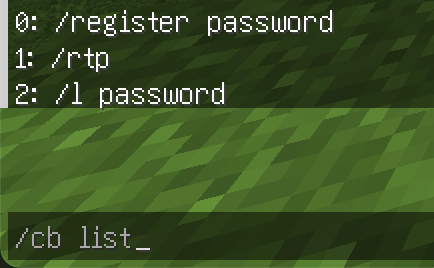
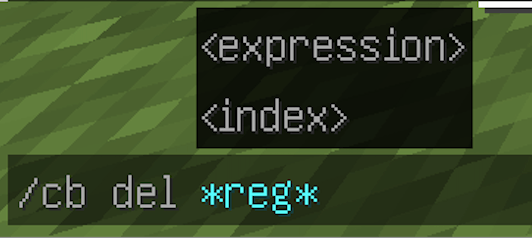
To DELETE a macros type “/cb del <macros>” or you may specify an <index> from “/cb list” output. Also you may use expressions and specify “*” instead of typing the whole command. For example: “/cb del *reg*” will delete all macroses that contain “reg” symbols
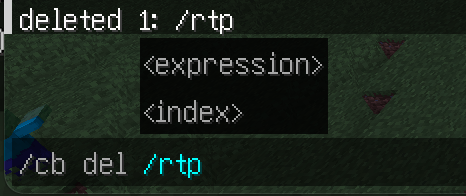
or <index>
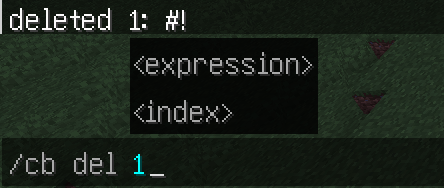
or <expression>
常见问题
CommandBinder (Macros Binder) 支持哪些 Minecraft 版本?
CommandBinder (Macros Binder) 支持 Minecraft Java 版 1.21,可用的加载器:Forge。下载时注意选择和你游戏版本一致的文件。
CommandBinder (Macros Binder) 怎么安装?
先用 PCL2 或 HMCL 启动器安装对应版本的 Forge,再把下载的 .jar 文件放进游戏目录的 mods 文件夹,重新启动游戏即可。开启了版本隔离的,mods 文件夹在 versions/版本名 下面。
kapiteon 的其他作品
查看全部 →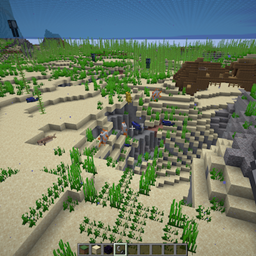
ClearVision (NightVision/FullBrightness + FluidVision)
允许使用夜视效果,并可以关闭世界和液体的迷雾!

FreeCam by kapiteon
FreeCam。类似旁观者模式。

FastBuilder (also FastDestroy)
Mod allows you very quick place and remove blocks
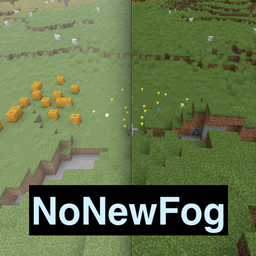
NoNewFog (NoGrayFog)
Removes Environmental fog introduced since Minecraft 1.21.6
评论
登录后评论和评分