
截图

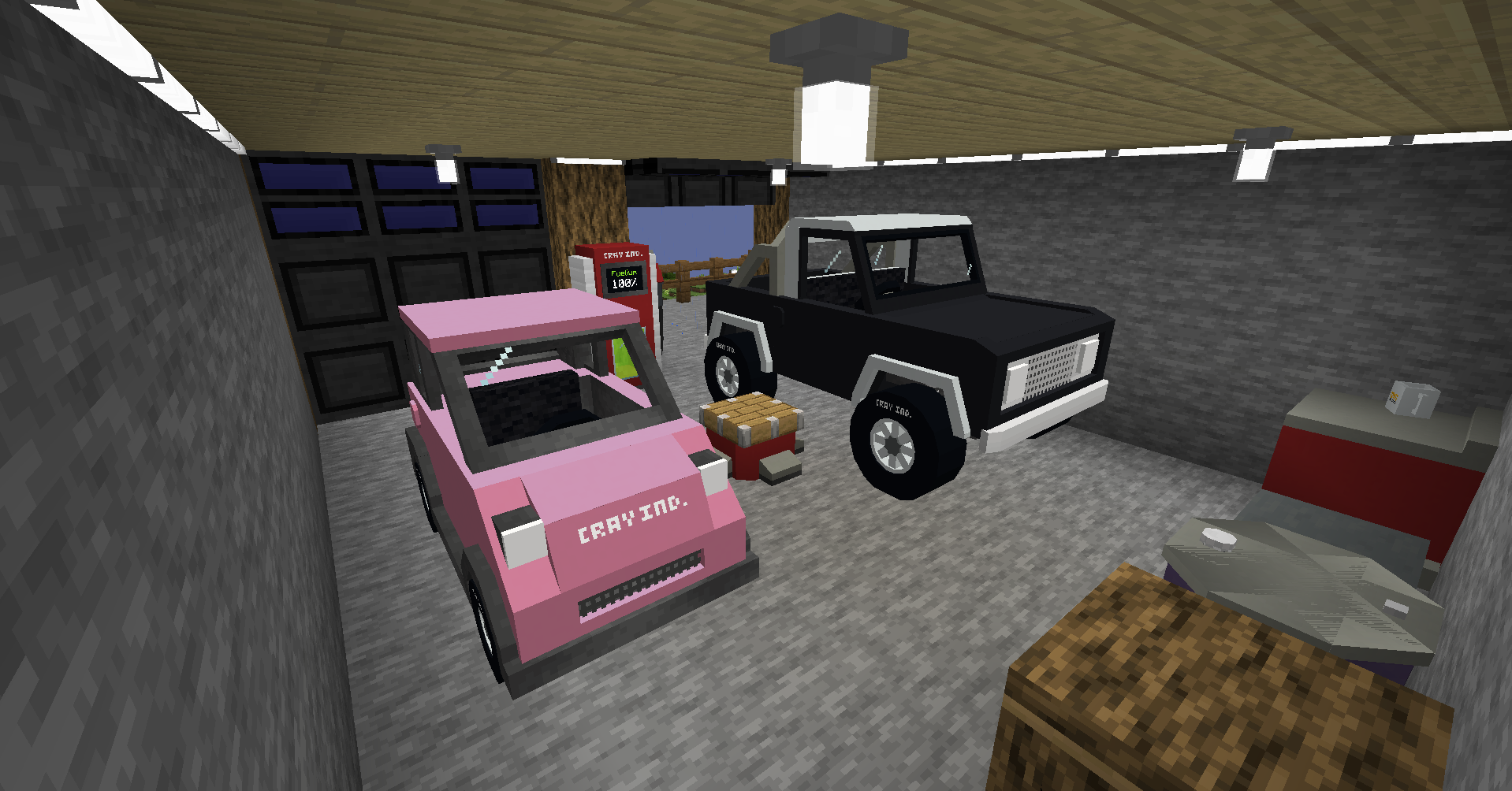
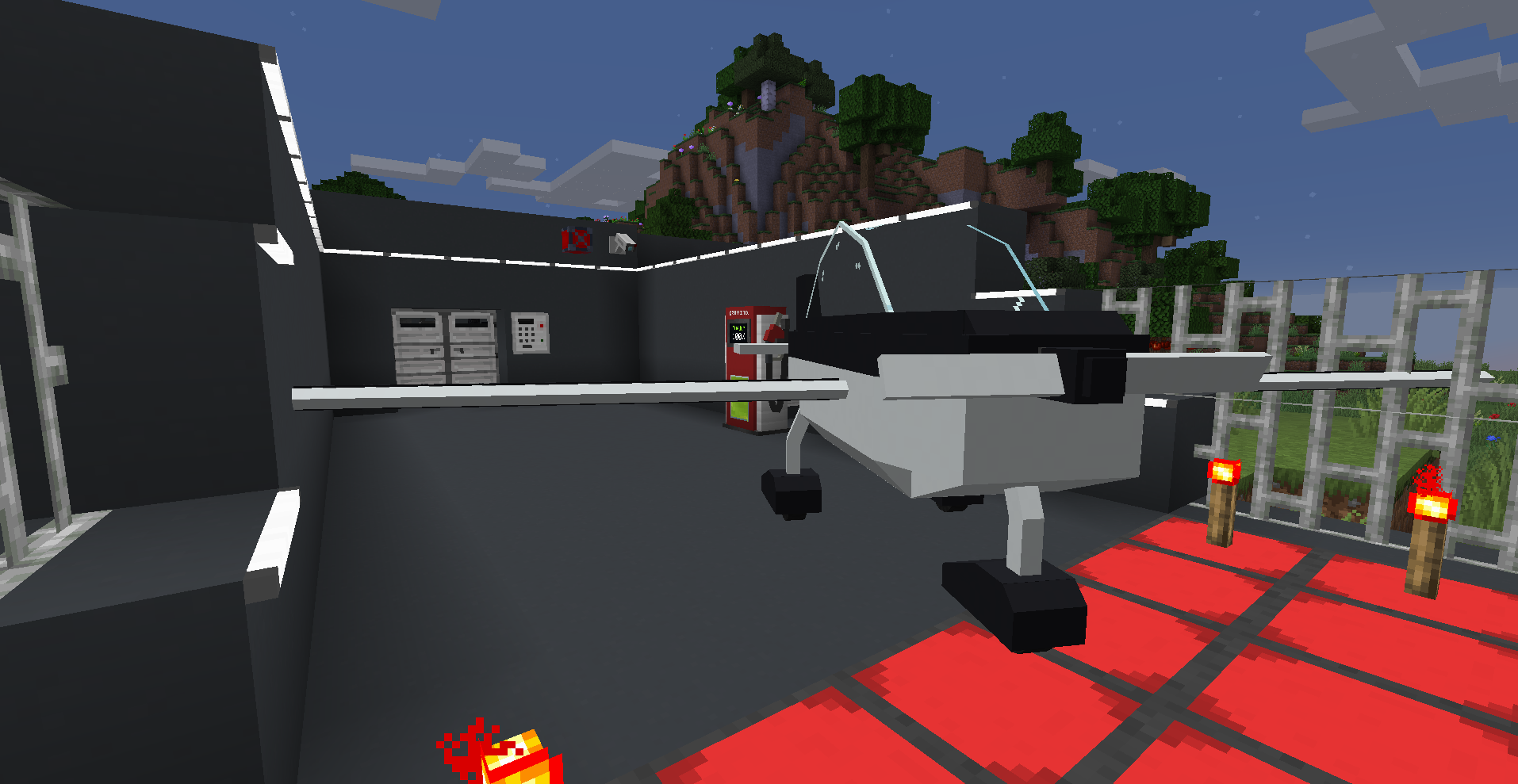
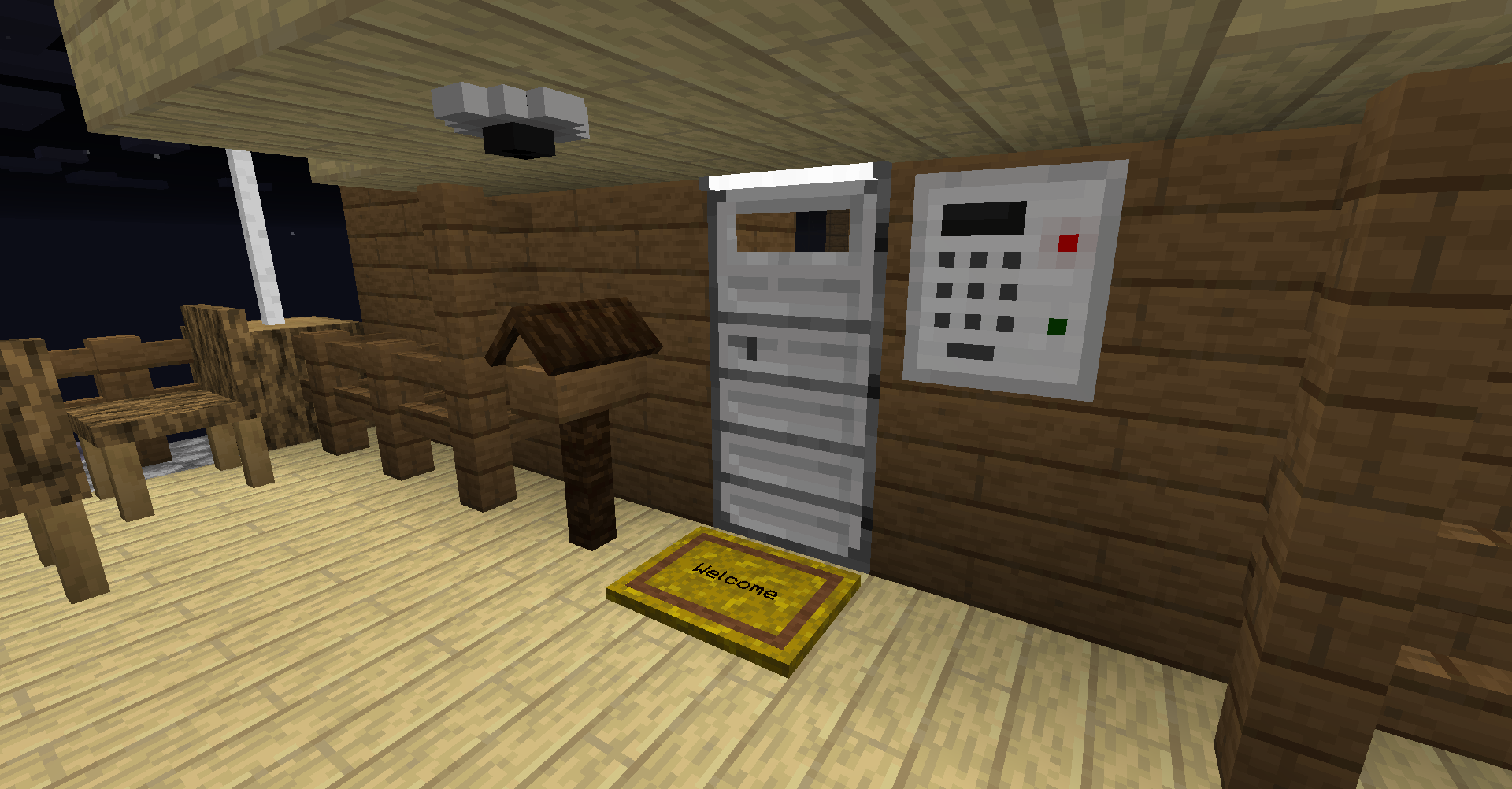
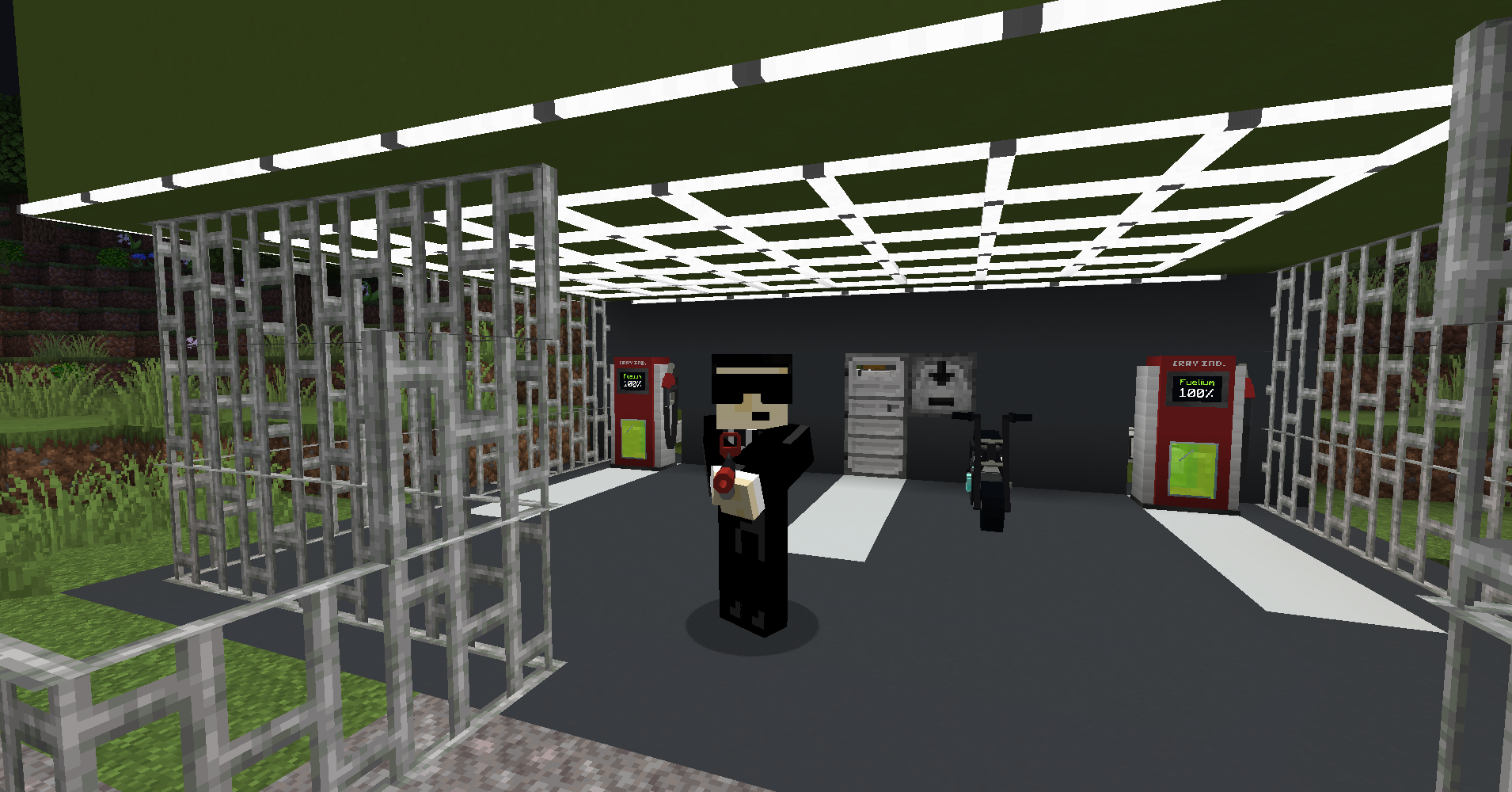
介绍
Remember: Install the latest version of the ModPack or you will not be able to join ModPixel!!!
You should set Default Memory settings to at least 6144MB (6GB) in the profile options, as using less than this can cause the game to freeze randomly, due to running out of Memory (RAM).
This modpack is for the modded minecraft server ModPixel (modpixel.net)!
Find out how to suggest a mod to be added to the server (and therefore this ModPack) on this page: https://modpixel.net/suggest
ModPixel is officially partnered with Kinetic Hosting
Get 15% off your first month with plans from just 1$ per GB by clicking the image below and using code ‘MODPIXEL’ at checkout!!!

ModPixel is a modded Minecraft server for the community.
By installing the latest version of this modpack you will be able to join ModPixel Network.
Installing the mods for ModPixel Network via curseforge is the most secure way to install the mods for our server as you are installing and downloading the required mods through curseforge. The other option is to download each mod we use on the server from their respective download pages and we cannot guarentee the files you download do not have malware in them. By downloading our ModPack on curseforge you are downloading the mods through cureforge’s ModPack system which is much more likely to be secure than looking for the specific versions of our mods on the wider internet.
It is also the only way to easily update your mods when we decide to add, remove or update the mods we use on the server. Whenever we decide to do this we will submit an updated version of the modpack on curseforge and you can easily install it with one click on the curseforge app for Windows or MacOS.
We have included the Faithful 32x Resource Pack with the ModPack as we feel it suits the mods we use on ModPixel. But, if you want, you don’t have to use it 🙂
Website: modpixel.net
Discord: discord.modpixel.net
The current list of mods we use for ModPixel:
– Security Craft v1.9.4
– Advanced Peripherals v0.7.10r
– Additional Lights v2.1.3
– CC: Tweaked v1.101.0
– Create v0.3.2g
– Create Crafts & Additions v20220129a
– Flywheel v0.2.5
– GraveStone Mod v1.0.6
– Iron Chests v11.2.21
– Ultimate Car Mod v1.0.17
– MrCrayfish Furniture Mod v7.0.0
– MrCrayfish Gun Mod v.1.2.6
– MrCrayfish Vehicle Mod v0.45.2
– CodeChickenLib v4.0.7.445
– Configured v1.5.3
– JustEnoughItems v7.7.1.153
– JourneyMap v5.8.5
– Macaw’s Bridges v2.0.6
– Macaw’s Doors v1.0.8
– Macaw’s Fences and Walls v1.0.7
– Macaw’s Furniture v3.0.2
– Macaw’s Lights and Lamps v1.0.5
– Macaw’s Paintings v1.0.4
– Macaw’s Paths and Pavings v1.0.2
– Macaw’s Roofs v2.2.2
– Macaw’s Trapdoors v1.0.8
– Macaw’s Windows v2.1.1
– Mekanism v10.1.2.457
– Mekanism Additions v10.1.2.457
– Mekanism Generators v10.1.2.457
– Mekanism Tools v10.1.2.457
– Music Player v2.3.2.192
– Obfusucate v0.6.3
– Pam’s Harvestcraft 2 – Crops v1.0.2
– Pam’s Harvestcraft 2 – Food Core v1.0.2
– Pam’s Harvestcraft 2 – Food Extended v1.0.4
– Pam’s Harvestcraft 2 – Trees v1.0.1
– Simply Light v1.4.2
– The Twilight Forest v4.0.870
– ThutCore v8.2.0
– Thut’s Elevators v9.1.2
– U Team Core v3.2.1.229
常见问题
ModPixel 支持哪些 Minecraft 版本?
ModPixel 基于 Minecraft Java 版 1.16.5、1.16,使用 Forge 加载器。
ModPixel 怎么安装?
点本页「前往下载」拿到整合包文件(Modrinth 的是 .mrpack,CurseForge 的是 .zip),在 PCL2 或 HMCL 启动器里选择「导入整合包」,启动器会自动装好 Minecraft、加载器和全部模组。建议在启动器里给游戏分配 4–6 GB 内存。
ModPixel 开服需要多大内存?
推荐服务器内存 12 GB。在线人数多、或者建了大量机器和区块加载器时,可以再加 2–4 GB。
怎么和朋友一起玩 ModPixel?
点本页的「一键开服」,选好配置后会自动安装 ModPixel 的服务端,几分钟就能开好。把服务器地址发给朋友,大家用同一个版本的整合包连进去就行。
评论
登录后评论和评分