
Death Compass [Legacy Fabric]
No clue where you last died? How about a free compass to lead you there!
介绍
Death Compass is discontinued as of 2022-07-20. Use Minecraft’s new Recovery Compass in 1.19+ instead!





📖 About:
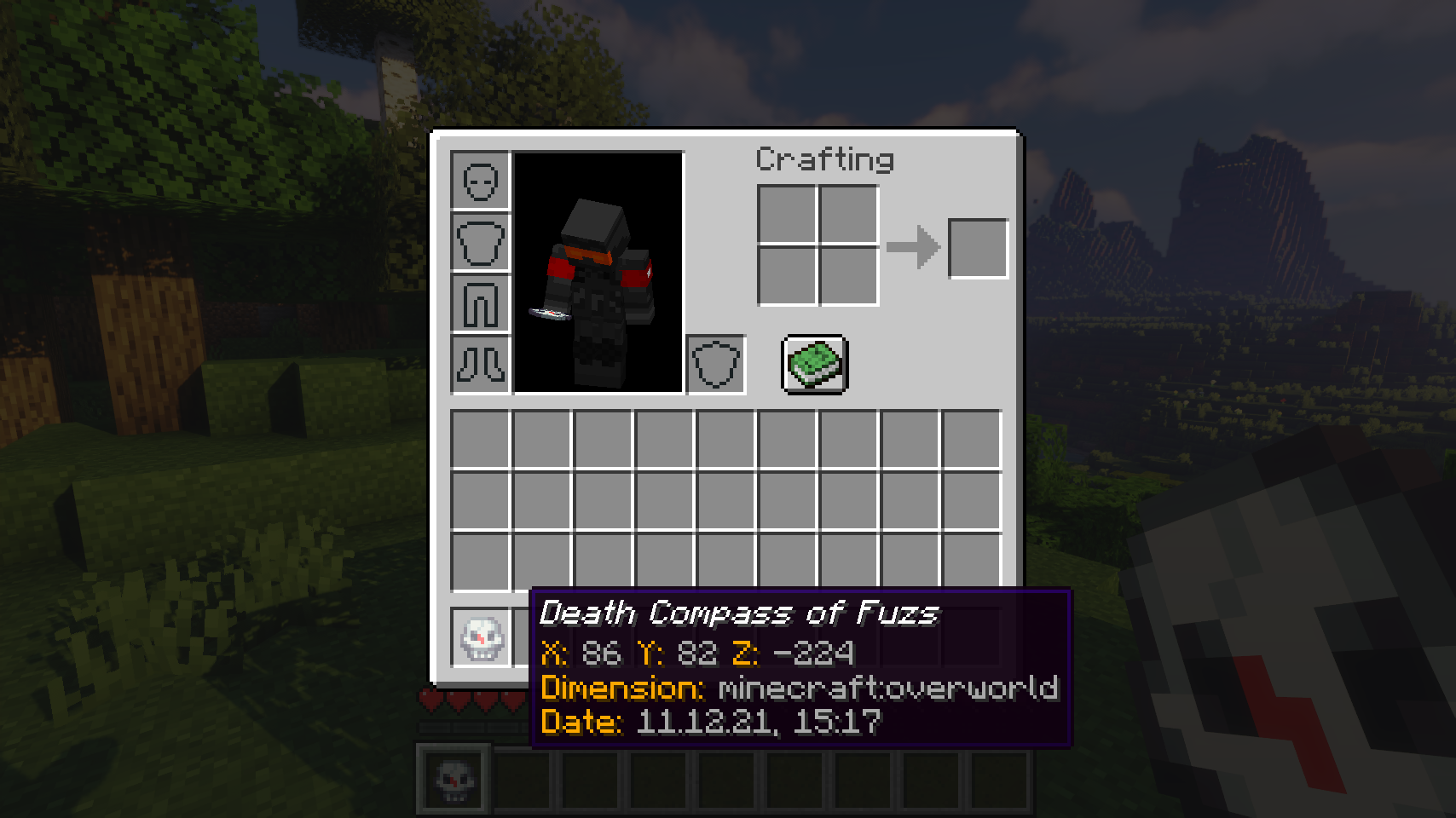
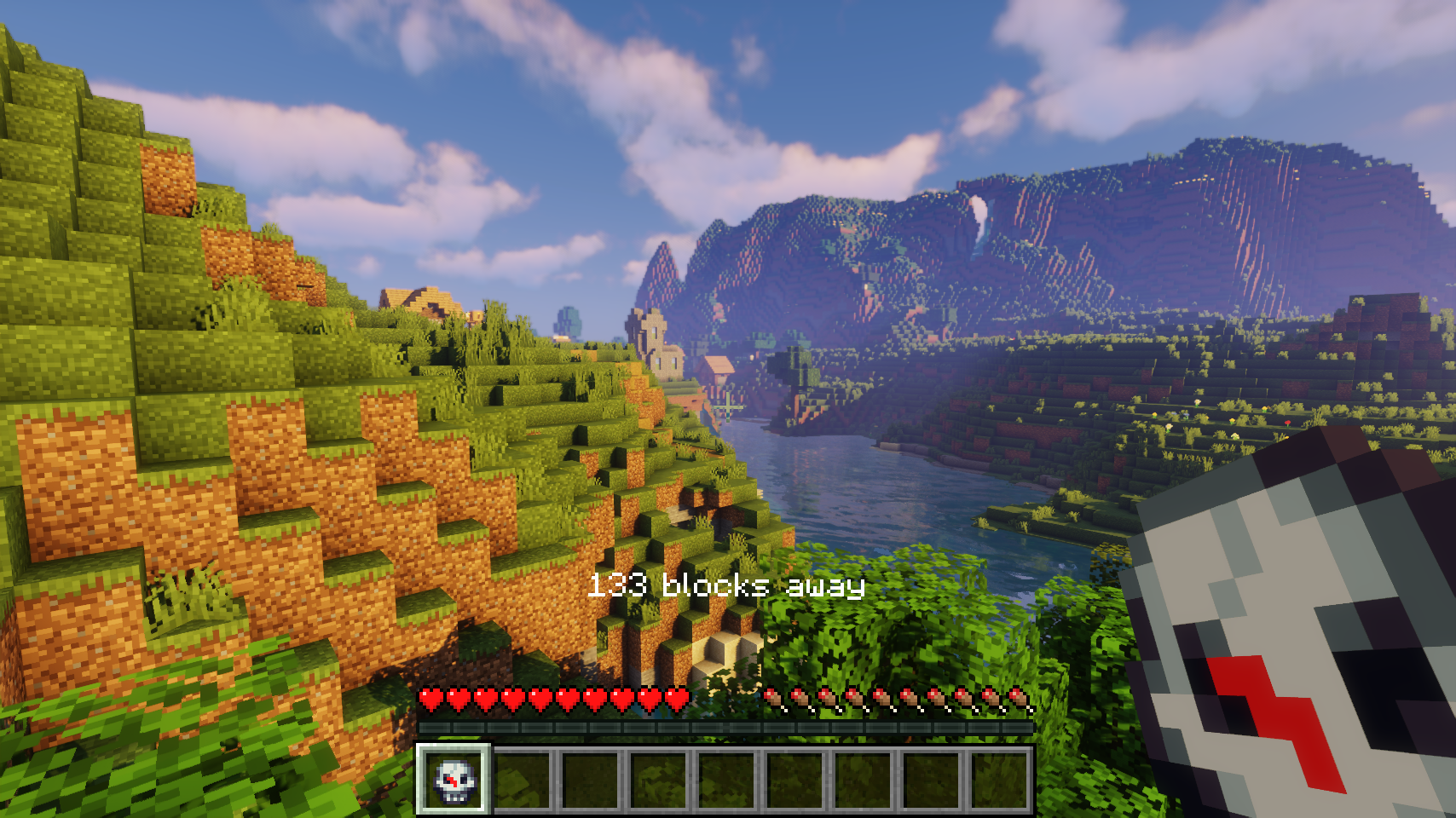
Death Compass gives you a useful compass whenever you die which will lead you back to your death point. Using the compass will also show how far you still have to go. The compass inventory tooltip even contains some useful information about your latest death.
📷 Media:
 |
 |
|
| You will receive a death compass after respawning | The item shows all the information about your last death | |
 |
||
| Use the compass to find your last death point | ||
💡 FAQ:
Q: How do I configure this mod?
A: Editing configs directly in-game has not yet been implemented. Instead when in a world run the /config showfile <modid> command by choosing either CLIENT or SERVER (depending on the mod), then click the file name (ending with .toml) that appears in chat to be able to manually edit the config file in a separate editor. After saving the file, the config will automatically reload in-game after a couple of seconds, so no game restart required.
Q: I’m not getting a death compass after respawning!
A: There are some cases such as being in creative mode where you won’t receive a death compass to not make this feature annoying. There are config options to change these behaviors though.
🏆 Credits:
Developing Death Compass was helped and inspired by:
- Vadis365 for the original idea from their old Death Compass mod
- Finalbossblues for their amazing icons available over on itch.io







 |
 |
|
 |
 |
|
常见问题
Death Compass [Legacy Fabric] 支持哪些 Minecraft 版本?
Death Compass [Legacy Fabric] 支持 Minecraft Java 版 1.18–1.18.2,共 3 个版本,可用的加载器:Fabric。下载时注意选择和你游戏版本一致的文件。
Death Compass [Legacy Fabric] 怎么安装?
先用 PCL2 或 HMCL 启动器安装对应版本的 Fabric,再把下载的 .jar 文件放进游戏目录的 mods 文件夹,重新启动游戏即可。开启了版本隔离的,mods 文件夹在 versions/版本名 下面。
Fuzs_Two 的其他作品
查看全部 →
Puzzles Lib [Legacy Fabric]
为什么叫“谜题”呢?这就是谜题所在!

Thin Air [Archived]
在地底深处和其他维度,空气并不总是可以呼吸的。

Trading Post [Legacy Fabric]
统治村庄!同时与所有村民交易!

Easy Magic [Legacy Fabric]
附魔台本该如此!关闭后物品仍会保留,还能轻松重新刷新附魔。
评论
登录后评论和评分