
Admin Command Tool
Easily Apply in-game commands and set custom commands with hotkeys.
截图
介绍
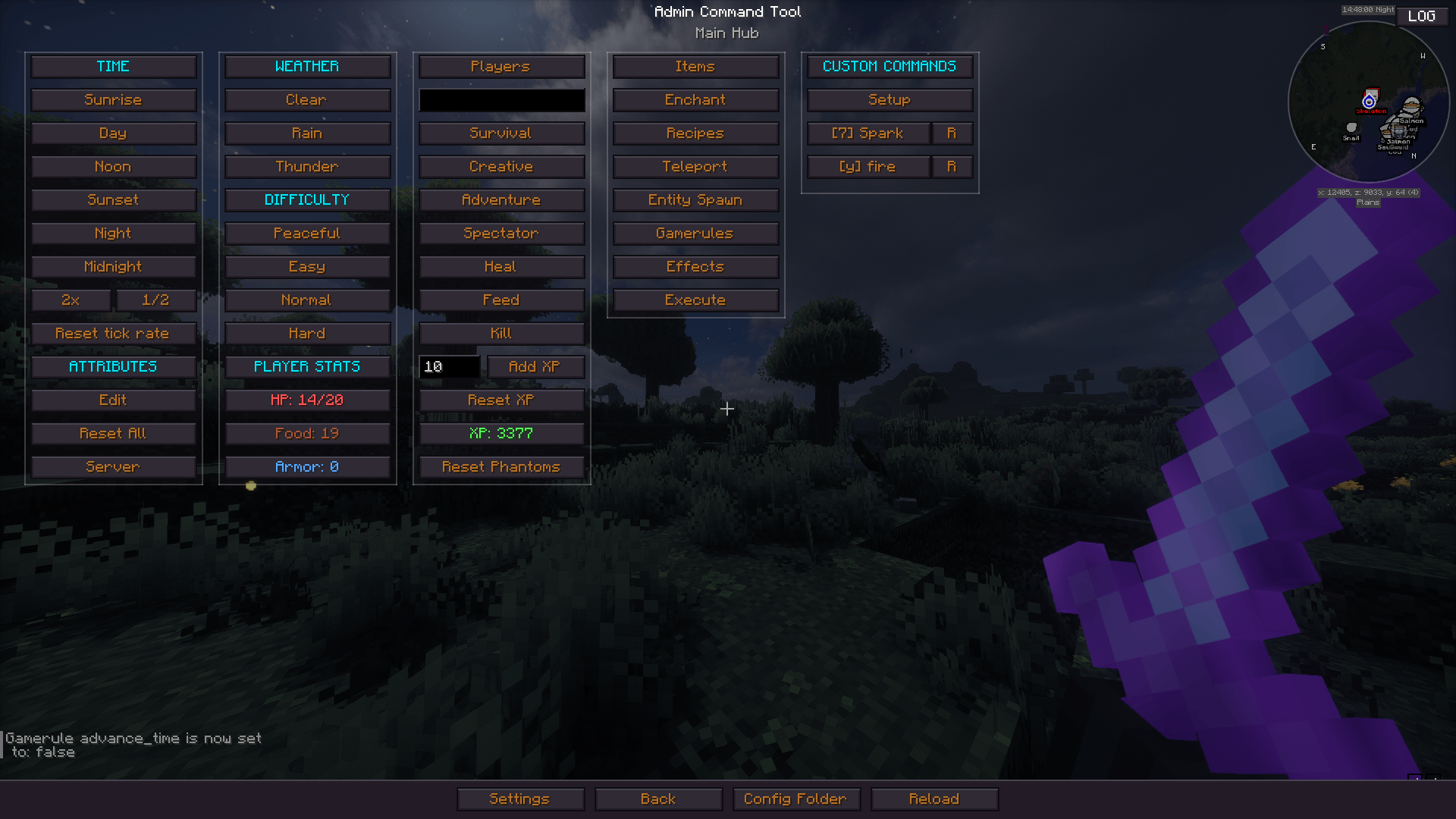
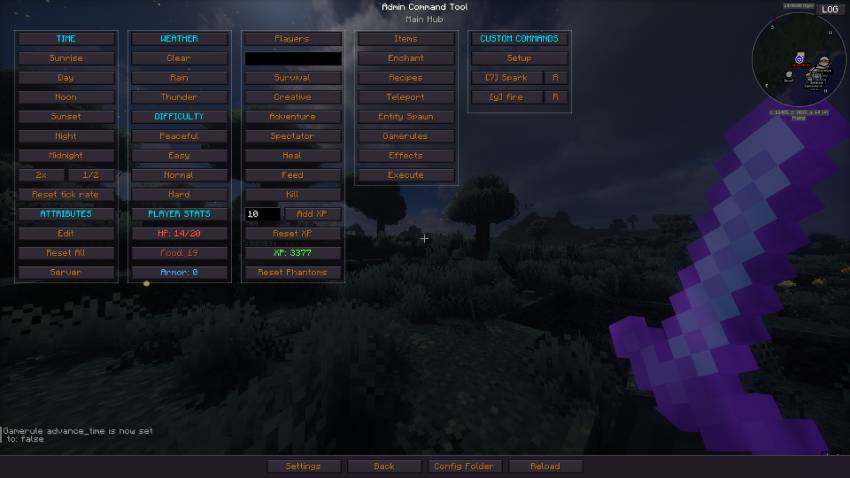
An in-game GUI tool for server admins and operators. Press the hotkey G to open a menu where you can:
Report Bugs Here : https://discord.gg/qc4TrREeMf
–Teleport players to any coordinate or to other players.
– Locate biomes and Structures by ID.
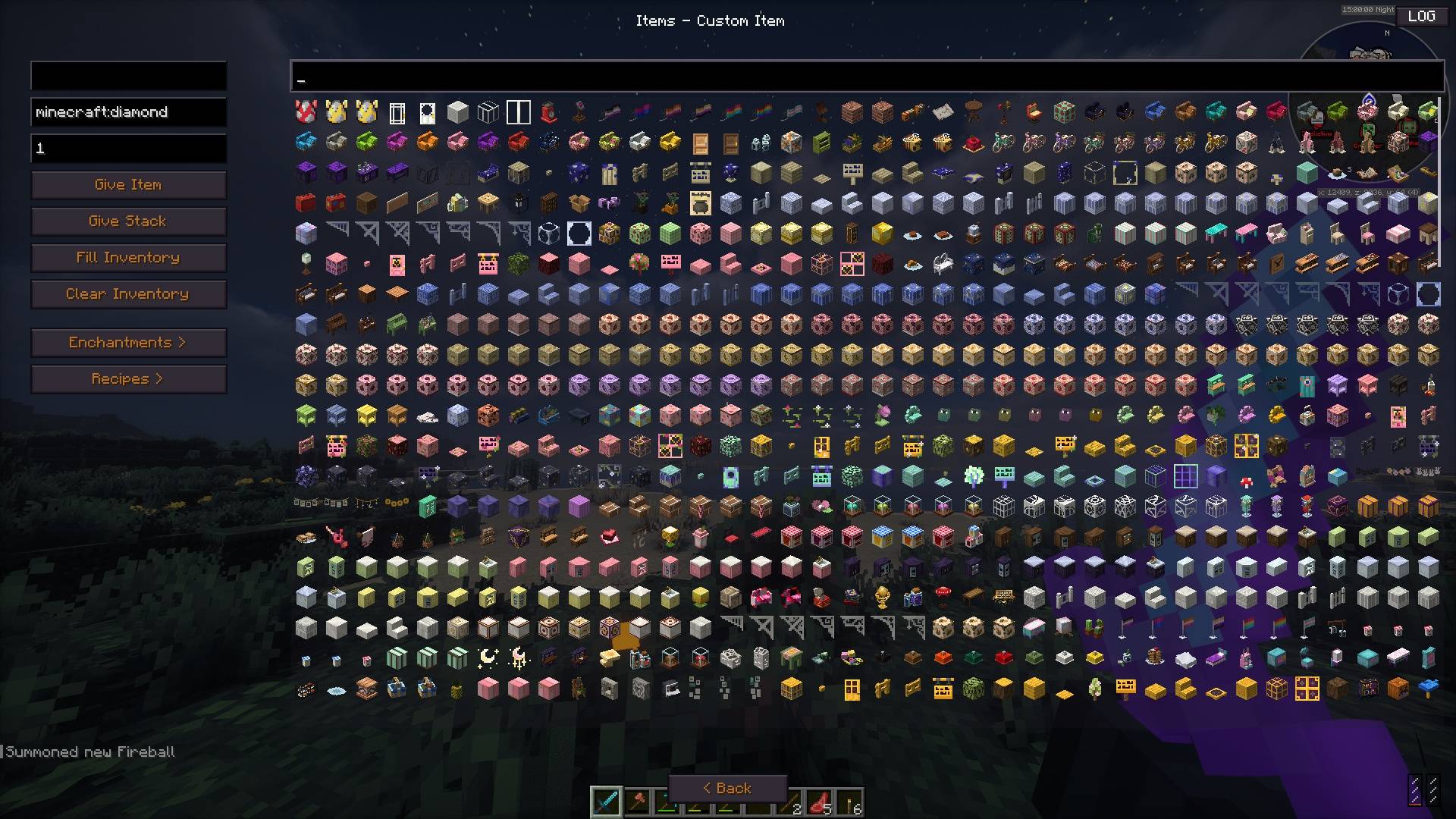
– Give custom items with dynamic stack size, fill inventory, or clear it.
– Spawn any entity with custom count and NBT data.
– Apply status effects with configurable duration and amplifier.
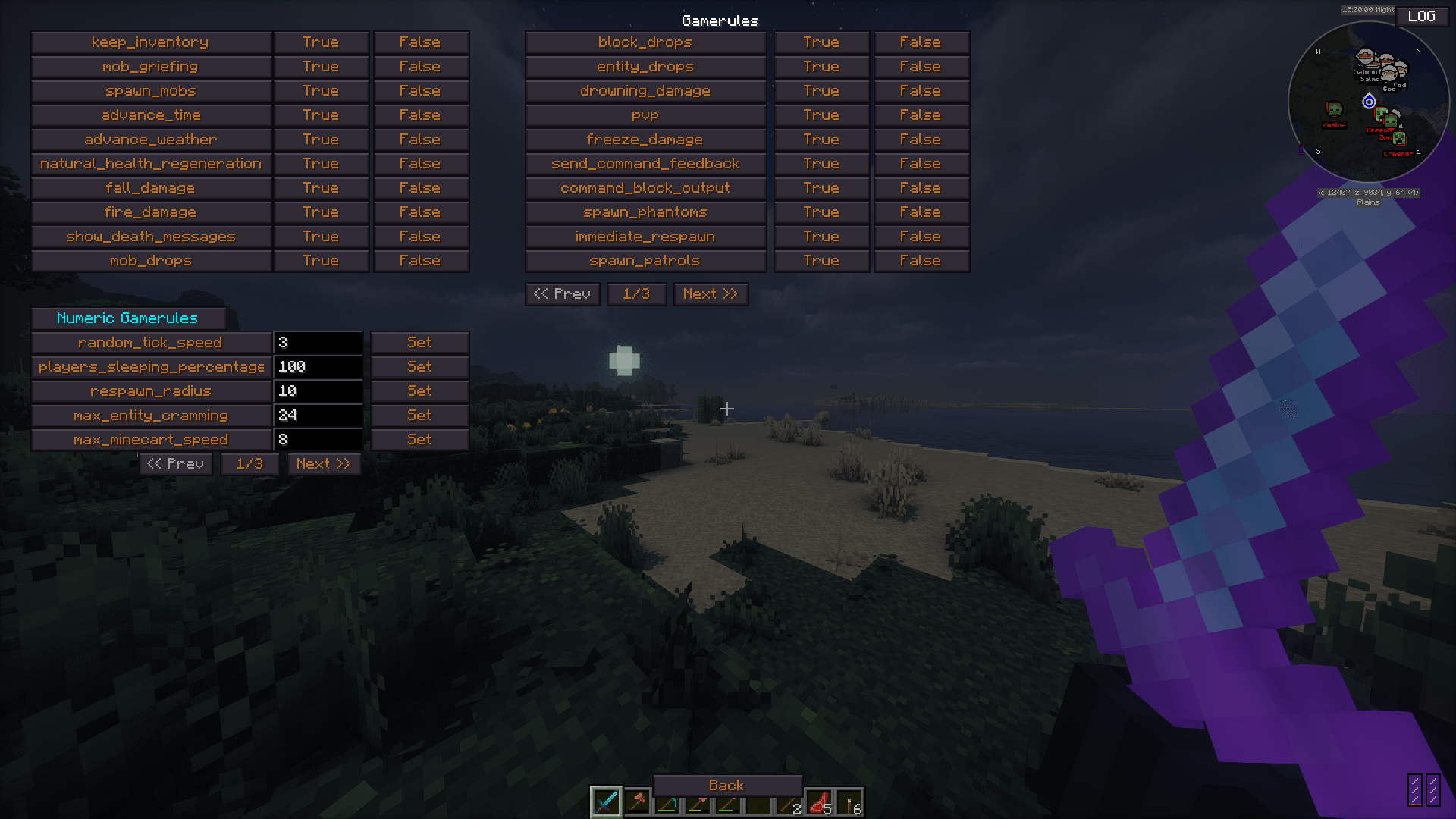
– Toggle game rules and change their numeric values.
– Enchant items with any enchantment at any level & add custom Attributes.
– Give or remove recipes from players.
– Kill hostile, peaceful, or specific mobs and clear ground items.
– Manage time, weather, difficulty, gamemode, and tick rate.
– Manage player health, hunger, and XP levels on any player.
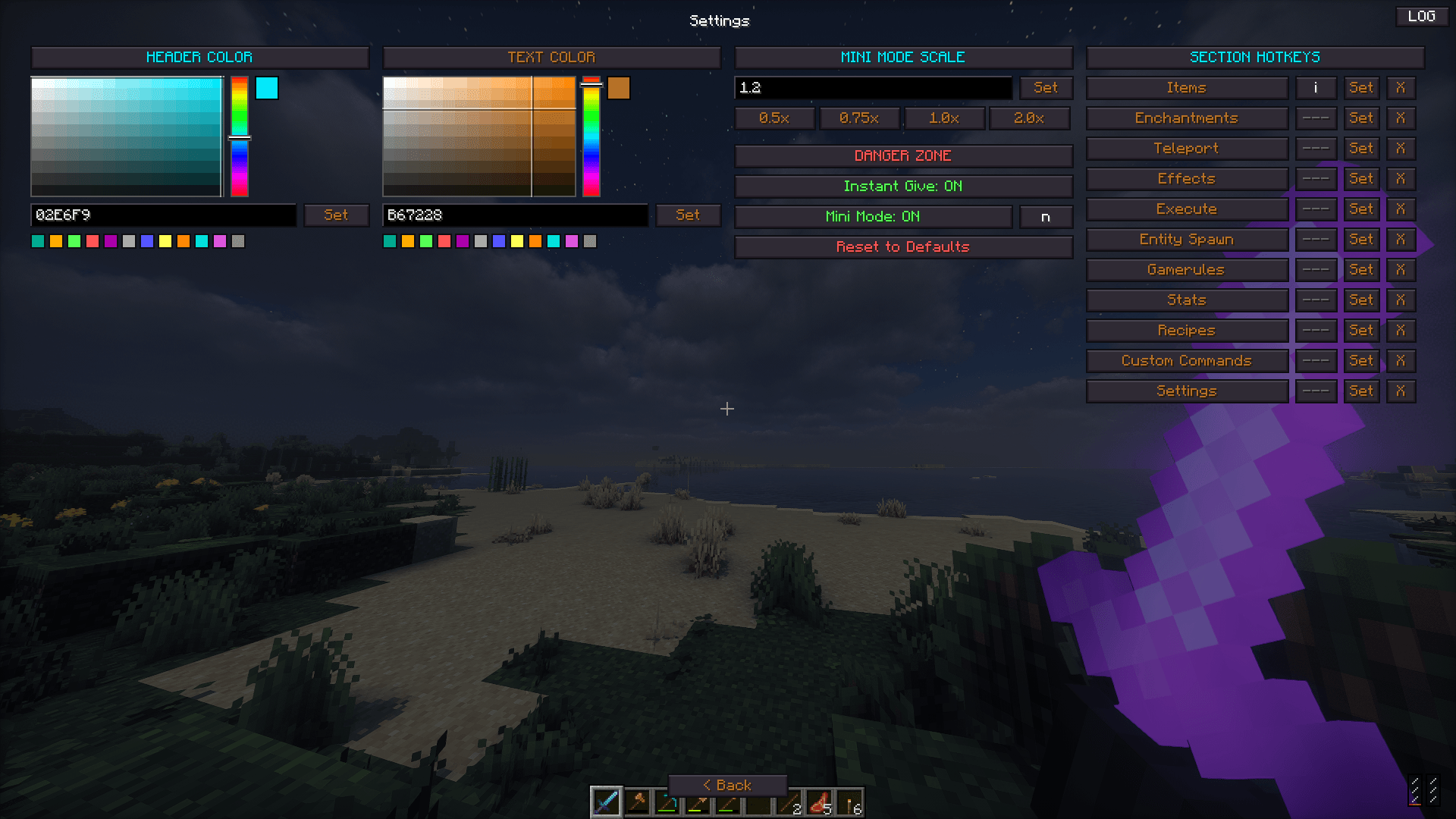
– Create custom command presets with auto-repeat and configurable execution count and Assign hotkeys.
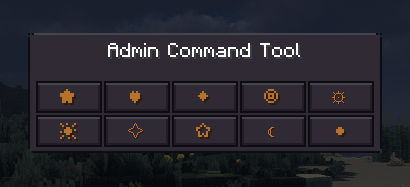
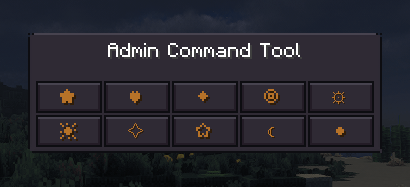
– A Mini Mode that can be toggled with a Hotkey.
– Player stats display showing HP, food, XP, armor.
– And many more.
No need to memorize slash commands. Just makes managing your Minecraft world a little bit easier.
常见问题
Admin Command Tool 支持哪些 Minecraft 版本?
Admin Command Tool 支持 Minecraft Java 版 1.21.11–26.3,共 6 个版本,可用的加载器:Fabric。下载时注意选择和你游戏版本一致的文件。
Admin Command Tool 怎么安装?
先用 PCL2 或 HMCL 启动器安装对应版本的 Fabric,再把下载的 .jar 文件放进游戏目录的 mods 文件夹,重新启动游戏即可。开启了版本隔离的,mods 文件夹在 versions/版本名 下面。


评论
登录后评论和评分