Just Brightness
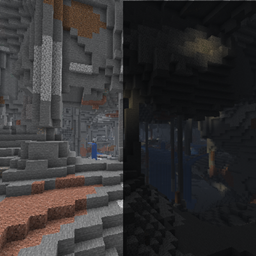
A lightweight client-side brightness toggle for Minecraft. Instantly switch enhanced gamma on or off without changing your vanilla brightness setting.
截图
介绍
Just Brightness
A lightweight client-side brightness toggle for Minecraft 26.3 on NeoForge.
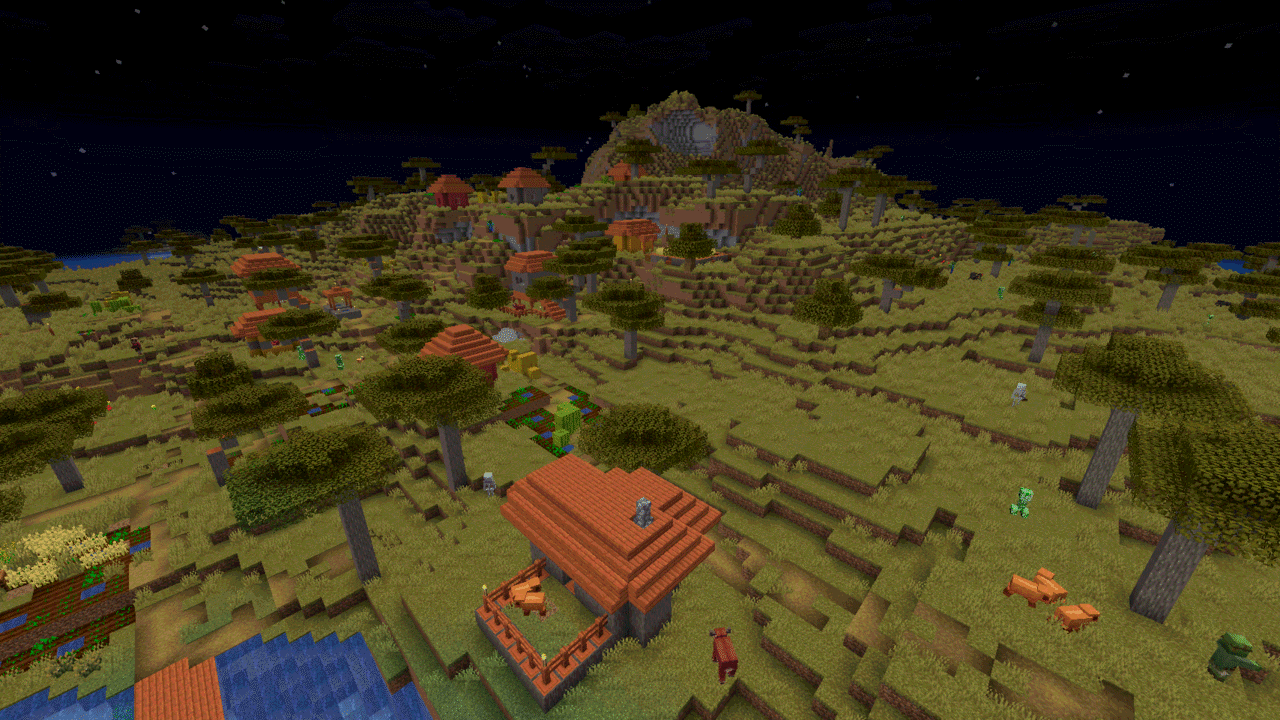
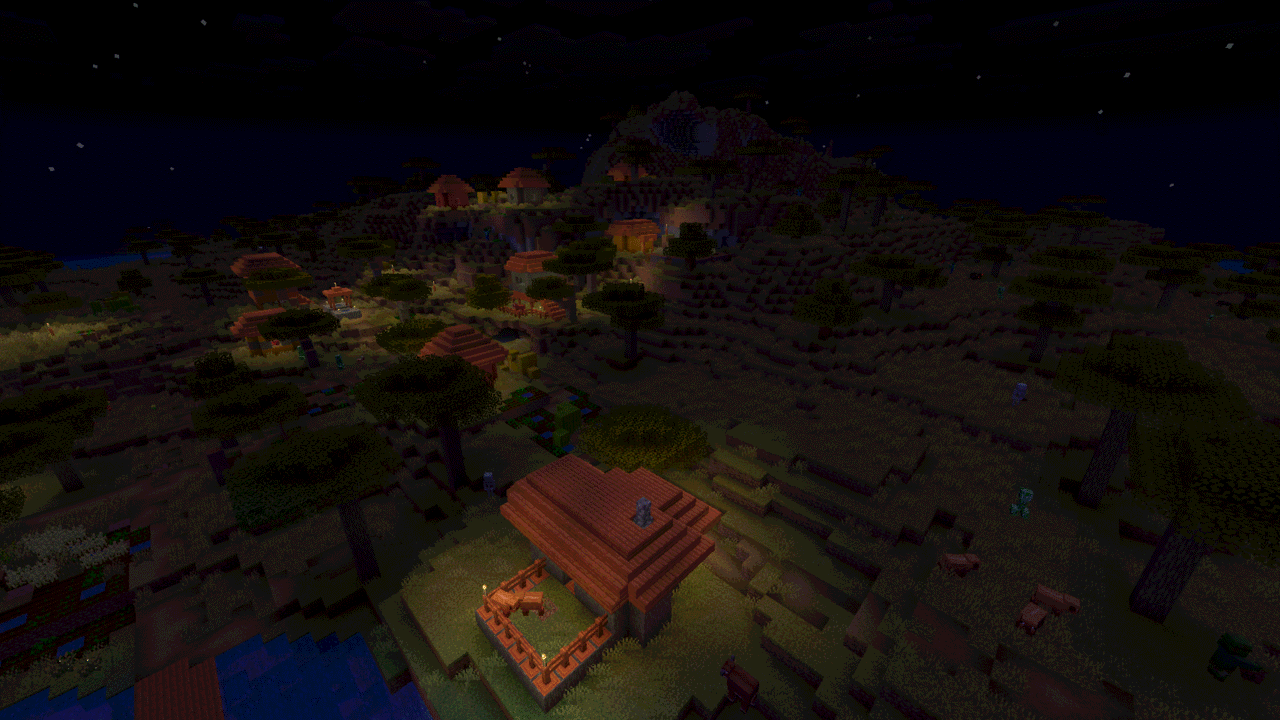
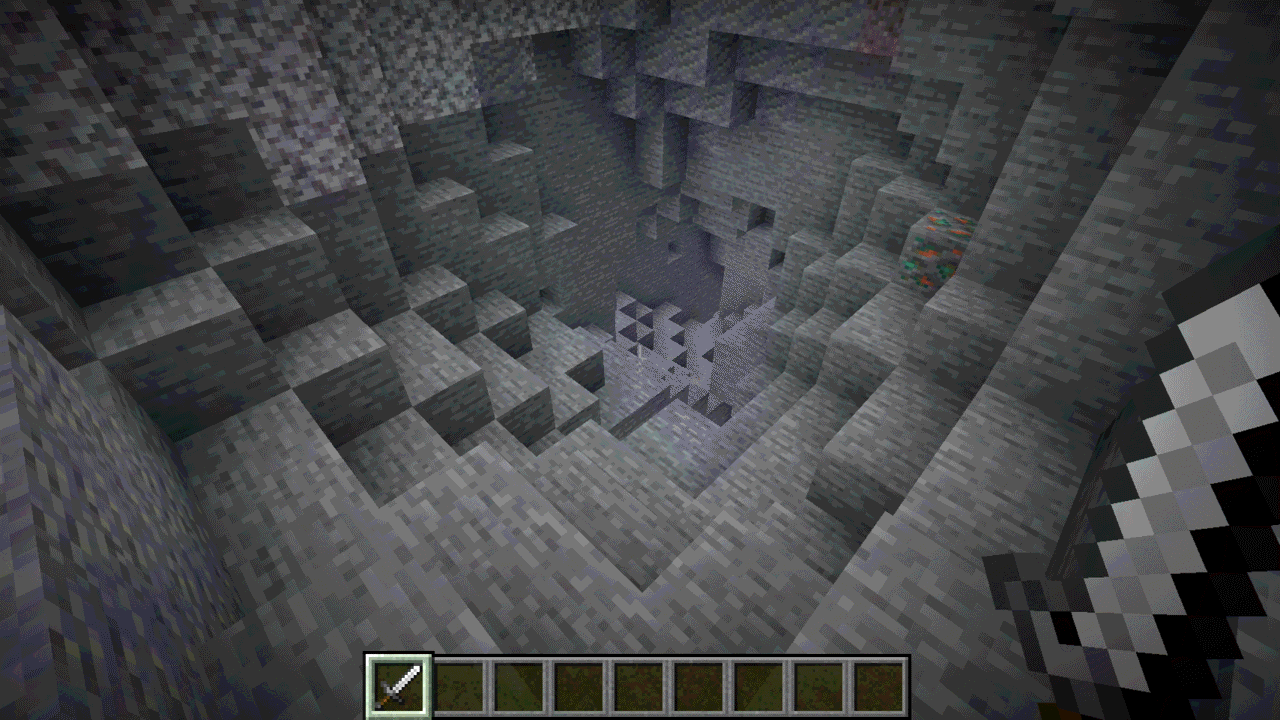
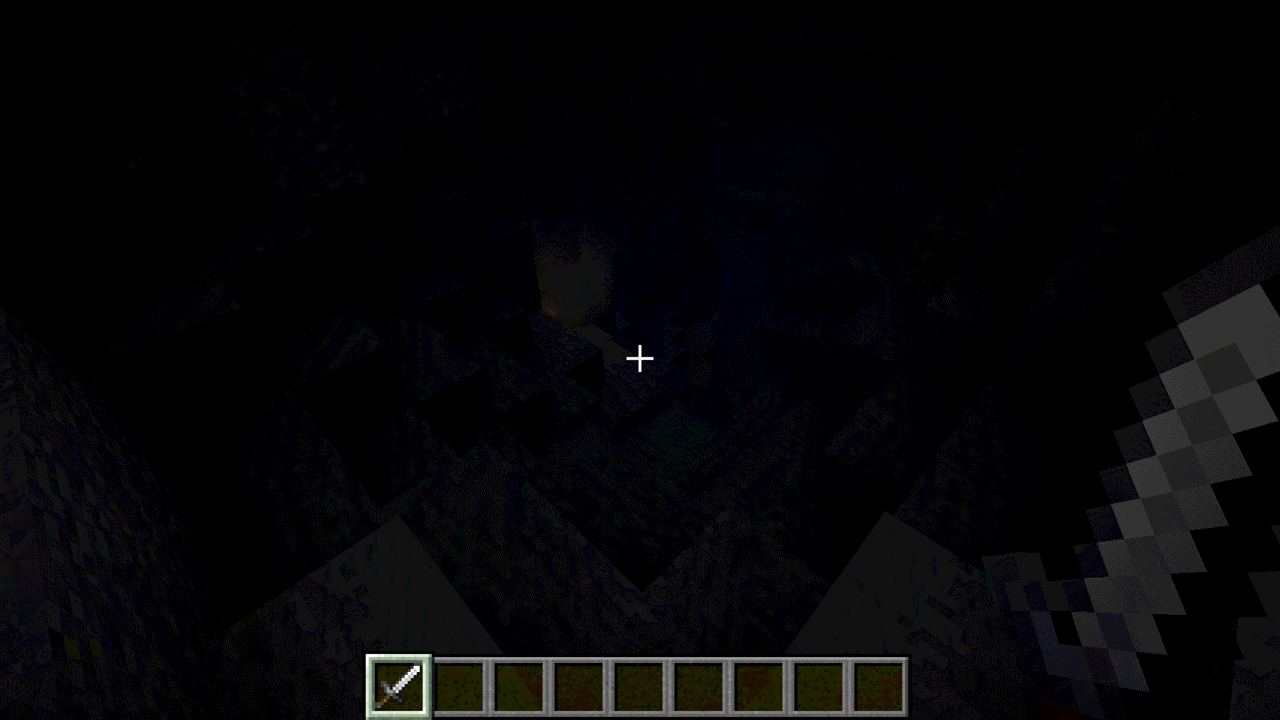
Make dark places easier to see
Just Brightness lets you enable or disable an enhanced gamma value with one key
press. Use it while exploring caves, building at night, or whenever you want a
brighter view, then switch back to your normal vanilla brightness just as quickly.
The mod changes the gamma value used by the client renderer. It never writes to
Minecraft’s saved brightness setting, so disabling it restores your own vanilla
brightness setting.
Features
- Press
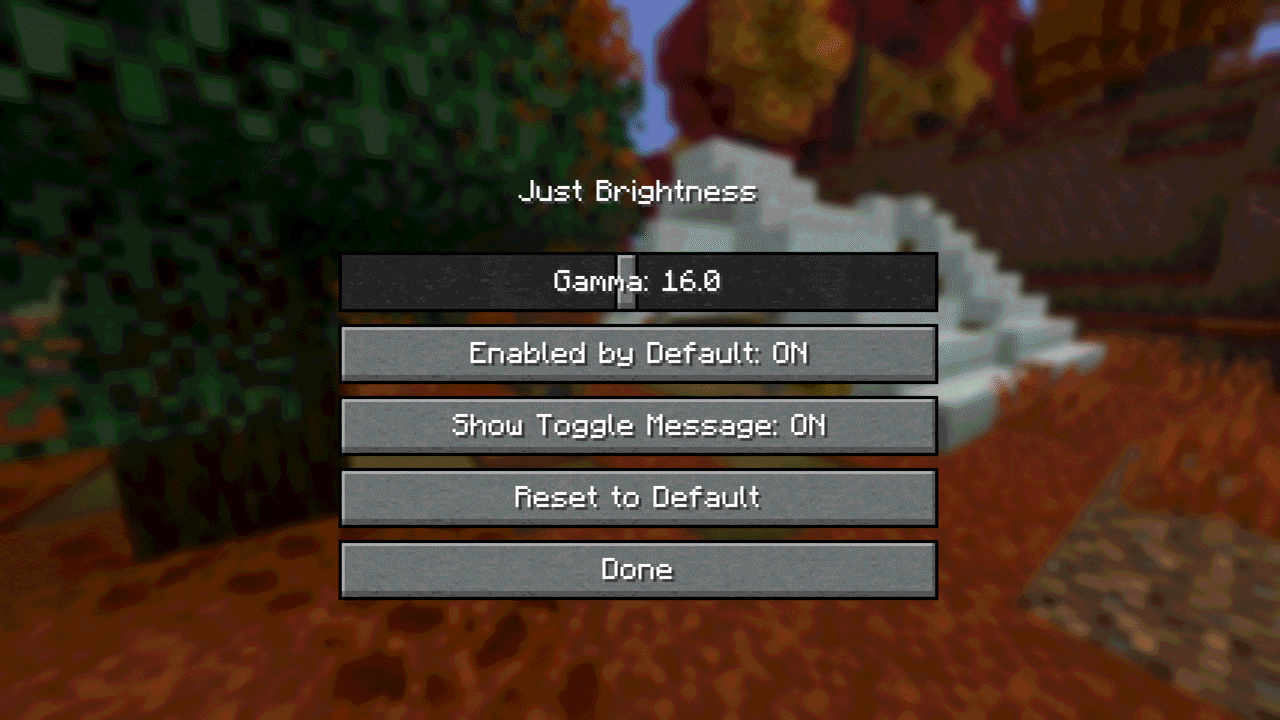
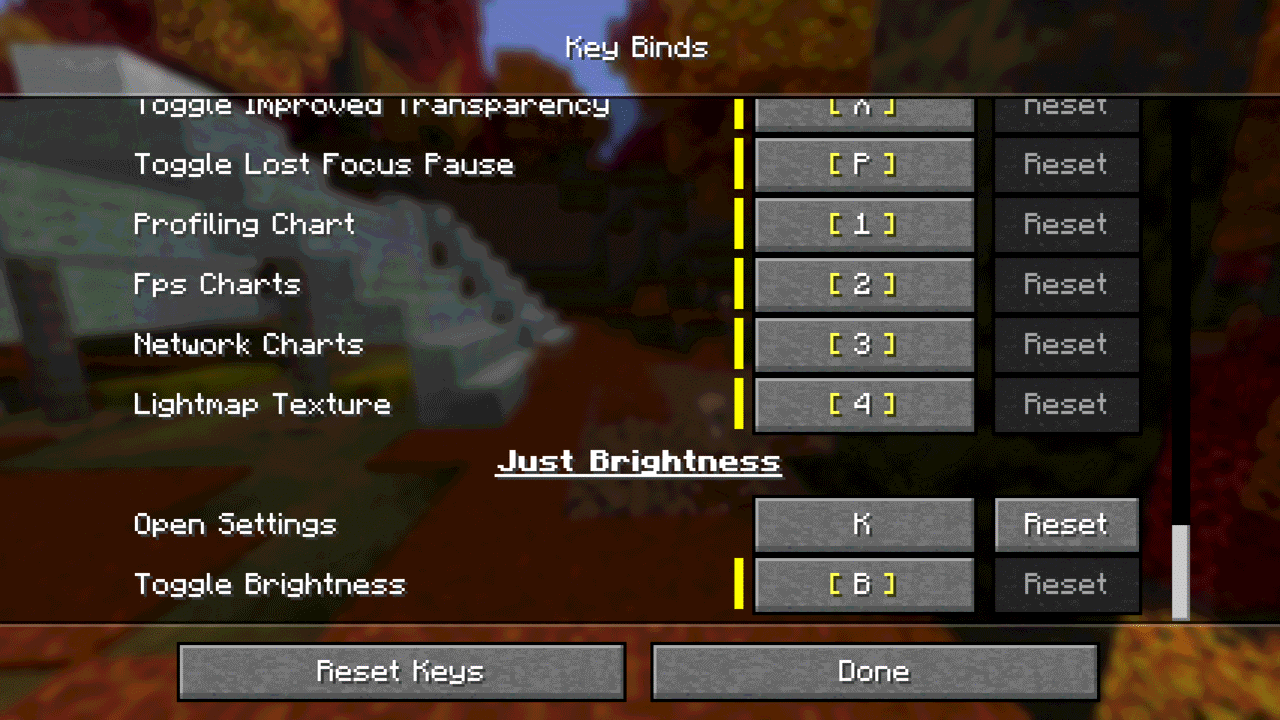
Bby default to toggle enhanced brightness - Set the gamma used while enabled, from 1.0 to 32.0
- Enhanced brightness and the toggle message are enabled by default
- Choose whether enhanced brightness starts automatically when entering a world
- Show or hide the temporary action-bar message after a toggle
- Rebind the toggle key in the standard Options → Controls screen
- Bind a separate Open Settings key to configure the mod in game
- Client-side only, with no runtime dependencies beyond NeoForge
Settings are stored in config/justbrightness.toml.
Installation
- Install NeoForge for Minecraft 26.3.
- Download the NeoForge 26.3 JAR.
- Put the JAR in your Minecraft instance’s
modsfolder. - Launch the game.
Use on servers
Just Brightness is installed on the client only and does not need to be installed
on a server. Brightness-related client modifications may be restricted by a
server’s rules. Check those rules before using it in multiplayer.
Compatibility
Just Brightness changes only the client renderer’s gamma value. It does not
modify worlds or send data to external services. Shader packs can control
lighting independently, so the visible result may vary with the shader pack.
Requirements
- Minecraft Java Edition 26.3
- NeoForge 26.3
Support and source
License and modpacks
Just Brightness is licensed under LGPL-3.0-only.
It may be included in modpacks under the terms of that license.
常见问题
Just Brightness 支持哪些 Minecraft 版本?
Just Brightness 支持 Minecraft Java 版 1.16.5–26.3,共 18 个版本,可用的加载器:Fabric / Forge / NeoForge。下载时注意选择和你游戏版本一致的文件。
Just Brightness 怎么安装?
先用 PCL2 或 HMCL 启动器安装对应版本的 Fabric / Forge / NeoForge,再把下载的 .jar 文件放进游戏目录的 mods 文件夹,重新启动游戏即可。开启了版本隔离的,mods 文件夹在 versions/版本名 下面。
ksoichiro 的其他作品
查看全部 →
Chrono Dawn
添加 Chrono Dawn,一个以时间为主题的维度,包含自定义传送门、Boss 战和操控时间的器物。支持 Fabric 和 NeoForge。
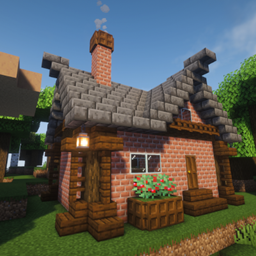
Beginner’s Delight
在世界出生点生成一座小型初始小屋,内含床、补给箱和火把,帮助新手安全度过第一夜。仅使用原版方块建造——随时可以安全移除。支持 Fabric、NeoForge 和 Forge。
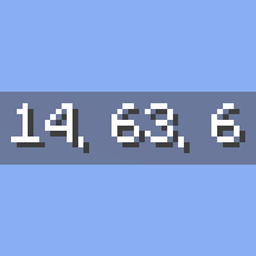
Just Coordinates
像基岩版一样在屏幕上显示简单的 XYZ 坐标。客户端模组,轻量且无额外依赖(仅需 Fabric API)。
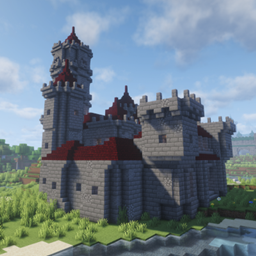
Castle Shift
Castle Shift 带来程序生成的城堡,布局丰富多变,房间模块灵活组合,建筑主题也会动态变化——每次生成都是全新的结构。
评论
登录后评论和评分