
Deep Pocket
Infinite inventory that you can access from everywhere, can be used with automation! like ender chest/pouch,
截图
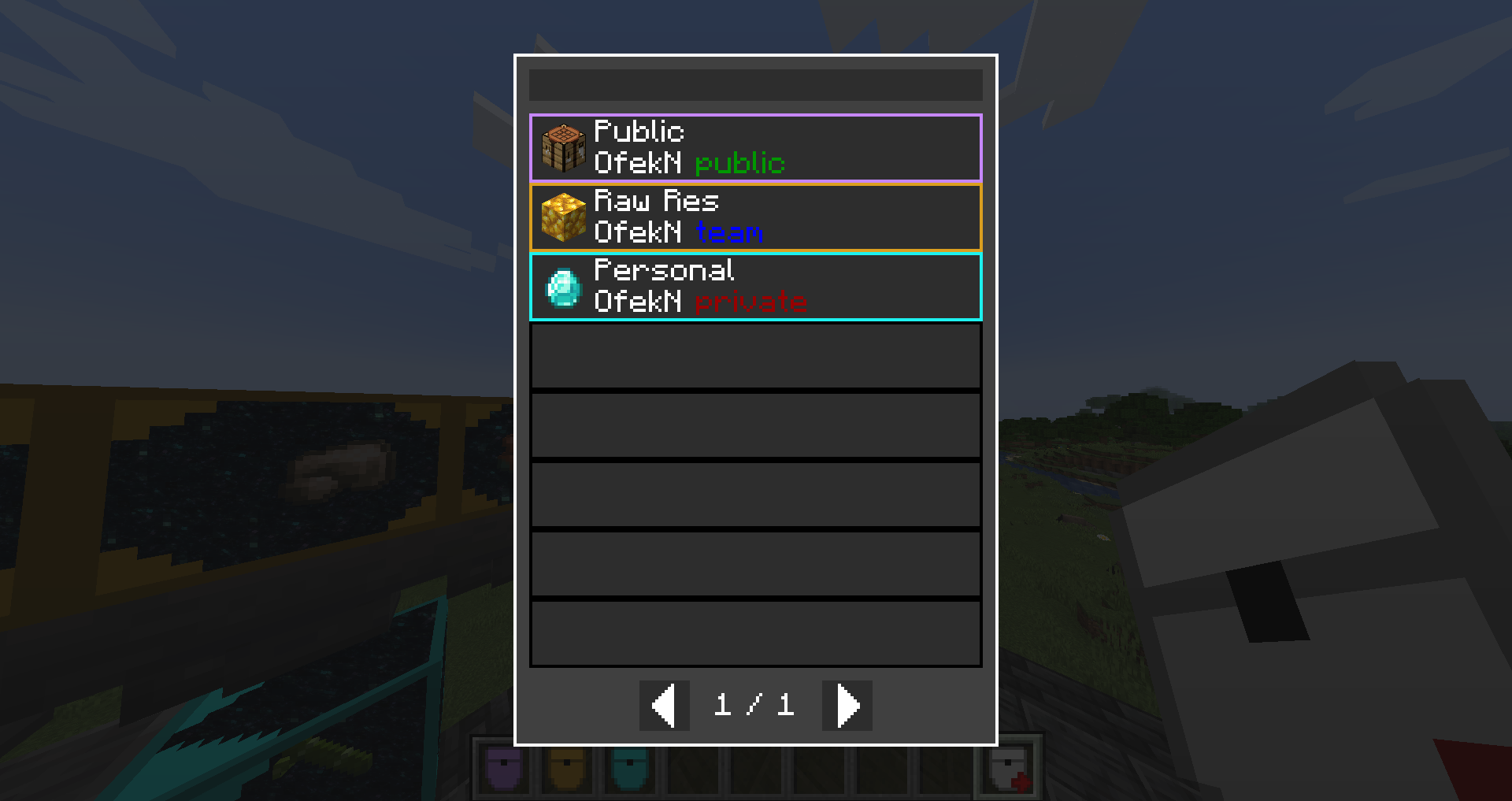
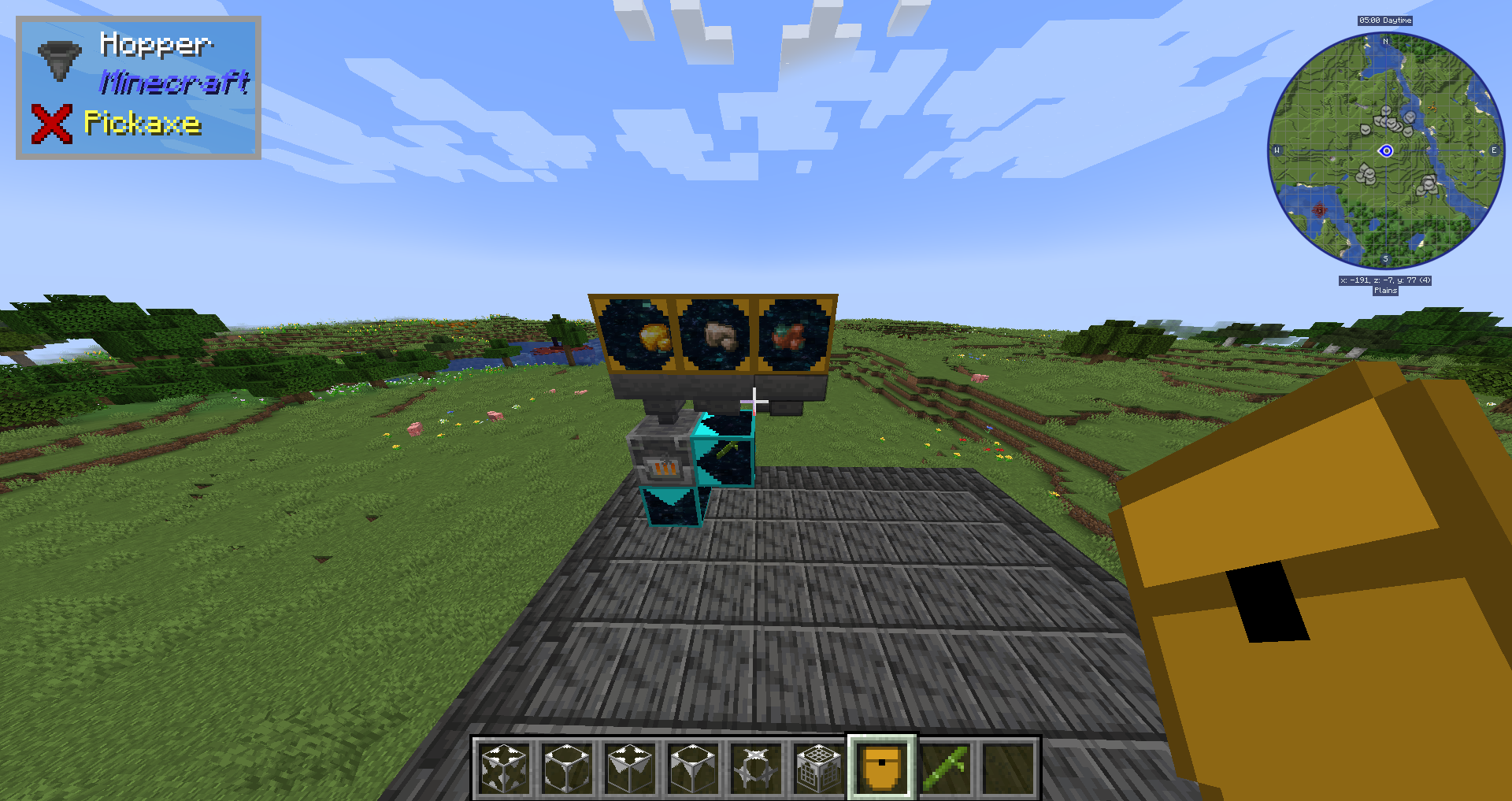
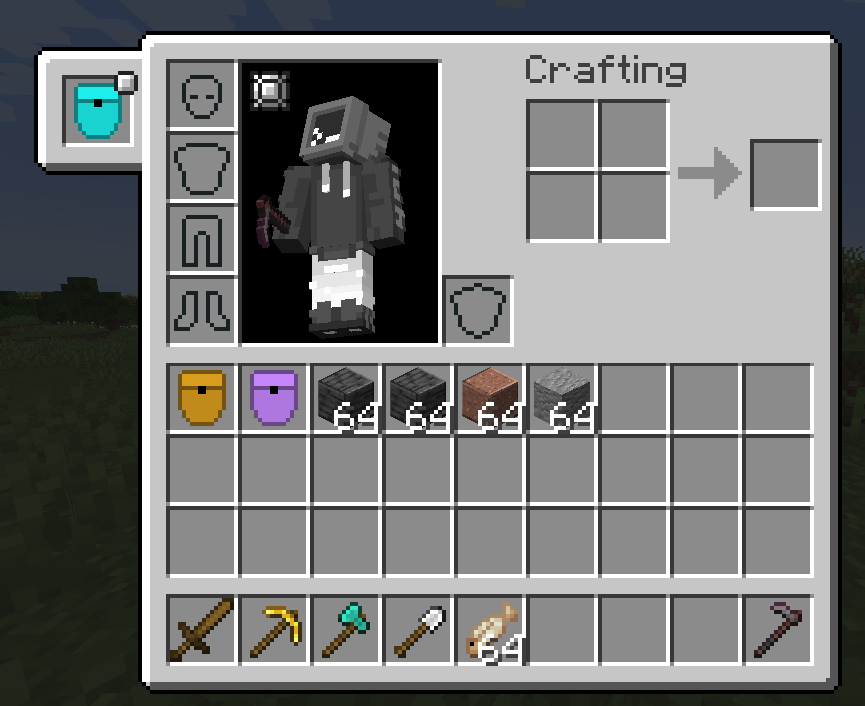
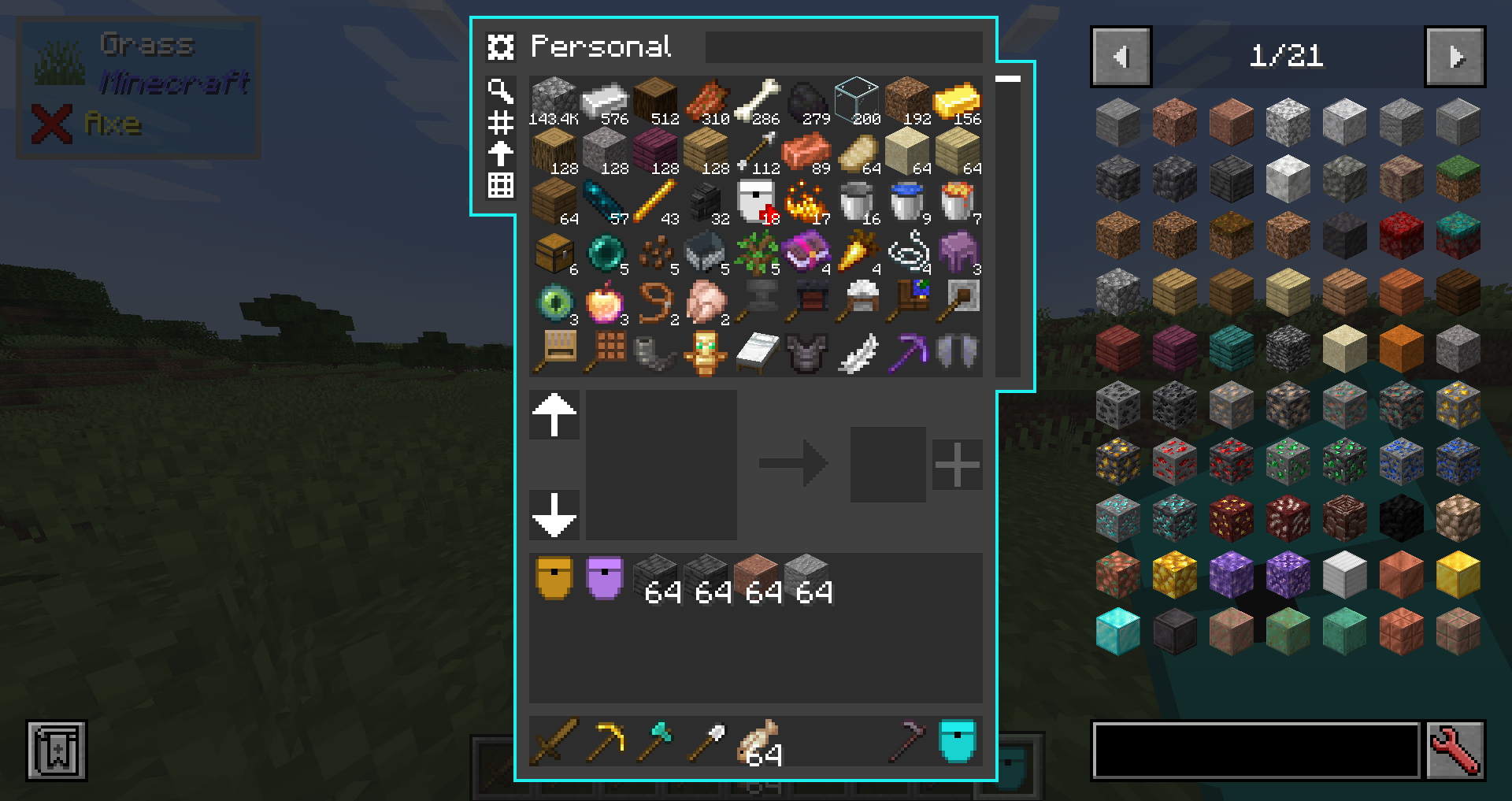
介绍
With this mod you can create pockets using a pocket factory.
Once you made a pocket you can put items in it, take items from it,
and use pocket importer and exporters for automations.
You can also share your pocket with friends, just make sure to set the pocket to public or team if you got ftb teams installed.
The pocket is similar to other mods that adds big storage, like refined storage, applied energistics, simple storage ect.
If you have curios, you would also have a “pocket” slot in your curios to put your pocket, and a keybind (‘R’ by default) will open it.
WARNING: this mod is in beta stage, it haven’t been fully tested in multiplayer and I may missed a bug on singleplayer. backup your world.
I would appreciate any bug report here, in my discord server, or in discord DMs.
Items:
Pocket factory – right click with this to create a new pocket, pick name, icon, color and a security mode (who can access your pocket)
Pocket link – used in a lot of craftings, you can also right click with it to select an existing pocket that you got access to.
Blocks:
you will need to right click on the interfaces with a pocket to link them
on exporters you also need to click with an item to select what item it will export
Passive Pocket Importer – insert items into it using hopper or any other mod’s pipe to fill your pocket.
Active Pocket Importer – will suck items from the inventory in front of it to the pocket.
Passive Pocket Exporter – extract items from it using hopper or any other mod’s pipe to take a specific item from your pocket.
Active Pocket Exporter – will export specific item from your pocket to the inventory in front of it.
Pocket Signal – will output redstone signal based on condition.
Feel free to use this mod in your modpack.
Also check out Deep Pocket Conversions
My Discord Server: https://discord.gg/eTn5zzrWKa
Screenshots:


常见问题
Deep Pocket 支持哪些 Minecraft 版本?
Deep Pocket 支持 Minecraft Java 版 1.19–1.19.2,共 3 个版本,可用的加载器:Forge。下载时注意选择和你游戏版本一致的文件。
Deep Pocket 怎么安装?
先用 PCL2 或 HMCL 启动器安装对应版本的 Forge,再把下载的 .jar 文件放进游戏目录的 mods 文件夹,重新启动游戏即可。开启了版本隔离的,mods 文件夹在 versions/版本名 下面。
OfekN_ 的其他作品
查看全部 →
Crafting on a stick
添加多种随身合成站,例如随身工作台。

Project Architect Additions
Project Architect 整合包的辅助模组

EMC Interface
通过你喜欢的虚拟存储模组与 ProjectE 进行交互。

Iced Lava
添加一种橙色冰块,破坏时会产出熔岩
评论
登录后评论和评分