截图
介绍
More Armor Mod
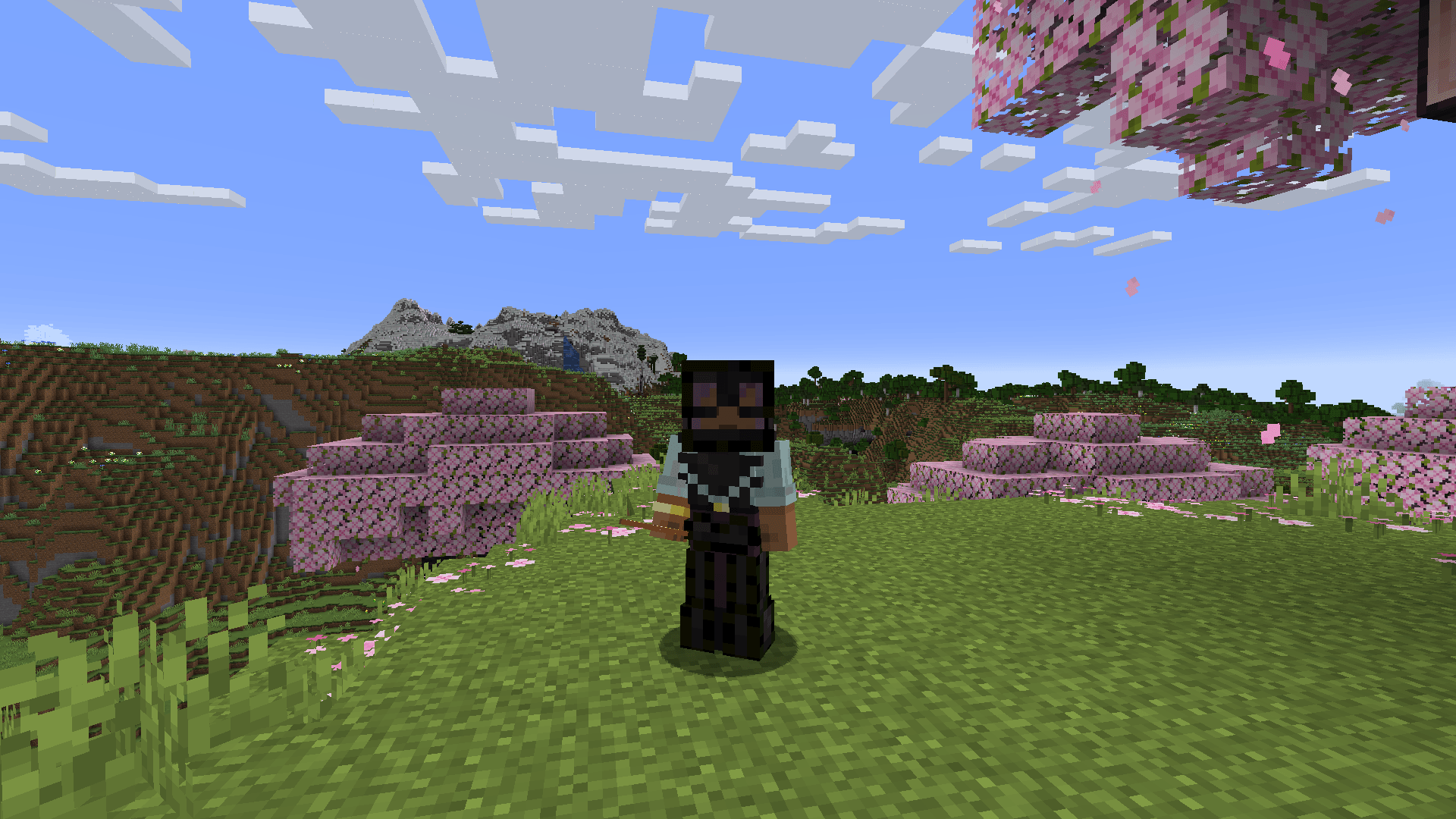
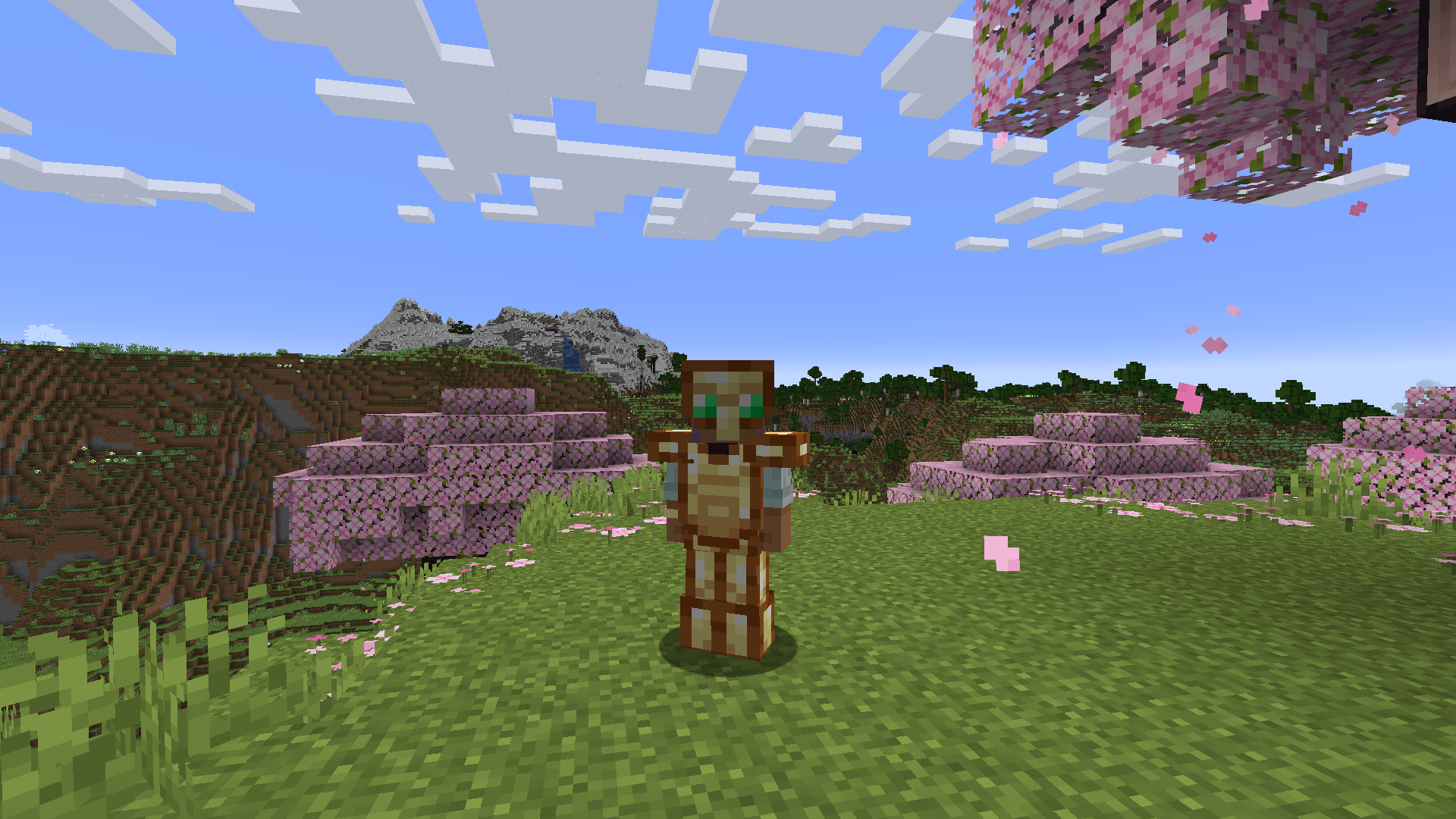
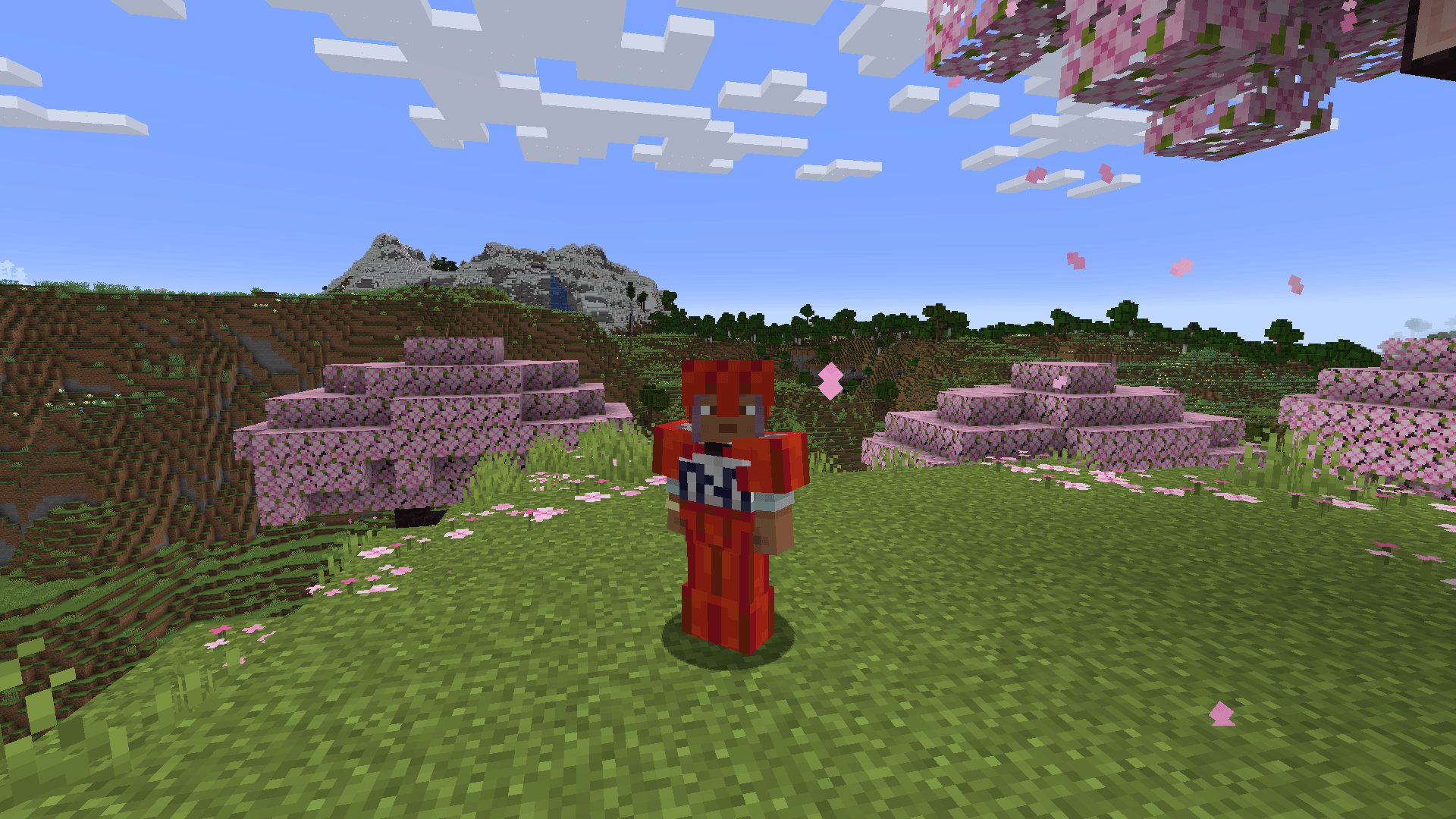
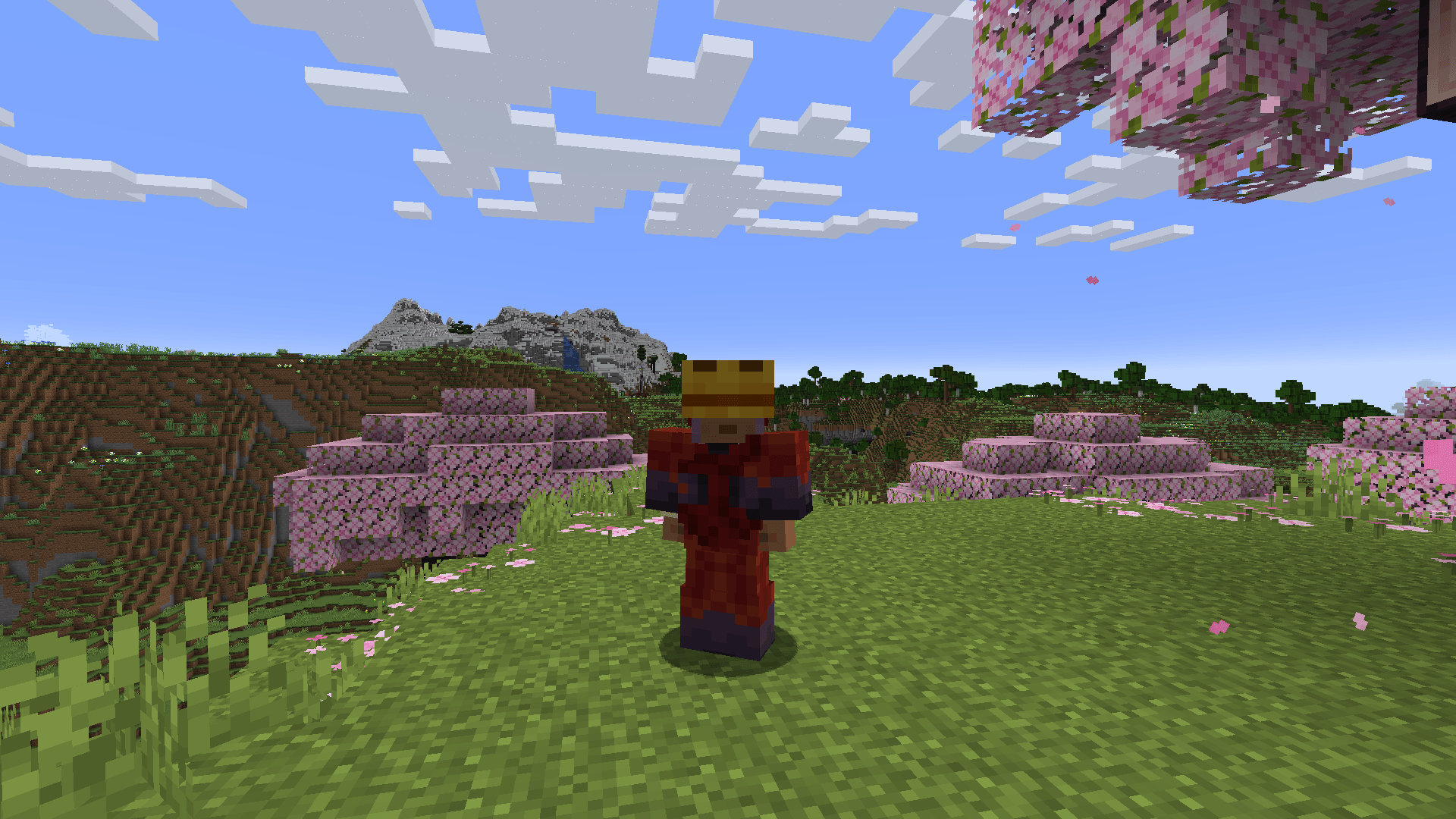
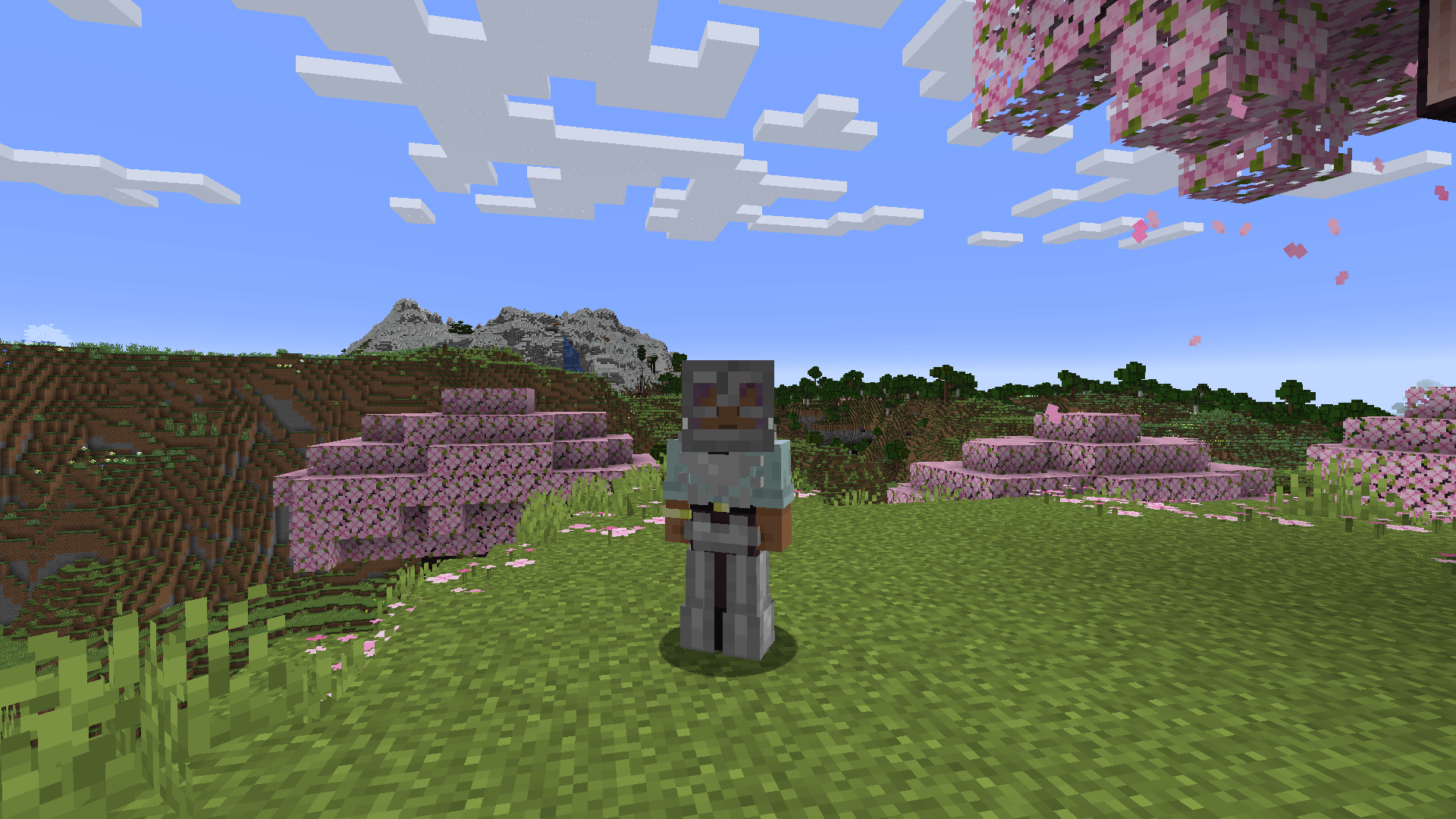
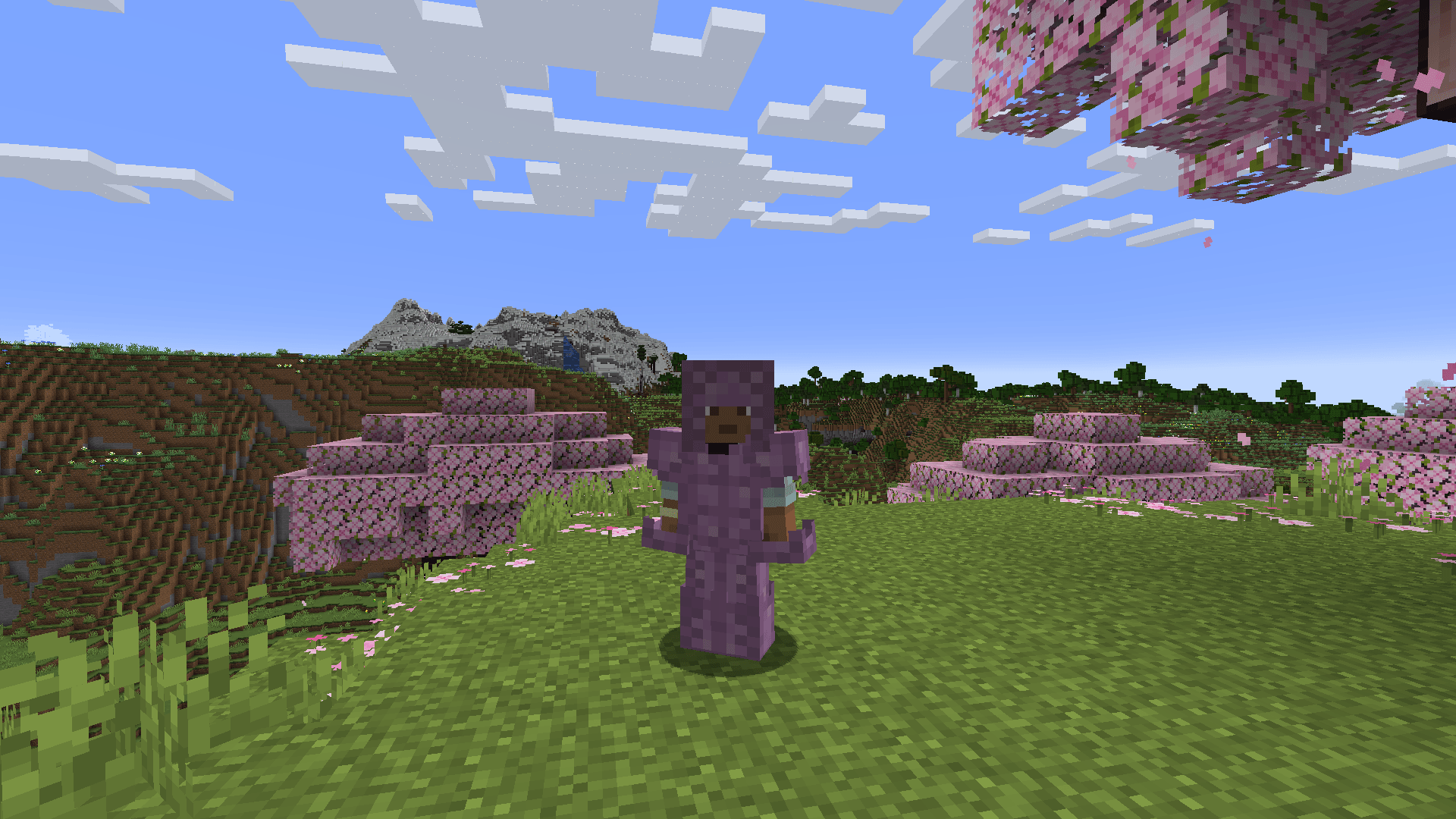
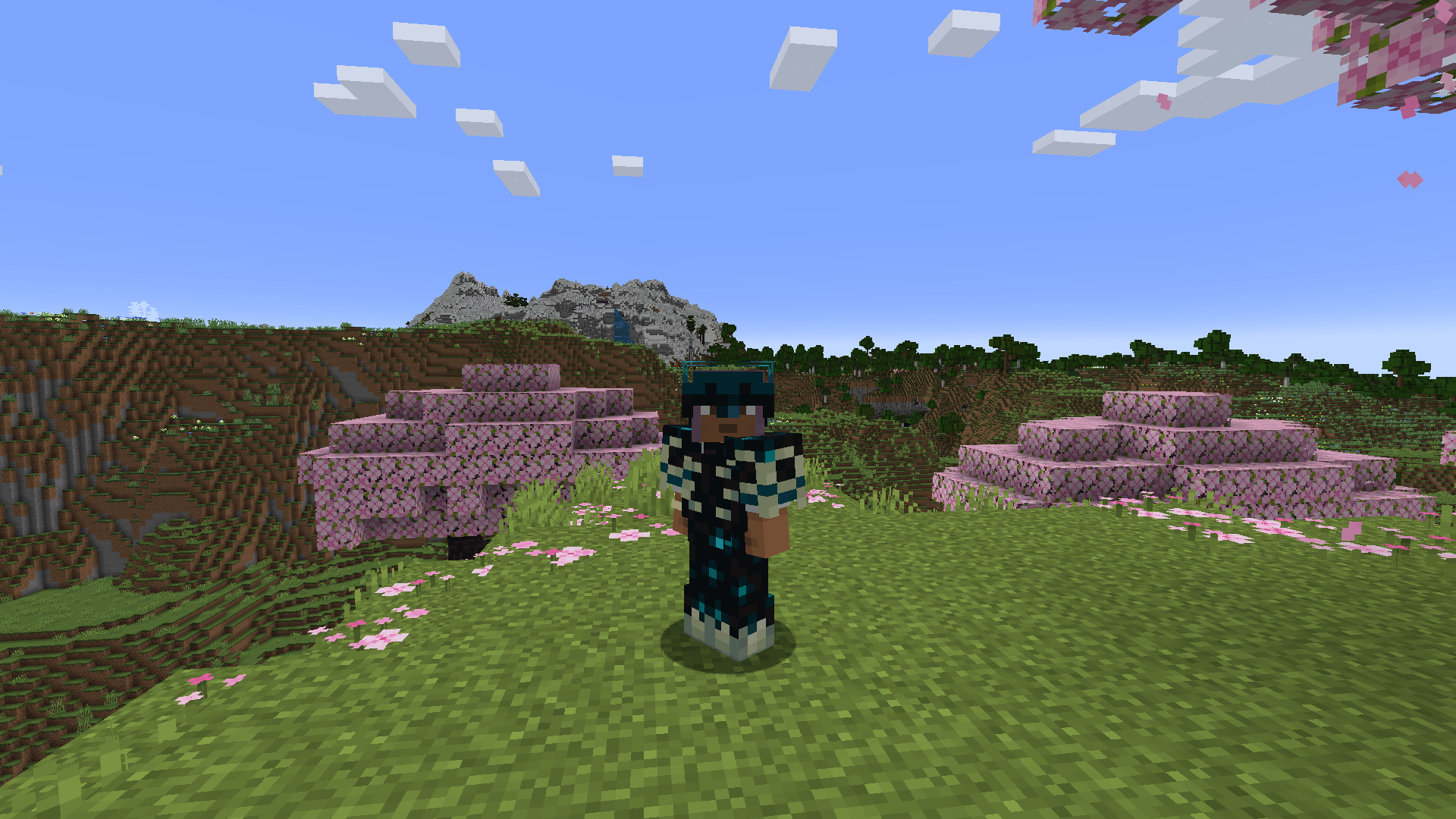
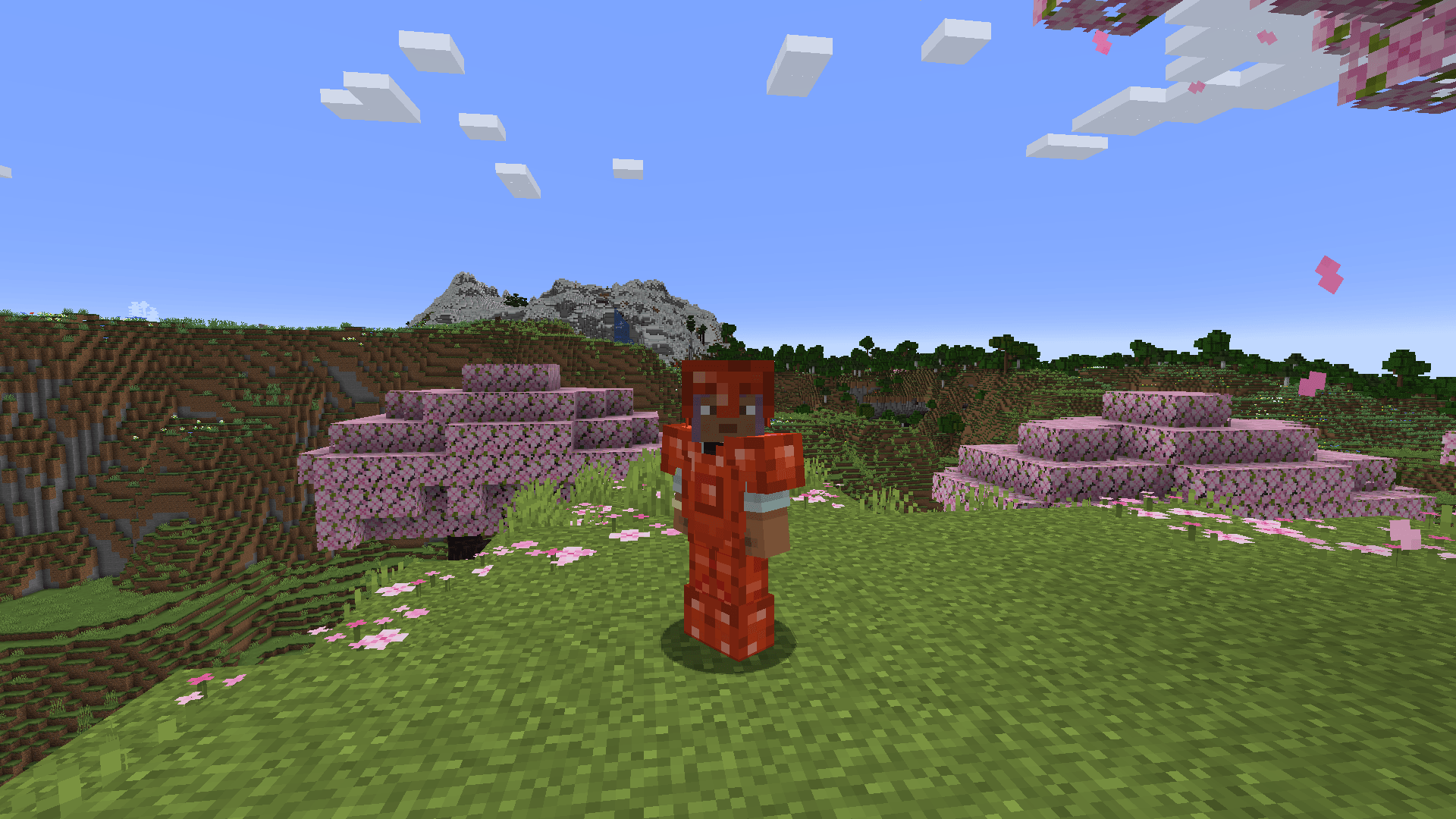
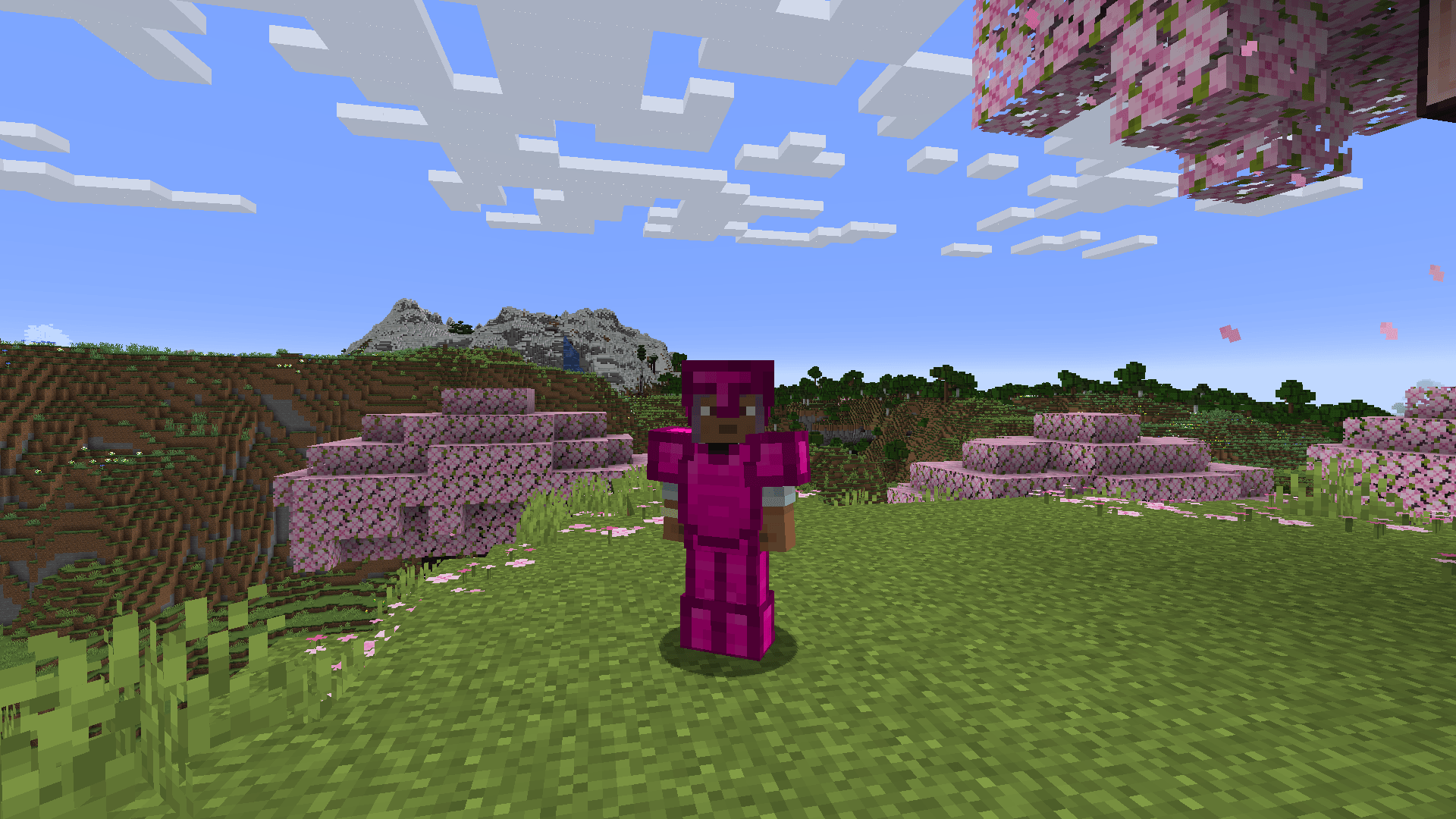
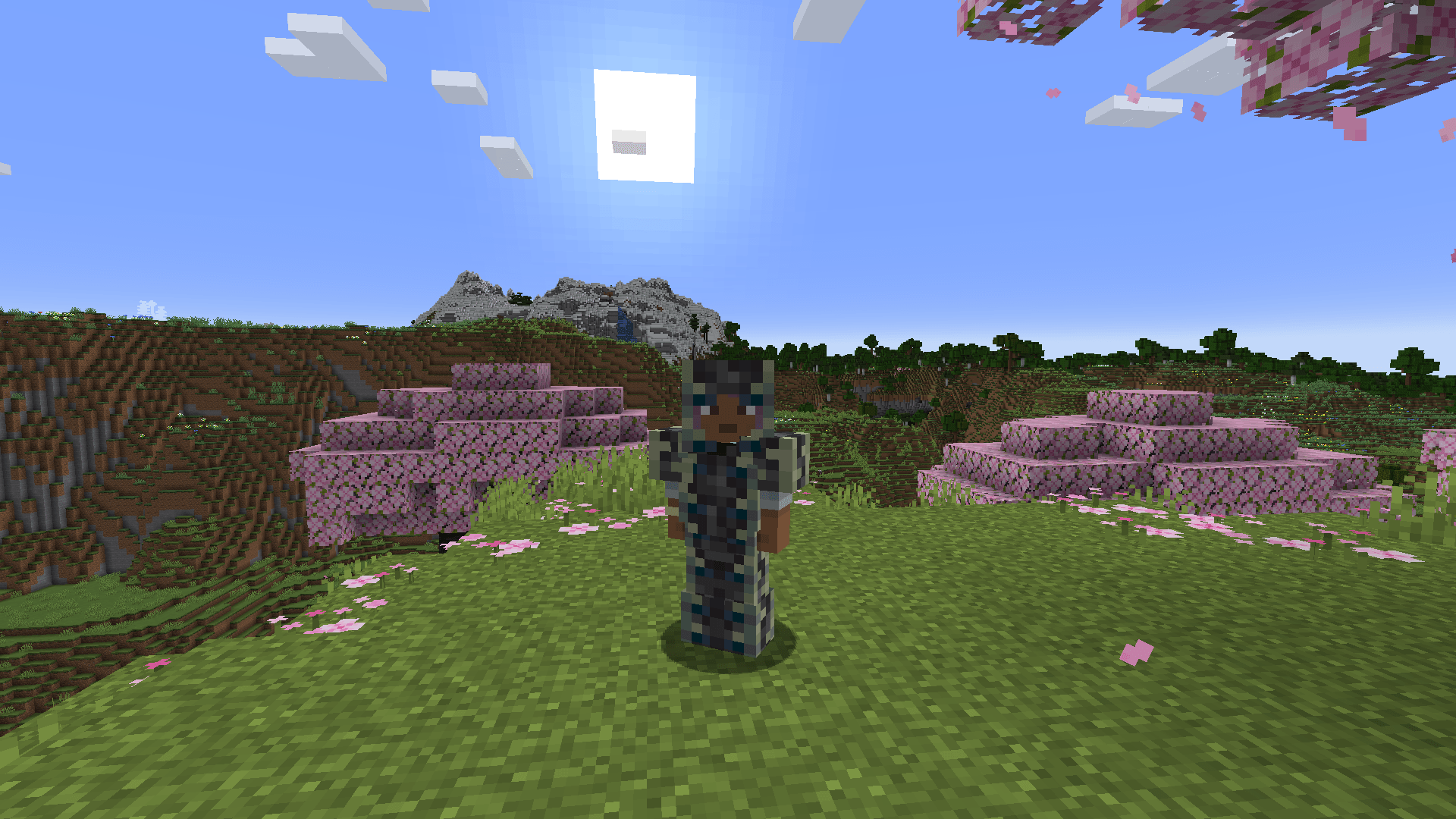
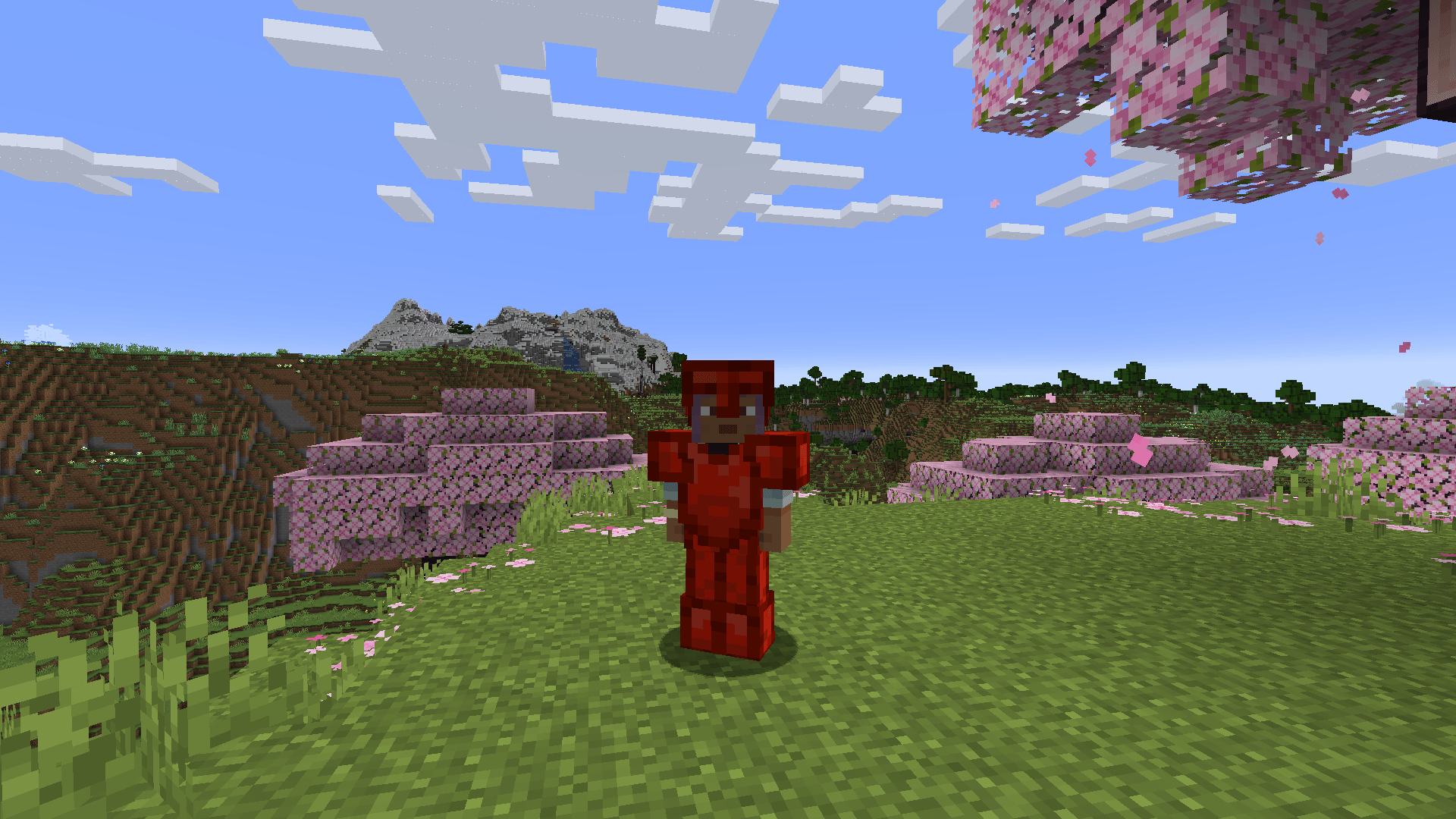
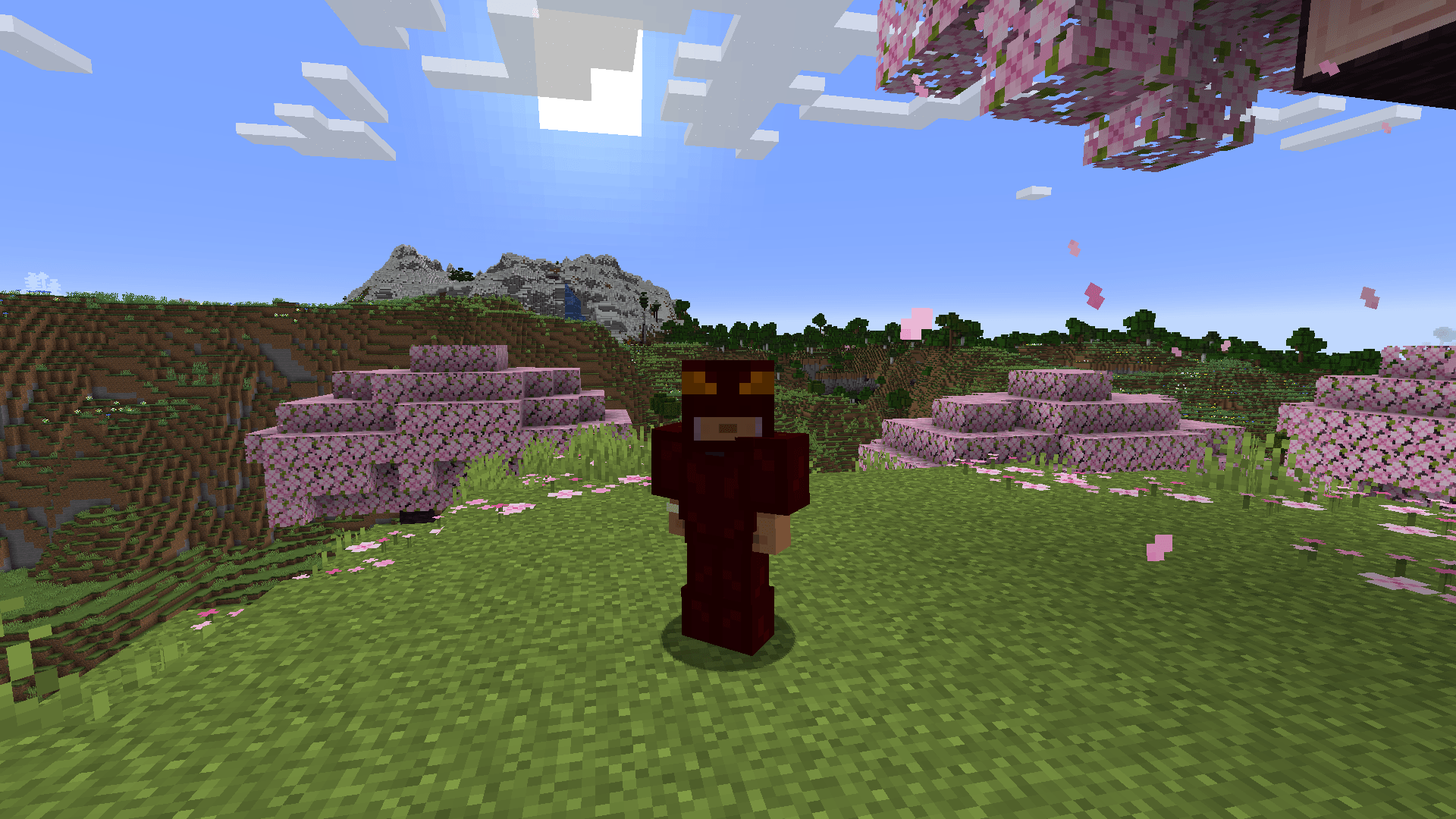
Adds some fun to your world with 36 unique armor sets featuring beautiful animations and unique designs.
Features
36 Armor Sets
• Ancient Debris Armor • Amethyst Armor • Bedrock Armor • Bee Armor • Bone Armor • Cactus Armor • Coal Armor • Copper Armor • Crafting Armor • Dripstone Armor • Emerald Armor • Ender Dragon Armor • Galaxy Armor • Gilded Armor • Glass Armor • Guardian Armor • Lapis Armor • Machine Armor • Magma Armor • Music Armor • Obsidian Armor • Pot Armor • Power Suit Armor • Quartz Armor • Red Dragon Armor • Redstone Armor • Reinforced Deepslate Armor • RGB Armor • Ruby Armor • Sculk Armor • Shulker Armor • Skeleton Armor • Sniffer Armor • TNT Armor • Totem Armor • Wither Skeleton Armor
Installation
- Download the mod from this page
- Install Forge for Minecraft 1.20.1 (version 47.1.0 or higher)
- Place the mod in your mods folder
- Launch Minecraft and enjoy your new armor sets!
Configuration
Fully Customizable Armor Stats
Every armor set can be customized through the config file (morearmor-common.toml):
• Durability – Set custom durability for each armor piece (1-10,000) • Protection – Adjust armor protection values (0-20) • Toughness – Configure armor toughness (0.0-10.0) • Knockback Resistance – Set knockback resistance (0.0-1.0) • Enchantment Value – Define enchantability (0-30)
How to Configure
- Find the config file:
config/morearmor-common.tomlin your Minecraft folder - Edit any armor section: Each armor has its own section (e.g.,
[bedrock_armor]) - Adjust values: Change numbers to your preferred stats
- Restart the game: Changes apply to existing armor items after restart
Compatible Mods
• JEI (Just Enough Items) – View all armor recipes and crafting requirements
常见问题
More-Armor 支持哪些 Minecraft 版本?
More-Armor 支持 Minecraft Java 版 1.20.1,可用的加载器:Forge。下载时注意选择和你游戏版本一致的文件。
More-Armor 怎么安装?
先用 PCL2 或 HMCL 启动器安装对应版本的 Forge,再把下载的 .jar 文件放进游戏目录的 mods 文件夹,重新启动游戏即可。开启了版本隔离的,mods 文件夹在 versions/版本名 下面。
评论
登录后评论和评分