
介绍
Create Balloon
This mod is completely completed by AI.
The version on Modrinth is no longer available due to platform AI policy changes, please download the latest version from CurseForge.



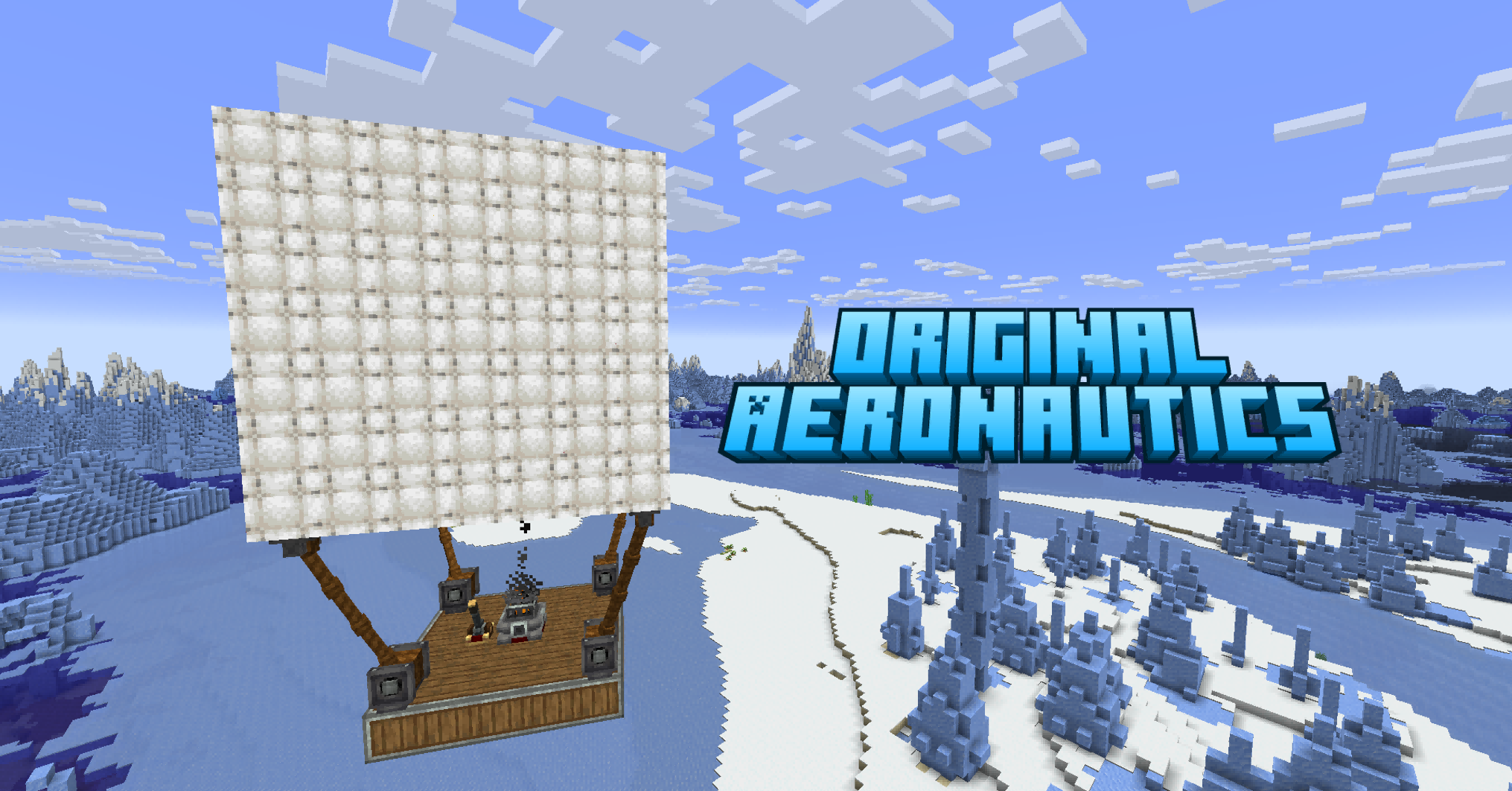
Hot air balloons for Create × Create: Aeronautics.
Add craftable, flyable balloon blocks that provide lift, stabilization, and movement to your Sable physics structures. Pilot them with WASD controls, automate them with CC:Tweaked, or integrate them into redstone & Drive-By-Wire automation.
Features
Hot Air Balloon Block
- 16 dyeable colors — right-click with dye to recolor. Triple-click dyes a 17×17×17 radius.
- Produces physics-based lift via Sable — scales with altitude (exponential decay above Y=62).
- PD-controller gyroscope keeps structures upright during flight (adapted from Aeroworks).
- Multi-balloon support — place many balloons on one structure, they share the load. First balloon acts as primary for physics calculations.
- 97 crafting recipes: envelope conversion, dye crafting, Create pressing/washing/deploying.
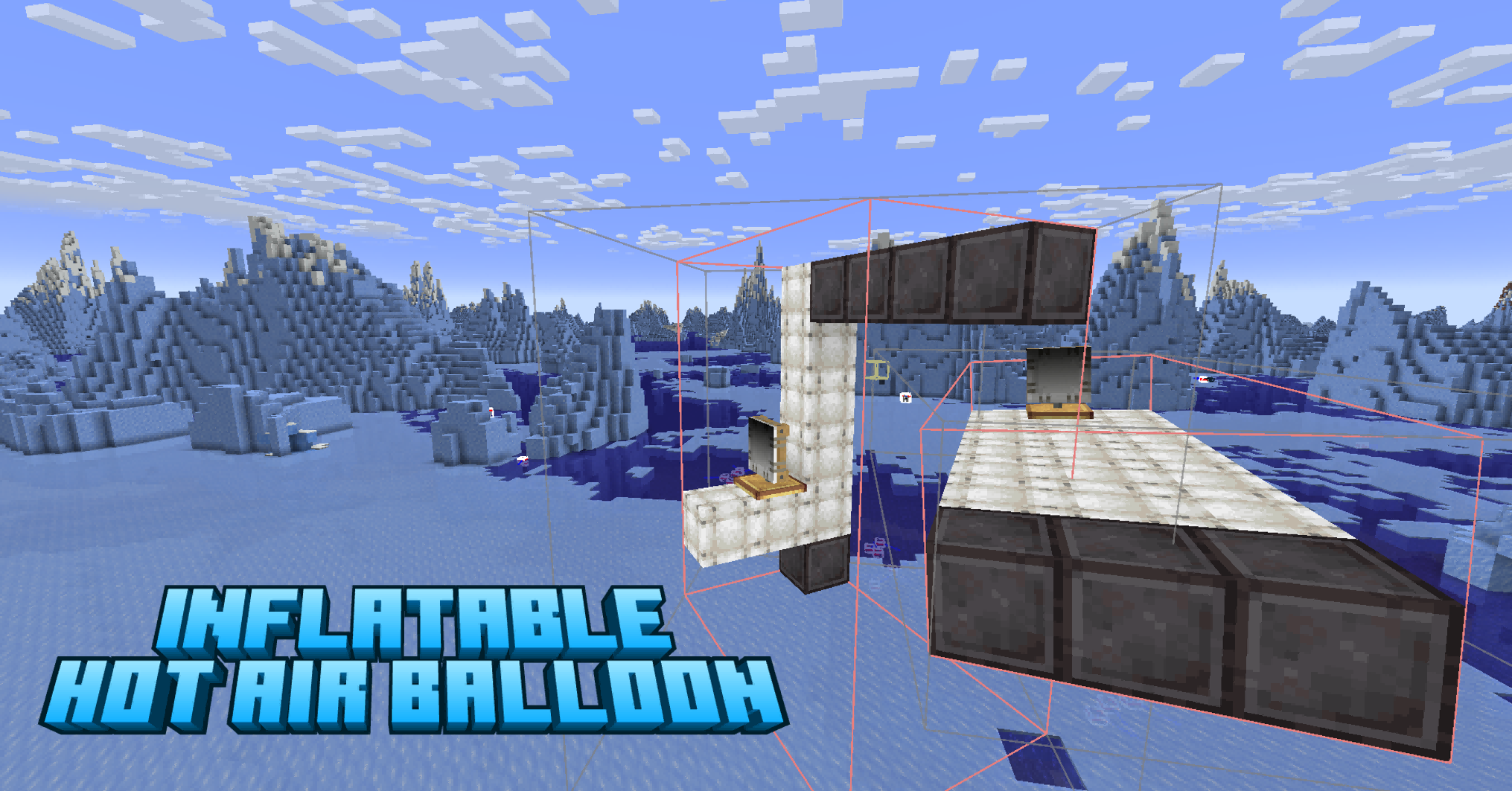
- Supports hot air balloons as the original aeronautics.
Balloon Controller
- Right-click to take control. Space = ascend, V = descend, WASD = move and turn, Shift = exit.
- Auto-land detection — stops control when all balloons settle on the ground for 1 second.
- Redstone input support via block left/right sides.
- Optional Drive-By-Wire signal integration.
CC:Tweaked Integration (optional)
- Both peripheral and native API approaches supported.(Check the changelog for 1.0.7p2 and p3 for specific example code)
- Native:
balloon.ascend()works from any computer on the structure — no wrapping needed. - 11 Lua functions:
ascend,descend,hover,forward,back,turnLeft,turnRight,stop,count,isActive,getHeight.
Getting Started
- Craft a Balloon Controller (White Sail + Shaft + Brass Sheet on a Crafting Table).
- Obtain balloons — craft Aeronautics envelopes into balloon blocks, then dye them with any dye.
- Build a structure — place balloons on a Sable physics structure (use Create: Aeronautics to assemble).
- Place the Controller anywhere on the same structure.
- Right-click the Controller to take control.
- Fly — Space to ascend, V to descend, WASD to move, Shift to exit.
- Optional — place a CC:Tweaked computer on the structure and run a Lua script for automation.
CC:Tweaked API
Native global API (recommended):
balloon.ascend()
balloon.descend()
balloon.hover()
balloon.forward()
balloon.back()
balloon.turnLeft()
balloon.turnRight()
balloon.stop()
balloon.count()
balloon.isActive()
balloon.getHeight()
Legacy peripheral API (backward compatible):
local b = peripheral.find("balloon")
b.ascend()
b.descend()
b.hover()
b.forward()
b.back()
b.turnLeft()
b.turnRight()
b.stop()
b.count()
b.isActive()
Dependencies
| Mod | Version | Required |
|---|---|---|
| NeoForge | 21.1.226+ | Yes |
| Minecraft | 1.21.1 | Yes |
| Create | 6.0.10+ | Yes |
| Create: Aeronautics Bundled | 1.1.3+ | Yes |
| Sable | 1.1.3+ | Yes |
License
MIT
常见问题
Create Balloon 支持哪些 Minecraft 版本?
Create Balloon 支持 Minecraft Java 版 1.21.1,可用的加载器:NeoForge。下载时注意选择和你游戏版本一致的文件。
Create Balloon 怎么安装?
先用 PCL2 或 HMCL 启动器安装对应版本的 NeoForge,再把下载的 .jar 文件放进游戏目录的 mods 文件夹,重新启动游戏即可。开启了版本隔离的,mods 文件夹在 versions/版本名 下面。
评论
登录后评论和评分