
Aetherium – Vulkan Shader
Runs shader packs natively on Minecraft's Vulkan renderer, with Sodium and Distant Horizons support.
截图
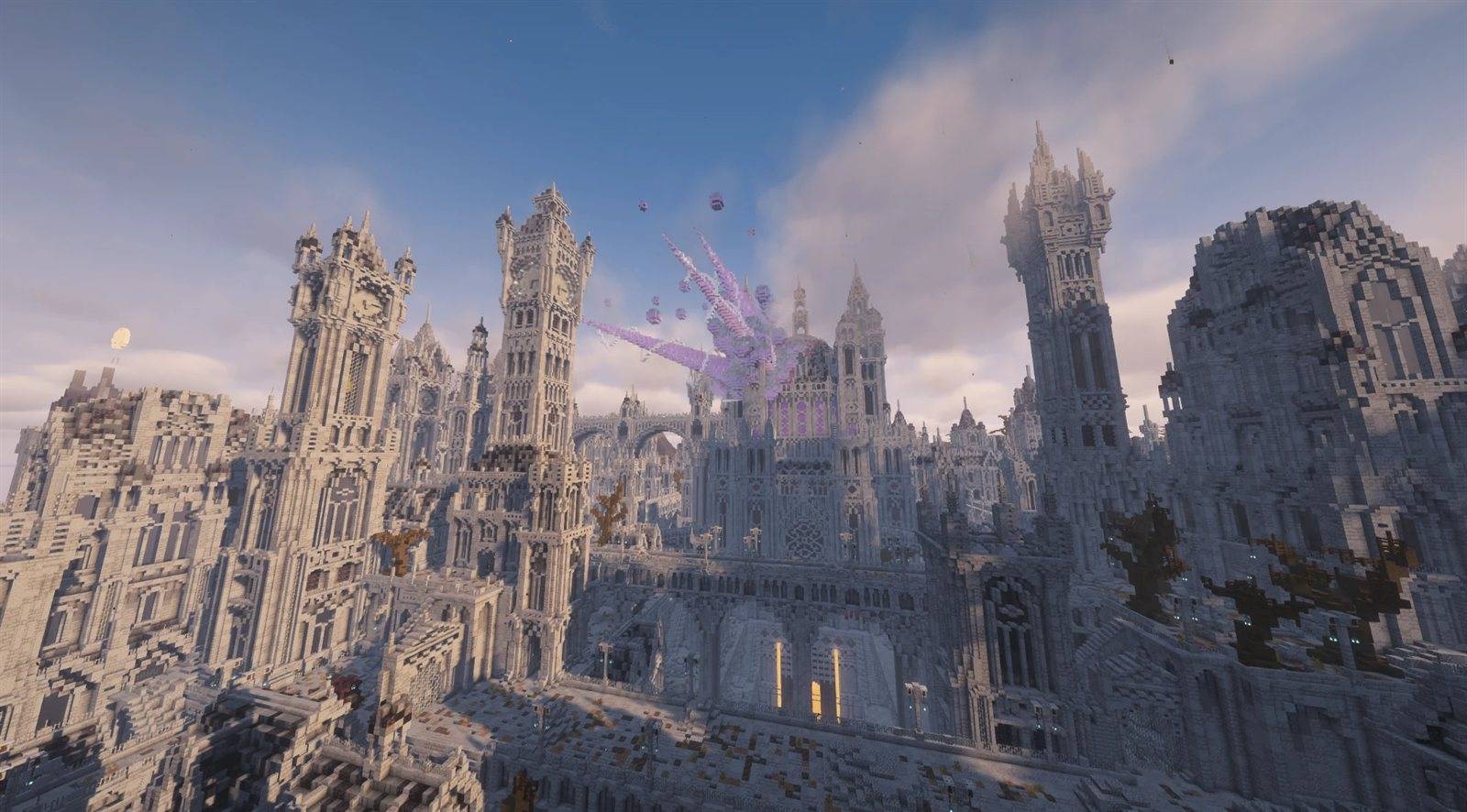
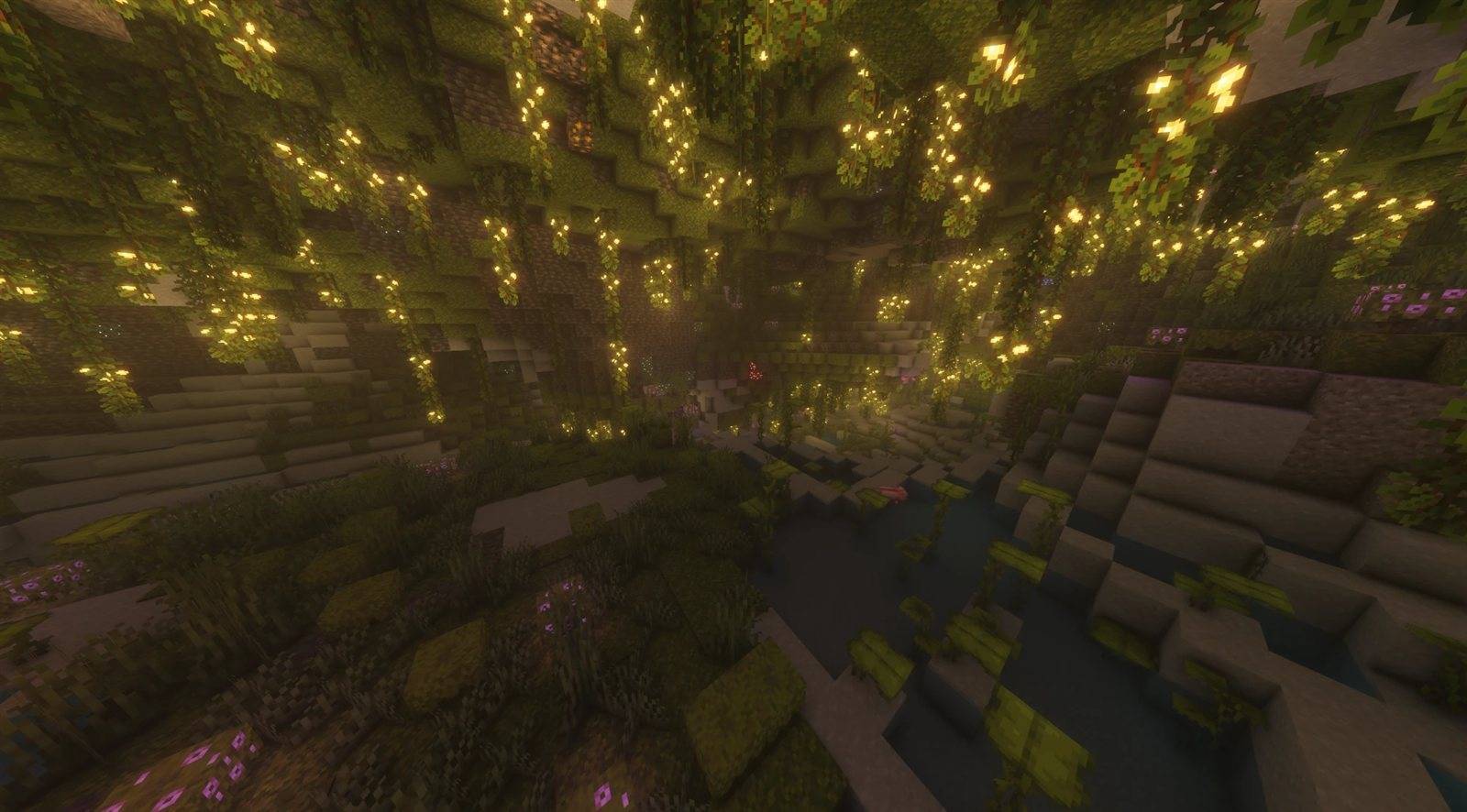
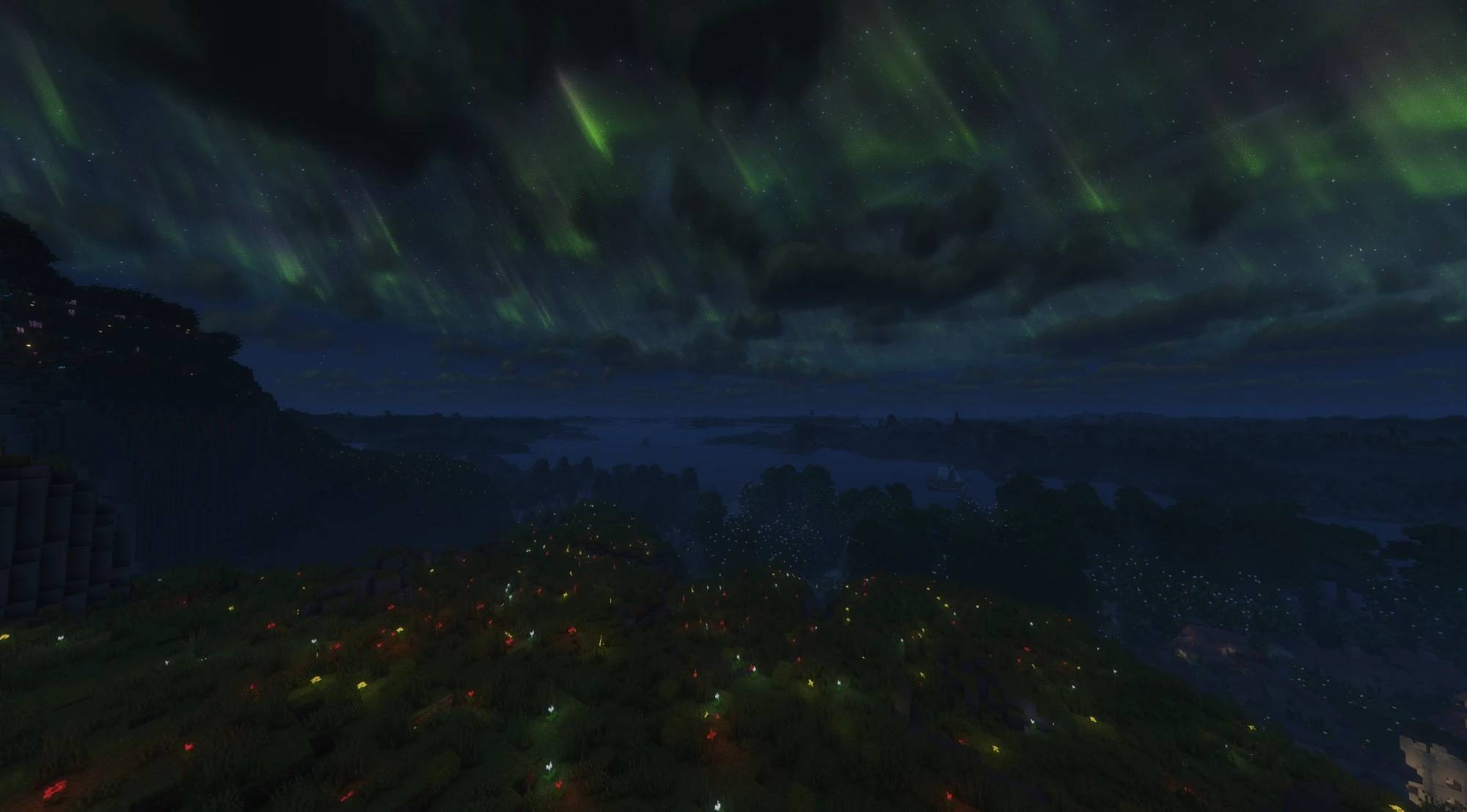
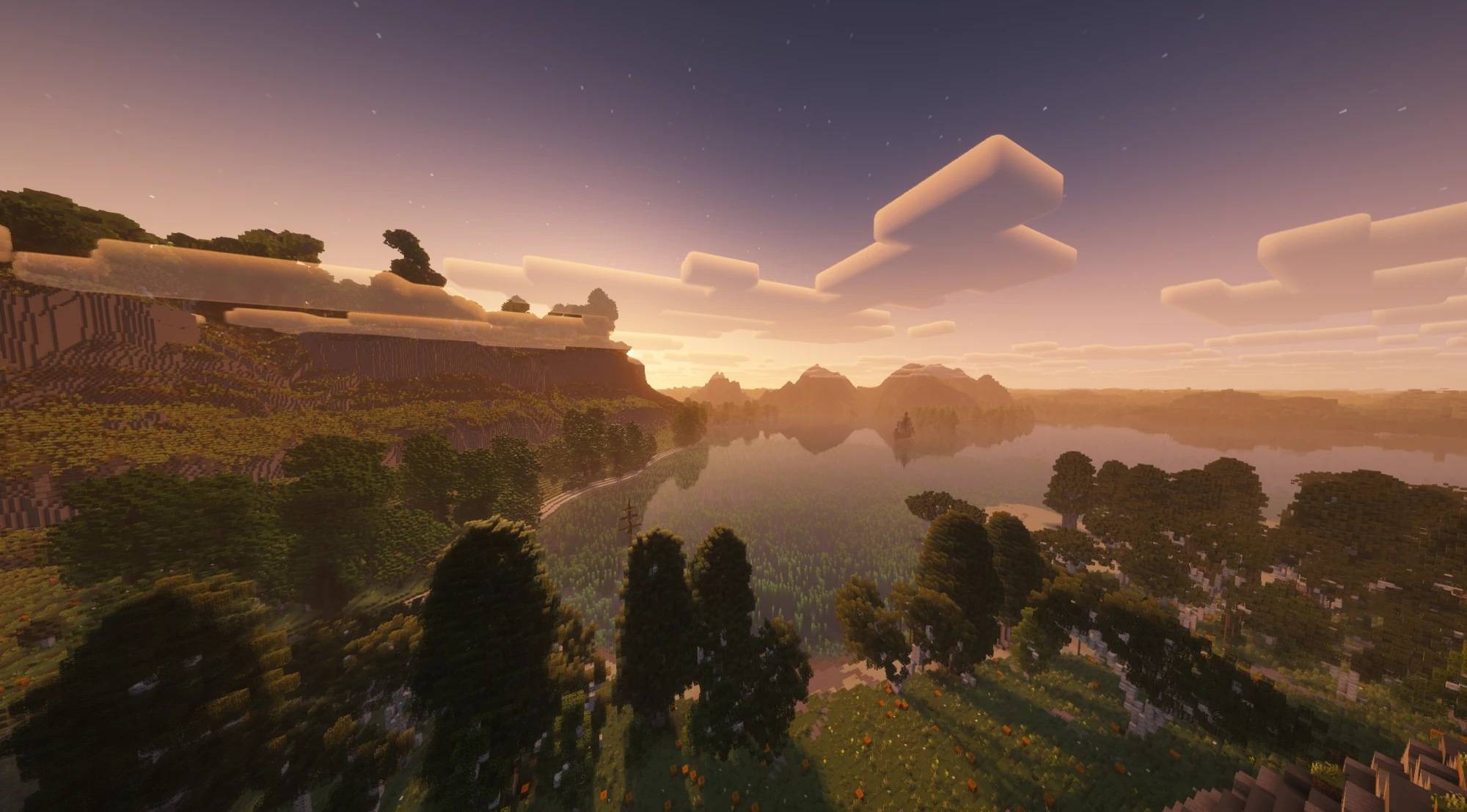
介绍



Shader packs on Minecraft’s Vulkan renderer. Aetherium runs standard shader packs natively on Vulkan, with its
own shader-engine optimisations, a searchable settings screen and a few quality-of-life extras. Available for Fabric
and NeoForge.
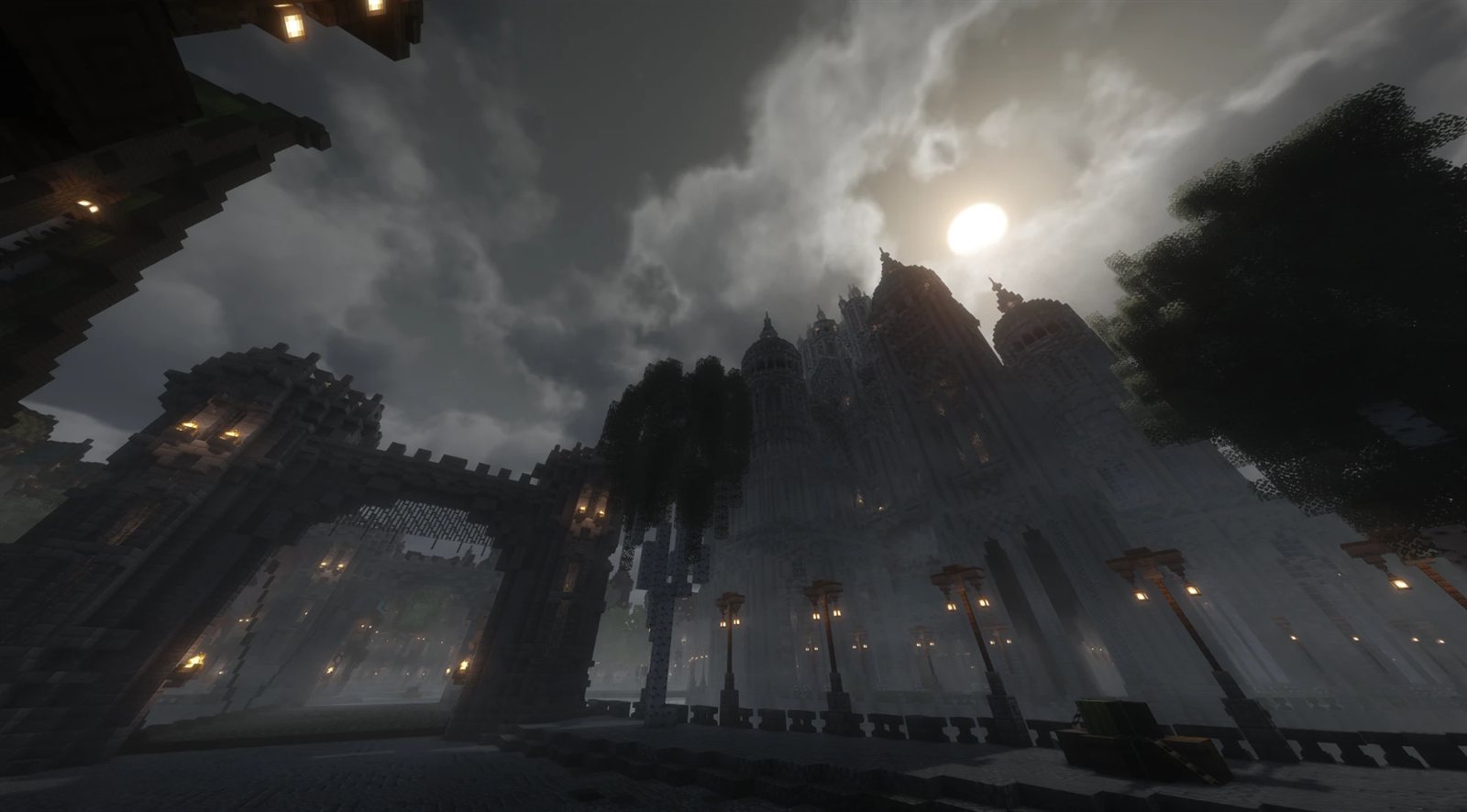
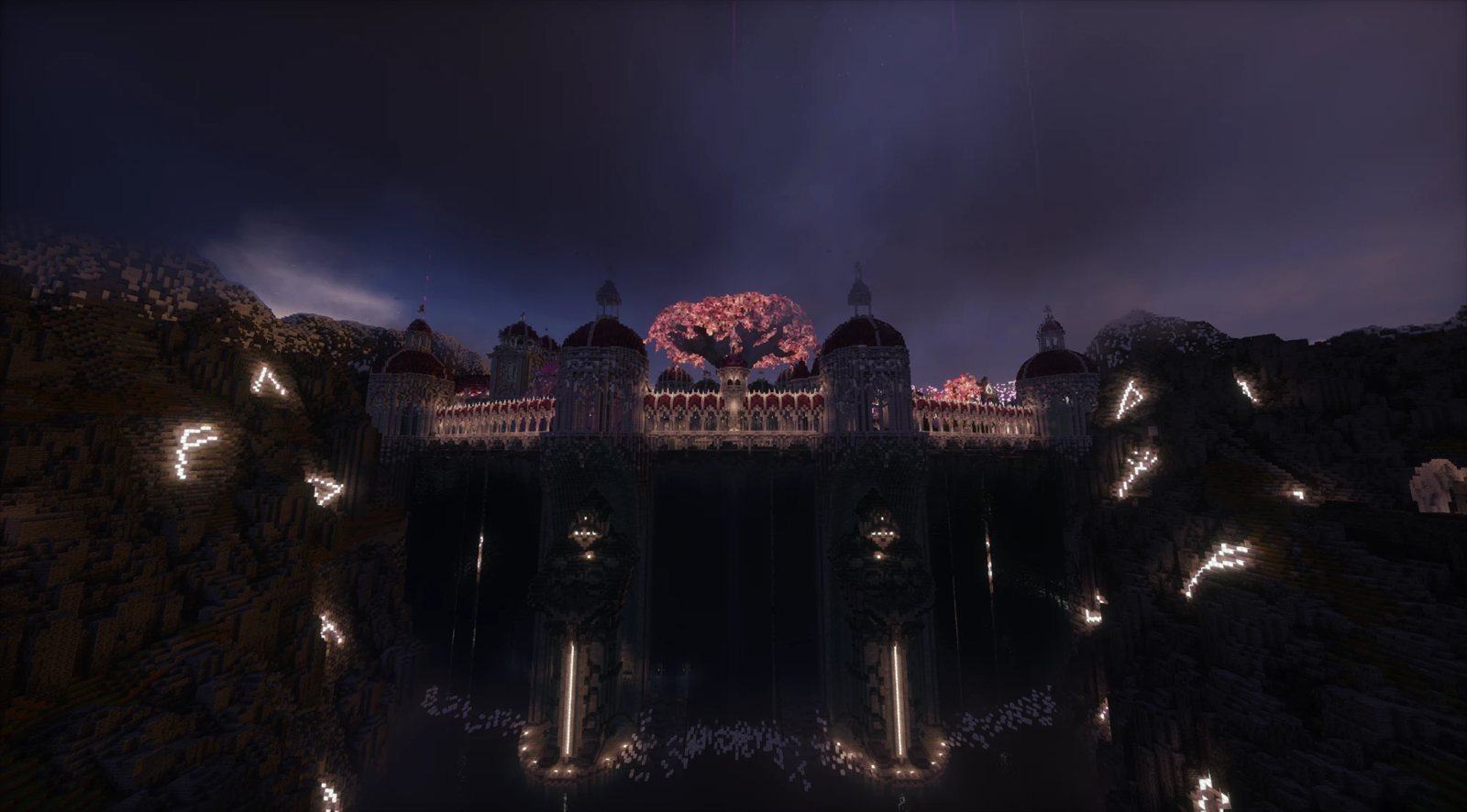
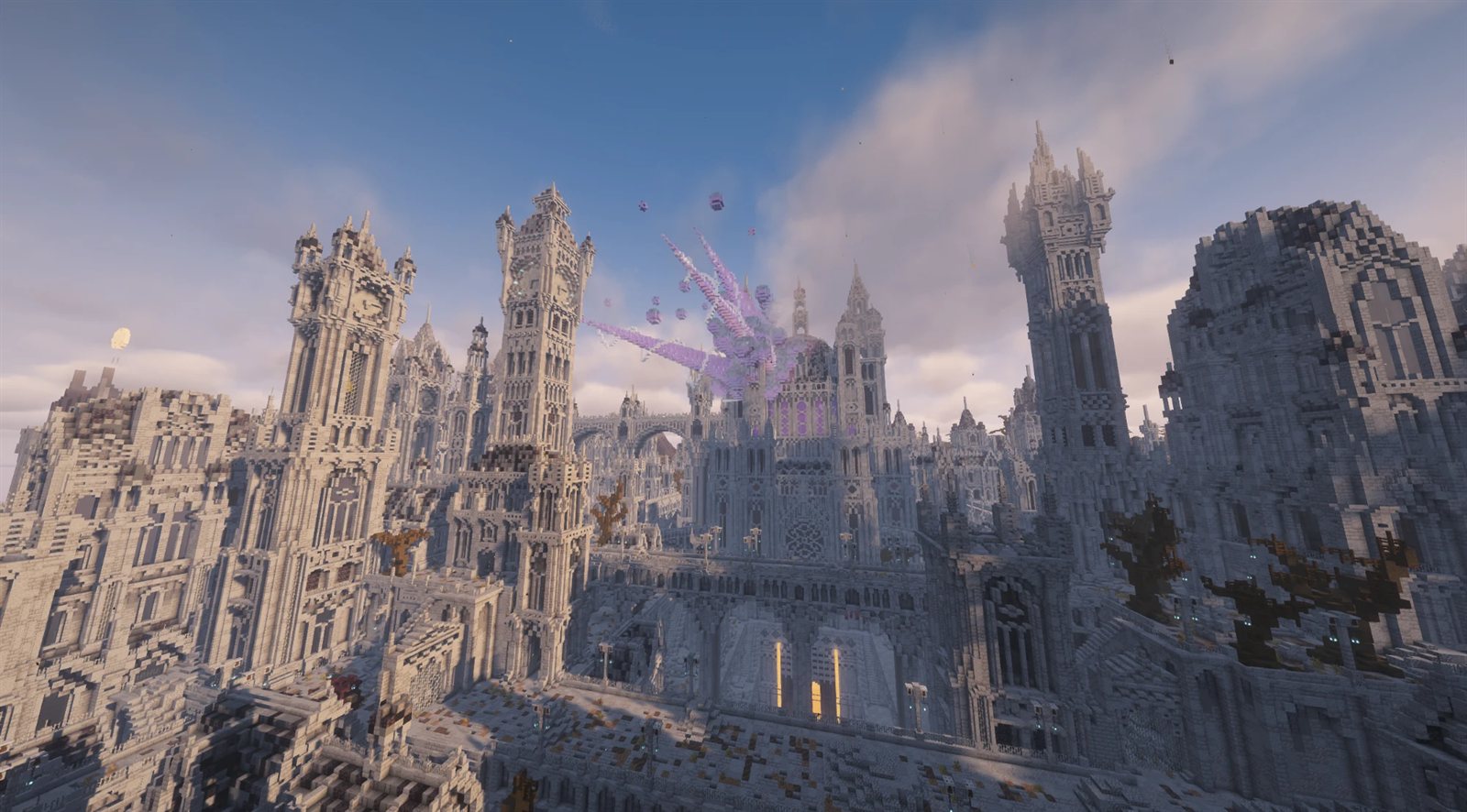
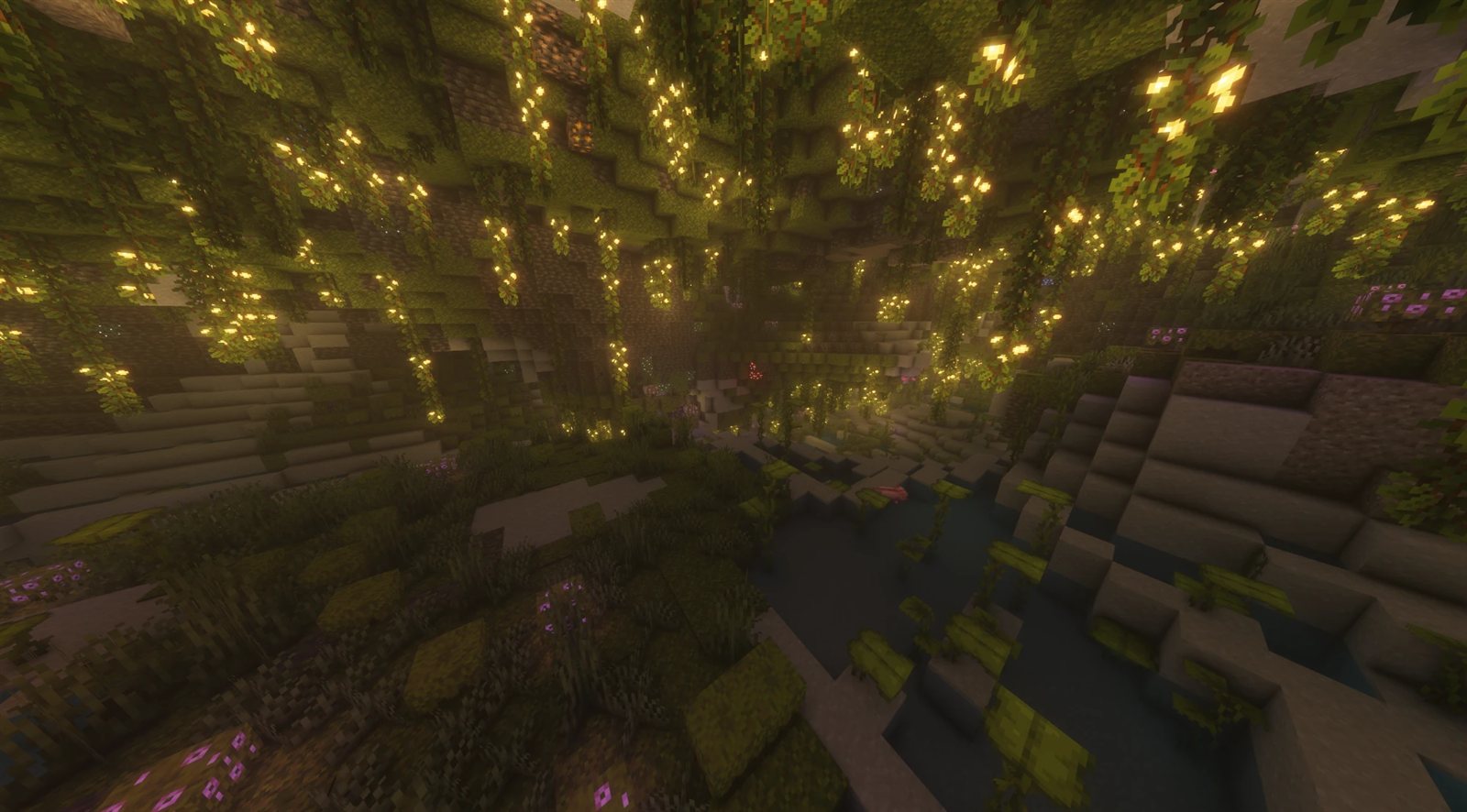
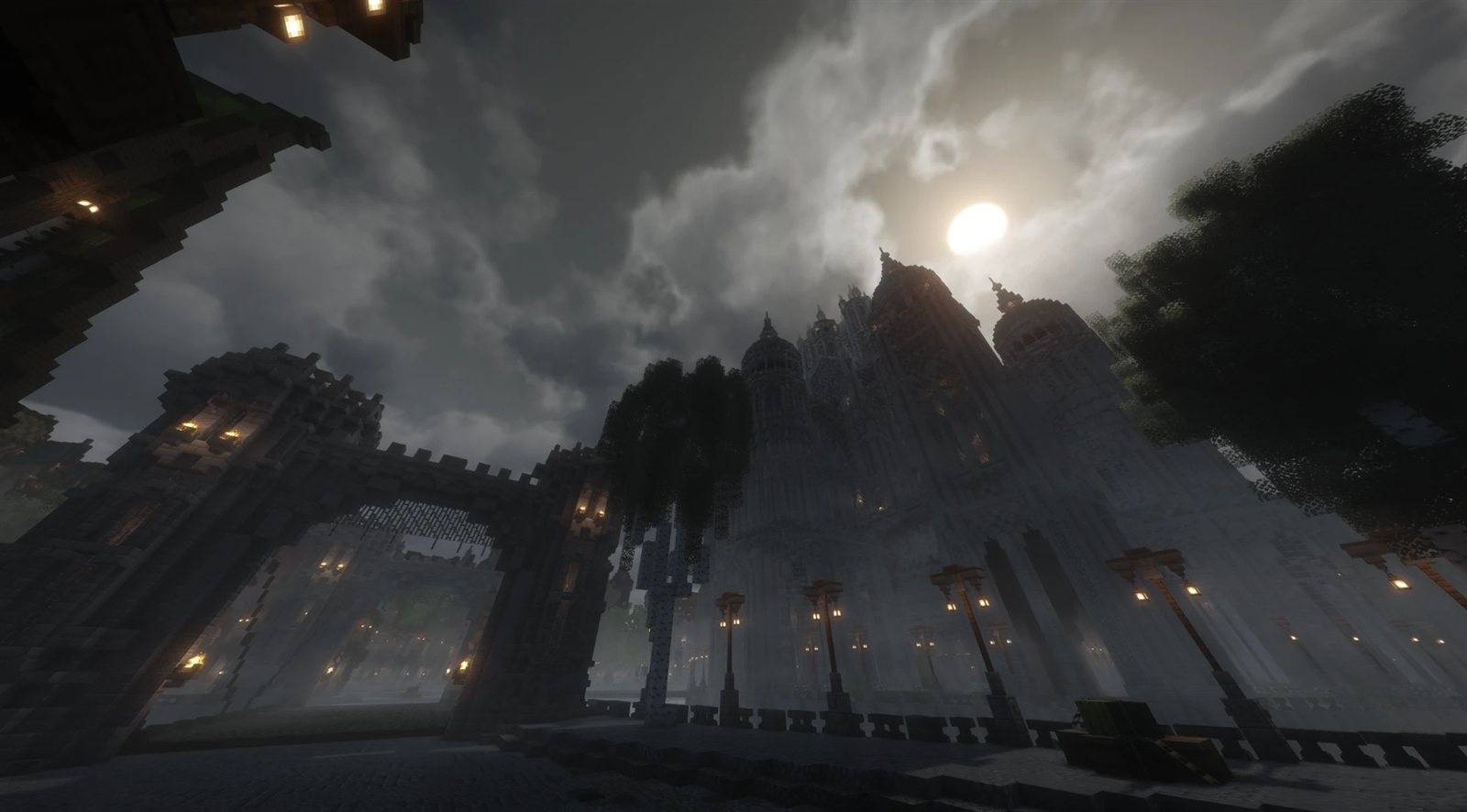
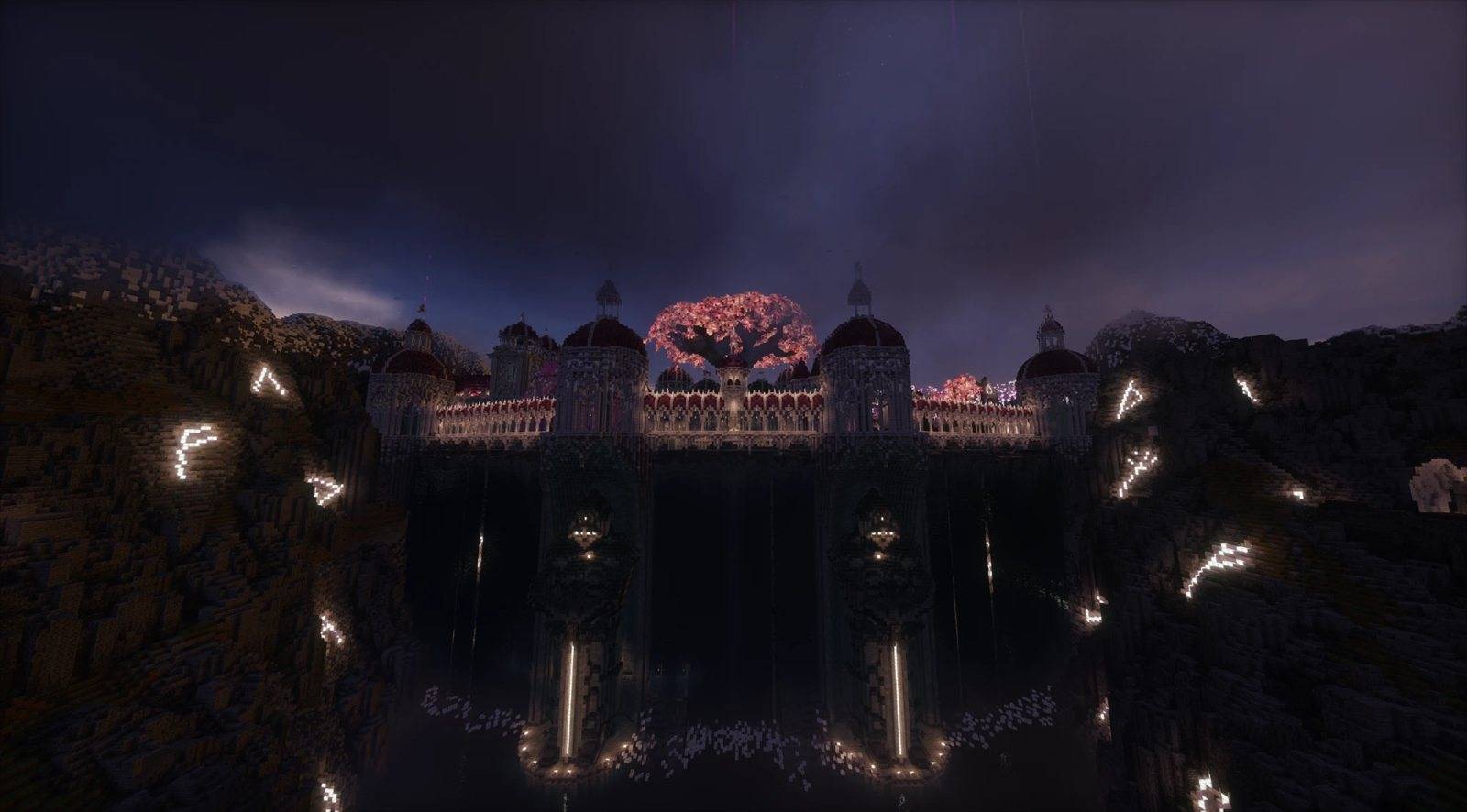
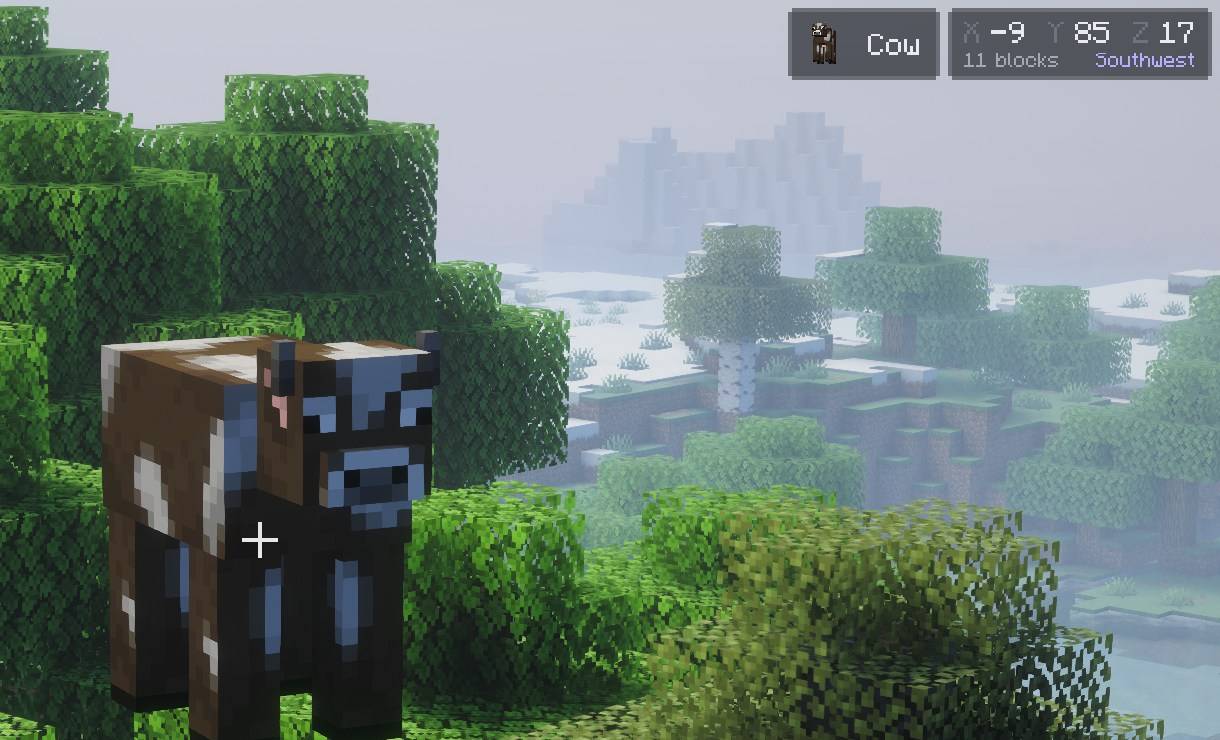
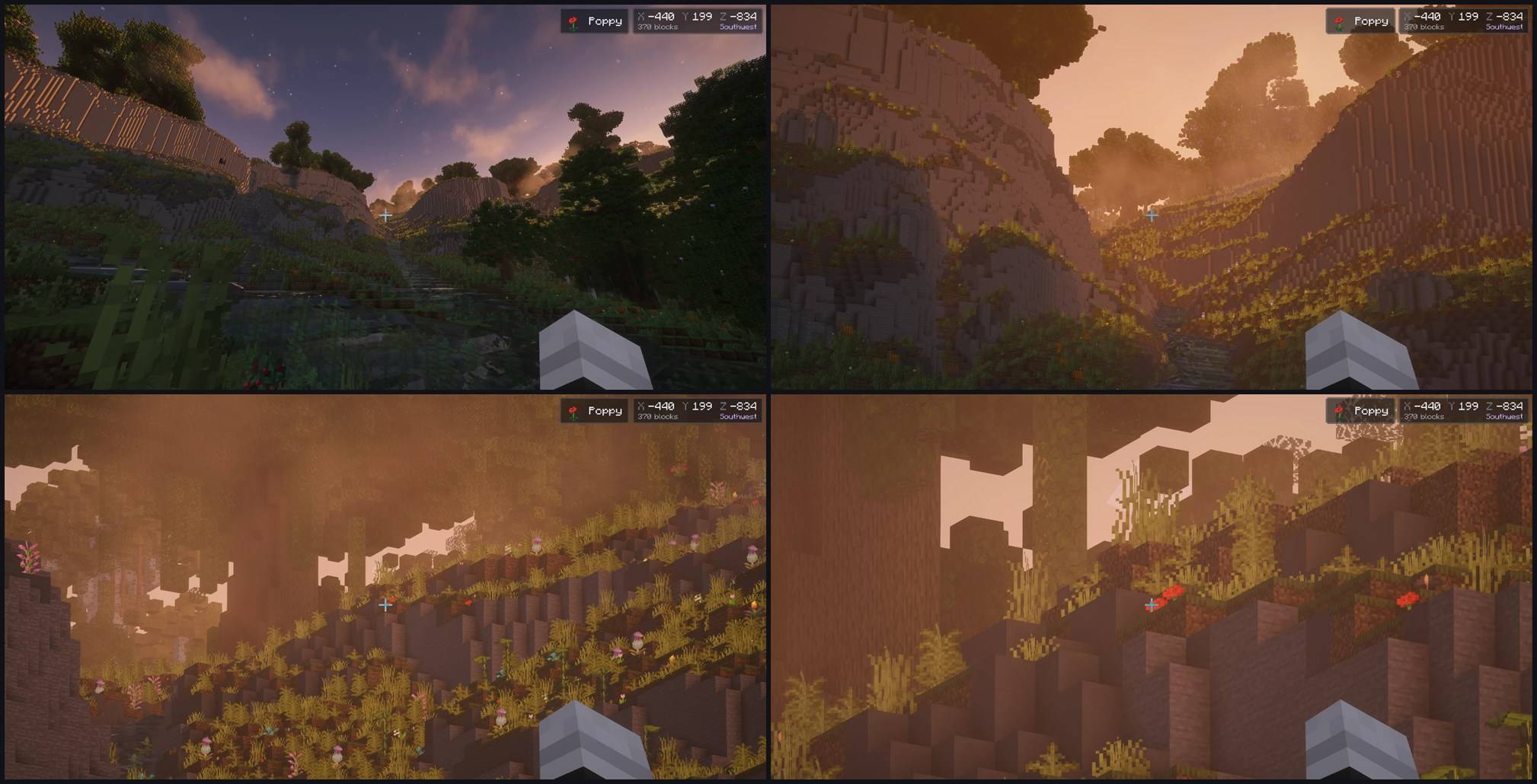
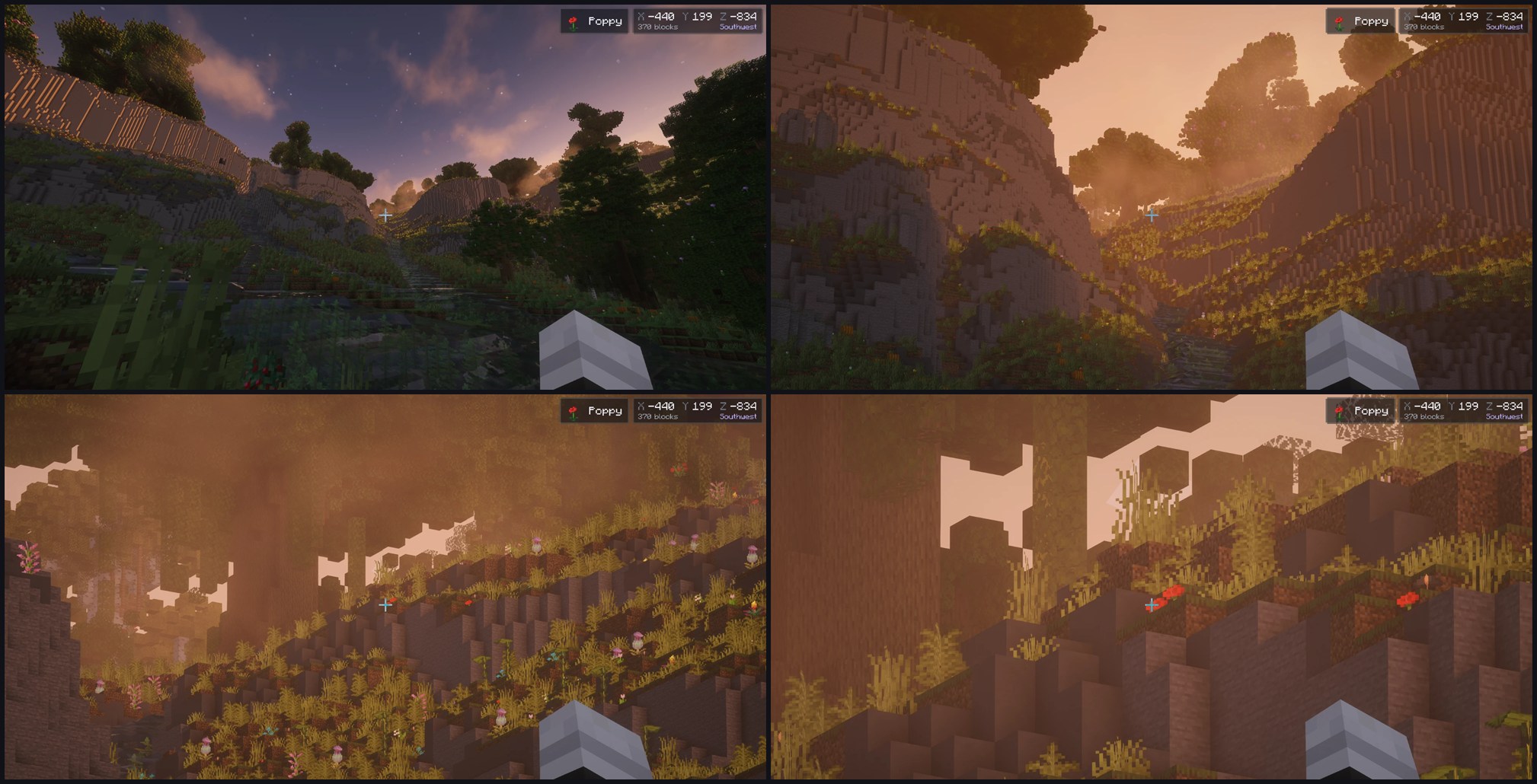
Shot with Complementary Unbound and Spooklementary.
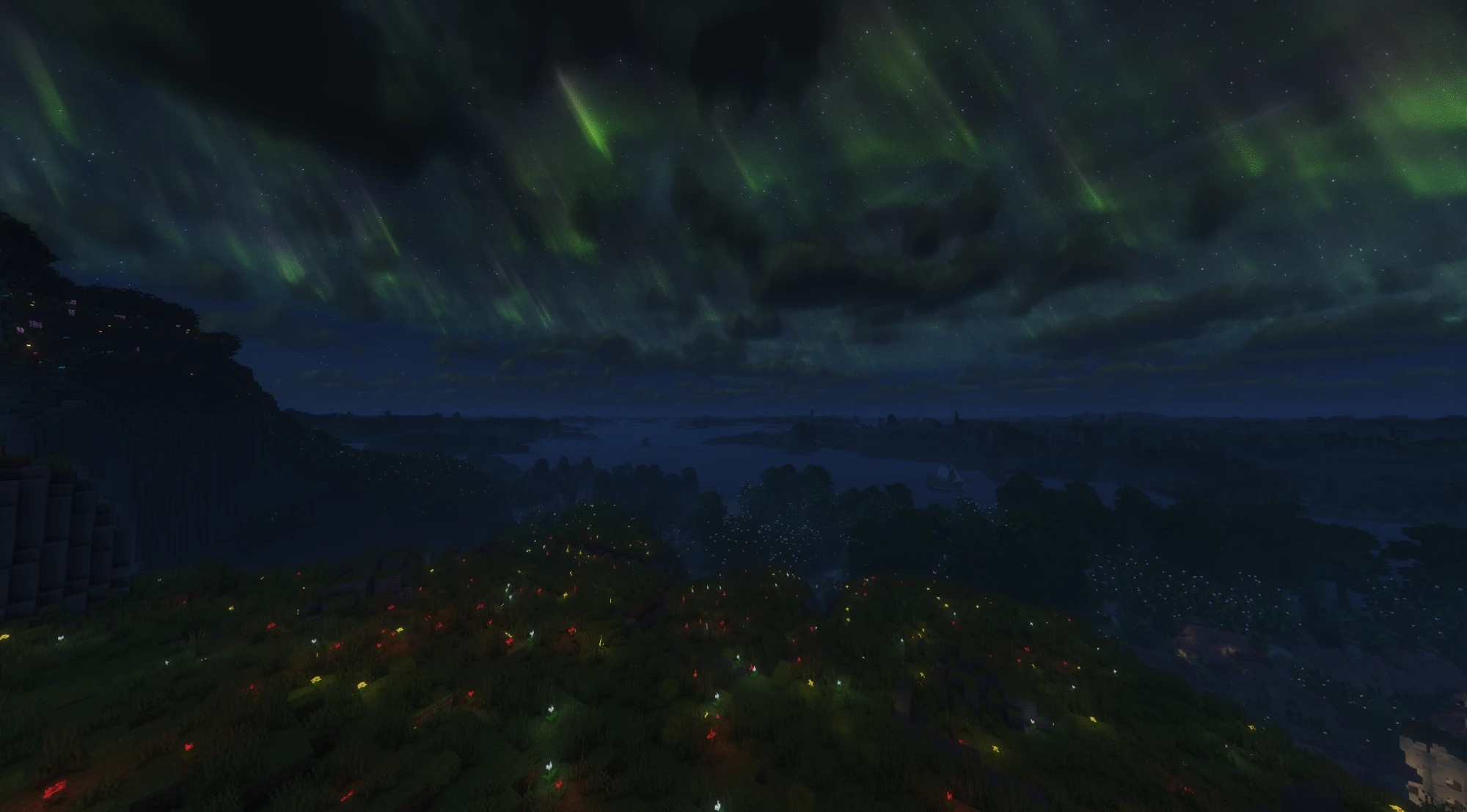
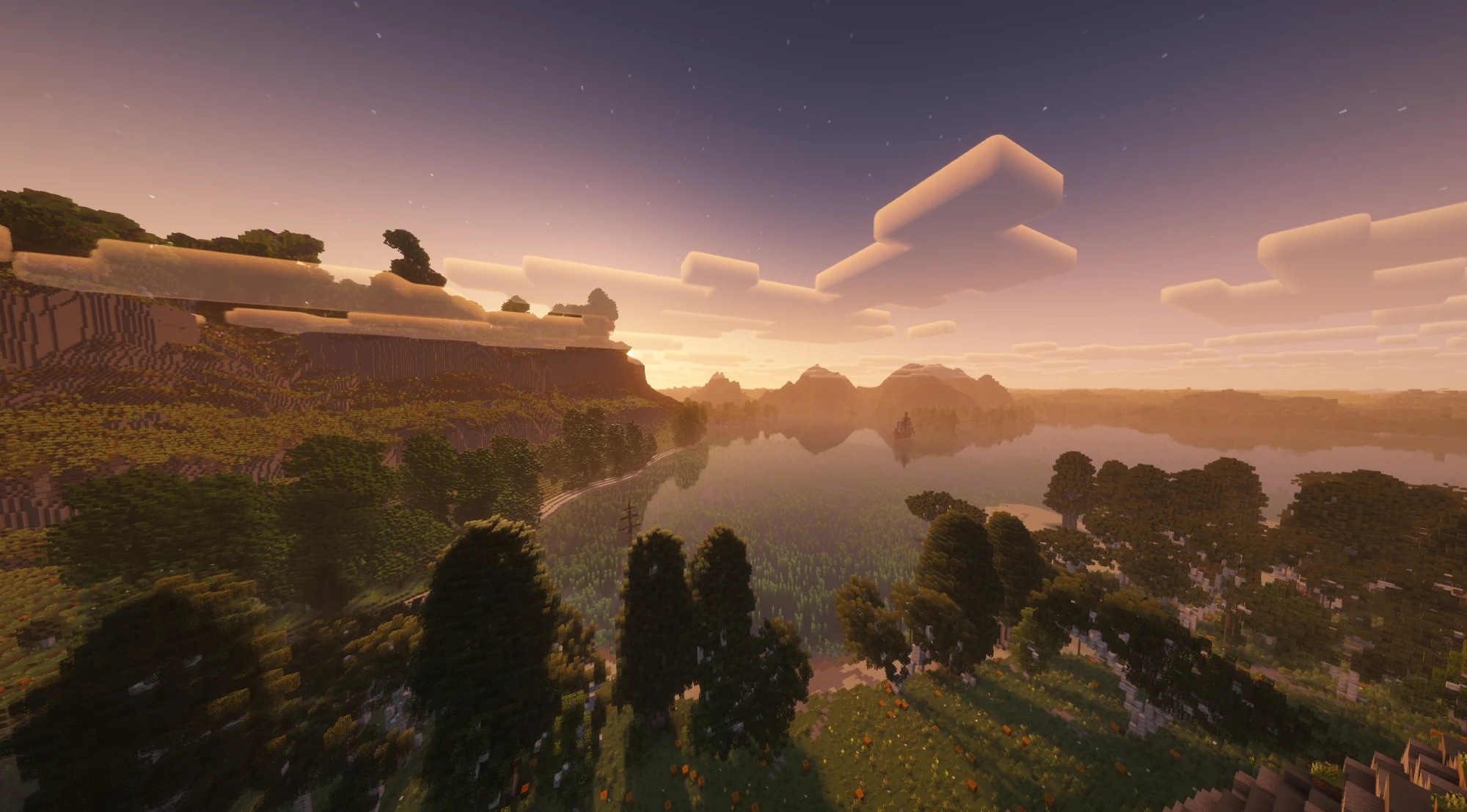
Far terrain from Distant Horizons, shaded by the pack.
Why Aetherium
Minecraft is moving to Vulkan. The game now ships its own Vulkan renderer alongside OpenGL, and that is where its
rendering is heading. Shader packs, though, grew up on OpenGL: OptiFine created the format, and Iris carried it to
modern versions, both built around the OpenGL pipeline. Aetherium runs those same packs natively on the Vulkan
renderer, so they move forward with the game.
At the same time, the optimisations Sodium pioneered are finding their way into vanilla bit by bit. Aetherium leaves
terrain rendering to Sodium and builds on it, and puts its own effort where nothing else does: a fast shader engine
on Vulkan, with every optimisation measured before it is turned on.
Highlights
- Shader packs on Vulkan. Standard-format packs run on the game’s own Vulkan renderer: gbuffer, shadow,
full-screen, compute and geometry programs, custom images and buffers and LabPBR material maps. Tested with
22 popular packs, among them
Complementary, BSL, Photon and Sildur’s. - Works with Distant Horizons. Its far terrain is shaded by the pack’s own Distant Horizons programs, shadows
included. Without a pack it draws as usual. - Built for frame rate. About twenty measured engine optimisations, each of which can be switched off on its own.
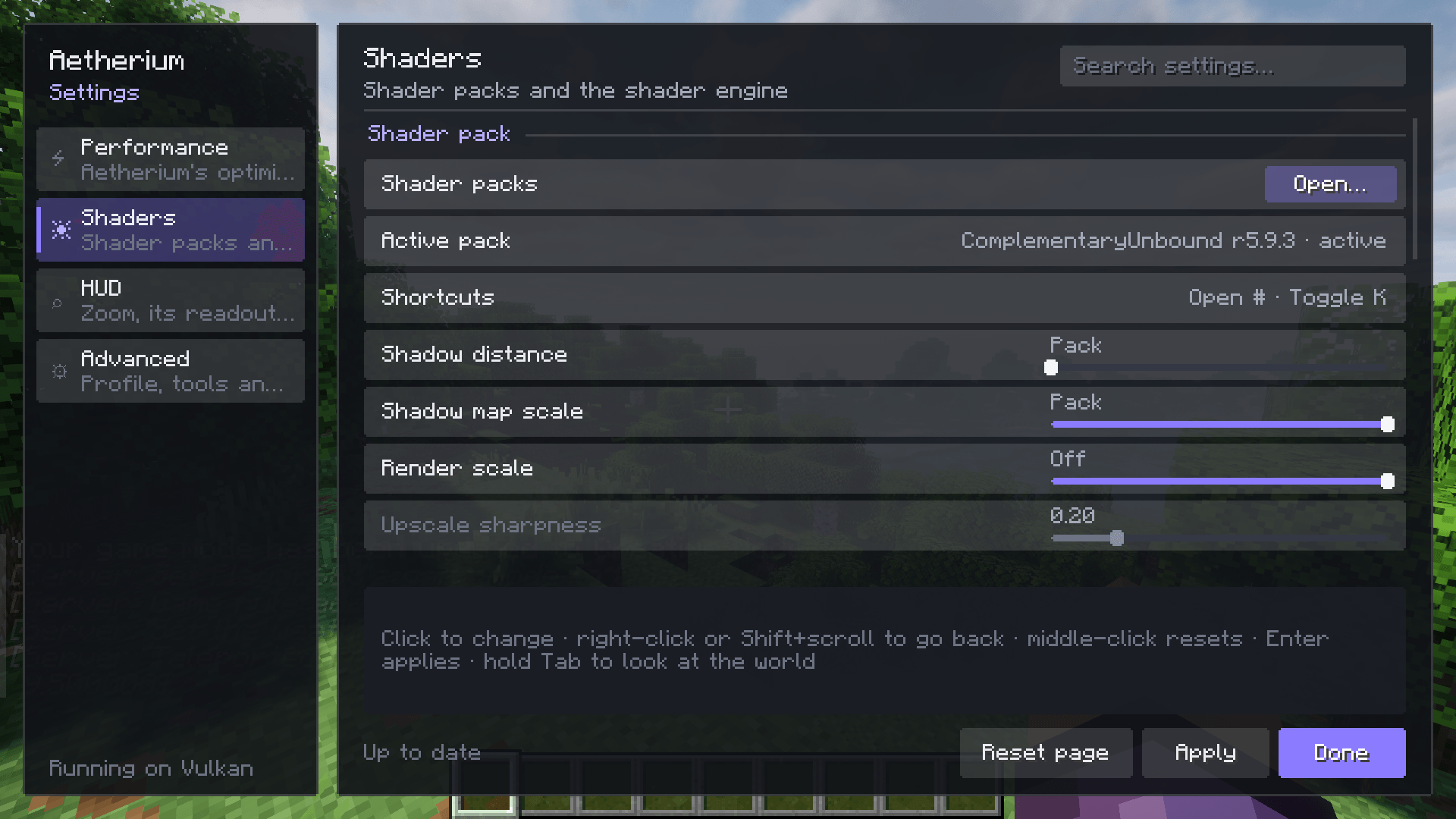
- Render scale with FSR 1.0. Draw the world at 50–100% of the window and upscale it, while the interface stays
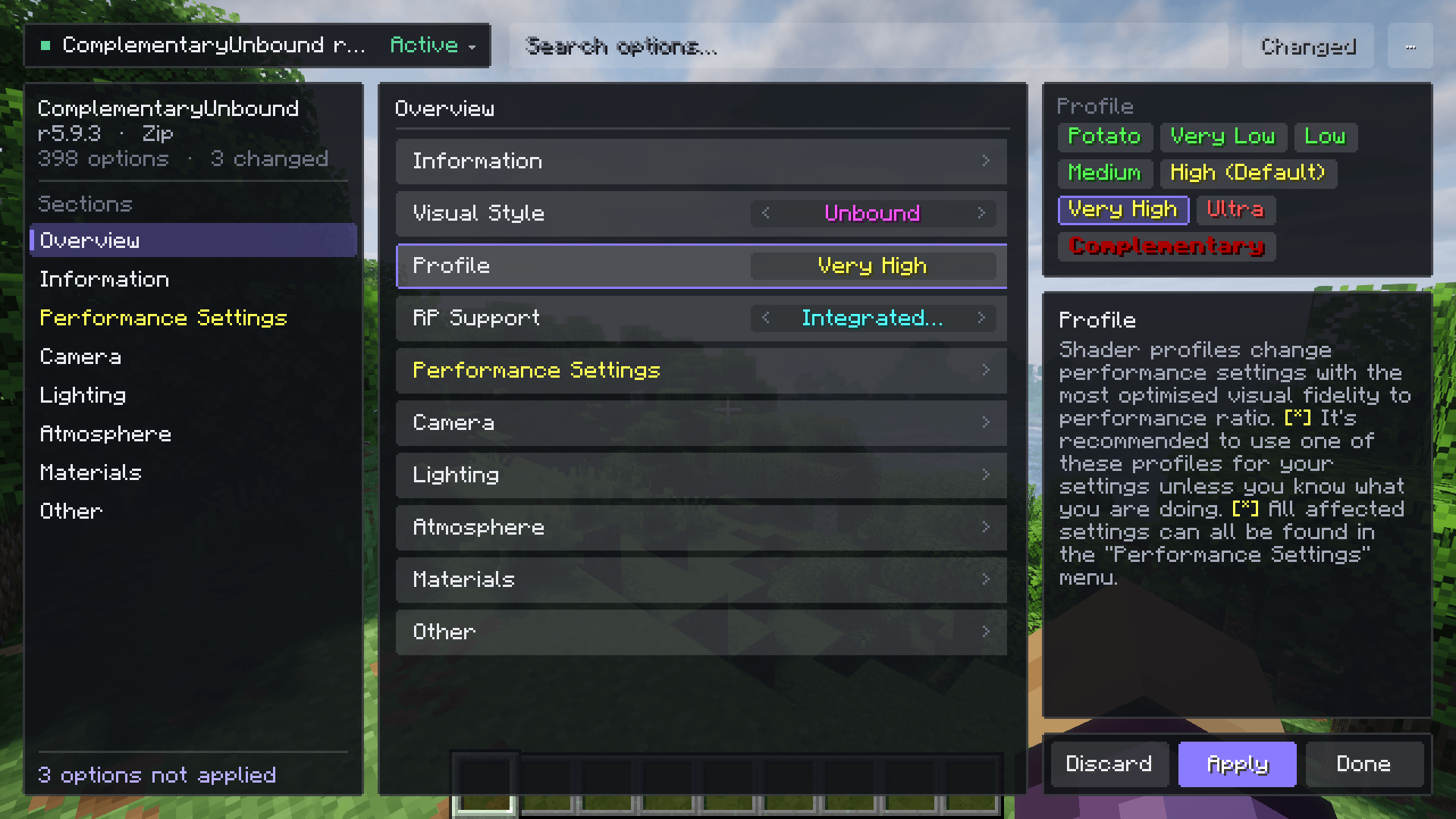
sharp. - A pack screen that is easy to use. Profiles, search, a "changed only" filter, inline reset, live preview (hold
Tab), import and export, and drag-and-drop install. - Fast pack loading. Packs load in the background with a small progress indicator, and a disk cache makes
loading the same pack again much faster. - Extras. Hold-to-zoom with a coordinates and target readout, a pixel-exact centred crosshair, and a prompt that
offers to switch the game to Vulkan.
Requirements
- Minecraft 26.3
- Fabric Loader 0.19.5+ with Fabric API, or NeoForge 26.3.0.23-beta+
- Sodium 0.9.2 or newer
- The Vulkan graphics API. If the game starts on OpenGL, Aetherium offers to switch it.
Aetherium does not work alongside other shader-pack mods.
Getting started
- Put Aetherium and Sodium (plus Fabric API on Fabric) into your
modsfolder and start the game. - Put shader packs into
shaderpacks, or drop them onto the shader pack screen. - Press O to open the shader pack screen, pick a pack and press Apply. K turns it on and off.
Aetherium’s own settings are under Options › Aetherium…, next to Shader Packs…. Hold Z to zoom.
Links
Credits
With thanks to OptiFine, which created the shader pack format;
Iris, the inspiration for bringing shader packs to modern Minecraft;
FerriteCore, the inspiration for the memory optimisations; and
VulkanMod and Beryl, which showed what a Vulkan renderer for Minecraft
can do.
Aetherium is free software under the LGPL-3.0.
常见问题
Aetherium – Vulkan Shader 支持哪些 Minecraft 版本?
Aetherium – Vulkan Shader 支持 Minecraft Java 版 26.3,可用的加载器:Fabric / NeoForge。下载时注意选择和你游戏版本一致的文件。
Aetherium – Vulkan Shader 怎么安装?
先用 PCL2 或 HMCL 启动器安装对应版本的 Fabric / NeoForge,再把下载的 .jar 文件放进游戏目录的 mods 文件夹,重新启动游戏即可。开启了版本隔离的,mods 文件夹在 versions/版本名 下面。
评论
登录后评论和评分