
截图
介绍
Valley
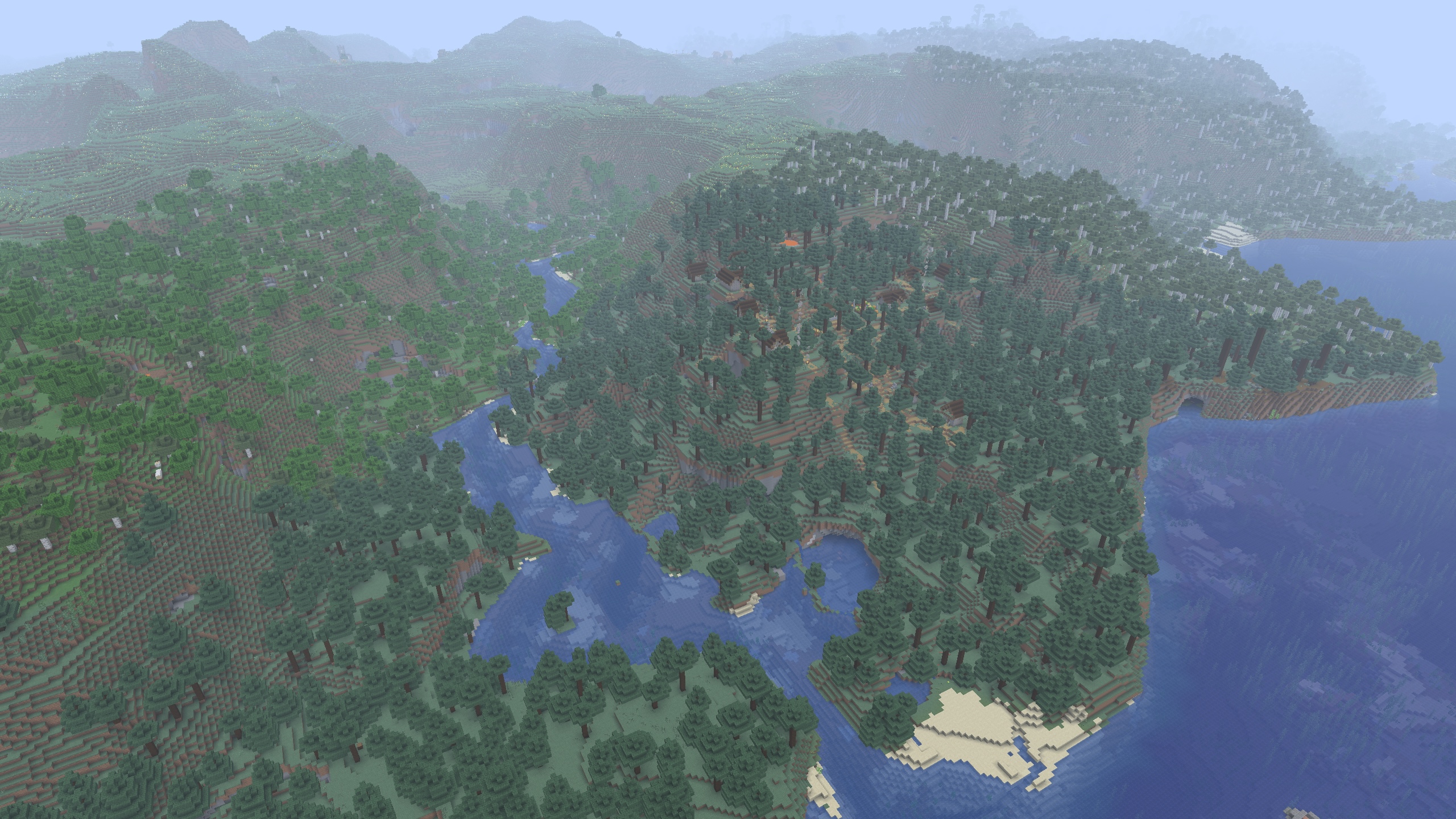
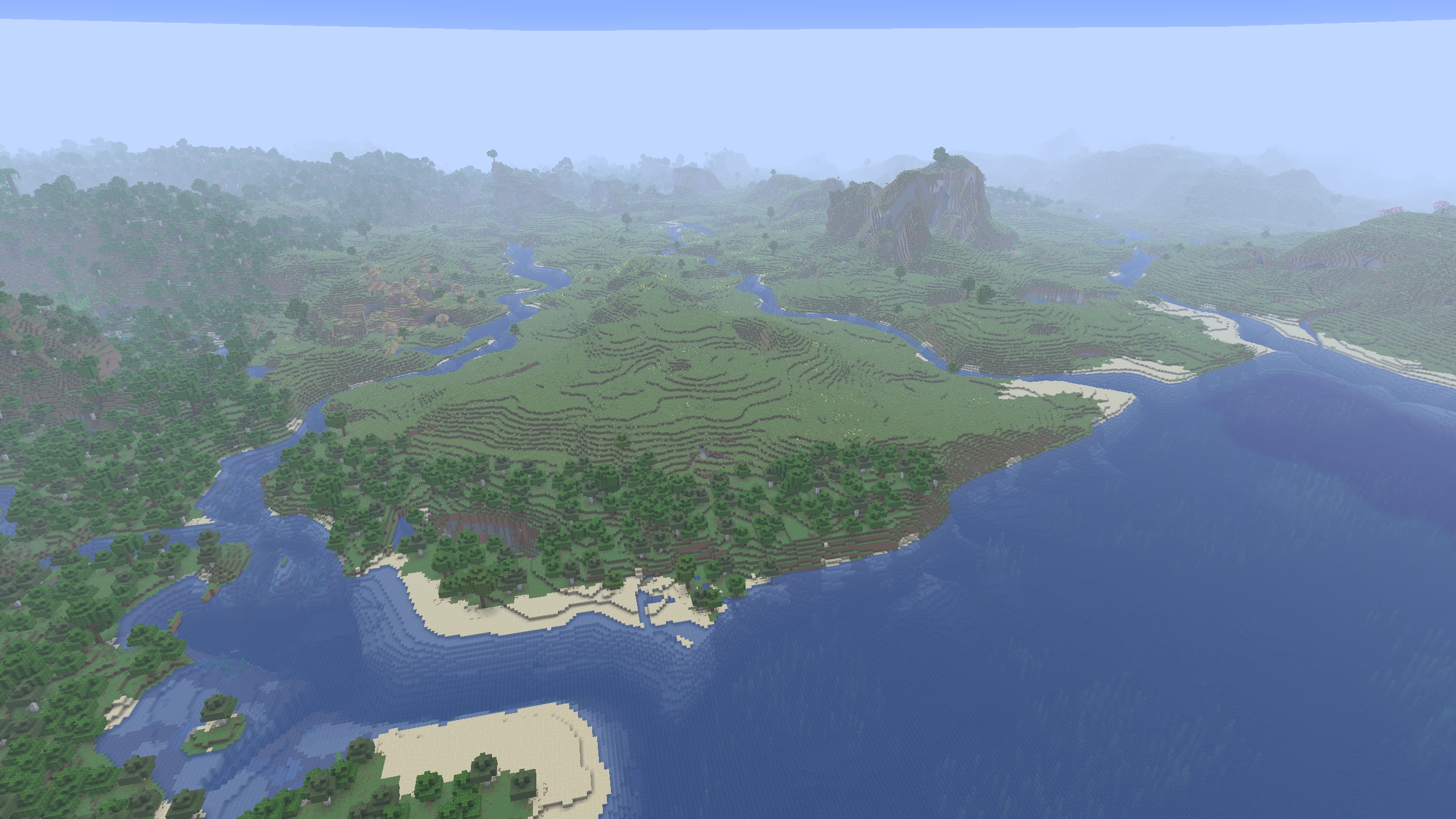
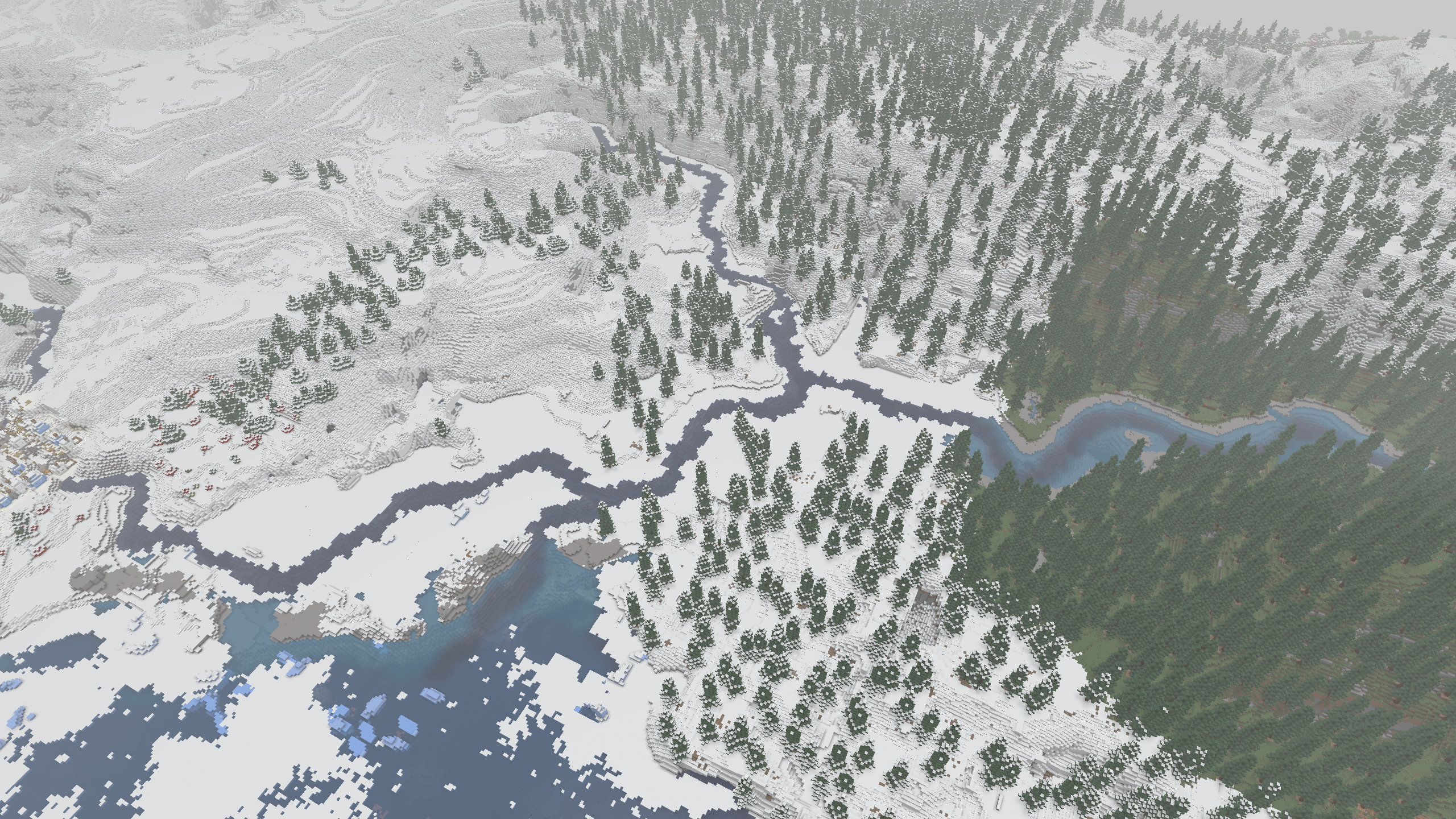
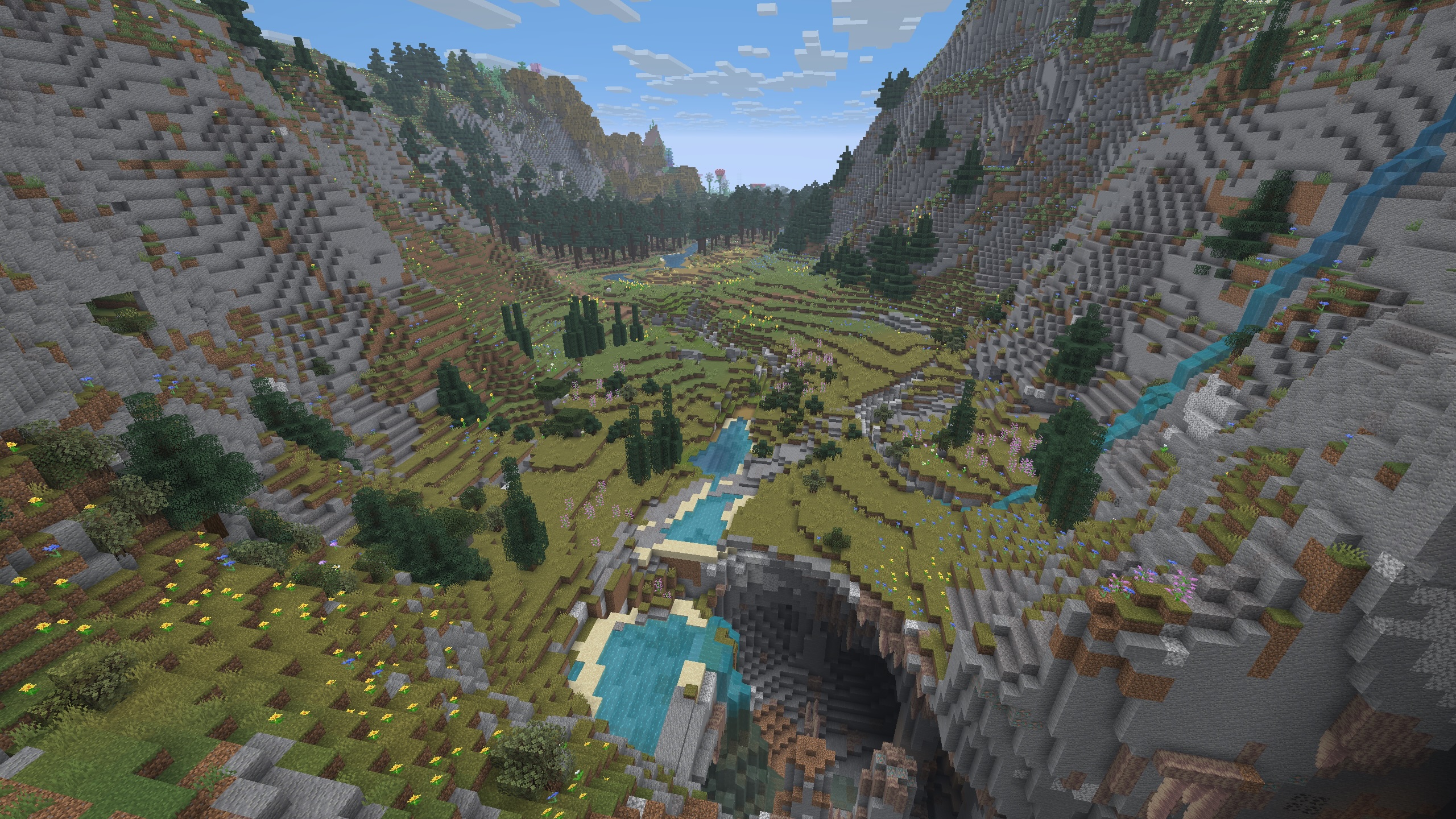
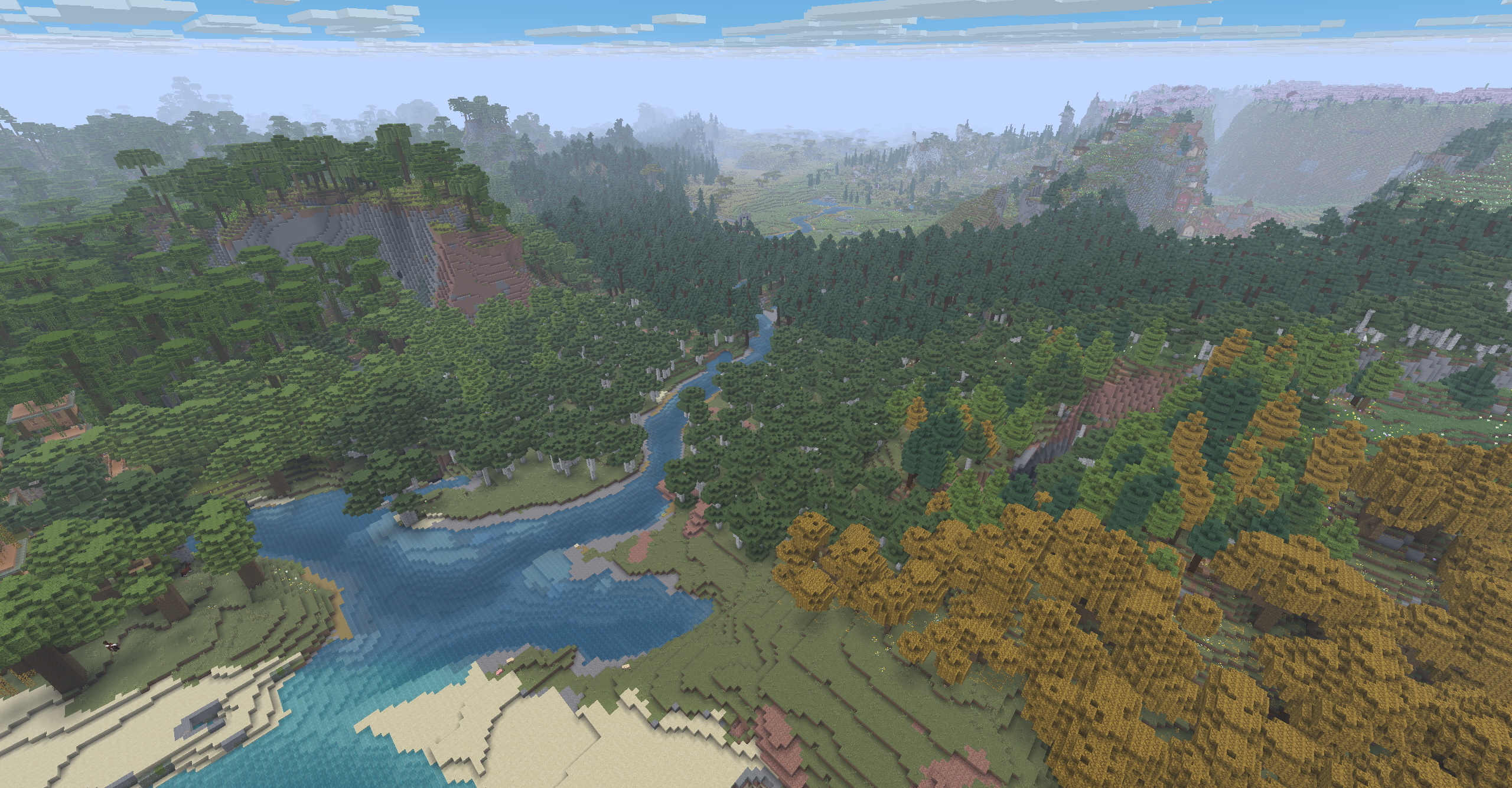
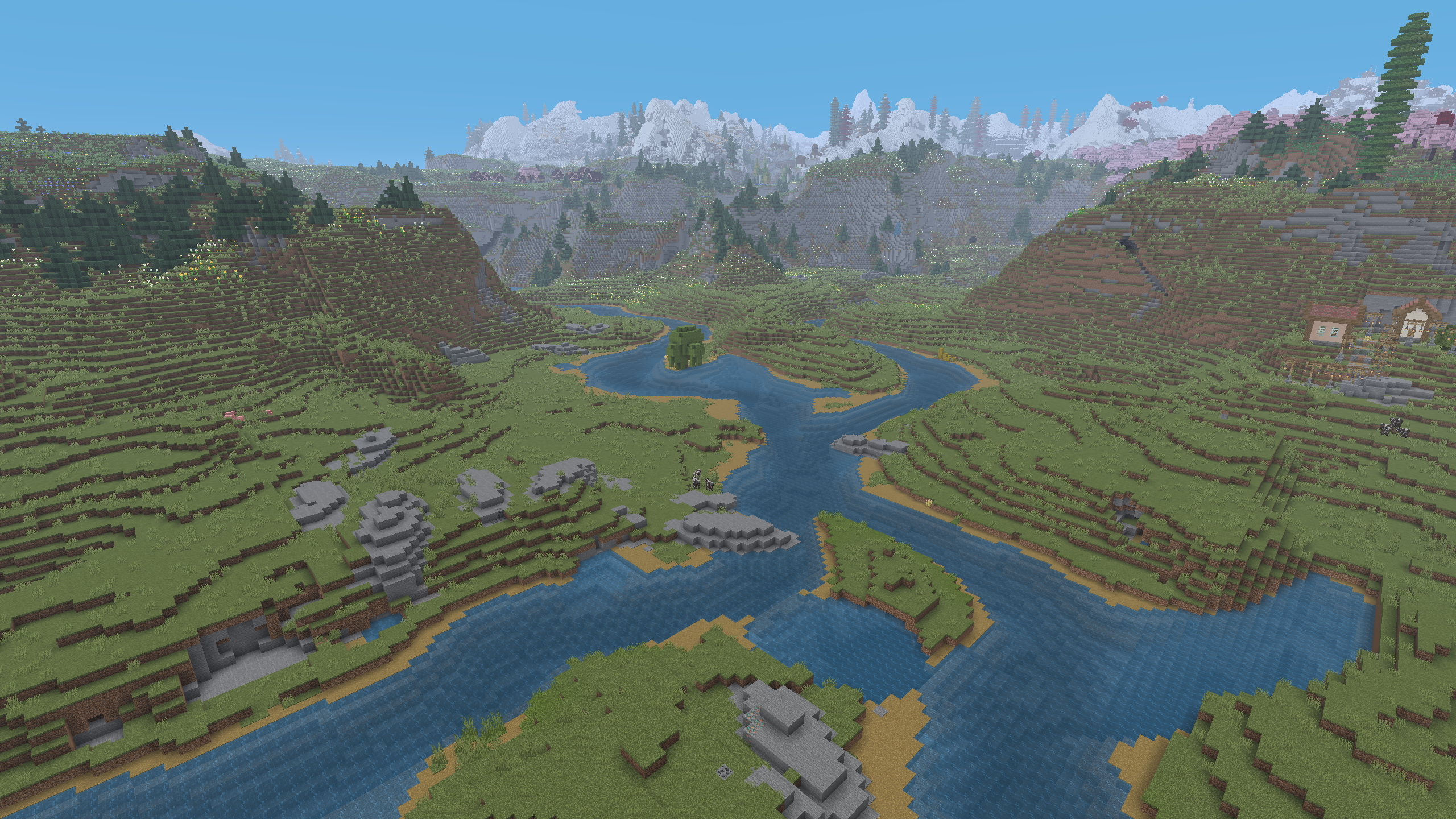
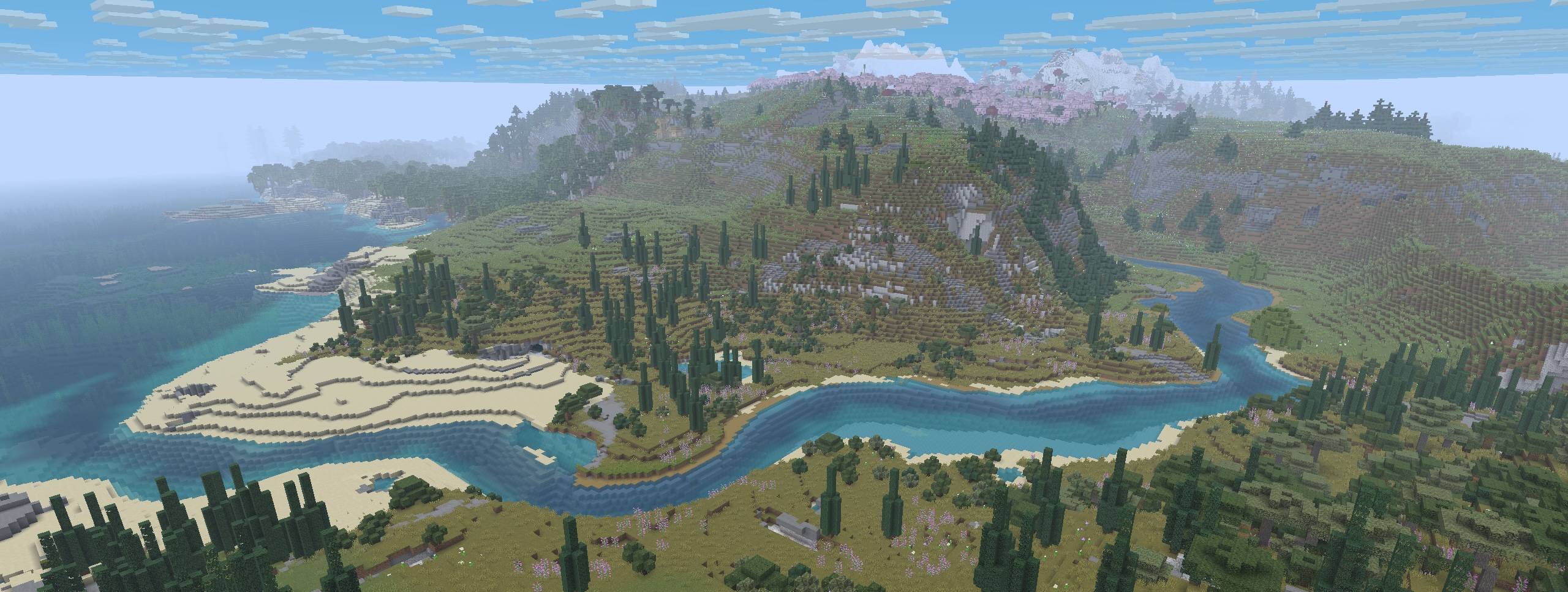
Valley is a world-gen mod that replaces vanilla rivers with ones that start inland and meander their way to the ocean.
This mod influences the terrain to generate in a more cohesive and natural-looking way creating beautiful rivers, valleys, ridgelines, and mountain chains. (And now that the rivers actually go somewhere, it makes possible a fun new form of navigation and exploration!).
Compatability
Valley is designed as a “drop-in” mod to use alongside other world-gen/biome mods and datapacks (eg Biomes’O’Plenty, Terralith, etc). Mods that entirely overhaul the world-generation or specifically change rivers or continents will probably not work with Valley.
See the gallery for some examples.
Server Setup
Valley can be installed on a modded server.
Clients do not need to have Valley installed in order to connect to the server.
Server setup steps:
- Make sure the server is not running!
- Install the Valley mod to your server’s “mods” folder.
- If present, backup and remove the server’s existing world.
- Launch the server allowing it to create a new world.
- Done!
Roadmap
This mod is in the early stages of development.
Our plans for future iterations include:
- General refining of the default river/continent settings
- Expose settings to make rivers and continents more easily configurable
- Make it possible to distribute ‘presets’ that can override Valley’s defaults
- Provide GUI enhancements to allow user to preview changes before creating world
Permissions
You are of course free to use this mod in modpacks and to create content/media with it.
We only ask that you do not rehost the jar file.
Please reach out if you’d like us to host on other popular mod-hosting platforms.
常见问题
Valley 支持哪些 Minecraft 版本?
Valley 支持 Minecraft Java 版 1.21.10,可用的加载器:Fabric / Forge / NeoForge。下载时注意选择和你游戏版本一致的文件。
Valley 怎么安装?
先用 PCL2 或 HMCL 启动器安装对应版本的 Fabric / Forge / NeoForge,再把下载的 .jar 文件放进游戏目录的 mods 文件夹,重新启动游戏即可。开启了版本隔离的,mods 文件夹在 versions/版本名 下面。

评论
登录后评论和评分